brake light TOYOTA SUPRA 2020 Owners Manual (in English)
[x] Cancel search | Manufacturer: TOYOTA, Model Year: 2020, Model line: SUPRA, Model: TOYOTA SUPRA 2020Pages: 360, PDF Size: 5.97 MB
Page 9 of 360
91-1. NOTES
Supra Owner's Manual
1
NOTES
This information generally
records the state of a compo-
nent, a module, a system, or the
environment, for instance:
• Operating states of system components, e.g., fill levels,
tire inflation pressure, battery
status.
• Malfunctions and faults in important system compo-
nents, for instance lights and
brakes.
• Responses by the vehicle to special situations such as air-
bag deployment or engage-
ment of the driving stability
control systems.
• Information on vehicle-dam- aging events.
The data is required to perform
the control device functions.
Furthermore, it also serves to
recognize and correct malfunc-
tions, and helps the vehicle
manufacturer to optimize vehicle
functions.
The majority of this data is tran-
sient and is only processed
within the vehicle itself. Only a
small share of the data is stored
event-related in event or fault
memories.
When servicing, for instance
during repairs, service pro-
cesses, warranty cases, and
quality assurance measures,
this technical information can be
read out from the vehicle
together with the vehicle identifi- cation number.
Your Toyota dealer can read out
the information. The socket for
OBD Onboard Diagnosis
required by law in the vehicle is
used to read out the data.
The data is collected, pro-
cessed, and used by the rele-
vant organizations in the service
network. The data documents
technical conditions of the vehi-
cle, helps with the identification
of the fault, compliance with
warranty obligations and quality
improvement.
Furthermore, the manufacturer
has product monitoring duties to
meet in line with product liability
law. To fulfill these duties, the
vehicle manufacturer needs
technical data from the vehicle.
The data from the vehicle can
also be used to check customer
claims for warranty and guar-
anty.
Fault and event memories in the
vehicle can be reset when your
Toyota dealer performs repair or
servicing work.
Depending on the vehicle equip-
ment, comfort and Customize
settings can be stored in the
vehicle and modified or reset at
Data entry and data trans-
fer into the vehicle
General information
Page 27 of 360
272-1. QUICK REFERENCE
Supra Owner's Manual
2
QUICK REFERENCE
1 Engage selector lever posi-
tion P with the vehicle
stopped.
2 Press the Start/Stop button.
The engine is switched off.
3Set the parking brake.
The Auto Start/Stop function
switches the engine off automat-
ically while stationary to save
fuel. The engine starts automati-
cally under the following precon-
ditions:
• By releasing the brake pedal. The LED and indicator light go
out.
The parking brake is released.
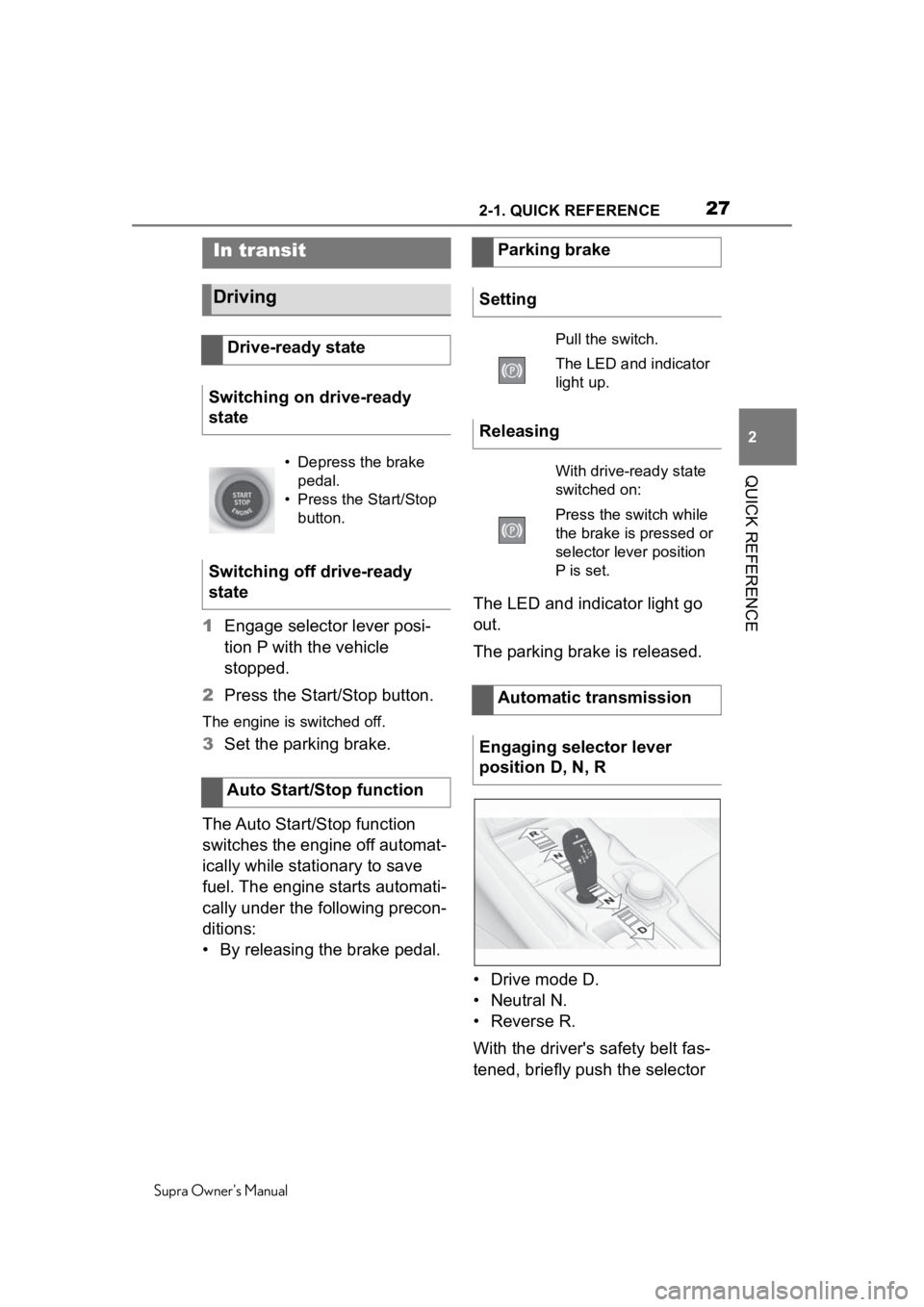
• Drive mode D.
• Neutral N.
•Reverse R.
With the driver's safety belt fas-
tened, briefly push the selector
In transit
Driving
Drive-ready state
Switching on drive-ready
state
• Depress the brake pedal.
• Press the Start/Stop button.
Switching off drive-ready
state
Auto Start/Stop function
Parking brake
Setting
Pull the switch.
The LED and indicator
light up.
Releasing
With drive-ready state
switched on:
Press the switch while
the brake is pressed or
selector lever position
P is set.
Automatic transmission
Engaging selector lever
position D, N, R
Page 39 of 360
393-1. AT A GLANCE
Supra Owner's Manual
3
AT A GLANCE
9 Parking brake P.119
10 Automatic transmission
selector lever P.125 11
Switch drive-ready
state on/off P.115
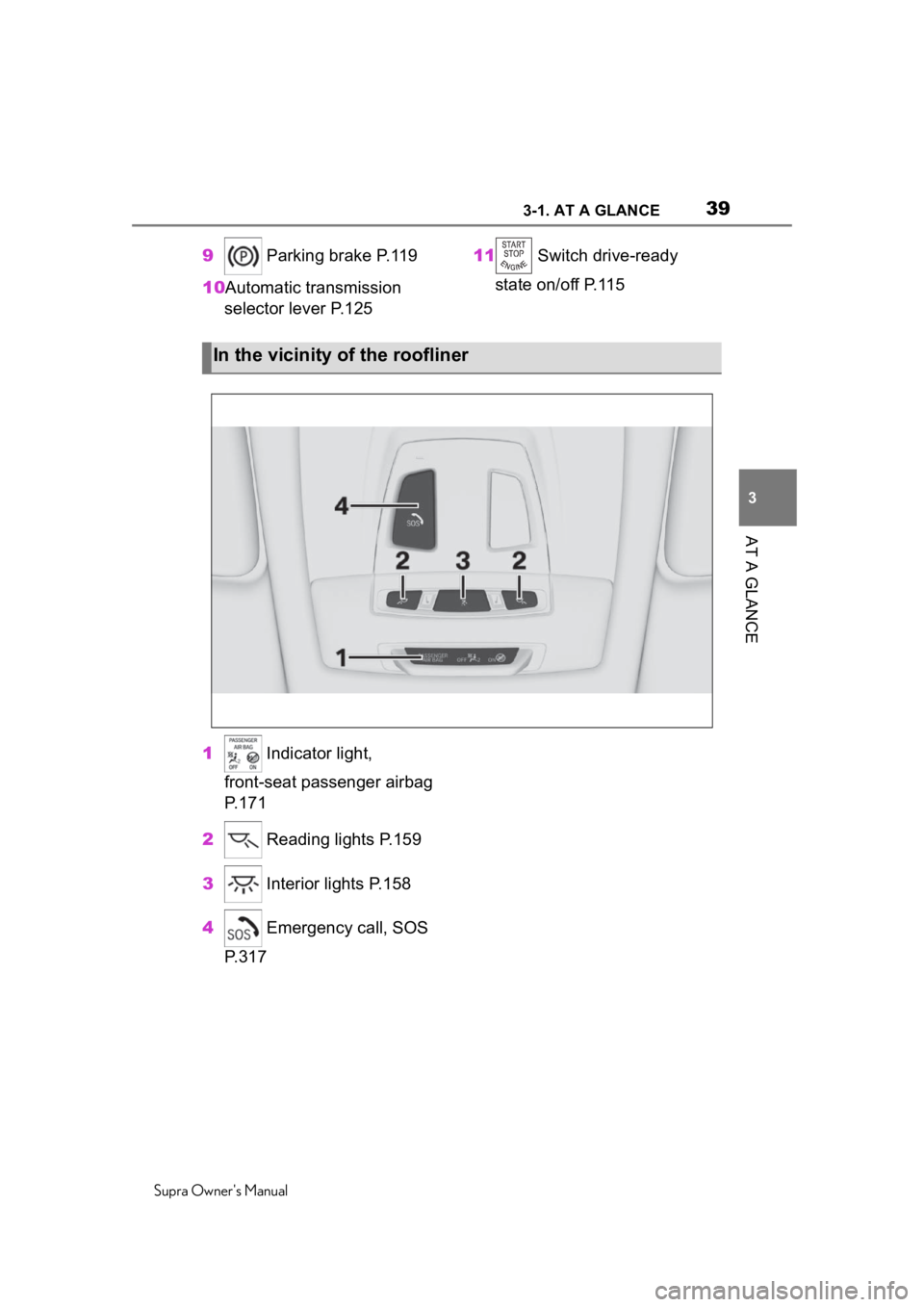
1 Indicator light,
front-seat passenger airbag
P.171
2 Reading lights P.159
3 Interior lights P.158
4 Emergency call, SOS
P.317
In the vicinity of the roofliner
Page 42 of 360
423-1. AT A GLANCE
Supra Owner's Manual
Switching on drive-ready state
corresponds to starting the
engine.
Some functions, such as VSC
Vehicle Stability Control System,
can only be used with
drive-ready state switched on.1Depress the brake pedal.
2 Press the Start/Stop button.
The ignition is activated auto-
matically for a brief time and is
stopped as soon as the engine
starts.
Most of the indicator/warning
lights in the instrument cluster
light up for a varied length of
time.
Drive-ready state
Concept
General information
Safety information
WARNING
If the exhaust pipe is blocked or
ventilation is insufficient, harmful
exhaust gases can enter into the
vehicle. The exhaust gases con-
tain pollutants which are colorless
and odorless. In enclosed areas,
exhaust gases can also accumu-
late outside of the vehicle. There
is danger to life. Keep the exhaust
pipe free and ensure sufficient
ventilation.
WARNING
An unsecured vehicle can begin
to move and possibly roll away.
There is a risk of an accident.
Before exiting, secure the vehicle
against rolling.
In order to ensure that the vehicle
is secured against rolling away,
follow the following:
Page 111 of 360
1114-1. CONTROLS
Supra Owner's Manual
4
CONTROLS
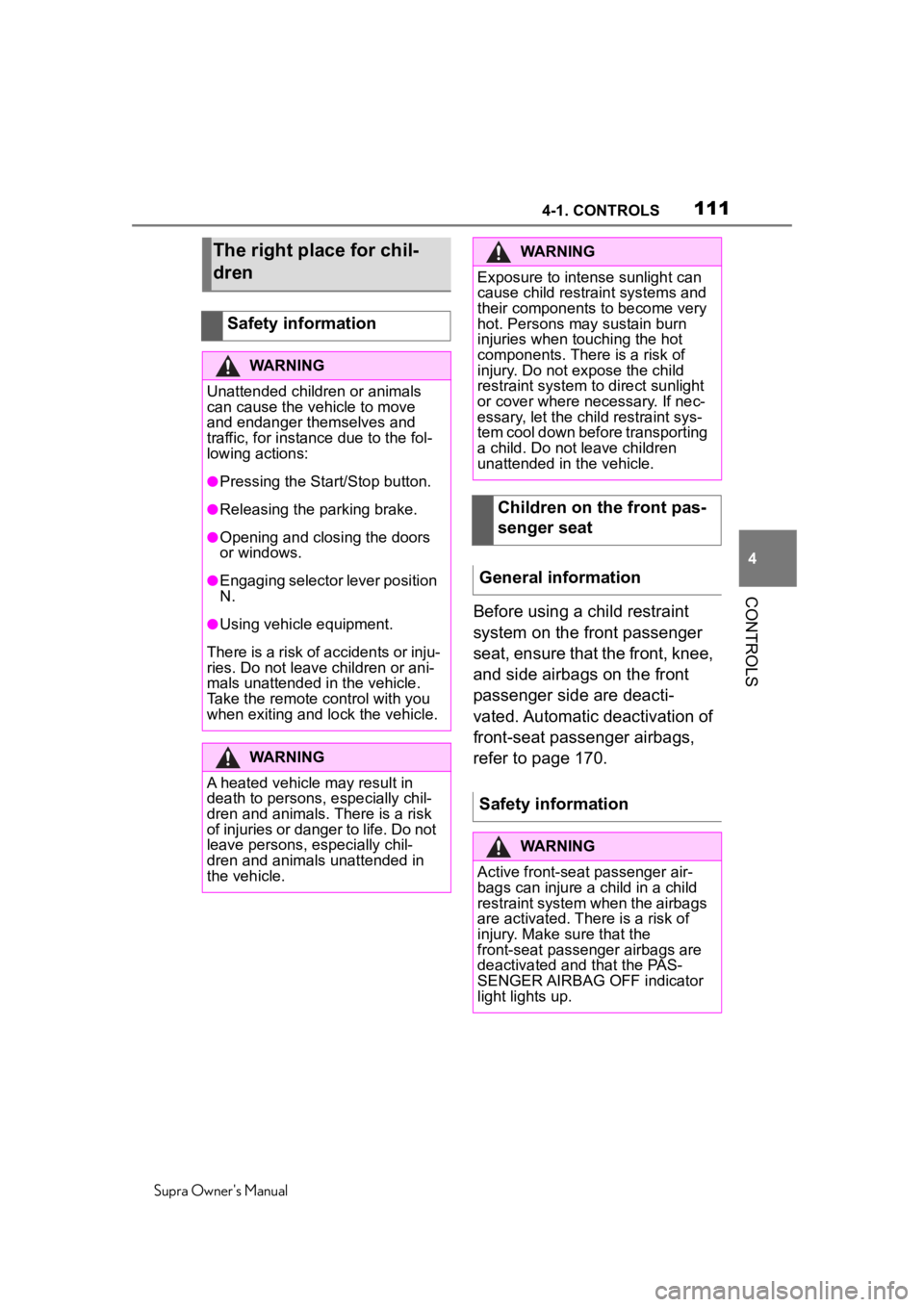
Before using a child restraint
system on the front passenger
seat, ensure that the front, knee,
and side airbags on the front
passenger side are deacti-
vated. Automatic deactivation of
front-seat passenger airbags,
refer to page 170.
The right place for chil-
dren
Safety information
WARNING
Unattended children or animals
can cause the vehicle to move
and endanger themselves and
traffic, for instance due to the fol-
lowing actions:
●Pressing the Start/Stop button.
●Releasing the parking brake.
●Opening and closing the doors
or windows.
●Engaging selector lever position
N.
●Using vehicle equipment.
There is a risk of accidents or inju-
ries. Do not leave children or ani-
mals unattended in the vehicle.
Take the remote control with you
when exiting and lock the vehicle.
WARNING
A heated vehicle may result in
death to persons, especially chil-
dren and animals. There is a risk
of injuries or danger to life. Do not
leave persons, especially chil-
dren and animals unattended in
the vehicle.
WARNING
Exposure to intense sunlight can
cause child restraint systems and
their components to become very
hot. Persons may sustain burn
injuries when touching the hot
components. There is a risk of
injury. Do not expose the child
restraint system to direct sunlight
or cover where necessary. If nec-
essary, let the child restraint sys-
tem cool down before transporting
a child. Do not leave children
unattended in the vehicle.
Children on the front pas-
senger seat
General information
Safety information
WARNING
Active front-sea t passenger air-
bags can injure a child in a child
restraint system when the airbags
are activated. Ther e is a risk of
injury. Make sure that the
front-seat passenger airbags are
deactivated and that the PAS-
SENGER AIRBAG OFF indicator
light lights up.
Page 116 of 360
1164-1. CONTROLS
Supra Owner's Manual
The Auto Start/Stop function
helps save fuel. The system
switches off the engine during a
stop, for instance in traffic con-
gestion or at traffic lights.
Drive-ready state remains
switched on. The engine starts
automatically for driving off.
After each engine start using the
Start/Stop button, the Auto
Start/Stop function is ready. The
function is activated from
speeds of approx. 3 mph/5
km/h.
Depending on the selected driv-
ing mode, refer to page 131, the
system is automatically acti-
vated or deactivated.
The engine is switched off auto-
matically during a stop under the
following conditions:
The selector lever is in selec-
tor lever position D.
The brake pedal remains
pressed while the vehicle is
stationary.
The driver's safety belt is
buckled or the driver's door is
closed.
If the engine was not switched
off automatically when the vehi-
cle stopped, the engine can be
switched off manually:
Press the brake pedal force-
fully again from the current
pedal position.
Engage selector lever posi-
tion P.
If all functional preconditions are
fulfilled, the engine switches off.
The air flow from the air condi-
tioner is reduced when the
engine is switched off.
■General information
Auto Start/Stop function
Concept
General information
Engine stop
Functional requirements
Manual engine stop
Air conditioner when the
engine is switched off
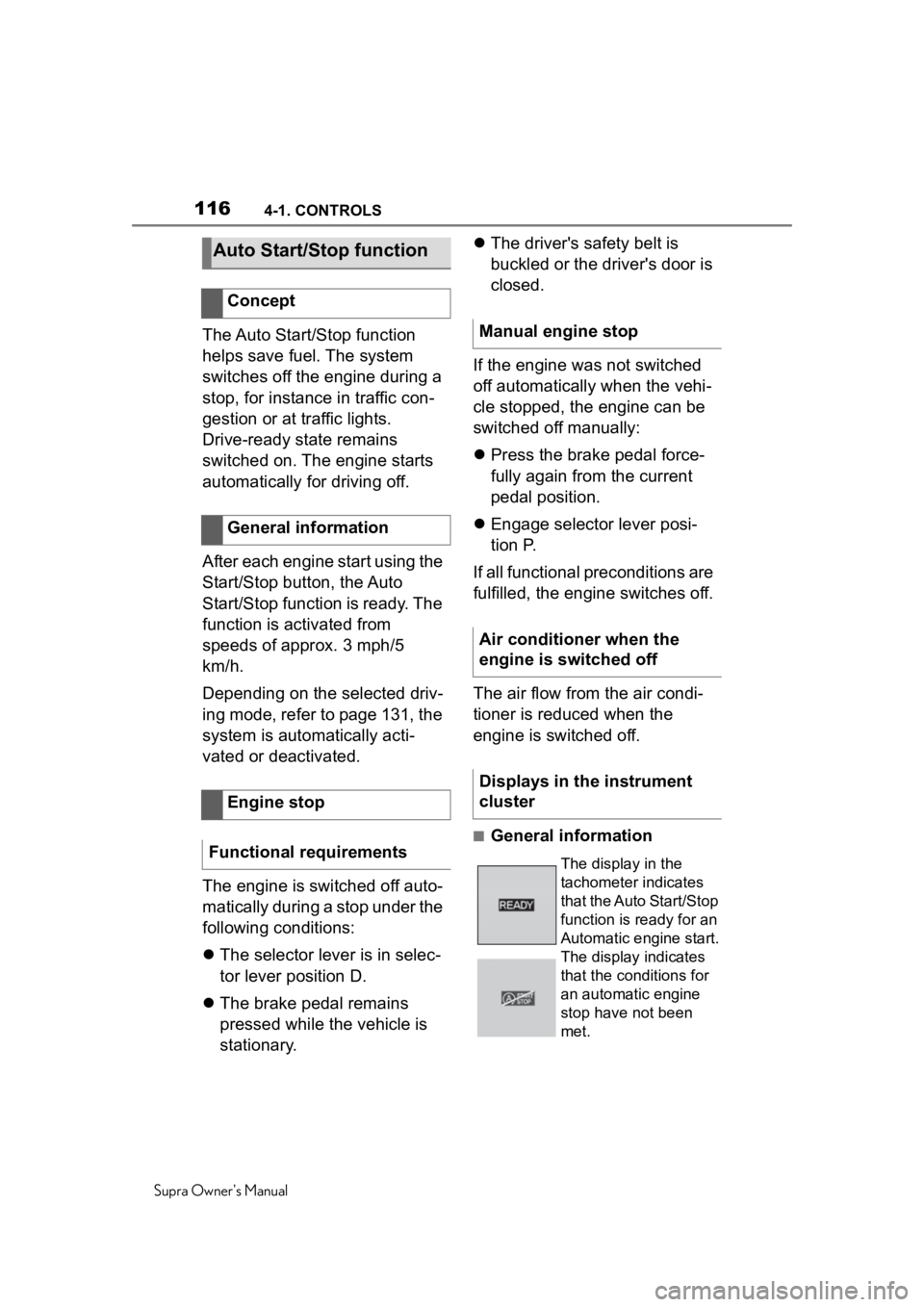
Displays in the instrument
cluster
The display in the
tachometer indicates
that the Auto Start/Stop
function is ready for an
Automatic engine start.
The display indicates
that the conditions for
an automatic engine
stop have not been
met.
Page 117 of 360
1174-1. CONTROLS
Supra Owner's Manual
4
CONTROLS
The engine is not switched off
automatically in the following sit-
uations:
In case of a steep downhill
grade.
Brake not engaged strongly
enough.
The external temperature is
high and automatic air condi-
tioning is running.
The car's interior has not yet
been heated or cooled to the
required level.
Where there is a risk of win-
dow condensation when the
automatic air conditioning is
switched on.
Engine or other parts not at
operating temperature.
Engine cooling is required.
The wheels are at a sharp
angle or the steering wheel is
being turned.
Vehicle battery is heavily dis-
charged.
At higher elevations.
The hood is unlocked.
The parking assistant is acti-
vated.
Stop-and-go traffic.
Selector lever position in N or
R.
After driving in reverse.
Use of fuel with high ethanol
content.
The engine starts automatically
under the following precondi-
tions:
By releasing the brake pedal.
After the engine starts, acceler-
ate as usual.
After the engine switches off
automatically, it will not start
again automatically if any one of
the following conditions are met:
The driver's safety belt is
unbuckled and the driver's
door is open.
The hood was unlocked.
Some indicator lights light up for
a varied length of time.
The engine can only be started
via the Start/Stop button.
Even if driving off was not
intended, the deactivated
engine starts up automatically in
the following situations:
Excessive warming of the
Functional limitations
Starting the engine
Functional requirements
Driving off
Safety mode
System limits
Page 120 of 360
1204-1. CONTROLS
Supra Owner's Manual
■General information
To use as emergency brake
while driving.
Pull the switch and hold it. The
vehicle brakes hard while the
switch is being pulled.
A vehicle message is displayed.
The parking brake is engaged
when the vehicle is stationary.
1 Switch on drive-ready state.
2 Press the switch while
the brake is pressed or selec-
tor lever position P is set.
The LED and indicator light go out.
The parking brake is released.
WARNING
Unattended children or animals
can cause the vehicle to move
and endanger themselves and
traffic, for instance due to the fol-
lowing actions:
●Pressing the Start/Stop button.
●Releasing the parking brake.
●Opening and closing the doors
or windows.
●Engaging selector lever position
N.
●Using vehicle equipment.
There is a risk of accidents or inju-
ries. Do not leave children or ani-
mals unattended in the vehicle.
Take the remote control with you
when exiting and lock the vehicle.
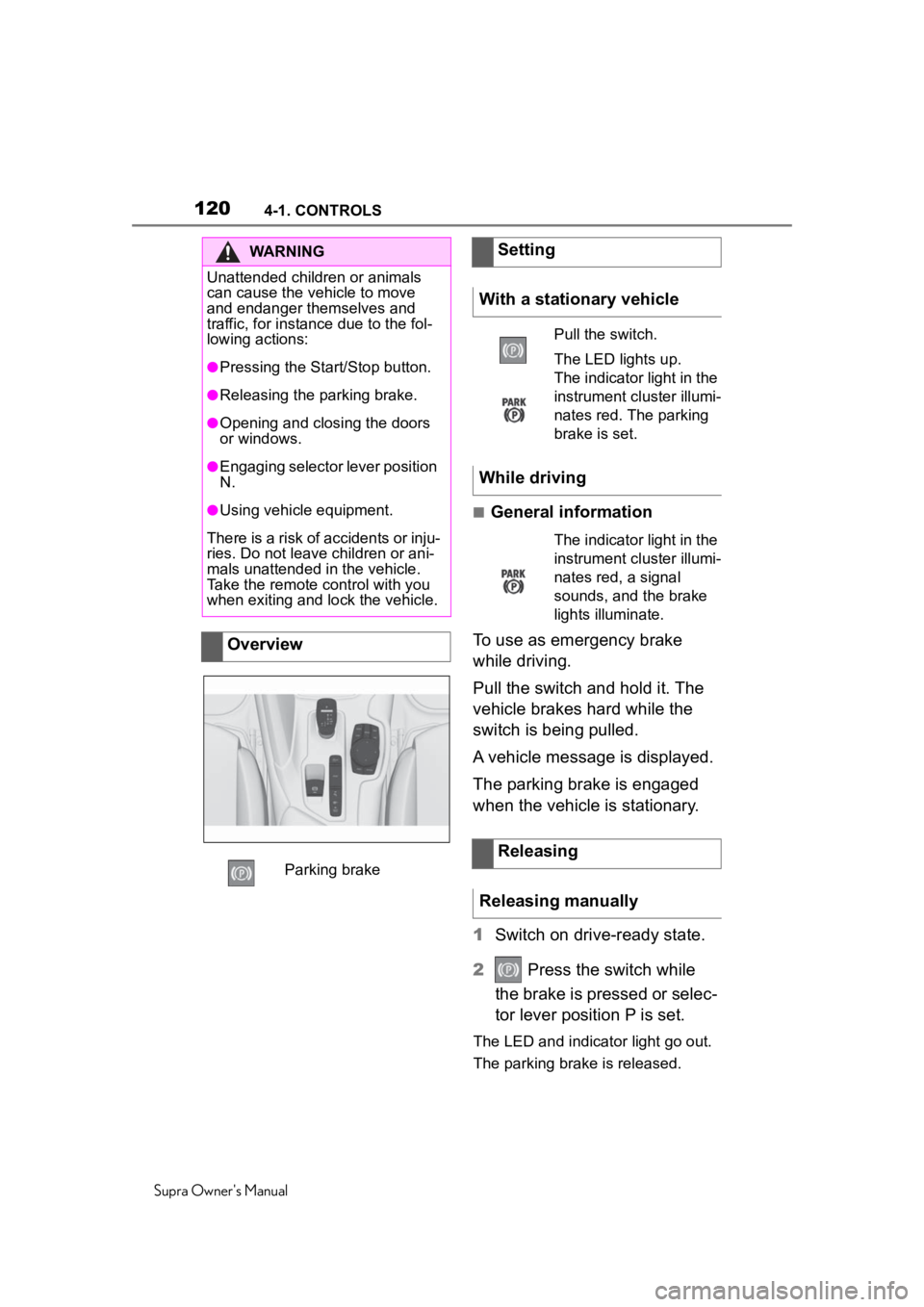
Overview
Parking brake
Setting
With a stationary vehicle
Pull the switch.
The LED lights up.
The indicator light in the
instrument cluster illumi-
nates red. The parking
brake is set.
While driving
The indicator light in the
instrument cluster illumi-
nates red, a signal
sounds, and the brake
lights illuminate.
Releasing
Releasing manually
Page 121 of 360
1214-1. CONTROLS
Supra Owner's Manual
4
CONTROLS
The parking brake is released
automatically when you drive
away.
The LED and indicator light go
out.
In the event of a failure or mal-
function of the parking brake:
Secure the vehicle against roll-
ing away, for instance with a
wheel chock, after existing the
vehicle.
To reestablish parking brake
functionality after a power fail-
ure:
1 Switch on standby state.
2 Pull the switch while
stepping on the brake pedal
or selector lever position P is
set and then push.
This process may take a few
seconds. Any sounds associ-
ated with this are normal. When driving and during opera-
tion of the turn signals or hazard
warning system, do not fold in
the exterior mirrors, so that the
signal lights on the exterior mir-
ror are easy to see.
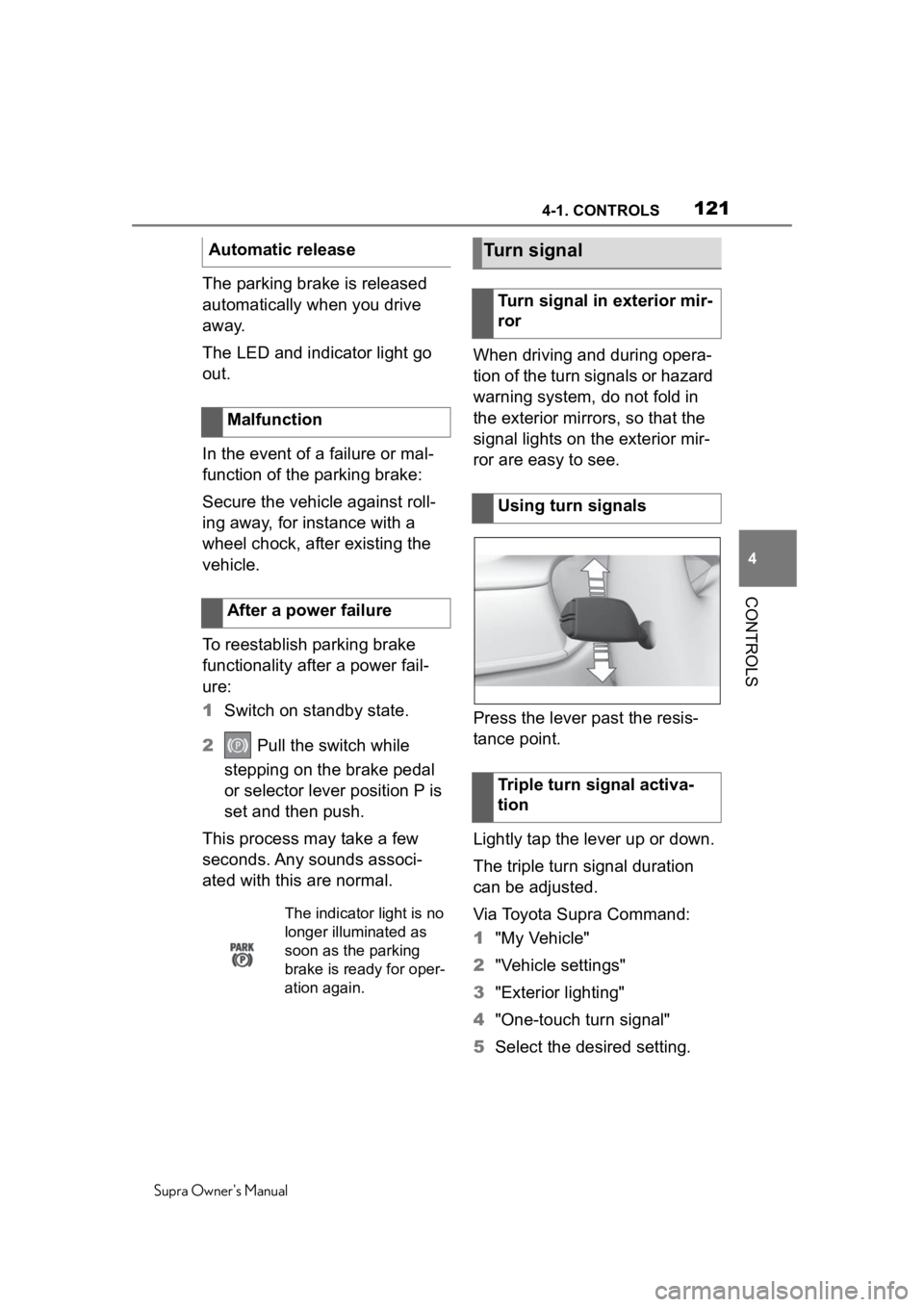
Press the lever past the resis-
tance point.
Lightly tap the lever up or down.
The triple turn signal duration
can be adjusted.
Via Toyota Supra Command:
1
"My Vehicle"
2 "Vehicle settings"
3 "Exterior lighting"
4 "One-touch turn signal"
5 Select the desired setting.
Automatic release
Malfunction
After a power failure
The indicator light is no
longer illuminated as
soon as the parking
brake is rea dy for oper-
ation again.
Turn signal
Turn signal in exterior mir-
ror
Using turn signals
Triple turn signal activa-
tion
Page 136 of 360
1364-1. CONTROLS
Supra Owner's Manual
Red lights
Safety belt reminder
Indicator light flashes or
is illuminated: safety
belt on the driver or
passenger side is not
buckled. The safety belt
reminder can also be
activated if objects are
placed on the front pas-
senger seat.
Make sure that the
safety belts are posi-
tioned correctly.
Airbag system
Airbag system and belt
tensioner are not work-
ing.
Have the vehicle
checked immediately
by your Toyota dealer.
Parking brake
The parking brake is
set.
Release the parking
brake, refer to page
120.
Brake system
Braking system
impaired. Continue to
drive moderately.
Have the vehicle
checked immediately
by your Toyota dealer.
Yellow lights
Anti-lock Braking System
ABS
Braking force boost
may not be working.
Avoid abrupt braking.
Take the longer brak-
ing distance into
account.
Have the system imme-
diately checked by your
Toyota dealer.