trip computer TOYOTA SUPRA 2021 Owners Manual (in English)
[x] Cancel search | Manufacturer: TOYOTA, Model Year: 2021, Model line: SUPRA, Model: TOYOTA SUPRA 2021Pages: 356, PDF Size: 47.77 MB
Page 146 of 356
1463-1. CONTROLS
Supra Owner's Manual_U (from Mar. '21 Prod.)
The Onboard Computer dis-
plays different vehicle data in
the instrument cluster, such as
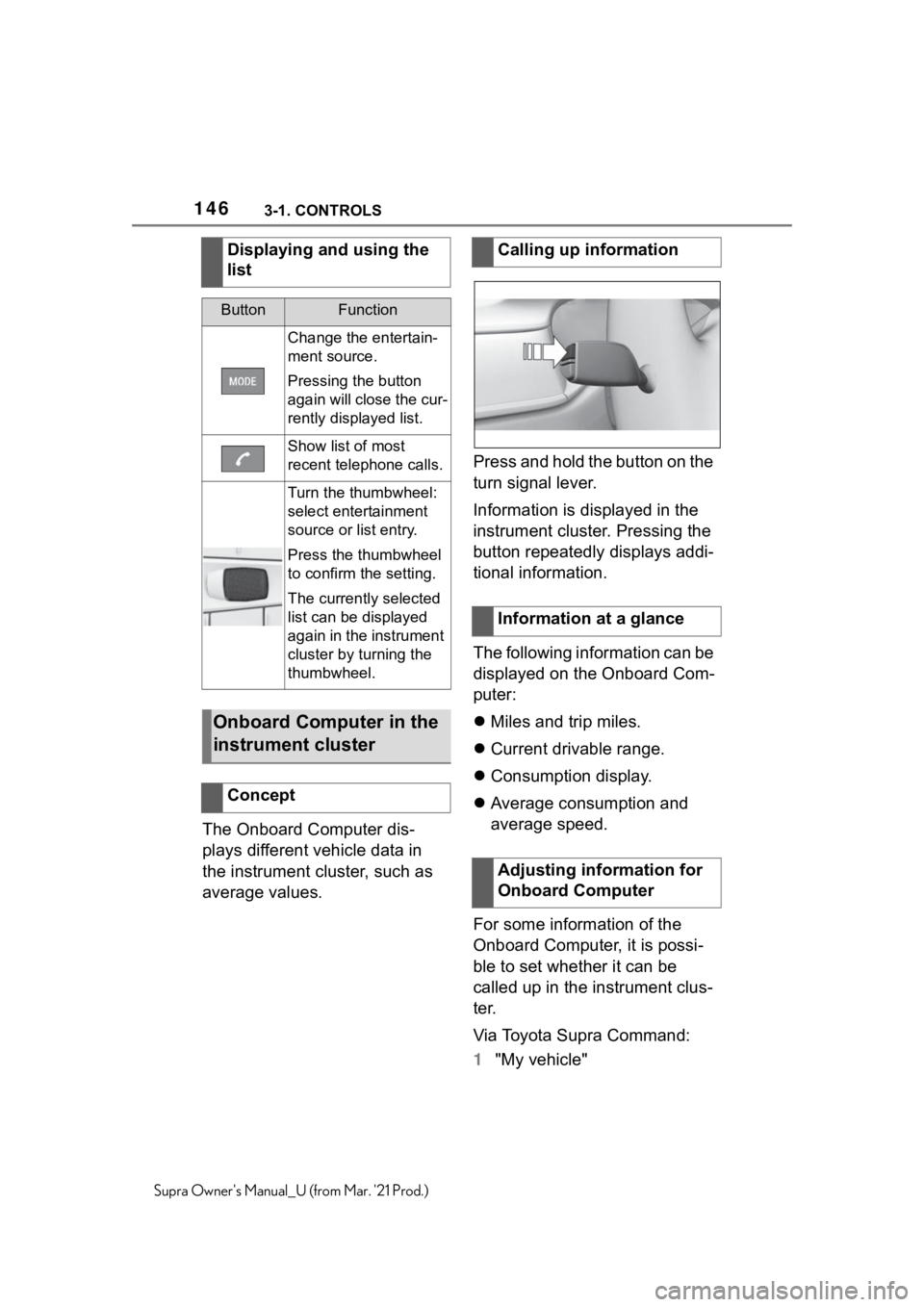
average values.Press and hold the button on the
turn signal lever.
Information is displayed in the
instrument cluster. Pressing the
button repeatedly displays addi-
tional information.
The following information can be
displayed on the Onboard Com-
puter:
Miles and trip miles.
Current drivable range.
Consumption display.
Average consumption and
average speed.
For some information of the
Onboard Computer, it is possi-
ble to set whether it can be
called up in the instrument clus-
ter.
Via Toyota Supra Command:
1"My vehicle" Displaying and using the
list
ButtonFunction
Change the entertain-
ment source.
Pressing the button
again will close the cur-
rently displayed list.
Show list of most
recent telephone calls.
Turn the thumbwheel:
select entertainment
source or list entry.
Press the thumbwheel
to confirm the setting.
The currently selected
list can be displayed
again in the instrument
cluster by turning the
thumbwheel.
Onboard Computer in the
instrument cluster
Concept
Calling up information
Information at a glance
Adjusting information for
Onboard Computer
Page 148 of 356
1483-1. CONTROLS
Supra Owner's Manual_U (from Mar. '21 Prod.)
manner.
■General information
The current fuel consumption is
displayed on the instrument
cluster as a bar display.
■Display
■General information
Average speed and average
consumption are calculated for
the distance traveled since the
last reset in the Onboard Com-
puter.
Periods in which the vehicle is
parked with the engine manually
stopped are not included in the
calculation of the average
speed.
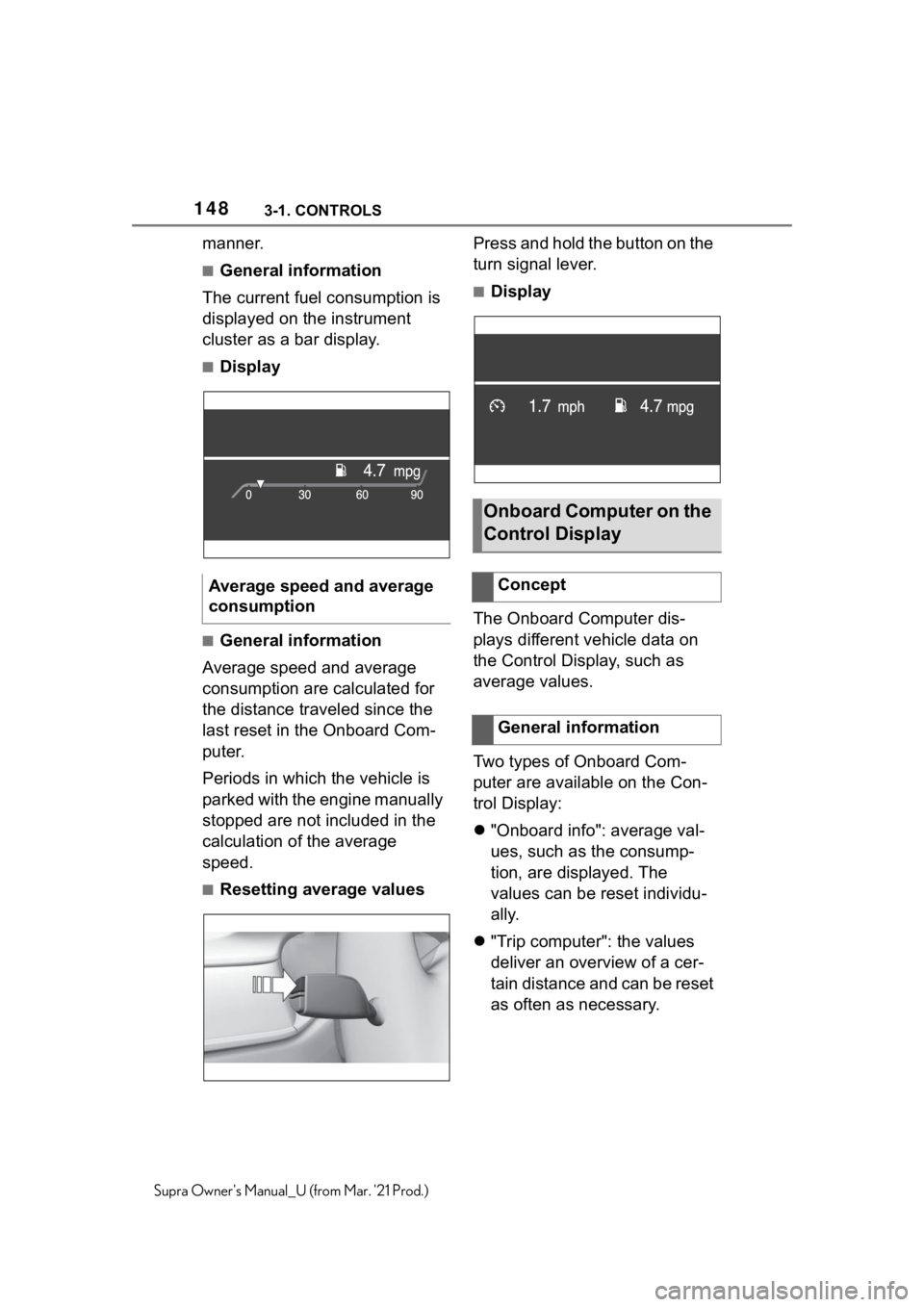
■Resetting average valuesPress and hold the button on the
turn signal lever.
■Display
The Onboard Computer dis-
plays different vehicle data on
the Control Display, such as
average values.
Two types of Onboard Com-
puter are available on the Con-
trol Display:
"Onboard info": average val-
ues, such as the consump-
tion, are displayed. The
values can be reset individu-
ally.
"Trip computer": the values
deliver an overview of a cer-
tain distance and can be reset
as often as necessary. Average speed and average
consumption
Onboard Computer on the
Control Display
Concept
General information
Page 149 of 356
1493-1. CONTROLS
3
CONTROLS
Supra Owner's Manual_U (from Mar. '21 Prod.)
Via Toyota Supra Command:
1"My Vehicle"
2"Driving information"
3"Onboard info" or "Trip com-
puter"
Via Toyota Supra Command:
1"My Vehicle"
2"Driving information"
3"Onboard info"
4"Consumption" or "Speed"
5"OK"
Via Toyota Supra Command:
1"My Vehicle"
2"Driving information"
3"Trip computer"
4Move the Controller to the
left, if needed.
• "Reset": all values are
reset.
• "Automatic reset": all val-
ues are reset approx. 4 hours
after the vehicle has come to
a standhill.
5If necessary, "OK"Depending on the vehicle speci-
fications, the current power out-
put and torque can be displayed
on the control display.
The following information is dis-
played:
Torque.
Power.
Via Toyota Supra Command:
1"My vehicle"
2"Sport displays"
A speed limit can be set that
when reached will cause a
warning to be issued.
The warning is repeated if the
vehicle speed exceeds the set
speed limit again, after it has
dropped below it by 3 mph/5 Calling up the Onboard
Computer or trip computer
Resetting the Onboard
computer
Resetting the trip com-
puter
Sport displays
Concept
Display on the Control Dis-
play
Overview
Displays
Speed warning
Concept
General information