navigation TOYOTA SUPRA 2023 User Guide
[x] Cancel search | Manufacturer: TOYOTA, Model Year: 2023, Model line: SUPRA, Model: TOYOTA SUPRA 2023Pages: 372, PDF Size: 6.32 MB
Page 154 of 372
1543-1. CONTROLS
cle messages are stored in
the background and can be
displayed on the Control Dis-
play. Displaying stored vehi-
cle messages, refer to page
140.
"Service required": Dis-
playing service notifications,
refer to page 147.
"Remote maintenance
Call": service request.
*: if equipped
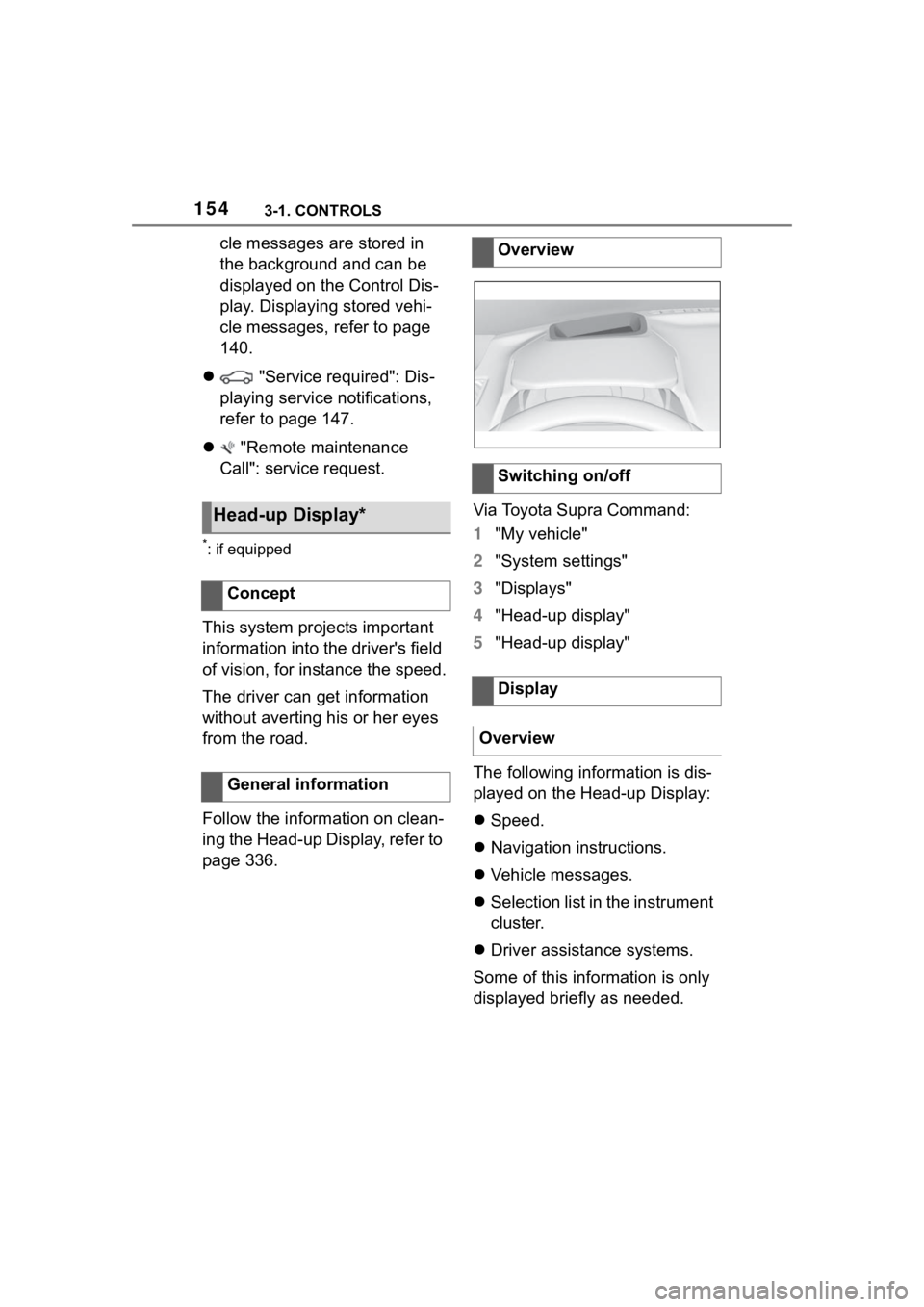
This system projects important
information into the driver's field
of vision, for instance the speed.
The driver can get information
without averting his or her eyes
from the road.
Follow the information on clean-
ing the Head-up Display, refer to
page 336. Via Toyota Supra Command:
1
"My vehicle"
2 "System settings"
3 "Displays"
4 "Head-up display"
5 "Head-up display"
The following information is dis-
played on the Head-up Display:
Speed.
Navigation instructions.
Vehicle messages.
Selection list in the instrument
cluster.
Driver assistance systems.
Some of this information is only
displayed briefly as needed.
Head-up Display*
Concept
General information
Overview
Switching on/off
Display
Overview
Page 204 of 372
2043-1. CONTROLS
are considered and compared
with the vehicle's onboard data.
The traffic sign will then be
either displayed or ignored
depending on the situation in the
instrument cluster and the
Head-up Display.
The system takes into account
any information that is stored in
the navigation system and also
displays speed limits present on
routes without signs.
The system is controlled by the
following sensors:
• Cameras behind the wind-shield.
Additional information:
Sensors of the vehicle, refer to
page 42. Depending on the vehicle equip-
ment, Speed Limit Info is dis-
played permanently in the
instrument cluster or via Toyota
Supra Command.
1
"My vehicle"
2 "System settings"
3 "Displays"
4 "Instrument panel"
5 "Road signs"
If the detected speed limit has
been exceeded, the indicator
light will flash.
Safety information
WARNING
The system cannot serve as a
substitute for the driver’s personal
judgment in assessing the traffic
situation. Based on the limits of
the system, it cannot inde-
pendently react to all traffic situa-
tions. There is a
risk of accident.
Adjust driving style to traffic condi-
tions. Watch the surrounding traf-
fic situation closely, be ready to
take over steering and braking at
any time, and actively intervene
where appropriate.
Overview
Sensors
Displaying Speed Limit
Info
General information
Display via Toyota Supra
Command
Display
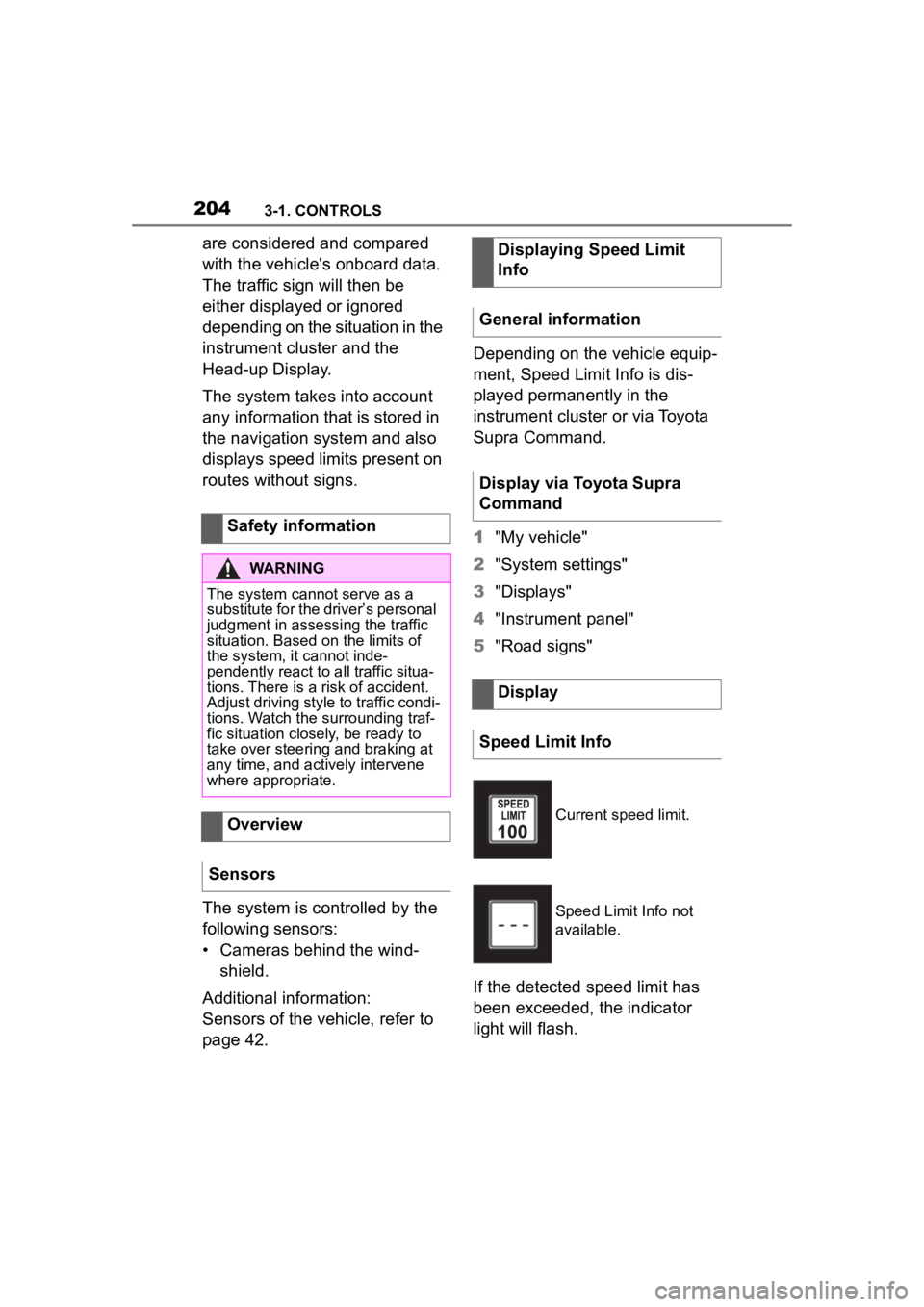
Speed Limit Info
Current speed limit.
Speed Limit Info not
available.
Page 205 of 372
2053-1. CONTROLS
3
CONTROLS
Via Toyota Supra Command:
1"My vehicle"
2 "System settings"
3 "Displays"
4 "Instrument panel"
5 Select desired setting:
"Warn when speeding": acti-
vating/deactivating the flash-
ing of the Speed Limit Info
display in the instrument clus-
ter and Head-up Display
when the currently valid
speed limit is exceeded.
"Excess speed display": the
speed limit that is detected by
the Speed Limit Info is dis-
played with a marking in the
speedometer in the instru-
ment cluster.
Additional information:
• Cameras, refer to page 42.
The system may not be fully
functional and may provide
incorrect information in the fol-
lowing situations:
When signs are fully or par-
tially concealed by objects,
stickers or paint.
When driving very close to the
vehicle in front of you.
If the speed limits or road data
stored in the navigation sys-
tem are incorrect.
If the speed limits vary with
the time of day and the day of
the week.
In areas not covered by the
navigation system.
When roads differ from the
navigation, such as due to
changes in road routing.
In case of electronic traffic
signs.
When passing buses or trucks
with traffic signs applied to
them.
If the traffic signs are
non-conforming.
When signs that are valid for
a parallel road are detected.
In the presence of coun-
try-specific signs and road
configurations.
*: if equipped
Using this system, a desired
speed can be adjusted using the
buttons on the steering wheel.
The system maintains the
desired speed. The system
accelerates and brakes auto-
Settings
System limits
System limits of the sensors
Functional limitations
Cruise control*
Concept
Page 246 of 372
2463-1. CONTROLS
Pull off the cover.
*: if equipped
Open the cover.
Follow the information regarding
the connection of mobile
devices to the USB port in the
section on USB connections,
refer to page 75.
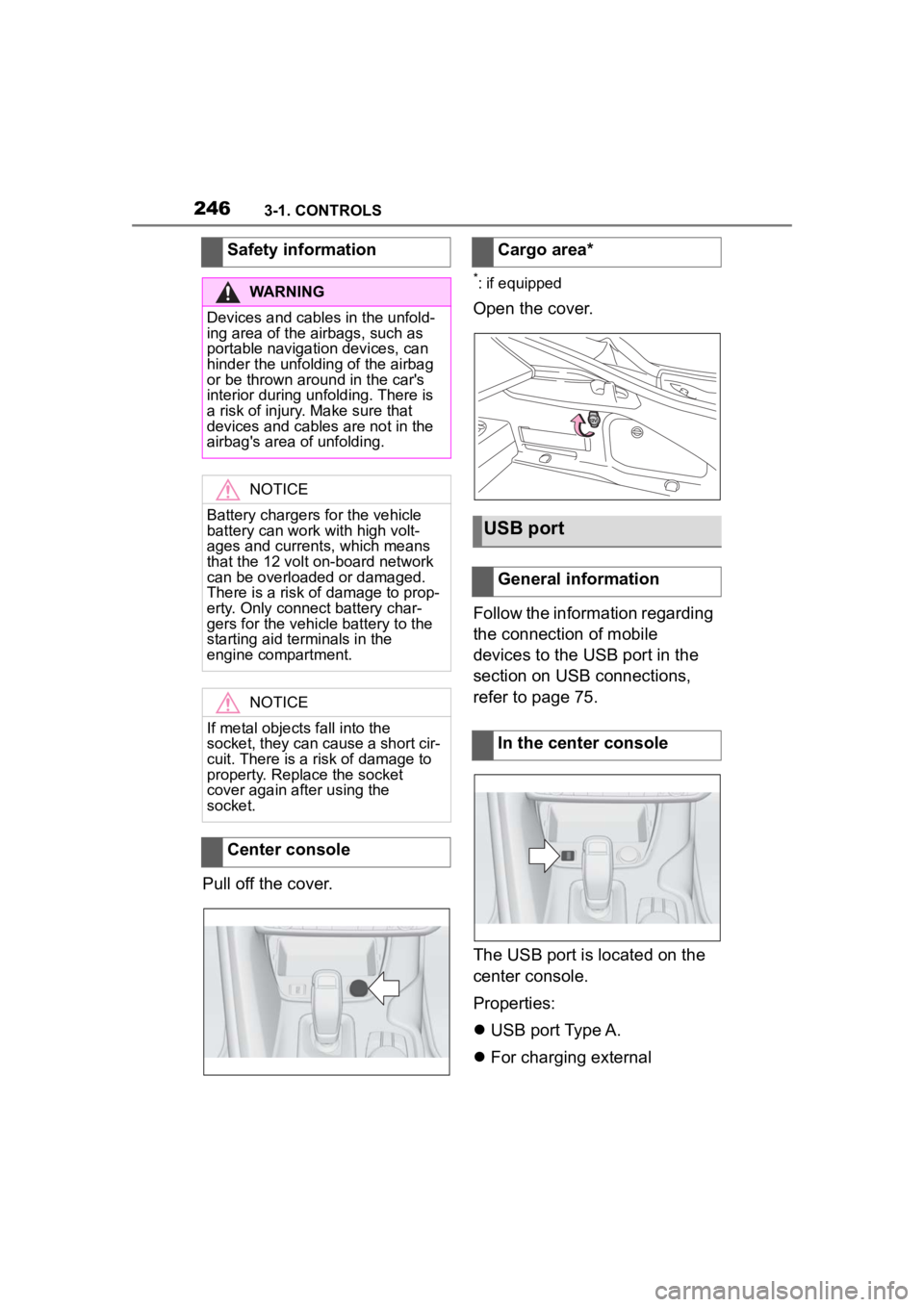
The USB port is located on the
center console.
Properties:
USB port Type A.
For charging external
Safety information
WARNING
Devices and cables in the unfold-
ing area of the airbags, such as
portable navigation devices, can
hinder the unfoldin
g of the airbag
or be thrown around in the car's
interior during unfolding. There is
a risk of injury . Make sure that
devices and cables are not in the
airbag's area of unfolding.
NOTICE
Battery chargers for the vehicle
battery can work with high volt-
ages and currents, which means
that the 12 volt on-board network
can be overloaded or damaged.
There is a risk of damage to prop-
erty. Only connect battery char-
gers for the vehi cle battery to the
starting aid terminals in the
engine compartment.
NOTICE
If metal objects fall into the
socket, they can cause a short cir-
cuit. There is a risk of damage to
property. Replace the socket
cover again after using the
socket.
Center console
Cargo area*
USB port
General information
In the center console
Page 363 of 372
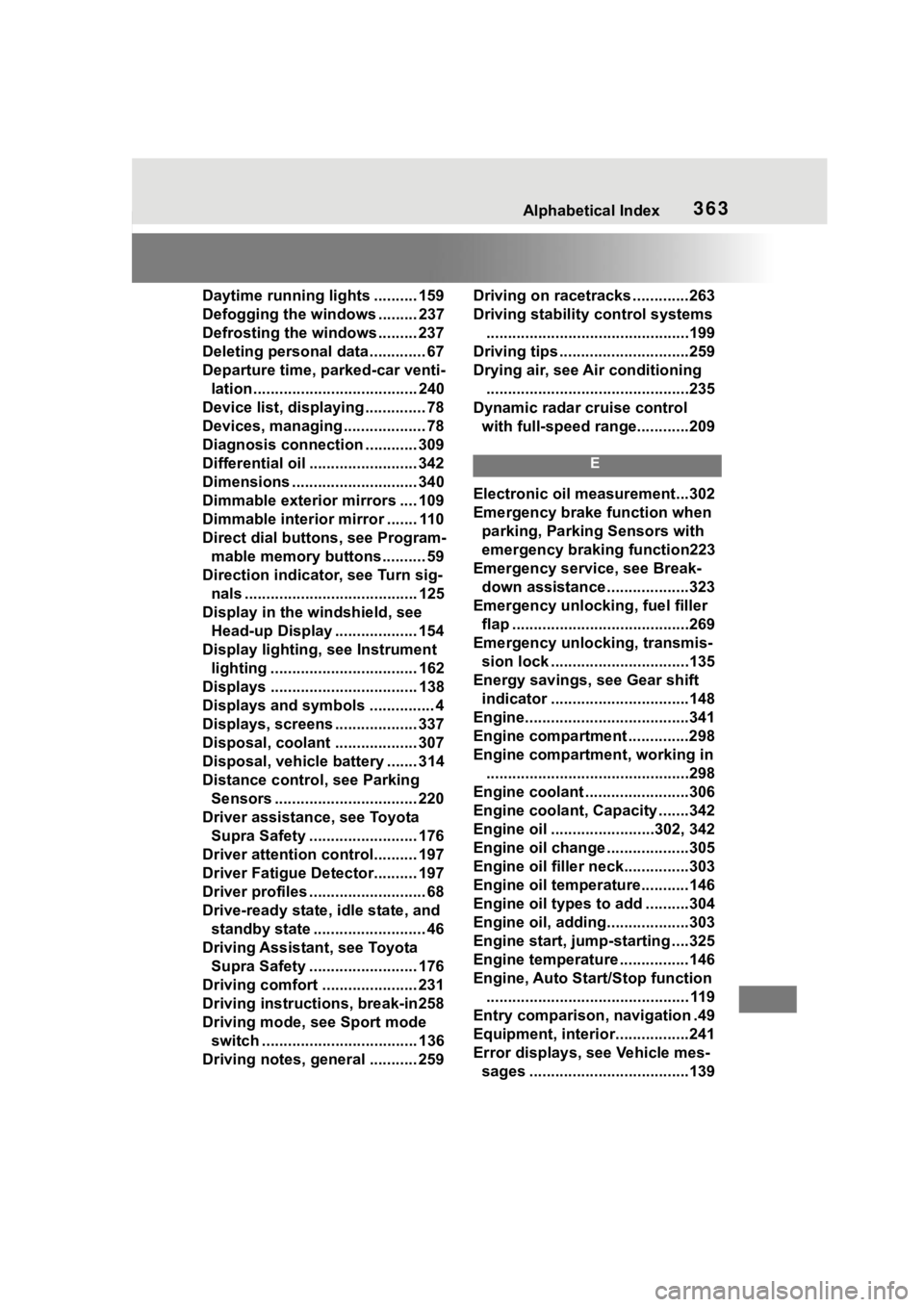
363Alphabetical Index
Daytime running lights .......... 159
Defogging the windows ......... 237
Defrosting the windows ......... 237
Deleting personal data ............. 67
Departure time, parked-car venti-lation...................................... 240
Device list, displaying .............. 78
Devices, managing ................... 78
Diagnosis connectio n ............ 309
Differential oil ......................... 342
Dimensions ............................. 340
Dimmable exterior mirrors .... 109
Dimmable interior mirror ....... 110
Direct dial butto ns, see Program-
mable memory buttons.......... 59
Direction indicator, see Turn sig- nals ........................................ 125
Display in the windshield, see Head-up Display ................... 154
Display lighting , see Instrument
lighting .................................. 162
Displays .................................. 138
Displays and symbols ............... 4
Displays, screens ................... 337
Disposal, coolant ................... 307
Disposal, vehicle battery ....... 314
Distance control , see Parking
Sensors ................................. 220
Driver assistance, see Toyota Supra Safety ......................... 176
Driver attention control.......... 197
Driver Fatigue Detector.......... 197
Driver profiles ........................... 68
Drive-ready state, idle state, and standby state .......................... 46
Driving Assistant, see Toyota Supra Safety ......................... 176
Driving comfort ...................... 231
Driving instructions, break-in258
Driving mode, see Sport mode switch .................................... 136
Driving notes, general ........... 259 Driving on racetracks .............263
Driving stability
control systems
...............................................199
Driving tips ..............................259
Drying air, see Air conditioning ...............................................235
Dynamic radar cruise control with full-speed range............209
E
Electronic oil measurement...302
Emergency brake function when parking, Parking Sensors with
emergency braking function223
Emergency service, see Break- down assistance ...................323
Emergency unlocking, fuel filler flap .........................................269
Emergency unlocking, transmis- sion lock ................................135
Energy savings, see Gear shift indicator ................................148
Engine......................................341
Engine compartment ..............298
Engine compartment, working in ...............................................298
Engine coolant ........................306
Engine coolant, Capacity .......342
Engine oil ........................302, 342
Engine oil change ...................305
Engine oil filler neck...............303
Engine oil temperature...........146
Engine oil types to add ..........304
Engine oil, adding...................303
Engine start, jump-starting ....325
Engine temperature ................146
Engine, Auto Start/Stop function ............................................... 119
Entry comparison, navigation .49
Equipment, interior.................241
Error displays, see Vehicle mes- sages .....................................139