reset TOYOTA SUPRA 2023 User Guide
[x] Cancel search | Manufacturer: TOYOTA, Model Year: 2023, Model line: SUPRA, Model: TOYOTA SUPRA 2023Pages: 372, PDF Size: 6.32 MB
Page 239 of 372
2393-1. CONTROLS
3
CONTROLS
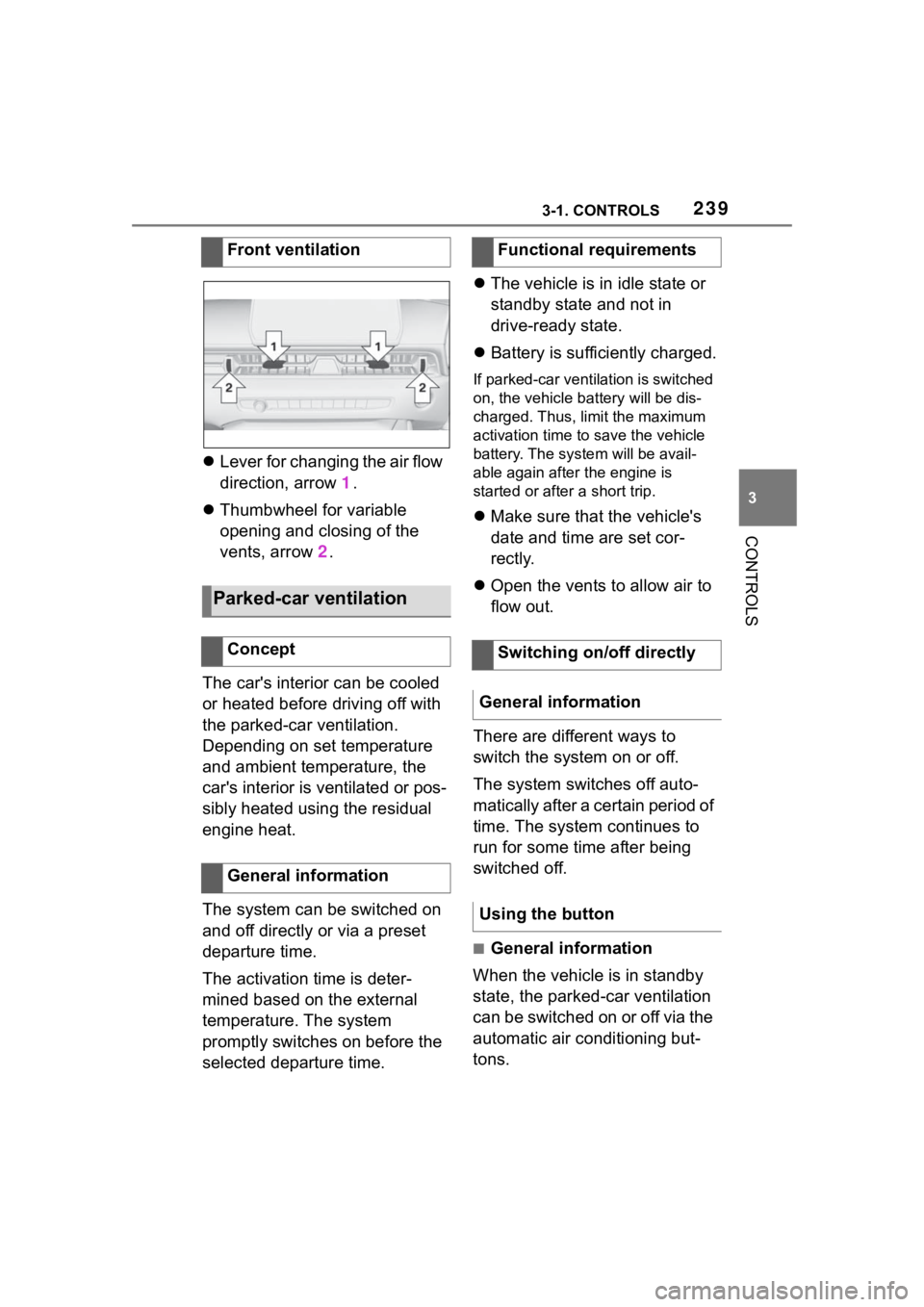
Lever for changing the air flow
direction, arrow 1.
Thumbwheel for variable
opening and closing of the
vents, arrow 2.
The car's interior can be cooled
or heated before driving off with
the parked-car ventilation.
Depending on set temperature
and ambient temperature, the
car's interior is ventilated or pos-
sibly heated using the residual
engine heat.
The system can be switched on
and off directly or via a preset
departure time.
The activation time is deter-
mined based on the external
temperature. The system
promptly switches on before the
selected departure time.
The vehicle is in idle state or
standby state and not in
drive-ready state.
Battery is sufficiently charged.
If parked-car ventilation is switched
on, the vehicle ba ttery will be dis-
charged. Thus, limit the maximum
activation time to save the vehicle
battery. The system will be avail-
able again after the engine is
started or after a short trip.
Make sure that the vehicle's
date and time are set cor-
rectly.
Open the vents to allow air to
flow out.
There are different ways to
switch the system on or off.
The system switches off auto-
matically after a certain period of
time. The system continues to
run for some time after being
switched off.
■General information
When the vehicle is in standby
state, the parked-car ventilation
can be switched on or off via the
automatic air conditioning but-
tons.
Front ventilation
Parked-car ventilation
Concept
General information
Functional requirements
Switching on/off directly
General information
Using the button
Page 272 of 372

2725-1. MOBILITY
Via Toyota Supra Command:
1"My vehicle"
2 "Vehicle status"
3 "Tire Pressure Monitor"
4 Check whether the current
tire inflation pressure levels
deviate from the intended tire
pressure value.
5 Correct the tire inflation pres-
sure if the actual tire inflation
pressure deviates from spec-
ified tire inflation pressure.
The display of the current tire
pressure may be limited when
the vehicle is stationary. After a
short drive, the tire pressure is
updated.
With tires that cannot be found
in the tire pressure values on
the Control Display, reset the
Tire Pressure Monitor TPM.
For speeds of up to 100
mph/160 km/h and for optimum
driving comfort, note the pres-
sure values in the tire inflation
pressure table, refer to page
273, and adjust as necessary. These pressure values can also
be found on the tire inflation
pressure label on the driver's
door pillar.
Do not exceed a speed of 100
mph/160 km/h.
Checking using the tire infla-
tion pressure specifications
on the Control Display
After correcting the tire infla-
tion pressure
Tire inflation pressures up
to 100 mph/160 km/h
Page 287 of 372
2875-1. MOBILITY
5
MOBILITY
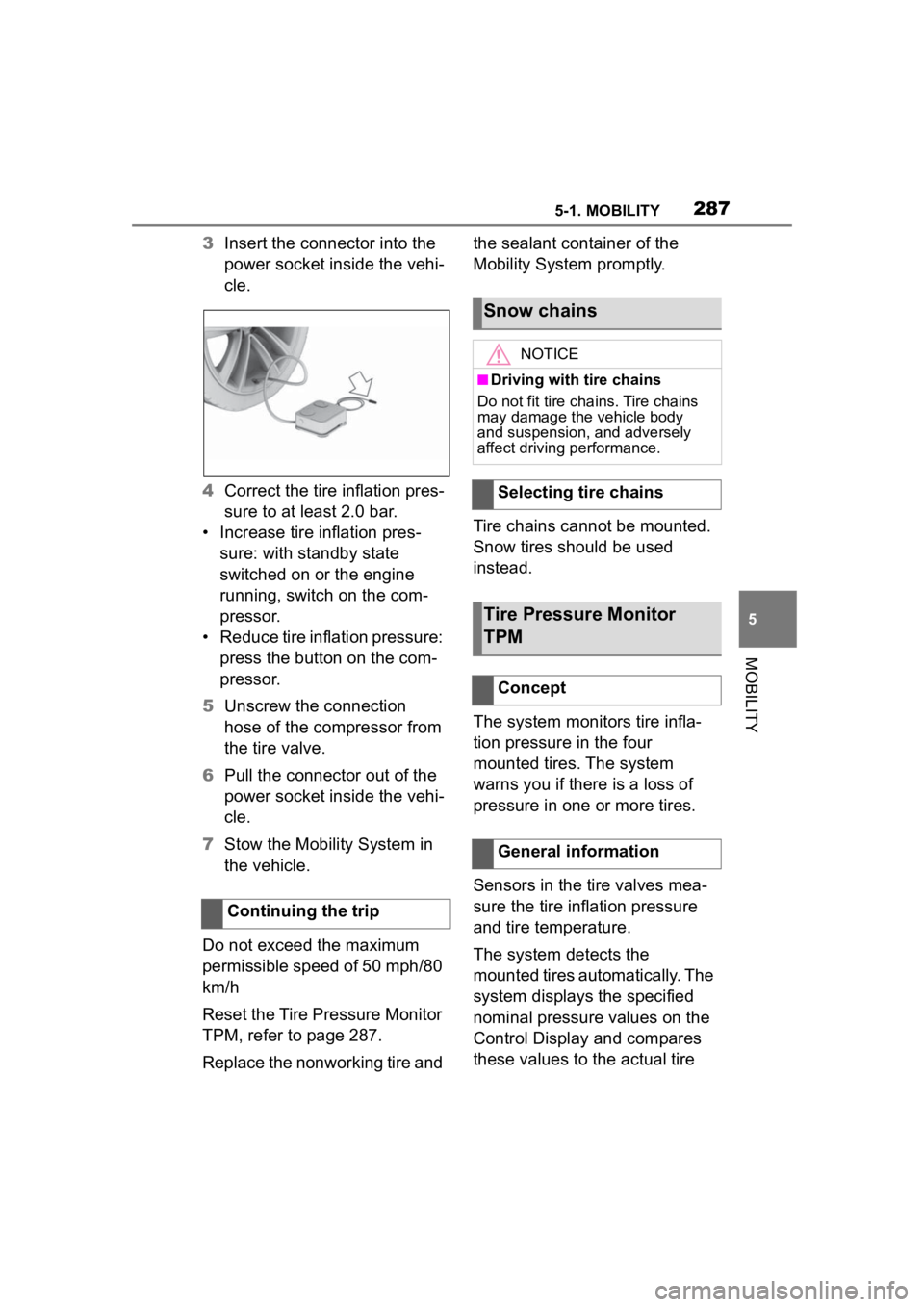
3Insert the connector into the
power socket inside the vehi-
cle.
4 Correct the tire inflation pres-
sure to at least 2.0 bar.
• Increase tire inflation pres- sure: with standby state
switched on or the engine
running, switch on the com-
pressor.
• Reduce tire inflation pressure: press the button on the com-
pressor.
5 Unscrew the connection
hose of the compressor from
the tire valve.
6 Pull the connector out of the
power socket inside the vehi-
cle.
7 Stow the Mobility System in
the vehicle.
Do not exceed the maximum
permissible speed of 50 mph/80
km/h
Reset the Tire Pressure Monitor
TPM, refer to page 287.
Replace the nonworking tire and the sealant container of the
Mobility System promptly.
Tire chains cannot be mounted.
Snow tires should be used
instead.
The system monitors tire infla-
tion pressure in the four
mounted tires. The system
warns you if there is a loss of
pressure in one or more tires.
Sensors in the tire valves mea-
sure the tire inflation pressure
and tire temperature.
The system detects the
mounted tires automatically. The
system displays the specified
nominal pressure values on the
Control Display and compares
these values to the actual tire
Continuing the trip
Snow chains
NOTICE
■Driving with tire chains
Do not fit tire chains. Tire chains
may damage the vehicle body
and suspension, and adversely
affect driving performance.
Selecting tire chains
Tire Pressure Monitor
TPM
Concept
General information
Page 288 of 372
2885-1. MOBILITY
pressure values.
If tires are being used that are
not specified on the tire inflation
pressure details on the vehicle,
refer to page 270, such as tires
with special approval, the sys-
tem needs to be actively reset.
The system will then take over
the actual tire inflation pressures
as the target pressures.
When operating the system,
also note the additional informa-
tion found in the Tire inflation
pressure, refer to page 270.
The following conditions must
be met for the system; other-
wise, reliable flagging of a loss
of tire inflation pressure is not
assured:
• After each tire or wheel change, the system detects and updates the mounted
tires and displays them after a
short trip on the Control Dis-
p l a y.
Enter the inform
ation about the
mounted tires in th e tire settings
when the system does not automat-
ically detect the tires.
• TPM does not activate until
after driving for a few minutes:
• After a tire or wheel replacement.
• Reset, for tires without special approval.
• After changing the tire setting.
• For tires with special approval:
• After a tire or wheel replacement, a reset was perfo rmed with the
correct tire inflation pressure.
• After the tire inflation pressure was adjusted to a new value, a
reset was p erformed.
• Wheels with TPM wheel elec-
tronics.
The information about the
mounted tires can be entered in
the tire settings if the system
does not automatically detect
the tires.
The tire sizes of the mounted
tires can be gathered from the
tire inflation pressure details on
the vehicle, refer to page 270, or
directly on the tires.
Safety information
WARNING
The display of the target pres-
sures is not a sub
stitute for the
tire inflation pressure details on
the vehicle. Incorrect entries in
the tire settings can lead to incor-
rect target tire inflation pressure
values. In this case, it cannot be
guaranteed that the notification of
a loss of tire inflation pressure will
be reliable. There is a risk of injury
and risk of damage to property.
Ensure that the tire sizes of the
mounted tires are displayed cor-
rectly and match the details on the
tires and on the vehicle.
Functional requirements
Tire settings
General information
Page 290 of 372

2905-1. MOBILITY
Tire and system status are indi-
cated by the color of the wheels
and a SMS text message on the
Control Display.
Any existing messages are not
deleted if the displayed target
pressure is not reached after the
tire inflation pressure is cor-
rected.
• The system is active and bases warnings on the dis-
played target pressures.
• For tires with special approval: the system is active
and bases warnings on the
tire inflation pressures stored
during the last reset.
A flat tire or major drop in the
tire inflation pressure has
occurred in the indicated tires.
It may not be possible to identify
tire inflation pressure losses.
Possible causes:
• Malfunction.
• During tire inflation pressure measurement, after confirma-
tion of the tire settings. • For tires with special
approval: the system is being
reset.
Via Toyota Supra Command:
1 "My vehicle"
2 "Vehicle status"
3 "Tire Pressure Monitor"
4 "Tire settings"
5 Selecting tires:
• "Summer tires"
• "Winter tires/all-season tires"
6 "Current:"
When not selecting "Other
tire":
7 "Load state"
8 "Confirm settings"
9 Drive the vehicle.
When selecting "Other tire":
7 "Tire settings"
8 Switch on drive-ready state
and do not drive off.
9 Reset tire inflation pressure:
"Perform reset".
10Drive away.
After driving faster than 19
mph/30 km/h for a short period,
the set tire inflation pressures
are accepted as the target tire
inflation pressures. The reset is
completed automatically while
driving.
After a successfully completed
Tire conditions
General information
All wheels green
One to four yellow wheels
Gray wheels
Reset the tire inflation
pressure
Page 291 of 372
2915-1. MOBILITY
5
MOBILITY
reset, the wheels on the Control
Display are shown in green.
You may interrupt this trip at any
time. When you continue the
reset resumes automatically.
A low tire inflation pressure may
cause the VSC Vehicle Stability
Control System to be switched
on.
■Message
A symbol with a vehicle mes-
sage appears on the Control
Display.
■Measure
Check the tire pressure and cor-
rect as needed.
■Message
In addition, a symbol with a
vehicle message appears on the
Control Display.
■Measure
1 Reduce the vehicle speed.
Do not exceed a speed of 80
mph/130 km/h.
2 Stop at a filling station, etc.
and check the tire inflation
pressure of all 4 tires as soon
as possible. Adjust the tire
inflation pressure or have
repairs performed as neces-
sary.
Messages: for tires with-
out special approval
General information
Safety information
WARNING
A damaged regular tire with low or
missing tire inflation pressure
impacts handling, such as steer-
ing and braking response. Do not
continue driving if the vehicle is
equipped with normal tires.
If a tire inflation pressure
check is required
SymbolPossible cause
Inflation was not carried
out according to specifi-
cations, e.g., when the
tire has not been suffi-
ciently inflated or in the
case of a natural steady
tire pressure loss.
If the tire inflation pressure
is too low
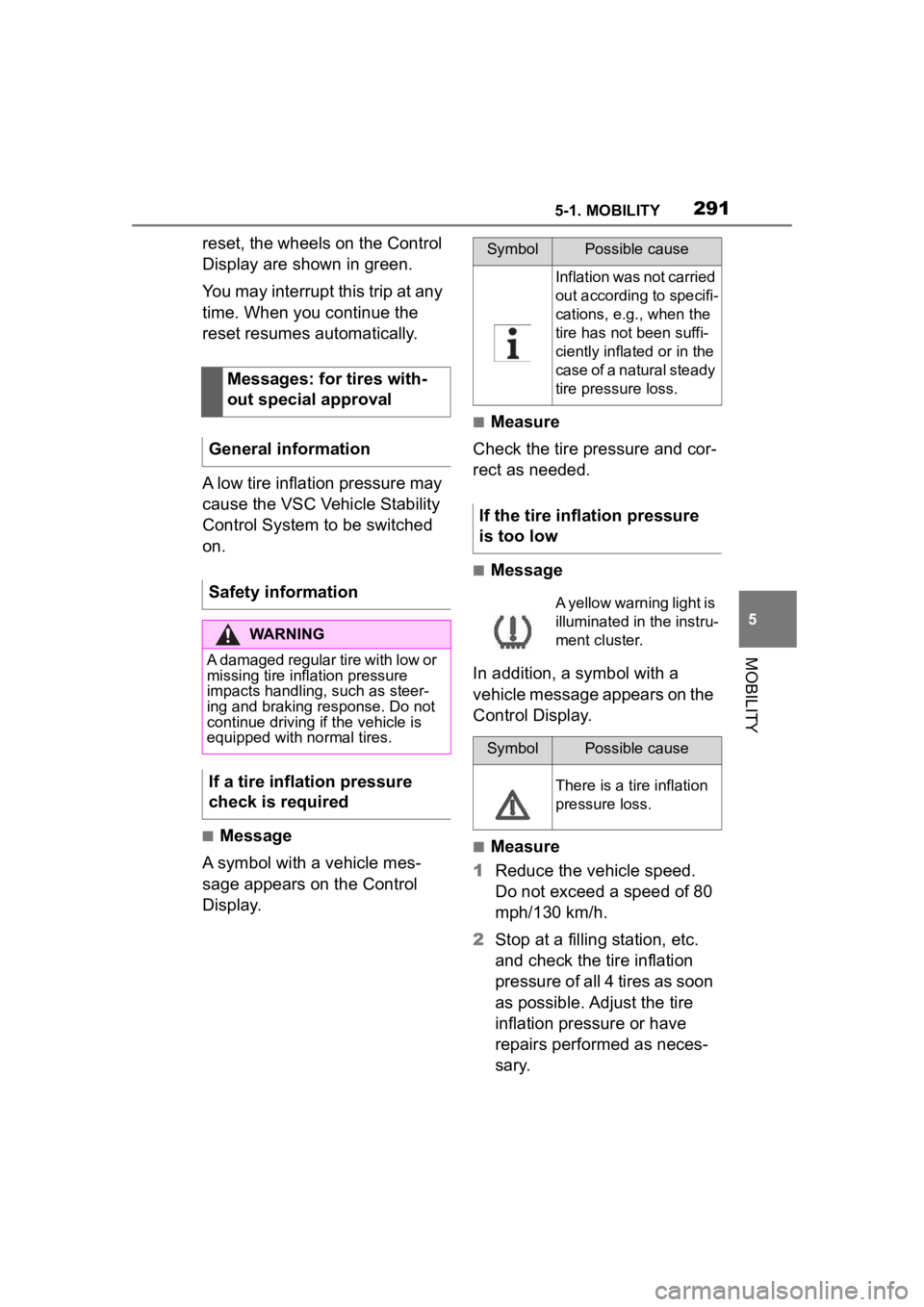
A yellow warning light is
illuminated in the instru-
ment cluster.
SymbolPossible cause
There is a tire inflation
pressure loss.
Page 292 of 372
2925-1. MOBILITY
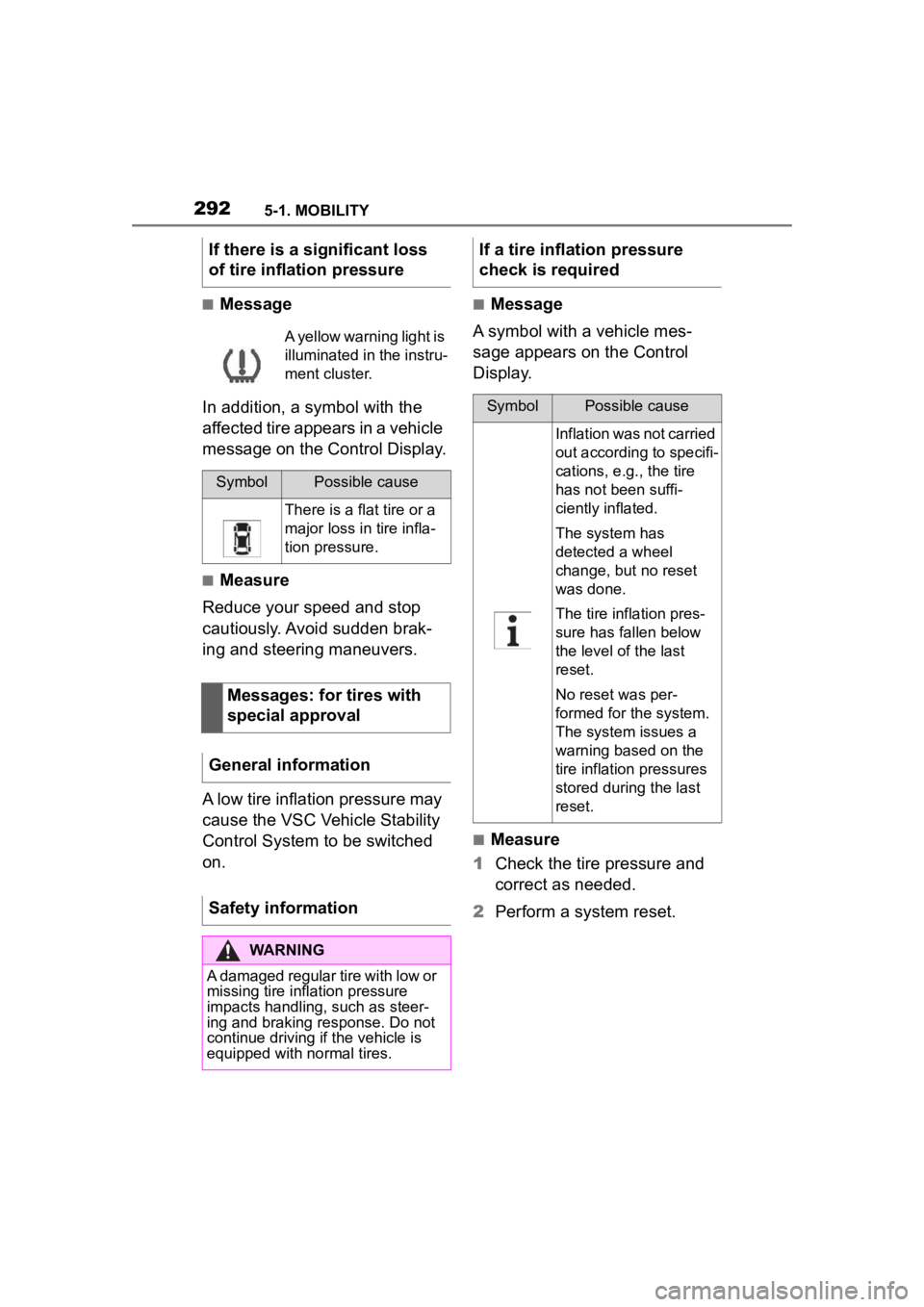
■Message
In addition, a symbol with the
affected tire appears in a vehicle
message on the Control Display.
■Measure
Reduce your speed and stop
cautiously. Avoid sudden brak-
ing and steering maneuvers.
A low tire inflation pressure may
cause the VSC Vehicle Stability
Control System to be switched
on.
■Message
A symbol with a vehicle mes-
sage appears on the Control
Display.
■Measure
1 Check the tire pressure and
correct as needed.
2 Perform a system reset.
If there is a significant loss
of tire inflation pressure
A yellow warning light is
illuminated in the instru-
ment cluster.
SymbolPossible cause
There is a flat tire or a
major loss in tire infla-
tion pressure.
Messages: for tires with
special approval
General information
Safety information
WARNING
A damaged regular tire with low or
missing tire inflation pressure
impacts handling, such as steer-
ing and braking response. Do not
continue driving if the vehicle is
equipped with normal tires.
If a tire inflation pressure
check is required
SymbolPossible cause
Inflation was not carried
out according to specifi-
cations, e.g., the tire
has not been suffi-
ciently inflated.
The system has
detected a wheel
change, but no reset
was done.
The tire inflation pres-
sure has fallen below
the level of the last
reset.
No reset was per-
formed for the system.
The system issues a
warning based on the
tire inflation pressures
stored during the last
reset.
Page 293 of 372
2935-1. MOBILITY
5
MOBILITY
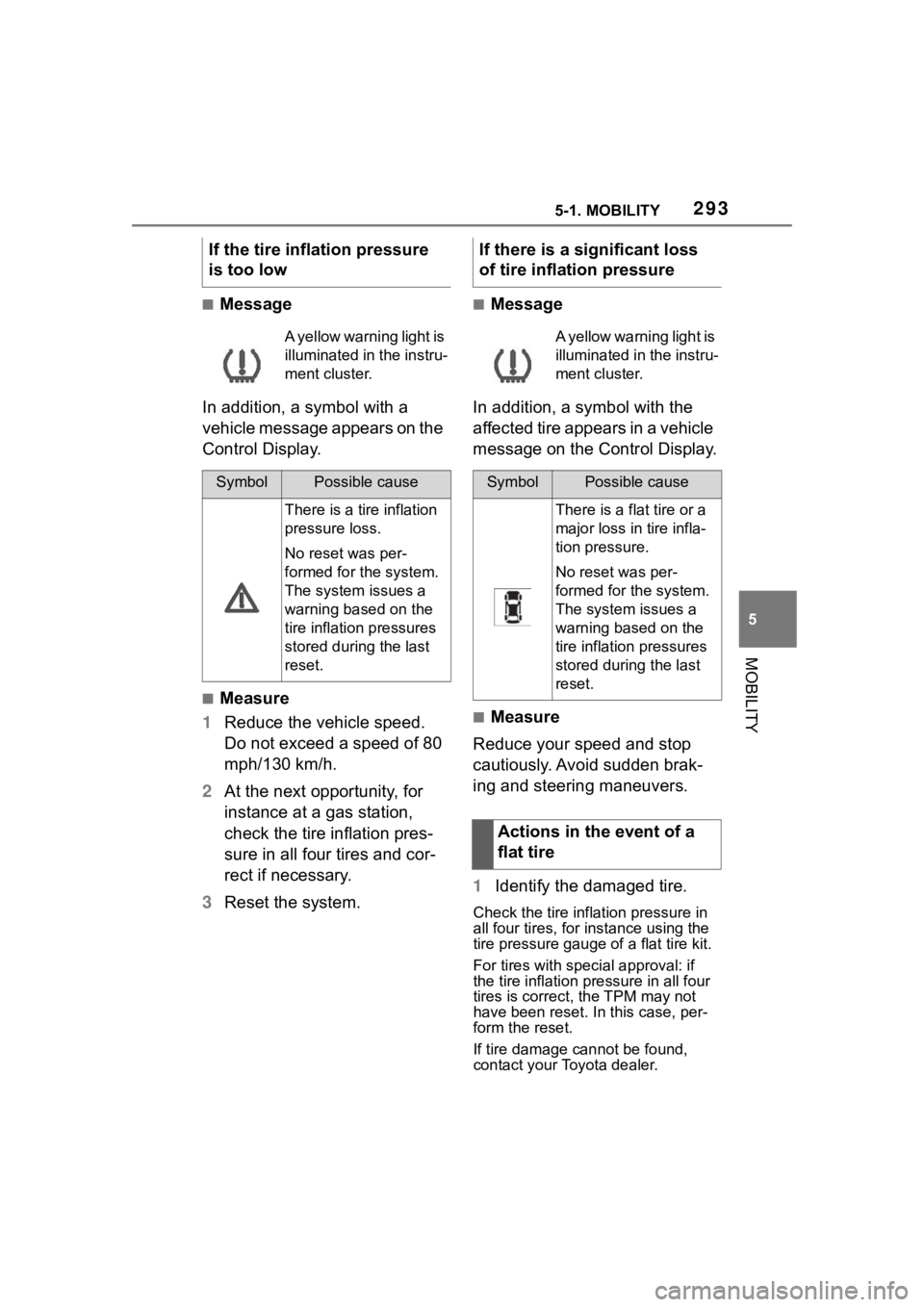
■Message
In addition, a symbol with a
vehicle message appears on the
Control Display.
■Measure
1 Reduce the vehicle speed.
Do not exceed a speed of 80
mph/130 km/h.
2 At the next opportunity, for
instance at a gas station,
check the tire inflation pres-
sure in all four tires and cor-
rect if necessary.
3 Reset the system.
■Message
In addition, a symbol with the
affected tire appears in a vehicle
message on the Control Display.
■Measure
Reduce your speed and stop
cautiously. Avoid sudden brak-
ing and steering maneuvers.
1 Identify the damaged tire.
Check the tire inflation pressure in
all four tires, for instance using the
tire pressure gauge of a flat tire kit.
For tires with special approval: if
the tire inflation pressure in all four
tires is correct, t he TPM may not
have been reset. In this case, per-
form the reset.
If tire damage cannot be found,
contact your Toyota dealer.
If the tire inflation pressure
is too low
A yellow warning light is
illuminated in the instru-
ment cluster.
SymbolPossible cause
There is a tire inflation
pressure loss.
No reset was per-
formed for the system.
The system issues a
warning based on the
tire inflation pressures
stored during the last
reset.
If there is a significant loss
of tire inflation pressure
A yellow warning light is
illuminated in the instru-
ment cluster.
SymbolPossible cause
There is a flat tire or a
major loss in tire infla-
tion pressure.
No reset was per-
formed for the system.
The system issues a
warning based on the
tire inflation pressures
stored during the last
reset.
Actions in the event of a
flat tire
Page 294 of 372
2945-1. MOBILITY
2Repair the flat tire, e.g., with
a flat tire kit or by changing
the wheel.
Use of sealant, for instance from
the flat tire kit, may damage the
TPM wheel electronics. Have
the electronics replaced at the
next opportunity.
The tire inflation pressure
depends on the tire's tempera-
ture.
Driving or exposure to the sun
will increase the tire's tempera-
ture, thus increasing the tire
inflation pressure.
The tire inflation pressure is
reduced when the tire tempera-
ture falls again.
These circumstances may
cause a warning when tempera-
tures fall very sharply.
Following a temperature-related
warning, the target pressures
are displayed on the Control
Display again after a short dis-
tance.
The system cannot indicate sud-
den serious tire damage caused
by external circumstances. Tires with special approval: the
system will not function correctly
if a reset was not performed, for
example a flat tire may be indi-
cated although the tire inflation
pressures are correct.
• A wheel without TPM wheel
electronics, such as an emer-
gency wheel, is mounted:
have the wheels checked, if
needed.
• Malfunction: have the system checked.
• Interference caused by sys- tems or devices with the
same radio frequency: after
leaving the area of the inter-
ference, the system automati-
cally becomes active again.
• For tires with special approval: the system was
unable to complete the reset.
System limits
Temperature
Sudden tire pressure lossFailure to perform a reset
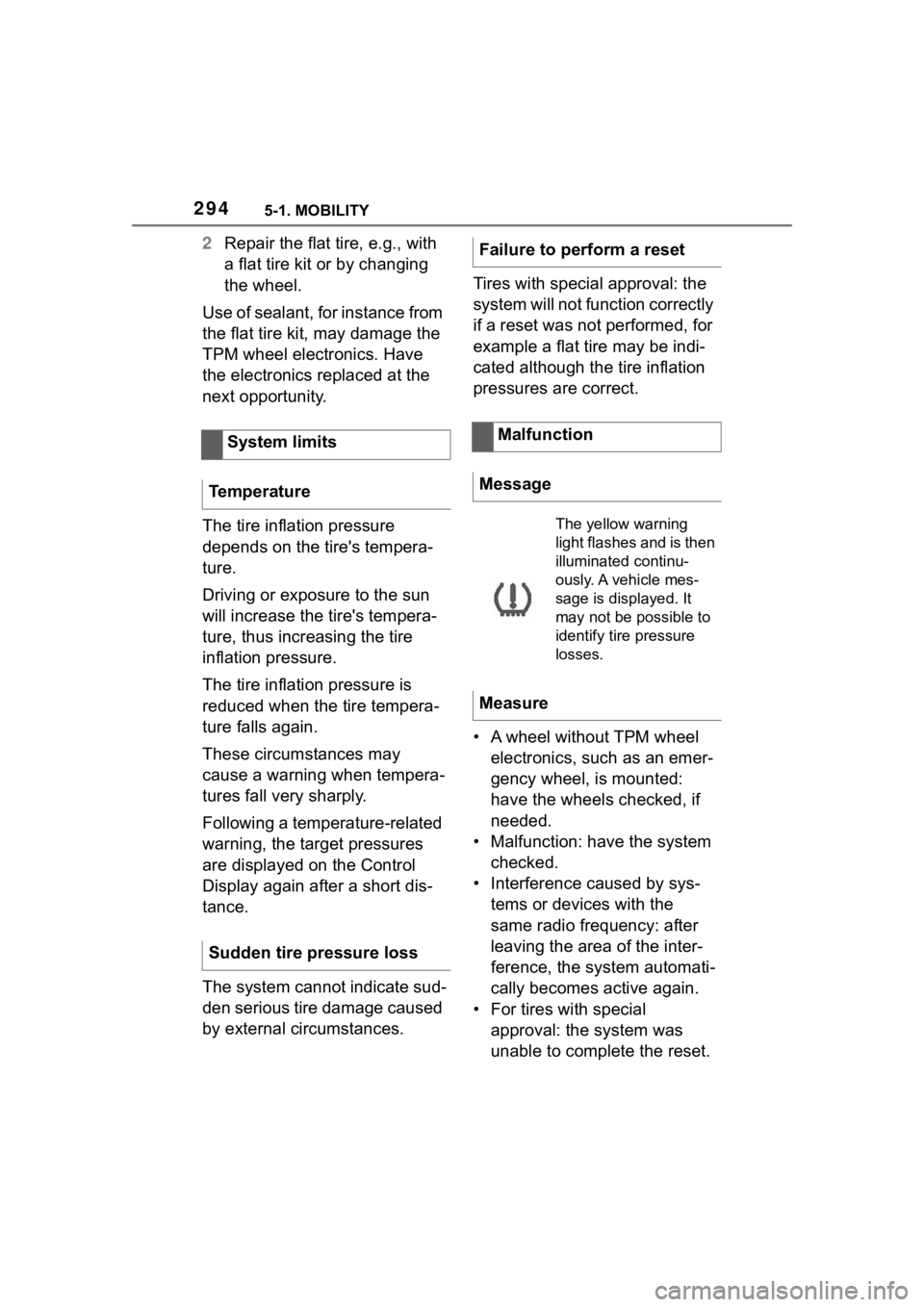
Malfunction
Message
The yellow warning
light flashes and is then
illuminated continu-
ously. A vehicle mes-
sage is displayed. It
may not be possible to
identify tire pressure
losses.
Measure
Page 295 of 372

2955-1. MOBILITY
5
MOBILITY
Perform a system reset again.
• Tire Pressure Monitor mal- function: have the system
checked by your Toyota
dealer.
• Each tire, including the spare (if provided) should be
checked monthly when cold
and inflated to the inflation
pressure recommended by
the vehicle manufacturer on
the vehicle placard or tire
inflation pressure label. (If
your vehicle has tires of a dif-
ferent size than the size indi-
cated on the vehicle placard
or tire inflation pressure label,
you should determine the
proper tire inflation pressure
for those tires.) As an added
safety feature, your vehicle
has been equipped with a tire
pressure monitoring system
(TPMS) that illuminates a low
tire pressure telltale when one
or more of your tires is signifi-
cantly under-inflated. Accord-
ingly, when the low tire
pressure telltale illuminates,
you should stop and check
your tires as soon as possi-
ble, and inflate them to the
proper pressure. Driving on a
significantly under-inflated tire
causes the tire to overheat and can lead to tire failure.
Under-inflation also reduces
fuel efficiency and tire tread
life, and may affect the vehi-
cle's handling and stopping
ability. Please note that the
TPMS is not a substitute for
proper tire maintenance, and
it is the driver's responsibility
to maintain correct tire pres-
sure, even if under-inflation
has not reached the level to
trigger illumination of the
TPMS low tire pressure tell-
tale. Your vehicle has also
been equipped with a TPMS
malfunction indicator to indi-
cate when the system is not
operating properly. The TPMS
malfunction indicator is com-
bined with the low tire pres-
sure telltale. When the system
detects a malfunction, the tell-
tale will flash for approxi-
mately one minute and then
remain continuously illumi-
nated. This sequence will
continue upon subsequent
vehicle start-ups as long as
the malfunction exists. When
the malfunction indicator is
illuminated, the system may
not be able to detect or signal
low tire pressure as intended.
TPMS malfunctions may
occur for a variety of reasons,
including the installation of
replacement or alternate tires
or wheels on the vehicle that
prevent the TPMS from func-
Declaration according to
NHTSA/FMVSS 138 Tire
Pressure Monitoring System