key TOYOTA SUPRA 2023 Owner's Manual
[x] Cancel search | Manufacturer: TOYOTA, Model Year: 2023, Model line: SUPRA, Model: TOYOTA SUPRA 2023Pages: 372, PDF Size: 6.32 MB
Page 91 of 372
913-1. CONTROLS
3
CONTROLS
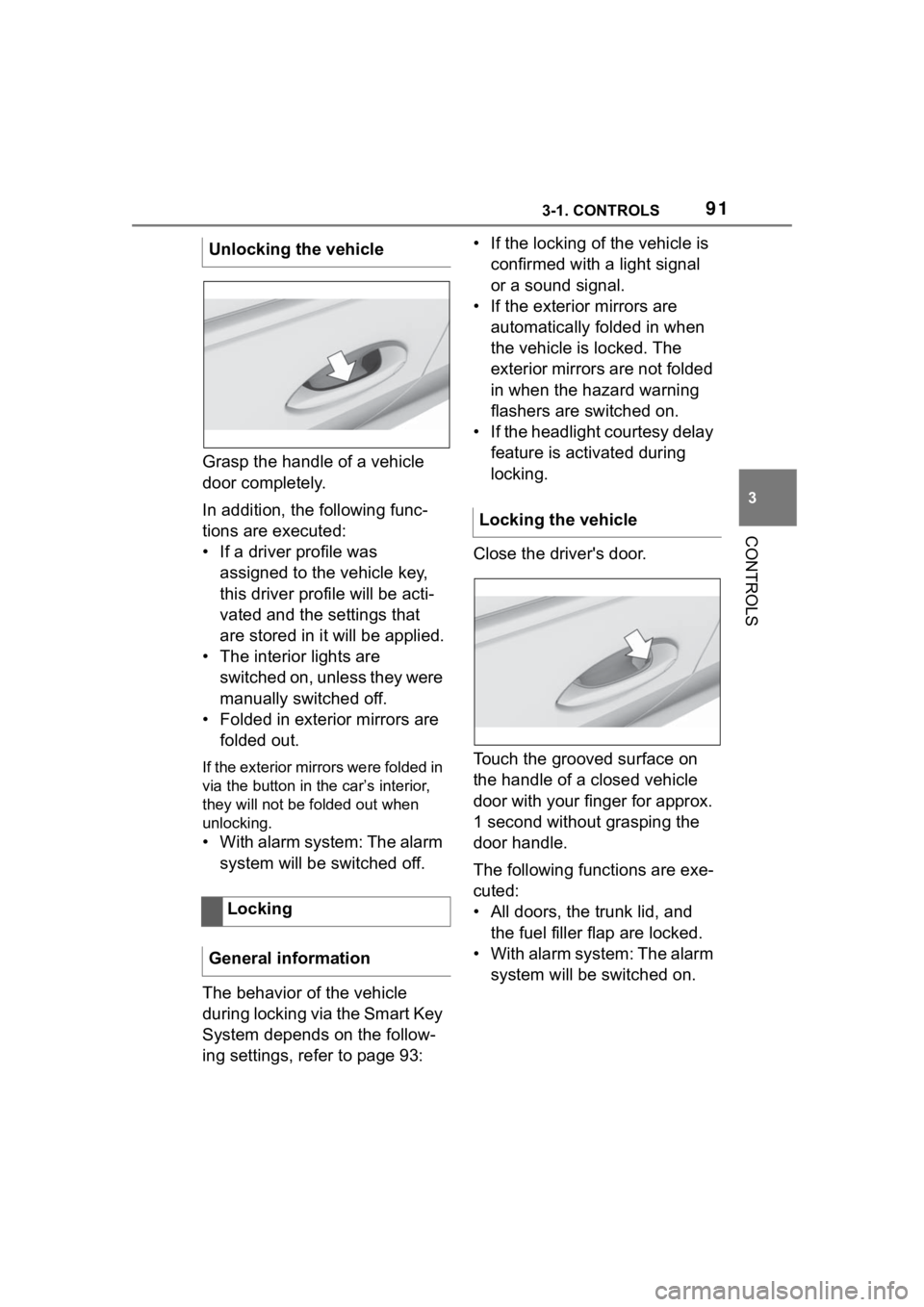
Grasp the handle of a vehicle
door completely.
In addition, the following func-
tions are executed:
• If a driver profile was assigned to the vehicle key,
this driver profile will be acti-
vated and the settings that
are stored in it will be applied.
• The interior lights are switched on, unless they were
manually switched off.
• Folded in exterior mirrors are folded out.
If the exterior mirrors were folded in
via the button in the car’s interior,
they will not be f olded out when
unlocking.
• With alarm system: The alarm
system will be switched off.
The behavior of the vehicle
during locking via the Smart Key
System depends on the follow-
ing settings, refer to page 93: • If the locking of the vehicle is
confirmed with a light signal
or a sound signal.
• If the exterior mirrors are automatically folded in when
the vehicle is locked. The
exterior mirrors are not folded
in when the hazard warning
flashers are switched on.
• If the headlight courtesy delay feature is activated during
locking.
Close the driver's door.
Touch the grooved surface on
the handle of a closed vehicle
door with your finger for approx.
1 second without grasping the
door handle.
The following functions are exe-
cuted:
• All doors, the trunk lid, and the fuel filler flap are locked.
• With alarm system: The alarm system will be switched on.
Unlocking the vehicle
Locking
General information
Locking the vehicle
Page 92 of 372
923-1. CONTROLS
To avoid locking the vehicle key
in the vehicle, do not place the
vehicle key in the cargo area.
Depending on the vehicle equip-
ment and country version, it is
also possible to have the doors
unlocked. To perform settings,
refer to page 93.When unlocking with the vehicle
key, refer to page 83, the doors
may also be unlocked.
Trunk lid
General information
Safety information
WARNING
Body parts can be jammed when
operating the trunk lid. There is a
risk of injury. Make sure that the
area of movement of the trunk lid
is clear during opening and clos-
ing.
NOTICE
During opening, the trunk lid piv-
ots back and up. There is a risk of
damage to property. Make sure
that the area of movement of the
trunk lid is clear during opening
and closing.
NOTICE
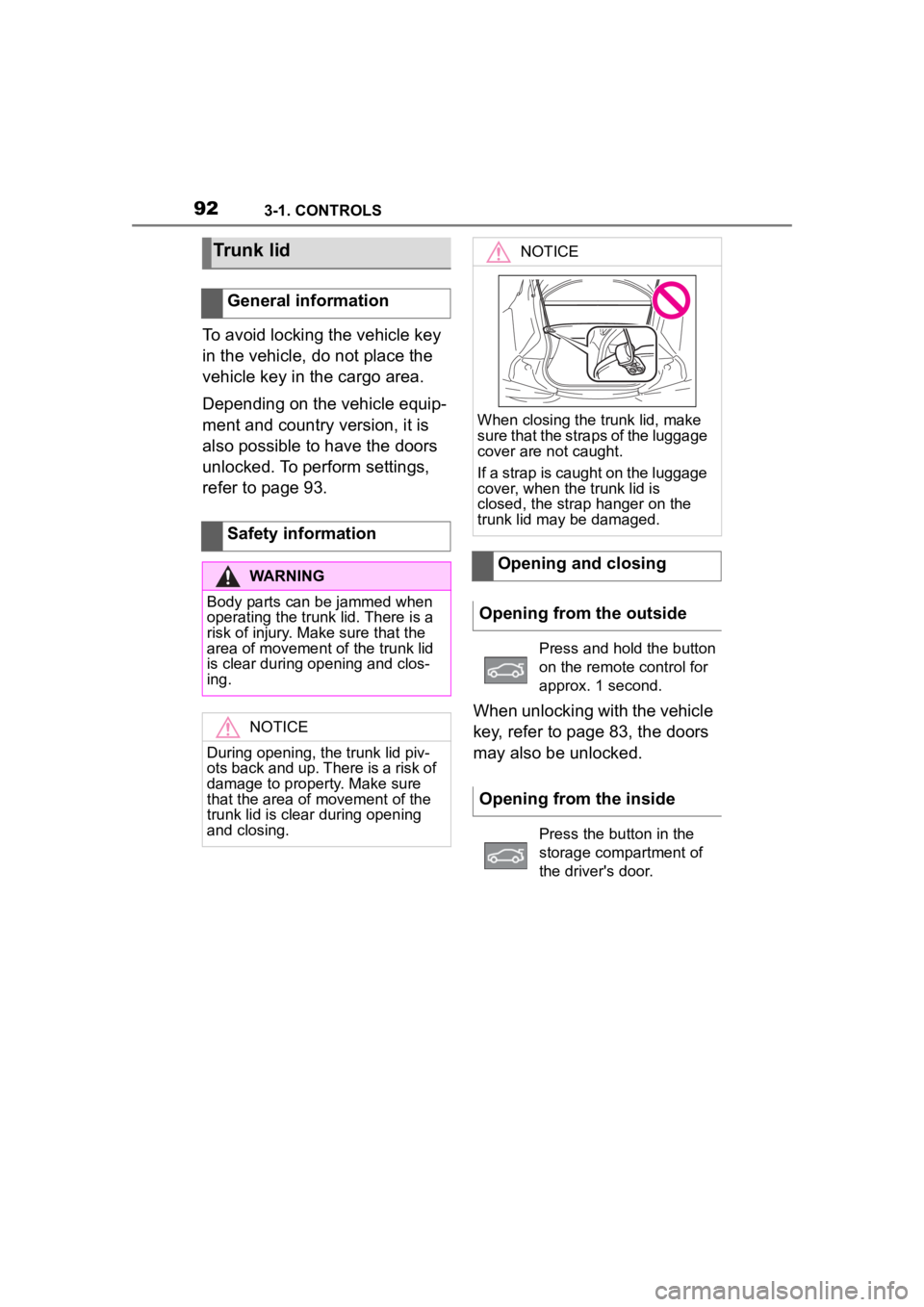
When closing the trunk lid, make
sure that the straps of the luggage
cover are not caught.
If a strap is caught on the luggage
cover, when the trunk lid is
closed, the strap hanger on the
trunk lid may be damaged.
Opening and closing
Opening from the outside
Press and hold the button
on the remote control for
approx. 1 second.
Opening from the inside
Press the button in the
storage compartment of
the driver's door.
Page 93 of 372
933-1. CONTROLS
3
CONTROLS
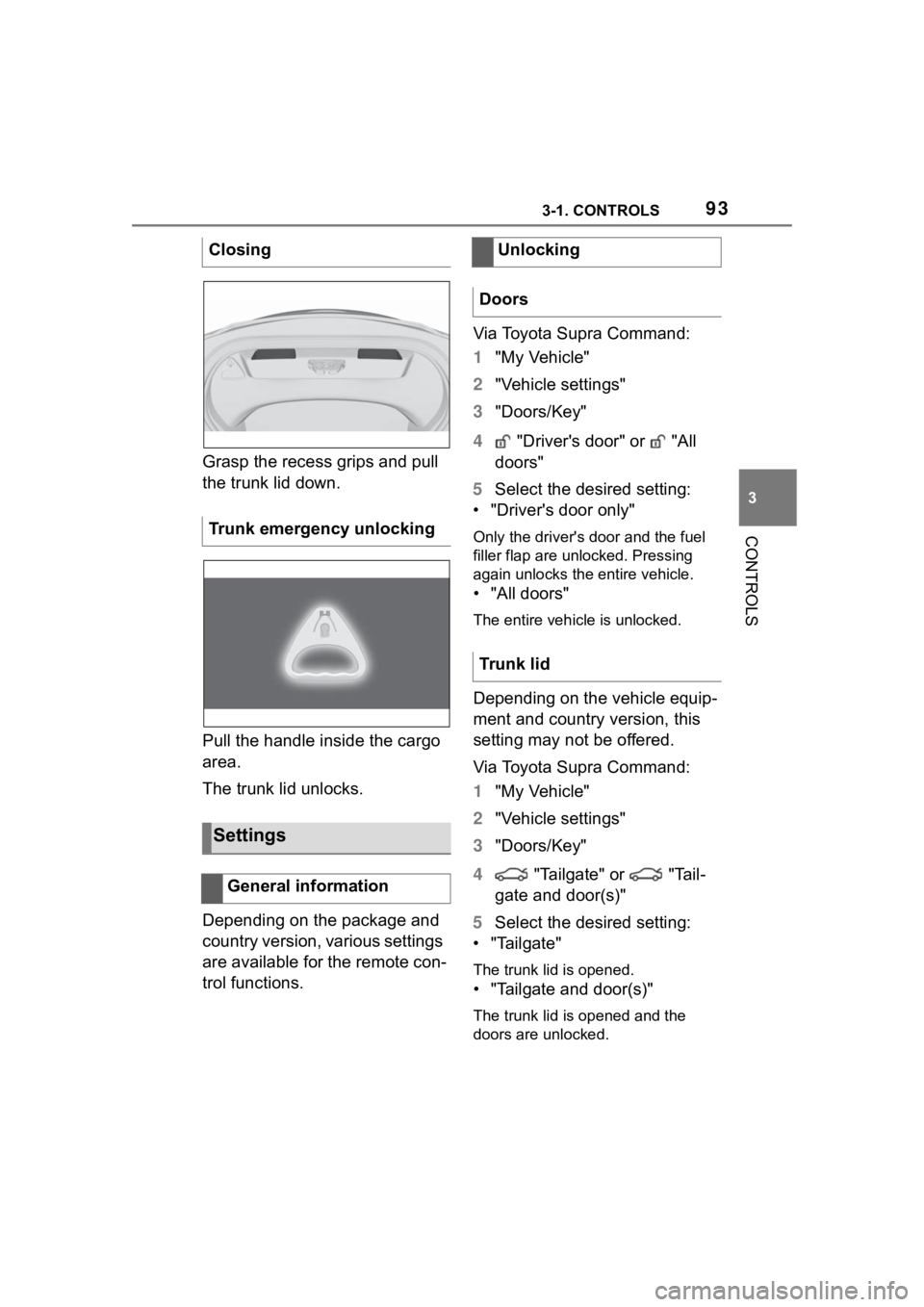
Grasp the recess grips and pull
the trunk lid down.
Pull the handle inside the cargo
area.
The trunk lid unlocks.
Depending on the package and
country version, various settings
are available for the remote con-
trol functions.Via Toyota Supra Command:
1
"My Vehicle"
2 "Vehicle settings"
3 "Doors/Key"
4 "Driver's door" or "All
doors"
5 Select the desired setting:
• "Driver's door only"
Only the driver's door and the fuel
filler flap are unlocked. Pressing
again unlocks the entire vehicle.
• "All doors"
The entire vehicle is unlocked.
Depending on the vehicle equip-
ment and country version, this
setting may not be offered.
Via Toyota Supra Command:
1 "My Vehicle"
2 "Vehicle settings"
3 "Doors/Key"
4 "Tailgate" or "Tail-
gate and door(s)"
5 Select the desired setting:
• "Tailgate"
The trunk lid is opened.
• "Tailgate and door(s)"
The trunk lid is opened and the
doors are unlocked.
Closing
Trunk emergency unlocking
Settings
General information
Unlocking
Doors
Trunk lid
Page 94 of 372
943-1. CONTROLS
Via Toyota Supra Command:
1"My Vehicle"
2 "Driver profiles"
3 Select driver profile.
The setting can be made for the
driver profile marked with this sym-
bol.
4 "Last seat position automatic"
When the vehicle is unlocked,
the driver's seat and exterior
mirrors resume their last set
positions.
The most recent position is inde-
pendent of the positions saved
via the seat memory.
Via Toyota Supra Command:
1 "My Vehicle"
2 "Vehicle settings"
3 "Doors/Key"
4 Deactivate or activate the
desired confirmation signals:
• "Flash for lock/unlock"
Unlocking is signaled by two
flashes, locking by one.
Via Toyota Supra Command:
1 "My Vehicle"
2 "Vehicle settings" 3
"Doors/Key"
4 "Lock automatically"
The vehicle locks automatically
after a short period of time if no
door is opened after unlocking.
Via Toyota Supra Command:
1"My Vehicle"
2 "Vehicle settings"
3 "Doors/Key"
4 Select the desired setting:
• "Unlock doors when in Park"
• "Unlock at end of trip"
After drive-ready state is switched
off by pressing the Start/Stop but-
ton, the locked vehicle is automati-
cally unlocked.
Via Toyota Supra Command:
1 "My Vehicle"
2 "Vehicle settings"
3 "Doors/Key"
4 "Fold mirrors in when locked"
The exterior mirrors are automati-
cally folded in during locking.
Via Toyota Supra Command:
1"My Vehicle"
2 "Vehicle settings"
Adjusting the last seat and
mirror position
Confirmation signals from
the vehicle
Automatic locking
Automatic unlocking
Folding mirrors automati-
cally
Establishing idle state
after opening the front
doors
Page 95 of 372
953-1. CONTROLS
3
CONTROLS
3"Doors/Key"
4 "Turn off after door opening"
Opening the front doors establishes
the idle state, refer to page 45.
The alarm system issues a
visual and acoustic signal when
someone attempts to open the
locked vehicle incorrectly.
When the vehicle is locked, the
vehicle alarm system reacts to
the following changes:
• Opening a door, the hood or
the trunk lid.
• Movements in the car's inte- rior.
• Changes in the vehicle tilt, e. g., during attempts at stealing
a wheel or when towing the
vehicle.
• Disconnected battery voltage.
• Improper use of the socket for OBD Onboard Diagnosis.
• Locking the vehicle while a device is connected to the
socket for the OBD Onboard-
Diagnosis. For socket for the
OBD Onboard Diagnosis,
refer to page 309.
The alarm system signals the
following changes visually and
acoustically:
• Acoustic alarm: Depending on local regulations, the acoustic
alarm may be suppressed.
• Visual alarm: By flashing of the hazard warning system
and headlights, where
required.
Do not modify the system to
ensure function of the alarm
system.
When you unlock and lock the
vehicle, either with the remote
control or with Comfort entry, the
alarm system is switched off and
on at the same time.
The alarm system is triggered
when a door is opened if the
door was unlocked using the
integrated key in the door lock.
Switching off the alarm, refer to
page 97.
The trunk lid can be opened
even when the alarm system is
switched on.
After the trunk lid is closed, it is
locked and monitored again pro-
vided the doors are locked. The
hazard warning system flashes
Alarm system
Concept
General information
Switching on/off
Opening the doors with
the alarm system switched
on
Opening the trunk lid with
the alarm system switched
on
Page 97 of 372
973-1. CONTROLS
3
CONTROLS
motion sensor can trigger an
alarm, although no unauthorized
action occurred.
Possible situations for an
unwanted alarm:
• In automatic vehicle washes.
• In duplex garages.
• During transport on trains car-rying vehicles, at sea or on a
trailer.
• With animals in the vehicle.
• When the vehicle is locked after start of fueling.
The tilt alarm sensor and the
interior motion sensor can be
switched off in such situations.
The indicator light lights up for
approx. 2 seconds and then
continues to flash.
The tilt alarm sensor and interior
motion sensor are switched off
until the vehicle is locked again.
• Unlock the vehicle with the remote control.
• Unlock the vehicle with the integrated key and activate
the drive-ready state via
emergency detection of the vehicle key, refer to page 85.
• With Smart Key System: when carrying the vehicle key,
grasp the driver’s door or front
passenger door handle com-
pletely.
The windows can be opened
with the vehicle key from the
outside as well as closed with
Smart Key System.
Additional information: Vehicle
key, refer to page 80.
Switching off the tilt alarm
sensor and interior motion
sensor
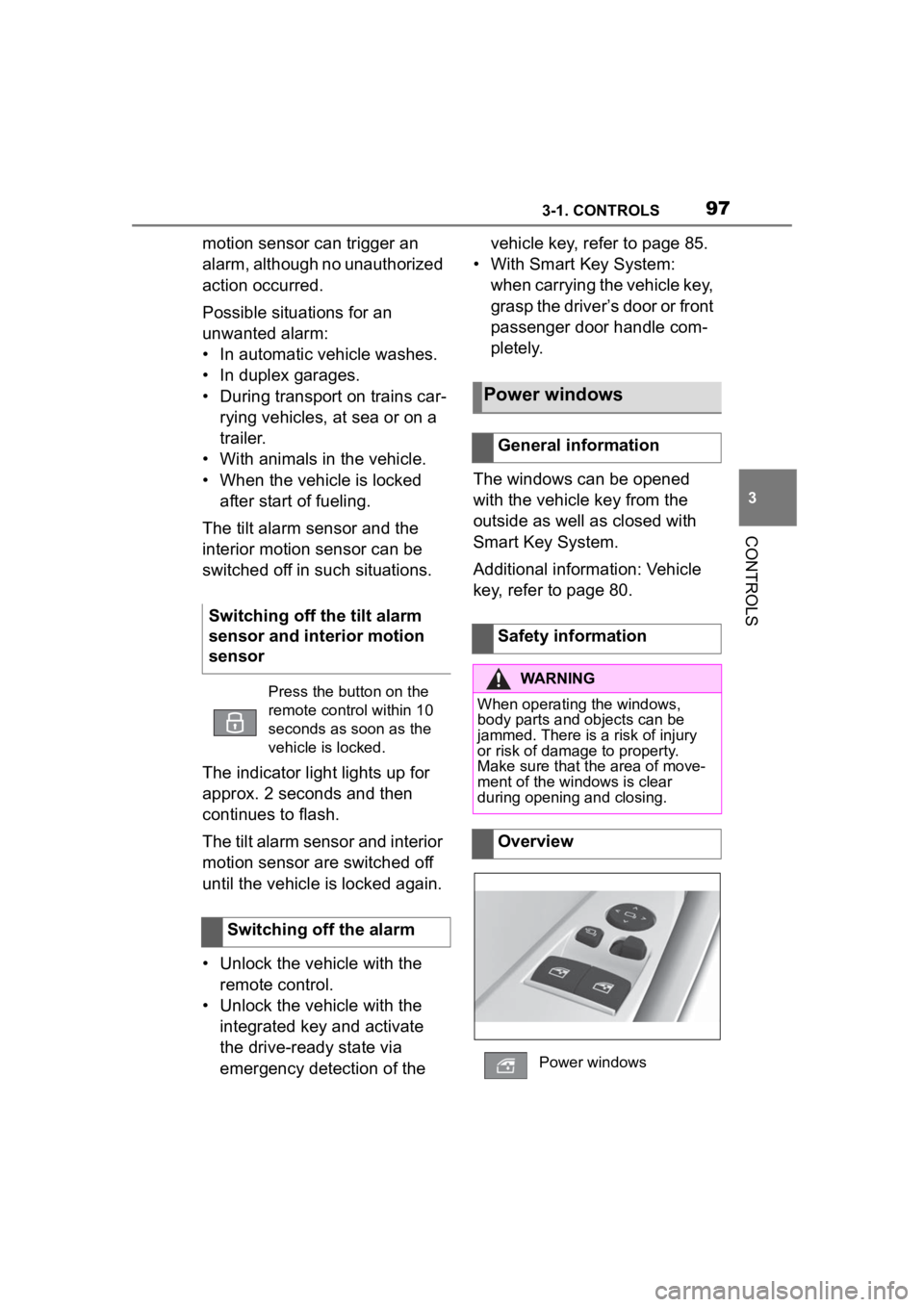
Press the button on the
remote control within 10
seconds as soon as the
vehicle is locked.
Switching off the alarm
Power windows
General information
Safety information
WARNING
When operating the windows,
body parts and objects can be
jammed. There is a risk of injury
or risk of damage to property.
Make sure that the area of move-
ment of the windows is clear
during opening and closing.
Overview
Power windows
Page 101 of 372
1013-1. CONTROLS
3
CONTROLS
Pull the lever up or press the
lever down repeatedly until the
seat reaches the desired angle.
*: if equipped
The seat adjustment for the
driver’s seat is stored for the
driver profile currently used.
When the vehicle is unlocked
via the vehicle key, the position
is automatically retrieved if the
function, refer to page 68, is
activated for this purpose.
The current seat position can be
stored using the memory func-
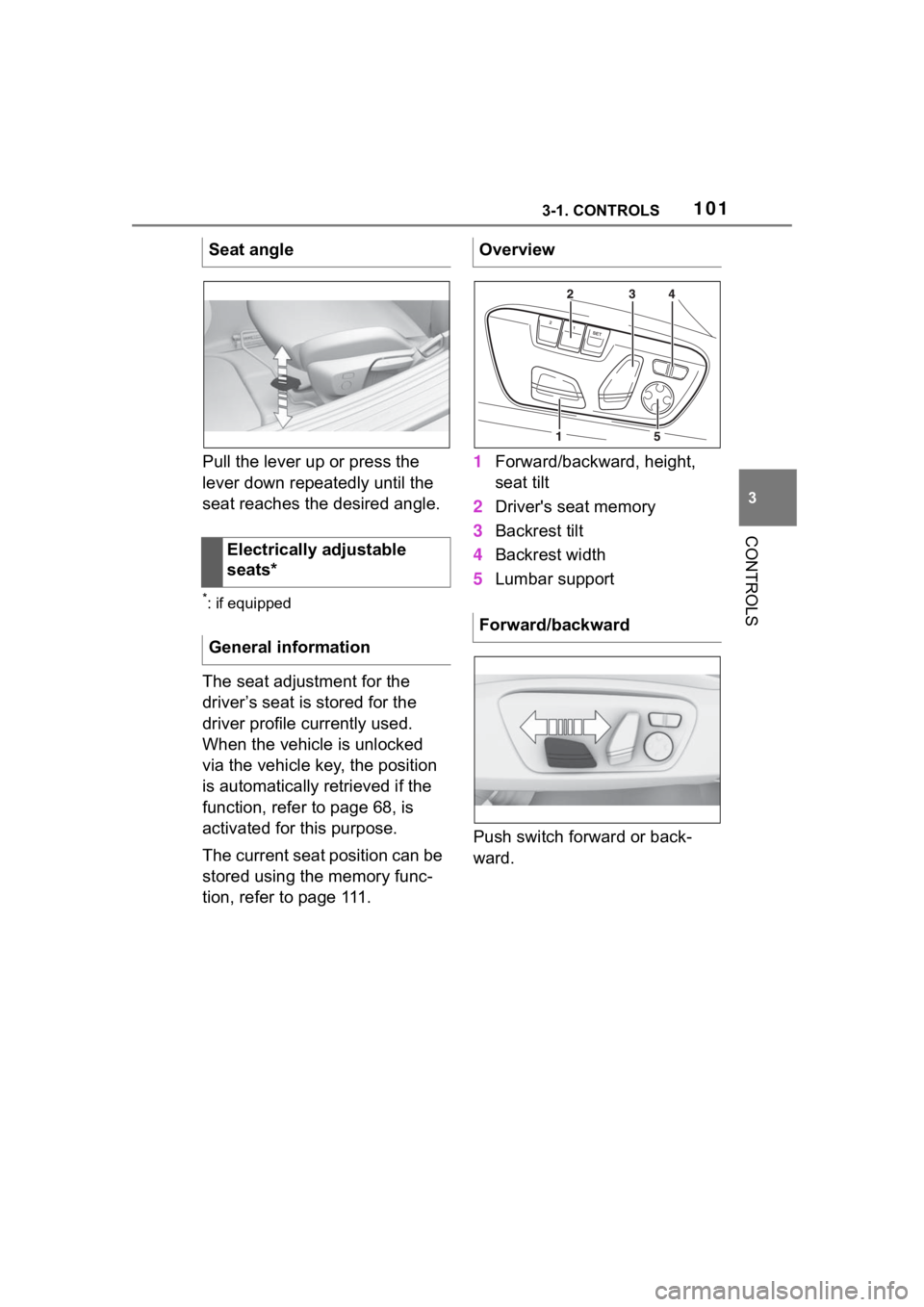
tion, refer to page 111.1
Forward/backward, height,
seat tilt
2 Driver's seat memory
3 Backrest tilt
4 Backrest width
5 Lumbar support
Push switch forward or back-
ward.
Seat angle
Electrically adjustable
seats*
General information
Overview
Forward/backward
Page 108 of 372
1083-1. CONTROLS
The height of the head restraints
cannot be adjusted.
The distance to the back of the
head is adjusted via the back-
rest tilt.
Adjust the distance so that the
head restraint is as close as
possible to the back of the head.
The head restraints cannot be
removed.The mirror on the front passen-
ger side is more curved than the
driver's side mirror.
The mirror setting is stored for
the driver profile currently in
use. When the vehicle is
unlocked via the vehicle key, the
position is automatically
retrieved if the function, refer to
page 68, is activated for this
purpose.
The current exterior mirror posi-
tion can be stored using the
memory function, refer to page
111 .
Front head restraints
Safety information
WARNING
Objects on the head restraint
reduce the p
rotective effect in the
head and neck area. There is a
risk of injury.
• Do not use seat or head restraint covers.
• Do not hang objects, for instance clothes hangers,
directly on the head restraint.
• Only use accessories that have been determined to be safe for
attachment to a h ead restraint.
• Do not use any accessories, for instance pillows, while driving.
Adjusting the height
Adjusting the distance
Removing
Exterior mirrors
General information
Safety information
WARNING
Objects reflected in the mirror are
closer than they appear. The dis-
tance to the traffic behind could
be incorrectly estimated, for
instance while changing lanes.
There is a risk of an accident.
Estimate the distance to the traffic
behind by looking over your
shoulder.
Page 114 of 372
1143-1. CONTROLS
WARNING
■When children are in the vehi-
cle
Never leave children unattended
in the vehicle, and never allow
children to have or use the
key.Children may be able to start
the vehicle or shift the vehicle into
neutral. There is also a danger
that children may injure them-
selves by playing with the win-
dows or other features of the
vehicle. In additi on, heat build-up
or extremely cold temperatures
inside the vehicle can be fatal to
children.
●When the vehicle is parked
under direct sunlight, the tem-
perature inside the vehicle can
increase to over 122°F, even in
winter. In this situation, occu-
pants may suffer from dehydra-
tion or heatstroke.
●If a switch is operated acciden-
tally, it may lead to unexpected
injuries.
●Do not allow a child to open and
close the doors. When closing a
door, be carefu l so that the
child’s hands and feet to not get
caught in the door.
●Do not allow a child to put their
head or limbs out of the door
window and be sure that they
are clear of the window before
operating the power window
switch.
The right place for chil-
dren
Safety information
WARNING
Unattended children or animals in
the vehicle can cause the vehicle
to move and endanger them-
selves and traffic, for instance due
to the following actions:
●Pressing the Sta rt/Stop button.
●Releasing the parking brake.
●Opening and closing the doors
or windows.
●Engaging selector lever position
N.
●Using vehicle equipment.
There is a risk of accidents or inju-
ries. Do not leave children or ani-
mals unattended in the vehicle.
Take the remote control with you
when exiting and l ock the vehicle.
WARNING
A heated vehicle may result in
death to persons, especially chil-
dren and animals. There is a risk
of injuries or danger to life. Do not
leave persons, especially chil-
dren and animals unattended in
the vehicle.
Page 252 of 372
2523-1. CONTROLS
The glove compartment can be
locked with an integrated key,
refer to page 86. This prevents
access to the glove compart-
ment.
After the glove compartment is
locked, the remote control can
be handed over without the inte-
grated key, for instance when
the vehicle is parked by valet
parking.
There are storage compart-
ments in the doors.Locking
Compartments in the
doors
General information
Safety information
WARNING
Breakable objects, such as glass
bottles or glasses, can break in
the event of an accident or a brak-
ing or evasive maneuver. Broken
glass can be scattered in the car's
interior. There is a risk of injury or
risk of damage to property. Do not
use any breakable objects while
driving. Only stow breakable
objects in closed storage com-
partments.
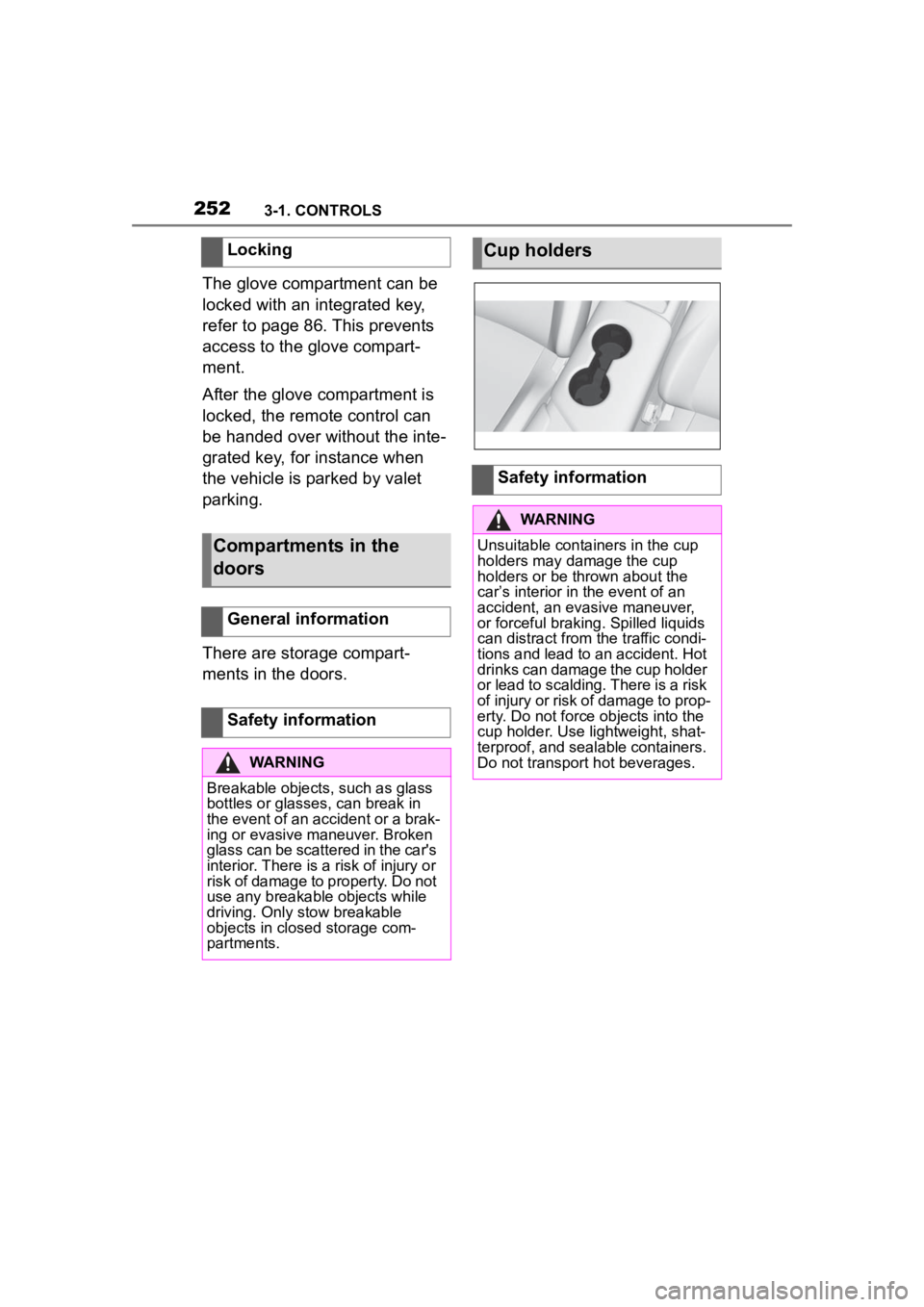
Cup holders
Safety information
WARNING
Unsuitable containers in the cup
holders may damage the cup
holders or be thrown about the
car’s interior in the event of an
accident, an evasive maneuver,
or forceful braking. Spilled liquids
can distract from the traffic condi-
tions and lead to an accident. Hot
drinks can damage the cup holder
or lead to scalding. There is a risk
of injury or risk of damage to prop-
erty. Do not force objects into the
cup holder. Use lightweight, shat-
terproof, and sealable containers.
Do not transport hot beverages.