engine TOYOTA SUPRA 2023 Manual PDF
[x] Cancel search | Manufacturer: TOYOTA, Model Year: 2023, Model line: SUPRA, Model: TOYOTA SUPRA 2023Pages: 372, PDF Size: 6.32 MB
Page 307 of 372
3075-1. MOBILITY
5
MOBILITY
6Close the cap.
1 Let the engine cool.
2 Open the hood, refer to page
299.
3 Turn the lid of the coolant
reservoir slightly counter-
clockwise to allow any
excess pressure to dissi-
pate, then open it.
4 Open the coolant reservoir
lid.
5 If the coolant is low, slowly
add coolant up to the speci-
fied level; do not overfill.
6 Close the cap.
7 Have the cause of the cool-
ant loss eliminated as soon
as possible.
Comply with the relevant envi-
ronmental protection regulations
when disposing of coolant and
coolant additives.
All washer nozzles are supplied
from one reservoir.
Use a mixture of tap water and windshield washer concentrate.
If desired, a windshield washer
concentrate containing anti-
freeze can be used.
Recommended minimum fill
quantity:0.2 US gal/1 liter.
Adding
Disposal
Washer fluid
General information
Safety information
WARNING
Some antifreeze agents can con-
tain harmful substances and are
flammable. There i s a risk of fire
and a risk of inj ury. Follow the
instructions on the containers.
Keep antifreeze away from igni-
tion sources. Do no t refill operat-
ing materials into different bottles.
Store operating materials out of
reach of children.
United States: th e washer fluid
mixture ratio is regulated by the
U.S. EPA and many individual
states; do not exceed the allow-
able washer fluid dilution ratio lim-
its that apply. Follow the usage
instructions on th e washer fluid
container.
WARNING
Washer fluid can ignite and catch
fire on contact with hot engine
parts. There is a risk of injury or
risk of damage to property. Only
add washer fluid when the engine
is cooled down. Next, fully close
the lid of the washer fluid reser-
v oi r.
Page 308 of 372
3085-1. MOBILITY
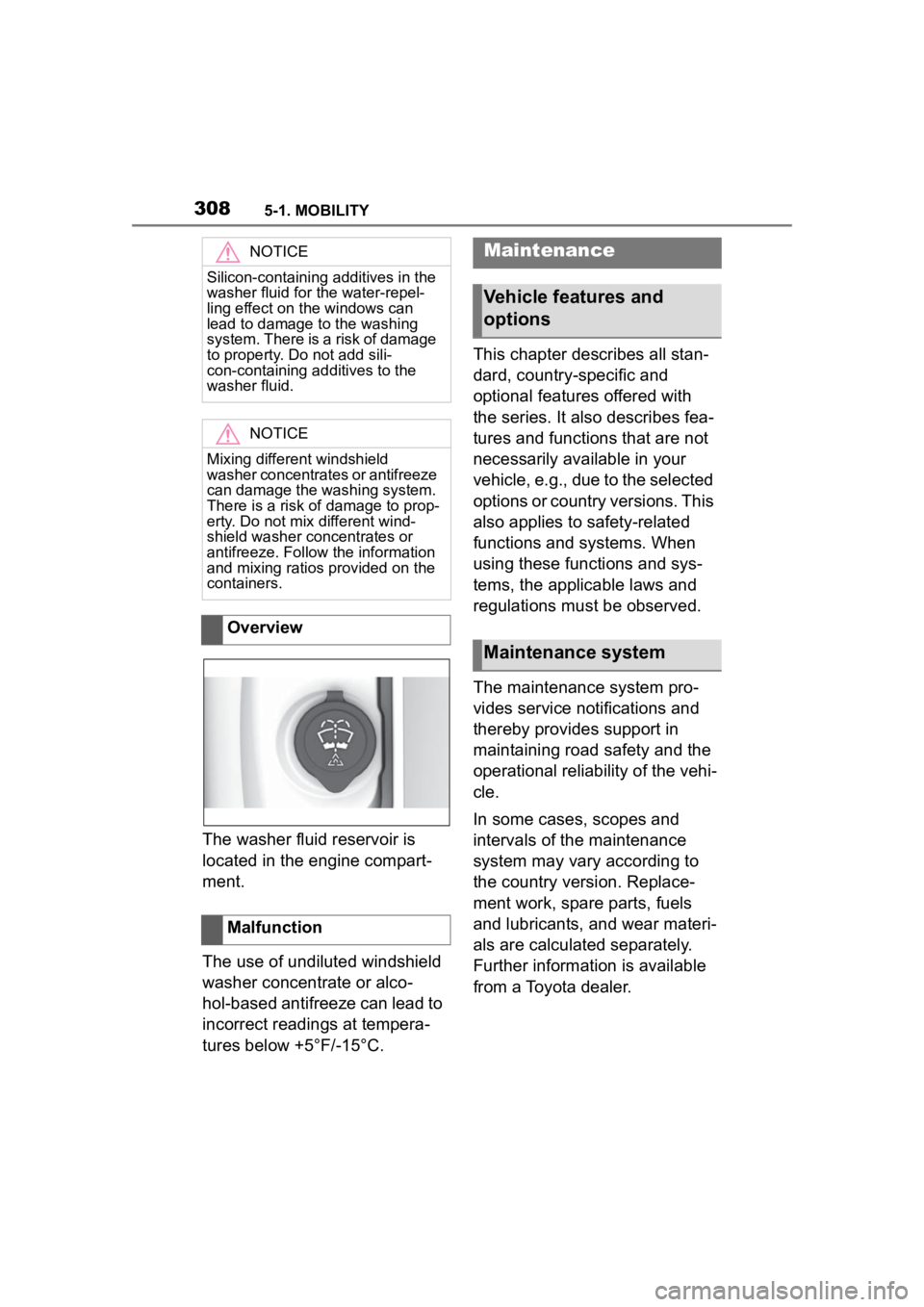
The washer fluid reservoir is
located in the engine compart-
ment.
The use of undiluted windshield
washer concentrate or alco-
hol-based antifreeze can lead to
incorrect readings at tempera-
tures below +5°F/-15°C.This chapter describes all stan-
dard, country-specific and
optional features offered with
the series. It also describes fea-
tures and functions that are not
necessarily available in your
vehicle, e.g., due to the selected
options or country versions. This
also applies to safety-related
functions and systems. When
using these functions and sys-
tems, the applicable laws and
regulations must be observed.
The maintenance system pro-
vides service notifications and
thereby provides support in
maintaining road safety and the
operational reliability of the vehi-
cle.
In some cases, scopes and
intervals of the maintenance
system may vary according to
the country version. Replace-
ment work, spare parts, fuels
and lubricants, and wear materi-
als are calculated separately.
Further information is available
from a Toyota dealer.
NOTICE
Silicon-containing additives in the
washer fluid for the water-repel-
ling effect on the windows can
lead to damage to the washing
system. There is a risk of damage
to property. Do not add sili-
con-containing additives to the
washer fluid.
NOTICE
Mixing different windshield
washer concentrates or antifreeze
can damage the washing system.
There is a risk of damage to prop-
erty. Do not mix
different wind-
shield washer concentrates or
antifreeze. Follow the information
and mixing ratios provided on the
containers.
Overview
Malfunction
Maintenance
Vehicle features and
options
Maintenance system
Page 309 of 372
3095-1. MOBILITY
5
MOBILITY
Condition Based Service CBS
determines the maintenance
recommendation using sensors
and special algorithms that take
into account the driving condi-
tions of the vehicle.
The system makes it possible to
adapt the amount of mainte-
nance corresponding to your
user profile.
Information on service notifica-
tions, refer to page 147, can be
displayed on the Control Dis-
play.
Storage periods during which
the vehicle battery was discon-
nected are not taken into
account.
If this occurs, have a Toyota
dealer update the time-depen-
dent maintenance procedures,
such as checking brake fluid
and, if necessary, changing the
engine oil and the microfil-
ter/activated-charcoal filter.Please consult “Owner's War-
ranty Information Booklet” or
“Owner's Manual Supplement”
for additional information on ser-
vice and maintenance work.
The manufacturer of your vehi-
cle recommends that mainte-
nance and repair be performed
by a Toyota dealer. Records of
regular maintenance and repair
work should be retained.
Scheduled maintenance should
be performed at specified inter-
vals according to the mainte-
nance schedule.
For details about maintenance
items and schedules, refer to
the "Scheduled Maintenance
Guide" or "Owner's Manual Sup-
plement".
Devices connected to the OBD
socket trigger the alarm system
when the vehicle is locked.
Remove any devices con-
nected at the OBD socket
Condition Based Service
CBS
Concept
General information
Storage periods
"Owner's Warranty Infor-
mation Booklet" or
"Owner's Manual Supple-
ment"
Scheduled maintenance
Socket for OBD Onboard
Diagnosis
General information
Page 310 of 372
3105-1. MOBILITY
before locking the vehicle.
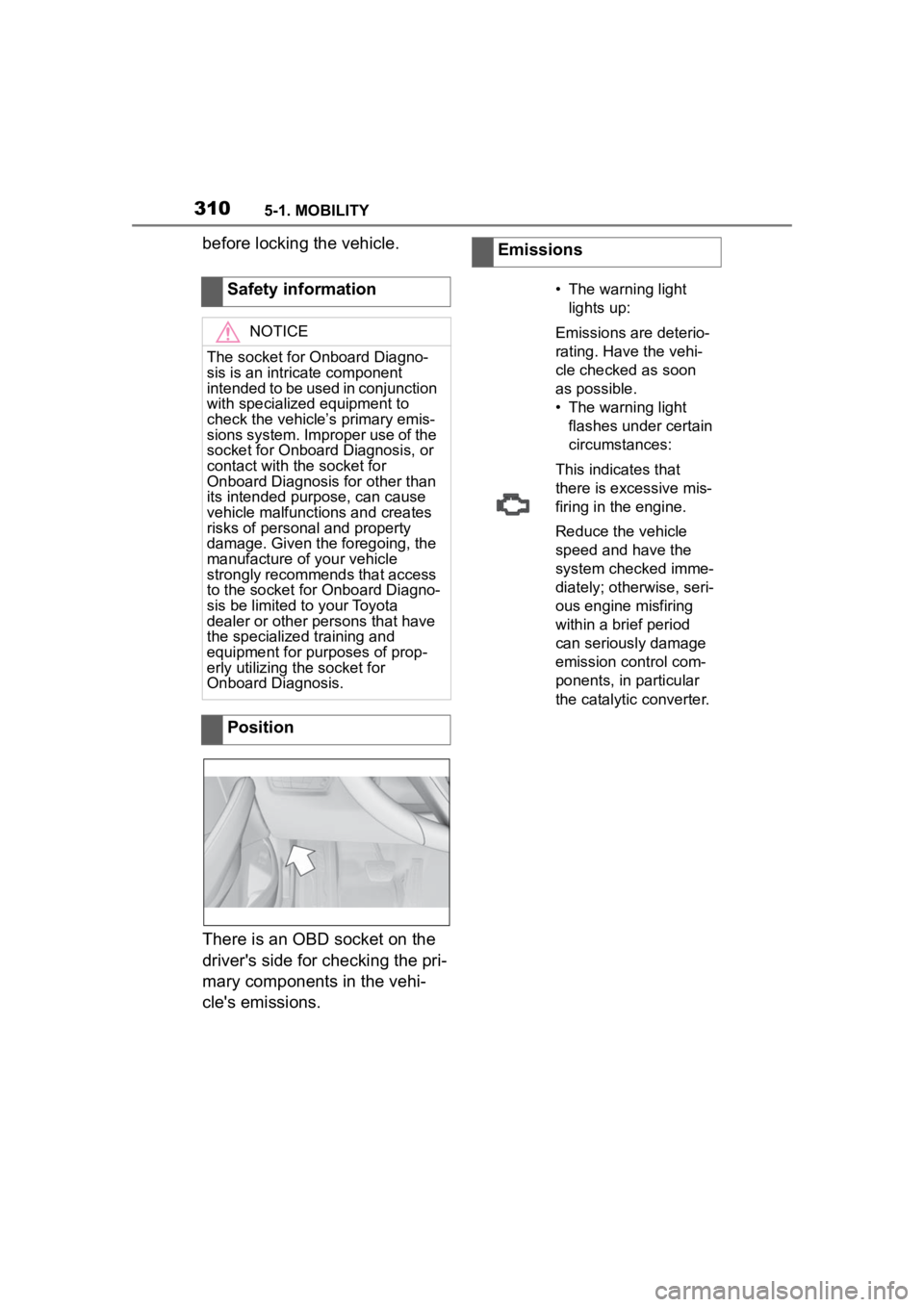
There is an OBD socket on the
driver's side for checking the pri-
mary components in the vehi-
cle's emissions.Safety information
NOTICE
The socket for Onboard Diagno-
sis is an intricate component
intended to be used in conjunction
with specialized equipment to
check the vehicle’s primary emis-
sions system. Improper use of the
socket for Onboard Diagnosis, or
contact with the socket for
Onboard Diagnosis for other than
its intended purpose, can cause
vehicle malfunctions and creates
risks of personal and property
damage. Given the foregoing, the
manufacture of your vehicle
strongly recommends that access
to the socket for Onboard Diagno-
sis be limited to your Toyota
dealer or other persons that have
the specialized
training and
equipment for purposes of prop-
erly utilizing the socket for
Onboard Diagnosis.
Position
Emissions
• The warning light
lights up:
Emissions are deterio-
rating. Have the vehi-
cle checked as soon
as possible.
• The warning light flashes under certain
circumstances:
This indicates that
there is excessive mis-
firing in the engine.
Reduce the vehicle
speed and have the
system checked imme-
diately; otherwise, seri-
ous engine misfiring
within a brief period
can seriously damage
emission control com-
ponents, in particular
the catalytic converter.
Page 313 of 372
3135-1. MOBILITY
5
MOBILITY
The battery is maintenance-free.
More information regarding the
battery can be requested from
your Toyota dealer.
The manufacturer of your vehi-
cle recommends that you have
your Toyota dealer register the
vehicle battery to the vehicle
after the battery has been
replaced. Once the battery has
been registered again, all com-
fort features will be available
without restriction and any vehi-
cle messages displayed which
relate to comfort features will
disappear.
The installed battery is designed
specifically for this vehicle. If an
inappropriate battery is used,
operation of the Auto Start Stop
function may be restricted in
order to protect the battery.
Also, the battery may deterio-
rate faster than normal and the engine may not be able to be
restarted. Contact your Toyota
dealer for details.
Make sure that the battery is
always sufficiently charged to
guarantee that the battery
remains usable for its full ser-
vice life.
Charge the battery when accel-
eration is insufficient.
The following circumstances
can have a negative effect on
the performance of the battery:
Frequent short-distance
drives.
The vehicle is not used for
more than a month.
WARNING
Intensive brightness can irritate or
damage the retina of the eye.
There is a risk of injury. Do not
look directly into the headlights or
other light sources. Do not
remove the LED covers.
Vehicle battery
General information
When replacing the bat-
tery
Safety information
WARNING
Vehicle batteries that are not com-
patible can damage vehicle sys-
tems and impair vehicle functions.
There is a risk of personal and
property damage. Only vehicle
batteries that are compatible with
your vehicle type should be
installed in your vehicle. Informa-
tion on compatible vehicle batter-
ies is available at your Toyota
dealer.
Charging the battery
General information
A discharged battery is
indicated by a red indi-
cator light.
Page 314 of 372
3145-1. MOBILITY
Charge the battery only when
the engine is off and via the
starting aid terminals, refer to
page 325, in the engine com-
partment.
After a power loss, some equip-
ment needs to be newly initial-
ized or individual settings
updated, for example:
Memory function: store the
positions again.
Time: update.
Date: update.
Maintain the battery in an
upright position for transport and storage. Secure the battery so
that it does not tip over during
transport.
The fuses are located at differ-
ent places in the vehicle.
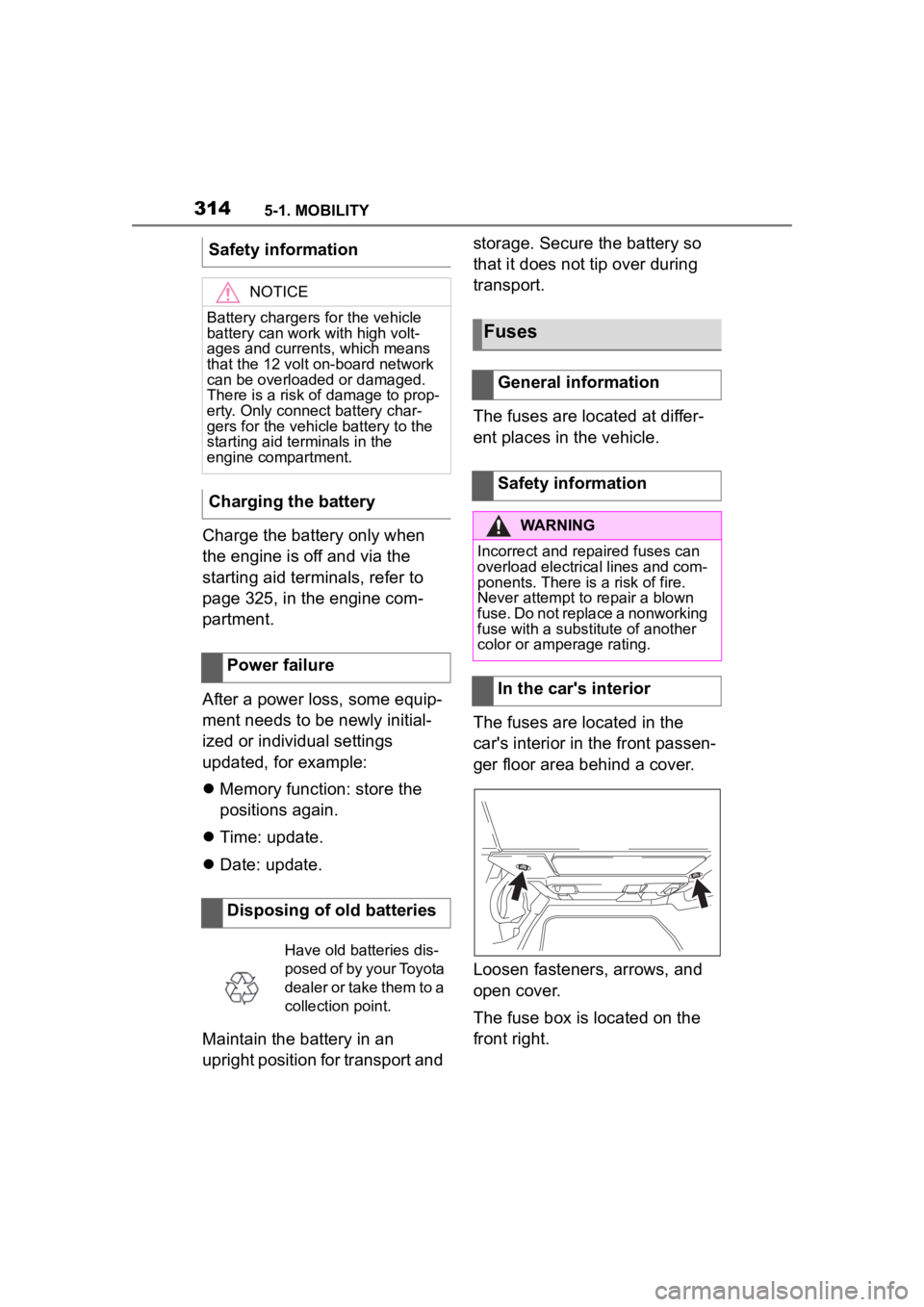
The fuses are located in the
car's interior in the front passen-
ger floor area behind a cover.
Loosen fasteners, arrows, and
open cover.
The fuse box is located on the
front right.
Safety information
NOTICE
Battery chargers for the vehicle
battery can work with high volt-
ages and currents, which means
that the 12 volt on-board network
can be overloaded or damaged.
There is a risk of damage to prop-
erty. Only connect battery char-
gers for the vehi
cle battery to the
starting aid terminals in the
engine compartment.
Charging the battery
Power failure
Disposing of old batteries
Have old batteries dis-
posed of by your Toyota
dealer or take them to a
collection point.
Fuses
General information
Safety information
WARNING
Incorrect and repaired fuses can
overload electrical lines and com-
ponents. There is a risk of fire.
Never attempt to repair a blown
fuse. Do not replace a nonworking
fuse with a substitute of another
color or amperage rating.
In the car's interior
Page 320 of 372
3205-1. MOBILITY
This chapter describes all stan-
dard, country-specific and
optional features offered with
the series. It also describes fea-
tures and functions that are not
necessarily available in your
vehicle, e.g., due to the selected
options or country versions. This
also applies to safety-related
functions and systems. When
using these functions and sys-
tems, the applicable laws and
regulations must be observed.
Telematic Communica-
tion Box, Exterior door
handle electronics
Electric fan, Rear Power
distributor
Engine control
Switching center column,
Light switch element,
Body Domain Controller
Control panels centre
console, Interior light in
the glove box, Interior
light, Interior light in the
sunvisor, Exterior mirror,
Selector lever
Telematic Communica-
tion Box, Exterior door
handle electronics pas-
senger side
Switcher block driver's
door, Exterior mirror
SymbolMeaningBreakdown assistance
Vehicle features and
options
If a malfunction occurs
while driving
WARNING
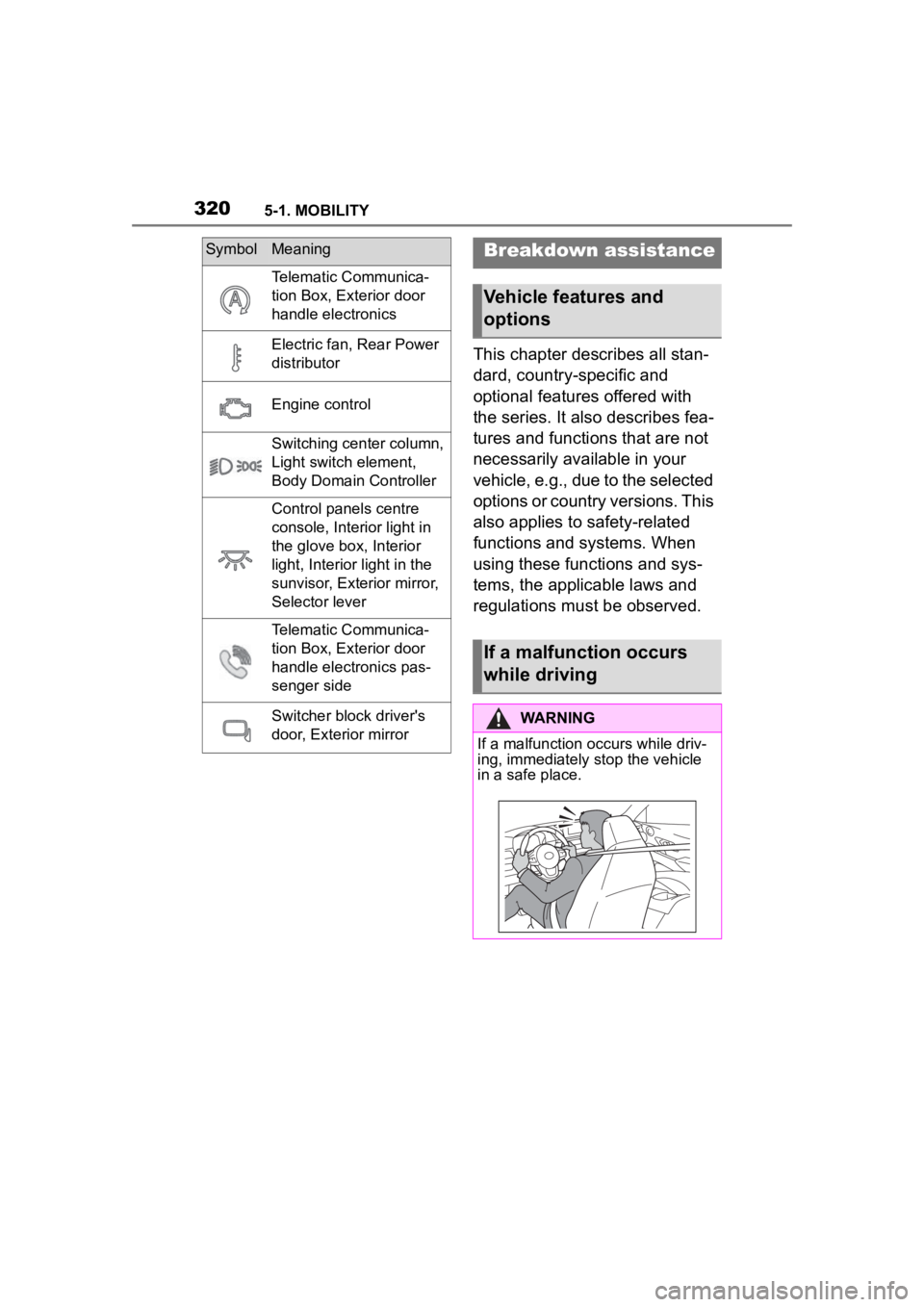
If a malfunction occurs while driv-
ing, immediately stop the vehicle
in a safe place.
Page 321 of 372
3215-1. MOBILITY
5
MOBILITY
WARNING
If a warning light illuminates or
flashes, or a warning message is
displayed, immediately stop the
vehicle in a safe place. Do not
open the hood to inspect the
engine, as doing so may lead to
serious injury, such as steam
burns. If a warning message is
displayed, perform the necessary
procedures according to the dis-
played message or explanation in
the owner
Page 322 of 372
3225-1. MOBILITY
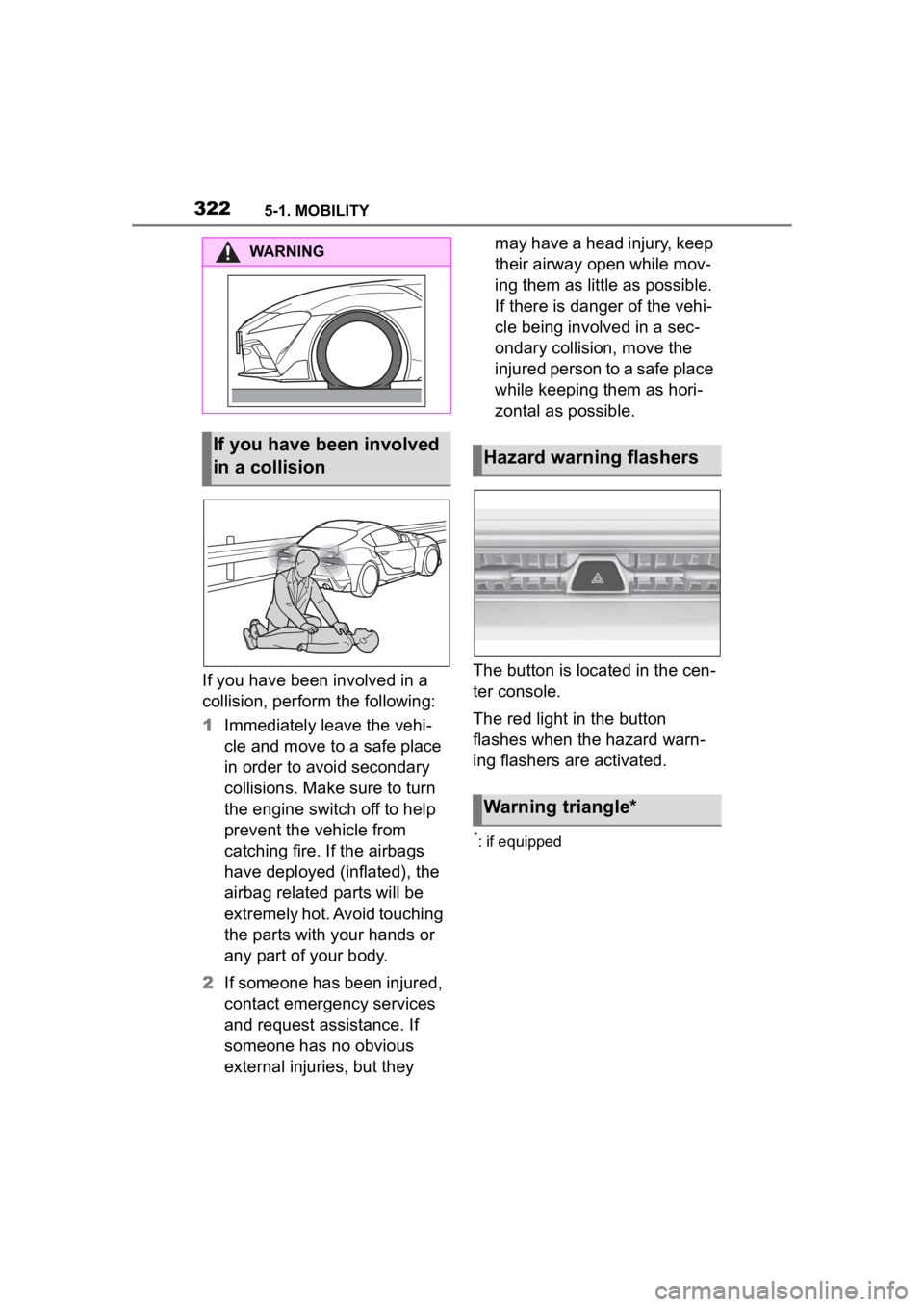
If you have been involved in a
collision, perform the following:
1Immediately leave the vehi-
cle and move to a safe place
in order to avoid secondary
collisions. Make sure to turn
the engine switch off to help
prevent the vehicle from
catching fire. If the airbags
have deployed (inflated), the
airbag related parts will be
extremely hot. Avoid touching
the parts with your hands or
any part of your body.
2 If someone has been injured,
contact emergency services
and request assistance. If
someone has no obvious
external injuries, but they may have a head injury, keep
their airway open while mov-
ing them as little as possible.
If there is danger of the vehi-
cle being involved in a sec-
ondary collision, move the
injured person to a safe place
while keeping them as hori-
zontal as possible.
The button is located in the cen-
ter console.
The red light in the button
flashes when the hazard warn-
ing flashers are activated.
*: if equipped
WARNING
If you have been involved
in a collisionHazard warning flashers
Warning triangle*
Page 325 of 372
3255-1. MOBILITY
5
MOBILITY
gency Call Center may still be able
to hear the occupants of the vehi-
cle.
The Toyota Emergency Call
Center ends the Emergency
call.
If the battery is discharged, the
engine can be started using the
battery of another vehicle and
two jumper cables. Only use
jumper cables with fully insu-
lated clamp handles. 1
Check whether the battery of
the other vehicle has a volt-
age of 12 volts. The voltage
information can be found on
the battery.
2 Switch off the engine of the
assisting vehicle.
3 Switch off any electronic sys-
tems/power consumers in
both vehicles.
The starting aid terminal in the
engine compartment acts as the
positive battery terminal.
A special connection on the
body in the engine compartment
acts as the negative battery ter-
minal.
Additional information:
Overview of engine compart-
ment, refer topage 298.
Open the cover of the positive
battery terminal.
Before you begin, switch off all
unnecessary electronic sys-
tems/power consumers, such as
the radio, on the assisting and
receiving vehicle.
1 Open the cover of the starting
aid terminal.
Jump-starting
General information
Safety information
WARNING
Contact with live components can
lead to an electric shock. There is
a risk of injuries or danger to life.
Do not touch any components
that are under voltage.
WARNING
If the jumper cables are con-
nected in the incorrect order,
sparking may occur. There is a
risk of injury. Pay attention to the
correct order during connection.
NOTICE
In the case of body contact
between the two vehicles, a short
circuit can occur during
jump-starting. There is a risk of
damage to property. Make sure
that no body contact occurs.
Preparation
Starting aid terminals
Connecting the cables