change language TOYOTA SUPRA 2023 Owners Manual
[x] Cancel search | Manufacturer: TOYOTA, Model Year: 2023, Model line: SUPRA, Model: TOYOTA SUPRA 2023Pages: 372, PDF Size: 6.32 MB
Page 49 of 372
493-1. CONTROLS
3
CONTROLS
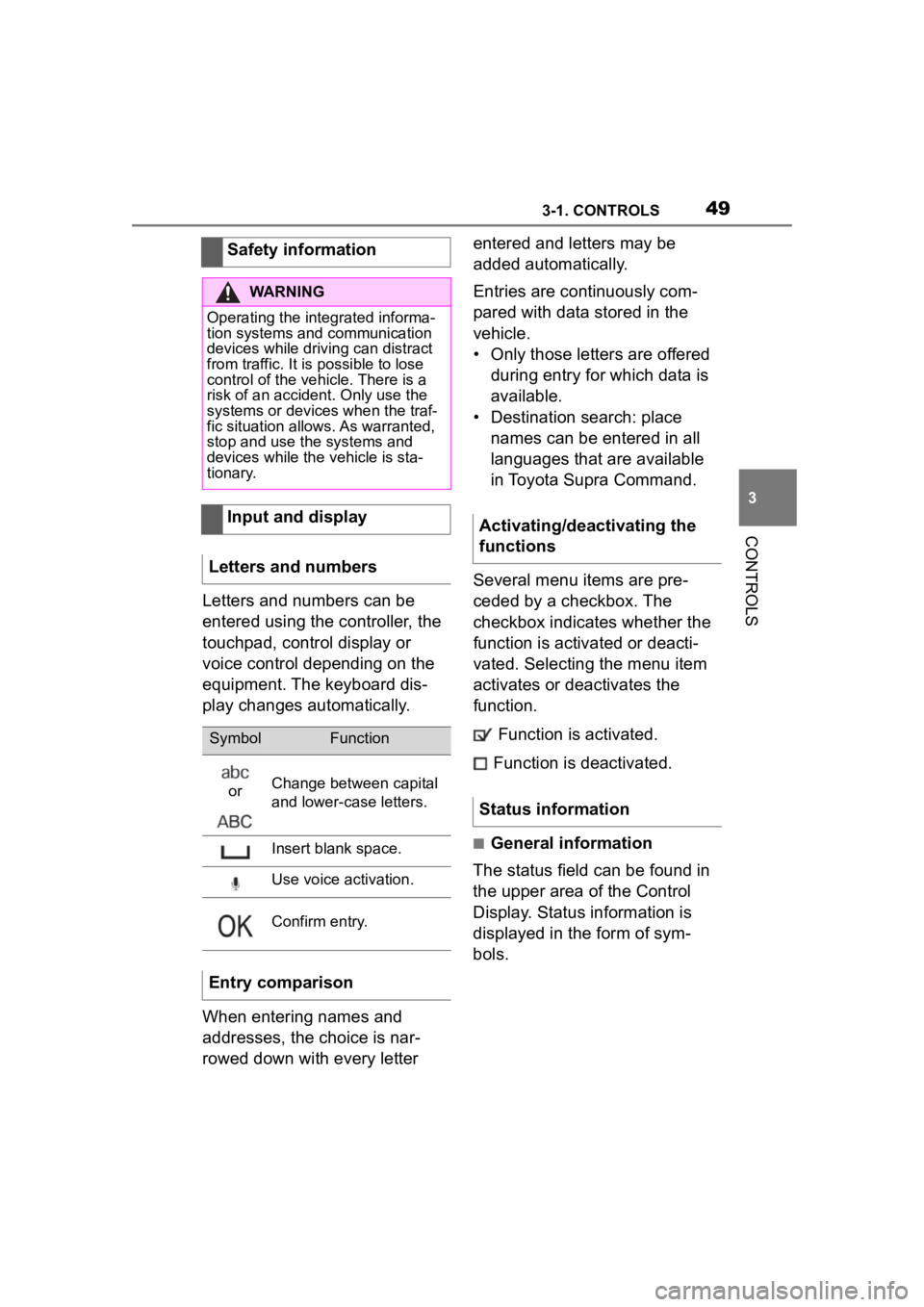
Letters and numbers can be
entered using the controller, the
touchpad, control display or
voice control depending on the
equipment. The keyboard dis-
play changes automatically.
When entering names and
addresses, the choice is nar-
rowed down with every letter entered and letters may be
added automatically.
Entries are continuously com-
pared with data stored in the
vehicle.
• Only those letters are offered
during entry for which data is
available.
• Destination search: place names can be entered in all
languages that are available
in Toyota Supra Command.
Several menu items are pre-
ceded by a checkbox. The
checkbox indicates whether the
function is activated or deacti-
vated. Selecting the menu item
activates or deactivates the
function. Function is activated.
Function is deactivated.
■General information
The status field can be found in
the upper area of the Control
Display. Status information is
displayed in the form of sym-
bols.
Safety information
WARNING
Operating the integrated informa-
tion systems and communication
devices while driving can distract
from traffic. It is possible to lose
control of the vehicle. There is a
risk of an accident. Only use the
systems or devices when the traf-
fic situation allows. As warranted,
stop and use the systems and
devices while the vehicle is sta-
tionary.
Input and display
Letters and numbers
SymbolFunction
orChange between capital
and lower-case letters.
Insert blank space.
Use voice activation.
Confirm entry.
Entry comparison
Activating/deactivating the
functions
Status information
Page 60 of 372
603-1. CONTROLS
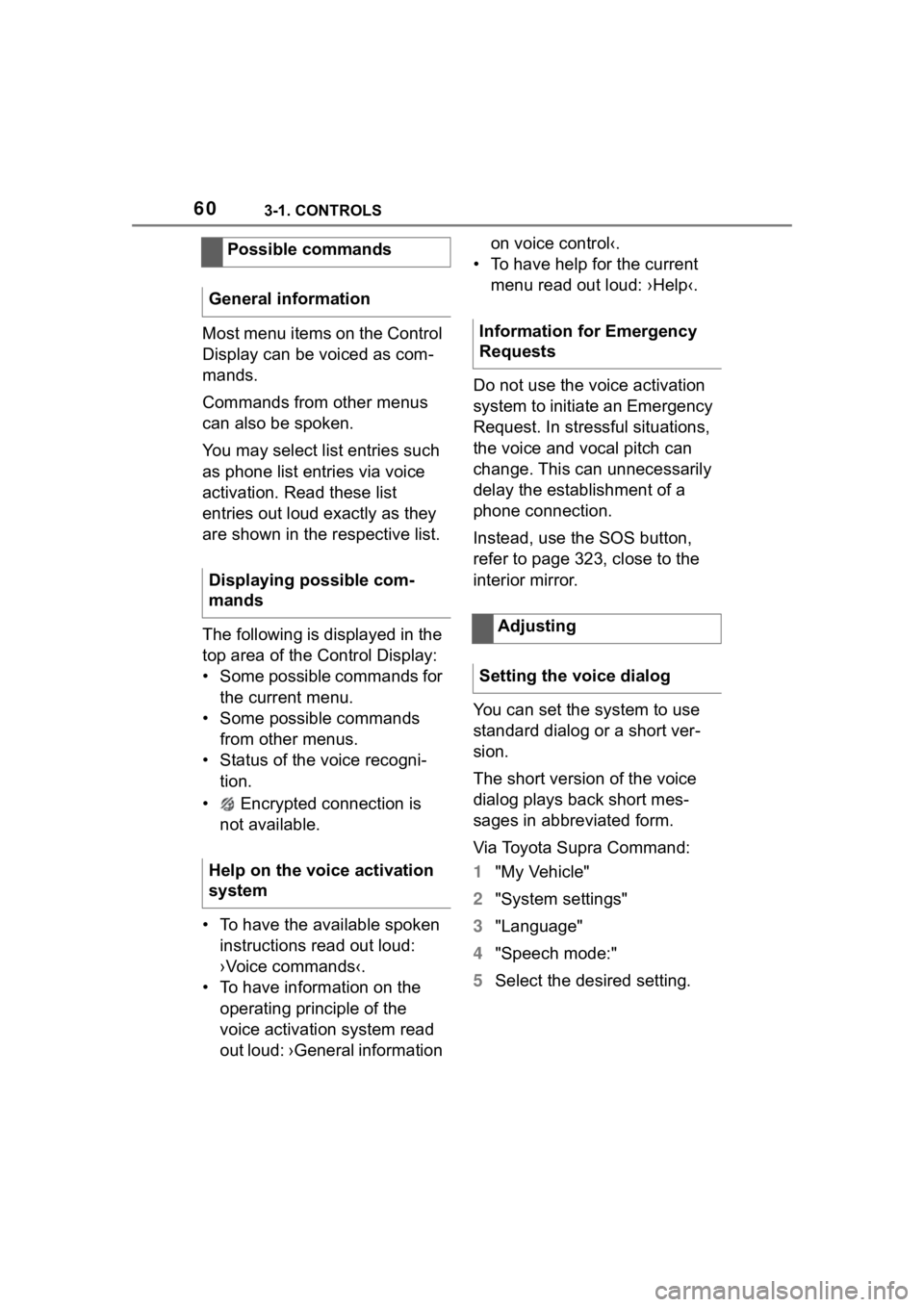
Most menu items on the Control
Display can be voiced as com-
mands.
Commands from other menus
can also be spoken.
You may select list entries such
as phone list entries via voice
activation. Read these list
entries out loud exactly as they
are shown in the respective list.
The following is displayed in the
top area of the Control Display:
• Some possible commands for the current menu.
• Some possible commands from other menus.
• Status of the voice recogni- tion.
• Encrypted connection is not available.
• To have the available spoken instructions read out loud:
›Voice commands‹.
• To have information on the operating principle of the
voice activation system read
out loud: ›General information on voice control‹.
• To have help for the current menu read out loud: ›Help‹.
Do not use the voice activation
system to initiate an Emergency
Request. In stressful situations,
the voice and vocal pitch can
change. This can unnecessarily
delay the establishment of a
phone connection.
Instead, use the SOS button,
refer to page 323, close to the
interior mirror.
You can set the system to use
standard dialog or a short ver-
sion.
The short version of the voice
dialog plays back short mes-
sages in abbreviated form.
Via Toyota Supra Command:
1 "My Vehicle"
2 "System settings"
3 "Language"
4 "Speech mode:"
5 Select the desired setting.
Possible commands
General information
Displaying possible com-
mands
Help on the voice activation
systemInformation for Emergency
Requests
Adjusting
Setting the voice dialog
Page 61 of 372
613-1. CONTROLS
3
CONTROLS
It is possible to answer during
inquiries of the voice activation
system. The function can be
deactivated if inquiries are often
undesirably interrupted, for
instance due to background
noise or talking.
Via Toyota Supra Command:
1"My Vehicle"
2 "System settings"
3 "Language"
4 "Speaking during voice out-
put"
Online speech processing pro-
vides a dictation function, a nat-
ural method of entering
destinations and improves the
quality of voice recognition. To
use the functions, data is trans-
mitted to a service provider via
an encrypted connection and
stored locally there.
Via Toyota Supra Command:
1 "My Vehicle"
2 "System settings"
3 "Language"
4 "Server speech recognition"
Turn the volume button during
the spoken instructions until the desired volume is set.
• The volume remains constant
even if the volume of other
audio sources is changed.
• Certain noises can be detected and may lead to
problems. Keep the doors and
windows closed.
• Noises from the front passen- ger or the rear seat bench can
impair the system. Avoid mak-
ing other noise in the vehicle
while speaking.
• Major language dialects can cause problems with the voice
recognition feature. Speak
loud and clear.
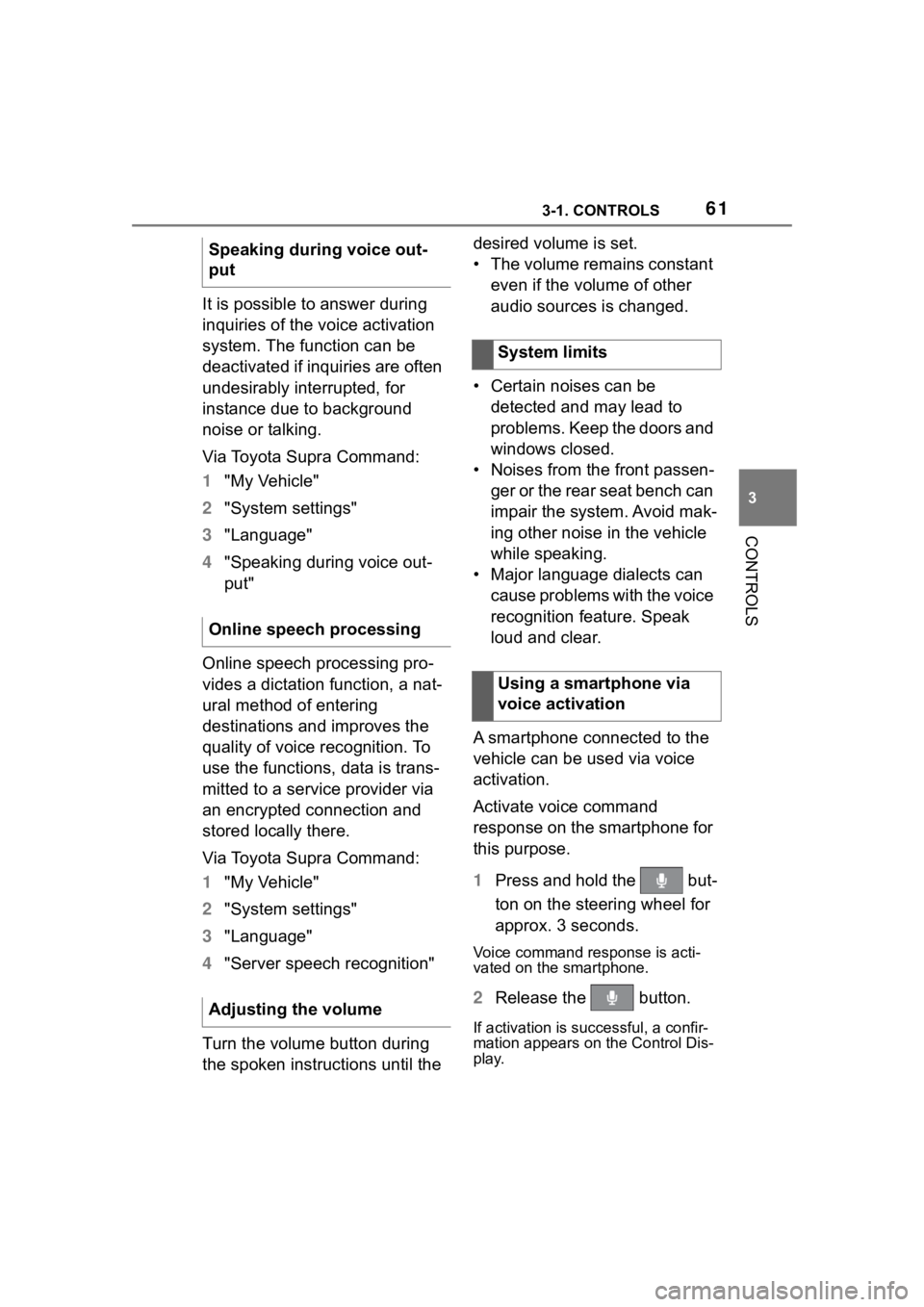
A smartphone connected to the
vehicle can be used via voice
activation.
Activate voice command
response on the smartphone for
this purpose.
1 Press and hold the but-
ton on the steering wheel for
approx. 3 seconds.
Voice command response is acti-
vated on the smartphone.
2Release the button.
If activation is successful, a confir-
mation appears on the Control Dis-
play.
Speaking during voice out-
put
Online speech processing
Adjusting the volume
System limits
Using a smartphone via
voice activation