interior lights TOYOTA SUPRA 2023 Owners Manual
[x] Cancel search | Manufacturer: TOYOTA, Model Year: 2023, Model line: SUPRA, Model: TOYOTA SUPRA 2023Pages: 372, PDF Size: 6.32 MB
Page 2 of 372
2TABLE OF CONTENTS
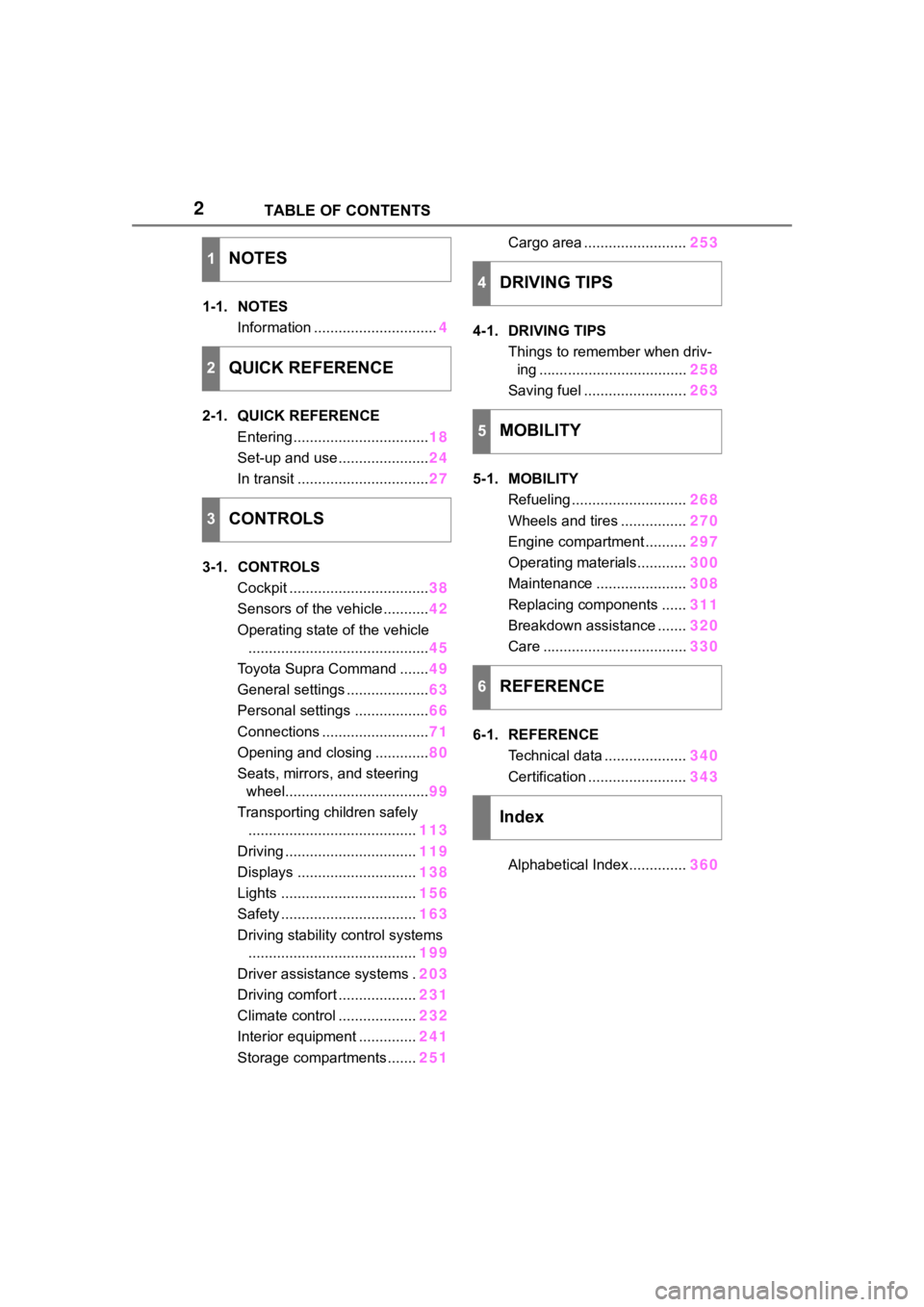
1-1. NOTESInformation .............................. 4
2-1. QUICK REFERENCE Entering ................................. 18
Set-up and use ...................... 24
In transit ................................ 27
3-1. CONTROLS Cockpit .................................. 38
Sensors of the vehicle ........... 42
Operating state of the vehicle ............................................ 45
Toyota Supra Command ....... 49
General settings .................... 63
Personal settings .................. 66
Connections .......................... 71
Opening and closing ............. 80
Seats, mirrors, and steering wheel................................... 99
Transporting children safely ......................................... 113
Driving ................................ 119
Displays ............................. 138
Lights ................................. 156
Safety ................................. 163
Driving stability control systems ......................................... 199
Driver assistance systems . 203
Driving comfort ................... 231
Climate control ................... 232
Interior equipment .............. 241
Storage compartments ....... 251Cargo area .........................
253
4-1. DRIVING TIPS Things to remember when driv-ing .................................... 258
Saving fuel ......................... 263
5-1. MOBILITY Refueling ............................ 268
Wheels and tires ................ 270
Engine compartment .......... 297
Operating materials............ 300
Maintenance ...................... 308
Replacing components ...... 311
Breakdown assistance ....... 320
Care ................................... 330
6-1. REFERENCE Technical data .................... 340
Certification ........................ 343
Alphabetical Index.............. 360
1NOTES
2QUICK REFERENCE
3CONTROLS
4DRIVING TIPS
5MOBILITY
6REFERENCE
Index
Page 37 of 372
37
3
3
CONTROLS
CONTROLS
.3-1. CONTROLSCockpit ........................... 38
Sensors of the vehicle.... 42
Operating state of the vehi- cle................................. 45
Toyota Supra Command ..................................... 49
General settings ............. 63
Personal settings ........... 66
Connections ................... 71
Opening and closing ...... 80
Seats, mirrors, and steering wheel ............................ 99
Transporting children safely .................................. 113
Driving ......................... 119
Displays ...................... 138
Lights .......................... 156
Safety .......................... 163
Driving stabilit y control sys-
tems .......................... 199
Driver assistance systems .................................. 203
Driving comfort ............ 231
Climate control ............ 232
Interior equipment ....... 241
Storage compartments .................................. 251
Cargo area .................. 253
Page 41 of 372
413-1. CONTROLS
3
CONTROLS
9 Parking brake P.123
10 Automatic transmission
selector lever P.131 11
Switch drive-ready
state on/off P.119
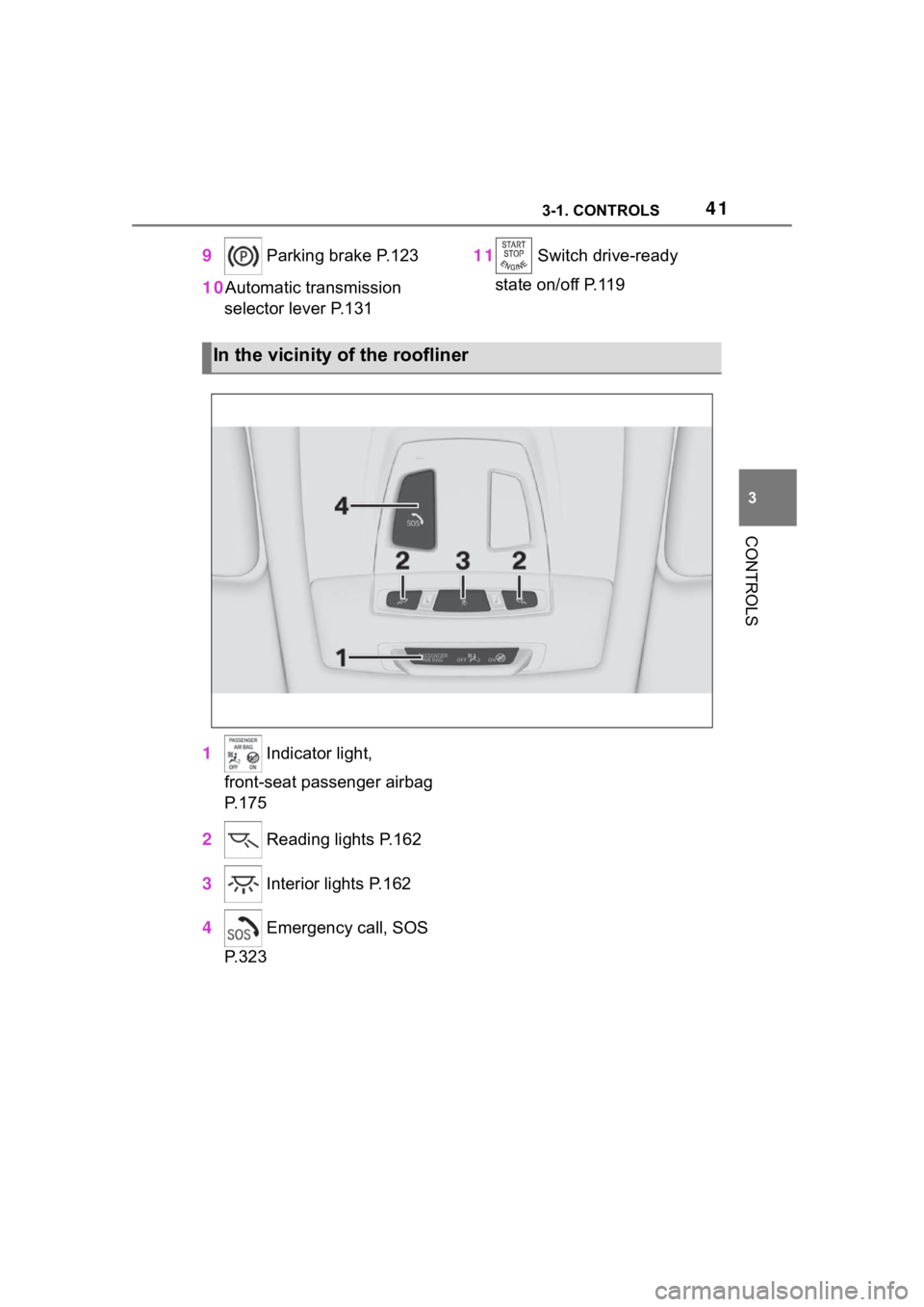
1 Indicator light,
front-seat passenger airbag
P.175
2 Reading lights P.162
3 Interior lights P.162
4 Emergency call, SOS
P.323
In the vicinity of the roofliner
Page 81 of 372
813-1. CONTROLS
3
CONTROLS
when unlocking with the remote
control depends on the following
settings, refer to page 93, for
unlocking and locking:
• If only the driver's door and the fuel filler flap or all access
to the vehicle will be
unlocked.
• If the unlocking of the vehicle is confirmed with a light signal
or a sound signal.
• If the welcome light, refer to page 159, is switched on
when the vehicle is being
unlocked.
• If the exterior mirrors are automatically folded out and
in when the vehicle is
unlocked and locked.
• If the driver's seat is set to the last position saved in the
driver's profile. P.68
If, due to the settings, only the
driver's door and fuel filler flap
were unlocked, press the button
on the remote control again to
unlock the other vehicle access
points.
In addition, the following func-
tions are executed:
• If a driver profile, refer to page 68, was assigned to the
remote control, this driver pro-
file will be activated and the
settings that are stored in it will be applied.
• The interior lights are switched on, unless they were
manually switched off. For
switching the interior lights
on/off manually, refer to page
162.
• Folded in exterior mirrors are folded out.
If the exterior mirrors were folded in
via the button in th e car’s interior,
they will not be folded out when
unlocking.
• With alarm system: The alarm
system, refer to page , will be
switched off.
After opening one of the front
doors, the vehicle is ready for
operation, refer to page 46.
The light functions may depend
on the ambient brightness.
The windows are opened, as
long as the button on the remote
control is pressed.
The behavior of the vehicle
during locking with the remote
control depends on the following
Unlocking the vehicle
Press the button on the
remote control.
Convenient opening
Opening
Press and hold the button
on the remote control.
Locking
General information
Page 82 of 372
823-1. CONTROLS
settings, refer to page 93:
• If the locking of the vehicle is confirmed with a light signal
or a sound signal.
• If the exterior mirrors are automatically folded in when
the vehicle is locked. The
exterior mirrors are not folded
in when the hazard warning
flashers are switched on.
• If the headlight courtesy delay feature is activated during
locking.
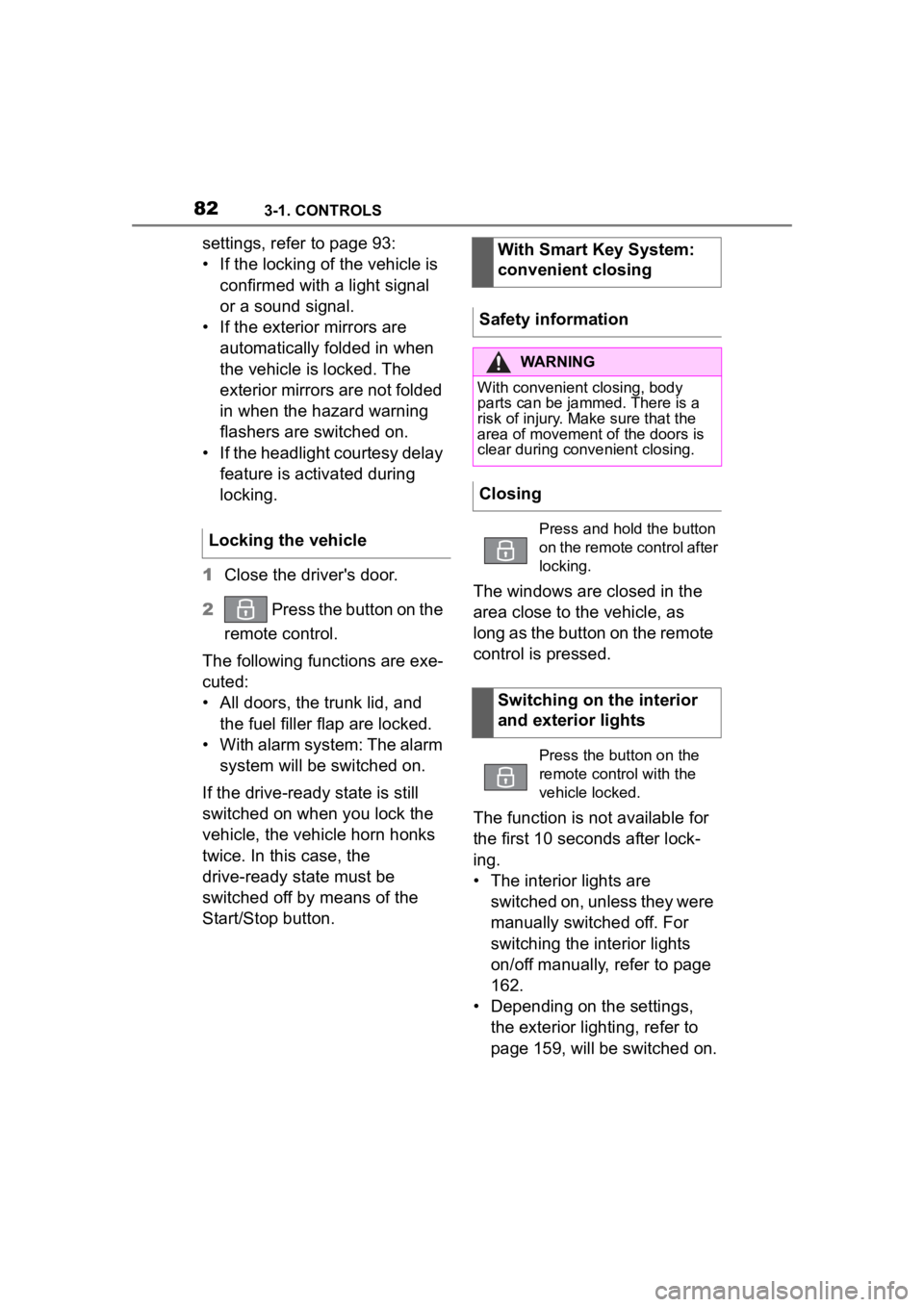
1 Close the driver's door.
2 Press the button on the
remote control.
The following functions are exe-
cuted:
• All doors, the trunk lid, and the fuel filler flap are locked.
• With alarm system: The alarm system will be switched on.
If the drive-ready state is still
switched on when you lock the
vehicle, the vehicle horn honks
twice. In this case, the
drive-ready state must be
switched off by means of the
Start/Stop button. The windows are closed in the
area close to the vehicle, as
long as the button on the remote
control is pressed.
The function is not available for
the first 10 seconds after lock-
ing.
• The interior lights are
switched on, unless they were
manually switched off. For
switching the interior lights
on/off manually, refer to page
162.
• Depending on the settings, the exterior lighting, refer to
page 159, will be switched on.
Locking the vehicleWith Smart Key System:
convenient closing
Safety information
WARNING
With convenient closing, body
parts can be jammed. There is a
risk of injury. Make sure that the
area of movement of the doors is
clear during convenient closing.
Closing
Press and hold the button
on the remote control after
locking.
Switching on the interior
and exterior lights
Press the button on the
remote control with the
vehicle locked.
Page 87 of 372
873-1. CONTROLS
3
CONTROLS
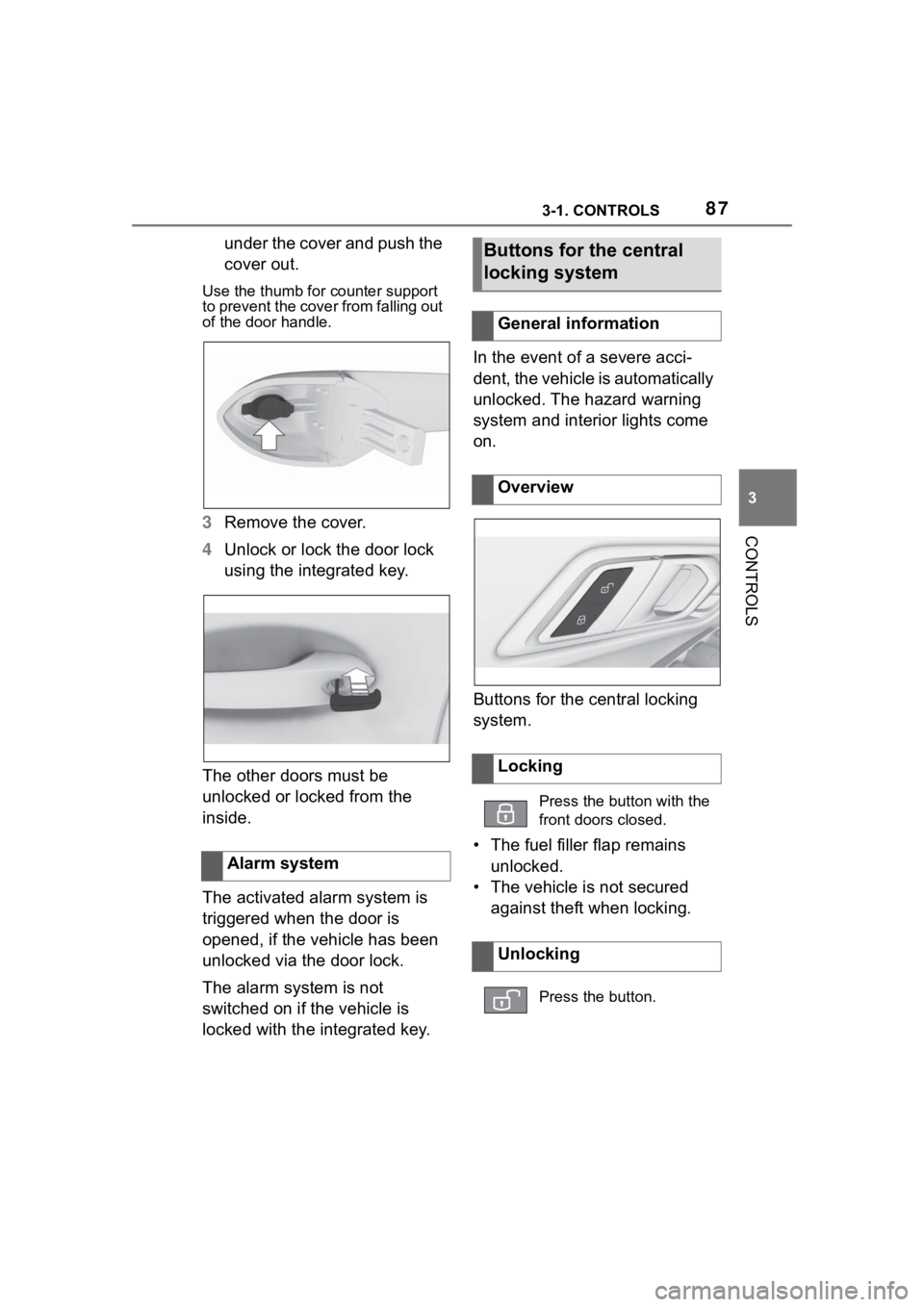
under the cover and push the
cover out.
Use the thumb for counter support
to prevent the cover from falling out
of the door handle.
3 Remove the cover.
4 Unlock or lock the door lock
using the integrated key.
The other doors must be
unlocked or locked from the
inside.
The activated alarm system is
triggered when the door is
opened, if the vehicle has been
unlocked via the door lock.
The alarm system is not
switched on if the vehicle is
locked with the integrated key. In the event of a severe acci-
dent, the vehicle is automatically
unlocked. The hazard warning
system and interior lights come
on.
Buttons for the central locking
system.
• The fuel filler flap remains
unlocked.
• The vehicle is not secured against theft when locking.
Alarm system
Buttons for the central
locking system
General information
Overview
Locking
Press the button with the
front doors closed.
Unlocking
Press the button.
Page 91 of 372
913-1. CONTROLS
3
CONTROLS
Grasp the handle of a vehicle
door completely.
In addition, the following func-
tions are executed:
• If a driver profile was assigned to the vehicle key,
this driver profile will be acti-
vated and the settings that
are stored in it will be applied.
• The interior lights are switched on, unless they were
manually switched off.
• Folded in exterior mirrors are folded out.
If the exterior mirrors were folded in
via the button in the car’s interior,
they will not be f olded out when
unlocking.
• With alarm system: The alarm
system will be switched off.
The behavior of the vehicle
during locking via the Smart Key
System depends on the follow-
ing settings, refer to page 93: • If the locking of the vehicle is
confirmed with a light signal
or a sound signal.
• If the exterior mirrors are automatically folded in when
the vehicle is locked. The
exterior mirrors are not folded
in when the hazard warning
flashers are switched on.
• If the headlight courtesy delay feature is activated during
locking.
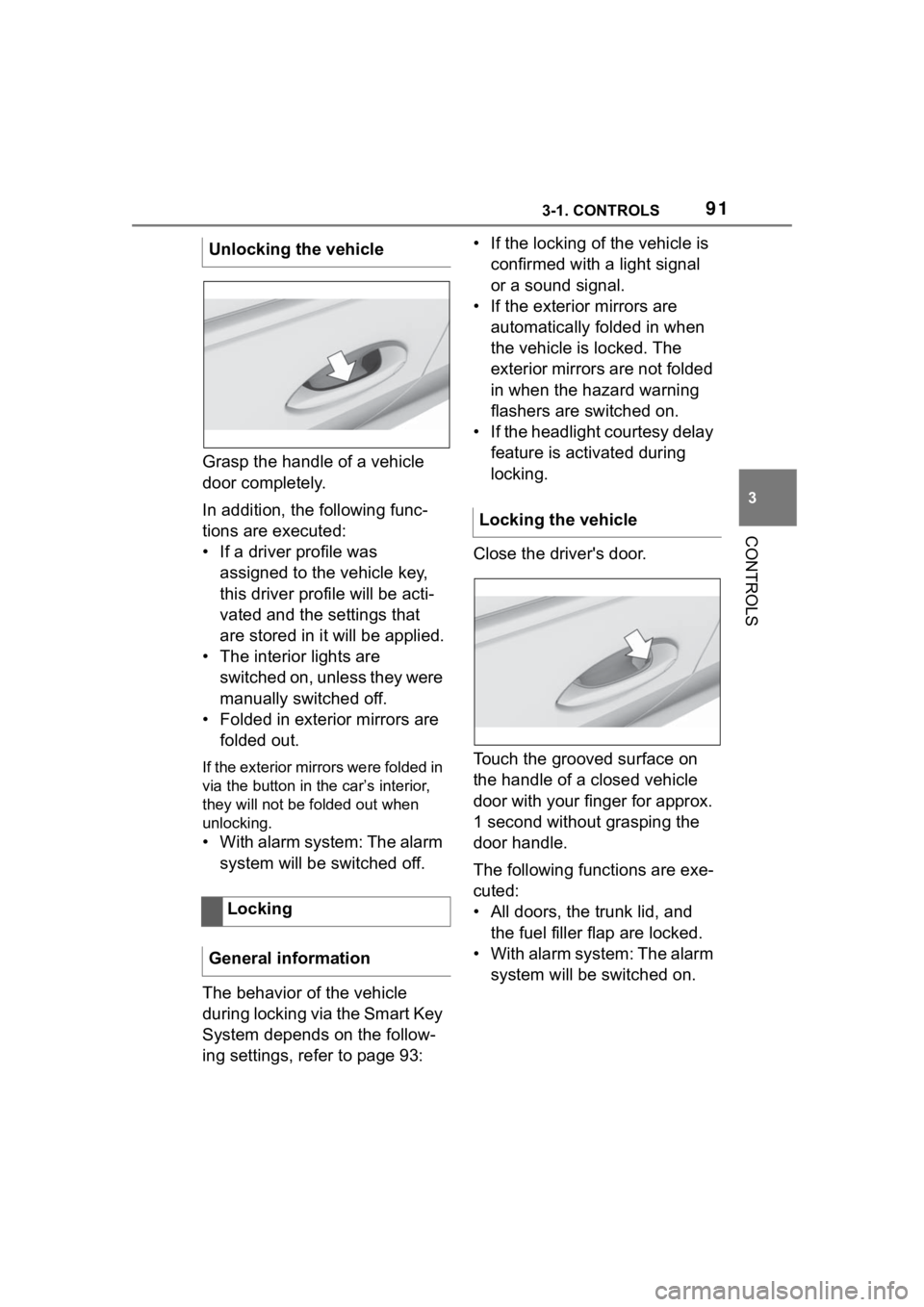
Close the driver's door.
Touch the grooved surface on
the handle of a closed vehicle
door with your finger for approx.
1 second without grasping the
door handle.
The following functions are exe-
cuted:
• All doors, the trunk lid, and the fuel filler flap are locked.
• With alarm system: The alarm system will be switched on.
Unlocking the vehicle
Locking
General information
Locking the vehicle
Page 97 of 372
973-1. CONTROLS
3
CONTROLS
motion sensor can trigger an
alarm, although no unauthorized
action occurred.
Possible situations for an
unwanted alarm:
• In automatic vehicle washes.
• In duplex garages.
• During transport on trains car-rying vehicles, at sea or on a
trailer.
• With animals in the vehicle.
• When the vehicle is locked after start of fueling.
The tilt alarm sensor and the
interior motion sensor can be
switched off in such situations.
The indicator light lights up for
approx. 2 seconds and then
continues to flash.
The tilt alarm sensor and interior
motion sensor are switched off
until the vehicle is locked again.
• Unlock the vehicle with the remote control.
• Unlock the vehicle with the integrated key and activate
the drive-ready state via
emergency detection of the vehicle key, refer to page 85.
• With Smart Key System: when carrying the vehicle key,
grasp the driver’s door or front
passenger door handle com-
pletely.
The windows can be opened
with the vehicle key from the
outside as well as closed with
Smart Key System.
Additional information: Vehicle
key, refer to page 80.
Switching off the tilt alarm
sensor and interior motion
sensor
Press the button on the
remote control within 10
seconds as soon as the
vehicle is locked.
Switching off the alarm
Power windows
General information
Safety information
WARNING
When operating the windows,
body parts and objects can be
jammed. There is a risk of injury
or risk of damage to property.
Make sure that the area of move-
ment of the windows is clear
during opening and closing.
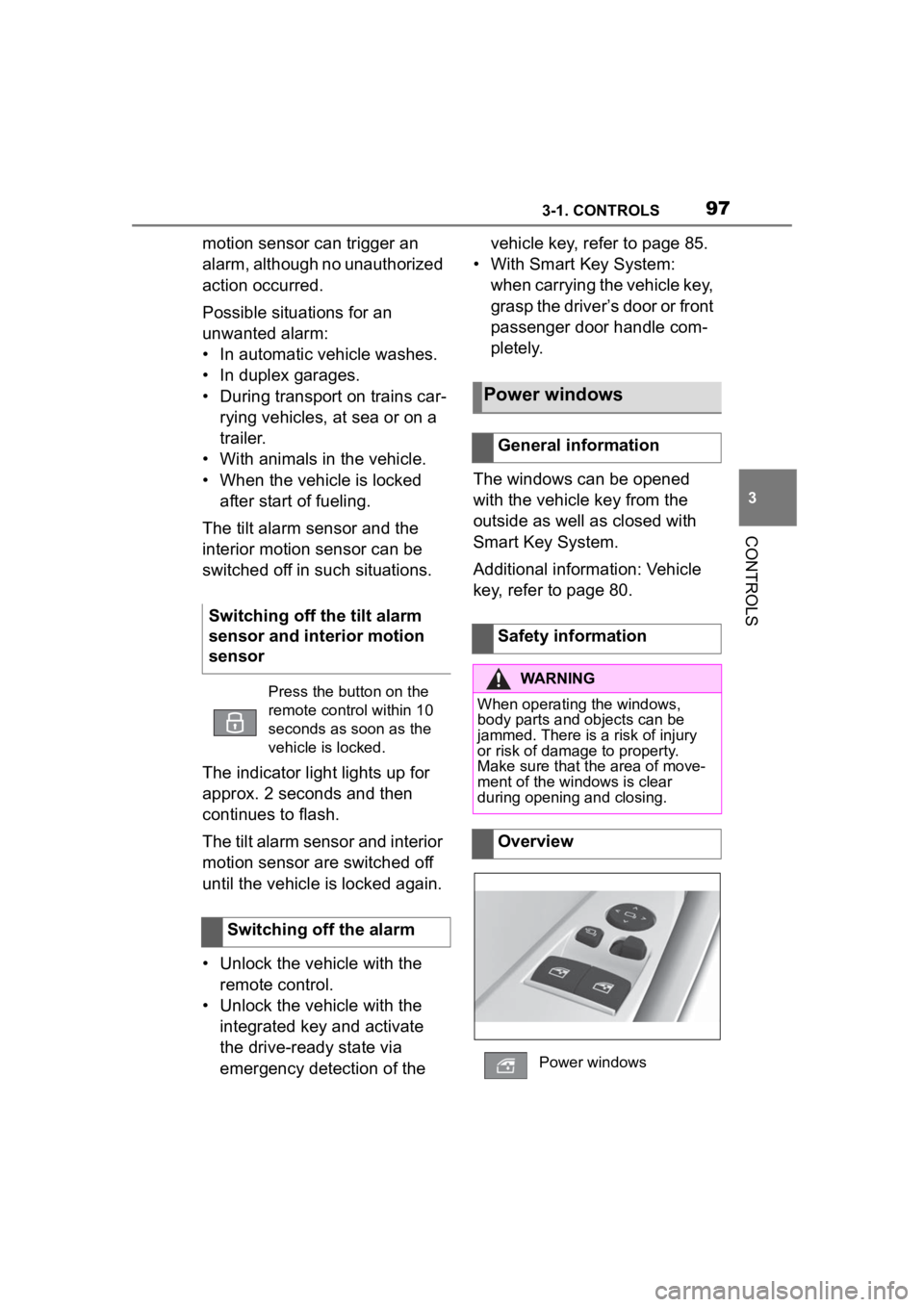
Overview
Power windows
Page 121 of 372
1213-1. CONTROLS
3
CONTROLS
required level.
Where there is a risk of win-
dow condensation when the
automatic air conditioning is
switched on.
Engine or other parts not at
operating temperature.
Engine cooling is required.
The wheels are at a sharp
angle or the steering wheel is
being turned.
Vehicle battery is heavily dis-
charged.
At higher elevations.
The hood is unlocked.
The parking assistant is acti-
vated.
Stop-and-go traffic.
Selector lever position in N or
R.
After driving in reverse.
Use of fuel with high ethanol
content.
Manual transmission
The engine starts automatically
under the following precondi-
tions:
By releasing th e clutch pedal.
Automatic transmission
The engine starts automatically under the following precondi-
tions:
By releasing the brake pedal.
After the engine starts, acceler-
ate as usual.
After the engine switches off
automatically, it will not start
again automatically if any one of
the following conditions are met:
The driver's safety belt is
unbuckled and the driver's
door is open.
The hood was unlocked.
Some indicator lights light up for
a varied length of time.
The engine can only be started
via the Start/Stop button.
Even if driving off was not
intended, the deactivated
engine starts up automatically in
the following situations:
Excessive warming of the
car's interior when the air con-
ditioning is switched on.
Excessive cooling of the car's
interior when the heating is
switched on.
Where there is a risk of win-
dow condensation when the
Starting the engine
Functional requirements
Driving off
Safety mode
System limits
Page 162 of 372
1623-1. CONTROLS
mal crossings.
In tight curves, on hilltops or
in depressions, in crossing
traffic or half-obscured
oncoming traffic on highways.
In poorly-lit towns and cities
or in the presence of highly
reflective signs.
When the windshield in front
of the interior mirror is fogged
over, dirty or covered with
stickers, etc.
The parking lights or low beams
must be switched on to adjust
the brightness.
Depending on the equipment
version, interior lights, footwell
lights and door entry lighting are
automatically controlled. To switch off permanently: press
the button and hold for approx. 3
seconds.
Instrument lighting
Functional requirement
Settings
Adjust the brightness
with the thumbwheel.
Interior lights
General information
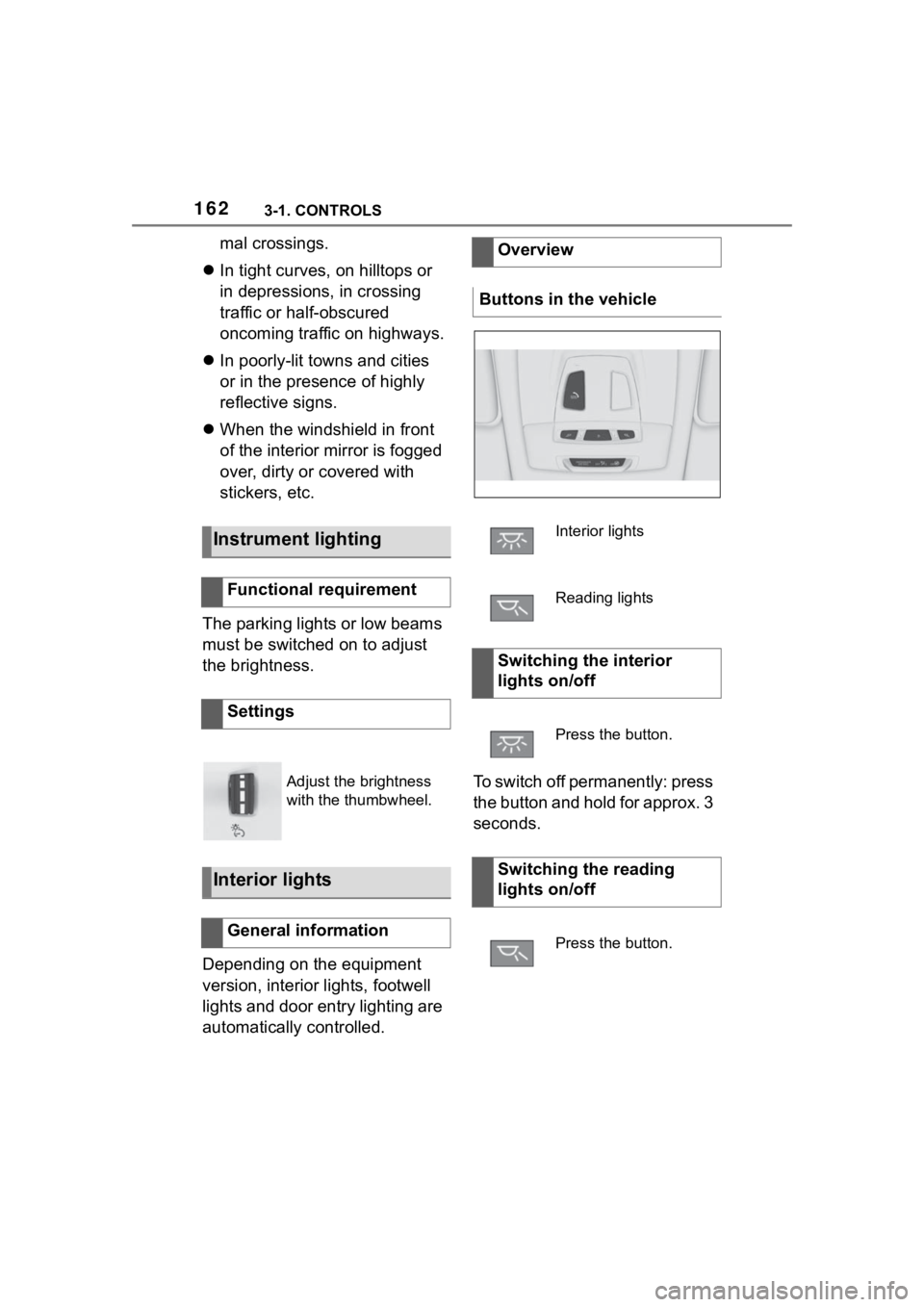
Overview
Buttons in the vehicle
Interior lights
Reading lights
Switching the interior
lights on/off
Press the button.
Switching the reading
lights on/off
Press the button.