ad blue TOYOTA VENZA 2010 (in English) Owner's Manual
[x] Cancel search | Manufacturer: TOYOTA, Model Year: 2010, Model line: VENZA, Model: TOYOTA VENZA 2010Pages: 664, PDF Size: 11.44 MB
Page 349 of 664
349
3-3. Using the Bluetooth
® audio system
3
Interior features
VENZA_U (OM73007U)
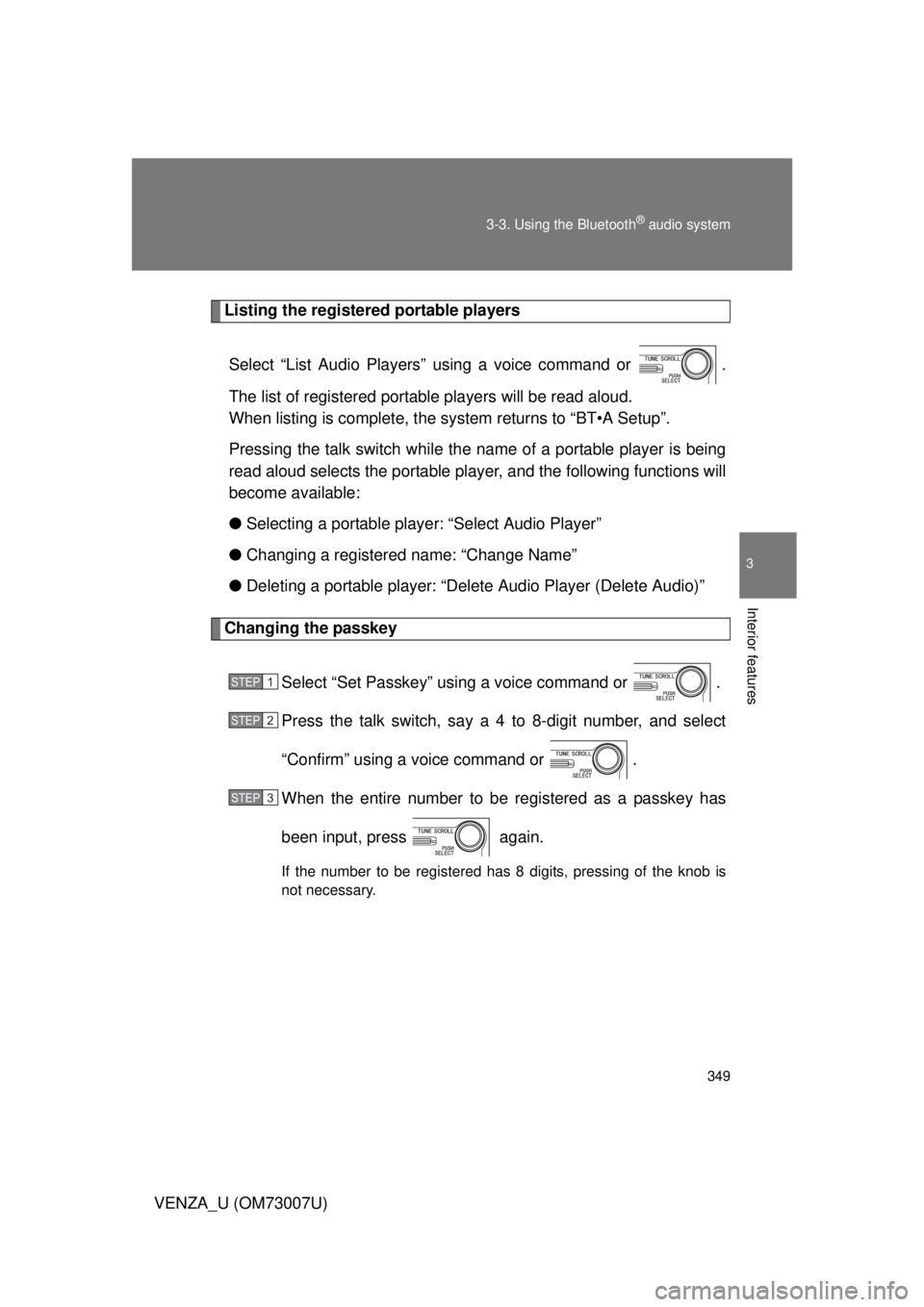
Listing the registered portable players
Select “List Audio Players” using a voice command or .
The list of registered portable players will be read aloud.
When listing is complete, the sy stem returns to “BT•A Setup”.
Pressing the talk switch while the name of a portable player is being
read aloud selects the portable player, and the following functions will
become available:
● Selecting a portable player: “Select Audio Player”
● Changing a registered name: “Change Name”
● Deleting a portable player: “Del ete Audio Player (Delete Audio)”
Changing the passkey
Select “Set Passkey” using a voice command or .
Press the talk switch, say a 4 to 8-digit number, and select
“Confirm” using a voice command or .
When the entire number to be registered as a passkey has
been input, press again.
If the number to be registered has 8 digits, pressing of the knob is
not necessary.
STEP1
STEP2
STEP3
Page 350 of 664
350 3-3. Using the Bluetooth
® audio system
VENZA_U (OM73007U)
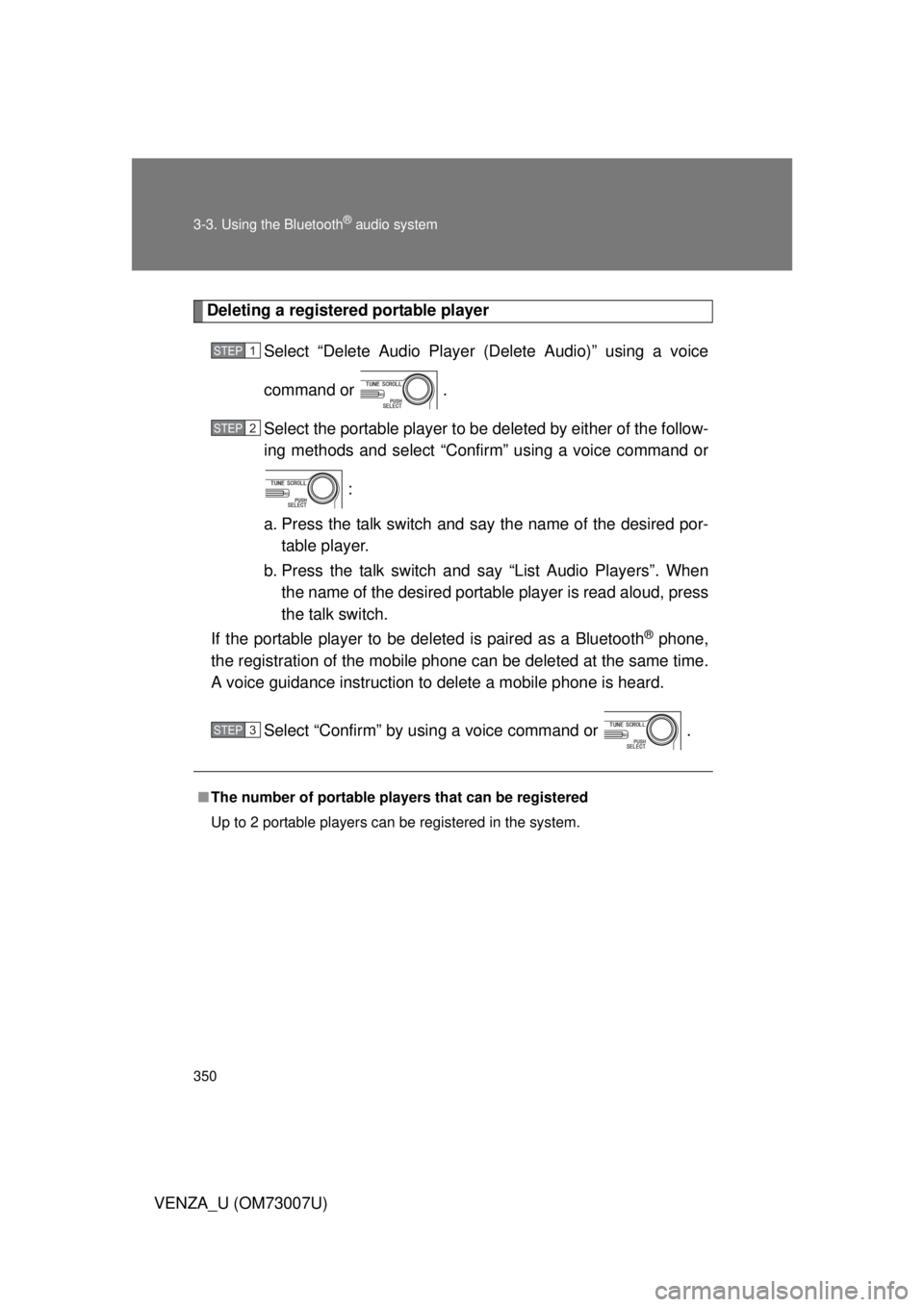
Deleting a registered portable playerSelect “Delete Audio Player (Delete Audio)” using a voice
command or .
Select the portable player to be deleted by either of the follow-
ing methods and select “Confirm” using a voice command or
:
a. Press the talk switch and say the name of the desired por- table player.
b. Press the talk switch and say “List Audio Players”. When
the name of the desired portable player is read aloud, press
the talk switch.
If the portable player to be deleted is paired as a Bluetooth
® phone,
the registration of the mobile phone can be deleted at the same time.
A voice guidance instruction to delete a mobile phone is heard.
Select “Confirm” by using a voice command or .
■The number of portable pl ayers that can be registered
Up to 2 portable players can be registered in the system.
STEP1
STEP2
STEP3
Page 351 of 664
351
3-3. Using the Bluetooth® audio system
3
Interior features
VENZA_U (OM73007U)
Bluetooth® audio system setup
: If equipped
■System setup items and operation procedures
P. 412
Page 387 of 664
387
3
Interior features
VENZA_U (OM73007U)
3-5. Using the hands-free system (for cellular phone)
Hands-free system (for cellular phone)
: If equipped
■Conditions aff ecting operation
The hands-free phone system may not operate normally in the following situ-
ations:
● The cellular phone is turned off, or located outside the service area.
● The cellular phone has a low battery.
● The cellular phone is not connected to the system.
● The cellular phone is behind the seat or in the glove box, or metal mate-
rial covers or touches the phone.
■ When transferring ownership of the vehicle
Be sure to initialize the system to prevent the personal data from being
improperly accessed.
This system supports Bluetooth®, which allows you to make or
receive calls without using cables to connect a cellular phone and
the system, and without oper ating the cellular phone.
With navigation system
Owners of models equipped with a navigation system should
refer to the “Navigation System Owner’s Manual”.
Without navig ation system
TitlePage
Using the hands-free systemP. 390
Making a phone callP. 399
Setting a cellular phoneP. 405
Security and system setupP. 412
Using the phone bookP. 417
Page 388 of 664
388 3-5. Using the hands-free system (for cellular phone)
VENZA_U (OM73007U)
■About Bluetooth®
■Compatible models
Compatible with HFP (Hands Free Profile) Ver. 1.0 and OPP (Object Push
Profile) Ver. 1.1.
If your cellular phone does not support HFP, you cannot enter the Bluetooth
®
phone, and take OPP service individually.
■ Certification for the hands-free system
FCC ID: ACJ932C5ZZZ035
IC ID: 216J-C5ZZZ035
MADE IN MEXICO
This device complies with Part 15 of the FCC Rules and RSS-210 Rules.
Operation is subject to the following two conditions: (1) this device may not
cause harmful interference, and (2) this device must accept any interference
received, including interference that may cause undesired operation.
Bluetooth is a registered trademark of
Bluetooth SIG. Inc.
Page 389 of 664
389
3-5. Using the hands-free
system (for cellular phone)
3
Interior features
VENZA_U (OM73007U)
CAUTION
■FCC WARNING
Changes or modifications in construction not expressly approved by the
party responsible for compliance could void the user’s authority to operate
the equipment.
Radio frequency exposure. This device is approved for Mobile Application
only and, to comply with applicable FCC radio frequency exposure regula-
tions, must be used with a distance of at least 7.9 in. (20 cm) between the
antenna and the body of any person at all time during use.
■ While driving
Do not use a cellular phone, or connect the Bluetooth
® phone.
NOTICE
■To prevent damage to a cellular phone
Do not leave a cellular phone in the vehicle. The temperature inside may
become high resulting in damage to the phone.
Page 390 of 664
390
3-5. Using the hands-free system (for cellular phone)
VENZA_U (OM73007U)
Using the hands-free system
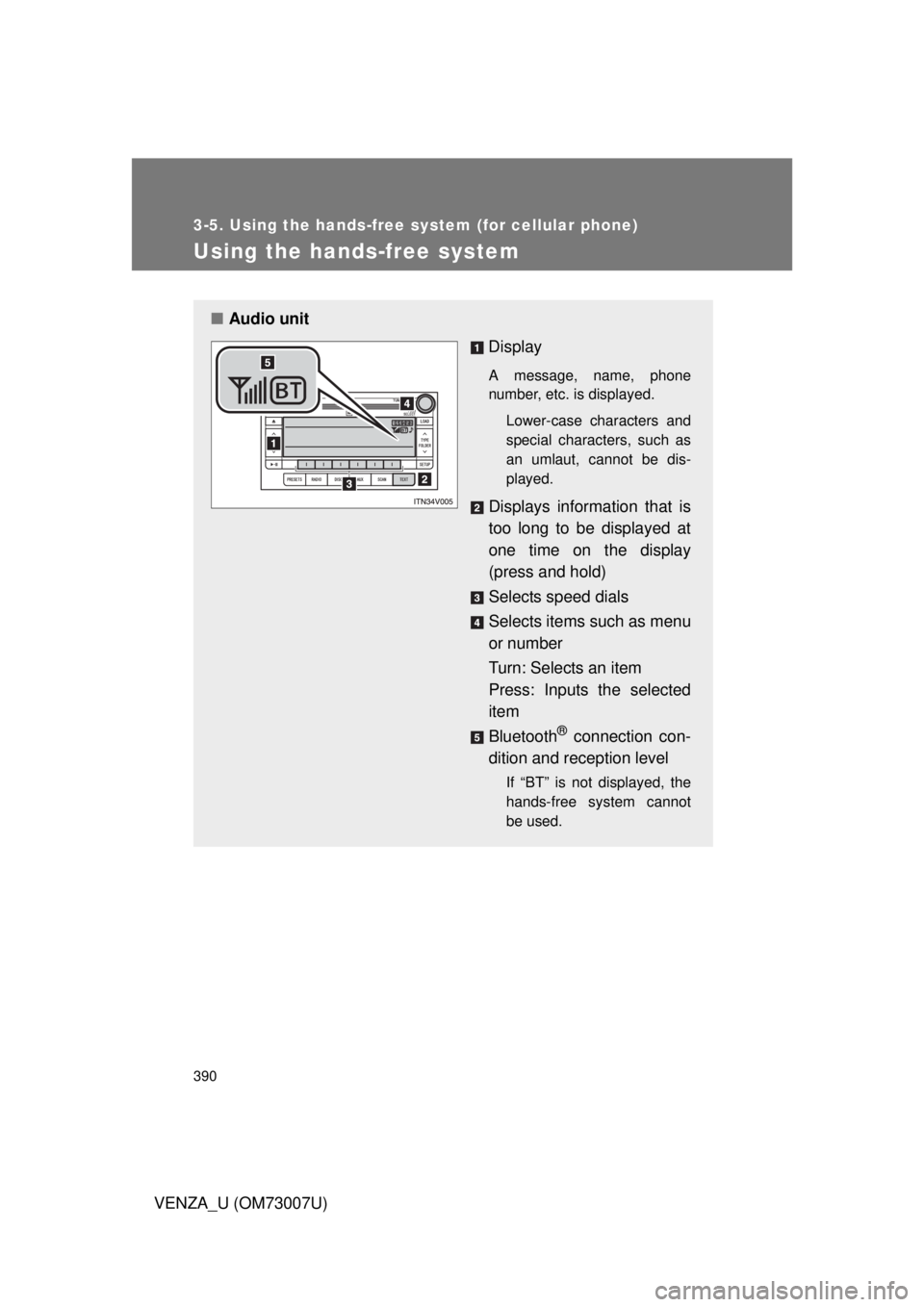
■Audio unit
Display
A message, name, phone
number, etc. is displayed.
Lower-case characters and
special characters, such as
an umlaut, cannot be dis-
played.
Displays information that is
too long to be displayed at
one time on the display
(press and hold)
Selects speed dials
Selects items such as menu
or number
Turn: Selects an item
Press: Inputs the selected
item
Bluetooth
® connection con-
dition and reception level
If “BT” is not displayed, the
hands-free system cannot
be used.
Page 394 of 664
394 3-5. Using the hands-free system (for cellular phone)
VENZA_U (OM73007U)Registration to the hands-free phone system only
Select “Phone Only” using a voice command or .
Registration to the hands-free phone system and Bluetooth
® audio
system at the same time
Select “Internal Audio (Int. Audio)” using a voice command or
.
Select “Confirm” by using a voice command or .
A passkey is displayed and heard, and a voice guidance instruction
for inputting the passkey into the cellular phone is heard. Input the passkey into the cellular phone.
Refer to the manual that comes with the cellular phone for the oper-
ation of the phone.
Guidance for registration completion is heard.
STEP5
STEP5
STEP6
STEP7
Page 412 of 664
412
3-5. Using the hands-free system (for cellular phone)
VENZA_U (OM73007U)
Security and system setup
To enter the menu of each setting, follow the steps below:
■Security setting items and operation procedure
● Setting or changing t he PIN (Personal Identification Number)
1. “Setup” 2. “Security” 3. “Set PIN”
● Locking the phone book
1. “Setup” 2. “Security” 3. “Phonebook Lock”
● Unlocking the phone book
1. “Setup” 2. “Security” 3. “Phonebook Unlock”
■ System setup items and operation procedure
●Setting voice guidance volume
1. “Setup” 2. “System Setup” 3. “Guidance Volume”
● Displaying the Bluetooth
® device address and name
1. “Setup” 2. “System Setup” 3. “Device name”
● Initialization
1. “Setup” 2. “System Setup” 3. “Initialize”
can only be used for system setup operation.
Page 415 of 664
415
3-5. Using the hands-free
system (for cellular phone)
3
Interior features
VENZA_U (OM73007U)
Displaying the Bluetooth® device address and name
Select “Device Name” using .
Turn to display the Bluetooth
® device address
and name.
Select “Go Back” using to return to “System
Setup”.
Initialization
Select “Initialize” and then “Confirm” by using .
Select “Confirm” by using .
STEP1
STEP2
STEP3
STEP1
STEP2