TOYOTA VERSO 2014 Service Manual
VERSO 2014
TOYOTA
TOYOTA
https://www.carmanualsonline.info/img/14/60779/w960_60779-0.png
TOYOTA VERSO 2014 Service Manual
Page 67 of 650
67 1-2. Opening, closing and locking the doors
1
Before driving
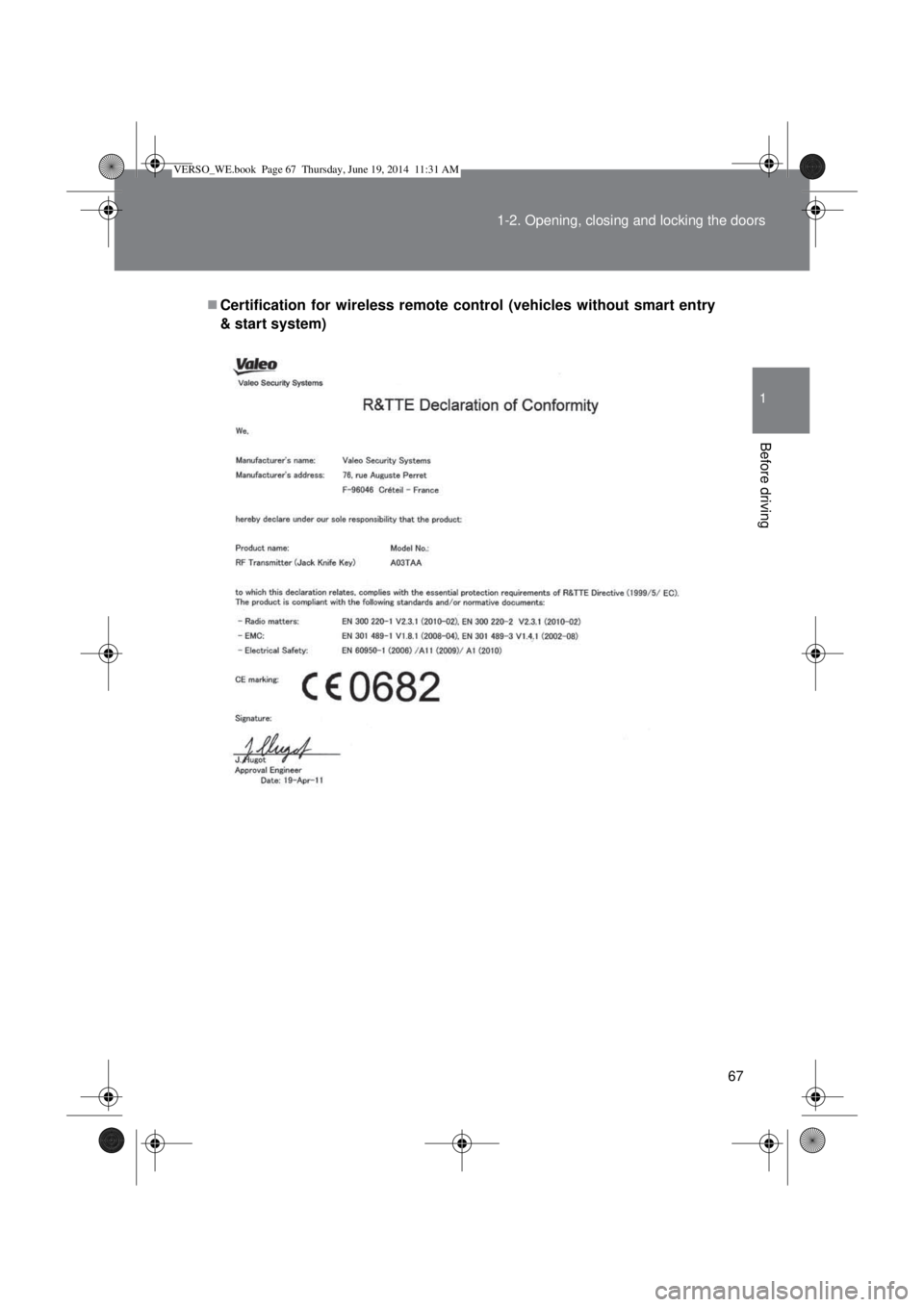
Certification for wireless remote control (vehicles without smart entry
& start system)
VERSO_WE.book Page 67 Thursday, June 19, 2014 11:31 AM
Page 68 of 650
68 1-2. Opening, closing and locking the doors
VERSO_WE.book Page 68 Thursday, June 19, 2014 11:31 AM
Page 69 of 650
69 1-2. Opening, closing and locking the doors
1
Before driving
VERSO_WE.book Page 69 Thursday, June 19, 2014 11:31 AM
Page 70 of 650
70 1-2. Opening, closing and locking the doors
VERSO_WE.book Page 70 Thursday, June 19, 2014 11:31 AM
Page 71 of 650
71 1-2. Opening, closing and locking the doors
1
Before driving
VERSO_WE.book Page 71 Thursday, June 19, 2014 11:31 AM
Page 72 of 650
72 1-2. Opening, closing and locking the doors
VERSO_WE.book Page 72 Thursday, June 19, 2014 11:31 AM
Page 73 of 650
73
1
1-2. Opening, closing and locking the doors
Before driving
Side doors
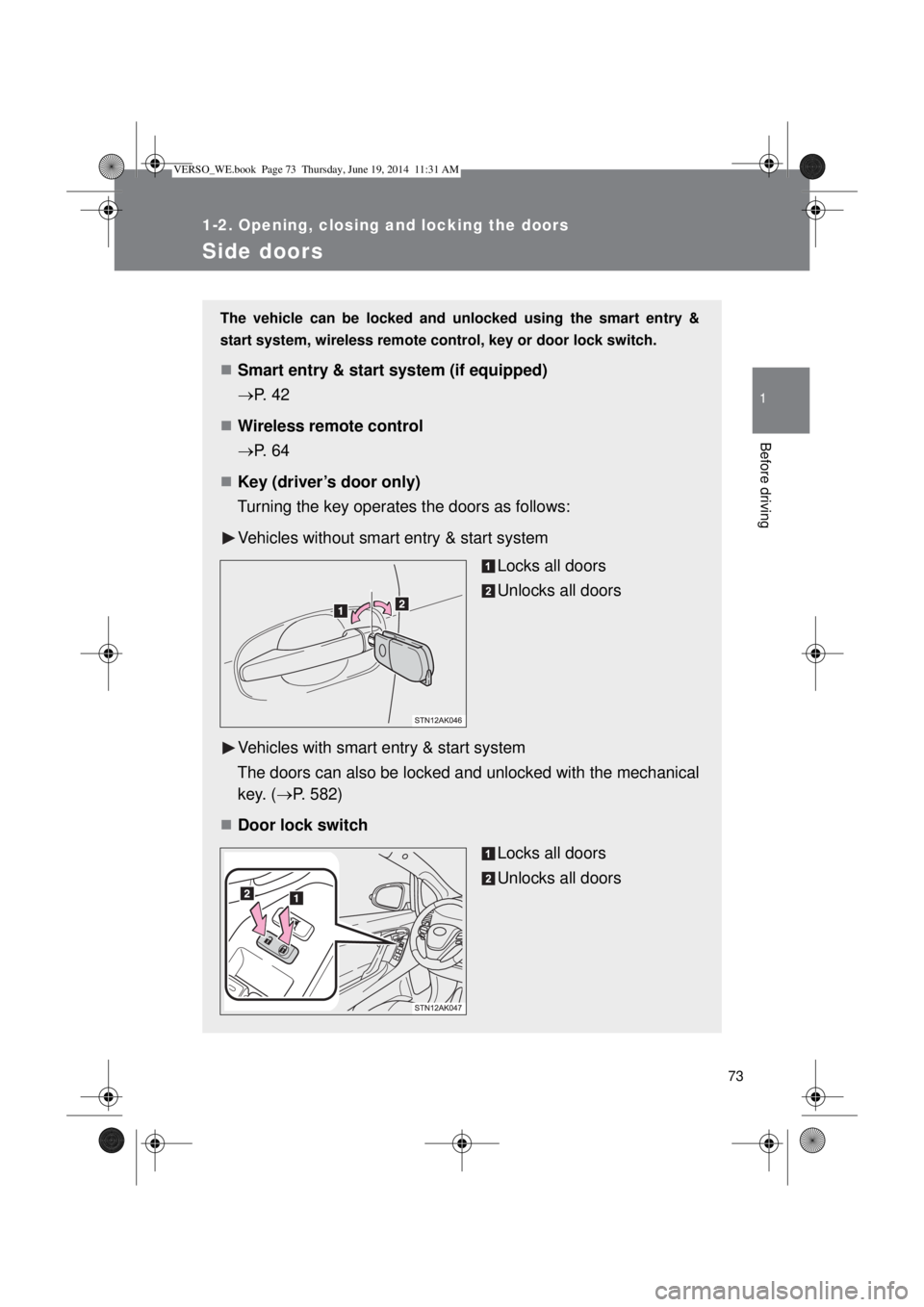
The vehicle can be locked and unlocked using the smart entry &
start system, wireless remote control, key or door lock switch.
Smart entry & start system (if equipped)
P. 42
Wireless remote control
P. 64
Key (driver’s door only)
Turning the key operates the doors as follows:
Vehicles without smart entry & start system
Locks all doors
Unlocks all doors
Vehicles with smart entry & start system
The doors can also be locked and unlocked with the mechanical
key. (P. 582)
Door lock switch
Locks all doors
Unlocks all doors
VERSO_WE.book Page 73 Thursday, June 19, 2014 11:31 AM
Page 74 of 650
74 1-2. Opening, closing and locking the doors
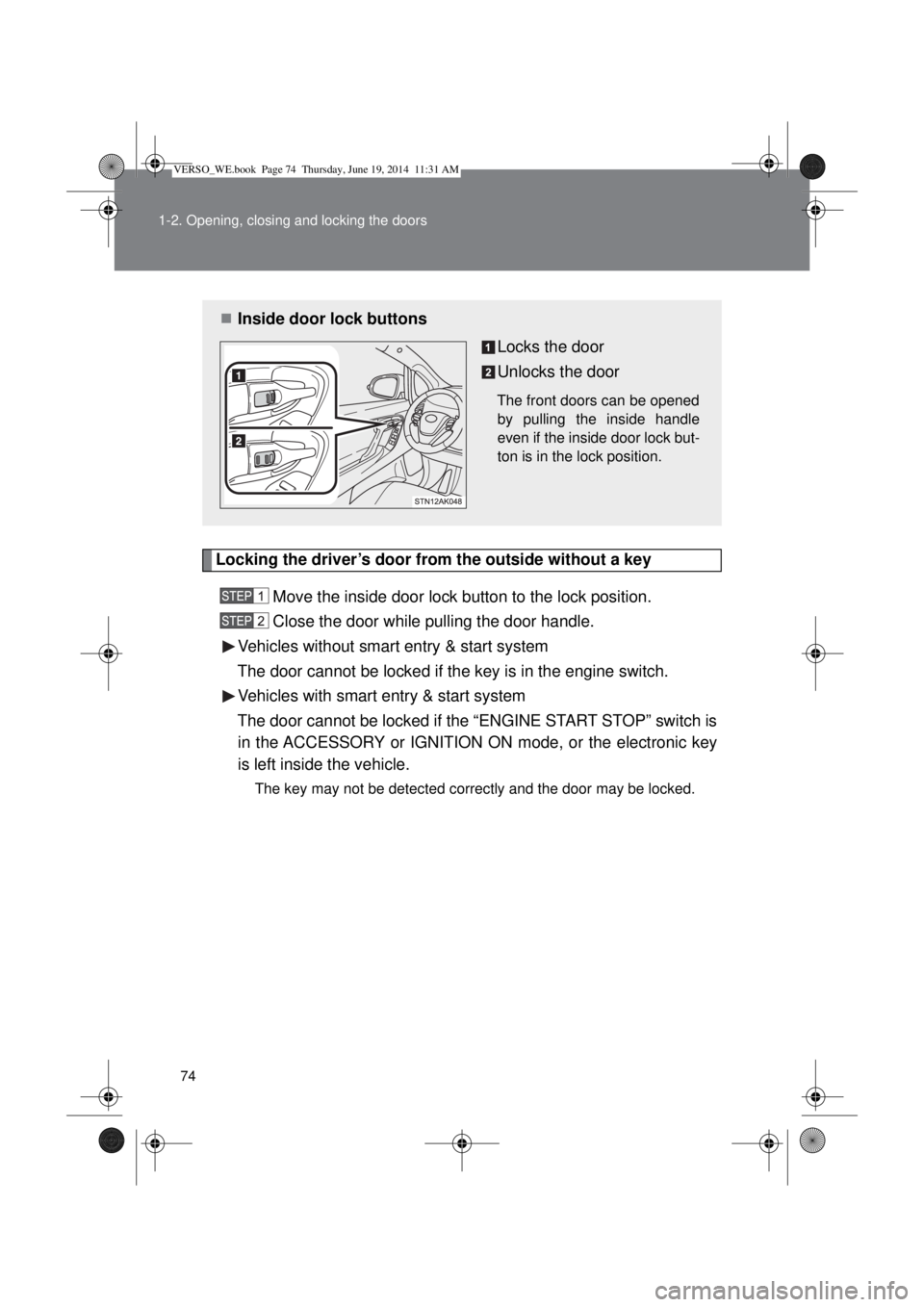
Locking the driver’s door from the outside without a key
Move the inside door lock button to the lock position.
Close the door while pulling the door handle.
Vehicles without smart entry & start system
The door cannot be locked if the key is in the engine switch.
Vehicles with smart entry & start system
The door cannot be locked if the “ENGINE START STOP” switch is
in the ACCESSORY or IGNITION ON mode, or the electronic key
is left inside the vehicle.
The key may not be detected correctly and the door may be locked.
Inside door lock buttons
Locks the door
Unlocks the door
The front doors can be opened
by pulling the inside handle
even if the inside door lock but-
ton is in the lock position.
VERSO_WE.book Page 74 Thursday, June 19, 2014 11:31 AM
Page 75 of 650
75 1-2. Opening, closing and locking the doors
1
Before driving
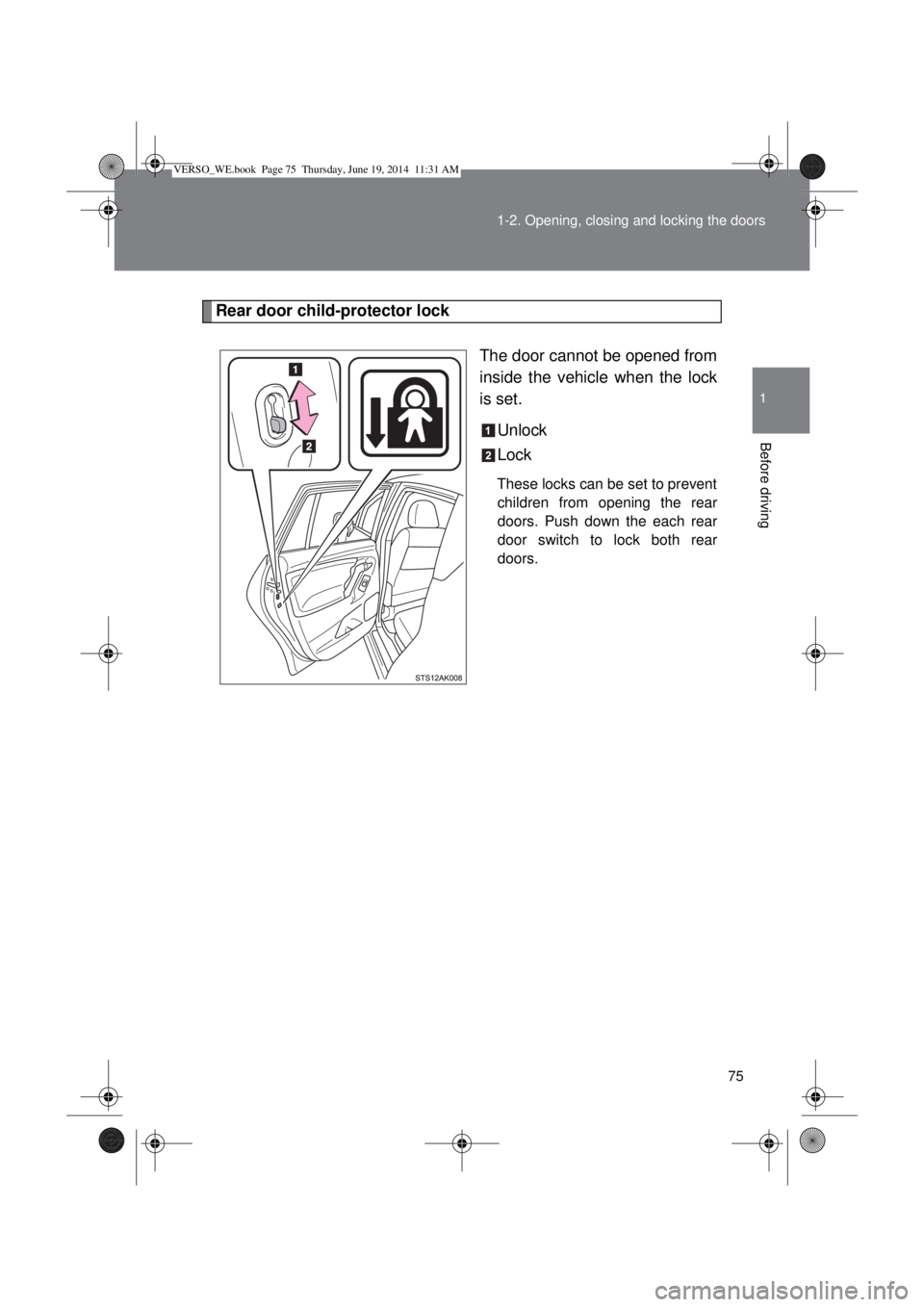
Rear door child-protector lock
The door cannot be opened from
inside the vehicle when the lock
is set.
Unlock
Lock
These locks can be set to prevent
children from opening the rear
doors. Push down the each rear
door switch to lock both rear
doors.
VERSO_WE.book Page 75 Thursday, June 19, 2014 11:31 AM
Page 76 of 650
76 1-2. Opening, closing and locking the doors
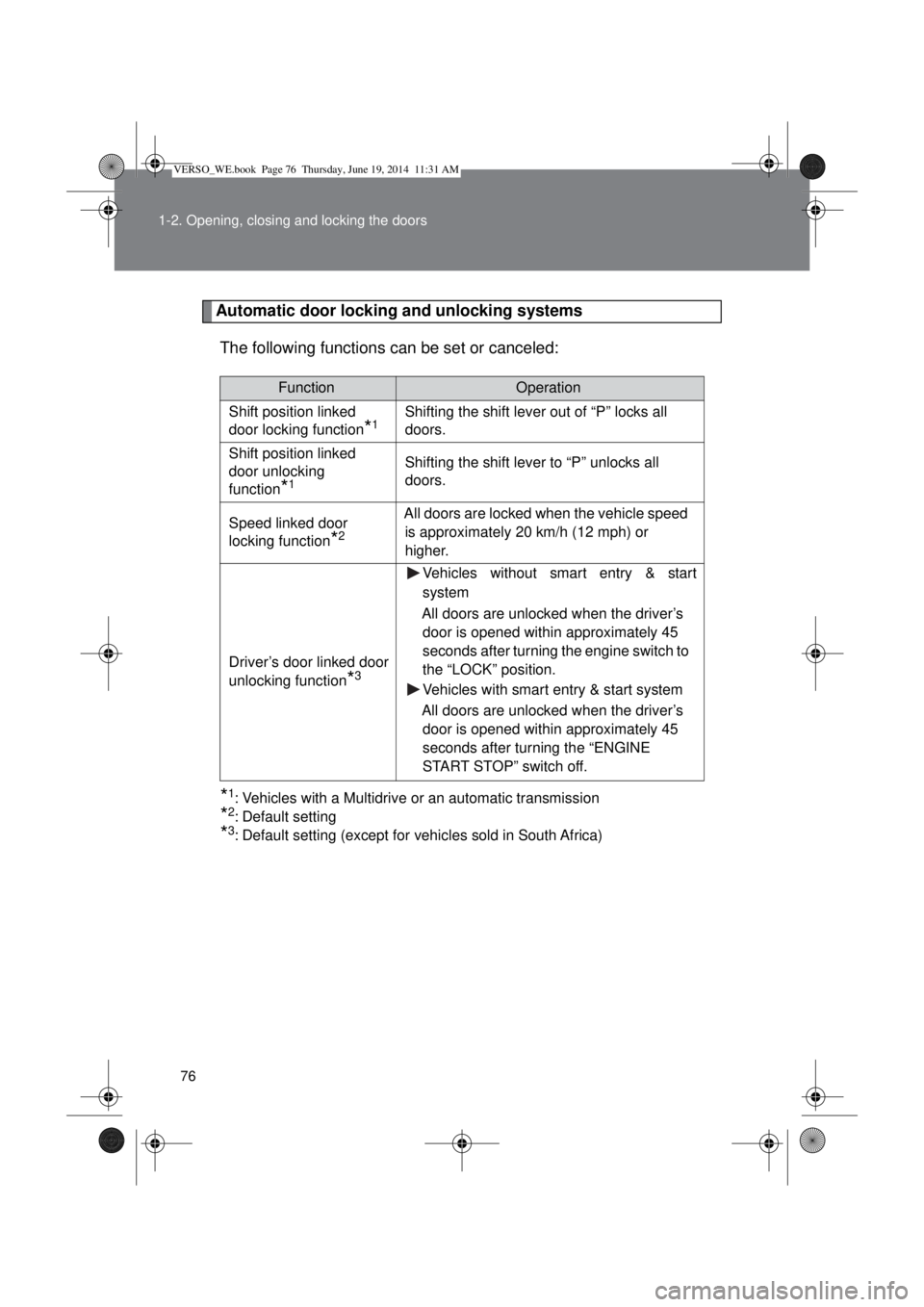
Automatic door locking and unlocking systems
The following functions can be set or canceled:
*1: Vehicles with a Multidrive or an automatic transmission
*2: Default setting
*3: Default setting (except for vehicles sold in South Africa)
FunctionOperation
Shift position linked
door locking function
*1Shifting the shift lever out of “P” locks all
doors.
Shift position linked
door unlocking
function
*1
Shifting the shift lever to “P” unlocks all
doors.
Speed linked door
locking function
*2
All doors are locked when the vehicle speed
is approximately 20 km/h (12 mph) or
higher.
Driver’s door linked door
unlocking function
*3
Vehicles without smart entry & start
system
All doors are unlocked when the driver’s
door is opened within approximately 45
seconds after turning the engine switch to
the “LOCK” position.
Vehicles with smart entry & start system
All doors are unlocked when the driver’s
door is opened within approximately 45
seconds after turning the “ENGINE
START STOP” switch off.
VERSO_WE.book Page 76 Thursday, June 19, 2014 11:31 AM