steering TOYOTA VERSO 2014 Workshop Manual
[x] Cancel search | Manufacturer: TOYOTA, Model Year: 2014, Model line: VERSO, Model: TOYOTA VERSO 2014Pages: 650, PDF Size: 36.61 MB
Page 227 of 650
227
2-1. Driving procedures
2
When driving
Hor n
After adjusting the steering wheel
Make sure that the steering wheel is securely locked.
The horn may not sound if the steering wheel is not securely locked.
(P. 104)
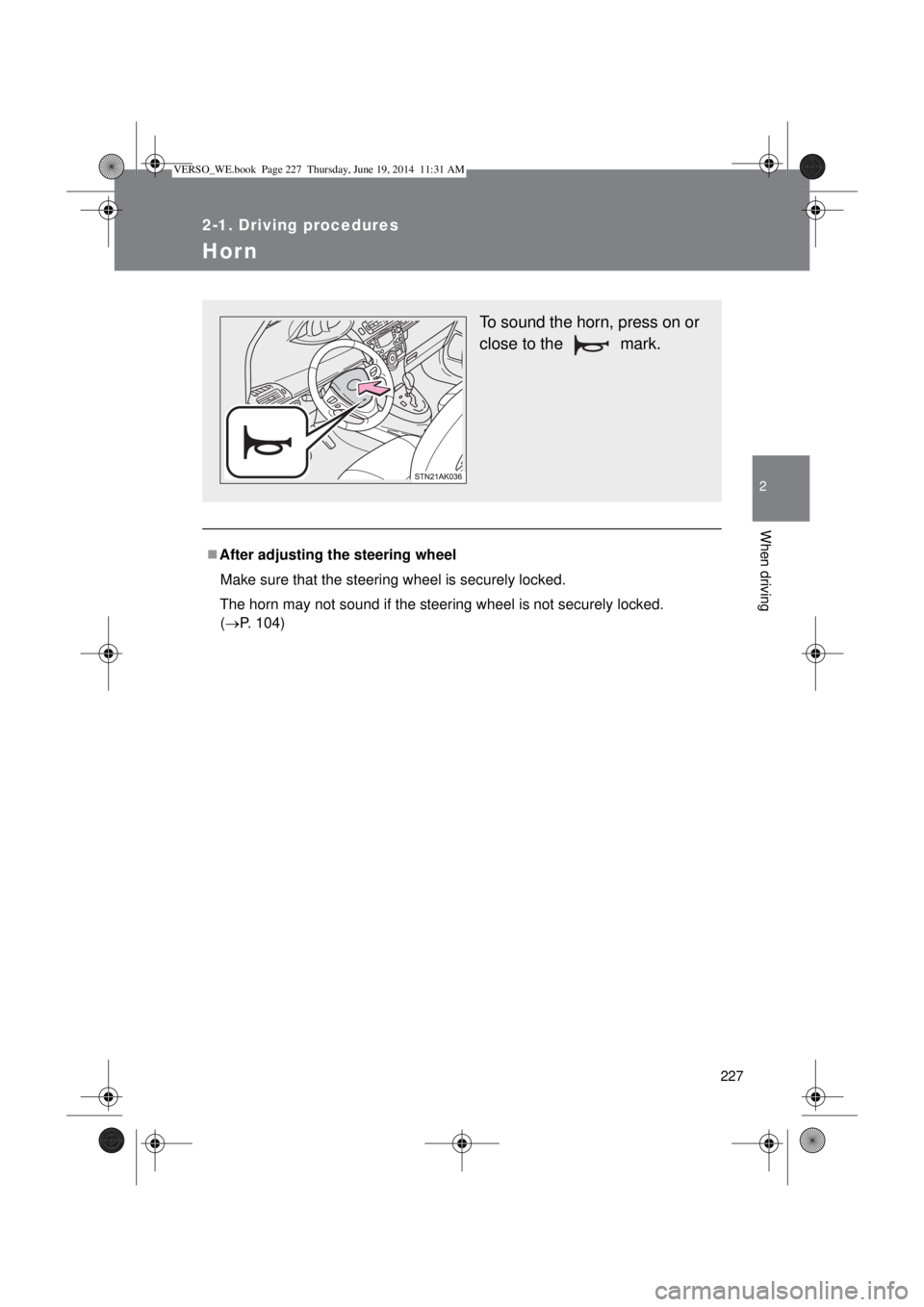
To sound the horn, press on or
close to the mark.
VERSO_WE.book Page 227 Thursday, June 19, 2014 11:31 AM
Page 282 of 650

282 2-4. Using other driving systems
Operating conditions
The Stop & Start system is operational when all of the following condi-
tions are met:
• The engine is adequately warmed up.
• The battery is sufficiently charged.
• The driver’s door is closed.
• The driver’s seat belt is fastened.
• The hood is closed.
• The clutch pedal is not being depressed.
• The shift lever is in “N”.
• The steering wheel is not in use.
In the following circumstances the engine may not be stopped by the
Stop & Start system. This is not a malfunction of the Stop & Start system.
• Engine coolant temperature is too low or too high.
• The outside temperature is too low.
• Vehicles with an automatic air conditioning system: The air condition-
ing system is being used when the vehicle interior temperature is
extremely high such as after the vehicle was parked under the hot sun.
• Vehicles with an automatic air conditioning system: The windshield
defogger is being used.
• Vehicles with a power heater: The power heater is being used.
• The battery is not sufficiently charged, or is undergoing a periodic
recharge.
• Due to traffic or other circumstances the vehicle is stopped repeatedly,
resulting in the amount of time the engine is stopped by the Stop &
Start system to become excessively high.
• The brake booster vacuum is low.
• A large amount of electricity is being used.
• At high altitude.
When the above conditions improve, the Stop & Start system will stop and
restart the engine from the next time the vehicle is stopped.
In the following situations, it may take longer than normal for the Stop &
Start system to activate.
• The battery is discharged.
• After the battery terminals have been disconnected and reconnected
after a battery replacement, etc.
• The engine coolant temperature is low.
VERSO_WE.book Page 282 Thursday, June 19, 2014 11:31 AM
Page 283 of 650
283 2-4. Using other driving systems
2
When driving
Automatic engine start function
In the following situations, the engine may start even without the clutch pedal
being depressed.
• The brake pedal is pumped or strongly depressed.
• Vehicles with an automatic air conditioning system: The air conditioning
system is being used or turned on.
• Vehicles with an automatic air conditioning system: The windshield
defogger is turned on.
• The battery is not sufficiently charged.
• The vehicle starts to roll on an incline.
• A large amount of electricity is being used.
• The driver’s door is opened.
• The driver’s seat belt is unfastened.
• The steering wheel is turned.
Automatic reactivation of the Stop & Start system
Vehicles without smart entry & start system
Even if the Stop & Start system is disabled by the Stop & Start cancel switch,
it will be automatically re-enabled once the engine switch is turned to the
“LOCK” position then to the “START” position.
Vehicles with smart entry & start system
Even if the Stop & Start system is disabled by the Stop & Start cancel switch,
it will be automatically re-enabled once the engine switch is turned off then
the engine is started.
The Stop & Start system protection feature
Vehicles without smart entry & start system
When an excessively loud sound is being projected by the audio system, the
audio system may be automatically cut off in order to maintain power for the
Stop & Start system function.
If this occurs, turning the engine switch to the “LOCK” position then to the
“ACC” or “ON” position re-enables the audio system.
Vehicles with smart entry & start system
When an excessively loud sound is being projected by the audio system, the
audio system may be automatically cut off in order to maintain power for the
Stop & Start system function.
If this occurs, turning the “ENGINE START STOP” switch off then to ACCES-
SORY mode or IGNITION ON mode re-enables the audio system.
VERSO_WE.book Page 283 Thursday, June 19, 2014 11:31 AM
Page 284 of 650

284 2-4. Using other driving systems
Steering wheel operation
When the engine is stopped by the Stop & Start system, the steering wheel
may become heavier than when driving.
Hood
If the hood is opened while the engine is stopped by the Stop & Start system,
the engine cannot be restarted by the Stop & Start system or by the auto-
matic engine start function. Restart the engine with the engine switch opera-
tion. (P. 196, 200)
When to use the Stop & Start system
Use the Stop & Start system when stopping the vehicle temporarily at red
lights, intersections, etc. When stopping the vehicle for a longer period of
time, turn off the engine completely.
Stop & Start system warning buzzer
If the engine is stopped by the Stop & Start system and the following action
is performed, a buzzer will sound and the Stop & Start indicator will flash.
This indicates that the engine is only stopped by the Stop & Start system, not
that the engine has been turned off completely.
The shift lever is shifted to a position other than “N” with the clutch pedal
released.
If the Stop & Start cancel indicator continues to flash
The Stop & Start system may be malfunctioning. Contact any authorized
Toyota dealer or repairer, or another duly qualified and equipped profes-
sional.
If the windshield is fogged up while the engine is stopped by the Stop
& Start system
Vehicles with a manual air conditioning system: Restart the engine by
depressing the clutch pedal (P. 280) or by pressing the Stop & Start
cancel switch, and then set the air outlet selection dial to . (P. 313)
Vehicles with an automatic air conditioning system: Turn the windshield
defogger on. (The engine will start due to the automatic engine start func-
tion.) (P. 321)
If the windshield fogs up frequently, press the Stop & Start cancel switch to
deactivate the system.
VERSO_WE.book Page 284 Thursday, June 19, 2014 11:31 AM
Page 287 of 650
287
2-4. Using other driving systems
2
When driving
Driving assist systems
To help enhance driving safety and performance, the following sys-
tems operate automatically in response to various driving situations.
Be aware, however, that these systems are supplementary and
should not be relied upon too heavily when operating the vehicle.
ABS (Anti-lock Brake System)
Helps to prevent wheel lock when the brakes are applied suddenly, or if
the brakes are applied while driving on a slippery road surface.
Brake assist
Generates an increased level of braking force after the brake pedal is
depressed, when the system detects a panic stop situation.
VSC+ (Vehicle Stability Control +)
Provides cooperative control of the ABS, TRC, VSC and EPS.
Helps to maintain directional stability when swerving on slippery road
surfaces by controlling steering performance.
TRC (Traction Control)
Helps to maintains drive power and prevents the front wheels from
spinning when starting the vehicle or accelerating on slippery roads.
EPS (Electric Power Steering)
Employs an electric motor to reduce the amount of effort needed to turn
the steering wheel.
Hill-start assist control
P. 293
VERSO_WE.book Page 287 Thursday, June 19, 2014 11:31 AM
Page 290 of 650

290 2-4. Using other driving systems
Sounds and vibrations caused by the ABS, brake assist, TRC and
VSC+
A sound may be heard from the engine compartment when the engine is
started or just after the vehicle begins to move. This sound does not indi-
cate that a malfunction has occurred in any of these systems.
Any of the following conditions may occur when the above systems are
operating. None of these indicates that a malfunction has occurred.
• Vibrations may be felt through the vehicle body and steering.
• A motor sound may be heard after the vehicle comes to a stop.
• The brake pedal may pulsate slightly after the ABS is activated.
• The brake pedal may move down slightly after the ABS is activated.
EPS operation sound
When the steering wheel is operated, a motor sound (whirring sound) may
be heard. This does not indicate a malfunction.
Reduced effectiveness of the EPS system
The effectiveness of the EPS system is reduced to prevent the system from
overheating when there is frequent steering input over an extended period of
time. The steering wheel may feel heavy as a result. Should this occur,
refrain from excessive steering input or stop the vehicle and turn the engine
off. The EPS system should return to normal after about 10 minutes.
VERSO_WE.book Page 290 Thursday, June 19, 2014 11:31 AM
Page 296 of 650
296 2-5. Driving information
CAUTION
Storage precautions
Observe the following precautions.
Failing to do so may result in death or serious injury.
Do not stack anything in the luggage compartment higher than the seat-
backs.
Such items may be thrown about and possibly injure people in the vehicle
in the event of sudden braking or in an accident.
Do not place cargo or luggage in or on the following locations as the items
may get under the clutch, brake or accelerator pedal and prevent the ped-
als from being depressed properly, block the driver’s vision, or hit the
driver or passengers, causing an accident.
• At the feet of the driver
• On the front passenger or rear seats (when stacking items)
• On the luggage cover
• On the instrument panel
• On the dashboard
Secure all items in the occupant compartment, as they may shift and injure
someone during sudden braking, sudden swerving or an accident.
Never allow anyone to ride in the luggage compartment. It is not designed
for passengers. They should ride in their seats with their seat belts prop-
erly fastened. Otherwise, they are much more likely to suffer death or seri-
ous bodily injury, in the event of sudden braking, sudden swerving or an
accident.
Load and distribution
Do not overload your vehicle.
Do not apply loads unevenly.
Improper loading may cause deterioration of steering or braking control
which may cause death or serious injury.
VERSO_WE.book Page 296 Thursday, June 19, 2014 11:31 AM
Page 300 of 650
300 2-5. Driving information
Tire chain installation
Observe the following precautions when installing and removing chains:
Install and remove tire chains in a safe location.
Install tire chains on the front tires only. Do not install the chains on the
rear tires.
Install tire chains on front tires as tightly as possible. Retighten chains
after driving 0.5 1.0 km (1/4 1/2 mile).
Install tire chains following the instructions provided with the tire chains.
If wheel ornaments are used, they will be scratched by the chain band,
so remove the ornaments before putting on the chains.
CAUTION
Driving with snow tires
Observe the following precautions to reduce the risk of accidents.
Failing to do so may result in a loss of vehicle control and cause death or
serious injury.
Use tires of the size specified for your vehicle.
Maintain the recommended level of tire inflation pressure.
Do not drive at speeds in excess of the speed limit or the speed limit spec-
ified for the snow tires being used.
Snow tires should be installed on all wheels.
Driving with tire chains
Observe the following precautions to reduce the risk of accidents.
Failing to do so may result in the vehicle being unable to be driven safely,
and may cause death or serious injury.
Do not drive in excess of the speed limit specified for the tire chains being
used or 50 km/h (30 mph), whichever is lower.
Avoid driving on bumpy road surfaces or over potholes.
Avoid sudden acceleration, abrupt steering, sudden braking and shifting
operations that cause sudden engine braking.
Slow down sufficiently before entering a curve to ensure that vehicle con-
trol is maintained.
VERSO_WE.book Page 300 Thursday, June 19, 2014 11:31 AM
Page 308 of 650

308 2-5. Driving information
Guidance
Your vehicle will handle differently when towing a trailer. In order to
avoid accident, death or serious injury, keep the following in mind
when towing:
Checking connections between trailer and lights
Stop the vehicle and check the operation of the connection
between the trailer and lights after driving for a brief period as well
as before setting off.
Practicing driving with a coupled trailer
Get the feel for turning, stopping and reversing with the trailer
coupled by practicing in an area with no or light traffic.
When reversing with a coupled trailer, hold the section of the
steering wheel nearest to you and rotate clockwise to turn the
trailer left or counterclockwise to turn right. Always rotate gradu-
ally to prevent steering error. Have someone guide you when
reversing to lessen the risk of accident.
Increasing vehicle-to-vehicle distance
At a speed of 10 km/h (6 mph), the distance to the vehicle running
ahead of you should be equivalent to or greater than the combined
length of your vehicle and trailer. Avoid sudden braking that may
cause skidding. Otherwise, the vehicle may spin out of control.
This is especially true when driving on wet or slippery road sur-
faces.
Sudden acceleration/steering input/cornering
Executing sharp turns when towing may result in the trailer collid-
ing with your vehicle. Decelerate well in advance when approach-
ing turns and take them slowly and carefully to avoid sudden
braking.
VERSO_WE.book Page 308 Thursday, June 19, 2014 11:31 AM
Page 311 of 650
3Interior features
311
3-1. Using the air conditioning
system and defogger
Manual air conditioning
system ............................ 312
Automatic air conditioning
system ............................ 317
Power heater .................... 324
Rear window and outside
rear view mirror
defoggers........................ 326
3-2. Using the audio system
Audio system types .......... 328
Using the radio ................. 330
Using the CD player ......... 334
Playing back MP3 and
WMA discs...................... 339
Operating an iPod............. 345
Operating a USB
memory........................... 352
Optimal use of the audio
system ............................ 359
Using the AUX port ........... 361
Using the steering wheel
audio switches ................ 362
3-3. Using the interior lights
Interior lights list ................ 365
• Personal/interior lights
main switch ..................... 366
• Personal/interior lights .... 3673-4. Using the storage features
List of storage features ..... 369
• Glove box ....................... 370
• Console box.................... 371
• Overhead console .......... 372
• Cup holders .................... 373
• Bottle holders.................. 374
• Auxiliary boxes ............... 375
3-5. Other interior features
Sun visors ......................... 378
Vanity mirrors.................... 379
Conversation mirror .......... 380
Power outlets .................... 381
Seat heaters ..................... 383
Armrests ........................... 385
Front seatback tables ....... 386
Rear side sunshades ........ 388
Assist grips ....................... 389
Floor mat........................... 390
Luggage compartment
features........................... 392
VERSO_WE.book Page 311 Thursday, June 19, 2014 11:31 AM