battery TOYOTA VERSO 2015 Owner's Manual
[x] Cancel search | Manufacturer: TOYOTA, Model Year: 2015, Model line: VERSO, Model: TOYOTA VERSO 2015Pages: 650, PDF Size: 36.61 MB
Page 285 of 650
285 2-4. Using other driving systems
2
When driving
The Stop & Start system operation time and Stop & Start system total
operation time display
P. 230
Replacing battery
The installed battery is specific to the Stop & Start system. It should only be
replaced with a battery of identical type and rating.
Ask any authorized Toyota dealer or repairer, or another duly qualified and
equipped professional for further details.
CAUTION
When the Stop & Start system is operating
Keep the shift lever in “N” and apply the brake pedal or parking brake for
safety while the engine is stopped due to the Stop & Start system (while
Stop & Start indicator is on).
Unexpected accidents may occur due to the automatic engine start func-
tion.
Do not leave the vehicle while the engine is stopped due to the Stop &
Start system (while Stop & Start indicator is on).
Unexpected accidents may occur due to the automatic engine start func-
tion.
Ensure that the engine is not stopped by the Stop & Start system while the
vehicle is in a poorly ventilated area. The engine may restart due to the
automatic engine start function, causing exhaust gases to collect and
enter the vehicle and resulting in death or a serious health hazard.
VERSO_WE.book Page 285 Thursday, June 19, 2014 11:31 AM
Page 298 of 650
298
2-5. Driving information
Winter driving tips
Carry out the necessary preparations and inspections before driving
the vehicle in winter. Always drive the vehicle in a manner appropri-
ate to the prevailing weather conditions.
Pre-winter preparations
Use fluids that are appropriate to the prevailing outside tem-
peratures.
• Engine oil
• Engine coolant
• Washer fluid
Have a service technician inspect the condition of the battery.
Have the vehicle fitted with four snow tires or purchase a set
of tire chains for the front tires.
Ensure that all tires are the same size and brand, and that chains
match the size of the tires.
Before driving the vehicle
Perform the following according to the driving conditions:
Do not try to forcibly open a window or move a wiper that is
frozen. Pour warm water over the frozen area to melt the ice.
Wipe away the water immediately to prevent it from freezing.
To ensure proper operation of the climate control system fan,
remove any snow that has accumulated on the air inlet vents
in front of the windshield.
Check for and remove any excess ice or snow that may have
accumulated on the exterior lights, vehicle’s roof, chassis,
around the tires or on the brakes.
Remove any snow or mud from the bottom of your shoes
before getting in the vehicle.
VERSO_WE.book Page 298 Thursday, June 19, 2014 11:31 AM
Page 316 of 650
316 3-1. Using the air conditioning system and defogger
Using the system in recirculated air mode
The windows will fog up more easily if the recirculated air mode is used for
an extended period.
When outside air temperature approaches 0°C (32°F) (vehicles with air
conditioning system)
The air conditioning system may not operate even when is pressed.
When is selected for the air outlets used
For your driving comfort, air flowing to the feet may be warmer than air flow-
ing to the upper body depending on the position of the temperature adjust-
ment dial.
Air conditioning odors
During use, various odors from inside and outside the vehicle may enter
into and accumulate in the air conditioning system. This may then cause
odor to be emitted from the vents.
To reduce potential odors from occurring:
It is recommended that the air conditioning system be set to outside air
mode prior to turning the vehicle off.
CAUTION
To prevent the windshield from fogging up
Do not set the air outlet selection dial to during cool air operation in
extremely humid weather. The difference between the temperature of the
outside air and that of the windshield can cause the outer surface of the
windshield to fog up, blocking your vision.
NOTICE
To prevent battery discharge
Do not leave the air conditioning system on longer than necessary when the
engine is stopped.
VERSO_WE.book Page 316 Thursday, June 19, 2014 11:31 AM
Page 323 of 650
323 3-1. Using the air conditioning system and defogger
3
Interior features
Air conditioning odors
During use, various odors from inside and outside the vehicle may enter
into and accumulate in the air conditioning system. This may then cause
odor to be emitted from the vents.
To reduce potential odors from occurring:
• It is recommended that the air conditioning system be set to outside air
mode prior to turning the vehicle off.
• The start timing of the blower may be delayed for a short period of time
immediately after the air conditioning system is started in AUTO mode.
CAUTION
To prevent the windshield from fogging up
Do not use during cool air operation in extremely humid weather. The
difference between the temperature of the outside air and that of the wind-
shield can cause the outer surface of the windshield to fog up, blocking your
vision.
NOTICE
To prevent battery discharge
Do not leave the air conditioning system on longer than necessary when the
engine is stopped.
VERSO_WE.book Page 323 Thursday, June 19, 2014 11:31 AM
Page 329 of 650
329 3-2. Using the audio system
3
Interior features
Using cellular phones
Interference may be heard through the audio system’s speakers if a cellular
phone is being used inside or close to the vehicle while the audio system is
operating.
NOTICE
To prevent battery discharge
Do not leave the audio system on longer than necessary when the engine is
stopped.
To avoid damaging the audio system
Take care not to spill drinks or other fluids over the audio system.
To prevent damage to USB memory or its terminal
Depending on the size and shape of the USB memory that is connected to
the system, the passenger’s seat may hit the USB memory when moving the
seat forward. In this case, do not forcibly move the seat forward as this may
damage the USB memory or the terminal, etc.
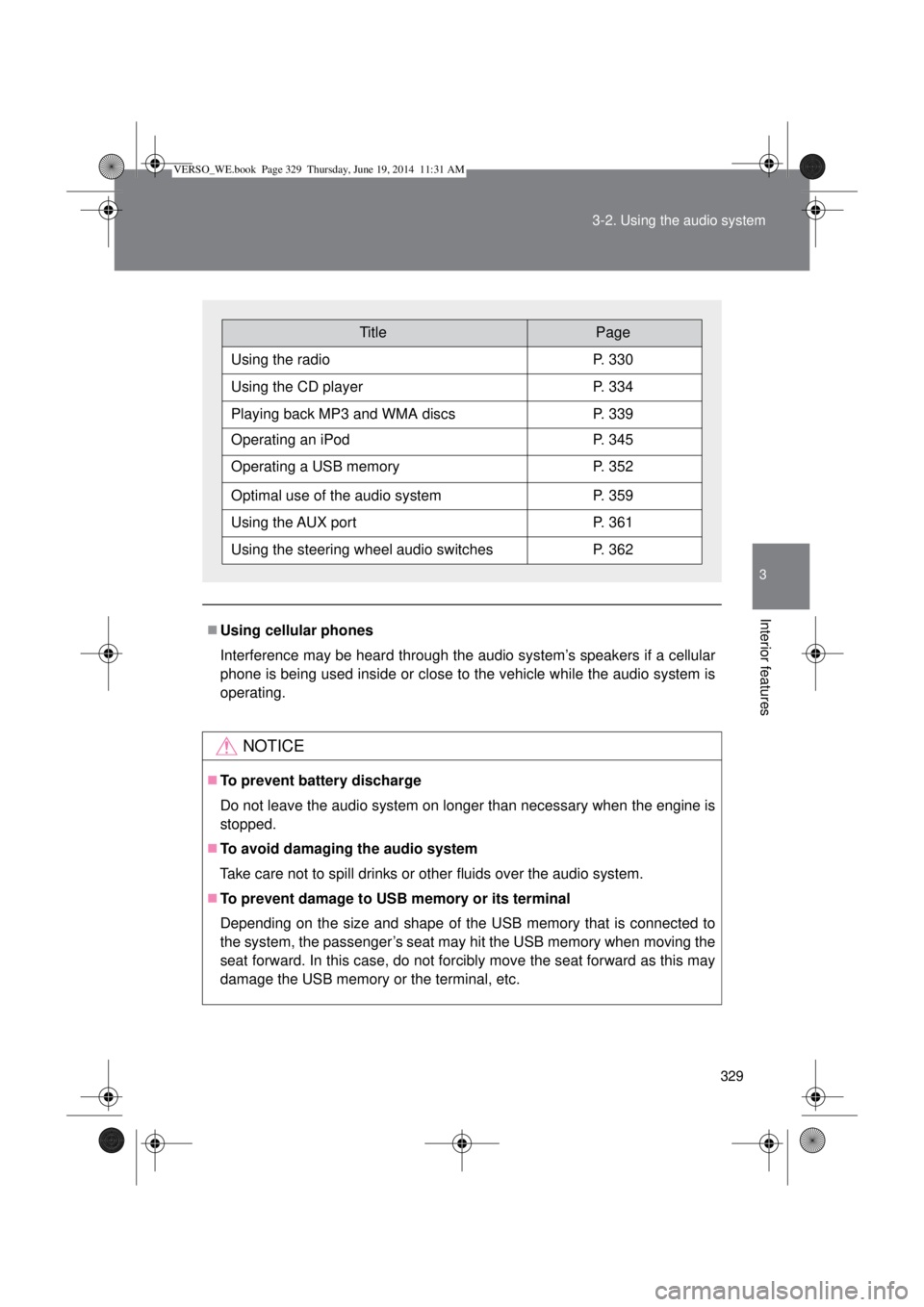
TitlePage
Using the radioP. 330
Using the CD playerP. 334
Playing back MP3 and WMA discsP. 339
Operating an iPodP. 345
Operating a USB memoryP. 352
Optimal use of the audio systemP. 359
Using the AUX portP. 361
Using the steering wheel audio switchesP. 362
VERSO_WE.book Page 329 Thursday, June 19, 2014 11:31 AM
Page 333 of 650
333 3-2. Using the audio system
3
Interior features
EON (Enhanced Other Network) system (for traffic announcement
function)
If the RDS station (with EON data) you are listening to is not broadcasting a
traffic information program and the audio system is in the TA (traffic
announcement) mode, the radio will be switched automatically to a station
broadcasting a traffic information program in the EON AF list when traffic
information begins.
When the battery is disconnected
Stations presets are erased.
Reception sensitivity
Maintaining perfect radio reception at all times is difficult due to the con-
tinually changing position of the antenna, differences in signal strength
and surrounding objects, such as trains, transmitters, etc.
The radio antenna is mounted on the rear roof. The antenna can be
removed from the base by turning it.
NOTICE
To prevent damage, remove the antenna in the following cases
The antenna will touch the ceiling of a garage.
A cover will be put on the roof.
VERSO_WE.book Page 333 Thursday, June 19, 2014 11:31 AM
Page 368 of 650
368 3-3. Using the interior lights
Illuminated entry system
Vehicles without smart entry & start system
The lights automatically turn on/off according to the engine switch posi-
tion, whether the doors are locked/unlocked, and whether the doors are
open/closed.
Vehicles with smart entry & start system
The lights automatically turn on/off according to “ENGINE START STOP”
switch mode, the presence of the electronic key, whether the doors are
locked/unlocked, and whether the doors are open/closed.
To prevent battery discharge
Vehicles without smart entry & start system
If the interior lights remain on when the engine switch is turned off, the
lights will go off automatically after 20 minutes.
Vehicles with smart entry & start system
If the interior lights remain on when the “ENGINE START STOP” switch
is turned off, the lights will go off automatically after 20 minutes.
Customization that can be configured at any authorized Toyota dealer
or repairer, or another duly qualified and equipped professional
Settings (e.g. The time elapsed before lights turn off) can be changed.
(Customizable features P. 629)
Personal/interior lights
VERSO_WE.book Page 368 Thursday, June 19, 2014 11:31 AM
Page 379 of 650

379
3-5. Other interior features
3
Interior features
Vanity mirrors
NOTICE
To prevent battery discharge
Do not leave the vanity lights on for extended periods while the engine is off.
Slide the cover.
The light turns on when the
cover is opened.
VERSO_WE.book Page 379 Thursday, June 19, 2014 11:31 AM
Page 382 of 650

382 3-5. Other interior features
The power outlet can be used when
Vehicles without smart entry & start system
The engine switch is in the “ACC” or “ON” position.
Vehicles with smart entry & start system
The “ENGINE START STOP” switch is in ACCESSORY or IGNITION ON
mode.
NOTICE
To avoid damaging the power outlet
Close the power outlet lid when the power outlet is not in use.
Foreign objects or liquids that enter the power outlet may cause a short cir-
cuit.
To prevent battery discharge
Do not use the power outlet longer than necessary when the engine is not
running.
VERSO_WE.book Page 382 Thursday, June 19, 2014 11:31 AM
Page 384 of 650
384 3-5. Other interior features
CAUTION
Burns
Use caution when seating the following persons in a seat with the seat
heater on to avoid the possibility of burns:
• Babies, small children, the elderly, the sick and the physically chal-
lenged
• Persons with sensitive skin
• Persons who are fatigued
• Persons who have taken alcohol or drugs that induce sleep (sleeping
drugs, cold remedies, etc.)
Do not cover the seat with anything when using the seat heater.
Using the seat heater with a blanket or cushion increases the temperature
of the seat and may lead to overheating.
Do not use the seat heater more than necessary. Doing so may cause
minor burns or overheating.
NOTICE
To prevent seat heater damage
Do not put heavy objects that have an uneven surface on the seat and do
not stick sharp objects (needles, nails, etc.) into the seat.
To prevent battery discharge
Turn the seat heaters off when the engine is not running.
VERSO_WE.book Page 384 Thursday, June 19, 2014 11:31 AM