headlights TOYOTA VERSO S 2011 Owners Manual
[x] Cancel search | Manufacturer: TOYOTA, Model Year: 2011, Model line: VERSO S, Model: TOYOTA VERSO S 2011Pages: 664, PDF Size: 160.56 MB
Page 13 of 664
13Pictorial index
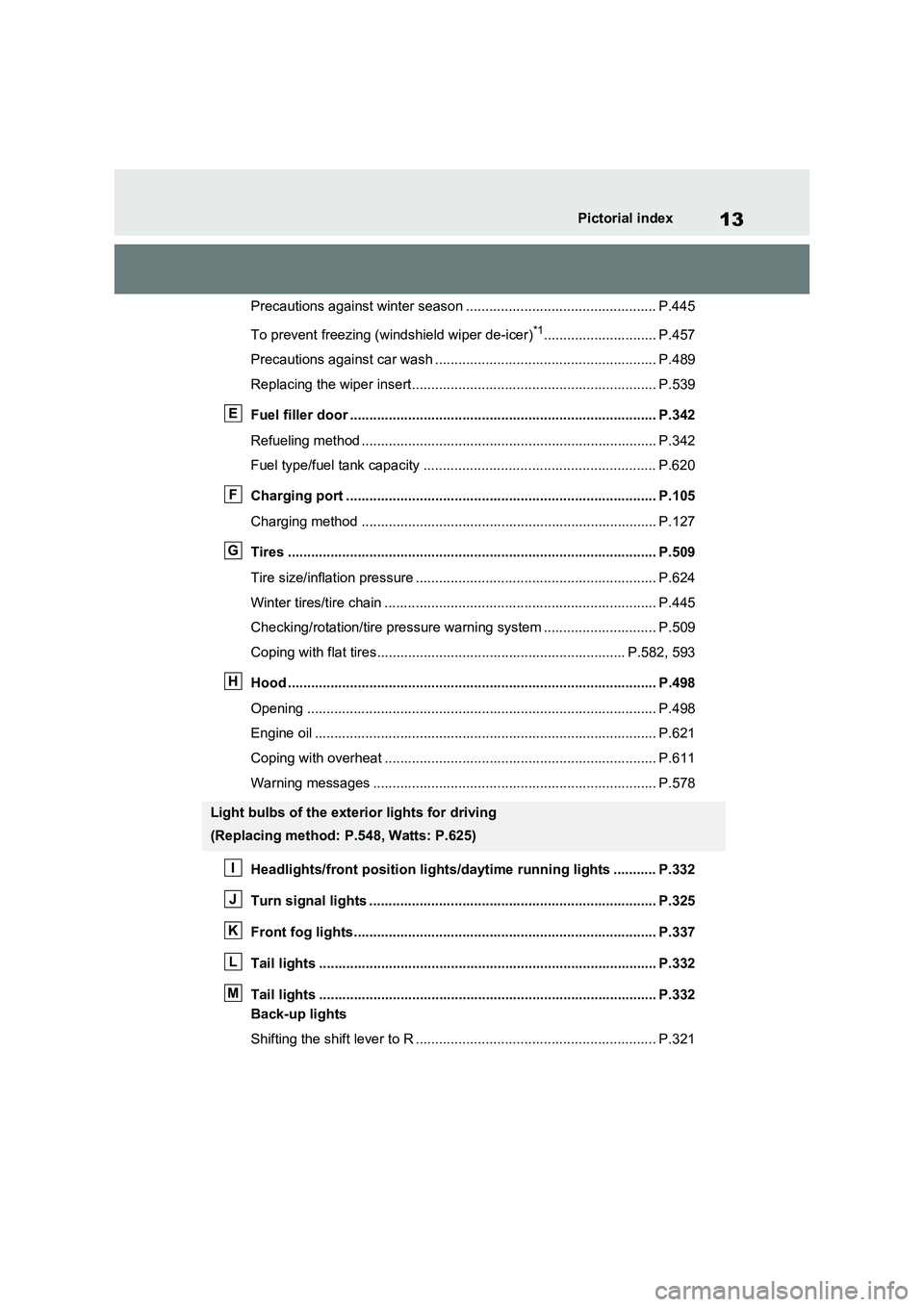
Precautions against winter season ................................................. P.445
To prevent freezing (windshield wiper de-icer)
*1............................. P.457
Precautions against car wash ......................................................... P.489
Replacing the wiper insert............................................................... P.539
Fuel filler door ............................................................................... P.342
Refueling method ............................................................................ P.342
Fuel type/fuel tank capacity ............................................................ P.620
Charging port ................................................................................ P.105
Charging method ............................................................................ P.127
Tires ............................................................................................... P.509
Tire size/inflation pressure .............................................................. P.624
Winter tires/tire chain ...................................................................... P.445
Checking/rotation/tire pressure warning system ............................. P.509
Coping with flat tires................................................................ P.582, 593
Hood ............................................................................................... P.498
Opening .......................................................................................... P.498
Engine oil ........................................................................................ P.621
Coping with overheat ...................................................................... P.611
Warning messages ......................................................................... P.578
Headlights/front position lights/daytime running lights ........... P.332
Turn signal lights .......................................................................... P.325
Front fog lights.............................................................................. P.337
Tail lights ....................................................................................... P.332
Tail lights ....................................................................................... P.332
Back-up lights
Shifting the shift lever to R .............................................................. P.321
Light bulbs of the exterior lights for driving
(Replacing method: P.548, Watts: P.625)
E
F
G
H
I
J
K
L
M
Page 16 of 664
16Pictorial index
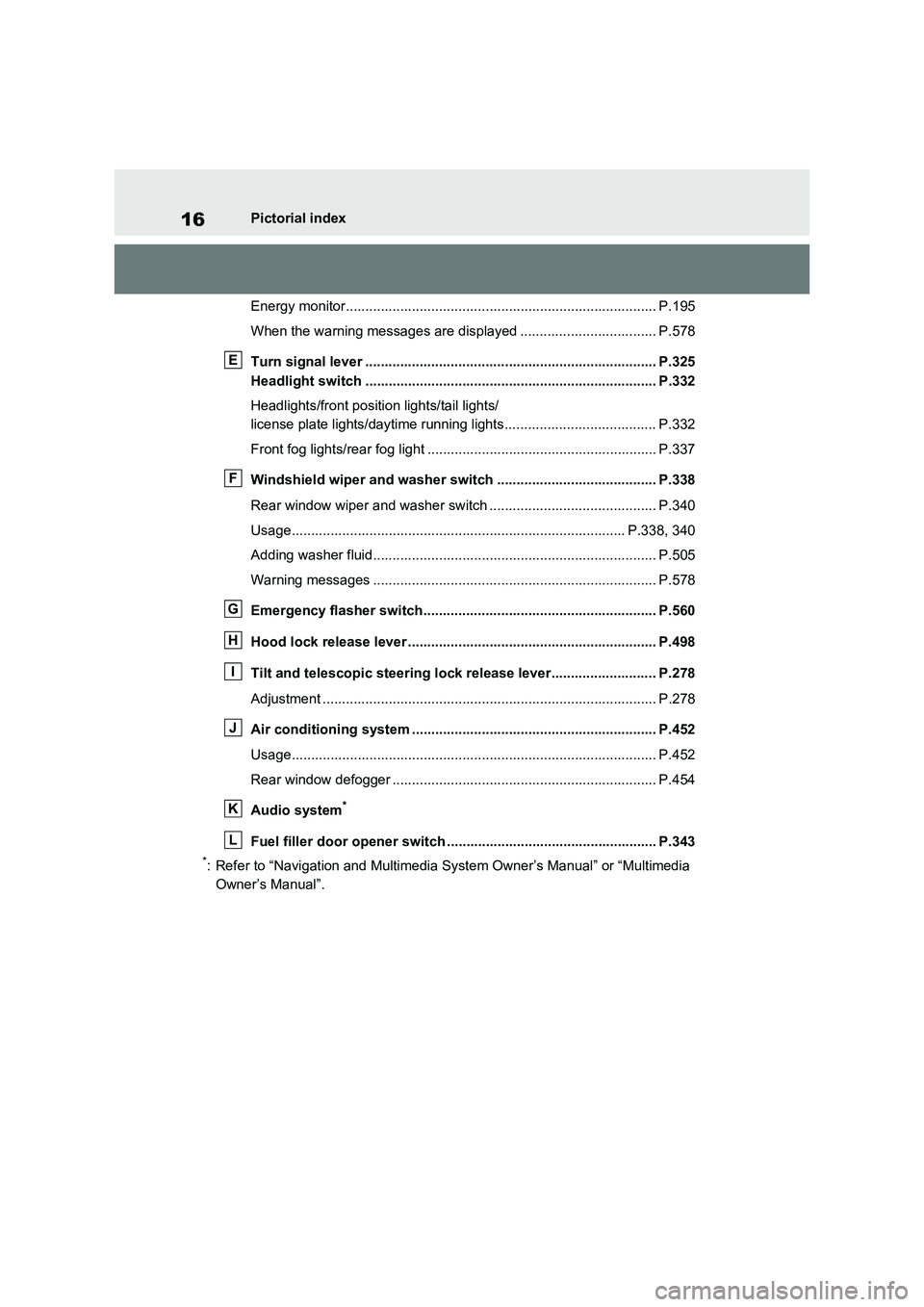
Energy monitor................................................................................ P.195
When the warning messages are displayed ................................... P.578
Turn signal lever ........................................................................... P.325
Headlight switch ........................................................................... P.332
Headlights/front position lights/tail lights/
license plate lights/daytime running lights....................................... P.332
Front fog lights/rear fog light ........................................................... P.337
Windshield wiper and washer switch ......................................... P.338
Rear window wiper and washer switch ........................................... P.340
Usage...................................................................................... P.338, 340
Adding washer fluid......................................................................... P.505
Warning messages ......................................................................... P.578
Emergency flasher switch............................................................ P.560
Hood lock release lever ................................................................ P.498
Tilt and telescopic steering lock release lever........................... P.278
Adjustment ...................................................................................... P.278
Air conditioning system ............................................................... P.452
Usage.............................................................................................. P.452
Rear window defogger .................................................................... P.454
Audio system
*
Fuel filler door opener switch ...................................................... P.343
*: Refer to “Navigation and Multimedia System Owner’s Manual” or “Multimedia
Owner’s Manual”.
E
F
G
H
I
J
K
L
Page 24 of 664
24Pictorial index
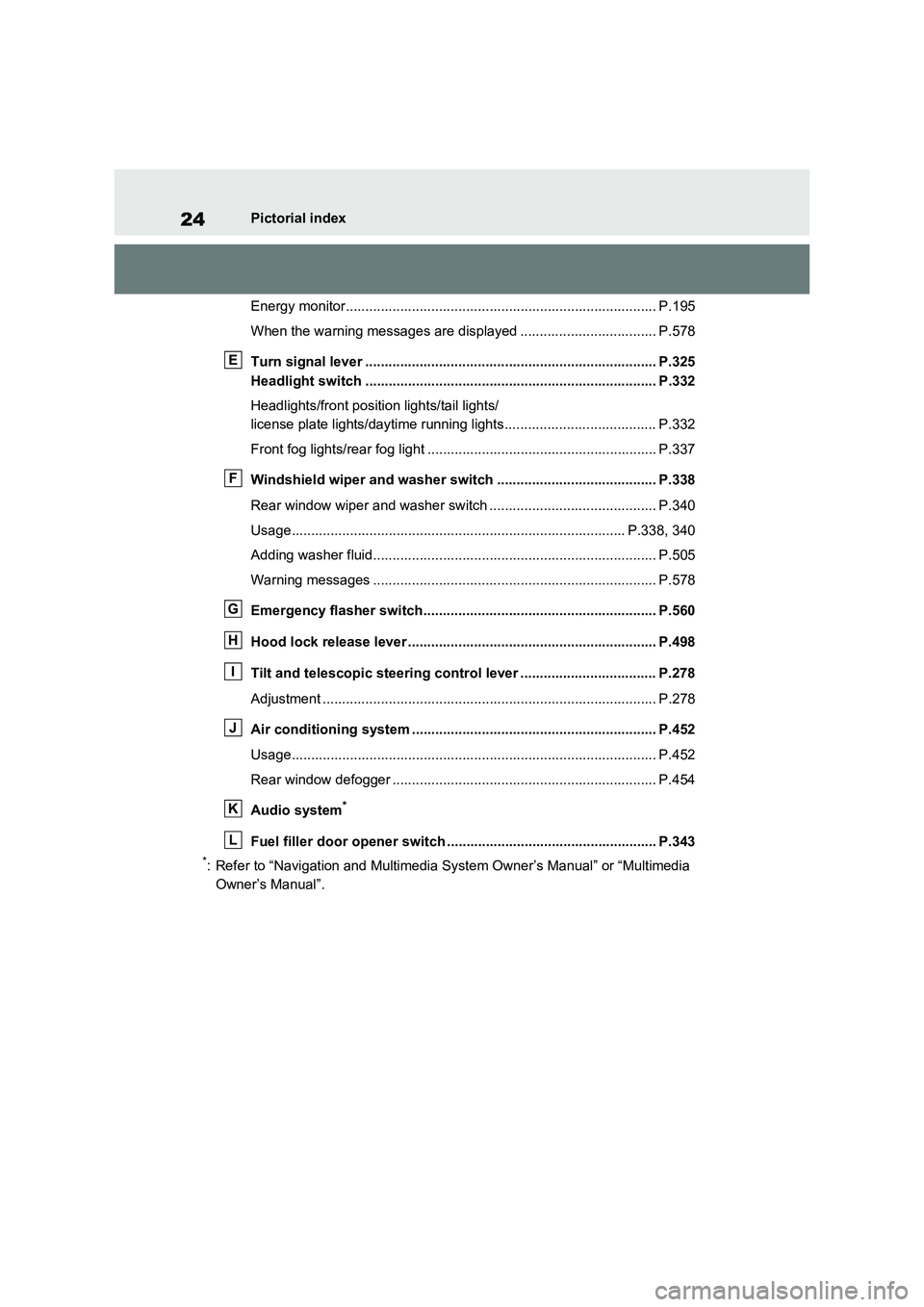
Energy monitor................................................................................ P.195
When the warning messages are displayed ................................... P.578
Turn signal lever ........................................................................... P.325
Headlight switch ........................................................................... P.332
Headlights/front position lights/tail lights/
license plate lights/daytime running lights....................................... P.332
Front fog lights/rear fog light ........................................................... P.337
Windshield wiper and washer switch ......................................... P.338
Rear window wiper and washer switch ........................................... P.340
Usage...................................................................................... P.338, 340
Adding washer fluid......................................................................... P.505
Warning messages ......................................................................... P.578
Emergency flasher switch............................................................ P.560
Hood lock release lever ................................................................ P.498
Tilt and telescopic steering control lever ................................... P.278
Adjustment ...................................................................................... P.278
Air conditioning system ............................................................... P.452
Usage.............................................................................................. P.452
Rear window defogger .................................................................... P.454
Audio system
*
Fuel filler door opener switch ...................................................... P.343
*: Refer to “Navigation and Multimedia System Owner’s Manual” or “Multimedia
Owner’s Manual”.
E
F
G
H
I
J
K
L
Page 133 of 664
133
2
2-2. Charging
Plug-in hybrid system
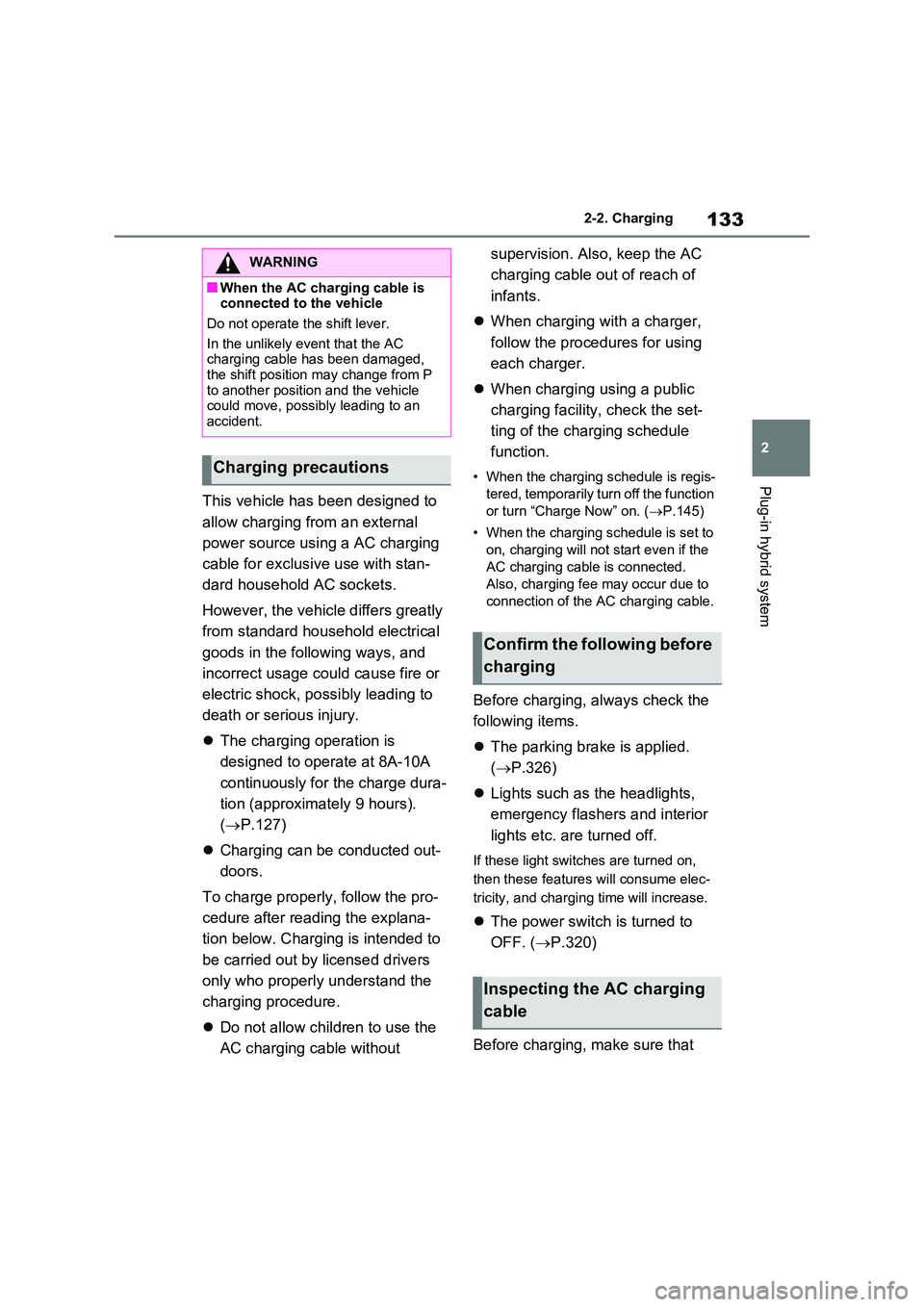
This vehicle has been designed to
allow charging from an external
power source using a AC charging
cable for exclusive use with stan-
dard household AC sockets.
However, the vehicle differs greatly
from standard household electrical
goods in the following ways, and
incorrect usage could cause fire or
electric shock, possibly leading to
death or serious injury.
The charging operation is
designed to operate at 8A-10A
continuously for the charge dura-
tion (approximately 9 hours).
( P.127)
Charging can be conducted out-
doors.
To charge properly, follow the pro-
cedure after reading the explana-
tion below. Charging is intended to
be carried out by licensed drivers
only who properly understand the
charging procedure.
Do not allow children to use the
AC charging cable without
supervision. Also, keep the AC
charging cable out of reach of
infants.
When charging with a charger,
follow the procedures for using
each charger.
When charging using a public
charging facility, check the set-
ting of the charging schedule
function.
• When the charging schedule is regis-
tered, temporarily turn off the function
or turn “Charge Now” on. ( P.145)
• When the charging schedule is set to
on, charging will not start even if the
AC charging cable is connected.
Also, charging fee may occur due to
connection of the AC charging cable.
Before charging, always check the
following items.
The parking brake is applied.
( P.326)
Lights such as the headlights,
emergency flashers and interior
lights etc. are turned off.
If these light switches are turned on,
then these features will consume elec-
tricity, and charging time will increase.
The power switch is turned to
OFF. ( P.320)
Before charging, make sure that
WARNING
■When the AC charging cable is connected to the vehicle
Do not operate the shift lever.
In the unlikely event that the AC charging cable has been damaged,
the shift position may change from P to another position and the vehicle could move, possibly leading to an
accident.
Charging precautions
Confirm the following before
charging
Inspecting the AC charging
cable
Page 154 of 664
1542-2. Charging
■When a door is unlocked while
using “My Room Mode”
The charging connector unlocks,
charging stops and “My Room Mode”
stops. In order to use “My Room Mode”
again, reconnect the AC charging cable
and start “My Room Mode” (P.153).
When using “My Room Mode” with pub-
lic charging station, operation to start
charging using the charger may be
required again before starting “My Room
Mode”.
■Meter display during charging
If “My Room Mode” is not turned on for
approximately 100 seconds after the
power switch is turned on during
charging, the power switch will automat-
ically turn off.
■While using “My Room Mode”
Any of the following may occur.
●When the remaining charge of the
hybrid battery (traction battery)
reaches the lower limit, the air condi-
tioning system automatically turns off.
In this situation, the air conditioning
system cannot be used until the
remaining charge of the hybrid battery
(traction battery) increases. Turn the
power switch off and use “My Room
Mode” after the remaining charge of
the hybrid battery (traction battery) is
restored.
●When the outside temperature is low,
the heater output may be limited due
to the air conditioning system opera-
tion being restricted.
●Warning lights and indicators such as
electric power steering system warn-
ing light (yellow) and malfunction indi-
cator lamp may turn on, but this is not
a malfunction.
Also, when the surrounding area is
dark, the headlights are turned on.
(P.332)
■When a charging schedule is regis-
tered
When “My Room Mode” starts while the
charging schedule is on standby, charging schedules are ignored and
charging starts.
■When “My Room Mode” is used
while the hybrid battery (traction
battery) is fully charged
When the power switch is turned on
while the hybrid battery (traction battery)
is fully charged and the charging con-
nector that supplies power is connected,
“Charging Port Lid is Open” is displayed
on the multi-information display. In this
case, press of the meter control
switches to display the setting screen of
“My Room Mode”, and then select “My
Room Mode”.
When “My Room Mode” is used while
the hybrid battery (traction battery) is
fully charged, the electric power of the
hybrid battery (traction battery) may be
consumed. In this case, charging may
be performed again.
■When a message related to “My
Room Mode” is displayed
When a message is displayed on the
multi-information display while using or
attempting to start “My Room Mode”,
take the following correction proce-
dures.
●“Traction battery is too low for “My
Room Mode””
There is insufficient remaining charge in
the hybrid battery (traction battery) for
starting “My Room Mode”.
Wait until the charge of the hybrid bat-
tery (traction battery) increases, then
start “My Room Mode”.
●““My Room Mode” has stopped due to
low traction battery”
The remaining charge in the hybrid bat-
tery (traction battery) is insufficient.
Stop using “My Room Mode” and
charge the hybrid battery (traction bat-
tery).
●““My Room Mode” will stop when trac-
tion battery is too low Reduce power
usage to continue using “My Room
Page 165 of 664
165
2 2-2. Charging
Plug-in hybrid system
■If “Charging Stopped High Energy Use See Owner’s Manual” is
shown
■If “Charging System Malfunction See Owner’s Manual” is shown
■If “The Traction Battery Temp is low System put priority on
charging to preserve battery condition” is shown (Greenland only)
Likely causeCorrection procedure
Power is being consumed by electrical
components of vehicle
Check the following items, and then carry
out charging again.
If the headlights and audio are turned
on, turn them off.
Turn the power switch off.
If charging cannot be carried out, even
after performing the above, the auxiliary
battery may not be sufficiently charged.
Operate the hybrid system for approxi-
mately 15 minutes or more to charge the
auxiliary battery.
Likely causeCorrection procedure
Malfunction occurred in charging system
Have the vehicle inspected by any autho-
rized Toyota retailer or Toyota authorized
repairer, or any reliable repairer.
Likely causeCorrection procedure
The Hybrid battery (traction battery)
warming control was operated (P.129)
When the hybrid battery (traction battery)
warming control operates, the charging
schedule is not used and charging is per-
formed.
This is a control to protect the hybrid bat-
tery (traction battery), and not a malfunc-
tion.
Page 190 of 664
1903-1. Instrument cluster
■Suggestion to enable the
power back door (if equipped)
If the power back door system is
disabled on the screen and the
power back door switch on the
instrument panel is operated, a
suggestion message will be dis-
played asking if you wish to enable
the power back door system. To
enable the power back door sys-
tem, select “Yes”.
After enabling the power back door sys-
tem, press the power back door switch
again to open or close the power back
door.
■Suggestion to turn on the
headlights
If the headlight switch is in other
than or , and the vehicle
speed is 5 km/h (3 mph) or higher
for a certain amount of time when
the surroundings are dark, a sug-
gestion message will be displayed.
■Suggestion to turn off the
headlights
If the headlights are left on for a
certain amount of time after the
power switch has been turned off, a
suggestion message will be dis-
played.
■Suggestion to close the power
windows (linked to windshield
wiper operation)
If the windshield wipers are oper-
ated with a power window open, a
suggestion message will be dis-
played asking if you wish to close the power windows. To close all of
the power windows, select “Yes”.
■Suggestion to close the power
windows (driving at high
speeds)
If the vehicle speed exceeds a cer-
tain speed with a power window
open, a suggestion message will be
displayed asking if you wish to
close the power windows. To close
all of the power windows, select
“Yes”.
■Customization
The suggestion function can be turned
on/off. (Customizable features: P.631)
Page 279 of 664
279
4
4-4. Adjusting the steering wheel and mirrors
Before driving
*: If equipped
The height of the rear view mirror
can be adjusted to suit your driving
posture.
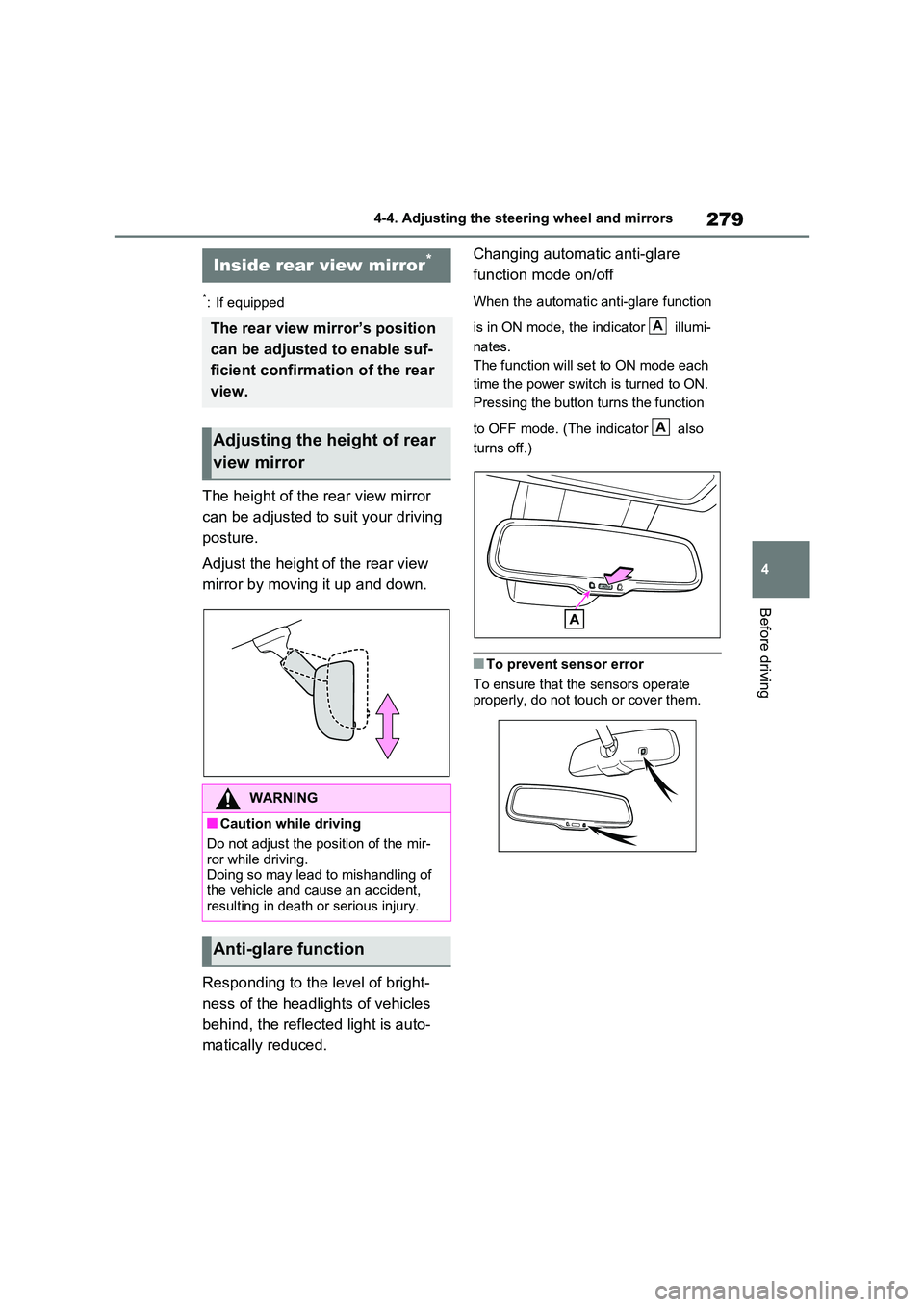
Adjust the height of the rear view
mirror by moving it up and down.
Responding to the level of bright-
ness of the headlights of vehicles
behind, the reflected light is auto-
matically reduced.
Changing automatic anti-glare
function mode on/off
When the automatic anti-glare function
is in ON mode, the indicator illumi-
nates.
The function will set to ON mode each
time the power switch is turned to ON.
Pressing the button turns the function
to OFF mode. (The indicator also
turns off.)
■To prevent sensor error
To ensure that the sensors operate
properly, do not touch or cover them.
Inside rear view mirror*
The rear view mirror’s position
can be adjusted to enable suf-
ficient confirmation of the rear
view.
Adjusting the height of rear
view mirror
WARNING
■Caution while driving
Do not adjust the position of the mir- ror while driving.Doing so may lead to mishandling of
the vehicle and cause an accident, resulting in death or serious injury.
Anti-glare function
A
A
Page 282 of 664
2824-4. Adjusting the steering wheel and mirrors
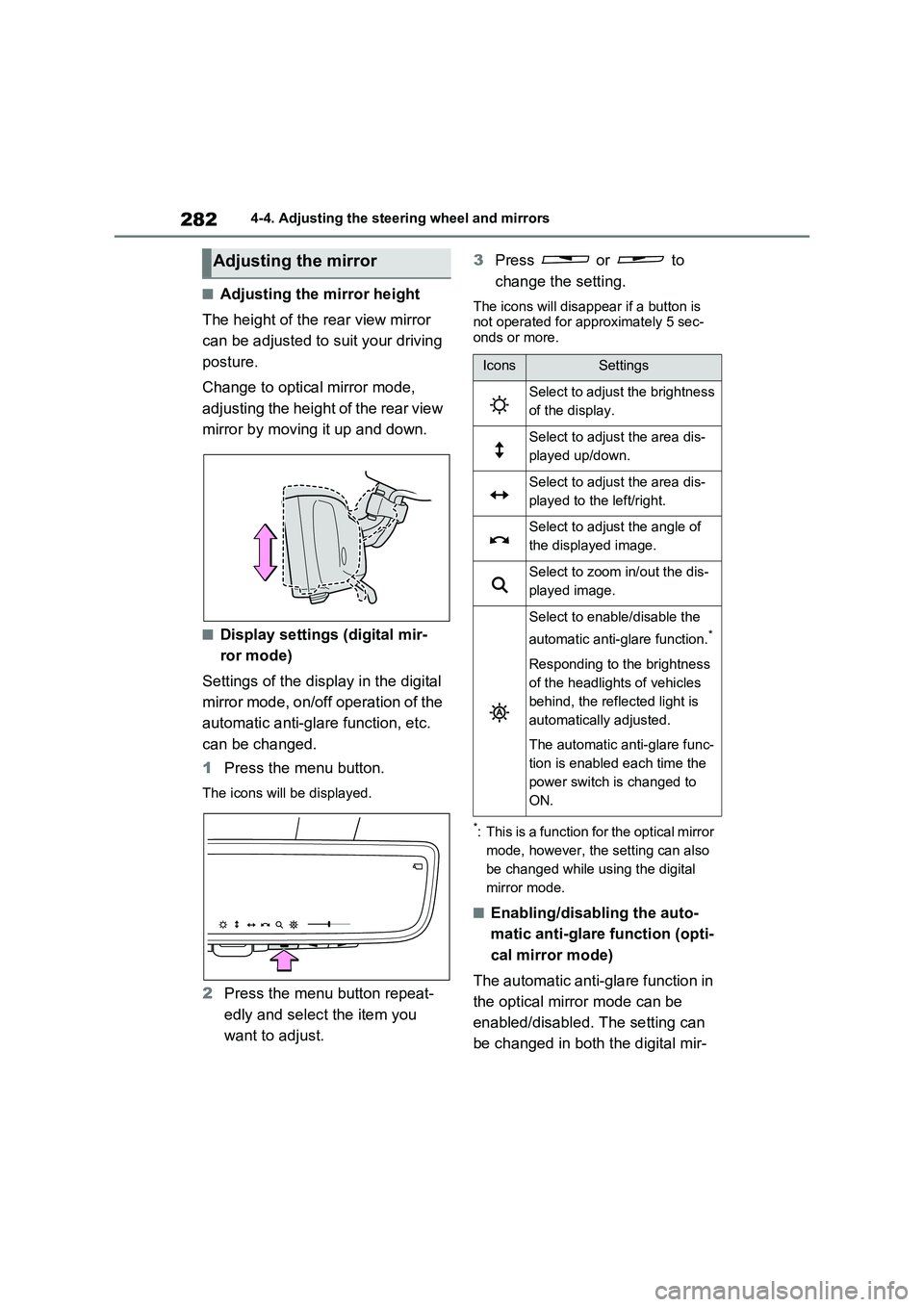
■Adjusting the mirror height
The height of the rear view mirror
can be adjusted to suit your driving
posture.
Change to optical mirror mode,
adjusting the height of the rear view
mirror by moving it up and down.
■Display settings (digital mir-
ror mode)
Settings of the display in the digital
mirror mode, on/off operation of the
automatic anti-glare function, etc.
can be changed.
1Press the menu button.
The icons will be displayed.
2Press the menu button repeat-
edly and select the item you
want to adjust.3Press or to
change the setting.
The icons will disappear if a button is
not operated for approximately 5 sec-
onds or more.
*: This is a function for the optical mirror
mode, however, the setting can also
be changed while using the digital
mirror mode.
■Enabling/disabling the auto-
matic anti-glare function (opti-
cal mirror mode)
The automatic anti-glare function in
the optical mirror mode can be
enabled/disabled. The setting can
be changed in both the digital mir-
Adjusting the mirror
IconsSettings
Select to adjust the brightness
of the display.
Select to adjust the area dis-
played up/down.
Select to adjust the area dis-
played to the left/right.
Select to adjust the angle of
the displayed image.
Select to zoom in/out the dis-
played image.
Select to enable/disable the
automatic anti-glare function.
*
Responding to the brightness
of the headlights of vehicles
behind, the reflected light is
automatically adjusted.
The automatic anti-glare func-
tion is enabled each time the
power switch is changed to
ON.
Page 286 of 664
2864-4. Adjusting the steering wheel and mirrors
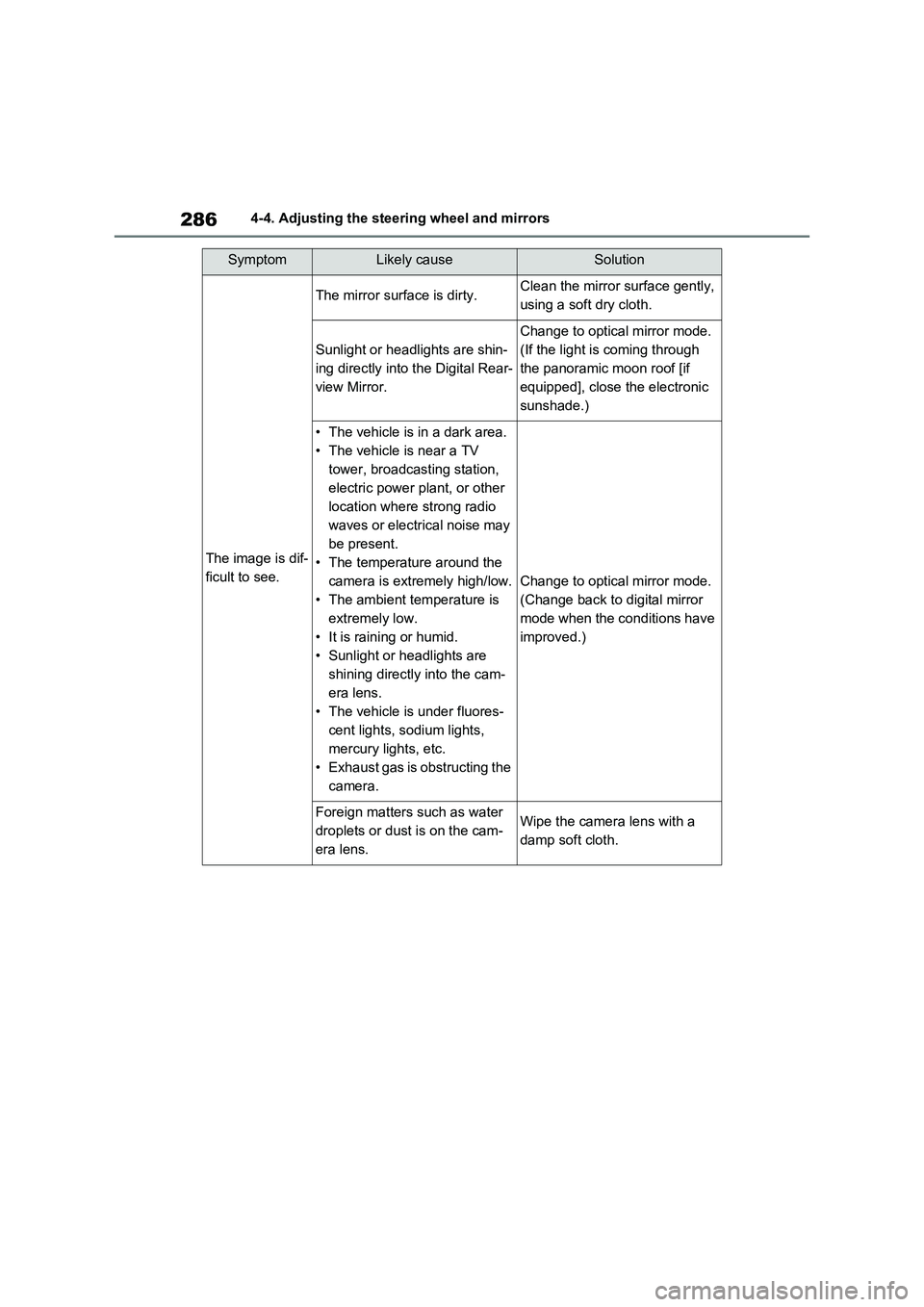
SymptomLikely causeSolution
The image is dif-
ficult to see.
The mirror surface is dirty.Clean the mirror surface gently,
using a soft dry cloth.
Sunlight or headlights are shin-
ing directly into the Digital Rear-
view Mirror.
Change to optical mirror mode.
(If the light is coming through
the panoramic moon roof [if
equipped], close the electronic
sunshade.)
• The vehicle is in a dark area.
• The vehicle is near a TV
tower, broadcasting station,
electric power plant, or other
location where strong radio
waves or electrical noise may
be present.
• The temperature around the
camera is extremely high/low.
• The ambient temperature is
extremely low.
• It is raining or humid.
• Sunlight or headlights are
shining directly into the cam-
era lens.
• The vehicle is under fluores-
cent lights, sodium lights,
mercury lights, etc.
• Exhaust gas is obstructing the
camera.
Change to optical mirror mode.
(Change back to digital mirror
mode when the conditions have
improved.)
Foreign matters such as water
droplets or dust is on the cam-
era lens.Wipe the camera lens with a
damp soft cloth.