language TOYOTA YARIS 2016 User Guide
[x] Cancel search | Manufacturer: TOYOTA, Model Year: 2016, Model line: YARIS, Model: TOYOTA YARIS 2016Pages: 592, PDF Size: 10.44 MB
Page 348 of 592
346
YARIS_SEDAN_OM_OM99M18z_(U)
4-3. Bluetooth®
●Make sure the vents are not directing air up towards the micro-
phone.
■Voice Recognition (Type A)
●The Bluetooth® Hands-Free system is operable several seconds after the
ignition is switched to ACC or ON (requires less than 15 seconds).
● When operating the audio unit or the A/C while using Bluetooth
® Hands-
Free, the beep sounds or voice guidance (audio unit)/cannot be heard.
● If the voice recognition performance is not satisfactory.
● Refer to Voice Recognition Learning Function (Speaker Enrollment) (Type
A) on P. 348.
Refer to Troubleshooting on P. 401.
If a passcode is set, the system cannot be activated unless the pass-
code is input.
Do this function only when parked. It is too distracting to attempt while driv-
ing and you may make too many errors to be effective.
■
Passcode setting
Press the pick-up button or talk button with a short press.
Say: [Beep] “Setup”
Prompt: “Select one of the following: Pairing options, confirma-
tion prompts, language, passcode, select phone or select music
player.”
Say: [Beep] “Passcode”
Prompt: “Passcode is disabled. Would you like to enable it?”
Say: [Beep] “Yes”
Prompt: “Please say a 4-digit passcode. Remember this pass-
code. It will be required to use this system.”
Say: [Beep] “XXXX” (Say a desired 4-digit passcode, “PCode”.)
Prompt: “Passcode XXXX (Passcode, PCode). Is this correct?”
Say: [Beep] “Yes”
Prompt: “Passcode is enabled.”
Security Setting (Type A)
1
2
3
4
5
6
7
8
9
10
11
YARIS_SEDAN_OM_OM99M18z_(U).book Page 346 Monday, June 1, 2015 9:22 PM
Page 349 of 592
YARIS_SEDAN_OM_OM99M18z_(U)
3474-3. Bluetooth®
4
Interior Features
■Using Bluetooth® Hands-Free with a passcode
Press the pick-up button or talk button with a short press.
Prompt: “Hands-Free system is locked. State the passcode to
continue.”
Say: [Beep] “XXXX” (Say the set passcode “PCode”.)
If the correct passcode is input, voice guidance “XXXXXX... (Ex.
“Mary’s device”) (Device tag) is connected” is announced.
If the passcode is incorrect, voice guidance “XXXX (4-digit pass-
code, Pcode) incorrect passcode, please try again” is
announced.
■Canceling the passcode
Do this function only when parked. It is too distracting to attempt
while driving and you may make too many errors to be effective. Press the pick-up button or talk button with a short press.
Say: [Beep] “Setup”
Prompt: “Select one of the following: Pairing options, confirma-
tion prompts, language, passcode, select phone or select music
player.”
Say: [Beep] “Passcode”
Prompt: “Passcode is enabled. Would you like to disable it?”
Say: [Beep] “Yes”
Prompt: “Passcode is disabled.”
■Confirmation Prompts
The confirmation prompt confirms the command content to the user
before advancing to the operation requested by the user. When this
function is turned on, the system reads out the voice input com-
mand previously received and confirms whether the command is
correct before advancing to the command execution.
When the confirmation prompt function is turned on:
(Ex. “Calling John’s device. Is this correct?”)
When the confirmation prompt function is turned off:
(Ex. “Calling John’s device.”)
Press the pick-up button or talk button with a short press.
Say: [Beep] “Setup”
1
2
3
4
1
2
3
4
5
6
7
1
2
YARIS_SEDAN_OM_OM99M18z_(U).book Page 347 Monday, June 1, 2015 9:22 PM
Page 350 of 592
348
YARIS_SEDAN_OM_OM99M18z_(U)
4-3. Bluetooth®
Prompt: “Select one of the following: Pairing options, confirma-
tion prompts, language, passcode, select phone or select music
player.”
Say: [Beep] “Confirmation prompts”
Prompt: “Confirmation prompts are on/off. Would you like to turn
confirmation prompts off/on?”
Say: [Beep] “Yes”
Prompt: “Confirmation prompts are off/on.”
If the confirmation prompt function is turned off when making an emergency
call, the system reads out and confirms the command before executing it.
The voice recognition learning function enables voice recognition
appropriate to the characteristics of the user’s voice. If the recognition
of the voice input commands to the system is not adequate, this func-
tion can largely improve the system’s voice recognition of the user. If
your voice can be recognized sufficiently without using this function,
you may not realize the added benefit of the function. To register your
voice, the voice input command list must be read out. Read out the list
when the vehicle is parked. Perform the registration in as quiet a place
as possible P. 344. The registration must be performed completely.
The required time is a few minutes. The user needs to be seated in
the driver’s seat with the voice input command list for voice recogni-
tion learning open to the page indicated below.
■When voice recognition learning is done for the first timePress the pick-up button or talk button with a short press.
Say: [Beep] “Voice training”
Prompt: “This operation must be performed in a quiet environ-
ment while the vehicle is stopped. See the owner’s manual for
the list of required training phrases. Press and release the talk
button when you are ready to begin. Press the hang-up button to
cancel at any time.”
Press the talk button with a short press.
The voice guidance reads out the voice input command number
(refer to the voice input command list for voice recognition learn-
ing). (Ex. “Please read phrase 1”)
Voice Recognition Learning Function (Speaker Enrollment)
(Type A)
3
4
5
6
7
1
2
3
4
5
YARIS_SEDAN_OM_OM99M18z_(U).book Page 348 Monday, June 1, 2015 9:22 PM
Page 357 of 592
YARIS_SEDAN_OM_OM99M18z_(U)
3554-3. Bluetooth®
4
Interior Features
■Bluetooth® Preparation (Type B)
The Bluetooth® system may not operate for 1 or 2 minutes after the ignition is
switched to ACC or ON. However, this does not indicate a problem. If the
Bluetooth
® system does not connect automatically after 1 or 2 minutes have
elapsed, make sure that the Bluetooth® setting on the device is normal and
attempt to reconnect the Bluetooth® device from the vehicle side.
When Call history and messages are downloaded automatically, each auto-
matic download setting must be on.
Refer to Communication Settings on P. 382.
● The following functions can be used for the Hands-free or audio.
• Hands-free: Phone calls and E-mail/ SMS
• Audio: Bluetooth
® audio, Pandora®, Aha™, Stitcher™ radio
The Bluetooth® Hands-Free System applies to the following lan-
guages:
● English
● Spanish
● French
Refer to Settings on P. 295.
Available Language (Type B)
YARIS_SEDAN_OM_OM99M18z_(U).book Page 355 Monday, June 1, 2015 9:22 PM
Page 383 of 592
YARIS_SEDAN_OM_OM99M18z_(U)
3814-3. Bluetooth®
4
Interior Features
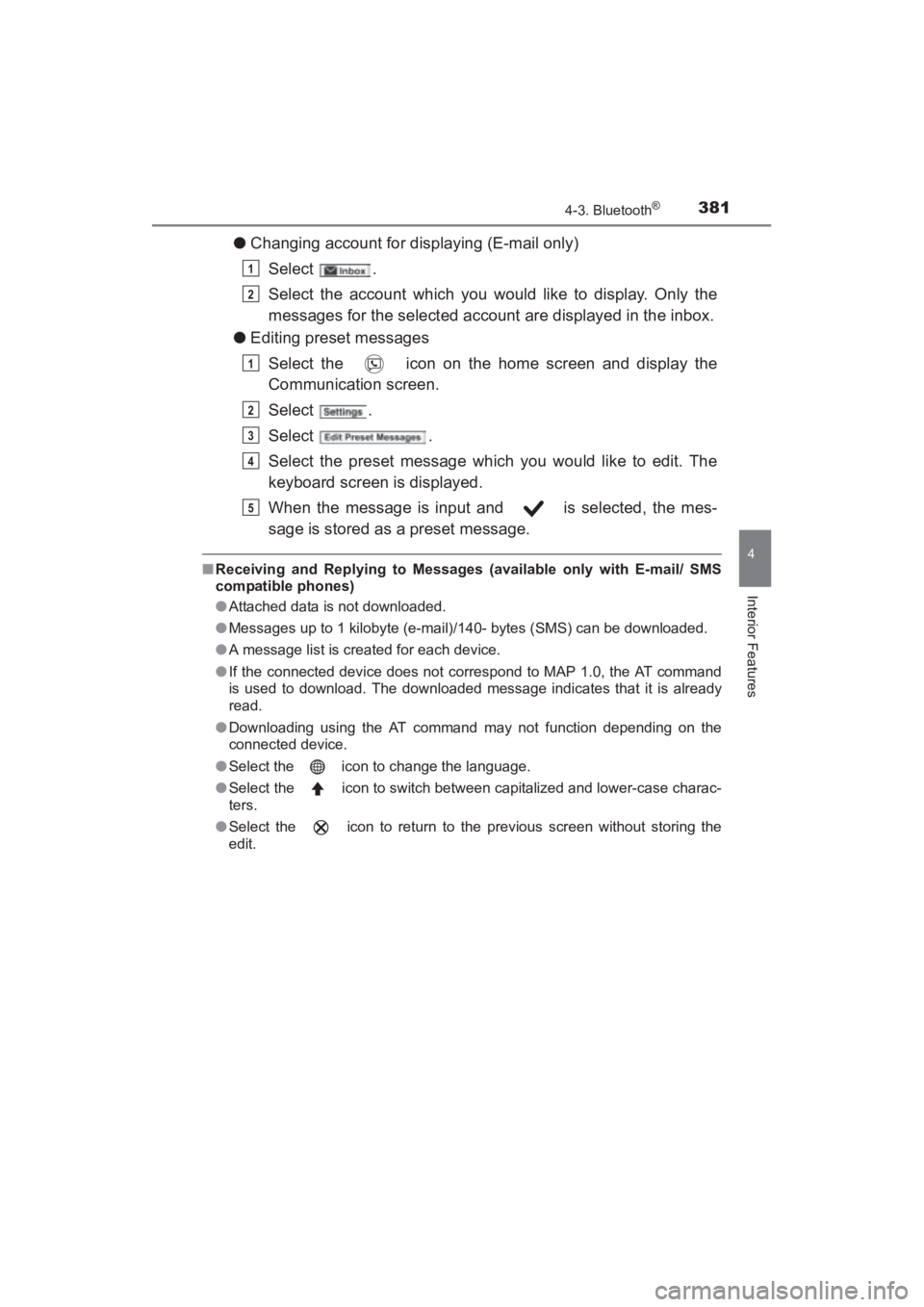
●Changing account for displaying (E-mail only)
Select .
Select the account which you would like to display. Only the
messages for the selected account are displayed in the inbox.
● Editing preset messages
Select the icon on the home screen and display the
Communication screen.
Select .
Select .
Select the preset message which you would like to edit. The
keyboard screen is displayed.
When the message is input and is selected, the mes-
sage is stored as a preset message.
■Receiving and Replying to Messages (available only with E-mail/ SMS
compatible phones)
●Attached data is not downloaded.
● Messages up to 1 kilobyte (e-mail)/140- bytes (SMS) can be downloaded.
● A message list is created for each device.
● If the connected device does not correspond to MAP 1.0, the AT command
is used to download. The downloaded message indicates that it is already
read.
● Downloading using the AT command may not function depending on the
connected device.
● Select the icon to change the language.
● Select the icon to switch between capitalized and lower-case charac-
ters.
● Select the icon to return to the previous screen without storing the
edit.
1
2
1
2
3
4
5
YARIS_SEDAN_OM_OM99M18z_(U).book Page 381 Monday, June 1, 2015 9:22 PM