navigation system TOYOTA YARIS HATCHBACK 2019 User Guide
[x] Cancel search | Manufacturer: TOYOTA, Model Year: 2019, Model line: YARIS HATCHBACK, Model: TOYOTA YARIS HATCHBACK 2019Pages: 692, PDF Size: 68.71 MB
Page 368 of 692
3685-1. Basic Operations
YARIS_F_OM_Europe_OM52A54E
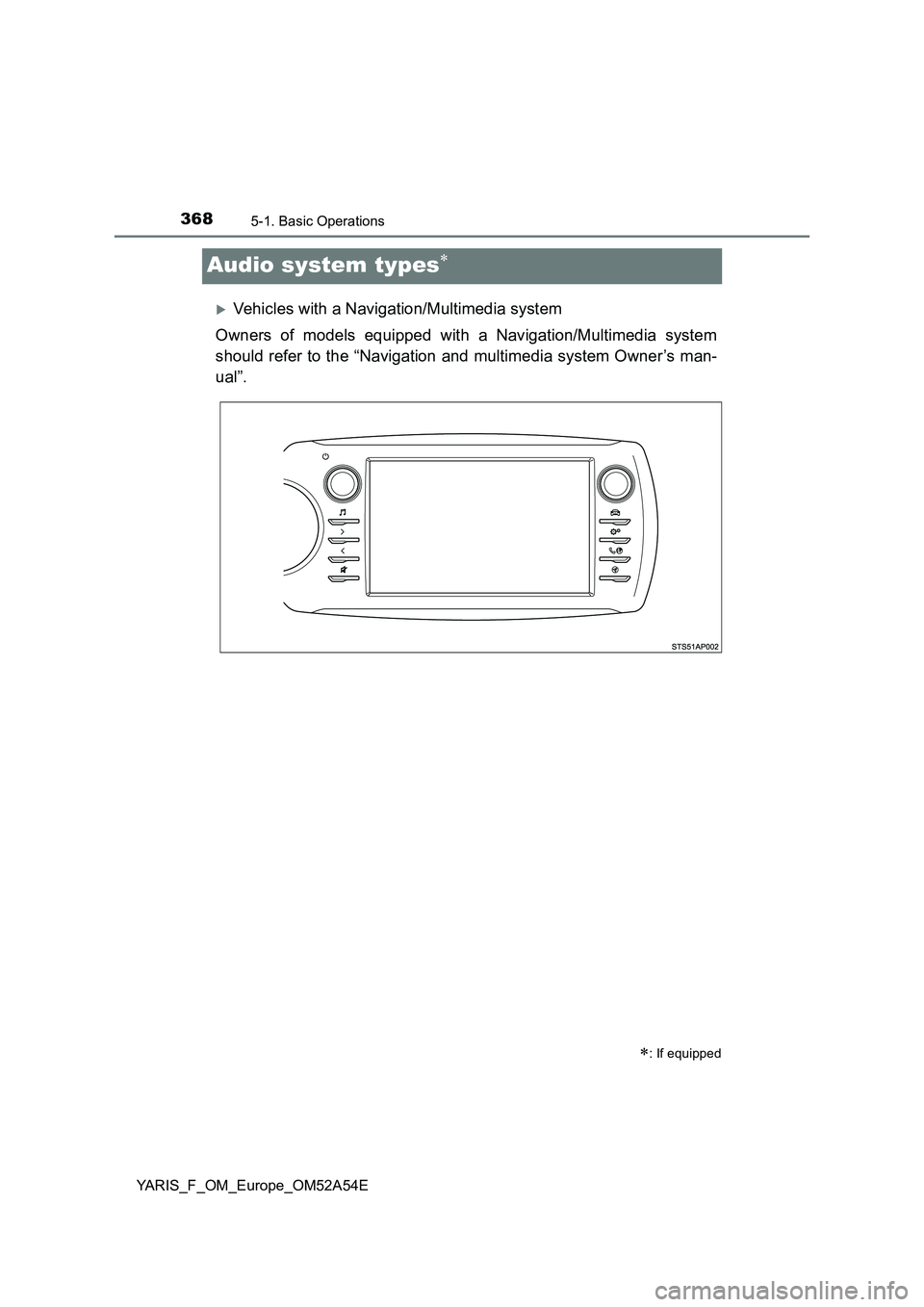
Audio system types
Vehicles with a Navigation/Multimedia system
Owners of models equipped with a Navigation/Multimedia system
should refer to the “Navigation and multimedia system Owner’s man-
ual”.
: If equipped
Page 369 of 692
3695-1. Basic Operations
5
Audio system
YARIS_F_OM_Europe_OM52A54E
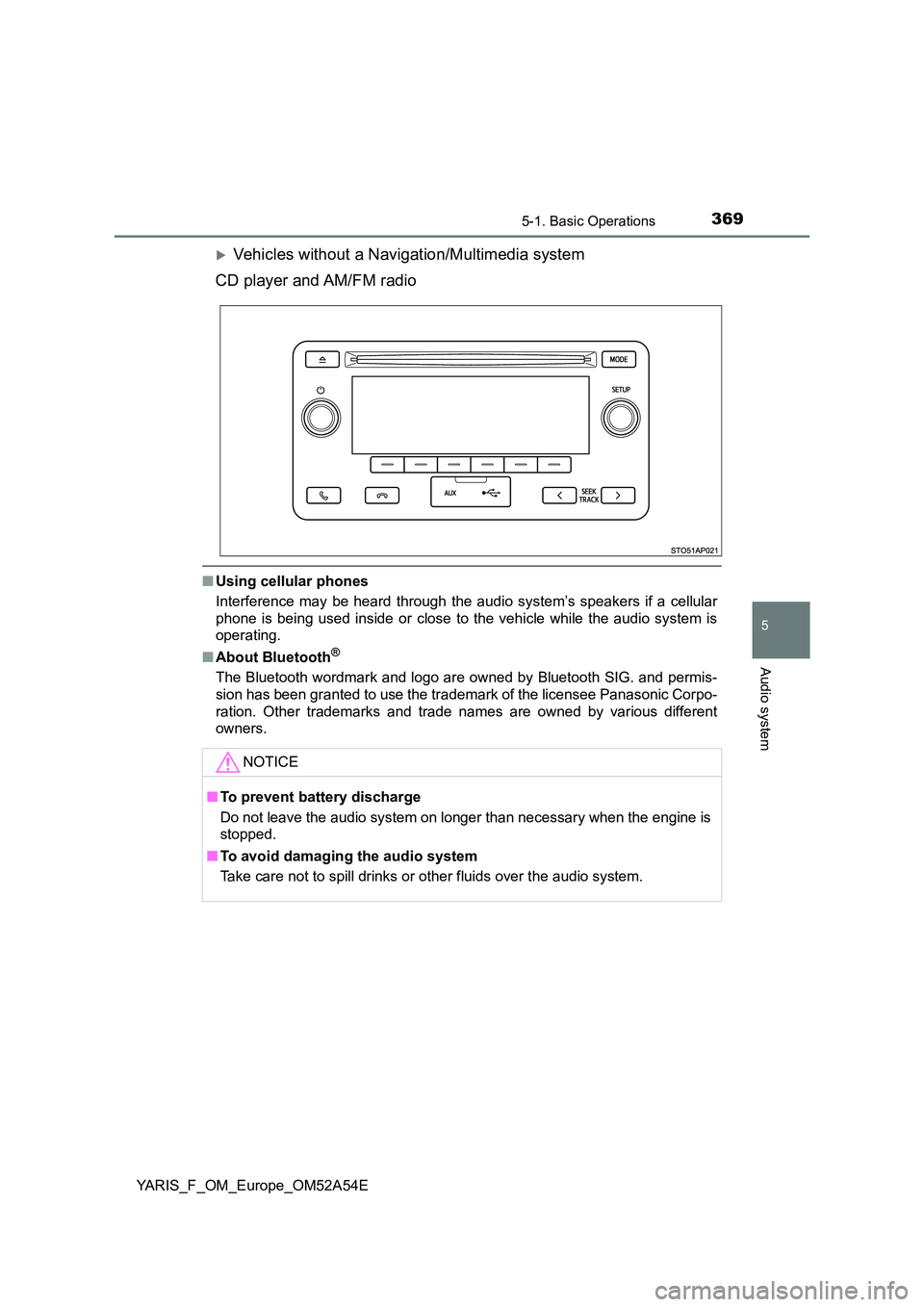
Vehicles without a Navigation/Multimedia system
CD player and AM/FM radio
■ Using cellular phones
Interference may be heard through the audio system’s speakers if a cellular
phone is being used inside or close to the vehicle while the audio system is
operating.
■ About Bluetooth®
The Bluetooth wordmark and logo are owned by Bluetooth SIG. and permis-
sion has been granted to use the trademark of the licensee Panasonic Corpo-
ration. Other trademarks and trade nam es are owned by various different
owners.
NOTICE
■ To prevent battery discharge
Do not leave the audio system on longer than necessary when the engine is
stopped.
■ To avoid damaging the audio system
Take care not to spill drinks or other fluids over the audio system.
Page 370 of 692
3705-1. Basic Operations
YARIS_F_OM_Europe_OM52A54E
Steering wheel audio switches
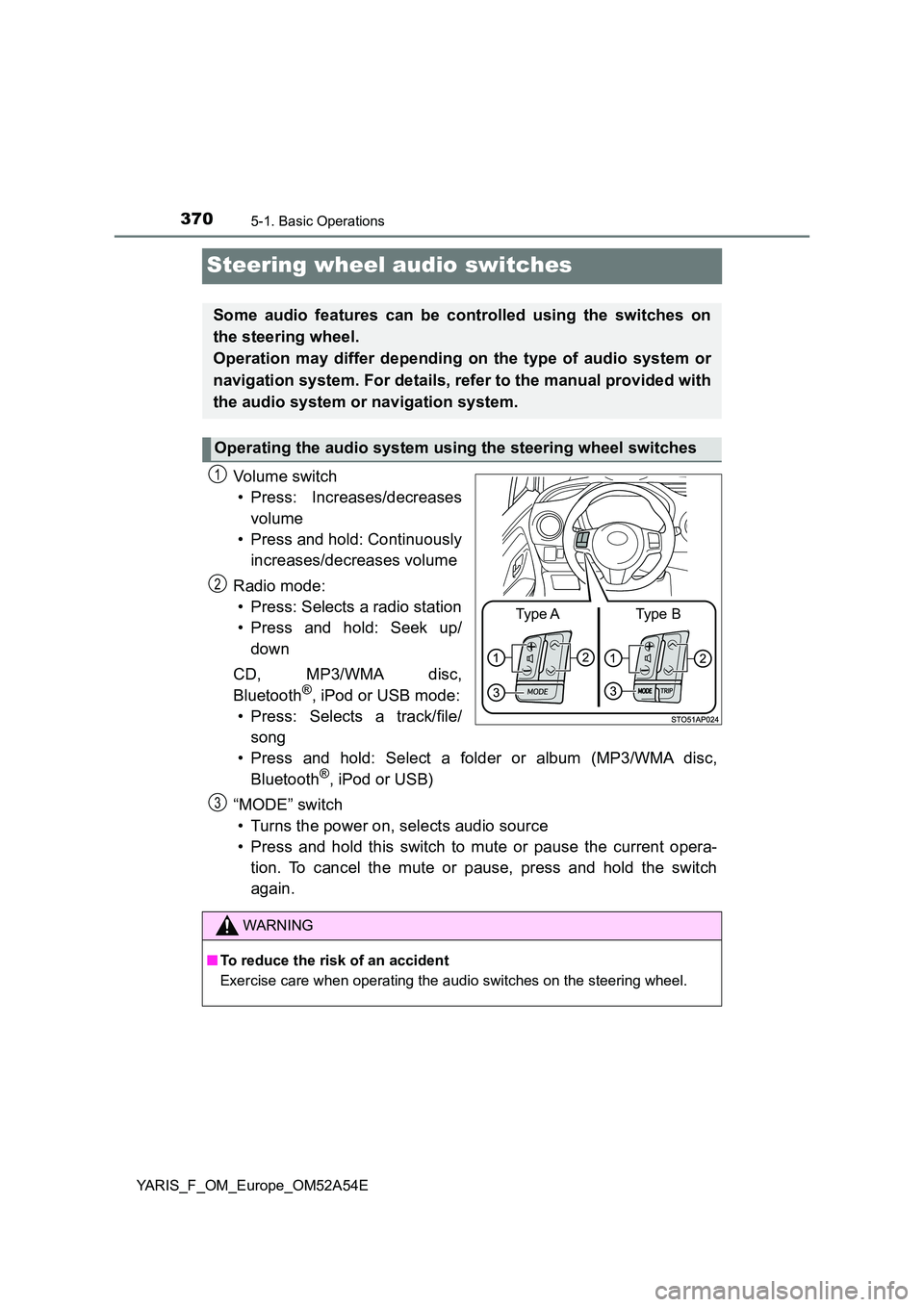
Vo lu m e swi tc h
• Press: Increases/decreases
volume
• Press and hold: Continuously
increases/decreases volume
Radio mode:
• Press: Selects a radio station
• Press and hold: Seek up/
down
CD, MP3/WMA disc,
Bluetooth®, iPod or USB mode:
• Press: Selects a track/file/
song
• Press and hold: Select a folder or album (MP3/WMA disc,
Bluetooth®, iPod or USB)
“MODE” switch
• Turns the power on, selects audio source
• Press and hold this switch to mute or pause the current opera-
tion. To cancel the mute or pause, press and hold the switch
again.
Some audio features can be controlled using the switches on
the steering wheel.
Operation may differ depending on the type of audio system or
navigation system. For details, refer to the manual provided with
the audio system or navigation system.
Operating the audio system using the steering wheel switches
Type AType B
1
2
WARNING
■ To reduce the risk of an accident
Exercise care when operating the audio switches on the steering wheel.
3
Page 627 of 692
6278-2. Steps to take in an emergency
8
When trouble arises
YARIS_F_OM_Europe_OM52A54E
WARNING
■When using the full-size spare tire (if equipped)
● On vehicles with a tire pressure warning system: Replace the full-size
spare tire with a standard tire as soon as possible.
● Avoid sudden acceleration, abrupt steering, sudden braking and shifting
operations that cause sudden engine braking.
■ When using the compact spare tire (if equipped)
● Remember that the compact spare tire provided is specifically designed
for use with your vehicle. Do not use your compact spare tire on another
vehicle.
● Do not use more than one compact spare tire simultaneously.
● Replace the compact spare tire with a standard tire as soon as possible.
● Avoid sudden acceleration, abrupt steering, sudden braking and shifting
operations that cause sudden engine braking.
■ When storing the spare tire (if equipped)
Be careful not to catch fingers or other body parts between the spare tire
and the body of the vehicle.
■ After using the tools and jack
Before driving, make sure all the tools and jack are securely in place in their
storage location to reduce the possibility of personal injury during a collision
or sudden braking.
■ When the compact spare tire is attached (if equipped)
The vehicle speed may not be correctly detected, and the following systems
may not operate correctly:
■ Speed limit when using the compact spare tire (if equipped)
Do not drive at speeds in excess of 80 km/h (50 mph) when a compact
spare tire is installed on the vehicle.
The compact spare tire is not designed for driving at high speeds. Failure to
observe this precaution may lead to an accident causing death or serious
injury.
• ABS & Brake assist
• VSC*
•TRC*
• EPS
• Automatic High Beam*
*: If equipped
• PCS (Pre-Crash Safety system)*
• LDA (Lane Departure Alert)*
• Cruise control*
• Navigation system*
Page 666 of 692
6669-2. Customization
YARIS_F_OM_Europe_OM52A54E
Customizable features
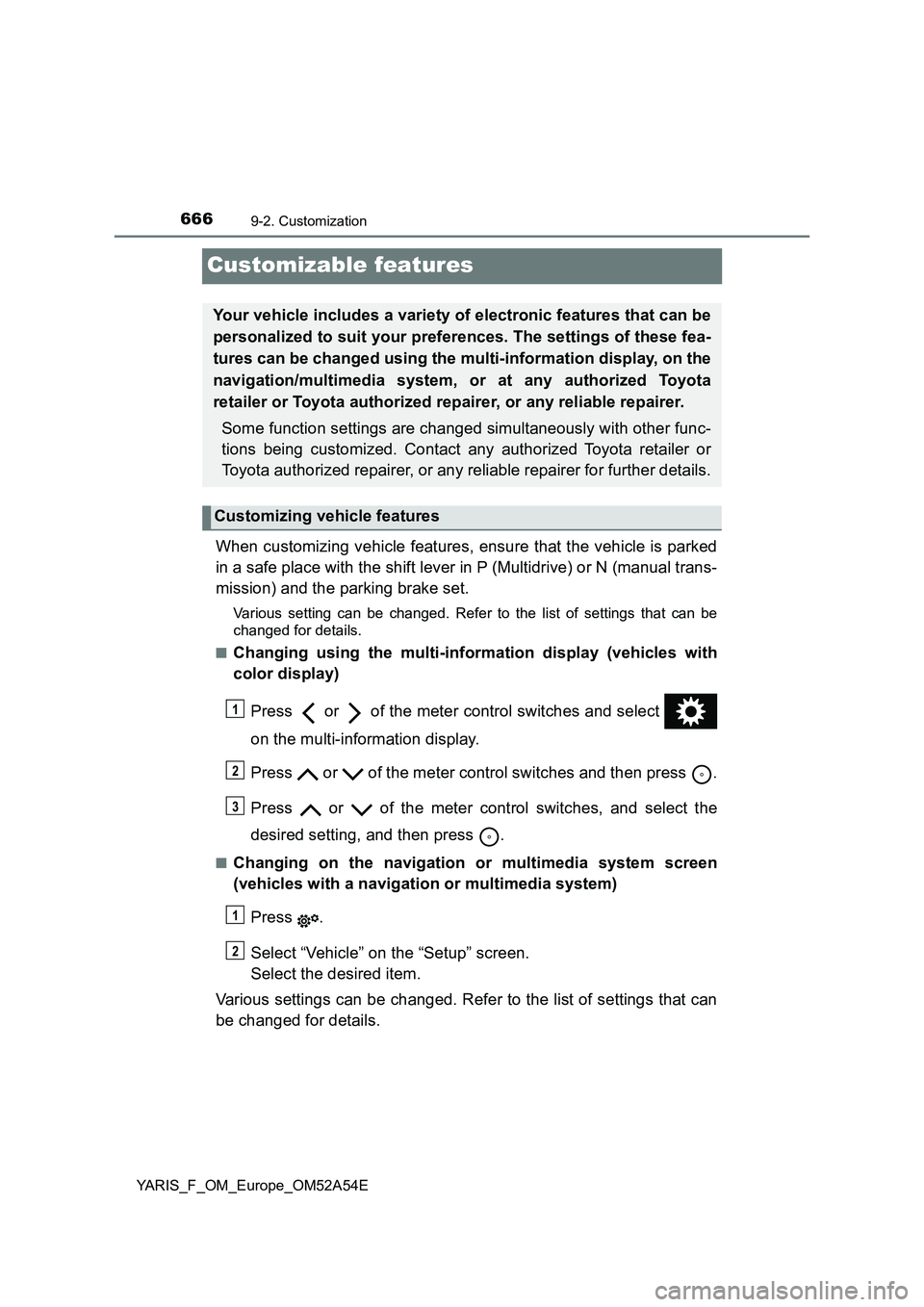
When customizing vehicle features, ensure that the vehicle is parked
in a safe place with the shift lever in P (Multidrive) or N (manual trans-
mission) and the parking brake set.
Various setting can be changed. Refer to the list of settings that can be
changed for details.
■
Changing using the multi-information display (vehicles with
color display)
Press or of the meter control switches and select
on the multi-information display.
Press or of the meter control switches and then press .
Press or of the meter control switches, and select the
desired setting, and then press .
■Changing on the navigation or multimedia system screen
(vehicles with a navigation or multimedia system)
Press .
Select “Vehicle” on the “Setup” screen.
Select the desired item.
Various settings can be changed. Refer to the list of settings that can
be changed for details.
Your vehicle includes a variety of electronic features that can be
personalized to suit your preferences. The settings of these fea-
tures can be changed using the multi-information display, on the
navigation/multimedia system, or at any authorized Toyota
retailer or Toyota authorized repairer, or any reliable repairer.
Some function settings are changed simultaneously with other func-
tions being customized. Contact any authorized Toyota retailer or
Toyota authorized repairer, or any reliable repairer for further details.
Customizing vehicle features
1
2
3
1
2
Page 667 of 692
6679-2. Customization
9
Vehicle specifications
YARIS_F_OM_Europe_OM52A54E
Some function settings are changed simultaneously with other func-
tions being customized. Contact any authorized Toyota retailer or Toy-
ota authorized repairer, or any reliable repairer for further details.
Vehicles with color display: Settings that can be changed using the
multi-information display
Vehicles with a Navigation/Multimedia system: Settings that can be
changed using the Navigation/Multimedia system
(For further information on customizing settings using the Naviga-
tion/Multimedia system, refer to the “Navigation and multimedia
system Owner’s manual”.)
Settings that can be changed by any authorized Toyota retailer or
Toyota authorized repairer, or any reliable repairer
Definition of symbols: O = Available, — = Not available
Customizable features
1
2
3
Page 675 of 692
675
Index
YARIS_F_OM_Europe_OM52A54EWhat to do if...
(Troubleshooting) ..................... 676
Alphabetical index ...................... 680
For vehicles with navigation system or multimedia system,
refer to “Navigation and multimedia system Owner’s manual”
for information regarding the equipment listed below.
• Navigation system
• Hands-free system (for cellular phone)
• Rear view monitor system
• Audio system
Page 680 of 692
680Alphabetical index
YARIS_F_OM_Europe_OM52A54E
Alphabetical index
A/C..................................... 440, 448
Air conditioning filter.............. 534
Automatic air conditioning
system ................................ 448
Manual air conditioning
system ................................ 440
ABS (Anti-lock Brake
System) .................................. 355
Function ................................ 355
Warning light ......................... 582
Air conditioning filter .............. 534
Air conditioning
system ............................ 440, 448
Air conditioning filter.............. 534
Automatic air conditioning
system ................................ 448
Manual air conditioning
system ................................ 440
Airbag manual on-off system ... 58
Airbags ....................................... 45
Airbag manual on-off
system .................................. 58
Airbag operating conditions .... 52
Airbag precautions for
your child .............................. 47
Airbag warning light .............. 582
Correct driving posture............ 36
Curtain shield airbag
operating conditions ............. 52
Curtain shield airbag
precautions ........................... 49
General airbag precautions..... 47
Locations of airbags................ 45
Modification and
disposal of airbags................ 51Side airbag operating
conditions ............................. 52
Side airbag precautions .......... 49
Side and curtain shield
airbags operating
conditions ............................. 52
Side and curtain shield
airbags precautions .............. 49
SRS airbags............................ 45
Alarm
Warning buzzer..................... 581
Antenna
Radio ............................ 374, 478
Smart entry &
smart system ...................... 167
Anti-lock Brake System
(ABS) ...................................... 355
Function ................................ 355
Warning light ......................... 582
Armrest ..................................... 475
Ashtray ..................................... 472
Assist grips .............................. 476
Audio system (with a navigation/
multimedia system)
*1
Audio system
(without a navigation/
multimedia system)............... 368
Bluetooth® audio .................. 403
CD player .............................. 378
iPod....................................... 387
MP3/WMA disc ..................... 378
Optimal use........................... 372
Radio .................................... 374
Steering wheel audio
switch ................................. 370
USB memory ........................ 395
USB port ............................... 371
A
Page 681 of 692
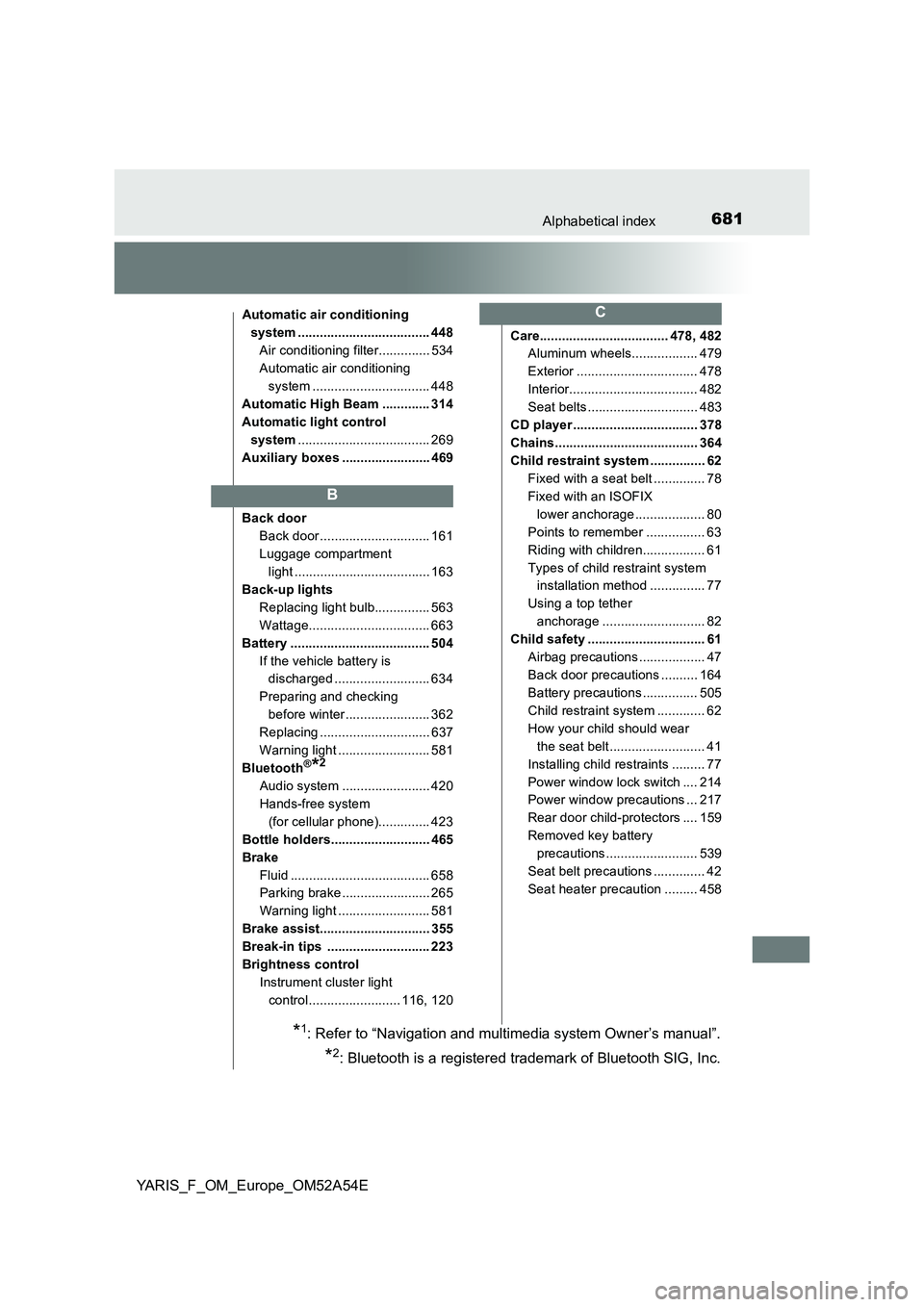
681Alphabetical index
YARIS_F_OM_Europe_OM52A54E
Automatic air conditioning
system .................................... 448
Air conditioning filter.............. 534
Automatic air conditioning
system ................................ 448
Automatic High Beam ............. 314
Automatic light control
system.................................... 269
Auxiliary boxes ........................ 469
Back door
Back door .............................. 161
Luggage compartment
light ..................................... 163
Back-up lights
Replacing light bulb............... 563
Wattage................................. 663
Battery ...................................... 504
If the vehicle battery is
discharged .......................... 634
Preparing and checking
before winter....................... 362
Replacing .............................. 637
Warning light ......................... 581
Bluetooth
®*2
Audio system ........................ 420
Hands-free system
(for cellular phone).............. 423
Bottle holders........................... 465
Brake
Fluid ...................................... 658
Parking brake ........................ 265
Warning light ......................... 581
Brake assist.............................. 355
Break-in tips ............................ 223
Brightness control
Instrument cluster light
control......................... 116, 120Care................................... 478, 482
Aluminum wheels.................. 479
Exterior ................................. 478
Interior................................... 482
Seat belts .............................. 483
CD player .................................. 378
Chains....................................... 364
Child restraint system ............... 62
Fixed with a seat belt .............. 78
Fixed with an ISOFIX
lower anchorage ................... 80
Points to remember ................ 63
Riding with children................. 61
Types of child restraint system
installation method ............... 77
Using a top tether
anchorage ............................ 82
Child safety ................................ 61
Airbag precautions .................. 47
Back door precautions .......... 164
Battery precautions ............... 505
Child restraint system ............. 62
How your child should wear
the seat belt.......................... 41
Installing child restraints ......... 77
Power window lock switch .... 214
Power window precautions ... 217
Rear door child-protectors .... 159
Removed key battery
precautions......................... 539
Seat belt precautions .............. 42
Seat heater precaution ......... 458
B
C
*1: Refer to “Navigation and multimedia system Owner’s manual”.
*2: Bluetooth is a registered trademark of Bluetooth SIG, Inc.
Page 685 of 692
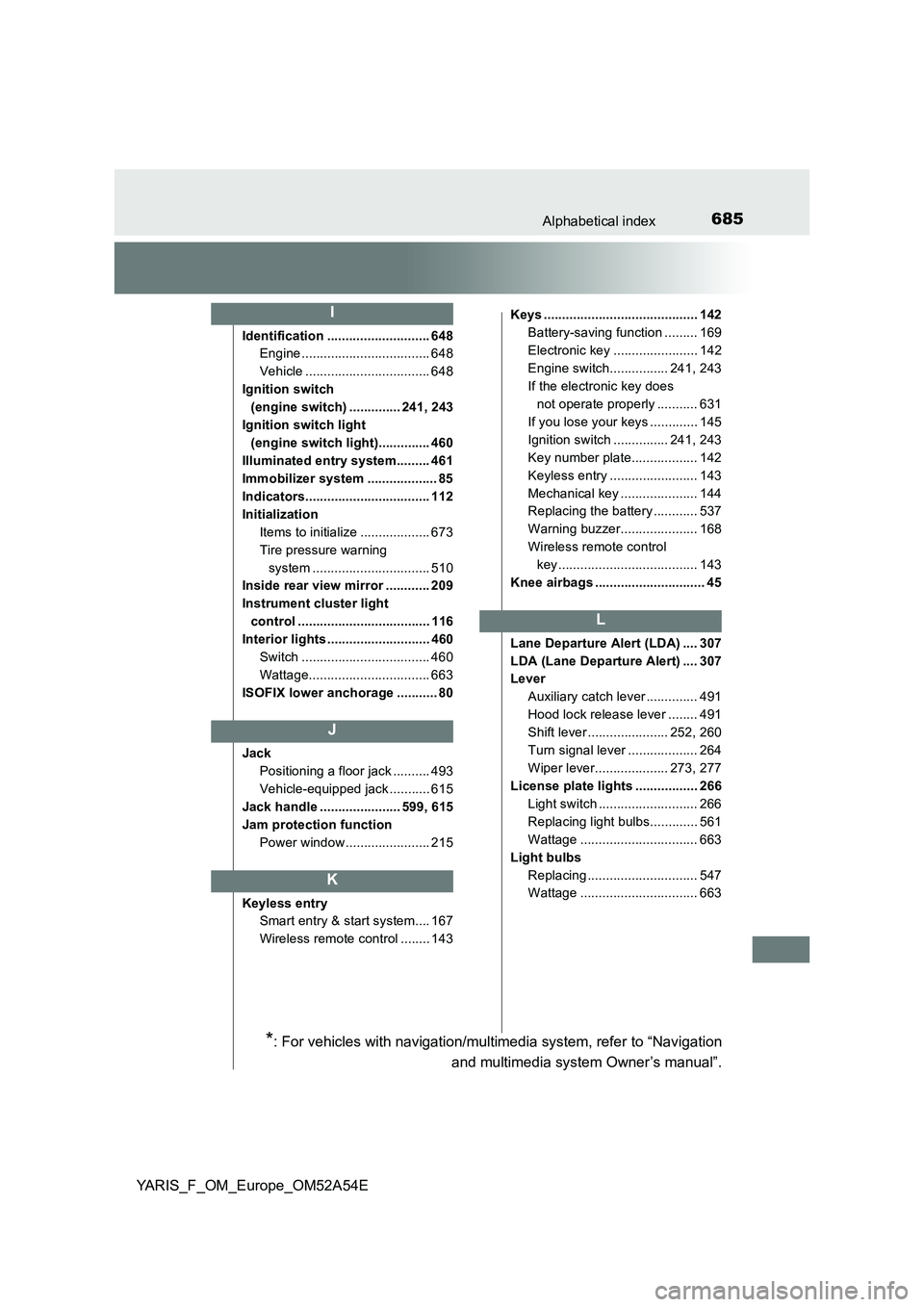
685Alphabetical index
YARIS_F_OM_Europe_OM52A54E
Identification ............................ 648
Engine ................................... 648
Vehicle .................................. 648
Ignition switch
(engine switch) .............. 241, 243
Ignition switch light
(engine switch light).............. 460
Illuminated entry system......... 461
Immobilizer system ................... 85
Indicators.................................. 112
Initialization
Items to initialize ................... 673
Tire pressure warning
system ................................ 510
Inside rear view mirror ............ 209
Instrument cluster light
control .................................... 116
Interior lights ............................ 460
Switch ................................... 460
Wattage................................. 663
ISOFIX lower anchorage ........... 80
Jack
Positioning a floor jack .......... 493
Vehicle-equipped jack ........... 615
Jack handle ...................... 599, 615
Jam protection function
Power window ....................... 215
Keyless entry
Smart entry & start system.... 167
Wireless remote control ........ 143Keys .......................................... 142
Battery-saving function ......... 169
Electronic key ....................... 142
Engine switch................ 241, 243
If the electronic key does
not operate properly ........... 631
If you lose your keys ............. 145
Ignition switch ............... 241, 243
Key number plate.................. 142
Keyless entry ........................ 143
Mechanical key ..................... 144
Replacing the battery ............ 537
Warning buzzer..................... 168
Wireless remote control
key...................................... 143
Knee airbags .............................. 45
Lane Departure Alert (LDA) .... 307
LDA (Lane Departure Alert) .... 307
Lever
Auxiliary catch lever .............. 491
Hood lock release lever ........ 491
Shift lever ...................... 252, 260
Turn signal lever ................... 264
Wiper lever.................... 273, 277
License plate lights ................. 266
Light switch ........................... 266
Replacing light bulbs............. 561
Wattage ................................ 663
Light bulbs
Replacing .............................. 547
Wattage ................................ 663
I
J
K
L
*: For vehicles with navigation/multimedia system, refer to “Navigation
and multimedia system Owner’s manual”.