lock VAUXHALL MOVANO_B 2015.5 Owner's Guide
[x] Cancel search | Manufacturer: VAUXHALL, Model Year: 2015.5, Model line: MOVANO_B, Model: VAUXHALL MOVANO_B 2015.5Pages: 215, PDF Size: 5.11 MB
Page 53 of 215
Seats, restraints519Warning
Keep the area in which the airbag
inflates clear of obstructions.
Notice
Only use protective seat covers that have been approved for the vehicle.Be careful not to cover the airbags.
Airbag deactivation Front airbag and side airbag systems
for the front passenger seat must be
deactivated if a child restraint system is to be fitted on this seat, in
accordance with the instructions in
the child restraint installation location
tables 3 54.
The belt pretensioners and all driver airbag systems will remain active.
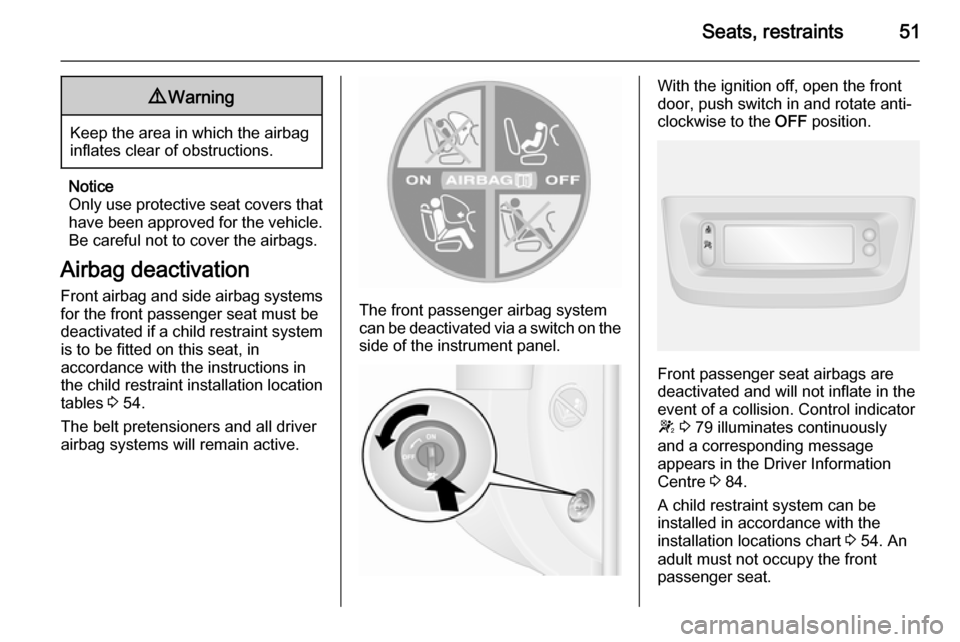
The front passenger airbag system
can be deactivated via a switch on the
side of the instrument panel.
With the ignition off, open the front
door, push switch in and rotate anti-
clockwise to the OFF position.
Front passenger seat airbags are
deactivated and will not inflate in the event of a collision. Control indicator
W 3 79 illuminates continuously
and a corresponding message
appears in the Driver Information
Centre 3 84.
A child restraint system can be
installed in accordance with the
installation locations chart 3 54. An
adult must not occupy the front
passenger seat.
Page 55 of 215

Seats, restraints53deactivated; if not, the triggering ofthe airbags poses a risk of fatal
injury to the child.
This is especially the case if rear-
facing child restraint systems are
used on the front passenger seat.
Airbag deactivation 3 51.
Airbag label 3 46.
The rear seats are the most
convenient location to fasten a child
restraint system.
Children should travel facing
rearwards in the vehicle as long as
possible. This makes sure that the
child's backbone, which is still very
weak, is under less strain in the event
of an accident.
Child locks 3 24.
Selecting the right system Suitable are restraint systems that
comply with valid UN ECE
regulations. Check local laws and
regulations for mandatory use of child restraint systems.
Ensure that the child restraint system to be installed is compatible with the
vehicle type.
Ensure that the mounting location of
the child restraint system within the
vehicle is correct, see following
tables.
Allow children to enter and exit the
vehicle only on the side facing away
from the traffic.
When the child restraint system is not in use, secure the seat with a seat belt
or remove it from the vehicle.
Child restraint systems could be
fastened with ISOFIX mounting
brackets, Top-tether if available, and/
or a three-point seat belt. Refer to the
following tables.
Notice
Do not affix anything on the child
restraint systems and do not cover
them with any other materials.
A child restraint system which has
been subjected to stress in an
accident must be replaced.
Page 67 of 215
Storage65
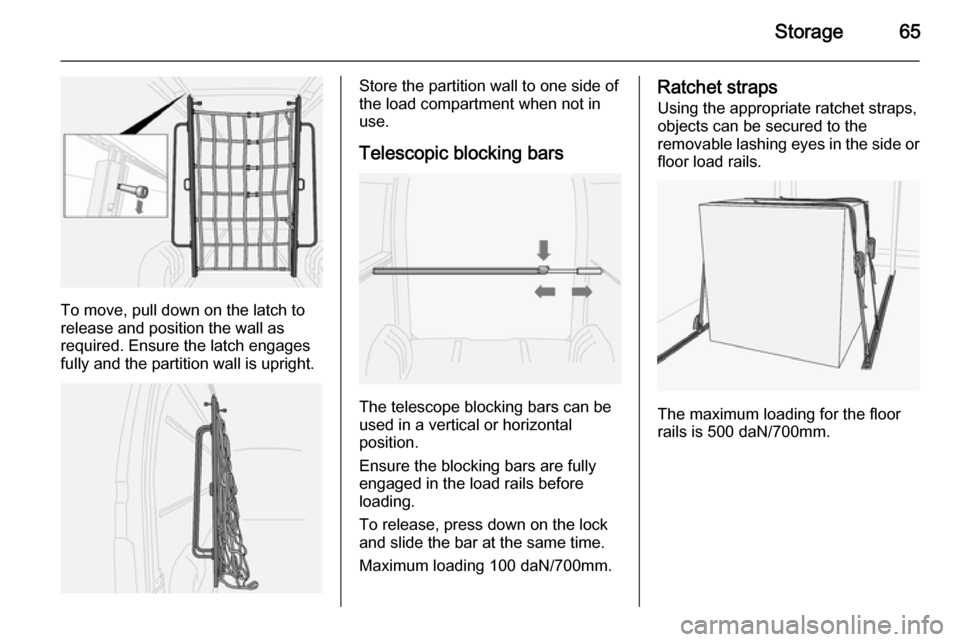
To move, pull down on the latch to
release and position the wall as
required. Ensure the latch engages fully and the partition wall is upright.
Store the partition wall to one side of
the load compartment when not in
use.
Telescopic blocking bars
The telescope blocking bars can be
used in a vertical or horizontal
position.
Ensure the blocking bars are fully
engaged in the load rails before
loading.
To release, press down on the lock
and slide the bar at the same time.
Maximum loading 100 daN/700mm.
Ratchet straps
Using the appropriate ratchet straps,
objects can be secured to the
removable lashing eyes in the side or floor load rails.
The maximum loading for the floor
rails is 500 daN/700mm.
Page 71 of 215
Instruments and controls69Instruments and
controlsControls ....................................... 69
Warning lights, gauges and indi‐ cators ........................................... 74
Information displays .....................84
Vehicle messages ........................ 85
Trip computer ............................... 86
Tachograph .................................. 88Controls
Steering wheel adjustment
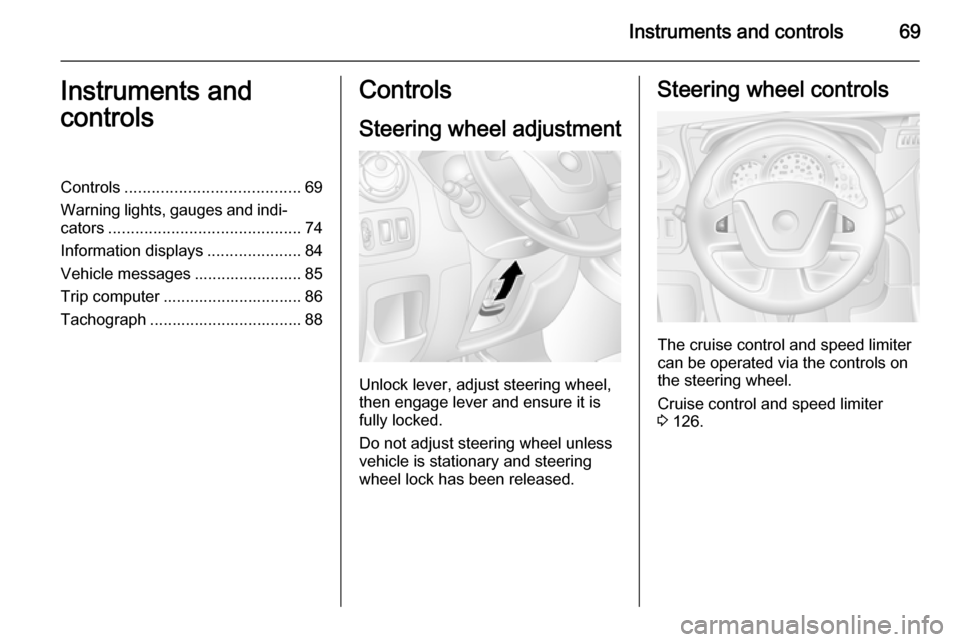
Unlock lever, adjust steering wheel,
then engage lever and ensure it is fully locked.
Do not adjust steering wheel unless
vehicle is stationary and steering
wheel lock has been released.
Steering wheel controls
The cruise control and speed limiter
can be operated via the controls on
the steering wheel.
Cruise control and speed limiter
3 126.
Page 74 of 215
72Instruments and controls9Warning
The road surface may already be
icy even though the display
indicates a few degrees above 0
°C.
Clock
Depending on vehicle, the current
time and/or date may appear in the
information display 3 85 or the
Driver Information Centre 3 84.
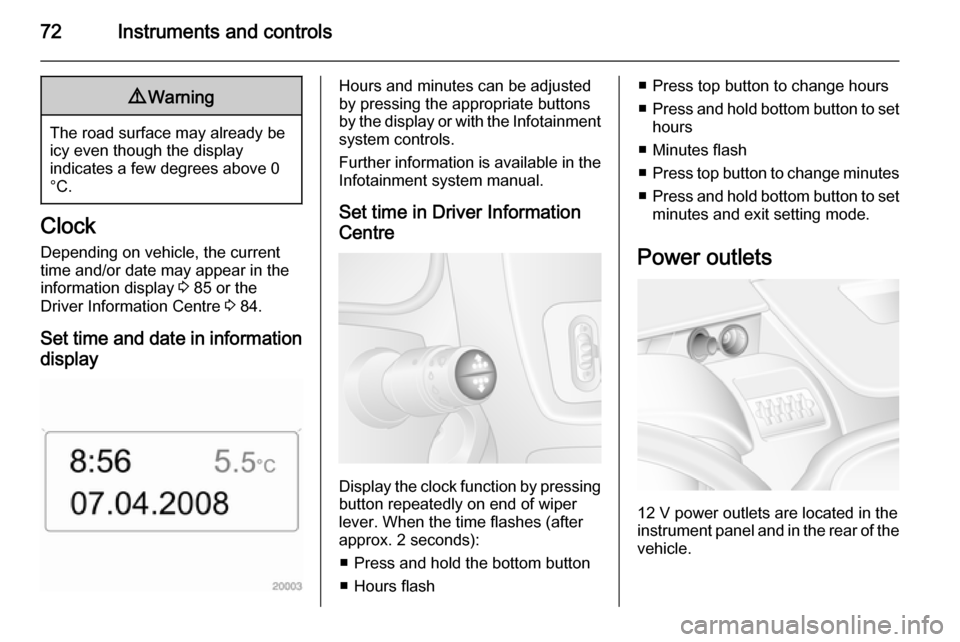
Set time and date in information display
Hours and minutes can be adjusted
by pressing the appropriate buttons
by the display or with the Infotainment
system controls.
Further information is available in the
Infotainment system manual.
Set time in Driver Information
Centre
Display the clock function by pressing button repeatedly on end of wiper
lever. When the time flashes (after
approx. 2 seconds):
■ Press and hold the bottom button
■ Hours flash
■ Press top button to change hours
■ Press and hold bottom button to set
hours
■ Minutes flash
■ Press top button to change minutes
■ Press and hold bottom button to set
minutes and exit setting mode.
Power outlets
12 V power outlets are located in the instrument panel and in the rear of the
vehicle.
Page 83 of 215
Instruments and controls81
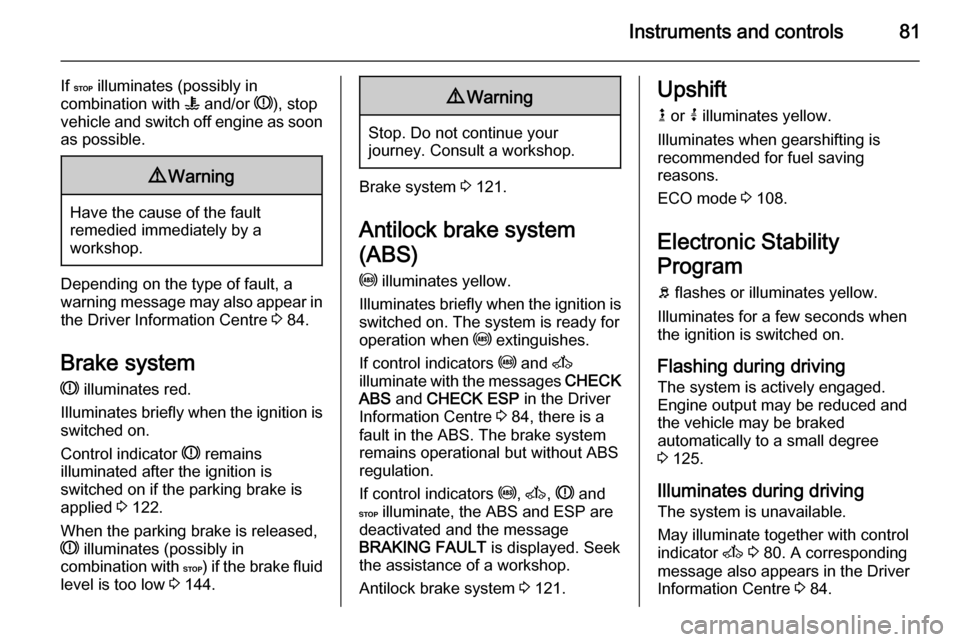
If C illuminates (possibly in
combination with W and/or R), stop
vehicle and switch off engine as soon
as possible.9 Warning
Have the cause of the fault
remedied immediately by a
workshop.
Depending on the type of fault, a
warning message may also appear in the Driver Information Centre 3 84.
Brake system R illuminates red.
Illuminates briefly when the ignition is
switched on.
Control indicator R remains
illuminated after the ignition is
switched on if the parking brake is
applied 3 122.
When the parking brake is released,
R illuminates (possibly in
combination with C) if the brake fluid
level is too low 3 144.
9
Warning
Stop. Do not continue your
journey. Consult a workshop.
Brake system 3 121.
Antilock brake system
(ABS) u illuminates yellow.
Illuminates briefly when the ignition is
switched on. The system is ready for
operation when u extinguishes.
If control indicators u and A
illuminate with the messages CHECK
ABS and CHECK ESP in the Driver
Information Centre 3 84, there is a
fault in the ABS. The brake system
remains operational but without ABS
regulation.
If control indicators u, A , R and
C illuminate, the ABS and ESP are
deactivated and the message
BRAKING FAULT is displayed. Seek
the assistance of a workshop.
Antilock brake system 3 121.
Upshift
k or j illuminates yellow.
Illuminates when gearshifting is
recommended for fuel saving
reasons.
ECO mode 3 108.
Electronic Stability
Program
b flashes or illuminates yellow.
Illuminates for a few seconds when
the ignition is switched on.
Flashing during driving The system is actively engaged.
Engine output may be reduced and the vehicle may be braked
automatically to a small degree
3 125.
Illuminates during driving The system is unavailable.
May illuminate together with control
indicator A 3 80. A corresponding
message also appears in the Driver
Information Centre 3 84.
Page 85 of 215
Instruments and controls83
Illuminates when the engine is
runningCaution
Engine lubrication may be
interrupted. This may result in
damage to the engine and/or
locking of the drive wheels.
1. Depress clutch.
2. Select neutral gear, set selector lever to N.
3. Move out of the flow of traffic as quickly as possible without
impeding other vehicles.
4. Switch off ignition.
9 Warning
When the engine is off,
considerably more force is needed
to brake and steer. During an
Autostop the brake servo unit will still be operational.
Do not remove key until vehicle isstationary, otherwise the steeringwheel lock could engage
unexpectedly.
Check oil level before seeking
assistance of a workshop 3 140.
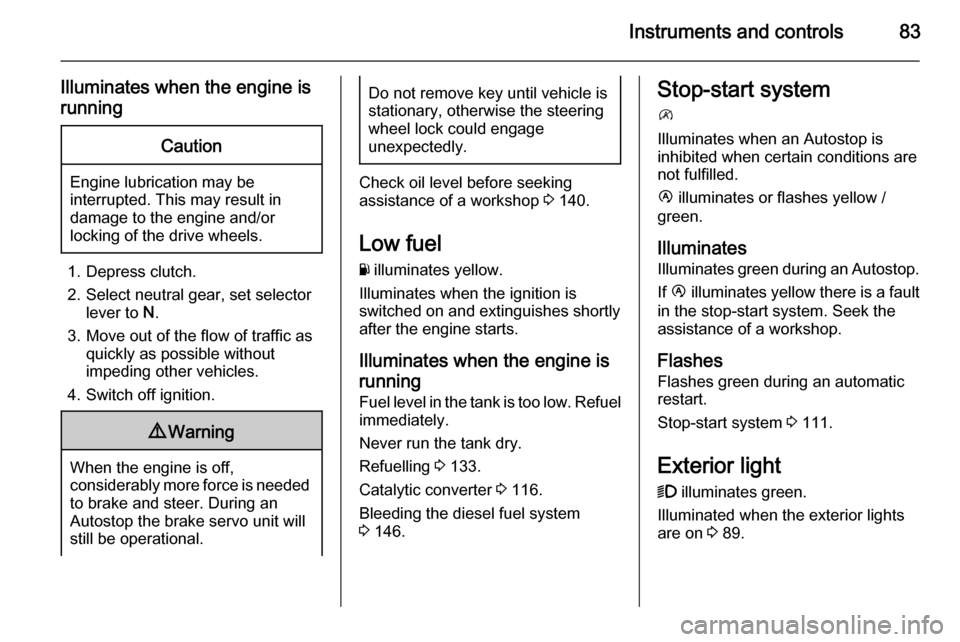
Low fuel
Y illuminates yellow.
Illuminates when the ignition is
switched on and extinguishes shortly
after the engine starts.
Illuminates when the engine isrunning
Fuel level in the tank is too low. Refuel immediately.
Never run the tank dry.
Refuelling 3 133.
Catalytic converter 3 116.
Bleeding the diesel fuel system
3 146.
Stop-start system
\
Illuminates when an Autostop is
inhibited when certain conditions are
not fulfilled.
Ï illuminates or flashes yellow /
green.
Illuminates Illuminates green during an Autostop.
If Ï illuminates yellow there is a fault
in the stop-start system. Seek the
assistance of a workshop.
Flashes
Flashes green during an automatic
restart.
Stop-start system 3 111.
Exterior light 9 illuminates green.
Illuminated when the exterior lights
are on 3 89.
Page 86 of 215
84Instruments and controlsHigh beamP illuminates blue.
Illuminated when high beam is on and
during headlight flash 3 90.
Fog light > illuminates green.
Illuminated when the front fog lights are on 3 92.
Rear fog light
r illuminates yellow.
Illuminated when the rear fog light is
on 3 92.
Cruise control
m , U illuminates green or yellow.
m illuminates green when a certain
speed is stored.
U illuminates green when the system
is on.
Speed limiter
U illuminates yellow.U
illuminates yellow when the
system is on.
Cruise control, Speed limiter 3 126.
Tachograph & illuminates when there is a fault
3 88.
Door open y illuminates red.
Illuminates with the ignition switched
on when a door or the tailgate is open.
Vehicles with manual transmission
automated; control indicator
illuminates in transmission display indicating relevant open door.Information displays
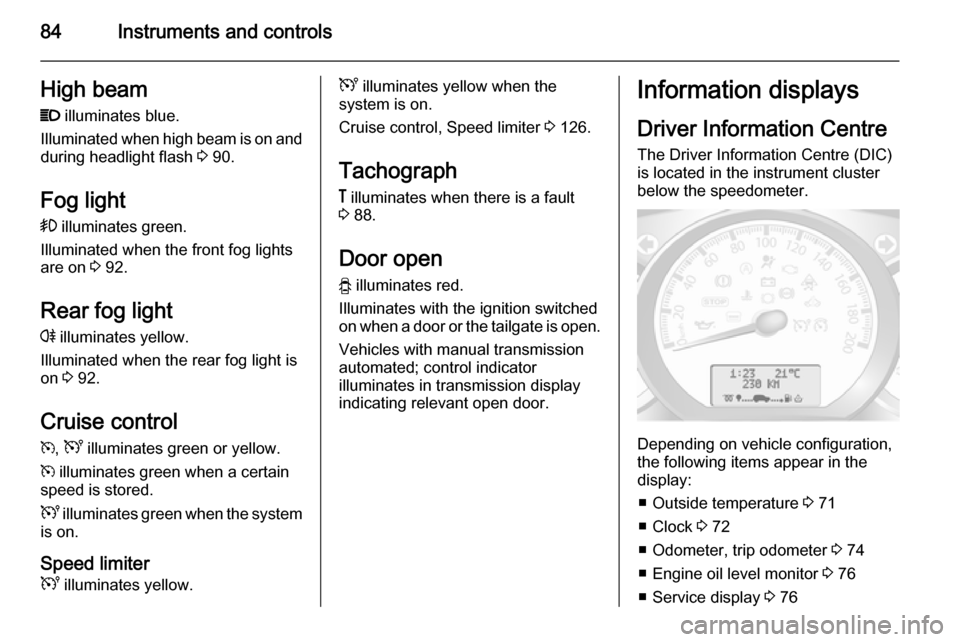
Driver Information Centre The Driver Information Centre (DIC)
is located in the instrument cluster
below the speedometer.
Depending on vehicle configuration,
the following items appear in the
display:
■ Outside temperature 3 71
■ Clock 3 72
■ Odometer, trip odometer 3 74
■ Engine oil level monitor 3 76
■ Service display 3 76
Page 89 of 215

Instruments and controls87
■ Distance travelled
■ Average speed
■ Distance before service 3 76
■ Clock 3 72
■ Cruise control and speed limiter stored speed 3 126
■ Tyre pressures 3 160
■ Fault and information messages
Fuel used
Displays the amount of fuel
consumed since the last reset.
The measurement can be restarted at
any time by pressing and holding the
button on the end of the wiper lever.
Average consumption
The value is displayed after driving a
distance of 0.25 miles.
Average consumption is displayed,
taking into consideration the distance
travelled and the fuel used since the
last reset.
The measurement can be restarted at
any time.Instantaneous consumption
The value is displayed after reaching
a speed of 20 mph.
Range
The value is displayed after driving a
distance of 0.25 miles.
The range is calculated from the
current contents of the fuel tank and
the average consumption since the
last reset.
The range will not display if control
indicator Y is illuminated in the
instrument cluster 3 83.
The measurement can be restarted at
any time.
Distance travelled Displays the distance driven since the
last reset.
The measurement can be restarted at
any time.
Average speed The value is displayed after driving adistance of 0.25 miles.
The average speed since the last
reset is displayed.The measurement can be restarted at
any time.
Interruptions in the journey with the
ignition off are not included in the
calculations.
Reset trip computer information
To reset the trip computer, select one
of its functions then press and hold
button on end of wiper lever.
The following trip computer
information will be reset:
■ Fuel used
■ Average consumption
■ Range
■ Distance travelled
■ Average speed
The trip computer will reset
automatically when the maximum
value of any of the parameters is
exceeded.
Page 95 of 215
Lighting93Interior lighting
Interior lights
With the switch in its central position,
the light functions as a courtesy light
and illuminates when the vehicle is
unlocked with the remote control or
the front doors are opened.
Front courtesy light
Operated with the c button:
■ On constantly
■ On when the doors are opened
■ Off constantly
When the doors are closed, the
courtesy light extinguishes after a
delay or immediately after the ignition
is switched on.
Rear courtesy lights
Bus
Low level and overhead courtesy
lights are located in the rear
passenger compartment.
Operate rocker switch on the
instrument panel:
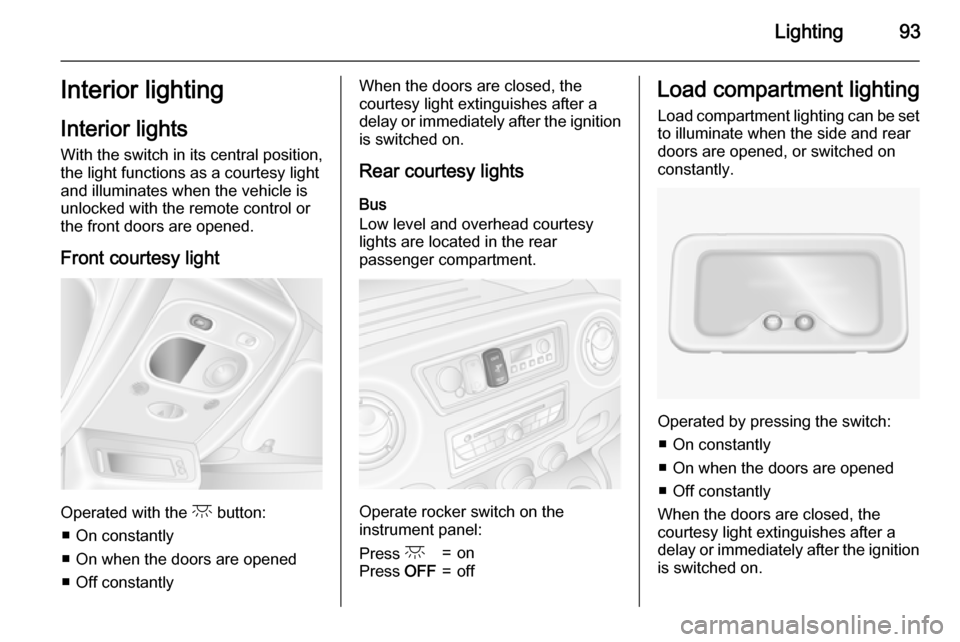
Press c=onPress OFF=offLoad compartment lighting
Load compartment lighting can be setto illuminate when the side and rear
doors are opened, or switched on
constantly.
Operated by pressing the switch:
■ On constantly
■ On when the doors are opened ■ Off constantly
When the doors are closed, the
courtesy light extinguishes after a
delay or immediately after the ignition
is switched on.