ignition VOLKSWAGEN JETTA 1998 Workshop Manual
[x] Cancel search | Manufacturer: VOLKSWAGEN, Model Year: 1998, Model line: JETTA, Model: VOLKSWAGEN JETTA 1998Pages: 339, PDF Size: 2.35 MB
Page 170 of 339
Downloaded from www.Manualslib.com manuals search engine 01-162
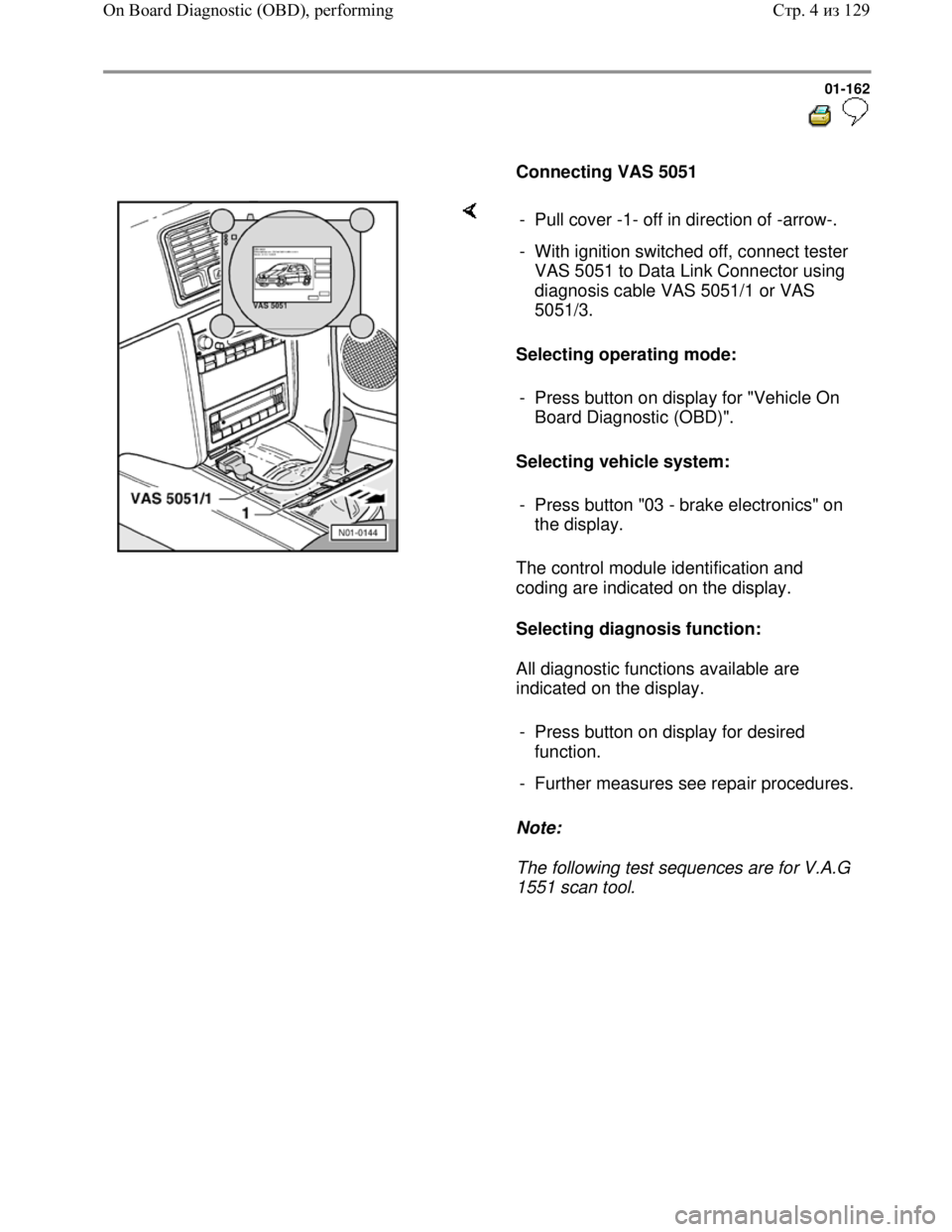
Connecting VAS 5051
Selecting operating mode:
Selecting vehicle system:
The control module identification and
coding are indicated on the display.
Selecting diagnosis function:
All diagnostic functions available are
indicated on the display.
Note:
The following test sequences are for V.A.G
1551 scan tool. - Pull cover -1- off in direction of -arrow-.
- With ignition switched off, connect tester
VAS 5051 to Data Link Connector using
diagnosis cable VAS 5051/1 or VAS
5051/3.
- Press button on display for "Vehicle On
Board Diagnostic (OBD)".
- Press button "03 - brake electronics" on
the display.
- Press button on display for desired
function.
- Further measures see repair procedures.
Стр. 4из 129 On Board Diagnostic (OBD), performing
Page 172 of 339
Downloaded from www.Manualslib.com manuals search engine 01-164
Note:
The ABS function is switched off in the control
module during the OBD. This is indicated by th
e
flashing of ABS warning light -K47- and warning
light for brake system -K118-. If there is a
malfunction currently, it will be indicated by the
lights being on constantly.
The DTC memory can be erased after
successful check and repair.
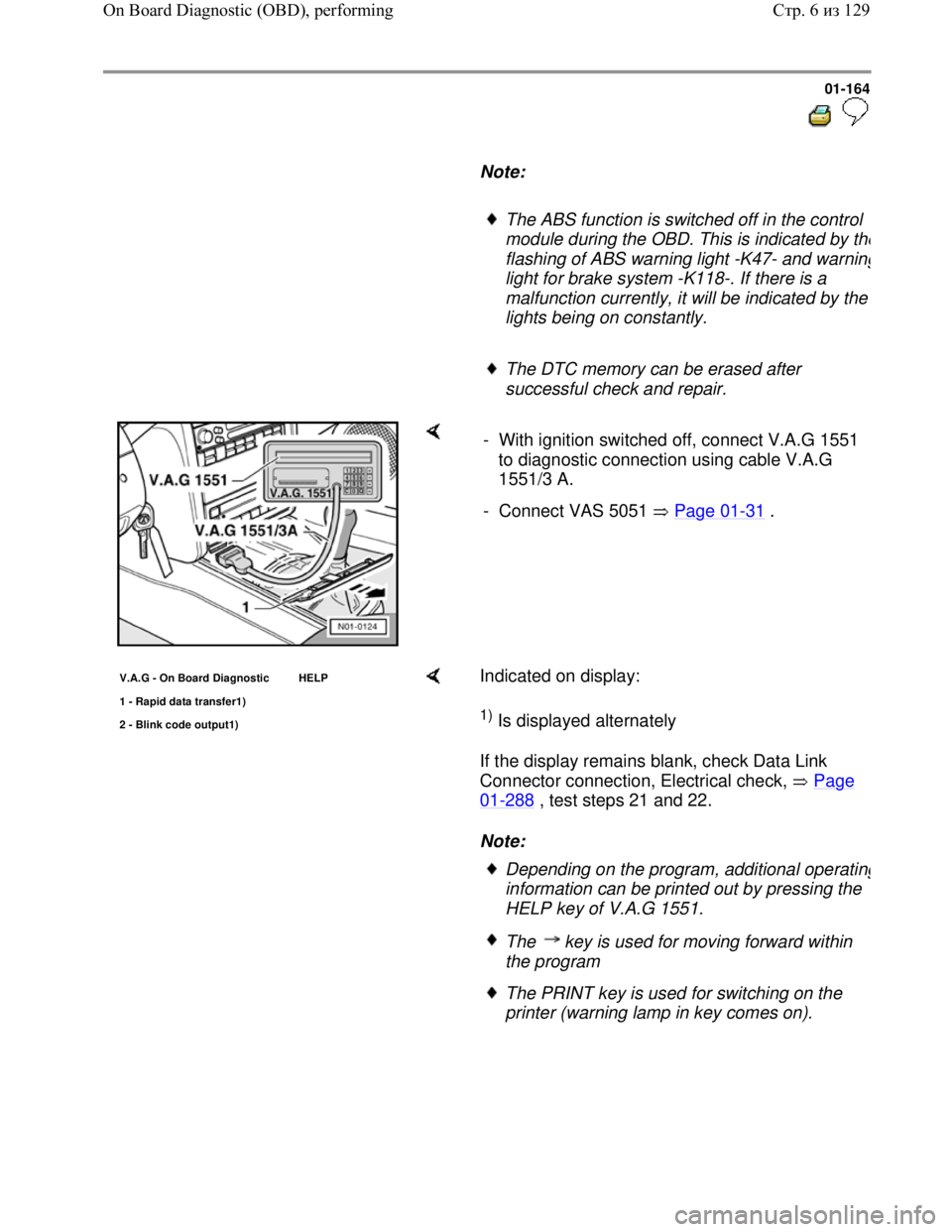
- With ignition switched off, connect V.A.G 1551
to diagnostic connection using cable V.A.G
1551/3 A.
- Connect VAS 5051 Page 01
-31 .
V.A.G - On Board Diagnostic HELP
1 - Ra
pid data transfer1)
2 - Blink code output1)
Indicated on display:
1) Is displayed alternately
If the display remains blank, check Data Link
Connector connection, Electrical check, Page
01-288 , test steps 21 and 22.
Note:
Depending on the program, additional operating
information can be printed out by pressing the
HELP key of V.A.G 1551.
The key is used for moving forward within
the program
The PRINT key is used for switching on the
printer (warning lamp in key comes on).
Стр. 6из 129 On Board Diagnostic (OBD), performing
Page 173 of 339
Downloaded from www.Manualslib.com manuals search engine 01-165
- Switch on ignition.
- Switch on printer with the Print key (indicator
lamp in key lights up).
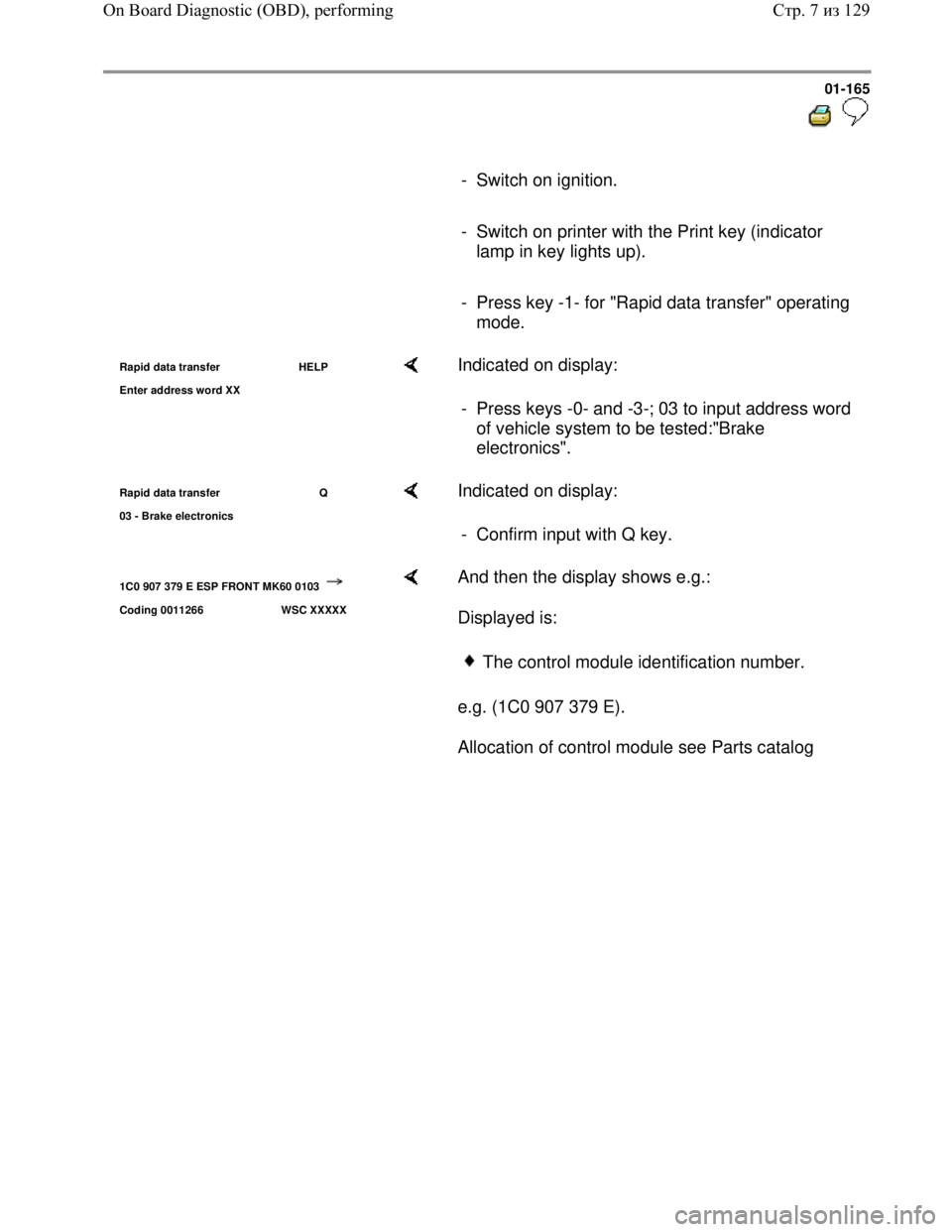
- Press key -1- for "Rapid data transfer" operating
mode.
Rapid data transfer HELP
Enter address word XX Indicated on display:
- Press keys -0- and -3-; 03 to input address word
of vehicle system to be tested:"Brake
electronics".
Rapid data transfer Q
03 - Brake electronics Indicated on display:
- Confirm input with Q key.
1C0 907 379 E ESP FRONT MK60 0103
Coding 0011266 WSC XXXXX
And then the display shows e.g.:
Displayed is:
e.g. (1C0 907 379 E).
Allocation of control module see Parts catalog
The control module identification number.
Стр. 7из 129 On Board Diagnostic (OBD), performing
Page 177 of 339
Downloaded from www.Manualslib.com manuals search engine 01-169
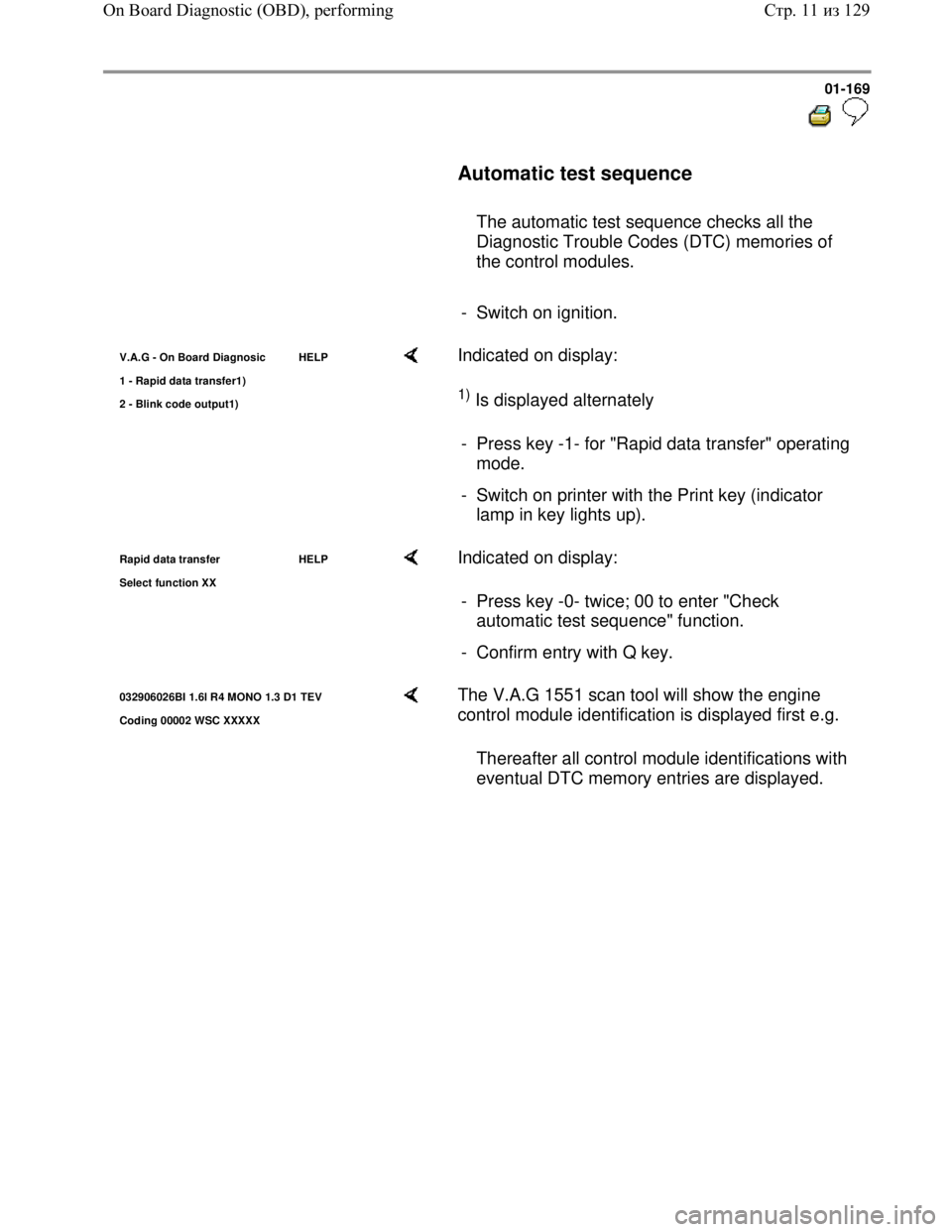
Automatic test sequence
The automatic test sequence checks all the
Diagnostic Trouble Codes (DTC) memories of
the control modules.
- Switch on ignition.
V.A.G - On Board Diagnosic HELP
1 - Rapid data transfer1
)
2 - Blink code output1)
Indicated on display:
1) Is displayed alternately
- Press key -1- for "Rapid data transfer" operating
mode.
- Switch on printer with the Print key (indicator
lamp in key lights up).
Rapid data transfer HELP
Select function XX Indicated on display:
- Press key -0- twice; 00 to enter "Check
automatic test sequence" function.
- Confirm entry with Q key.
032906026BI 1.6l R4 MONO 1.3 D1 TEV
Codin
g 00002 WSC XXXXX
The V.A.G 1551 scan tool will show the engine
control module identification is displayed first e.g.
Thereafter all control module identifications with
eventual DTC memory entries are displayed.
Стр. 11из 129 On Board Diagnostic (OBD), performing
Page 179 of 339
Downloaded from www.Manualslib.com manuals search engine 01-171
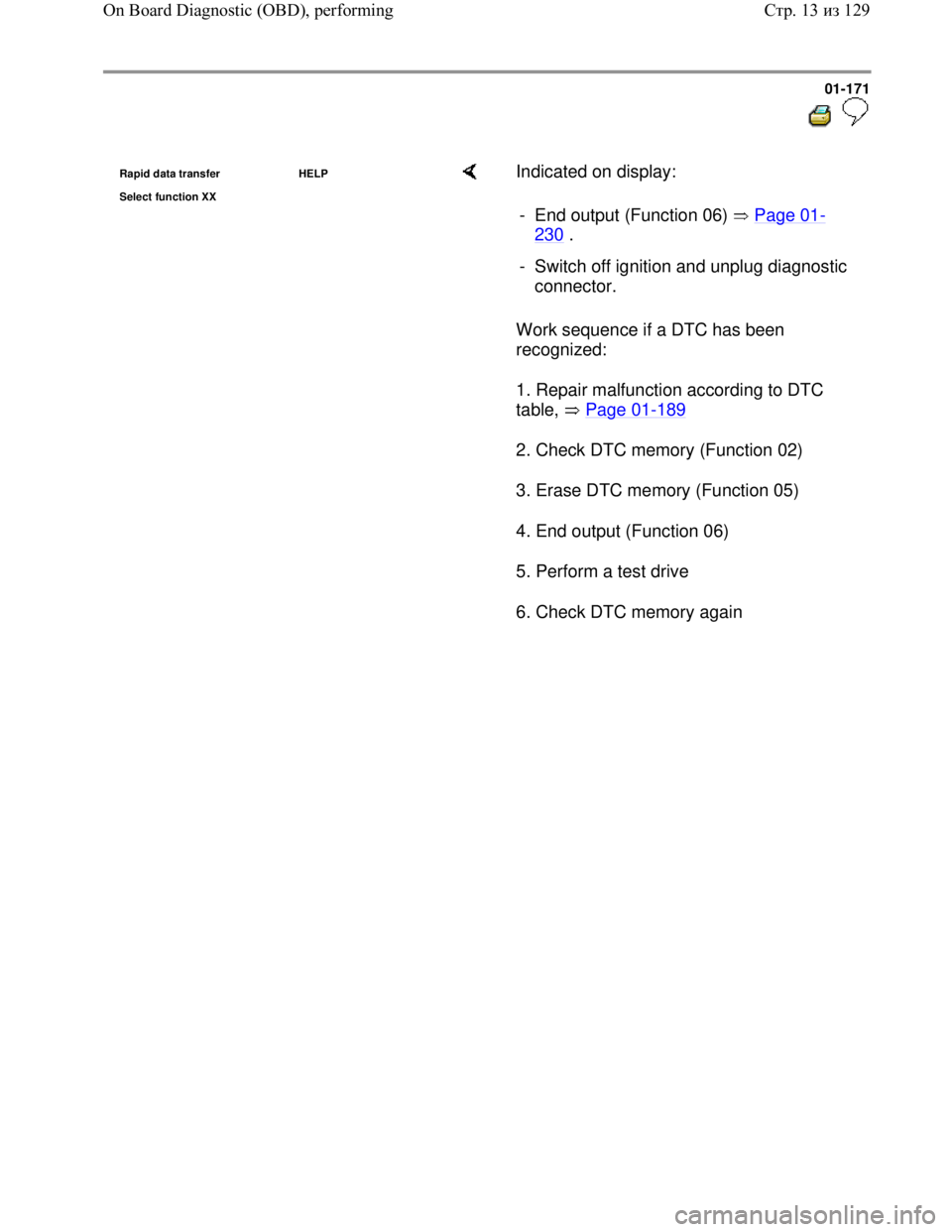
Rapid data transfer HELP
Select function XX Indicated on display:
Work sequence if a DTC has been
recognized:
1. Repair malfunction according to DTC
table, Page 01
-189
2. Check DTC memory (Function 02)
3. Erase DTC memory (Function 05)
4. End output (Function 06)
5. Perform a test drive
6. Check DTC memory again - End output (Function 06) Page 01
-
230 .
- Switch off ignition and unplug diagnostic
connector.
Стр. 13из 129 On Board Diagnostic (OBD), performing
Page 182 of 339
Downloaded from www.Manualslib.com manuals search engine 01-174
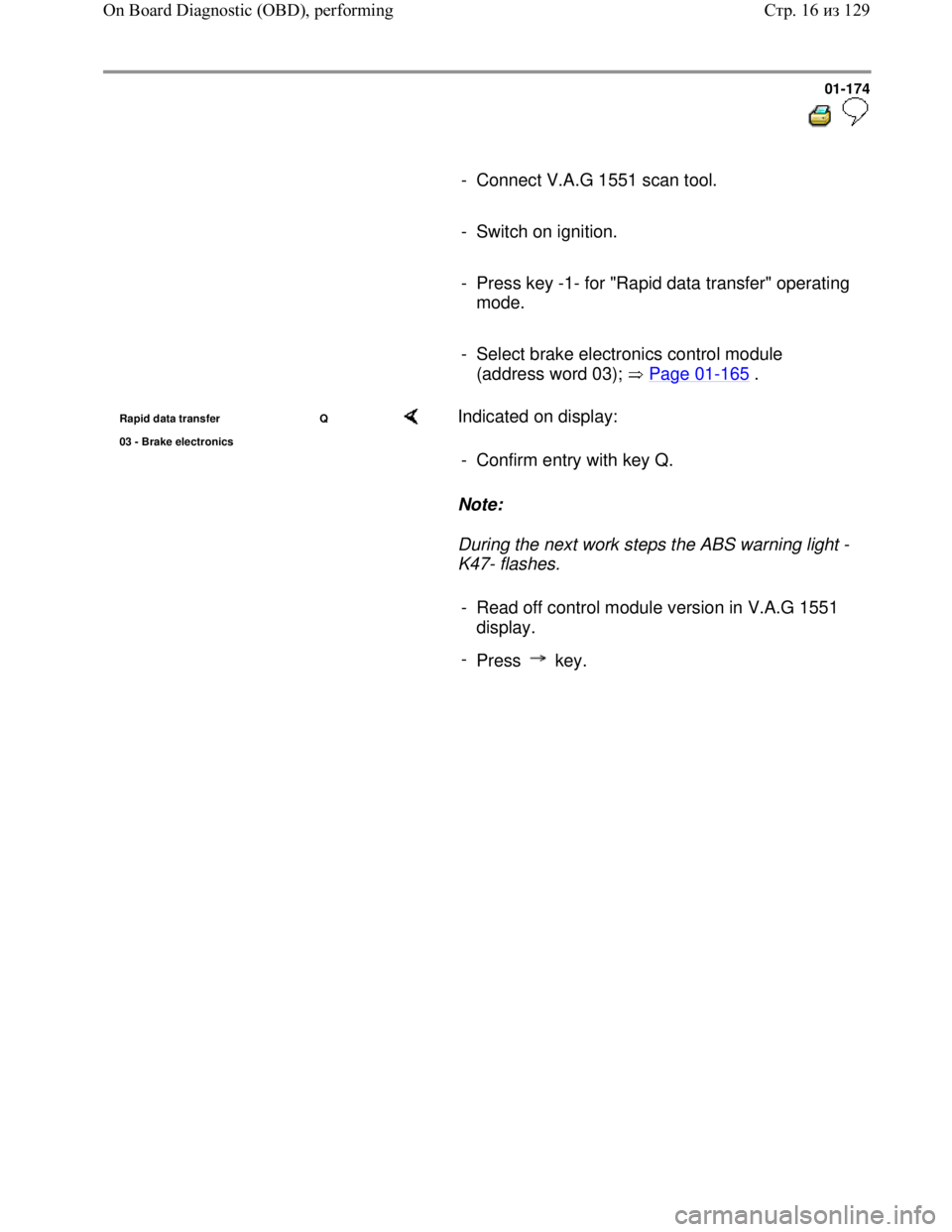
- Connect V.A.G 1551 scan tool.
- Switch on ignition.
- Press key -1- for "Rapid data transfer" operating
mode.
- Select brake electronics control module
(address word 03); Page 01
-165 .
Rapid data transfer Q
03 - Brake electronics Indicated on display:
Note:
During the next work steps the ABS warning light -
K47- flashes. - Confirm entry with key Q.
- Read off control module version in V.A.G 1551
display.
-
Press key.
Стр. 16из 129 On Board Diagnostic (OBD), performing
Page 200 of 339
Downloaded from www.Manualslib.com manuals search engine 01-192
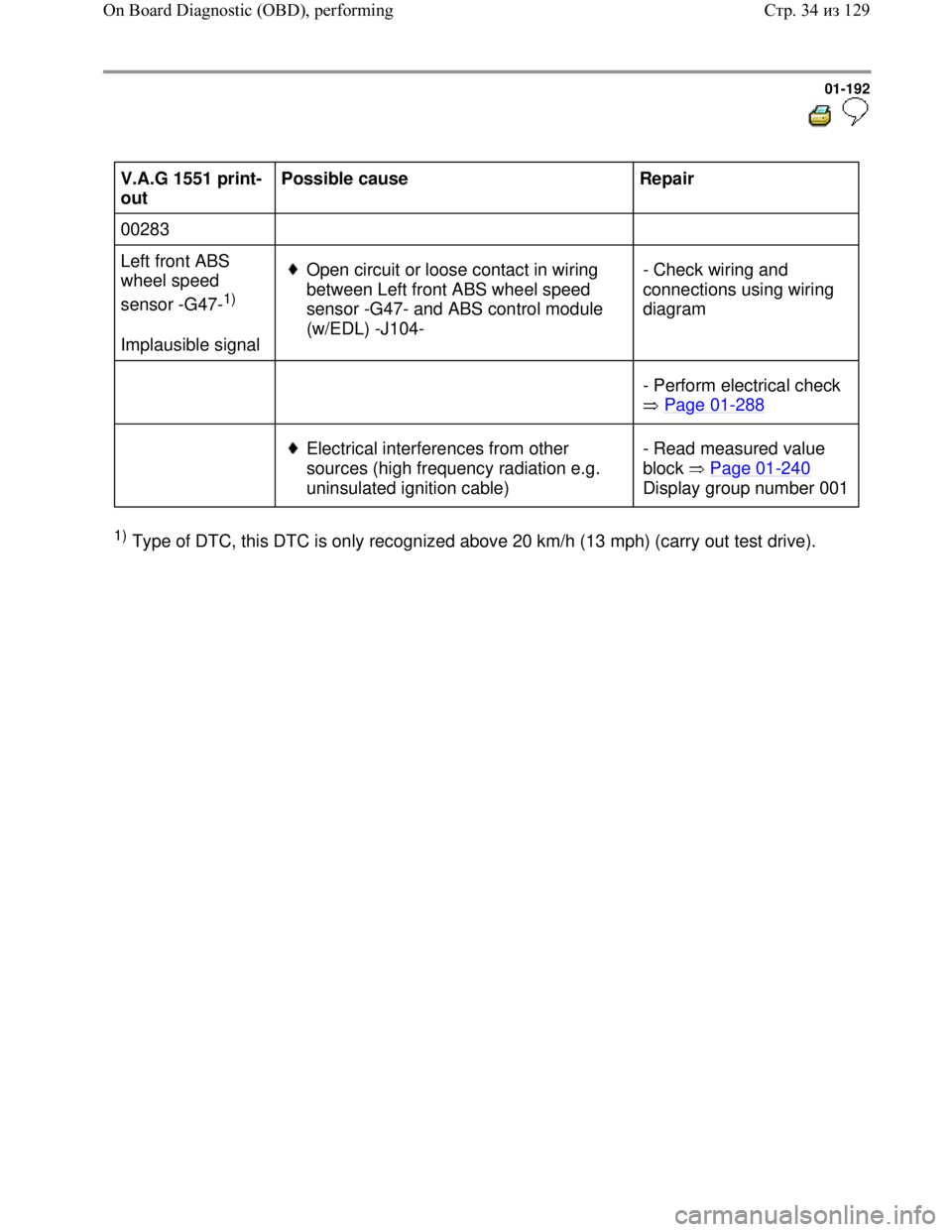
V.A.G 1551 print-
out Possible cause
Repair
00283
Left front ABS
wheel speed
sensor -G47-
1)
Implausible signal
Open circuit or loose contact in wiring
between Left front ABS wheel speed
sensor -G47- and ABS control module
(w/EDL) -J104- - Check wiring and
connections using wiring
diagram
- Perform electrical check
Page 01
-288
Electrical interferences from other
sources (high frequency radiation e.g.
uninsulated ignition cable) - Read measured value
block Page 01
-240
Display group number 001
1) Type of DTC, this DTC is only recognized above 20 km/h (13 mph) (carry out test drive).
Стр. 34из 129 On Board Diagnostic (OBD), performing
Page 203 of 339
Downloaded from www.Manualslib.com manuals search engine 01-195
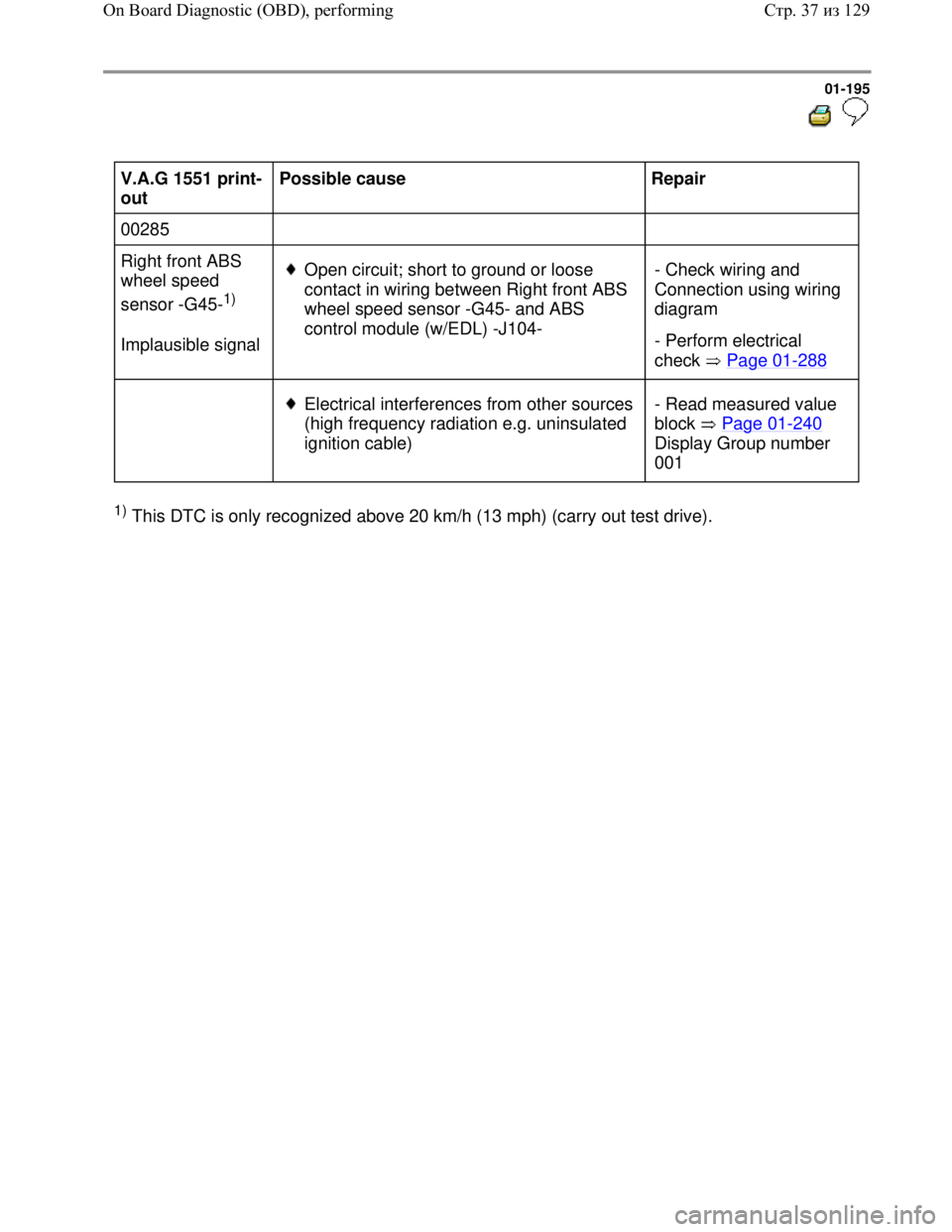
V.A.G 1551 print-
out Possible cause
Repair
00285
Right front ABS
wheel speed
sensor -G45-
1)
Implausible signal
Open circuit; short to ground or loose
contact in wiring between Right front ABS
wheel speed sensor -G45- and ABS
control module (w/EDL) -J104- - Check wiring and
Connection using wiring
diagram
- Perform electrical
check Page 01
-288
Electrical interferences from other sources
(high frequency radiation e.g. uninsulated
ignition cable) - Read measured value
block Page 01
-240
Display Group number
001
1) This DTC is only recognized above 20 km/h (13 mph) (carry out test drive).
Стр. 37из 129 On Board Diagnostic (OBD), performing
Page 206 of 339
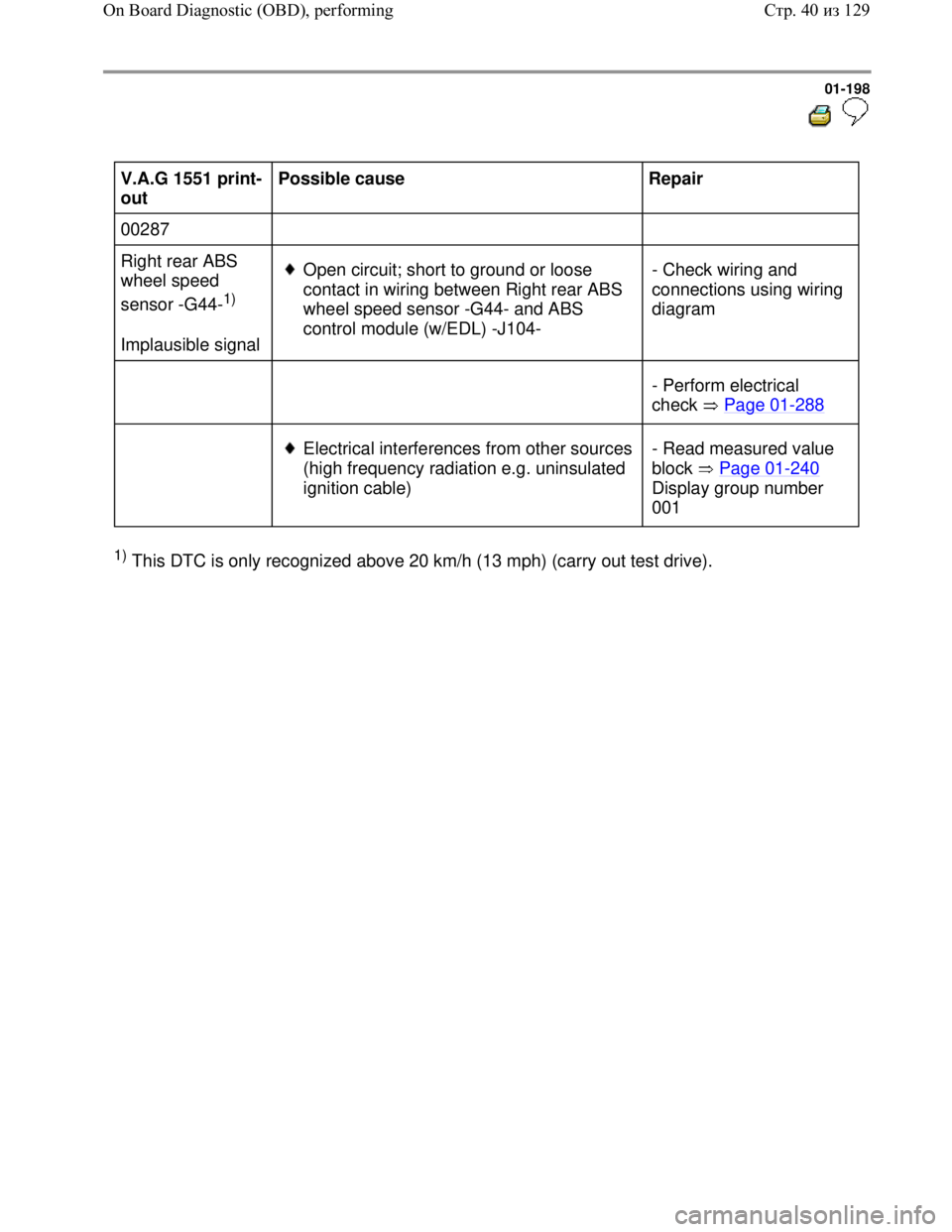
Downloaded from www.Manualslib.com manuals search engine 01-198
V.A.G 1551 print-
out Possible cause
Repair
00287
Right rear ABS
wheel speed
sensor -G44-
1)
Implausible signal
Open circuit; short to ground or loose
contact in wiring between Right rear ABS
wheel speed sensor -G44- and ABS
control module (w/EDL) -J104- - Check wiring and
connections using wiring
diagram
- Perform electrical
check Page 01
-288
Electrical interferences from other sources
(high frequency radiation e.g. uninsulated
ignition cable) - Read measured value
block Page 01
-240
Display group number
001
1) This DTC is only recognized above 20 km/h (13 mph) (carry out test drive).
Стр. 40из 129 On Board Diagnostic (OBD), performing
Page 209 of 339
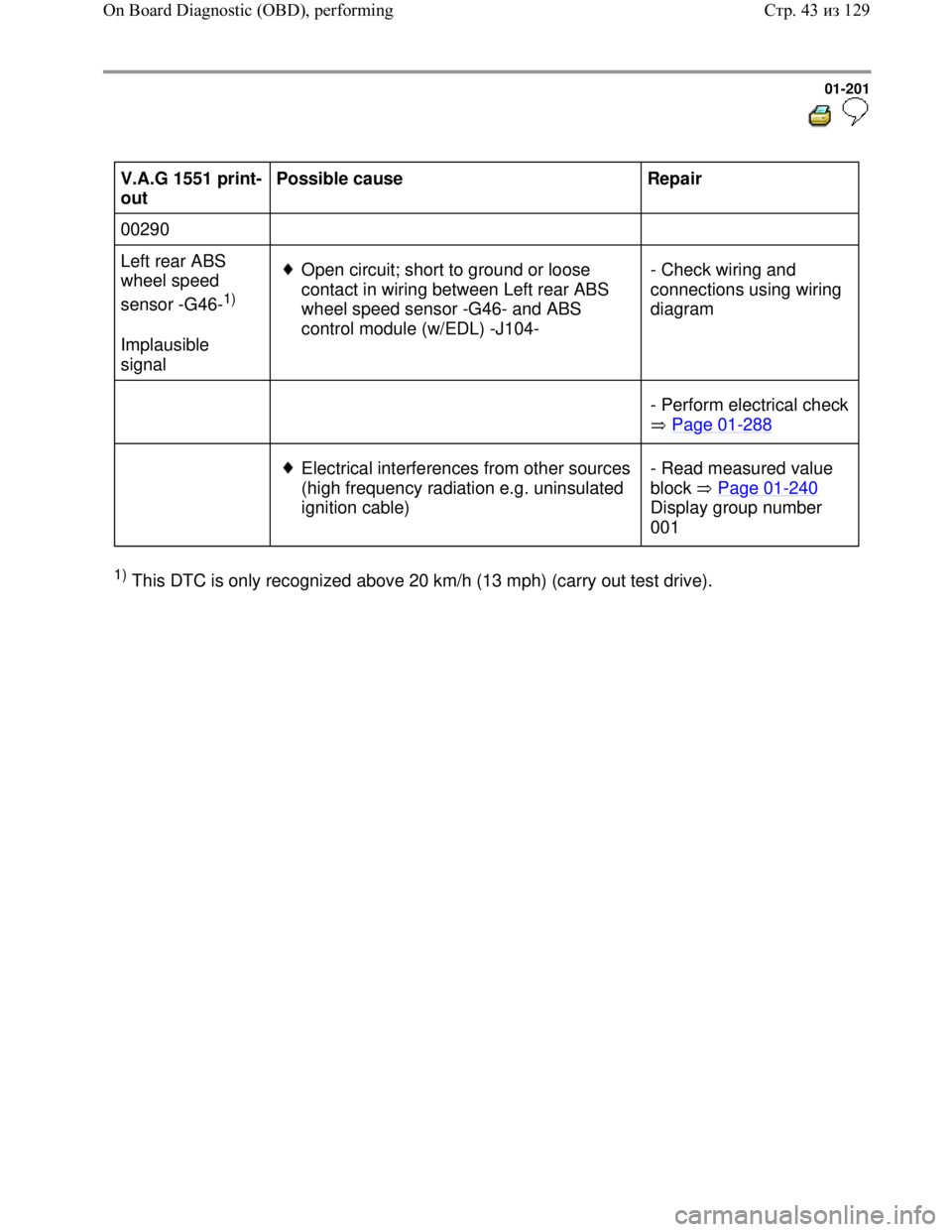
Downloaded from www.Manualslib.com manuals search engine 01-201
V.A.G 1551 print-
out Possible cause
Repair
00290
Left rear ABS
wheel speed
sensor -G46-
1)
Implausible
signal
Open circuit; short to ground or loose
contact in wiring between Left rear ABS
wheel speed sensor -G46- and ABS
control module (w/EDL) -J104- - Check wiring and
connections using wiring
diagram
- Perform electrical check
Page 01
-288
Electrical interferences from other sources
(high frequency radiation e.g. uninsulated
ignition cable) - Read measured value
block Page 01
-240
Display group number
001
1) This DTC is only recognized above 20 km/h (13 mph) (carry out test drive).
Стр. 43из 129 On Board Diagnostic (OBD), performing