buttons VOLVO S60 2008 Owner's Manual
[x] Cancel search | Manufacturer: VOLVO, Model Year: 2008, Model line: S60, Model: VOLVO S60 2008Pages: 230, PDF Size: 5.33 MB
Page 196 of 230
2 0 0 8
VOLVO S60
220 10 Audio
Introduction 222
Audio system HU -650 - overview223
Audio system HU -850 - overview224
Radio functions HU -650/HU-850225
RBDS functions HU -650/HU-850231
HU -650 - CD player234
HU -850 - internal CD changer235
External CD changer (option)236
Dolby Surround Pro Logic II - HU -850 only237
Audio systems - specifications239
221 10 Audio
222 10 Audio
Introduction
The audio system in your vehicle is operated with the buttons and knobs in the system's front panel. Certain functions,
such as adjusting the volume, changing radio stations or tracks on a CD, etc, can also be controlled with the optional
steering wheel-mounted keypad.
The audio system is available in two versions:
HU-650
Features: AM/FM radio, single-disc CD player, 4x25W output, six
1 speakers.
HU-850
Features: AM/FM radio, integrated 6-disc CD changer, 4x50W or 4x70W output plus 25W Dolby Pro Logic II, eleven
speakers.
ProCarManuals.com
Page 198 of 230
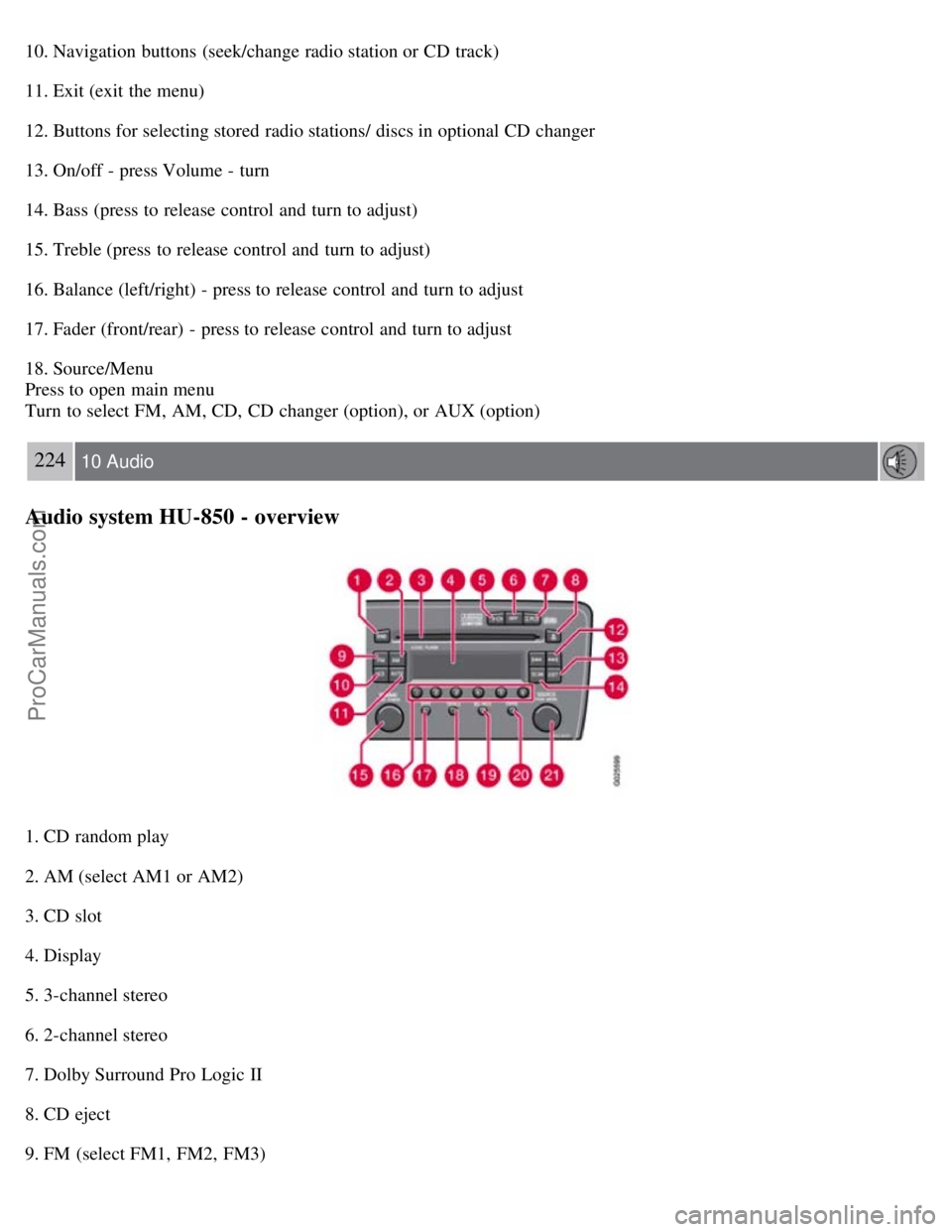
10. Navigation buttons (seek/change radio station or CD track)
11. Exit (exit the menu)
12. Buttons for selecting stored radio stations/ discs in optional CD changer
13. On/off - press Volume - turn
14. Bass (press to release control and turn to adjust)
15. Treble (press to release control and turn to adjust)
16. Balance (left/right) - press to release control and turn to adjust
17. Fader (front/rear) - press to release control and turn to adjust
18. Source/Menu
Press to open main menu
Turn to select FM, AM, CD, CD changer (option), or AUX (option)
224 10 Audio
Audio system HU-850 - overview
1. CD random play
2. AM (select AM1 or AM2)
3. CD slot
4. Display
5. 3-channel stereo
6. 2-channel stereo
7. Dolby Surround Pro Logic II
8. CD eject
9. FM (select FM1, FM2, FM3)
ProCarManuals.com
Page 199 of 230
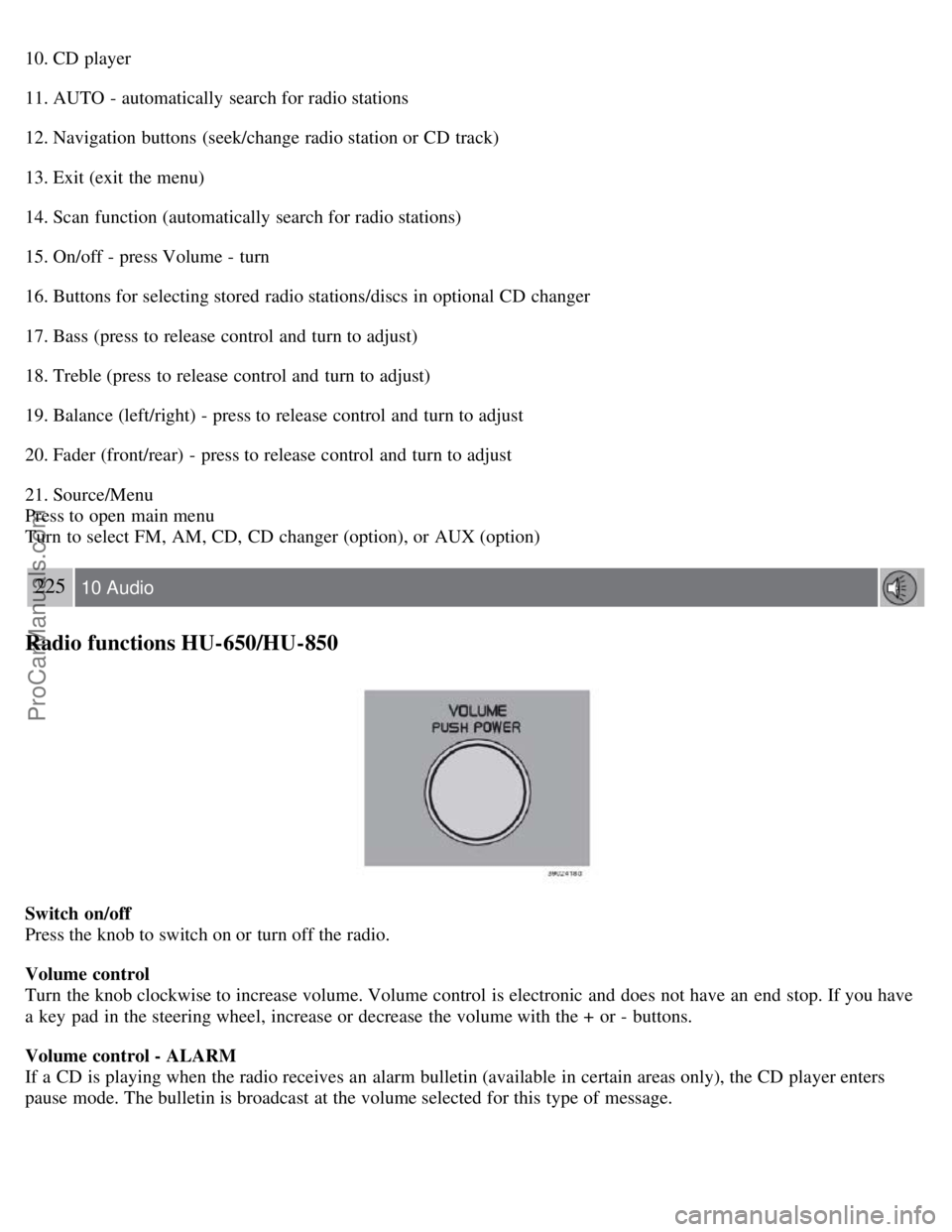
10. CD player
11. AUTO - automatically search for radio stations
12. Navigation buttons (seek/change radio station or CD track)
13. Exit (exit the menu)
14. Scan function (automatically search for radio stations)
15. On/off - press Volume - turn
16. Buttons for selecting stored radio stations/discs in optional CD changer
17. Bass (press to release control and turn to adjust)
18. Treble (press to release control and turn to adjust)
19. Balance (left/right) - press to release control and turn to adjust
20. Fader (front/rear) - press to release control and turn to adjust
21. Source/Menu
Press to open main menu
Turn to select FM, AM, CD, CD changer (option), or AUX (option)
225 10 Audio
Radio functions HU-650/HU-850
Switch on/off
Press the knob to switch on or turn off the radio.
Volume control
Turn the knob clockwise to increase volume. Volume control is electronic and does not have an end stop. If you have
a key pad in the steering wheel, increase or decrease the volume with the + or - buttons.
Volume control - ALARM
If a CD is playing when the radio receives an alarm bulletin (available in certain areas only), the CD player enters
pause mode. The bulletin is broadcast at the volume selected for this type of message.
ProCarManuals.com
Page 202 of 230
5. Turn the SOURCE knob, select the desired level and press SOURCE .
6. Press EXIT.
228 10 Audio
Radio functions HU-650/HU-850
Selecting a sound source
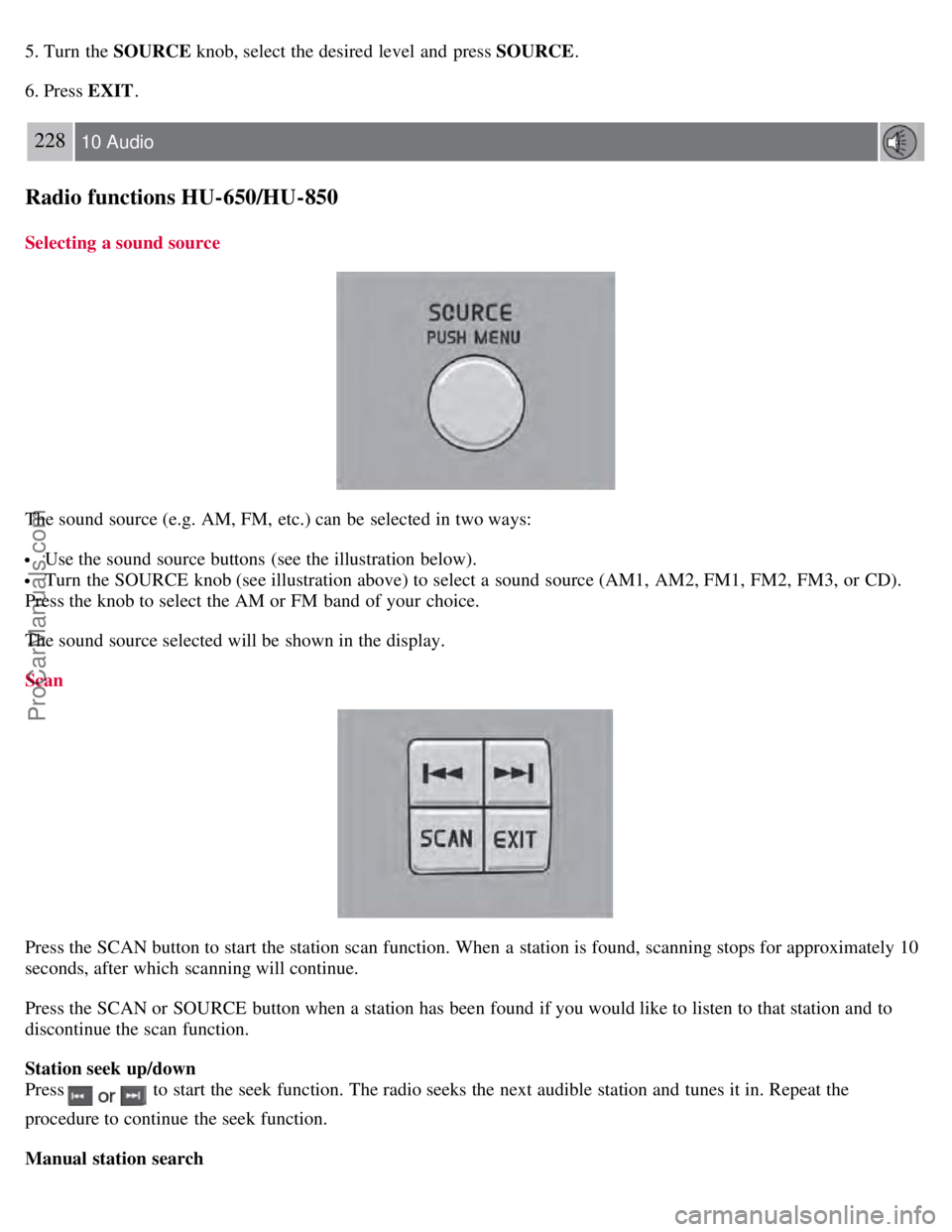
The sound source (e.g. AM, FM, etc.) can be selected in two ways:
Use the sound source buttons (see the illustration below).
Turn the SOURCE knob (see illustration above) to select a sound source (AM1, AM2, FM1, FM2, FM3, or CD).
Press the knob to select the AM or FM band of your choice.
The sound source selected will be shown in the display.
Scan
Press the SCAN button to start the station scan function. When a station is found, scanning stops for approximately 10
seconds, after which scanning will continue.
Press the SCAN or SOURCE button when a station has been found if you would like to listen to that station and to
discontinue the scan function.
Station seek up/down
Press
to start the seek function. The radio seeks the next audible station and tunes it in. Repeat the
procedure to continue the seek function.
Manual station search
ProCarManuals.com
Page 203 of 230
Press and hold it down. MAN will be shown in the display. The radio scans slowly in the selected direction
and will increase the scanning speed after a few seconds. Release the button when the desired frequency appears in the
display.
The frequency can be fine-tuned by short presses on the
keys.
The system will remain in manual search mode for 5 seconds after the button is released, after which it will return to
seek mode.
229 10 Audio
Radio functions HU-650/HU-850
Steering wheel key pad (option)
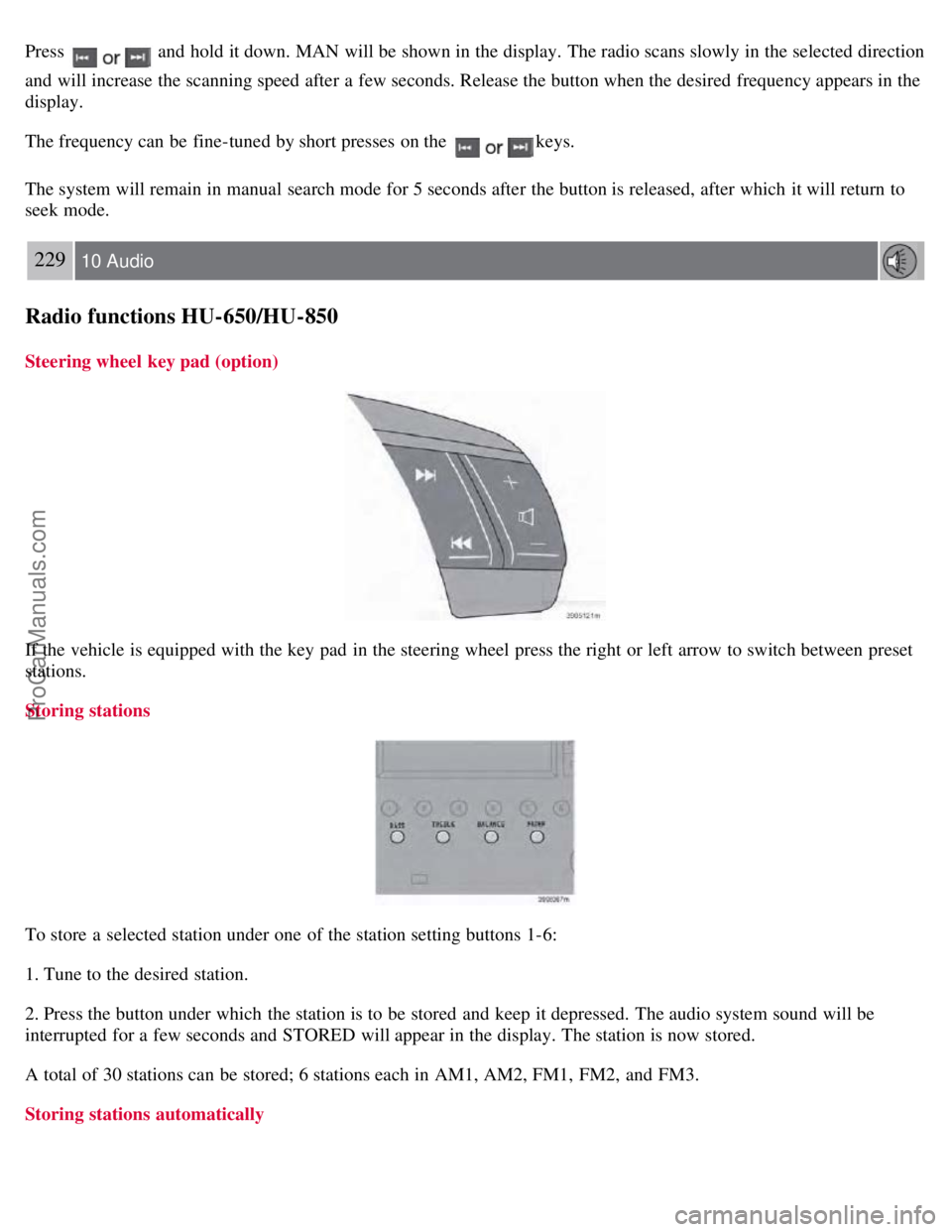
If the vehicle is equipped with the key pad in the steering wheel press the right or left arrow to switch between preset
stations.
Storing stations
To store a selected station under one of the station setting buttons 1-6:
1. Tune to the desired station.
2. Press the button under which the station is to be stored and keep it depressed. The audio system sound will be
interrupted for a few seconds and STORED will appear in the display. The station is now stored.
A total of 30 stations can be stored; 6 stations each in AM1, AM2, FM1, FM2, and FM3.
Storing stations automatically
ProCarManuals.com
Page 204 of 230
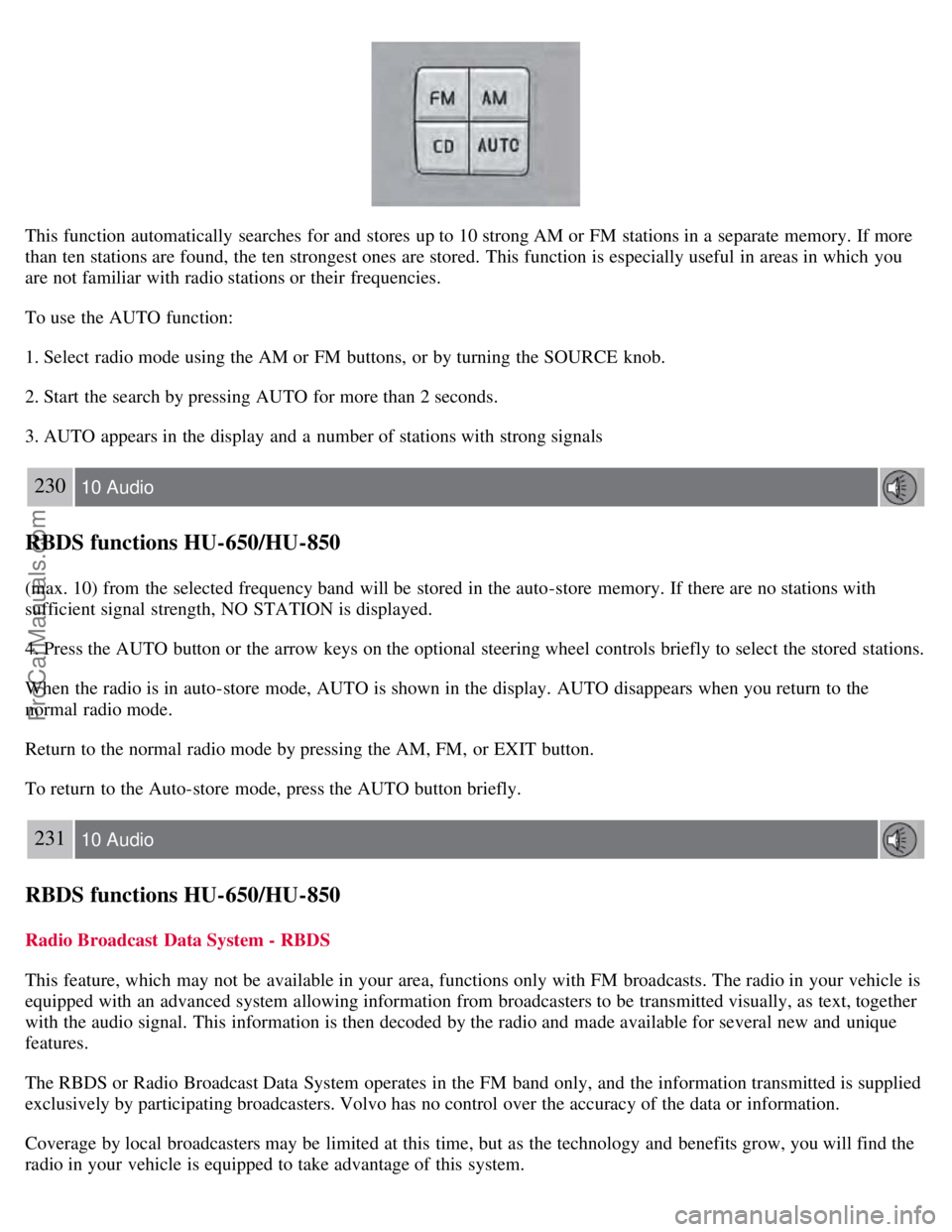
This function automatically searches for and stores up to 10 strong AM or FM stations in a separate memory. If more
than ten stations are found, the ten strongest ones are stored. This function is especially useful in areas in which you
are not familiar with radio stations or their frequencies.
To use the AUTO function:
1. Select radio mode using the AM or FM buttons, or by turning the SOURCE knob.
2. Start the search by pressing AUTO for more than 2 seconds.
3. AUTO appears in the display and a number of stations with strong signals
230 10 Audio
RBDS functions HU-650/HU-850
(max. 10) from the selected frequency band will be stored in the auto-store memory. If there are no stations with
sufficient signal strength, NO STATION is displayed.
4. Press the AUTO button or the arrow keys on the optional steering wheel controls briefly to select the stored stations.
When the radio is in auto-store mode, AUTO is shown in the display. AUTO disappears when you return to the
normal radio mode.
Return to the normal radio mode by pressing the AM, FM, or EXIT button.
To return to the Auto-store mode, press the AUTO button briefly.
231 10 Audio
RBDS functions HU-650/HU-850
Radio Broadcast Data System - RBDS
This feature, which may not be available in your area, functions only with FM broadcasts. The radio in your vehicle is
equipped with an advanced system allowing information from broadcasters to be transmitted visually, as text, together
with the audio signal. This information is then decoded by the radio and made available for several new and unique
features.
The RBDS or Radio Broadcast Data System operates in the FM band only, and the information transmitted is supplied
exclusively by participating broadcasters. Volvo has no control over the accuracy of the data or information.
Coverage by local broadcasters may be limited at this time, but as the technology and benefits grow, you will find the
radio in your vehicle is equipped to take advantage of this system.
ProCarManuals.com
Page 207 of 230
3. Turn the SOURCE knob, select ADVANCED MENU and press SOURCE.
233 10 Audio
RBDS functions HU-650/HU-850
4. Turn the SOURCE knob, select RESET TO DEFAULT and press SOURCE.
5. Press EXIT.
ASC - speed compensated volume
The audio system's volume is adjusted automatically according to the speed of the vehicle. There are three settings
available: low, medium, or high.
To activate ASC:
1. Select radio mode using the FM button, or by turning the SOURCE knob.
2. Press SOURCE.
3. Turn the SOURCE knob, select ADVANCED MENU and press SOURCE.
4. Turn the SOURCE knob, select AUDIO SETTINGS and press SOURCE.
5. Turn the SOURCE knob, select ASC LEVEL (flashing text) and press SOURCE.
6. Turn the SOURCE knob to select LOW, MEDIUM, HIGH, or OFF and press SOURCE.
7. Press EXIT.
NOTE
Please be aware that there are certain RBDS menu selections, for example EON, TP search, News, etc, that may not
be available in North America.
234 10 Audio
HU-650 - CD player
Starting the CD player
Please refer to the illustration on page 223
for the location of the buttons referred to on this page.
1. Insert a disc into the player.
2. Press the CD button or turn the SOURCE knob to CD.
Changing tracks
Briefly press the
keys (or the corresponding keys on the optional steering wheel keypad) to skip to the
previous or next track. The track number is shown in the display.
Fast forward/back
ProCarManuals.com
Page 208 of 230
Press and hold down the keys to search within a track or the entire disc. The search continues for as long as
the buttons are held in.
NOTE
The corresponding keys on the optional steering wheel keypad cannot be used for fast forward/back.
Random play
This function plays the tracks on a CD in random order (shuffle).
1. Select CD mode and press the RND button. RND is shown in the display as long as the function is activated.
2. Press RND again to stop random play.
Scan
This function plays the first 10 seconds of each track on the CD.
1. Press SCAN to start the function.
2. Press SCAN again or EXIT to stop the scan function and listen to an entire track.
CD eject
Press the button (no. 6 in the illustration on page 223
) to eject the disc.
NOTE
For reasons of traffic safety, the ejected CD must be removed within 12 seconds or it will be automatically drawn
back into the slot and the CD player will resume playing the most recently selected track.
See page 222 for information on caring for compact discs.
235 10 Audio
HU-850 - internal CD changer
Starting the CD changer
The HU -850 is equipped with an internal, 6-disc CD changer.
Please refer to the illustration on page 224
for the location of the buttons referred to on this page.
To load discs into the changer:
1. Press the CD button or turn the SOURCE knob to CD.
2. Select an empty position by pressing one of the preset buttons. The display shows which positions are empty.
LOAD DISC must be displayed before a disc is inserted into the player.
3. Insert a disc.
If there are discs in the player when CD mode is selected, the changer will resume playing the disc and track that were
most recently played.
Selecting a disc position (number)
Use the station setting buttons 1-6 to select the disc to be played. The number of the disc and the track being played
ProCarManuals.com
Page 209 of 230
are shown in the display.
Changing tracks
Briefly press the
keys (or the corresponding keys on the optional steering wheel keypad) to skip to the
previous or next track. The track number is shown in the display.
Fast forward/back
Press and hold down the
keys to search within a track or the entire disc. The search continues for as long as
the buttons are held in.
The corresponding keys on the optional steering wheel keypad cannot be used for fast forward/back.
Random play
This function plays the tracks on a CD in random order (shuffle).
Select CD mode and press the RND button. RND is shown in the display as long as the function is activated.
Random tracks from randomly selected discs will be played.
Press RND again to stop random play.
Scan
This function plays the first 10 seconds of each track on the CD.
1. Press SCAN to start the function.
2. Press SCAN again or EXIT to stop the scan function and listen to an entire track.
Scan only works on the selected disc.
CD eject
This function makes it possible to eject a single disc, or to eject all of the discs in the changer.
Press the eject button briefly to eject the disc that is currently playing.
A longer press (more than 2 seconds) starts the process of ejecting all of the discs in the changer.
NOTE
The EJECT ALL function can only be used while the vehicle is at a standstill and will be cancelled if the vehicle
begins to move.
For reasons of traffic safety, you have 12 seconds in which to remove the ejected disc. After that, the disc
automatically reinserts into the player, and the CD player will resume playing the most recently selected track.
See page 222
for information on caring for compact discs.
236 10 Audio
External CD changer (option)
ProCarManuals.com
Page 210 of 230
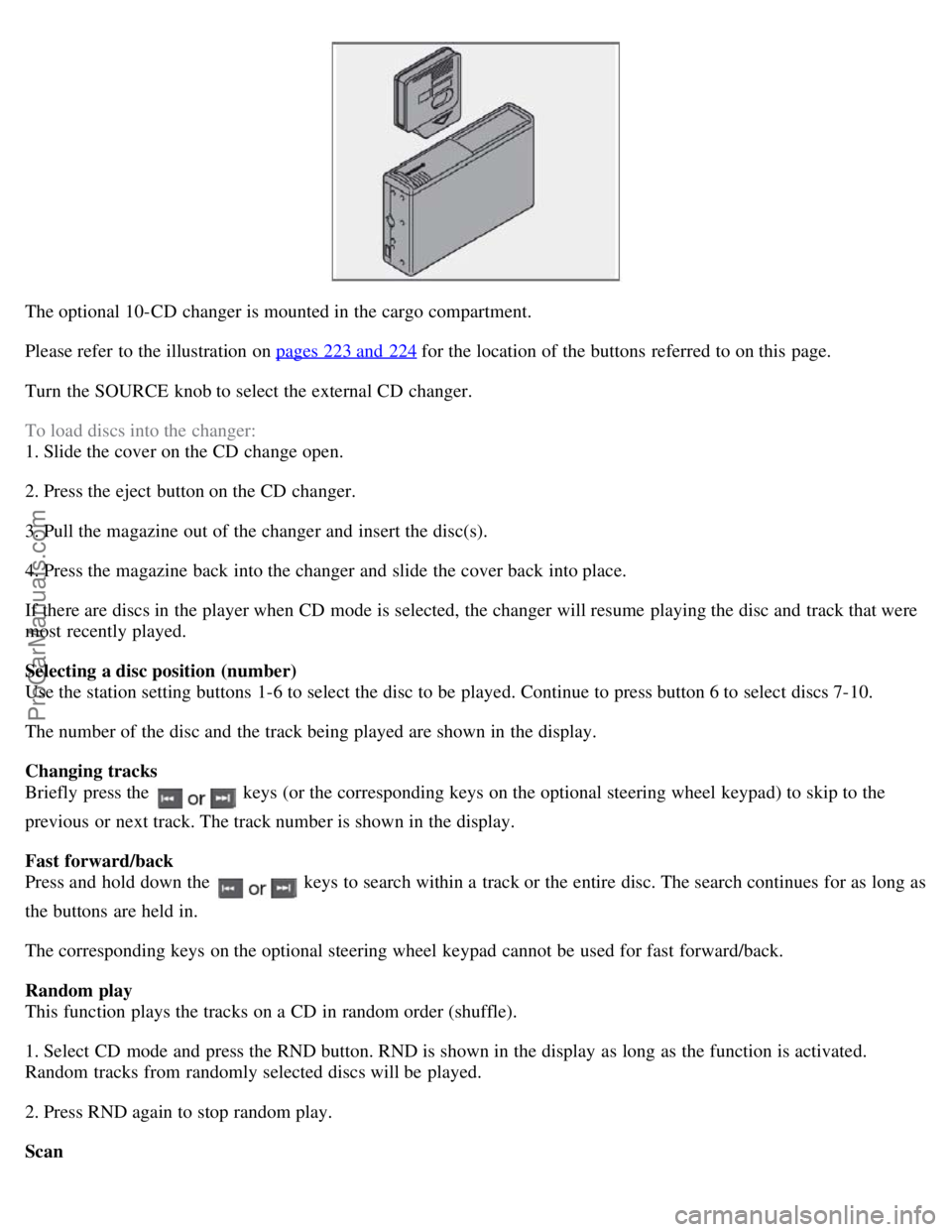
The optional 10-CD changer is mounted in the cargo compartment.
Please refer to the illustration on pages 223 and 224
for the location of the buttons referred to on this page.
Turn the SOURCE knob to select the external CD changer.
To load discs into the changer:
1. Slide the cover on the CD change open.
2. Press the eject button on the CD changer.
3. Pull the magazine out of the changer and insert the disc(s).
4. Press the magazine back into the changer and slide the cover back into place.
If there are discs in the player when CD mode is selected, the changer will resume playing the disc and track that were
most recently played.
Selecting a disc position (number)
Use the station setting buttons 1-6 to select the disc to be played. Continue to press button 6 to select discs 7-10.
The number of the disc and the track being played are shown in the display.
Changing tracks
Briefly press the
keys (or the corresponding keys on the optional steering wheel keypad) to skip to the
previous or next track. The track number is shown in the display.
Fast forward/back
Press and hold down the
keys to search within a track or the entire disc. The search continues for as long as
the buttons are held in.
The corresponding keys on the optional steering wheel keypad cannot be used for fast forward/back.
Random play
This function plays the tracks on a CD in random order (shuffle).
1. Select CD mode and press the RND button. RND is shown in the display as long as the function is activated.
Random tracks from randomly selected discs will be played.
2. Press RND again to stop random play.
Scan
ProCarManuals.com