radio VOLVO V60 2021 Service Manual
[x] Cancel search | Manufacturer: VOLVO, Model Year: 2021, Model line: V60, Model: VOLVO V60 2021Pages: 661, PDF Size: 12.68 MB
Page 475 of 661
AUDIO, MEDIA AND INTERNET
* Option/accessory.473
Related information
Media player (p. 469)
Internet-connected vehicle
* (p. 500)
Playing media (p. 470)
Entering characters, letters and words by hand in the center display (p. 127)Gracenote ®
Gracenote identifies artists, albums, tracks and any associated images that can be dis-played during playback.
Gracenote MusicID ®
is a standard for music
recognition. It can identify and analyze the metadata of music files and present informa-tion about the music. Metadata from differentsources may sometimes be inconsistent orinsufficient. Because Gracenote supports phonetic pro- cessing of artist name, album titles and gen-res, voice commands can be used to controlmusic playback. 1. Tap
Settings in the Top view.
2. Tap
MediaGracenote ®.
3. Choose settings for Gracenote data:
Gracenote ® Online Search - search
Gracenote's online database for currently playing media.
Gracenote ® Multiple Results - select
how Gracenote data should be displayed if there are multiple search results.
1 - the file's original data will be used. 2 - Gracenote data will be used.3 - Gracenote or original data can be selected.
None - no result will be displayed.
Updating GracenoteThe contents of the Gracenote database are continuously updated. Download the latestupdate to take advantage of improvements. For information and to download, see volvocars.com/support.
Related information
Playing media (p. 470)
License agreement for audio and media(p. 509)
Voice control for radio and media (p. 147)
Page 502 of 661
AUDIO, MEDIA AND INTERNET
* Option/accessory.
500
Internet-connected vehicle *
When the vehicle is connected to the Inter- net, it is possible to use web radio and musicservices via apps, download software andcontact retailers from the vehicle.
The vehicle can be connected to the Internet using Bluetooth, Wi-Fi or the vehicle's inte-grated modem (SIM card). When the vehicle is connected to the Internet, it is possible to share the vehicle's Internetconnection (Wi-Fi hotspot) so that other devi- ces, e.g. tablets, can access the Internet 22
.
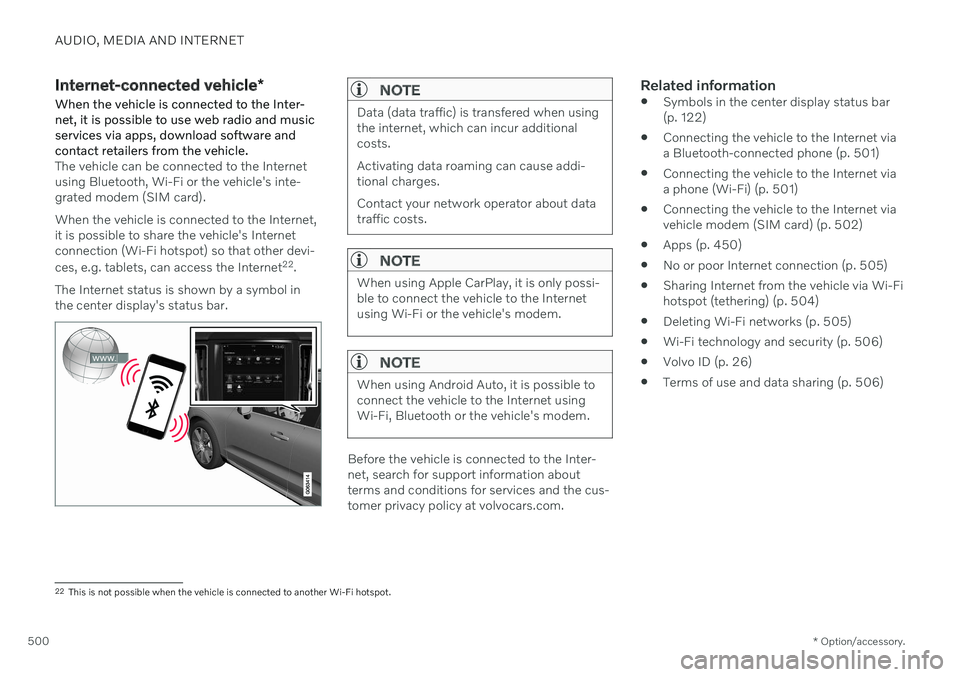
The Internet status is shown by a symbol in the center display's status bar.
NOTE
Data (data traffic) is transfered when using the internet, which can incur additionalcosts. Activating data roaming can cause addi- tional charges. Contact your network operator about data traffic costs.
NOTE
When using Apple CarPlay, it is only possi- ble to connect the vehicle to the Internetusing Wi-Fi or the vehicle's modem.
NOTE
When using Android Auto, it is possible to connect the vehicle to the Internet usingWi-Fi, Bluetooth or the vehicle's modem.
Before the vehicle is connected to the Inter- net, search for support information aboutterms and conditions for services and the cus-tomer privacy policy at volvocars.com.
Related information
Symbols in the center display status bar(p. 122)
Connecting the vehicle to the Internet viaa Bluetooth-connected phone (p. 501)
Connecting the vehicle to the Internet viaa phone (Wi-Fi) (p. 501)
Connecting the vehicle to the Internet viavehicle modem (SIM card) (p. 502)
Apps (p. 450)
No or poor Internet connection (p. 505)
Sharing Internet from the vehicle via Wi-Fihotspot (tethering) (p. 504)
Deleting Wi-Fi networks (p. 505)
Wi-Fi technology and security (p. 506)
Volvo ID (p. 26)
Terms of use and data sharing (p. 506)
22
This is not possible when the vehicle is connected to another Wi-Fi hotspot.
Page 516 of 661
||
AUDIO, MEDIA AND INTERNET
514
Country/ Area Brazil:
Este equipamento opera em caráter secundário isto e, náo tem direito a protecão contra interferéncia prejudicial, mesmo tipo, e não pode causar interferéncia a sistemas operando em caráter primário. Para consultas, visite: www.anatel.gov.br
EU:
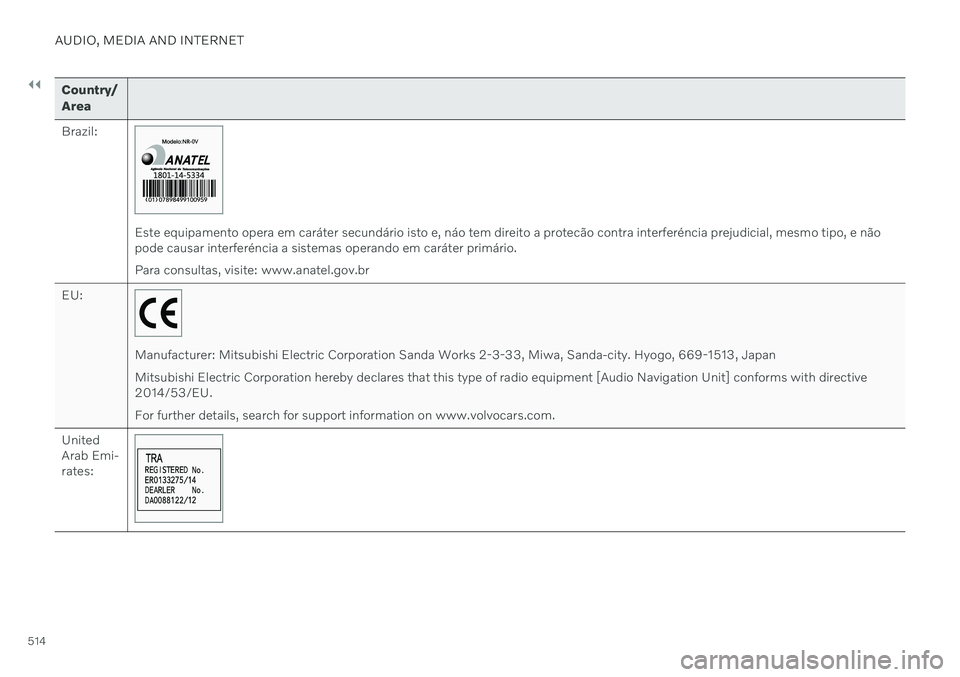
Manufacturer: Mitsubishi Electric Corporation Sanda Works 2-3-33, Miwa, Sanda-city. Hyogo, 669-1513, Japan Mitsubishi Electric Corporation hereby declares that this type of radio equipment [Audio Navigation Unit] conforms with directive 2014/53/EU. For further details, search for support information on www.volvocars.com.
United Arab Emi-rates:
Page 555 of 661
LOADING, STORAGE AND PASSENGER COMPARTMENT
553
Using the electrical outlets
The 12 V outlet can be used for devices intended for this such as MP3 players, cool-ers and cellular phones.
The ignition must be in at least mode I for the
outlets to supply current. The outlets will then be active as long as there is sufficient chargein the start battery. If the engine is turned off and the vehicle is locked, the outlets will be deactivated. If theengine is turned off and the vehicle remainsunlocked, the sockets will remain active for upto 7 minutes.
NOTE
Bear in mind that using the electrical out- lets when the engine is off could cause thestarter battery to have too low of a chargelevel, which could limit other functionality. Accessories connected to the electrical outlets can be activated even when thevehicle electrical system is off or if precon-ditioning is used. For this reason, discon-nect plugs when they are not in use to pre-vent the starter battery from becoming dis-charged.
WARNING
Do not use accessories with large or heavy plugs – they could damage theoutlet or come loose while you are driv-ing.
Do not use accessories that couldcause disruptions to e.g. the vehicle'sradio receiver or electrical system.
Position the accessory so that there isno risk of it injuring the driver or pas-sengers in the event of heavy brakingor a collision.
Pay attention to connected accessoriesas they can generate heat that couldburn passengers or the interior.
Using 12 V outlets1. Remove the stopper (tunnel console) or
fold down the cover (trunk/cargo com-partment) over the socket and plug in thedevice.
2. Unplug the device and put the stopper back in (tunnel console) or fold up thecover (trunk/cargo compartment) whenthe socket is not in use or left unattended.
CAUTION
The maximum power is 120 W (10 A) per outlet.
Related information
Electrical outlets (p. 552)
Passenger compartment interior (p. 550)
Page 572 of 661
||
MAINTENANCE AND SERVICE
* Option/accessory.
570
NOTE
Data downloading can affect other services such as transfer data, e.g. web radio. If theaffect on other services is experienced asproblematic, the download can be interrup-ted. Alternatively, it may be appropriate toswitch off or cancel other services.
NOTE
An update can be interrupted when the ignition is switched off and the vehicle isleft. However, the update does not have to be completed before the vehicle is left as theupdate is resumed the next time the vehi-cle is used.
Updating all system software–Select Install all at the bottom of the list.
To avoid displaying a list, select
Install all viaSystem updates.
Updating individual system software–Select Install to choose the software you
would like to download.
Canceling software download–Tap the checkbox in the activity indicator that replaced Install when the download
began. Note that only a download can be cancelled. An installation cannot be cancelled once it hasbegun.
Deactivating the background search for software update
Automatic searching for software updates is activated as the default factory setting, but thefunction can be deactivated. 1.
Tap
Settings in the center display's Top
view.
2. Tap
SystemDownload Center.
3. Tap to deselect
Auto Software Update.
Related information
Download Center (p. 569)
Internet-connected vehicle
* (p. 500)
Navigating in the center display's views (p. 113)
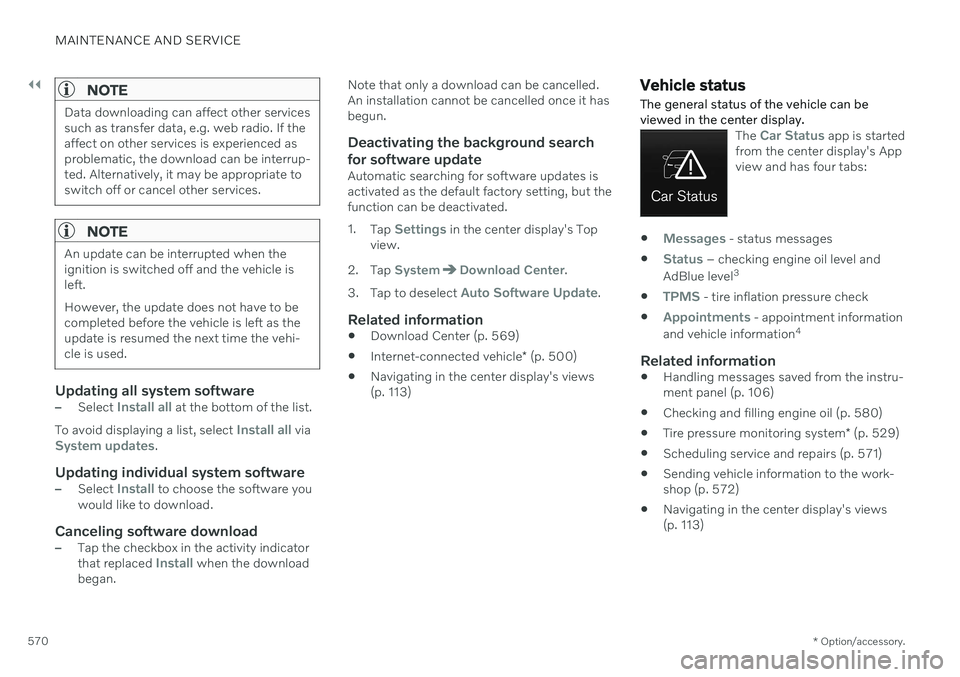
Vehicle status The general status of the vehicle can be viewed in the center display.
The Car Status app is started
from the center display's App view and has four tabs:
Messages - status messages
Status – checking engine oil level and
AdBlue level 3
TPMS - tire inflation pressure check
Appointments - appointment information
and vehicle information 4
Related information
Handling messages saved from the instru- ment panel (p. 106)
Checking and filling engine oil (p. 580)
Tire pressure monitoring system
* (p. 529)
Scheduling service and repairs (p. 571)
Sending vehicle information to the work-shop (p. 572)
Navigating in the center display's views(p. 113)
Page 643 of 661
INDEX
641
1, 2, 3 ...
4WD 413
A
ABSanti-lock brakes 397
AC (Air conditioning) 225
Accessories and extra equipment 36 installation 37
Accessory installation warning 37
Active Bending Lights 156
Adapting driving characteristics 413
Adaptive Cruise Control 286 activating 289
auto-brake 315
change cruise control functionality 293
controls 288
deactivate 290
display 288
limitations 292
passing 310
set time interval 314
standby mode 291
stored speed 313
switching target vehicles 312
Symbols and messages 294
troubleshooting 292
WARNING 311
Adjusting the steering wheel 195
Advanced Air Cleaner 204
Airbag 55 activation/deactivation 59
driver's side 56
passenger side 56, 59
Air bag, see Airbag 55
Air conditioning 225 Air conditioning, fluid volume and grade 637
Air distribution 204 air vents 204, 206
changing 205
defrosting 218
recirculation 217
table showing options 207
Air quality 201, 203 Advanced Air Cleaner 204
allergy and asthma 202
passenger compartment filter 204
Air recirculation 217
Alarm 266 deactivating 267
Alarm about slippery road conditions 276
Alarm on hazard warning flashers 276Allergy and asthma-inducing sub-
stances 202
All Wheel Drive, AWD 413
All Wheel Drive (AWD) 413
All Wheel Drive (four-wheel drive) 413
Android Auto 482, 483, 484Antenna location 257
Apple CarPlay 478, 479, 481
Approach lighting 160
Apps 450
Assistance at risk of collision 337 activating/deactivating 338
at risk of run-off 338
during collision risks from behind 340 during collision risks from oncoming
traffic 339
limitations 341
Symbols and messages 342
Audio and media 448 Audio system HD digital radio 459 SiriusXM ®
Satellite radio 460, 461,
463
Auto-climate 216
Auto hold 403
INDEX
Page 648 of 661
INDEX
646Fluids and oils 581, 636, 637 Fog lights
front 157
rear 158
Four-C 422 Front seat blower 220
climate 210
heating 212, 213
temperature 222
ventilation 215
Front seat manual 182
Front seats, power 183 adjusting passenger seat from driv-
er's seat 191
adjusting seat 183
lumbar support 189
massage 186, 187, 188
multifunction control 186, 187, 188, 189
side bolsters 189
store position 184, 185
FSC, environmental labeling 23
Fuel 427 Travel Link service 467
Fuel filling 426
Fuel gauge 87
Fuel requirements 427, 428
Fuel tank volume 637
Fuse box 589
Fuses 589 below the glove compartment 596
in engine compartment 591
in the cargo compartment 602
replacing 589
G
Gasoline grade 427 Gaugefuel gauge 87
Gear selector positions automatic transmission 407
Glass, laminated/reinforced 164
Glove compartment 554 Gracenote ® 473
Grocery bag holders 557
Gross vehicle weight 633
H
Handbrake 400
Hand wash 615
Hard disk space 508
Hazard warning flashers 159
HD radio 457
Head restraint 193
Head-up display 140 activating/deactivating 141
cleaning 609
Distance Alert 350
replacing windshield 576
settings 142
store position 142, 184, 185
Heated wiper blades 174 Heating Seats 212, 213
steering wheel 215, 216
windows 219
high beams 154, 155
High engine temperature 430
Hill Start Assist 405 Hill Start Assist (HSA) 405
Hoisting the vehicle 573 HomeLink ®
441
programming 442
type approval 444
use 443
Page 653 of 661
INDEX
651
Symbols and messages 388
type approval 381
Radio 452 changing radio waveband and radio
station 454
HD radio 457
RBDS 456
search radio station 454
settings 456SiriusXM ®
Satellite radio 460, 461, 463
start 453
voice control 147
Radio favorites 455
Rain sensor 175, 176
Rain sensor's memory function 176
Rear camera 361
Rear Collision Warning 343 limitations 343
Rear seat blower 221
climate 210
folding backrest 192
head restraint 193
heating 213
temperature 223
Rearview/door mirrors adjusting door mirrors 168
dimming 168
heating 219
interior 167
Rearview mirror 167 dimming 168
Rear window heating 219
washers 178, 179
wipers 178, 179
Recalls 47
Recommendations when driving 424
Recommendations when loading 556
Recovery 440
Refrigerant 576 climate system 637
Refueling filling 426
fuel filler door, fuel flap 425
Regenerative braking 405
Remote immobilizer 252
Remote key 238 battery replacement 244
connecting to driver profile 136
detachable key blade 249
loss 248
Range 243
Remote updates 569
Reporting safety defects 46Resetting door mirrors 168
Resetting settings 132 change of owner 132
Driver profile 137
Resetting trip odometer 90
Road Sign Information 278 activate/deactivate warnings 281
activating/deactivating 279
display 279
limitations 282
Sensus Navigation 280
speed camera information 280
Speed warning 280
Road trip 424
Roll-over protection 271
Roll Stability Control 271
Roof load, max. weight 633
Run-off Mitigation 338
S
Safety 44 pregnancy 45
Safety belt, see Seat belt 49
Safety defects, reporting 46
Page 654 of 661
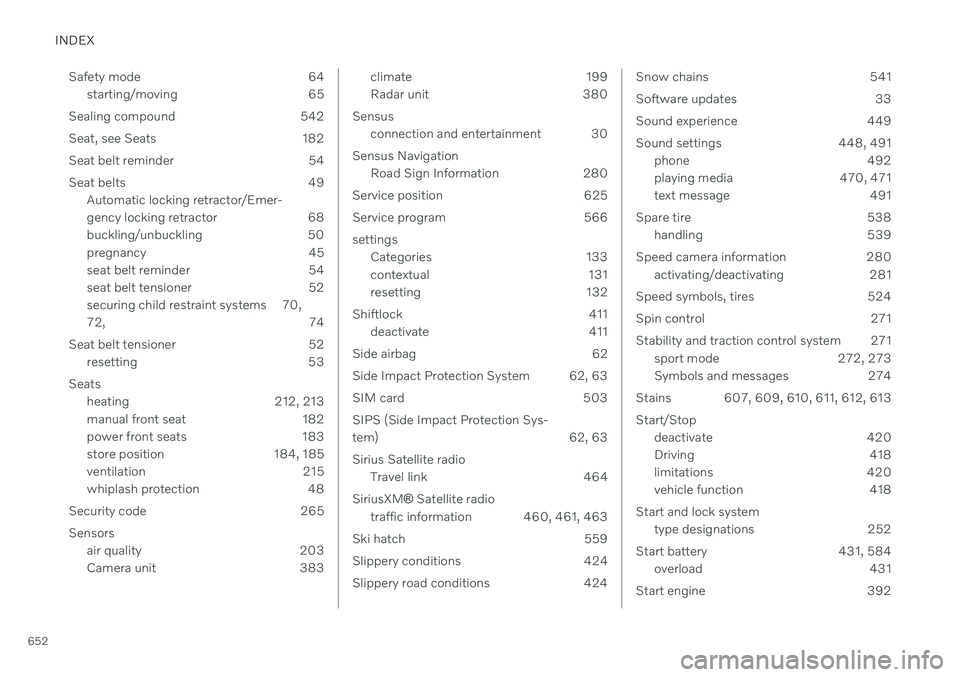
INDEX
652Safety mode 64
starting/moving 65
Sealing compound 542
Seat, see Seats 182
Seat belt reminder 54
Seat belts 49 Automatic locking retractor/Emer-
gency locking retractor 68
buckling/unbuckling 50
pregnancy 45
seat belt reminder 54
seat belt tensioner 52
securing child restraint systems 70, 72, 74
Seat belt tensioner 52 resetting 53
Seats heating 212, 213
manual front seat 182
power front seats 183
store position 184, 185
ventilation 215
whiplash protection 48
Security code 265 Sensors air quality 203
Camera unit 383
climate 199
Radar unit 380
Sensus connection and entertainment 30
Sensus Navigation Road Sign Information 280
Service position 625
Service program 566settings Categories 133
contextual 131
resetting 132
Shiftlock 411 deactivate 411
Side airbag 62
Side Impact Protection System 62, 63
SIM card 503 SIPS (Side Impact Protection Sys-
tem) 62, 63 Sirius Satellite radio Travel link 464
SiriusXM ®
Satellite radio
traffic information 460, 461, 463
Ski hatch 559
Slippery conditions 424
Slippery road conditions 424Snow chains 541
Software updates 33
Sound experience 449
Sound settings 448, 491 phone 492
playing media 470, 471
text message 491
Spare tire 538 handling 539
Speed camera information 280 activating/deactivating 281
Speed symbols, tires 524
Spin control 271
Stability and traction control system 271 sport mode 272, 273
Symbols and messages 274
Stains 607, 609, 610, 611, 612, 613 Start/Stop deactivate 420
Driving 418
limitations 420
vehicle function 418
Start and lock system type designations 252
Start battery 431, 584 overload 431
Start engine 392
Page 657 of 661
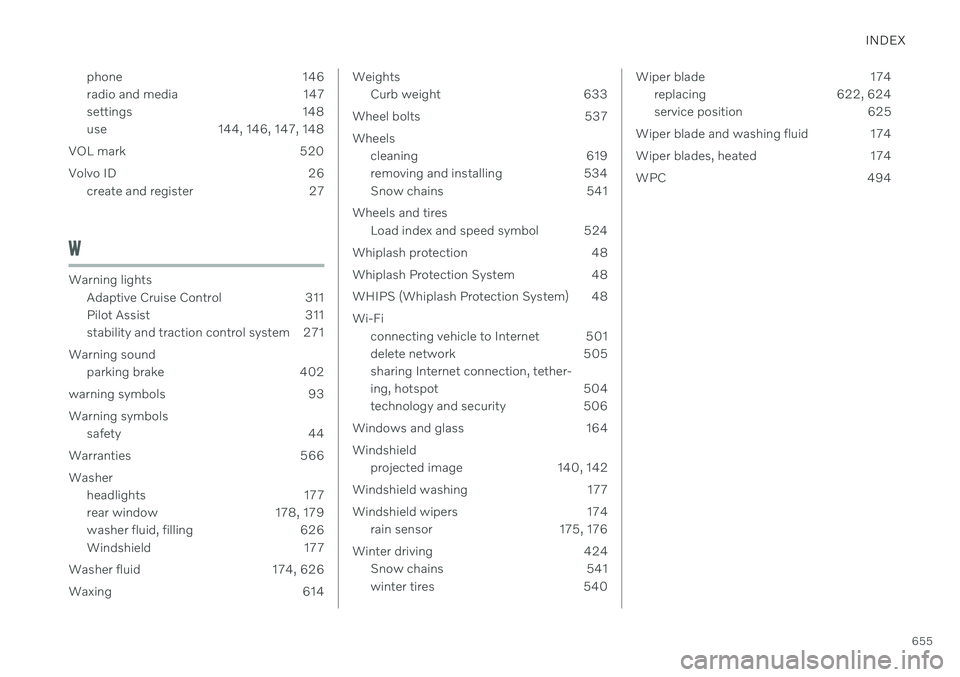
INDEX
655
phone 146
radio and media 147
settings 148
use 144, 146, 147, 148
VOL mark 520
Volvo ID 26 create and register 27
W
Warning lightsAdaptive Cruise Control 311
Pilot Assist 311
stability and traction control system 271
Warning sound parking brake 402
warning symbols 93 Warning symbols safety 44
Warranties 566Washer headlights 177
rear window 178, 179
washer fluid, filling 626
Windshield 177
Washer fluid 174, 626
Waxing 614
Weights Curb weight 633
Wheel bolts 537 Wheels cleaning 619
removing and installing 534
Snow chains 541
Wheels and tires Load index and speed symbol 524
Whiplash protection 48
Whiplash Protection System 48
WHIPS (Whiplash Protection System) 48 Wi-Fi connecting vehicle to Internet 501
delete network 505sharing Internet connection, tether-
ing, hotspot 504
technology and security 506
Windows and glass 164 Windshield projected image 140, 142
Windshield washing 177
Windshield wipers 174 rain sensor 175, 176
Winter driving 424 Snow chains 541
winter tires 540Wiper blade 174
replacing 622, 624
service position 625
Wiper blade and washing fluid 174
Wiper blades, heated 174
WPC 494