audio VOLVO XC90 2006 Owner's Guide
[x] Cancel search | Manufacturer: VOLVO, Model Year: 2006, Model line: XC90, Model: VOLVO XC90 2006Pages: 256, PDF Size: 6.87 MB
Page 250 of 256

2006 VOLVO XC90
manufactured after 1996:
l Refer to the garage door opener owner's manual for verification.
l If your hand-held transmitter appears to program the HomeLink® Univer\
sal Transceiver but the
programmed button does not activate the garage door, your garage door op\
ener may have a rolling code.
l Press the programmed HomeLink® button. If the garage door opener has \
the rolling code feature, the
HomeLink® indicator light flashes rapidly and then glows steadily aft\
er approximately 2 seconds.
To train a rolling code garage door opener,
follow these instructions after programming the desired transceiver butt\
on according to "Programming
the transceiver." The help of a second person may make training easier.
1. Locate the training button on the garage door opener motor head unit.\
The location and color of the
training button may vary. If you encounter difficulty, refer to the gara\
ge door opener owner's manual or
call toll-free 1-800-355-3515 (Internet:
www.HomeLink.com).
2. Press the "training" button on the garage door opener motor head unit\
until the "training" light comes
on.
3. Press and release the programmed HomeLink® button. Press and relea\
se the programmed
HomeLink® button a second time to complete the training process.
4. Some garage door openers may require you to do this procedure a third\
time to complete the training.
5. The programmed button on your HomeLink® Universal Transceiver shou\
ld now operate your garage
door opener. The original hand-held transmitter can also be used, as des\
ired, to operate the garage door.
The remaining two HomeLink® buttons can be programmed in the same way\
. In the event of any
problems in programming the HomeLink® Universal Transceiver, call tol\
l-free 1-800-355-3515
(Internet:
www.HomeLink.com).
Operating the HomeLink® Universal Transceiver
Once programmed, the HomeLink® Universal Transceiver can be used in p\
lace of your handheld
transmitters.
To operate, the key must be turned to the "accessory" position (II) or\
the engine must be running. Press
the programmed HomeLink® button to activate the garage door, driveway\
gate, security lighting, home
security system, etc.
pg. 206 Audio
Your original hand-held transmitters may, of course, be used at any time\
.
Erasing programmed buttons
Individual buttons cannot be erased. To erase all three programmed butto\
ns:
1. Turn the ignition key to the "accessory" position (II).
2. Hold down the two outside buttons on the HomeLink® Universal Trans\
ceiver for about 20 seconds,
file:///K|/ownersdocs/2006/2006_XC90/06xc90_11b.htm (10 of 11)12/30/20\
06 5:32:56 PM
Page 252 of 256
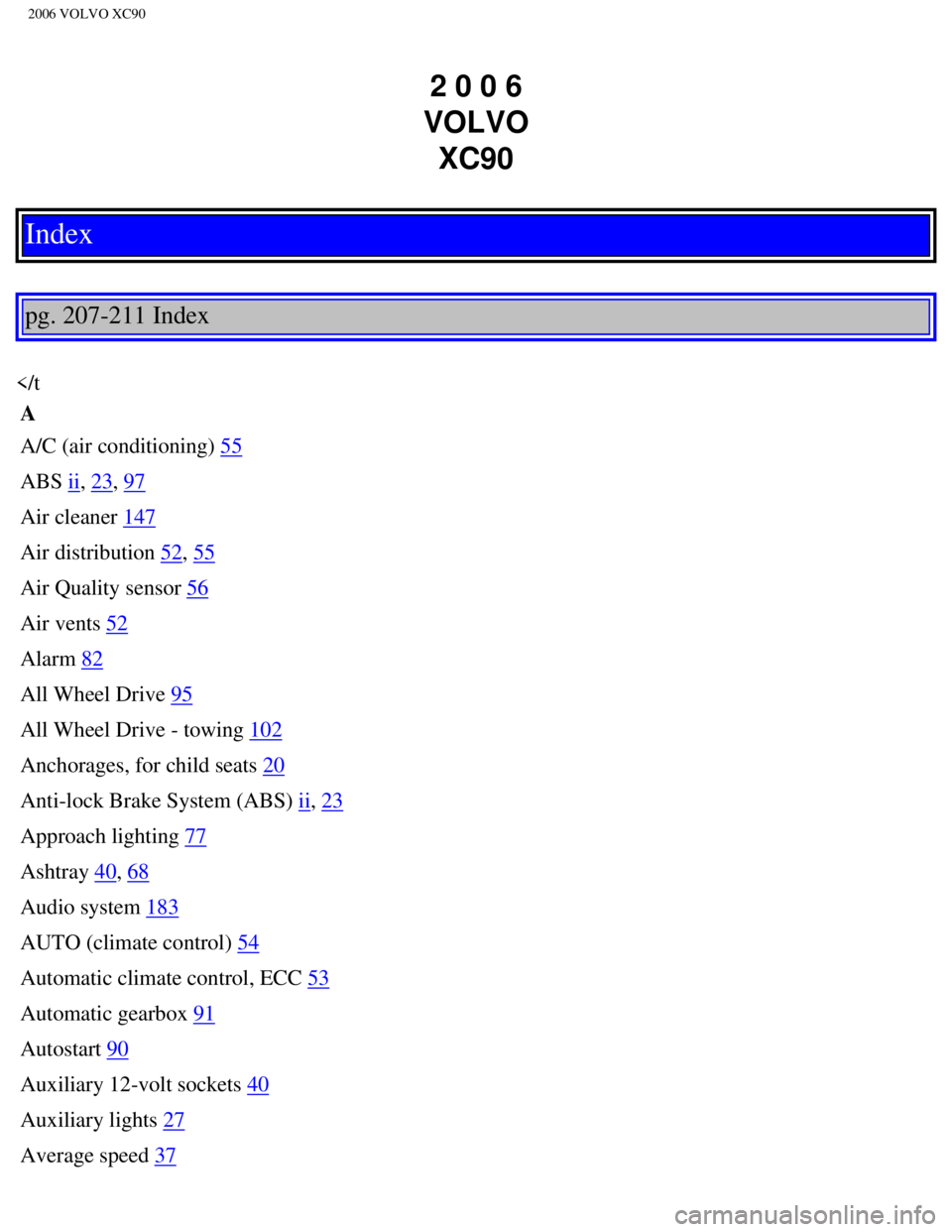
2006 VOLVO XC90
2 0 0 6
VOLVO XC90
Index
pg. 207-211 Index
A/C (air conditioning)
55
ABS
ii, 23, 97
Air cleaner
147
Air distribution
52, 55
Air Quality sensor
56
Air vents
52
Alarm
82
All Wheel Drive
95
All Wheel Drive - towing
102
Anchorages, for child seats
20
Anti-lock Brake System (ABS)
ii, 23
Approach lighting
77
Ashtray
40, 68
Audio system
183
AUTO (climate control)
54
Automatic climate control, ECC
53
Automatic gearbox
91
Autostart
90
Auxiliary 12-volt sockets
40
Auxiliary lights
27
Average speed
37
file:///K|/ownersdocs/2006/2006_XC90/06xc90_12.htm (1 of 5)12/30/2006 \
5:32:56 PM