warning light VOLVO XC90 TWIN ENGINE 2019 Manual Online
[x] Cancel search | Manufacturer: VOLVO, Model Year: 2019, Model line: XC90 TWIN ENGINE, Model: VOLVO XC90 TWIN ENGINE 2019Pages: 697, PDF Size: 10.33 MB
Page 598 of 697

LOADING, STORAGE AND PASSENGER COMPARTMENT
* Option/accessory.
596 Using the electrical outlets
The 12 V outlet can be used for devices
intended for this such as MP3 players, coolers
and cellular phones.
The high-voltage outlet* can be used for devices
intended for this, such as chargers, laptops, etc.
The ignition must be in at least mode I for the
outlets to supply current. The outlets will then be
active as long as there is sufficient charge in the
start battery.
If the engine is turned off and the vehicle is
locked, the outlets will be deactivated. If the
engine is turned off and the vehicle remains
unlocked, the sockets will remain active for up to
7 minutes.
NOTE Bear in mind that using the electrical outlets
when the engine is off could cause the starter
battery to have too low of a charge level,
which could limit other functionality.
Accessories connected to the electrical out-
lets can be activated even when the vehicle
electrical system is off or if preconditioning is
used. For this reason, disconnect plugs when
they are not in use to prevent the starter bat-
tery from becoming discharged.
WARNING
Do not use accessories with large or
heavy plugs – they could damage the out-
let or come loose while you are driving.
Do not use accessories that could cause
disruptions to e.g. the vehicle's radio
receiver or electrical system.
Position the accessory so that there is no
risk of it injuring the driver or passengers
in the event of heavy braking or a colli-
sion.
Pay attention to connected accessories
as they can generate heat that could burn
passengers or the interior.
Using 12 V outlets1. Remove the stopper (tunnel console) or fold
down the cover (trunk/cargo compartment)
over the socket and plug in the device.
2. Unplug the device and put the stopper back in (tunnel console) or fold up the cover
(trunk/cargo compartment) when the socket
is not in use or left unattended.
CAUTION The maximum power is 120 W (10 A) per
outlet.
Using high-voltage outletsThe ignition must be in at least mode I for outlets
to supply current. The outlets will then be active
as long as there is sufficient charge in the start
battery.
1. Slide down the cover over the outlet and plug
in the device.
>
The LED 2
light on the outlet will indicate
its status.
2. The outlet is supplying electrical current when the light is glowing steadily green.
3. Disconnect the device by pulling out the plug (do not pull on the cord).
Pull up the cover when the outlet is not in
use or is left unattended.
CAUTION The maximum power is 150 W.
WARNING
Do not attempt to alter or repair the high-volt-
age outlet on your own. Volvo recommends
contacting an authorized Volvo workshop.
2
LED (Light Emitting Diode)
Page 600 of 697

LOADING, STORAGE AND PASSENGER COMPARTMENT
* Option/accessory.
598 Sun visors
In the ceiling in front of the driver and front pas-
senger, there are sun visors that can be lowered
and angled to the side as necessary.
The illustration is generic – the design may vary.
The mirror lighting* comes on automatically when
the cover is lifted up.
The mirror frame has a holder for e.g. cards or
tickets.
Related information
Passenger compartment interior (p. 592) Cargo compartment
The vehicle has a flexible cargo compartment
that makes it possible to carry and secure large
objects.
The cargo compartment capacity can be consid-
erably increased by folding down the backrests in
the second and third rows* of seats. To make
loading and unloading easier, the rear section of
the vehicle can be raised and lowered using the
level control function*. Use the load anchoring
eyelets or grocery bag holders to help secure
objects in place, and the retractable cargo com-
partment cover* to help conceal objects in the
cargo compartment.
If the vehicle is equipped with a temporary spare
tire, this is secured to the cargo compartment
floor under the cover. The towing eyelet and tire
sealing system are located under the cargo com-
partment floor.
Related information
Loading recommendations (p. 598)
Grocery bag holders (p. 600)
Load anchoring eyelets (p. 601)
Installing and removing the cargo compart-
ment cover* (p. 601) Loading recommendations
There are a number of things to consider when
carrying loads in or on the vehicle.
Load-carrying capacity is determined by the vehi-
cle's curb weight. The total weight of all passen-
gers and any installed accessories reduces the
vehicle's load-carrying capacity by the corres-
ponding amount.
WARNING The vehicle's driving characteristics change
depending on the weight and position of the
load.
Loading the cargo compartment/trunk
Position objects so they are pressing against
the rear seat backrests.
Distribute the load evenly.
Heavy objects should be positioned as low
as possible. Avoid placing heavy objects on
folded-down seat backrests.
Cover sharp corners with a soft cloth or simi-
lar to help prevent damage to the upholstery.
Use the load anchoring eyelets and tension-
ing straps or similar to secure all objects.
Page 605 of 697

LOADING, STORAGE AND PASSENGER COMPARTMENT
}}
603 Grasp the handle and pull the cover out and
above the side panels in the cargo compart-
ment. Pull the cover to its end position.
With the cover completely open (covering the
cargo compartment), press the attaching
pins at the end of the cover into the grooves
on the side panels and release the cover
slightly while pressing the handle lightly
downward to hook the pins into the grooves.
>
The cover will be secured in the fully open
position.
CAUTION Do not place objects on top of the cargo
compartment cover.
WARNING
In 7-seat models - never have a cargo com-
partment cover mounted when there are pas-
sengers in the rear seats. This could lead to
serious injury in the event of a collision.
Loading mode From the fully retracted position - grasp the
handle and pull the cover up and over the
side panels in the cargo compartment. Pull to
the end position and press the attaching pins
at the end of the cover into the grooves in
the side panels of the vehicle. (If the cover is
already fully open, see next section.)
From the fully open position - grasp the han-
dle and press the cover's attaching pins
down into the grooves in the side panels and
then release.
>
Retract the cover until it stops in the parti-
ally retracted position. If your hands are full: In the fully open position, push the cover's
handle slightly upward with e.g. your elbow.
>
The cover will retract until it stops in
the partially retracted position.
To fully open the cover from the partially retrac-
ted position:
1.
Grasp the handle and pull the cover out as
far as possible.
2. Let the cover retract slightly and press the handle slightly downward.
> The cover will be secured in the fully openposition.
Page 623 of 697
MAINTENANCE AND SERVICE
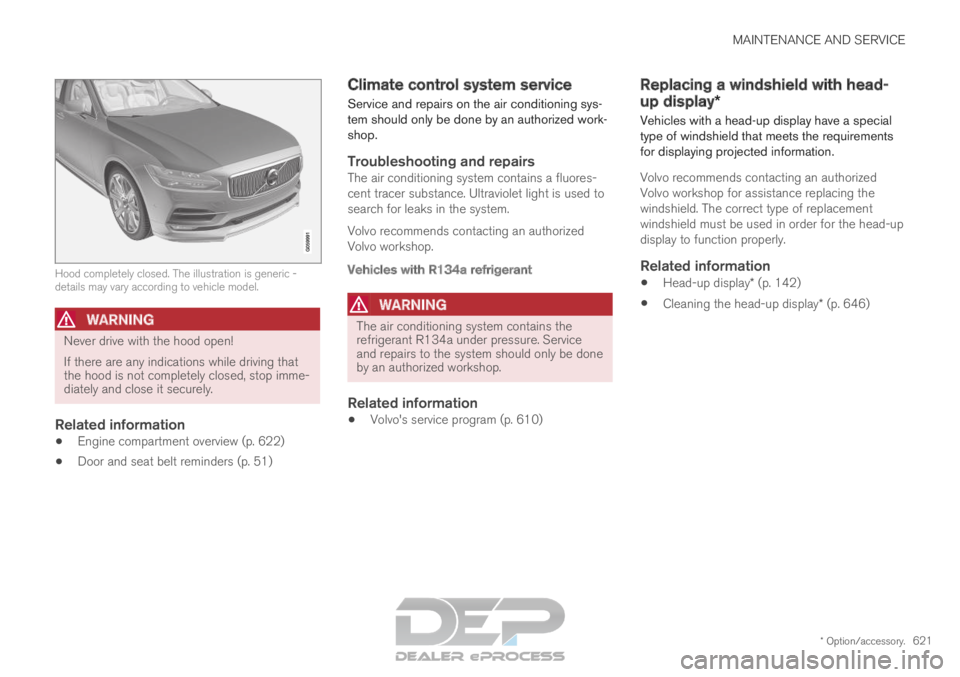
* Option/accessory.621Hood completely closed. The illustration is generic -
details may vary according to vehicle model.
WARNING
Never drive with the hood open!
If there are any indications while driving that
the hood is not completely closed, stop imme-
diately and close it securely.
Related information
Engine compartment overview (p. 622)
Door and seat belt reminders (p. 51) Climate control system service
Service and repairs on the air conditioning sys-
tem should only be done by an authorized work-
shop.
Troubleshooting and repairsThe air conditioning system contains a fluores-
cent tracer substance. Ultraviolet light is used to
search for leaks in the system.
Volvo recommends contacting an authorized
Volvo workshop.
Vehicles with R134a refrigerant
WARNING
The air conditioning system contains the
refrigerant R134a under pressure. Service
and repairs to the system should only be done
by an authorized workshop.
Related information
Volvo's service program (p. 610) Replacing a windshield with head-
up display*
Vehicles with a head-up display have a special
type of windshield that meets the requirements
for displaying projected information.
Volvo recommends contacting an authorized
Volvo workshop for assistance replacing the
windshield. The correct type of replacement
windshield must be used in order for the head-up
display to function properly.
Related information
Head-up display* (p. 142)
Cleaning the head-up display* (p. 646)
Page 650 of 697
||MAINTENANCE AND SERVICE
* Option/accessory.
648
WARNING
Never use more than one inlay mat at a
time on the driver's floor. If any other type
of floor mat is used, remove the original
mat from the driver's seat floor before
driving. All types of mats must be securely
anchored in the attachment points in the
floor. Make sure the floor mat does not
impede the movement of the brake pedal
or accelerator pedal in any way, as this
could be a serious safety hazard.
Volvo's floor mats are specially manufac-
tured for your vehicle. They must be prop-
erly secured in the attachment points in
the floor to help ensure they cannot slide
and become trapped under the pedals.
After vacuuming, a specially designed textile
cleaning agent should be used to remove stains
on floor mats. Floor mats should be cleaned with
products recommended by Volvo retailers.
Related information
Cleaning the interior (p. 645)
Cleaning the center display (p. 645)
Cleaning fabric upholstery and ceiling liner
(p. 647)
Cleaning the seat belt (p. 647)
Cleaning leather upholstery (p. 648)
Cleaning the leather steering wheel
(p. 649)
Cleaning interior plastic, metal and wood sur-
faces (p. 650) Cleaning leather upholstery
Only use cleaning agents and car care products
recommended by Volvo. Clean regularly and
treat stains immediately for best results. It is
important to vacuum before using a cleaning
agent.
Leather upholstery*Volvo's leather upholstery is treated to protect its
original appearance. Over time, sunlight, grease,
dirt, etc. could break down the protective layer.
This could result in scratches and cracking.
Leather upholstery is a natural product that
changes and acquires a beautiful patina over
time. Regular cleaning and treatments are
required to preserve the qualities and color of the
leather. Volvo offers a comprehensive product,
Volvo Leather Care Kit/Wipes, for cleaning and
treating leather upholstery that, when used as
directed, preserves the leather's protective coa-
ting.
For best results, Volvo recommends cleaning and
applying protective cream one to four times a
year (or more as needed). Volvo Leather Care Kit
951 0251 and Volvo Leather Softener 943
7429 are available for purchase at Volvo retailers.
Page 654 of 697
||MAINTENANCE AND SERVICE
* Option/accessory.
652
Wash using a sponge, car washing detergent
and plenty of lukewarm water.
Clean the wiper blades with lukewarm soap
solution or car washing detergent.
Dry the vehicle using a clean, soft chamois or
a squeegee. Try not to let drops of water dry
in strong sunlight. This could cause water
drying stains that may need to be polished
out.
In areas with heavy industrial emissions,
more frequent washing of the vehicle's exte-
rior is recommended.
Tar spots from asphalt may remain even after
washing. Use a tar remover to remove these
spots after washing the vehicle.
WARNING Always entrust engine washing to a workshop.
If the engine is hot, there is a risk of fire.
CAUTION
Dirty headlights do not work as well. Clean
them regularly, e.g. when refueling.
Do not use corrosive cleaners. Use water and
a non-abrasive sponge.
NOTE Exterior lighting such as headlights and tail-
lights may develop temporary condensation
on the inside of the lens. This is normal. All
exterior lighting is designed to resist this.
Condensation is normally vented out of the
lamp housing once the light has been lit for
some period of time.
CAUTION
Make sure that the panoramic roof* and
sun shade are closed before washing the
vehicle.
Never use abrasive polishing agents on
the panoramic roof.
Never use wax on the rubber seals
around the panoramic roof.
CAUTION Remember to remove dirt from the drain
holes in the doors and sills after washing the
vehicle.
Related information
Cleaning the exterior (p. 650)
Polishing and waxing (p. 651)
Automatic car washes (p. 653)
High-pressure washing (p. 654)
Cleaning the wiper blades (p. 654)
Cleaning exterior plastic, rubber and trim
components (p. 655)
Cleaning rims (p. 656)
Corrosion protection (p. 656)
Settings for automatically activating the park-
ing brake (p. 444)
Page 679 of 697
INDEX
677
1, 2, 3 ... 4WD
452
A ABS
anti-lock brakes
439
AC (Air conditioning) 230
ACC - Adaptive Cruise Control 300, 303,
304, 305, 306, 307, 309, 310, 311, 312, 313, 314
Accessories and extra equipment 35 installation 36
Accessory installation warning 36, 37
Active Bending Lights 159
Adapting driving characteristics 278, 454
Adaptive Cruise Control 300, 303, 304, 305, 306, 307, 309, 310, 311, 312, 313, 314 change cruise control functionality 313
function 300
manage speed 304, 305
pass 309, 310
radar sensor 332
set time interval 306, 307
troubleshooting 312
Adjusting the steering wheel 201 Airbag
52
activation/deactivation
56
driver's side 53
passenger side 53, 56
Air bag, see Airbag 52
Air conditioning 230
Air conditioning, fluid volume and grade 674
Air distribution 209
air vents 209, 211
changing 210
defrosting 222
recirculation 221
table showing options 212
Air quality 206, 208
allergy and asthma 208
passenger compartment filter 209
Air recirculation 221
Alarm 273
deactivating 274
Allergy and asthma-inducing substances 208
All Wheel Drive, AWD 452
All Wheel Drive (AWD) 452
All Wheel Drive (four-wheel drive) 452
Android Auto 530, 532
Antenna location 262 Apple CarPlay
527, 529
Approach lighting 161
Apps 498
Assistance at risk of collision 380, 381, 382, 383, 384, 385, 386, 387, 389
Audio and media 496
Audio system HD digital radio 508
SiriusXM® Satellite radio 508, 509, 511
Auto-climate 220
Auto hold 446
Auto-hold brakes 446
activate and deactivate 446
after collision 447
Automatic car wash 653
Automatic high beam 157
Automatic locking 266
Automatic relocking 246, 259
Automatic Speed Limiter 287, 289, 290, 291
Automatic transmission 449
kickdown 452
oil 673
Trailer 483
Auxiliary heater 239
INDEX
Page 680 of 697
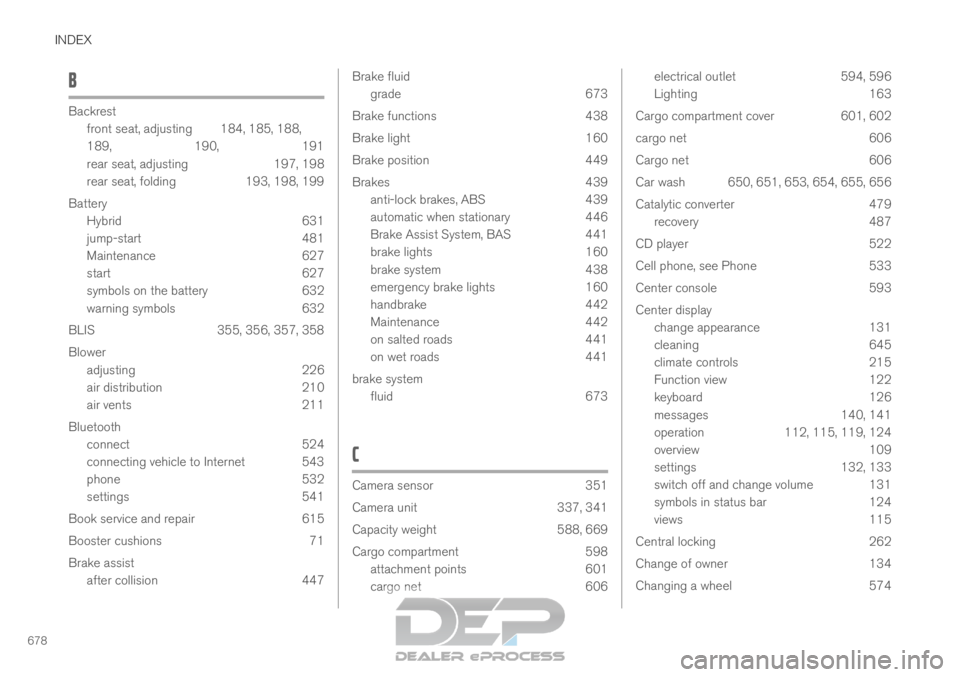
INDEX
678B Backrest
front seat, adjusting
184, 185, 188,
189, 190, 191
rear seat, adjusting 197, 198
rear seat, folding 193, 198, 199
Battery Hybrid 631
jump-start 481
Maintenance 627
start 627
symbols on the battery 632
warning symbols 632
BLIS 355, 356, 357, 358
Blower adjusting 226
air distribution 210
air vents 211
Bluetooth connect 524
connecting vehicle to Internet 543
phone 532
settings 541
Book service and repair 615
Booster cushions 71
Brake assist after collision 447 Brake fluid
grade
673
Brake functions 438
Brake light 160
Brake position 449
Brakes 439
anti-lock brakes, ABS 439
automatic when stationary 446
Brake Assist System, BAS 441
brake lights 160
brake system 438
emergency brake lights 160
handbrake 442
Maintenance 442
on salted roads 441
on wet roads 441
brake system fluid 673
C Camera sensor
351
Camera unit
337, 341
Capacity weight 588, 669
Cargo compartment 598
attachment points 601
cargo net 606 electrical outlet
594, 596
Lighting
163
Cargo compartment cover 601, 602
cargo net 606
Cargo net 606
Car wash 650, 651, 653, 654, 655, 656
Catalytic converter 479
recovery 487
CD player 522
Cell phone, see Phone 533
Center console 593
Center display change appearance 131
cleaning 645
climate controls 215
Function view 122
keyboard 126
messages 140, 141
operation 112, 115, 119, 124
overview 109
settings 132, 133
switch off and change volume 131
symbols in status bar 124
views 115
Central locking 262
Change of owner 134
Changing a wheel 574
Page 681 of 697
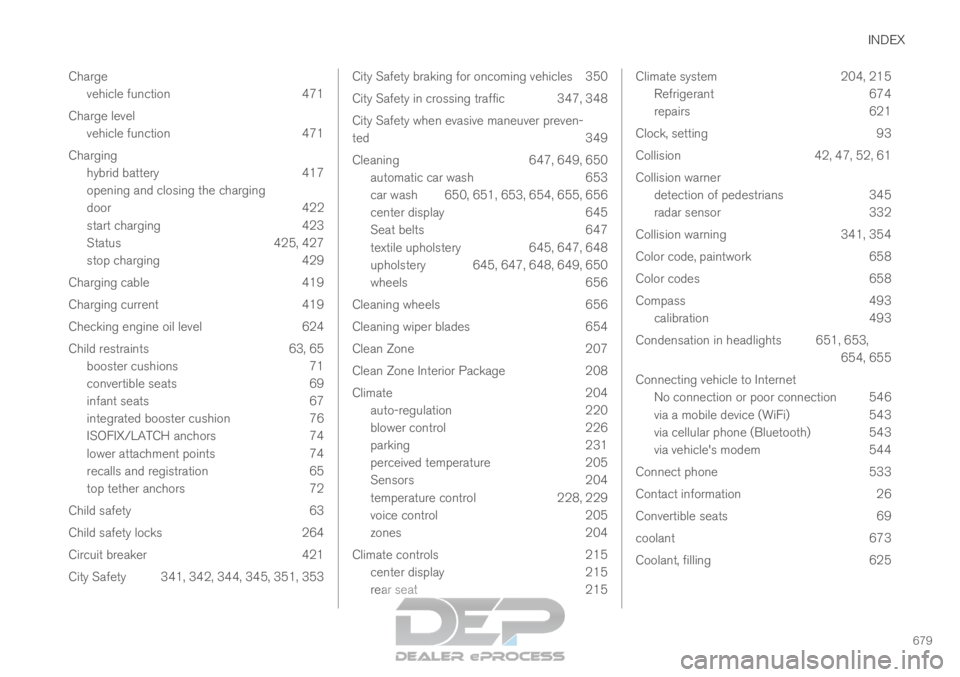
INDEX
679
Charge
vehicle function 471
Charge level vehicle function 471
Charging hybrid battery 417
opening and closing the charging
door 422
start charging 423
Status 425, 427
stop charging 429
Charging cable 419
Charging current 419
Checking engine oil level 624
Child restraints 63, 65 booster cushions 71
convertible seats 69
infant seats 67
integrated booster cushion 76
ISOFIX/LATCH anchors 74
lower attachment points 74
recalls and registration 65
top tether anchors 72
Child safety 63
Child safety locks 264
Circuit breaker 421
City Safety 341, 342, 344, 345, 351, 353 City Safety braking for oncoming vehicles 350
City Safety in crossing traffic
347, 348
City Safety when evasive maneuver preven-
ted 349
Cleaning 647, 649, 650
automatic car wash 653
car wash 650, 651, 653, 654, 655, 656
center display 645
Seat belts 647
textile upholstery 645, 647, 648
upholstery 645, 647, 648, 649, 650
wheels 656
Cleaning wheels 656
Cleaning wiper blades 654
Clean Zone 207
Clean Zone Interior Package 208
Climate 204
auto-regulation 220
blower control 226
parking 231
perceived temperature 205
Sensors 204
temperature control 228, 229
voice control 205
zones 204
Climate controls 215
center display 215
rear seat 215 Climate system
204, 215
Refrigerant 674
repairs 621
Clock, setting 93
Collision 42, 47, 52, 61
Collision warner detection of pedestrians 345
radar sensor 332
Collision warning 341, 354
Color code, paintwork 658
Color codes 658
Compass 493 calibration 493
Condensation in headlights 651, 653, 654, 655
Connecting vehicle to Internet No connection or poor connection 546
via a mobile device (WiFi) 543
via cellular phone (Bluetooth) 543
via vehicle's modem 544
Connect phone 533
Contact information 26
Convertible seats 69
coolant 673
Coolant, filling 625
Page 684 of 697
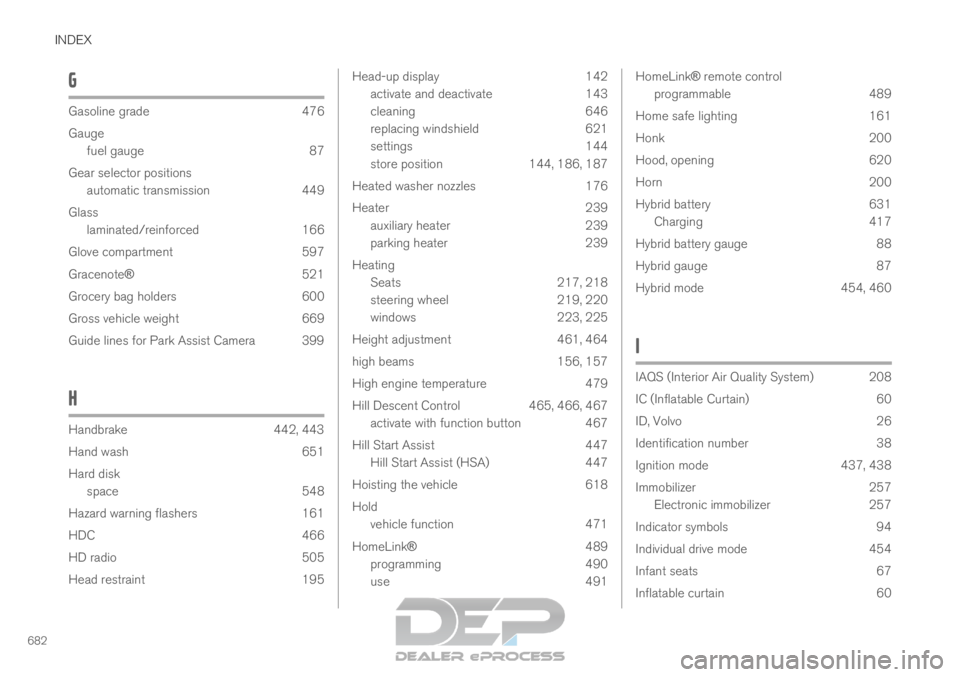
INDEX
682G Gasoline grade
476
Gauge fuel gauge
87
Gear selector positions automatic transmission 449
Glass laminated/reinforced 166
Glove compartment 597
Gracenote® 521
Grocery bag holders 600
Gross vehicle weight 669
Guide lines for Park Assist Camera 399
H Handbrake
442, 443
Hand wash
651
Hard disk space 548
Hazard warning flashers 161
HDC 466
HD radio 505
Head restraint 195 Head-up display
142
activate and deactivate
143
cleaning 646
replacing windshield 621
settings 144
store position 144, 186, 187
Heated washer nozzles 176
Heater 239
auxiliary heater 239
parking heater 239
Heating Seats 217, 218
steering wheel 219, 220
windows 223, 225
Height adjustment 461, 464
high beams 156, 157
High engine temperature 479
Hill Descent Control 465, 466, 467
activate with function button 467
Hill Start Assist 447
Hill Start Assist (HSA) 447
Hoisting the vehicle 618
Hold vehicle function 471
HomeLink® 489
programming 490
use 491 HomeLink® remote control
programmable 489
Home safe lighting 161
Honk 200
Hood, opening 620
Horn 200
Hybrid battery 631
Charging 417
Hybrid battery gauge 88
Hybrid gauge 87
Hybrid mode 454, 460
I IAQS (Interior Air Quality System) 208
IC (Inflatable Curtain)
60
ID, Volvo 26
Identification number 38
Ignition mode 437, 438
Immobilizer 257
Electronic immobilizer 257
Indicator symbols 94
Individual drive mode 454
Infant seats 67
Inflatable curtain 60