ON mode Acura RDX 2020 Workshop Manual
[x] Cancel search | Manufacturer: ACURA, Model Year: 2020, Model line: RDX, Model: Acura RDX 2020Pages: 657, PDF Size: 33.2 MB
Page 108 of 657
107
uuIndicators uMulti-Information Display Warning and Information Messages
Continued
Instrument Panel
MessageConditionExplanation
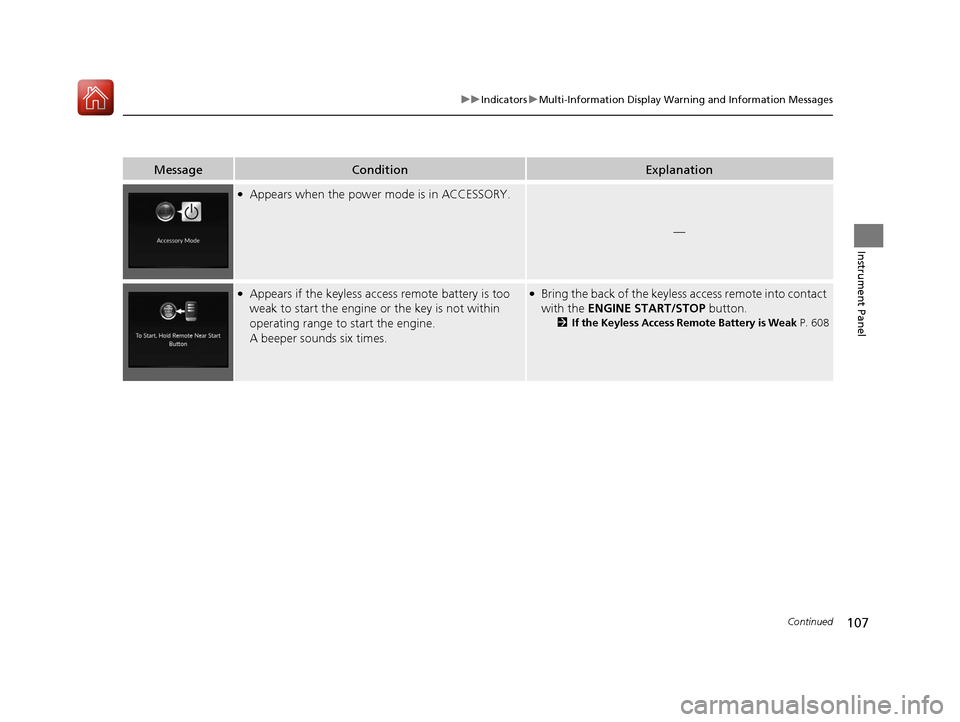
●Appears when the power mode is in ACCESSORY.
—
●Appears if the keyless access remote battery is too
weak to start the engine or the key is not within
operating range to start the engine.
A beeper sounds six times.●Bring the back of the keyless access remote into contact
with the ENGINE START/STOP button.
2If the Keyless Access Remote Battery is Weak P. 608
20 ACURA RDX-31TJB6111.book 107 ページ 2020年2月11日 火曜日 午後2時6分
Page 109 of 657
108
uuIndicators uMulti-Information Display Warn ing and Information Messages
Instrument Panel
MessageConditionExplanation
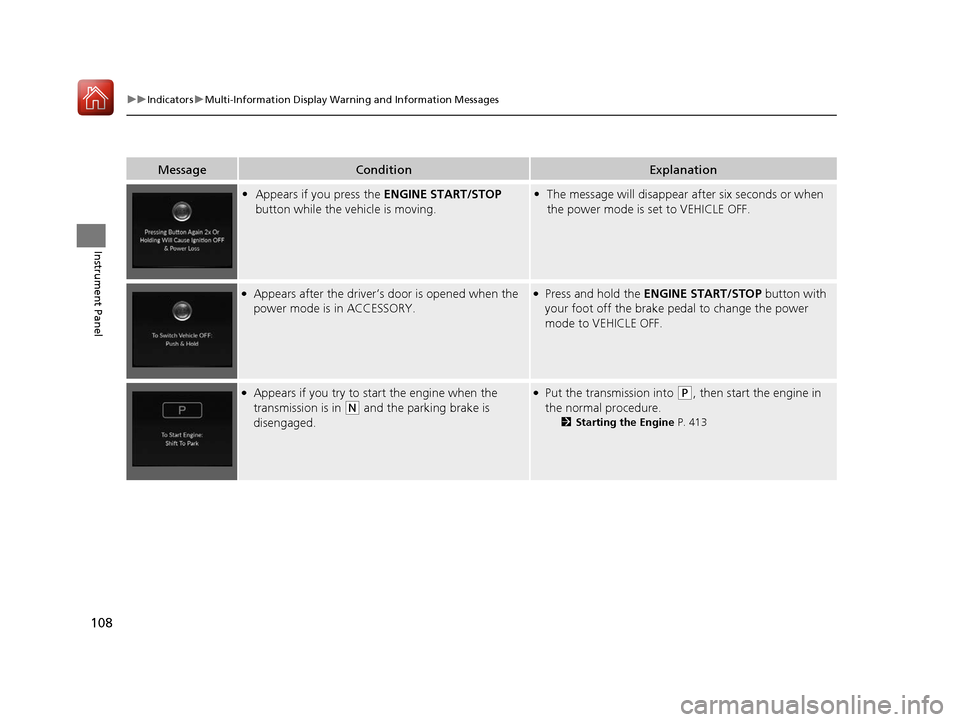
•Appears if you press the ENGINE START/STOP
button while the vehicle is moving.• The message will disappear after six seconds or when
the power mode is set to VEHICLE OFF.
●Appears after the driver’s door is opened when the
power mode is in ACCESSORY.●Press and hold the ENGINE START/STOP button with
your foot off the brake pedal to change the power
mode to VEHICLE OFF.
●Appears if you try to start the engine when the
transmission is in
(N and the parking brake is
disengaged.
●Put the transmission into (P, then start the engine in
the normal procedure.
2 Starting the Engine P. 413
20 ACURA RDX-31TJB6111.book 108 ページ 2020年2月11日 火曜日 午後2時6分
Page 113 of 657
112
uuIndicators uMulti-Information Display Warn ing and Information Messages
Instrument Panel
MessageConditionExplanation
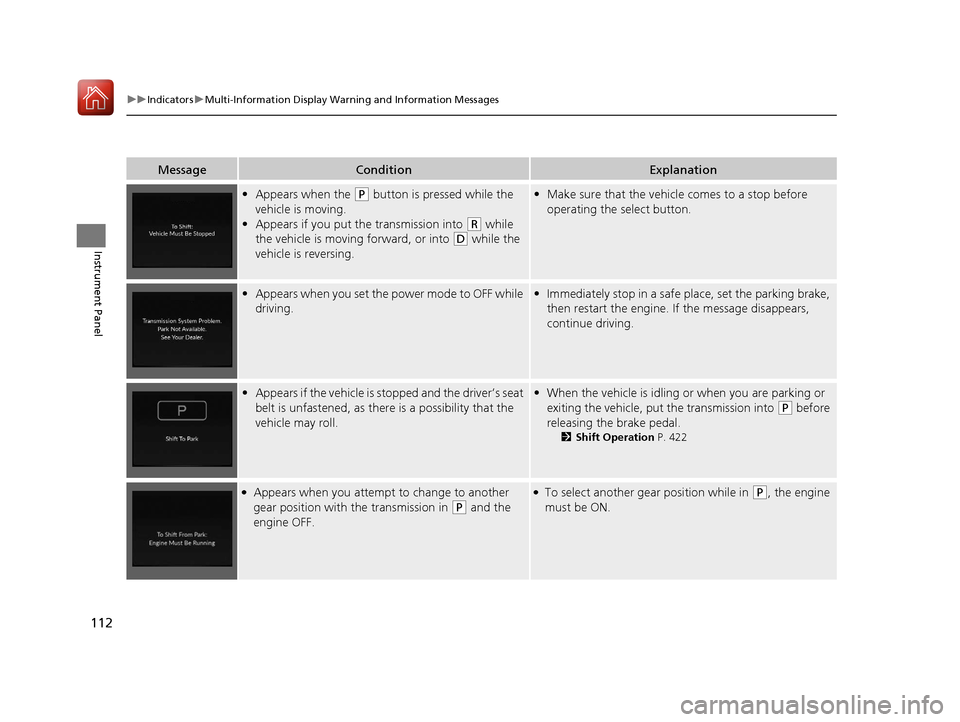
•Appears when the (P button is pressed while the
vehicle is moving.
• Appears if you put the transmission into
(R while
the vehicle is moving forward, or into
(D while the
vehicle is reversing.
• Make sure that the vehicl e comes to a stop before
operating the select button.
• Appears when you set the power mode to OFF while
driving.•Immediately stop in a safe place, set the parking brake,
then restart the engine. If the message disappears,
continue driving.
•Appears if the vehicle is stopped and the driver’s seat
belt is unfastened, as ther e is a possibility that the
vehicle may roll.• When the vehicle is idling or when you are parking or
exiting the vehicle, put the transmission into
(P before
releasing the brake pedal.
2 Shift Operation P. 422
●Appears when you attempt to change to another
gear position with the transmission in
(P and the
engine OFF.
●To select another gear position while in (P, the engine
must be ON.
20 ACURA RDX-31TJB6111.book 112 ページ 2020年2月11日 火曜日 午後2時6分
Page 115 of 657

114
uuIndicators uMulti-Information Display Warn ing and Information Messages
Instrument Panel
MessageConditionExplanation
•Appears when you press and hold (N button for
more than two seconds.• Disappears when you set the gear position to a gear
other than
(N.
2 If you want to keep the transmission in (N
position [car wash mode] P. 424
• Appears for a few seconds if you have not pressed
the
(N button long enough to initiate Neutral-Hold
mode.
2 If you want to keep the transmission in (N
position [car wash mode] P. 424
• Appears if there is a problem with the transmission
and it is not possible to select
(R.
•Have your vehicle checked by a dealer.
•Appears when neutral hold mode is not available
due to the transmission being too hot.•When the transmission is to o hot, neutral hold mode
may not be available. Let the engine idle until the
transmission has cooled down.
2 If you want to keep the transmission in (N
position [car wash mode] P. 424
20 ACURA RDX-31TJB6111.book 114 ページ 2020年2月11日 火曜日 午後2時6分
Page 116 of 657
115
uuIndicators uMulti-Information Display Warning and Information Messages
Continued
Instrument Panel
MessageConditionExplanation
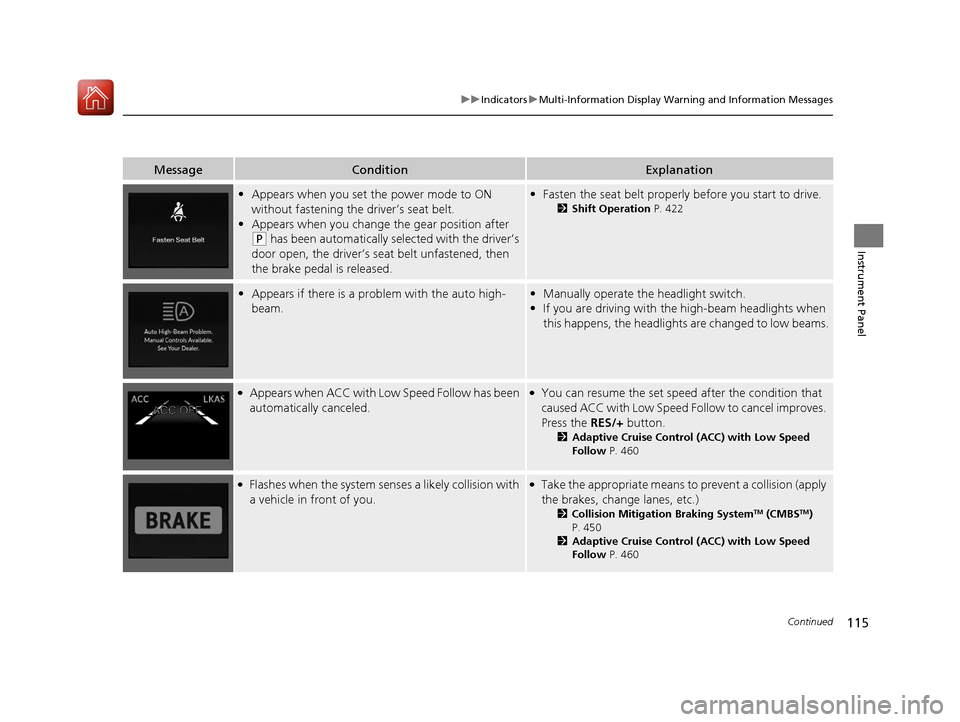
• Appears when you set the power mode to ON
without fastening the driver’s seat belt.
• Appears when you change the gear position after
(P has been automatically selected with the driver’s
door open, the driver’s seat belt unfastened, then
the brake pedal is released.
• Fasten the seat belt properly before you start to drive.
2 Shift Operation P. 422
•Appears if there is a prob lem with the auto high-
beam.• Manually operate the headlight switch.
• If you are driving with th e high-beam headlights when
this happens, the headlight s are changed to low beams.
●Appears when ACC with Low Speed Follow has been
automatically canceled.●You can resume the set speed after the condition that
caused ACC with Low Speed Follow to cancel improves.
Press the RES/+ button.
2Adaptive Cruise Control (ACC) with Low Speed
Follow P. 460
●Flashes when the system senses a likely collision with
a vehicle in front of you.●Take the appropriate means to prevent a collision (apply
the brakes, change lanes, etc.)
2Collision Mitigation Braking SystemTM (CMBSTM)
P. 450
2 Adaptive Cruise Control (ACC) with Low Speed
Follow P. 460
20 ACURA RDX-31TJB6111.book 115 ページ 2020年2月11日 火曜日 午後2時6分
Page 124 of 657

123
uuIndicators uMulti-Information Display Warning and Information Messages
Continued
Instrument Panel
MessageConditionExplanation
●Appears if there is a problem with the fuel pump
system.●Set the power mode to OFF for a while, then set the
power mode to ON. The message disappears if there is
no problem. If the message appears again, take your
vehicle to a dealer.
●Appears if there is a problem with the engine
management system.●Set the power mode to OFF for a while, then set the
power mode to ON. The message disappears if there is
no problem. If the message appears again, take your
vehicle to a dealer.
●Appears if there is a pr oblem with the ignition
system.●Set the power mode to OFF for a while, then set the
power mode to ON. The message disappears if there is
no problem. If the message appears again, take your
vehicle to a dealer.
●Appears if there is a problem with the seat heaters.●Turn off the seat heaters un til the message disappears.
If the message appears again, take your vehicle to a
dealer.
20 ACURA RDX-31TJB6111.book 123 ページ 2020年2月11日 火曜日 午後2時6分
Page 125 of 657
124
uuIndicators uMulti-Information Display Warn ing and Information Messages
Instrument Panel
MessageConditionExplanation
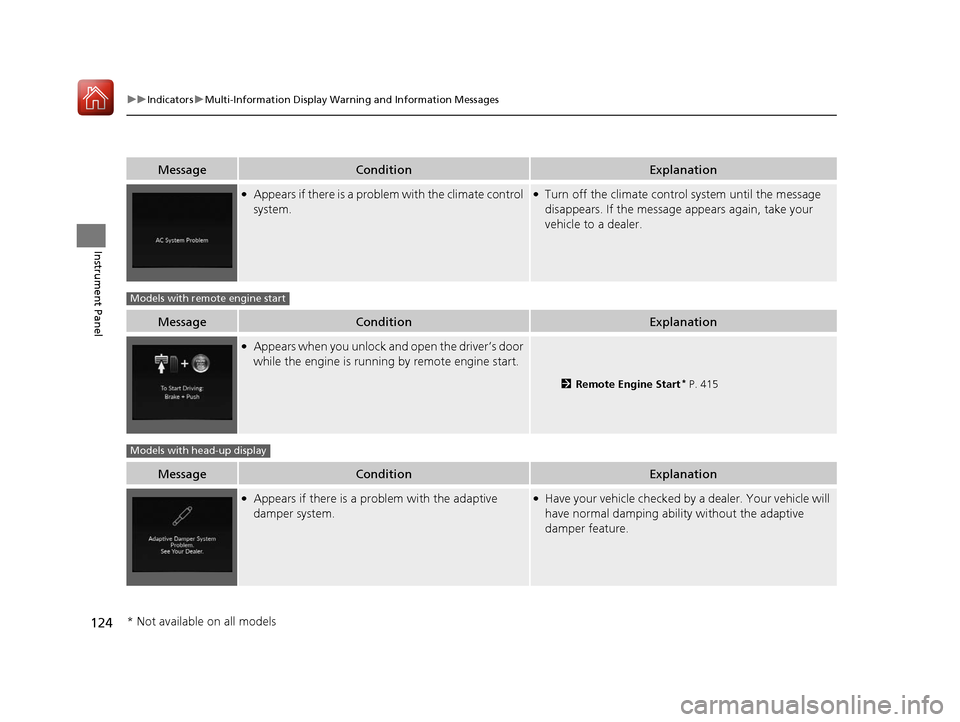
●Appears if there is a problem with the climate control
system.●Turn off the climate control system until the message
disappears. If the message appears again, take your
vehicle to a dealer.
MessageConditionExplanation
●Appears when you unlock and open the driver’s door
while the engine is running by remote engine start.
2 Remote Engine Start* P. 415
MessageConditionExplanation
●Appears if there is a pr oblem with the adaptive
damper system.●Have your vehicle checked by a dealer. Your vehicle will
have normal damping ability without the adaptive
damper feature.
Models with remote engine start
Models with head-up display
* Not available on all models
20 ACURA RDX-31TJB6111.book 124 ページ 2020年2月11日 火曜日 午後2時6分
Page 126 of 657

125
uuIndicators uMulti-Information Display Warning and Information Messages
Instrument Panel
MessageConditionExplanation
• Appears if there is a problem with the parking sensor
system.•Check if the area around the sensor(s) is covered with
mud, ice, snow, etc. If the indicator(s) stays on or the
beeper does not stop even after you clean the area,
have the system checked by a dealer.
• Appears if there are obstacles around the sensors.•Check for obstacles near your vehicle to make sure it is
safe to park.
Models with parking sensor system
20 ACURA RDX-31TJB6111.book 125 ページ 2020年2月11日 火曜日 午後2時6分
Page 127 of 657
126
Instrument Panel
Gauges and Displays
Gauges
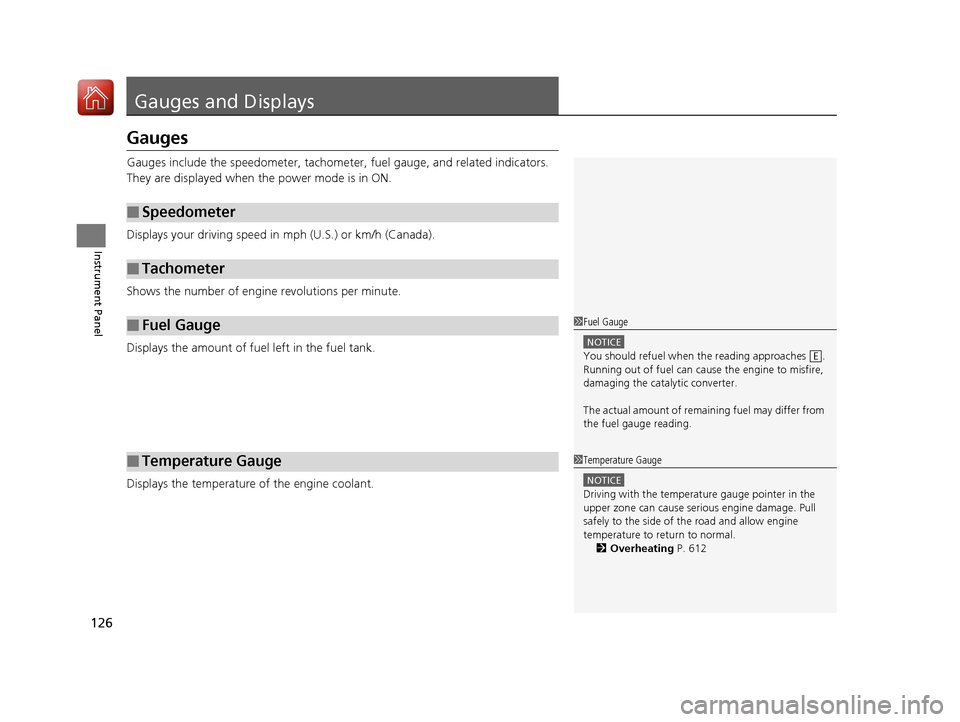
Gauges include the speedometer, tachometer, fuel gauge, and related indicators.
They are displayed when the power mode is in ON.
Displays your driving speed in mph (U.S.) or km/h (Canada).
Shows the number of engine revolutions per minute.
Displays the amount of fuel left in the fuel tank.
Displays the temperature of the engine coolant.
■Speedometer
■Tachometer
■Fuel Gauge
■Temperature Gauge
1Fuel Gauge
NOTICE
You should refuel when the reading approaches .
Running out of fuel can cause the engine to misfire,
damaging the cata lytic converter.
The actual amount of remain ing fuel may differ from
the fuel gauge reading.E
1 Temperature Gauge
NOTICE
Driving with the temperat ure gauge pointer in the
upper zone can cause serious engine damage. Pull
safely to the side of th e road and allow engine
temperature to return to normal. 2 Overheating P. 612
20 ACURA RDX-31TJB6111.book 126 ページ 2020年2月11日 火曜日 午後2時6分
Page 128 of 657

127
uuGauges and Displays uMulti-Information Display
Continued
Instrument Panel
Multi-Information Display
The multi-information display shows the odometer, trip meter, outside temperature
indicator, and other gauges.
It also displays important messages such as warnings and other helpful information.
Shows the total number of miles or kilome ters that your vehicle has accumulated.
Shows the outside temperature in Fahr enheit (U.S.) or Celsius (Canada).
■Adjusting the outside temperature display
Adjust the temperature reading by up to ±5°F or ±3°C if the temperature reading
seems incorrect.
Use the customized features in the au dio/information screen to correct the
temperature.
2 Customized Features P. 335
■Sub Display
■Odometer
■Outside Temperature
Odometer Outside Temperature
Compass
*
Dynamic Mode
1 Outside Temperature
The temperature sensor is in the front bumper.
Road heat and exhaust from another vehicle can
affect the temperature reading when your vehicle
speed is less than 19 mph (30 km/h).
It may take several minutes for the display to be
updated after the temperature reading has stabilized.
* Not available on all models
20 ACURA RDX-31TJB6111.book 127 ページ 2020年2月11日 火曜日 午後2時6分