light Alfa Romeo Giulia 2017 Owner's Guide
[x] Cancel search | Manufacturer: ALFA ROMEO, Model Year: 2017, Model line: Giulia, Model: Alfa Romeo Giulia 2017Pages: 268, PDF Size: 18.64 MB
Page 48 of 268
Fan Speed Adjustment
Turn the Blower Speed Knob to
increase or decrease the blower speed.
The speed is displayed with lighted
indicators in the Connect system
display.
Maximum fan speed = all indicators
illuminated
Minimum fan speed = one indicator
illuminated
The fan can be turned off by rotating
the Blower Speed Knob to position O
(all segments on the Connect system
display are turned off).
Note:
To restore automatic control of the fan
speed, push the AUTO button.
AUTO Button
When the AUTO button is pushed
(indicator illuminated), the Climate
Control system automatically adjusts
the following settings:
Quantity and distribution of air flow in
the passenger compartment
The air conditioner
Air recirculation
Cancels any manual settings
Selecting the AUTO function illuminates
the indicator on the A/C button
.
If air distribution or the fan speed is
manual adjusted, the AUTO button
indicator will turn off to indicate that the
Climate Control system is no longer in
AUTO mode. After a manual adjustment, push the
AUTO button to resume the automatic
system.
SYNC Button
Push the SYNC button (indicator
illuminated) to sync the passenger side
air temperature with the driver side air
temperature.
This function makes temperature
regulation easier when the driver is
traveling alone.
Turn the passenger Temperature
Adjustment Knob or push the
passenger side Air Distribution
Selection Button to change the
passenger side air temperature and
return to separate air temperature
management.
Air Recirculation And Air
Quality System (AQS)
Air Recirculation is managed according
to the following operating mode:
Automatic engagement: indicator is
illuminated above the “A” on the Air
Recirculation Button
Forced activation (air circulation
always activated): indicator illuminated
above the
iconontheAir
Recirculation Button
Forced deactivation (air recirculation
always off with intake of outside air):
both indicators illuminated on the Air
Recirculation Button The three operating conditions are
obtained by pushing the Air
Recirculation Button
in sequence.
Enabling The Air Quality System
(AQS) Function — If Equipped
When the automatic recirculation
function is selected, the AQS function
automatically activates internal air
recirculation when the outside air is
polluted (e.g. in heavy traffic and
tunnels).
At low external temperatures or in high
humidity, the automatic function turns
off to avoid fogging up the windows.
The user can select the function again
by pushing the Air Recirculation Button.
In automatic operation, air recirculation
will be controlled by the system
according to outside environmental
conditions.
Note:
With the AQS function active and
after the internal air recirculation
system has been functioning for a set
amount of time, the Climate Control
System enables air intake to cycle the
air in the passenger compartment for a
set time. The AQS function is disabled
during the air changes.
46
GETTING TO KNOW YOUR VEHICLE
Page 49 of 268
The engagement of the recirculation
system makes it possible to reach the
required heating or cooling conditions
faster. It is, however, inadvisable to use
it on rainy/cold days as it can increase
the possibility of the windows fogging.
When the outside temperature is low,
recirculation is forced off to prevent the
windows from fogging up.
A/C Compressor
Push the A/C buttonto activate or
deactivate the A/C compressor
(indicator illuminated when activated).
The A/C compressor will remain off
even after the engine has stopped.
When the A/C compressor is turned off,
the system deactivates air recirculation
to prevent the windows from fogging
up. If the climate control system can
maintain the temperature, with the A/C
turned off, the AUTO feature will remain
on and the AUTO button indicator light
will not switch off.
To restore automatic control of the A/C
compressor, push the A/C button
or
the AUTO button. With the A/C
compressor off, the air speed can be
set manually using the Air Speed
Adjustment Knob.
When the A/C compressor is on, and
the engine is running, air speed cannot
be lower than the minimum speed (only
one indicator light is lit). Note:
When the A/C is off the Climate
Control system can not produce air that
is colder than the current outside
temperature. Under certain
environmental conditions, windows
could fog up rapidly, since the air is not
dehumidified.
Front Defroster And
MAX-DEF Function
Push the Front Defroster button(indicator illuminated) to defrost the
windshield and side windows.
While in MAX-DEF function, the air
conditioner will:
Activate the air conditioner
compressor when the weather allows
Turn air recirculation off
Set the maximum air temperature (HI)
on both the driver and passenger side
Activate a blower speed based on
the temperature of the engine coolant
Adjust the air flow towards the
windshield and front side windows
Activate the Rear Window Defroster
Display the fan speed (indicators
illuminated) and current air distribution
setting
Note: The MAX-DEF function remains
active for approximately three minutes
once the engine coolant reaches the
proper temperature. When the function is on, AUTO mode
will deactivate. The only manual
operations possible are adjusting
blower speed and turning off the Rear
Window Defroster.
Pushing the
button switches off the
MAX-DEF function.
Rear Defroster
Push the Rear Defrosterbutton to
activate (indicators illuminated) the Rear
Defroster.
The Rear Defroster will turn off after
20 minutes or once the engine is turned
off. To reactive the Rear Defroster, push
the Rear Defroster
button.
Note: To avoid damage, do not apply
stickers over the interior heating
filaments of the Rear Defroster.
Humidity Sensor
The Humidity Sensor helps to prevent
the windows from fogging up. The
AUTO function (indicator illuminated)
must be on for the Humidity Sensor to
function.
When outside temperature is low, the
system may turn the compressor on
and turn air recirculation off for safer
driving.
47
Page 54 of 268
HOOD
Opening
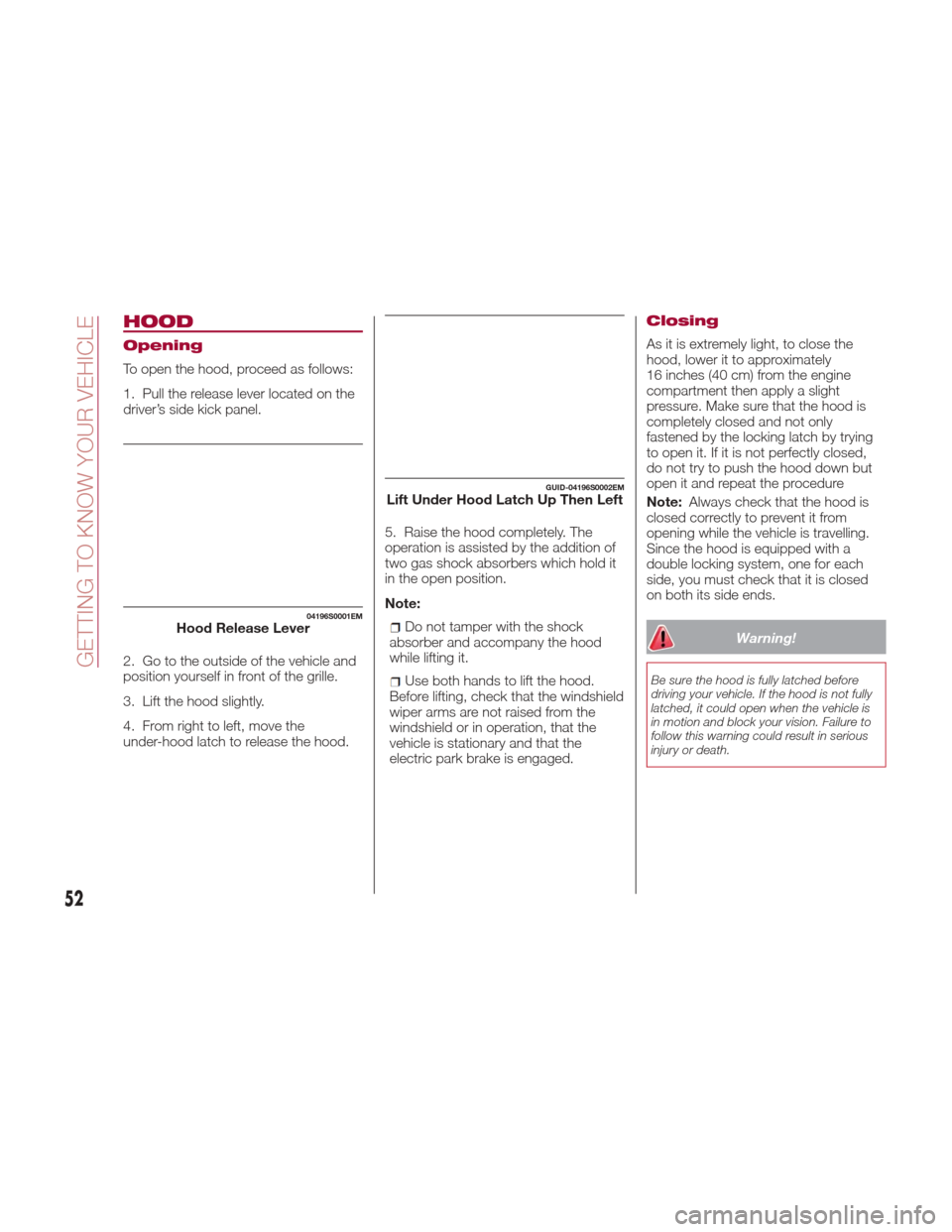
To open the hood, proceed as follows:
1. Pull the release lever located on the
driver’s side kick panel.
2. Go to the outside of the vehicle and
position yourself in front of the grille.
3. Lift the hood slightly.
4. From right to left, move the
under-hood latch to release the hood.5. Raise the hood completely. The
operation is assisted by the addition of
two gas shock absorbers which hold it
in the open position.
Note:
Do not tamper with the shock
absorber and accompany the hood
while lifting it.
Use both hands to lift the hood.
Before lifting, check that the windshield
wiper arms are not raised from the
windshield or in operation, that the
vehicle is stationary and that the
electric park brake is engaged.
Closing
As it is extremely light, to close the
hood, lower it to approximately
16 inches (40 cm) from the engine
compartment then apply a slight
pressure. Make sure that the hood is
completely closed and not only
fastened by the locking latch by trying
to open it. If it is not perfectly closed,
do not try to push the hood down but
open it and repeat the procedure
Note: Always check that the hood is
closed correctly to prevent it from
opening while the vehicle is travelling.
Since the hood is equipped with a
double locking system, one for each
side, you must check that it is closed
on both its side ends.
Warning!
Be sure the hood is fully latched before
driving your vehicle. If the hood is not fully
latched, it could open when the vehicle is
in motion and block your vision. Failure to
follow this warning could result in serious
injury or death.
04196S0001EMHood Release Lever
GUID-04196S0002EMLift Under Hood Latch Up Then Left
52
GETTING TO KNOW YOUR VEHICLE
Page 55 of 268
TRUNK
The trunk unlocking is electrically
operated and is deactivated when the
car is in motion.
Opening
Opening From The Outside
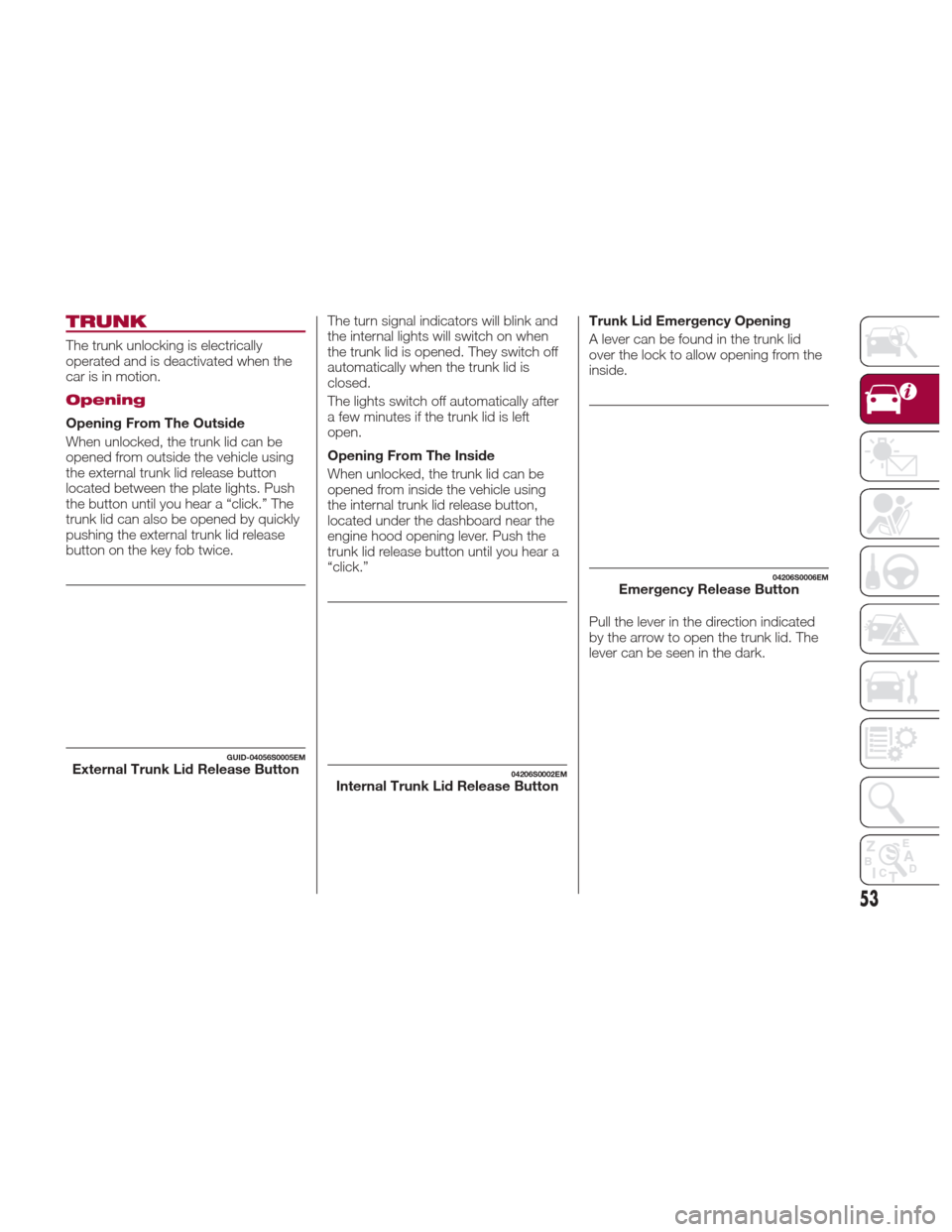
When unlocked, the trunk lid can be
opened from outside the vehicle using
the external trunk lid release button
located between the plate lights. Push
the button until you hear a “click.” The
trunk lid can also be opened by quickly
pushing the external trunk lid release
button on the key fob twice.The turn signal indicators will blink and
the internal lights will switch on when
the trunk lid is opened. They switch off
automatically when the trunk lid is
closed.
The lights switch off automatically after
a few minutes if the trunk lid is left
open.
Opening From The Inside
When unlocked, the trunk lid can be
opened from inside the vehicle using
the internal trunk lid release button,
located under the dashboard near the
engine hood opening lever. Push the
trunk lid release button until you hear a
“click.”Trunk Lid Emergency Opening
A lever can be found in the trunk lid
over the lock to allow opening from the
inside.
Pull the lever in the direction indicated
by the arrow to open the trunk lid. The
lever can be seen in the dark.
GUID-04056S0005EMExternal Trunk Lid Release Button04206S0002EMInternal Trunk Lid Release Button
04206S0006EMEmergency Release Button
53
Page 56 of 268
Closing
Grip one of the handles and lower the
trunk lid until it clicks.
Note:
It will not be possible to open the
trunk lid with a key or by pushing the
button in the passenger compartment
when the battery is disconnected. So,
always position the manual trunk lid
opening strap on the trunk lid lock
before disconnecting the battery. Refer
to “Storing The Vehicle” in “Servicing
And Maintenance” for the procedure.
This procedure must be carried out in
safe places because it allows the trunk
lid to open unconditionally.
Trunk Initialization
Note:
If the battery is disconnected or the
protection fuse blows, the trunk lid
opening/closing mechanism must be
re-initialized as follows:
1. Close all the doors and the trunk lid.
2. Push the lock button on the remote
control.
3. Push the unlock button on the
remote control.
Luggage Compartment
Specifications
Access To The Tire Repair Kit
To access the Tire Repair Kit, lift the
carpet in the luggage compartment. For
its use, refer to ”Tire Repair Kit in “In
Case Of Emergency” for further
information. Rear Cargo Tie–Downs — If
Equipped
There are four hooks inside the luggage
compartment for attaching the cargo
net or cables which can secure the
cargo be carried.
Note:
Do not apply a load greater than 22 lbs
(10 kg) on a single hook.
Cargo Net — If Equipped
This is useful for correctly arranging the
cargo and/or for transporting light
materials.
The cargo net is available from an
authorized dealer.
04206S0003EMTrunk Lid Internal Handles
04206S0004EMCargo Area
04206S0005EMRear Cargo Tie-Downs
54
GETTING TO KNOW YOUR VEHICLE
Page 57 of 268
INTERNAL
EQUIPMENT
Glove Compartment
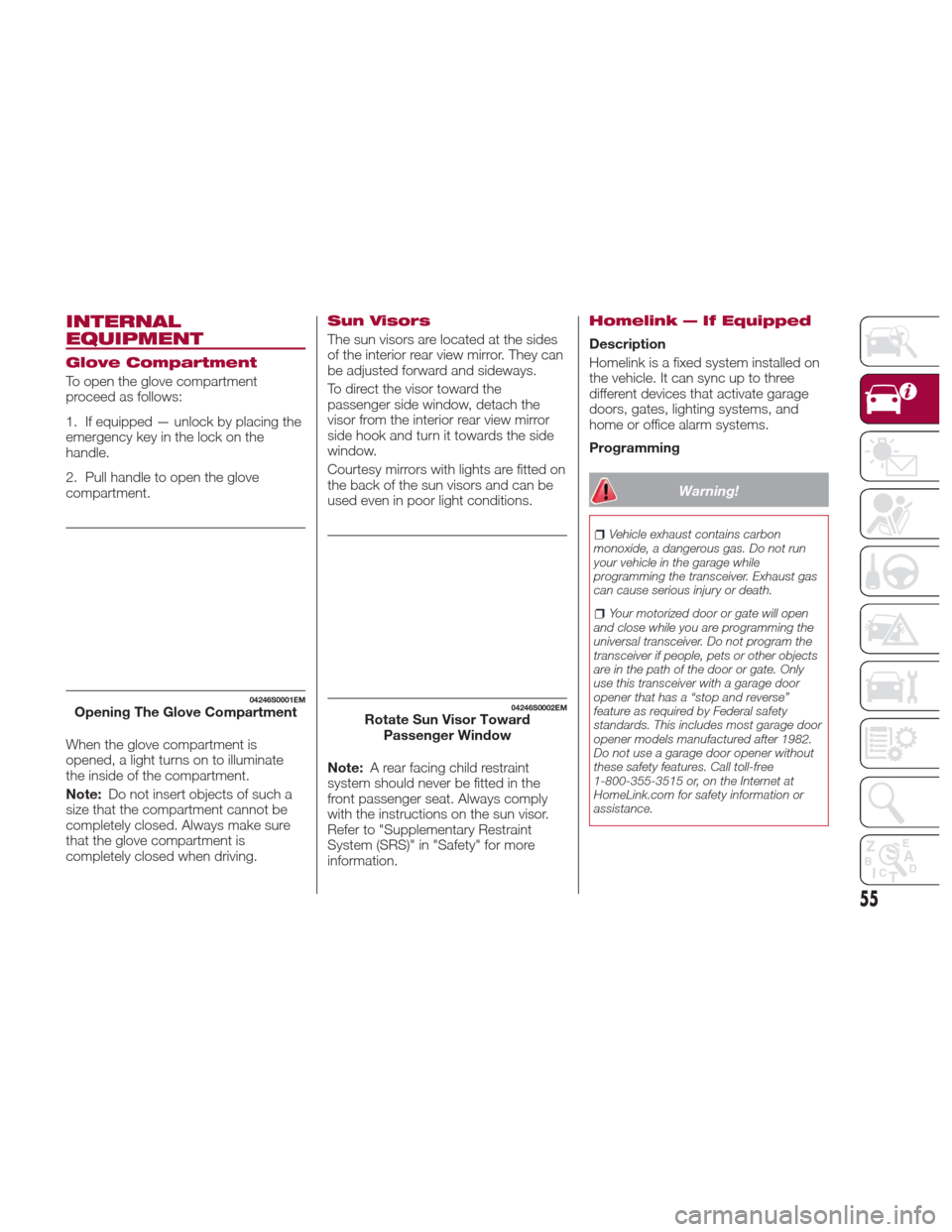
To open the glove compartment
proceed as follows:
1. If equipped — unlock by placing the
emergency key in the lock on the
handle.
2. Pull handle to open the glove
compartment.
When the glove compartment is
opened, a light turns on to illuminate
the inside of the compartment.
Note:Do not insert objects of such a
size that the compartment cannot be
completely closed. Always make sure
that the glove compartment is
completely closed when driving.
Sun Visors
The sun visors are located at the sides
of the interior rear view mirror. They can
be adjusted forward and sideways.
To direct the visor toward the
passenger side window, detach the
visor from the interior rear view mirror
sidehookandturnittowardstheside
window.
Courtesy mirrors with lights are fitted on
the back of the sun visors and can be
used even in poor light conditions.
Note: A rear facing child restraint
system should never be fitted in the
front passenger seat. Always comply
with the instructions on the sun visor.
Refer to "Supplementary Restraint
System (SRS)" in "Safety" for more
information.
Homelink — If Equipped
Description
Homelink is a fixed system installed on
the vehicle. It can sync up to three
different devices that activate garage
doors, gates, lighting systems, and
home or office alarm systems.
Programming
Warning!
Vehicle exhaust contains carbon
monoxide, a dangerous gas. Do not run
your vehicle in the garage while
programming the transceiver. Exhaust gas
can cause serious injury or death.
Your motorized door or gate will open
and close while you are programming the
universal transceiver. Do not program the
transceiver if people, pets or other objects
are in the path of the door or gate. Only
use this transceiver with a garage door
opener that has a “stop and reverse”
feature as required by Federal safety
standards. This includes most garage door
opener models manufactured after 1982.
Do not use a garage door opener without
these safety features. Call toll-free
1-800-355-3515 or, on the Internet at
HomeLink.com for safety information or
assistance.
04246S0001EMOpening The Glove Compartment04246S0002EMRotate Sun Visor Toward Passenger Window
55
Page 58 of 268
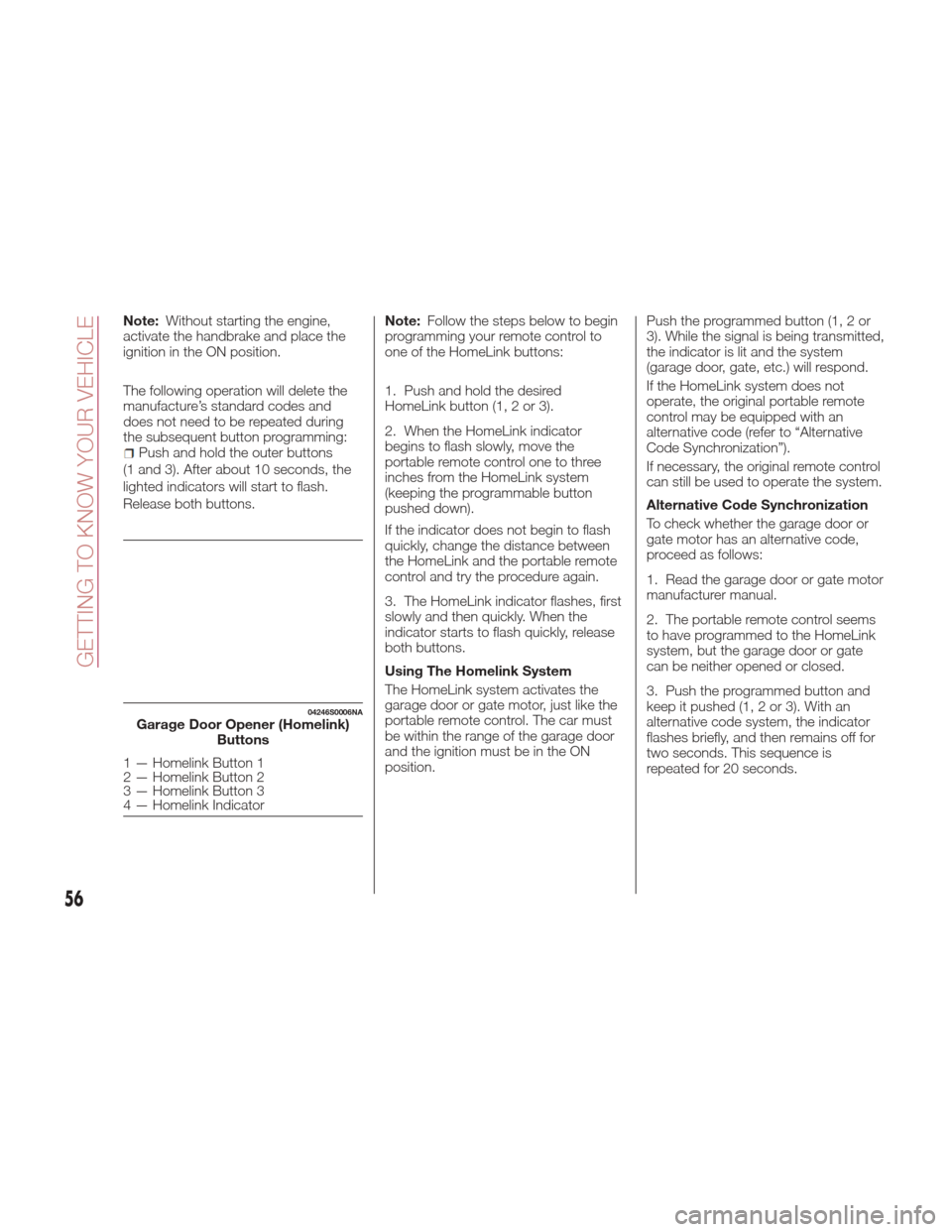
Note:Without starting the engine,
activate the handbrake and place the
ignition in the ON position.
The following operation will delete the
manufacture’s standard codes and
does not need to be repeated during
the subsequent button programming:
Push and hold the outer buttons
(1 and 3). After about 10 seconds, the
lighted indicators will start to flash.
Release both buttons. Note:
Follow the steps below to begin
programming your remote control to
one of the HomeLink buttons:
1. Push and hold the desired
HomeLink button (1, 2 or 3).
2. When the HomeLink indicator
begins to flash slowly, move the
portable remote control one to three
inches from the HomeLink system
(keeping the programmable button
pushed down).
If the indicator does not begin to flash
quickly, change the distance between
the HomeLink and the portable remote
control and try the procedure again.
3. The HomeLink indicator flashes, first
slowly and then quickly. When the
indicator starts to flash quickly, release
both buttons.
Using The Homelink System
The HomeLink system activates the
garage door or gate motor, just like the
portable remote control. The car must
be within the range of the garage door
and the ignition must be in the ON
position. Push the programmed button (1, 2 or
3). While the signal is being transmitted,
the indicator is lit and the system
(garage door, gate, etc.) will respond.
If the HomeLink system does not
operate, the original portable remote
control may be equipped with an
alternative code (refer to “Alternative
Code Synchronization”).
If necessary, the original remote control
can still be used to operate the system.
Alternative Code Synchronization
To check whether the garage door or
gate motor has an alternative code,
proceed as follows:
1. Read the garage door or gate motor
manufacturer manual.
2. The portable remote control seems
to have programmed to the HomeLink
system, but the garage door or gate
can be neither opened or closed.
3. Push the programmed button and
keep it pushed (1, 2 or 3). With an
alternative code system, the indicator
flashes briefly, and then remains off for
two seconds. This sequence is
repeated for 20 seconds.
04246S0006NAGarage Door Opener (Homelink)
Buttons
1 — Homelink Button 1
2 — Homelink Button 2
3 — Homelink Button 3
4 — Homelink Indicator
56
GETTING TO KNOW YOUR VEHICLE
Page 59 of 268
Warning!
Vehicle exhaust contains carbon
monoxide, a dangerous gas. Do not run
your vehicle in the garage while
programming the transceiver. Exhaust gas
can cause serious injury or death.
Your motorized door or gate will open
and close while you are programming the
universal transceiver. Do not program the
transceiver if people, pets or other objects
are in the path of the door or gate. Only
use this transceiver with a garage door
opener that has a “stop and reverse”
feature as required by Federal safety
standards. This includes most garage door
opener models manufactured after 1982.
Do not use a garage door opener without
these safety features. Call toll-free
1-800-355-3515 or, on the Internet at
HomeLink.com for safety information or
assistance.
Note: To program Homelink using an
Alternative Code, the car must be
within range of the garage door.
Activate the handbrake and turn the
ignition to ON, without starting the
engine. Proceed as follows:
1. Locate the “Learn” or “Train” button
on the garage door or gate motor. The
color and position may vary depending
on the manufacturer (consult the
garage door or gate manual). Push the
“Learn” or “Train” button (this normally
activates the setting warning light).
2. Push the desired HomeLink button
(1, 2 or 3). When the HomeLink
indicator begins to flash slowly, move
the portable remote control one to three
inches from the HomeLink system
(keeping the programmable button
pushed down).
3. Within 30 seconds, push the
programmed key (1, 2 or 3) and release
it. Push the programmed button a
second time and release it to conclude
the operation. For some motors, the
operation will probably have to be
repeated a third time to end the setting.
The motor should now be capable of
recognizing the signal transmitted by
HomeLink and then open/close the
door or gate.
Programming A Single Key
It is possible to program another
original remote control on an already
programmed HomeLink key by
canceling the previously stored
frequency.
Warning!
Vehicle exhaust contains carbon
monoxide, a dangerous gas. Do not run
your vehicle in the garage while
programming the transceiver. Exhaust gas
can cause serious injury or death.
Your motorized door or gate will open
and close while you are programming the
universal transceiver. Do not program the
transceiver if people, pets or other objects
are in the path of the door or gate. Only
use this transceiver with a garage door
opener that has a “stop and reverse”
feature as required by Federal safety
standards. This includes most garage door
opener models manufactured after 1982.
Do not use a garage door opener without
these safety features. Call toll-free
1-800-355-3515 or, on the Internet at
HomeLink.com for safety information or
assistance.
57
Page 61 of 268
Warning!
Do not operate this vehicle with a console
compartment lid in the open position.
Driving with the console compartment lid
open may result in injury in a collision.
Cupholder
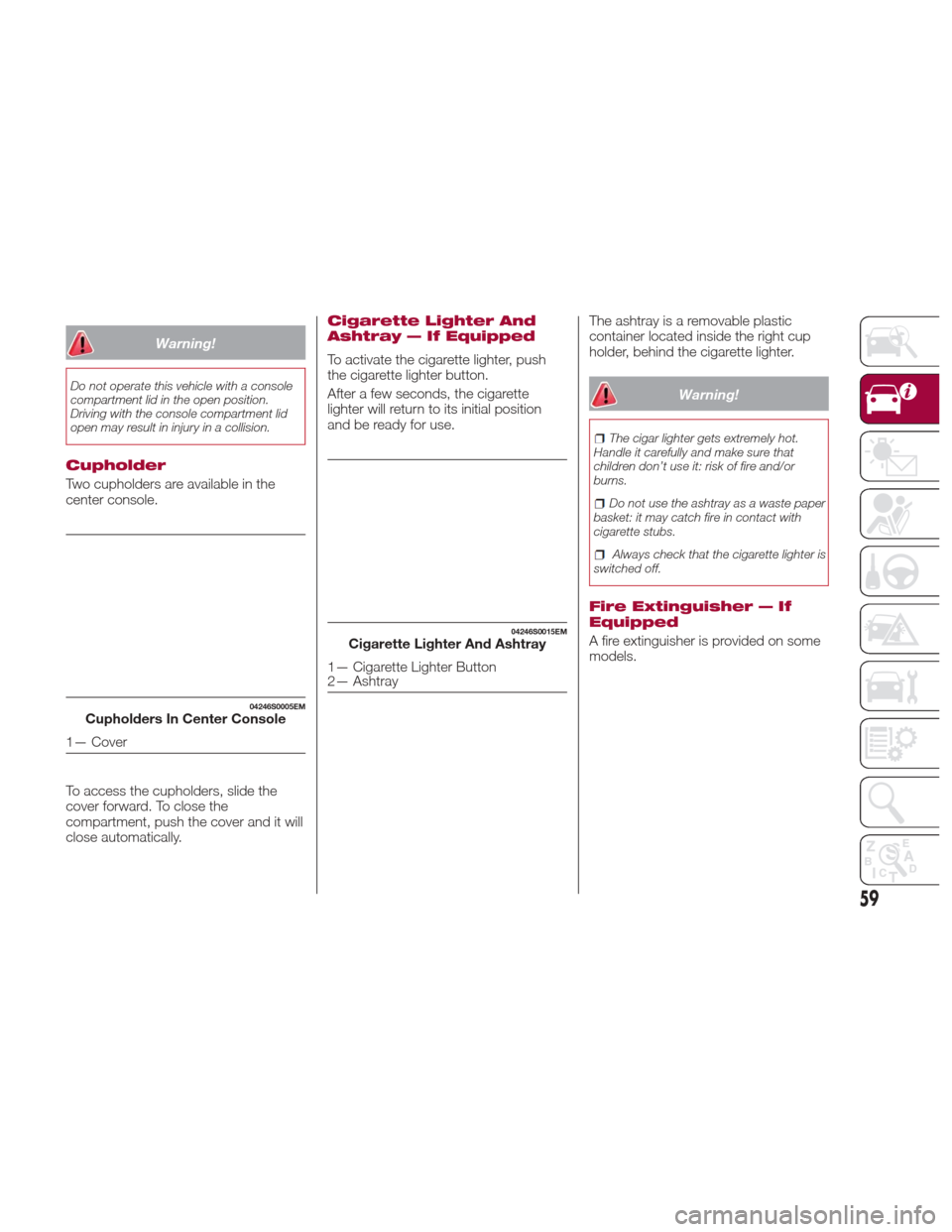
Two cupholders are available in the
center console.
To access the cupholders, slide the
cover forward. To close the
compartment, push the cover and it will
close automatically.
Cigarette Lighter And
Ashtray — If Equipped
To activate the cigarette lighter, push
the cigarette lighter button.
After a few seconds, the cigarette
lighter will return to its initial position
and be ready for use.The ashtray is a removable plastic
container located inside the right cup
holder, behind the cigarette lighter.
Warning!
The cigar lighter gets extremely hot.
Handle it carefully and make sure that
children don’t use it: risk of fire and/or
burns.
Do not use the ashtray as a waste paper
basket: it may catch fire in contact with
cigarette stubs.
Always check that the cigarette lighter is
switched off.
Fire Extinguisher — If
Equipped
A fire extinguisher is provided on some
models.
04246S0005EMCupholders In Center Console
1— Cover
04246S0015EMCigarette Lighter And Ashtray
1— Cigarette Lighter Button
2— Ashtray
59
Page 62 of 268
ENVIRONMENTAL
PROTECTION
SYSTEMS
The following systems are used for
reducing engine emissions:
Catalytic Converter
Oxygen Sensors
Evaporation Control System
ACTIVE
AERODYNAMICS
Front Mobile Spoiler
(Alfa Active Aero)
This is an automatic device, working at
the vehicle speed, which allows higher
reactivity at average speeds and higher
vehicle stability at high speeds,
regulating the air flow into the lower part
of the vehicle.
Note:
The system is not active in
temperatures near or below zero, or
when the “Alfa DNA Pro” selector is in
the "Normal" or "Advanced Efficiency"
positions.If there is a fault, a generic failure icon
will light up on the instrument panel
display, along with a message that will
identify the type of malfunction. See
your authorized dealer if a fault occurs.
GUID-04296S0001EMFront Facia
60
GETTING TO KNOW YOUR VEHICLE