change wheel AUDI Q2 2021 Owner´s Manual
[x] Cancel search | Manufacturer: AUDI, Model Year: 2021, Model line: Q2, Model: AUDI Q2 2021Pages: 364, PDF Size: 87.77 MB
Page 334 of 364

Mobility
the ignition is on and the vehicle is moving1'.
Otherwise you will need to press the brake
ped
al significantly harder and apply more force to
move the steering wheel.
• Please ensure that the steering wheel is un
locked and that it moves freely.
• Release the parking brake
*page
82.
• Applies to vehicles with manual gearbox: Put
the gear lever in neutral.
• Applies to vehicles with automatic gearbox:
Move the selector lever to position N.
• Ensure that the tow-rope remains taut at all
times when towing.
© CAUTION
A WARNING
If the vehicle has no electrical power, do NOT
use a tow-bar or tow-rope to tow the vehicle
© Note
You can use the turn signals to indicate a
change of direction (or lane) even when the
hazard warning lights are on. The hazard
warning lights will be interrupted temporari-
Ly.
Tow-starting
Please observe the important safety warnings on
*page
328.
Important: Your vehicle must be fitted with a
manual gearbox. If your vehicle has a petrol en
gine,
it must not be towed further than 50 me
tres
*(J).
• Attach the tow-rope or the tow-bar only to the
towing anchorages provided
for
this purpose
*page
330,
*
page 331.
• Engage second or third gear before moving off.
• Press the clutch and hold the pedal down.
• Switch on the ignition.
• Once both vehicles are moving, release the
clutch.
• As soon as the engine starts, press the clutch
pedal and put the gear lever in neutral.
When tow-starting the vehicle, do not tow it
further than 50 metres; otherwise the cata
lytic converter could be damaged.
Front towline anchorage
»
Fig.
271 Front bumper (right side): Removing cover cap
Fig.
272 Front bumper (right side): Towline anchorage
screwed in
The screw connection for the towline anchorage
is located behind a cover cap on the right side of
the front bumper.
• Take the towline anchorage out of the vehicle's
tool kit
*
page 319.
• Press the cover cap briefly but firmly inwards
-arrow-, detach it from the bumper and take it
out*Fig.
271.
• Screw the towline anchorage into the screw
connection as far as
it
will go
*Fig.
272 and
tighten it with the box spanner.
• Put the towline anchorage back in the tool kit
after use.
11
Important: The vehicle battery must be adequately charg
ed.
330
Page 341 of 364

Fuses and bulbs
CO
rN
IV
rN
•-i
00
Changing bulb for main beam headlight
Applies to: vehicles with halogen headlights
Removing cover (wheel housing liner)
Applies to: vehicles with halogen headlights
y33pTCk
• **•** --•__
«flj \\
ÛV\-^
^L M
i
in
CO
ro
o
3
CO
m
k
|
Fig.
284 Headlight: Plastic connector for main beam
headlight
Fig.
285 Headlight: Fitting plastic connector for main
beam headlight
Removing
• Pull the plastic connector together with the
bulb out of the headlight housing
*Fig.
284.
• Disconnect the plastic connector from the base
of the bulb
^/K
in General notes on page 334.
Installing
• Push the new bulb into the plastic connector so
that it is securely seated
<=>^
in General notes
on page 334.
• Insert the bulb into the headlight housing.
• Press the plastic connector
*Fig.
285 into the
housing until it engages.
• Check that the bulb is seated correctly by look
ing through the headlight itself.
• Put the cover back on.
• Check whether the new bulb is working.
Fig.
286 Wheel housing liner: Access to daytime running
light and dipped headlight bulbs
Fig.
287 Headlight: Cover for daytime running light and
dipped headlight
• Turn the steering all the way to the right.
• Switch off the ignition and the lights.
• Reach into the opening
©*Fig.
286 and pull
in the direction of the arrow to open the cover
in the wheel housing Liner.
• Move the metal bar downwards -arrow-
*Fig.
287 and remove the plastic cover
*/^
in
General notes on page 334.
• Change the bulb for the daytime running light
©
*
page 338
or
the dipped headlight©
*
page 338.
337
Page 352 of 364
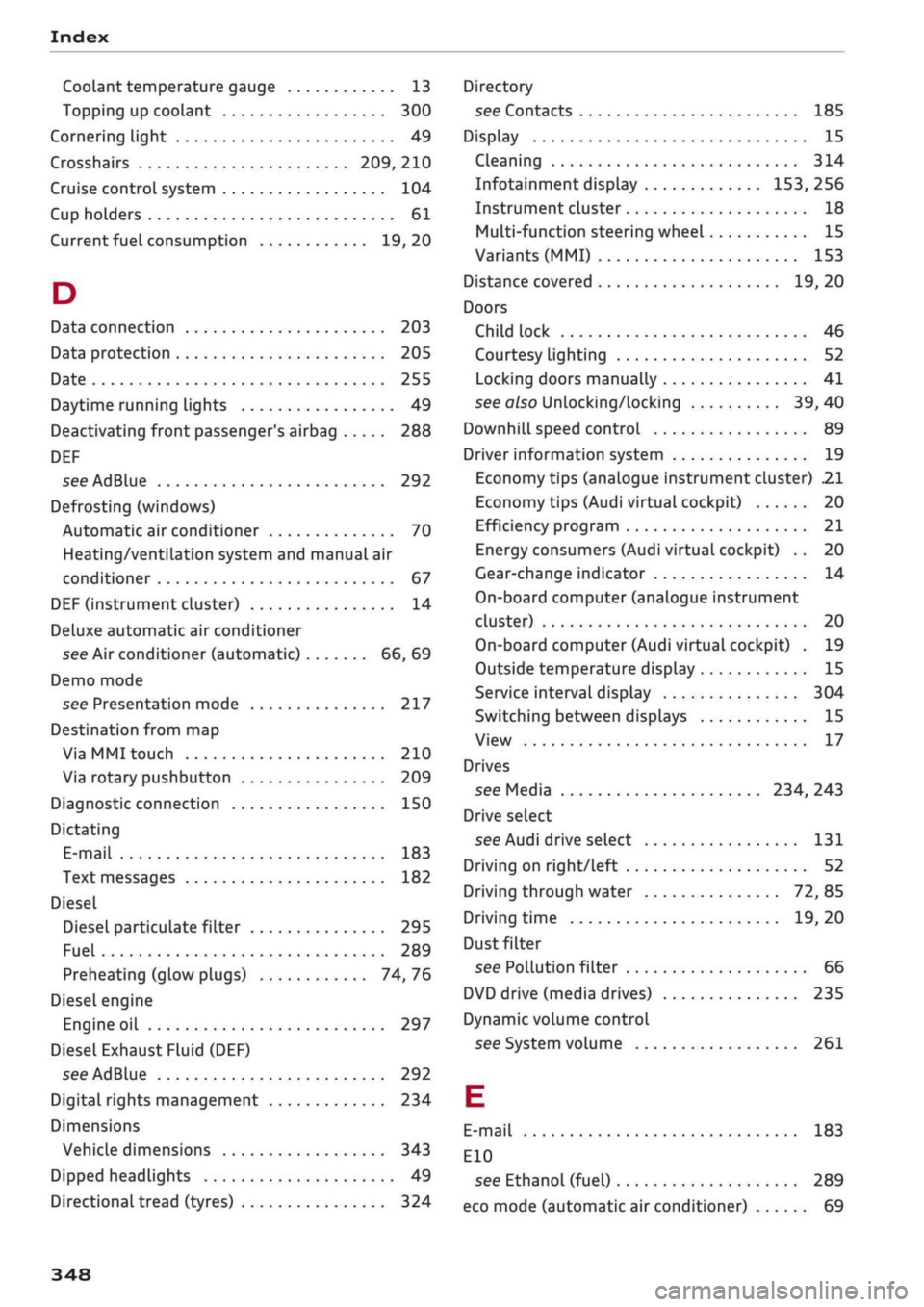
Index
Codant temperature
gauge 13
Topping up coolant 300
Cornering light 49
Crosshairs 209, 210
Cruise control system 104
Cup holders 61
Current fuel consumption 19,20
D
Data connection 203
Data protection 205
Date 255
Daytime running lights 49
Deactivating front passenger's airbag 288
DEF
see AdBlue 292
Defrosting (windows)
Automatic air conditioner 70
Heating/ventilation system and manual air
conditioner 67
DEF (instrument cluster) 14
Deluxe automatic air conditioner
see Air conditioner (automatic) 66, 69
Demo mode
see Presentation mode 217
Destination from map
Via
MMI touch 210
Via rotary pushbutton 209
Diagnostic connection 150
Dictating
E-mail
183
Text messages 182
Diesel
Diesel particulate filter 295
Fuel 289
Preheating (glow plugs) 74, 76
Diesel engine
Engine oil 297
Diesel Exhaust Fluid (DEF)
see AdBlue 292
Digital rights management 234
Dimensions
Vehicle dimensions 343
Dipped headlights 49
Directional tread (tyres) 324
Directory
see Contacts 185
Display 15
Cleaning 314
Infotainment display 153, 256
Instrument cluster 18
Multi-function steering wheel 15
Variants (MMI) 153
Distance covered 19, 20
Doors
Child lock 46
Courtesy lighting 52
Locking doors manually 41
see also Unlocking/locking 39, 40
Downhill speed control 89
Driver information system 19
Economy tips (analogue instrument cluster) 21
Economy tips (Audi virtual cockpit) 20
Efficiency program 21
Energy consumers (Audi virtual cockpit) .. 20
Gear-change indicator 14
On-board computer (analogue instrument
cluster) 20
On-board computer (Audi virtual cockpit) . 19
Outside temperature display 15
Service interval display 304
Switching between displays 15
View 17
Drives
see Media 234, 243
Drive select
see Audi drive select 131
Driving on right/left 52
Driving through water 72, 85
Driving time 19, 20
Dust filter
see Pollution filter 66
DVD drive (media drives) 235
Dynamic volume control
see System volume 261
E
E-mail
183
E10
see Ethanol (fuel) 289
eco mode (automatic air conditioner) 69
348