dead battery AUDI S6 2009 Owners Manual
[x] Cancel search | Manufacturer: AUDI, Model Year: 2009, Model line: S6, Model: AUDI S6 2009Pages: 398, PDF Size: 43 MB
Page 45 of 398
Check light in the master key
The check light in the master key provides information
about different conditions .
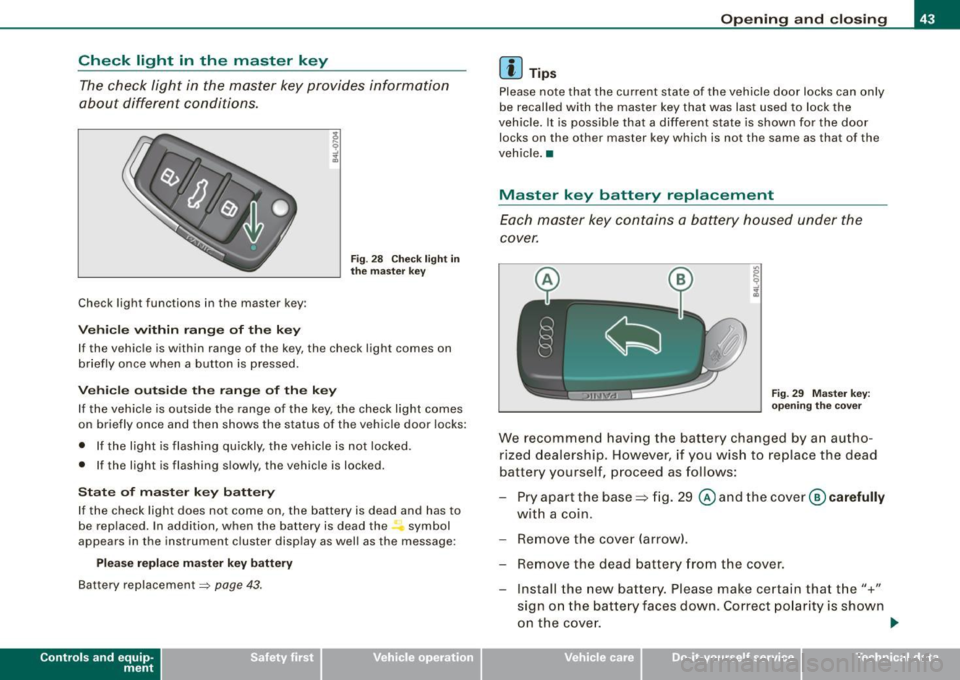
Check light functions in the master key :
Ve hic le within range of th e key
Fig . 2 8 Check ligh t in
th e m ast er k ey
If the vehicle is within range of the key, the check light comes on
briefly once when a button is pressed.
Ve hic le o utside th e ra nge of th e key
I f the vehic le is outside the range of the key, the check light comes
on briefly once and then shows the status of the vehicle door locks:
• If the light is flashing qu ickly, the vehicle is not locked.
• If the light is flashing slowly, the vehicle is locked.
S ta te o f m aster key batt ery
I f the check light does not come on, the battery is dead and has to
be rep laced. In addition , when the battery is dead the symbol
appears in the instrument cluster disp lay as well as the message :
Please re place ma ste r ke y battery
Battery replacement => page 43 .
Con tro ls and eq uip
ment
Op ening and clo sing
[ i ] Tip s
Please note that the current state of the vehicle door locks can only
be recalled with the master key that was last used to lock the
vehicle. It is possib le tha t a different state is shown for the door
locks on the other master key which is not the same as that of the
vehicle .•
Master key battery replacement
Each master key contains a battery housed under the
cover.
Fi g. 29 M aster key:
o peni ng th e cover
We recommend having the battery changed by an autho
rized dealership . However, if you wish to replace the dead
battery yourself, p roceed as follows:
- Pry apart the base => fig . 29
@ and the cover @ carefully
with a coin.
- Remove the cover (arrow).
- Remove the dead battery f ram the cover.
- Install the new battery. Please make certain that t he"+"
sign on the batte ry faces down. Correct po larity is shown
on the cove r.
ti>
Vehicle care I I irechnical data
Page 46 of 398
Openin g a nd clo sin g
- Place the cover w ith the new battery on the key base and
press both parts together.
c£> For the sake of the environment
Dispose of dead batteries properly so as not to pollute the environ
men t.
[ i J Tip s
The replacement battery mus t be the same specification as the
original. •
Electronic immobilizer
The immobilizer helps to prevent unauthorized use of
your vehicle.
A computer chip inside your key automatically deactivates the e lec
tronic immobilizer when you inser t the key in the igni tion lock, or on
vehic les with Convenience key *, when the key is inside th e vehicle.
When you remove the key from the ignition lock , or on vehic les with
Conv enience key, when you r emove the key from the vehicl e, the
e lectronic immobil izer is automatically activated once again .
If an unau thorized key was used, SAFE is displayed continuous ly in
the odometer disp lay field .
& WARNING
Always take the key with you when you leave the vehicle . The key
ca n dis arm the el ectronic eng ine immobili zer and pe rm it an u nau
thori zed per son to start the engine and enable op era tion of the
v ehi cle sys tem s such as po wer w ind ow or p ower s unroof* lead ing
to seriou s per son al injur y.
[ i J T ip s
• Your engine can only be started using the factory -equipped key .
• You may not be able to start your vehicle if an ignition key of a
differen t vehicle make is also located on your set of keys.
• For Declaration of Compliance to United States FCC and Industry
Canada regulations~
page 375. •
Valet key function
The valet key function prevents unauthorized persons
from opening the glove compartment or rear lid.
Fig . 3 0 Center
cons ole: butto n fo r
val et key fu nct ion
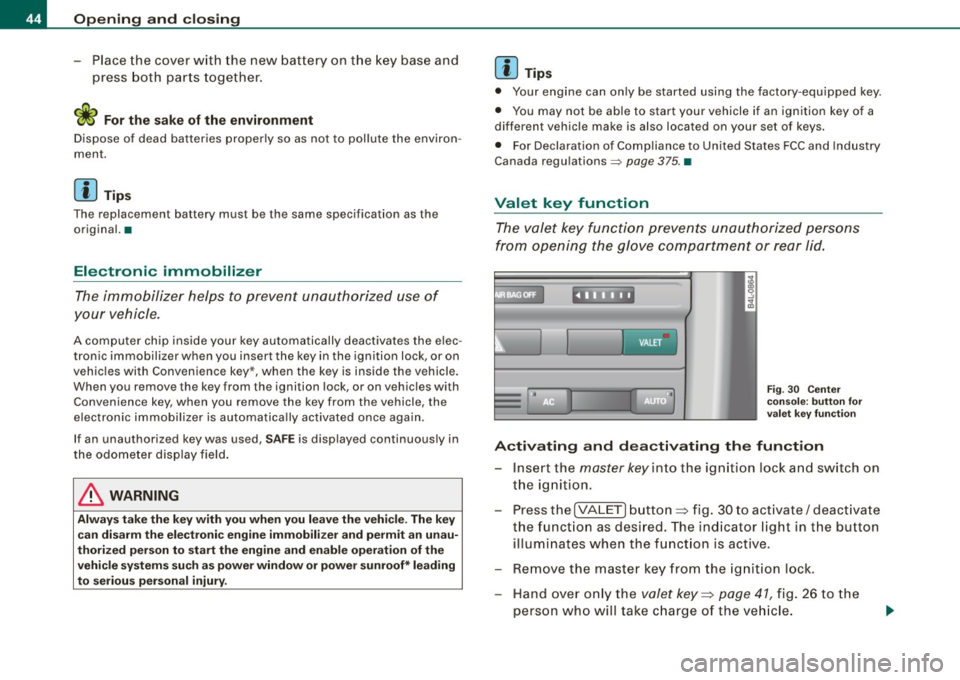
A ctiv ating and de activating the fun ction
- Insert the master key in to the ignition loc k and switch on
the ignition .
- Press the
[VALE T) button => fig. 30 to activate/ deact ivate
the funct ion as desired. The ind icator light in the button
illuminates when the funct ion is active.
- Remove the master key from the ignition lock.
- Hand over on ly the
valet key=> page 41 , fig. 26 to the
person who will take c harge of the ve hicle.