brakes AUDI TT ROADSTER 2018 User Guide
[x] Cancel search | Manufacturer: AUDI, Model Year: 2018, Model line: TT ROADSTER, Model: AUDI TT ROADSTER 2018Pages: 310, PDF Size: 46.95 MB
Page 90 of 310
Intelligent Technology
Wear
Brake pad wear depends largely on the way the
vehicle is driven and on operating conditions.
This is especially true if you are driving frequently
in the city and on curves or with a sporty driving
style.
Operating noise
Noises may occur when braking depending on the
speed, braking force and outside conditions such
as temperature and humidity.
Wet conditions or road salt
I n certain situations, for example after dr iving
through water, in heavy ra in or after washing
your car, the braking effect may be reduced due
to moisture or ice on the brake rotors and brake
pads . The brakes must be "dried" first with a few
careful brake applications.
At higher speeds and with the windshie ld wipers
turned on, the brake pads press against the brake
rotors for a short amount of time . This action,
which is not felt by the driver, happens at regular
intervals and ensures a better reaction time for
the brakes in wet weather .
The braking effect can also be reduced if you are
driving on sa lted roads and you do not apply the
brakes for long periods of time. The layer of salt
on the brake rotors and pads must be worn off
first when the brakes are applied.
Corrosion
Leaving the vehicle parked for long periods of
time, low mi leage and avoiding heavy braking
can contribute to corrosion on the brake rotors
and to dirty brake pads.
If you usually avoid heavy braking or if there is
corrosion present, occasional heavy braking at
h igh speeds is recommended to clean the brake
rotors and
pads¢ &.
Brake system malfunction
If you notice that the brake pedal travel has sud
denly increased, then a brake circuit in the dual
circuit brake system may have malfunctioned. Drive to an authorized Aud i dea ler or authorized
Aud i Serv ice Facility immediately to have the
88
problem corrected. On the way there, drive with
reduced speed and keep in mind that you will
need a longer distance to stop and you will need
to press the brake pedal harder.
Low brake fluid level
When the brake fluid level is low, malfunctions in
t h e brake system may occur . The brake fluid leve l
is electronically monitored .
Brake booster
The brake booster amplifies the pressure you ap
ply to the brake pedal.
& WARNING
- New brake pads do not achieve their full
braking effect during the first 250 mi
-
(400 km). They must be "broken in" first .
However, you can compensate for the
slightly reduced braking force by pressing
firm ly on the brake pedal. Avoid heavy brak
ing during the break-in period.
- On ly app ly the brakes for the purpose of
cleaning the brake system when road and
traffic conditions permit. You must not en
danger other road users . This increases the
r is k of an accident.
- On steep slopes, reduce the speed and se
lect a lower gea r or lower selector leve r po
sition. Drive as lit tl e as possible while press
ing the brake pedal and avo id putting yo ur
left foot on the brake pedal while driv ing .
This could ca use the brakes to overheat and
impair the efficiency of th e brakes.
- Do not let the brakes "grind" by always
keeping your foot on the brake pedal. This
can cause the brakes to overheat, increase
wear and increase braking distance unneces
sarily.
- Certain weather and operating conditions such as driving through water, dr iv in g in
heavy rain or driv ing after wash ing your ve
h icle can impair the effectiveness of the
brakes. In the winter, ice may build up on
the brake pads, rotors and drums. Check
these compon ents by braking carefully. Ap
plying the brakes carefully several times
dries the brakes and removes ice build-up.
Page 91 of 310
Cl 00 .-< N r-N .-< 0 r-Vl 00
-The efficiency of the brakes can also be im
paired by driving for long stretches on roads
covered with salt without using the brakes .
You can remove salt deposits from the
brake rotors and pads by carefully applying
the brakes severa l t imes .
- If the front spoiler is damaged or you install
another spoiler, make sure the front wheel
brakes are vent ilated proper ly . Otherwise,
the b rake system could overheat, w hich re
duces the ir effectiveness.
- Failure of a brake c ircuit impa irs b raking
perfo rman ce , which increases brak ing dis
tan ce. Avoid d riving the vehicle and have it
towed it to the nearest authorized Audi
dealer or authorized Audi Service Facility .
- Never let the vehicle roll while t he engine is
stopped because this increases the risk of an
accident.
- If the brake booster is not working, you will
have to press much harder on the brake
peda l to compensate for the lack of the
booster.
@ Note
- Never let the brakes "rub" by pressing the
pedal light ly when braking is not actually
necessary. This causes the brakes to over
heat and increases braking d istance and
causes wear.
- Before driving downhi ll a long distance on a
steep h ill, decrease your speed and select a
lower gear. This makes use of the engine
braking effect and relieves the brakes . If
you need to brake additionally, brake in in
tervals and not conti nuous ly .
0) Tips
- If the brake booster is not working, you
must press the brake pedal with much more
fo rce t han normal.
- If you retrofit your vehicle with a front spoil
er, whee l covers o r similar items, make sure
t h at the a ir flow to the front whee ls is not
i nte rru pted. Ot herw ise the brake system
ca n become too ho t.
In tellig ent T echn olo gy
Electromechanical
steering
The electromechanical steering supports the
driver 's steering movements .
Power steering adap ts elec troni cally based on
the vehicle speed .
Indicator li ghts and me ssages
• Stee ring: m alfun ction! Ple ase stop vehicle
If this indica to r li ght tur ns on and stays on and
this message appears, the powe r steering may
have failed.
Stop the veh icle in a safe location as soon as pos
s ible. Do
n o t cont inue d riving. See an autho rized
Audi dealer or authorized A udi Service Facility for
assistance .
(;r,ij Ste ering : malfun cti on! You may con tinu e
dri vin g
If the indicator l ight turns on, the steering wheel
may be more d ifficult to move or more sensit ive
t h an usual. The steer ing whee l may also be at an
angle when d riving stra ight.
Drive slowly to an authorized Aud i dealer or au
thorized Aud i Serv ice Facility to have the mal
funct ion corrected.
(D Tips
If the . or (;r,ij ind icator light only stays on
fo r a short t ime, yo u may continue d riving.
All wheel drive (quattro)
In all wheel drive, all four wheels are powered.
Gener al informat ion
In all wheel dr ive, the dr iving power is divided be
tween all four wheels . This happens automatical
ly depending on your dr iv ing behavior as well as
t h e cur rent road condit ions. A lso
see ~ page 86,
Electronic stabilization control (ESC).
The all wheel dr ive concept is des igned for high
engine power . You r vehicle is except ionally pow
erfu l and has excellent driv ing cha racter istics
bot h unde r normal d riving conditions and o n
89
Page 94 of 310
Intelligent Technology
is recorded in such a case may include vehicle
speed, driving direction, the load on the brakes
and head restraints and performance in the event
of an accident or other change in status. The
stored data can on ly be read or downloaded with
special devices .
92
Page 248 of 310
Wheel s
0 US DOT number (TIN) and
manufacture date
T he manufacture date is listed on
the tire sidewall (it may only ap
pear on the inner side of the tire) :
DOT ... 2217 ...
means, for example, that the tire
was produced in the 22nd week of
the year 2017.
@ Audi Original Tires
Audi Original equipment tires
with the designation
"AO" have
been specially matched to your
Audi. When used correctly, these
tires meet the highest standards
for safety and handling. An au
thorized Audi dealer or author
ized Audi Service Facility will be
able to provide you with more in
formation.
® Mud and snow capability
"M/5" or "M+S" indicates the tire
has properties ma king it suitable
to drive in mud or snow.
& indi
cates a winter t ire .
@) Compos ition of the tire cord
and materials
T he number of plies indicates the
number of rubberized fabric lay
ers in the tire . In general: the
more layers, the more weight a
246
tire can carry. Tire manufacturers
must also specify the materials
used in the tire . These include
steel , nylon, po lyester and other
materials .
@ Maximum permitted load
This number indicates the max i
mum load in kilograms and
pounds that the tire can carry.
@ Uniform tire quality grade
standards for treadwear,
tr action and temper ature
resistance
Treadwear, traction and tempera
ture
ranges ~ page 260.
@ Running direction
@Maximum permitted
inflation pressure
This number indicates the maxi
mum pressure to which a tire can
be inflated under normal operat
ing condit ions .
Glossary of tire and loading
terminology
Accessory weight
means the comb ined weight (in
excess of those standard items
which may be replaced) of auto matic transmission, power steer -
ing, power brakes, power
..
Page 250 of 310
Wheel s
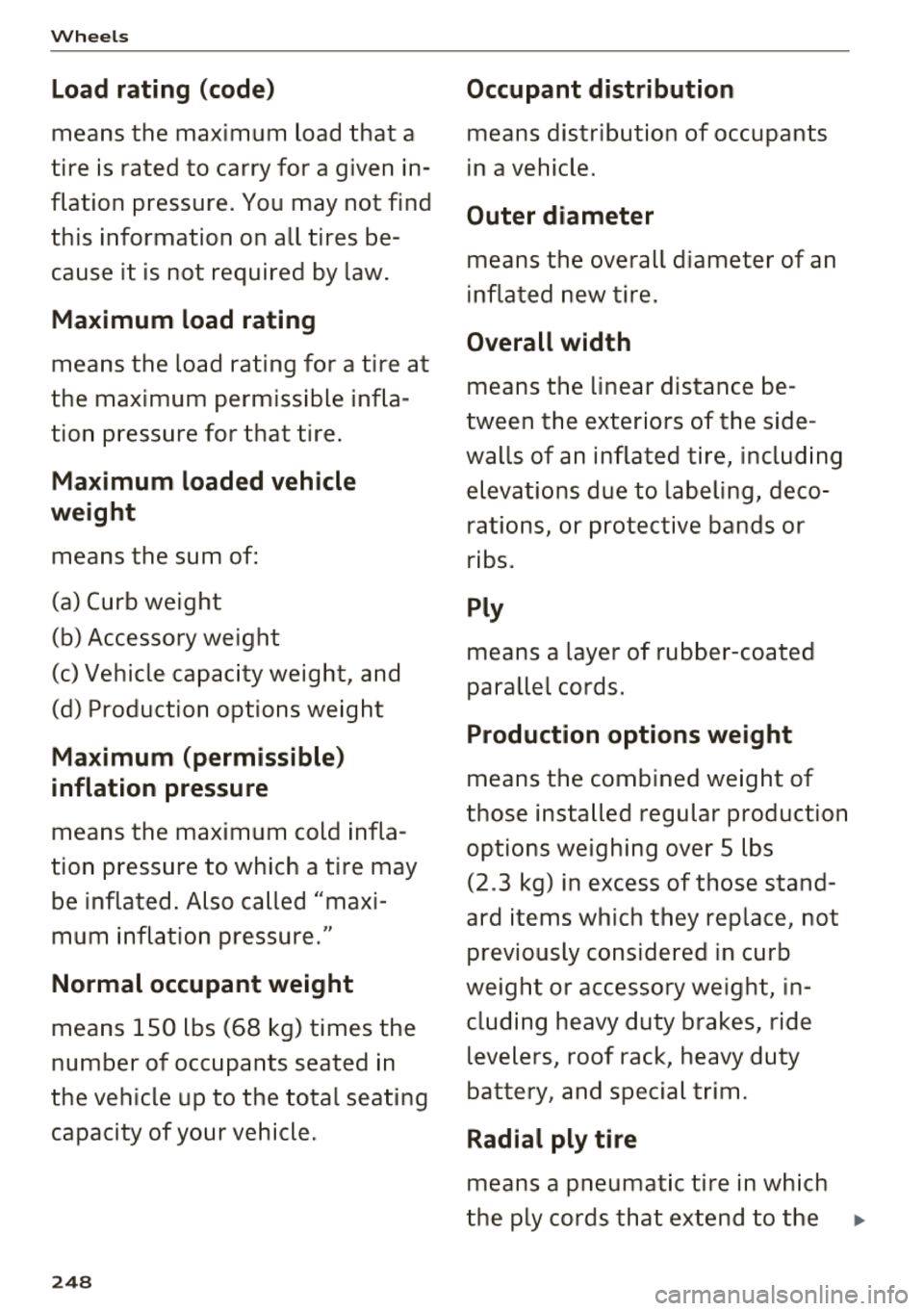
Load rating (code )
means the maximum load that a
tire is ra ted to carry for a given in
flation pressure. You may not find
this info rmatio n on all tires be
cause it is not required by law .
Maximum load rating
means the load rating for a tire at
the maximum permissible infla
tion pressure for that tire .
Maximum loaded vehicle
weight
means the sum of:
(a) Curb weight
(b) Accessory weight
(c) Vehicle capacity weight, and
(d) Production options weight
Ma ximum (permissible )
inflation pressure
means the maximum cold infla
tion pressure to which a tire may be inflated . A lso called "maxi
mum inflation pressure."
Normal occupant weight
means 150 lbs (68 kg) times the
number of occupants seated in
the vehicle up to the total seating
capacity of your vehicle.
248
Occupant distribution
means distribution of occupants
in a vehicle.
Outer diameter
means the overall diameter of an
inflated new tire.
Overall width
means the linear distance be
tween the exteriors of the side
walls of an inflated tire, inc lud ing
elevations due to labeling, deco rations, or protective bands or
ribs.
Ply
means a layer of rubber-coated
parallel cords.
Production options weight
means the combined weight of
those installed regular production options weighing over 5 lbs
(2 .3 kg) in excess of those stand
ard items which they replace, not
previously considered in curb
weight or accessory weight, in cluding heavy duty brakes, ride
levelers, roof rack, heavy duty
battery, and special trim.
Radial ply ti re
means a pneumatic tire in which
the ply cords that extend to the
...
Page 259 of 310
0 co .... N ,.... N .... 0 ,....
"' co
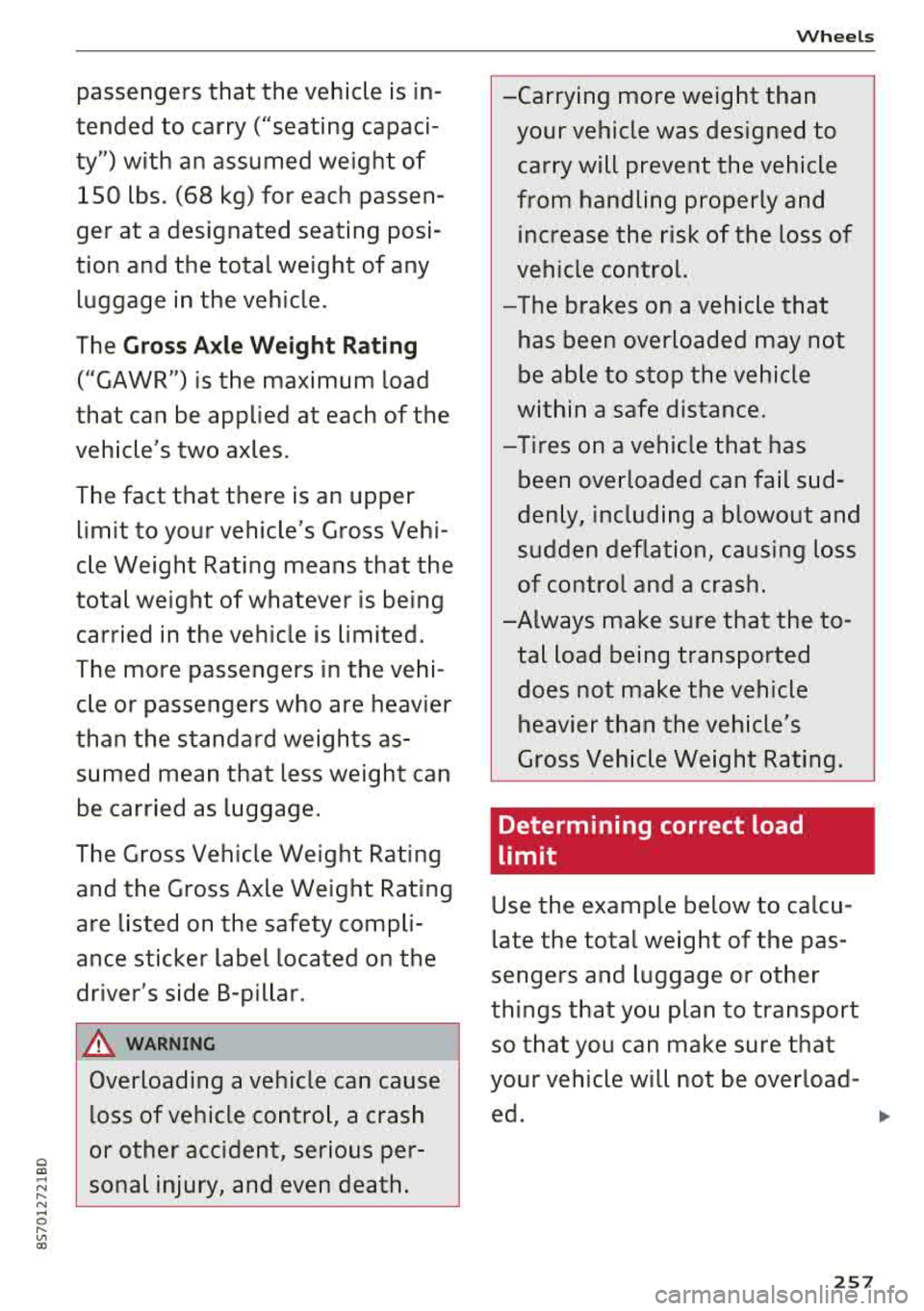
passengers that the vehicle is in
tended to carry ("seating capaci
ty") with an assumed weight of
150 lbs. (68 kg) for each passen
ger at a designated seating posi
tion and the total weight of any luggage in the vehicle.
The
Gross Axle Weight Rating
("GAWR") is the maximum load
that can be applied at each of the
vehicle's two axles.
The fact that there is an upper limit to your vehicle's Gross Vehi
cle Weight Rating means that the
total weight of whatever is being
carried in the vehicle is limited.
The more passengers in the vehi
cle or passengers who are heavier
than the standard weights as sumed mean that less weight can
be carried as luggage.
The Gross Vehicle Weight Rating and the Gross Axle Weight Rating
are listed on the safety compli
ance sticker label located on the
driver's side B-pillar.
A WARNING
-
Overloading a vehicle can cause
loss of vehicle control, a crash
or other accident, serious per
sonal injury, and even death .
Wheels
-Carrying more weight than
your vehicle was designed to
carry will prevent the vehicle
from handling properly and
increase the risk of the loss of
vehicle control.
-The brakes on a vehicle that
has been overloaded may not
be able to stop the vehicle
within a safe distance.
- Tires on a vehicle that has
been overloaded can fail sud
denly, including a blowout and
sudden deflation, causing loss
of control and a crash.
-A lways make sure that the to
tal load being transported
does not make the vehicle
heavier than the vehicle's
Gross Vehicle Weight Rating.
Determining correct load
limit
Use the example below to calcu
late the total weight of the pas
sengers and luggage or other
things that you plan to transport
so that you can make sure that
your vehicle will not be overload-
ed.
~
257
Page 269 of 310
Cl 00 .-< N r--N .-< 0 r--Vl 00
wash operator to reduce the risk of acci
dents.
- To reduce the risk of cuts, protect yourself
from sharp metal components when wash ing the underbody or the inside of the wheel
hous ings.
- After wash ing the vehicle, the brak ing effect
may be delayed due to mo isture on the
brake rotors or ice in the w inter . This in
c reases the risk of an acc ident. The brakes
must be d ried fi rst w it h a few careful b rake
applications.
@ Note
- If you wash the vehicle in an automatic car
wash, you m ust retract the extendable rear
spo ile r* if necessary, and fold the exter ior
mir rors in to red uce the r isk of damage.
Power folding exte rior m irrors* must o nly
be fo lde d in a nd out u sing the power folding
f unct ion .
- To reduce the risk of p ain t d amage, do no t
wash the vehi cle i n di rect sunlig ht.
Care and cleaning
- T o red uce the risk of damage, do not was h
the power top with a pressure washer.
- T o red uce the risk of damage to the s urface,
do not use insect removing sponges, kitchen
sponges or similar items .
- Mat te finish painted veh icle components:
- To reduce the risk of damage to t he sur-
face, do not use po lish ing agents or hard
wax.
- Never use protective wax. It can destroy
the matte finish effect .
- Do not place any stickers or magnetic
signs on vehicle parts painted with matte
finish paint. The paint cou ld be damaged
when the stickers or magnets are re
moved.
@ For the sake of the environment
Only wash the vehicle in facilities spec ially de
s igned for that pu rpose . This will reduce the
r isk of di rty wate r contam inated with o il from
ente ring the sewe r sys tem.
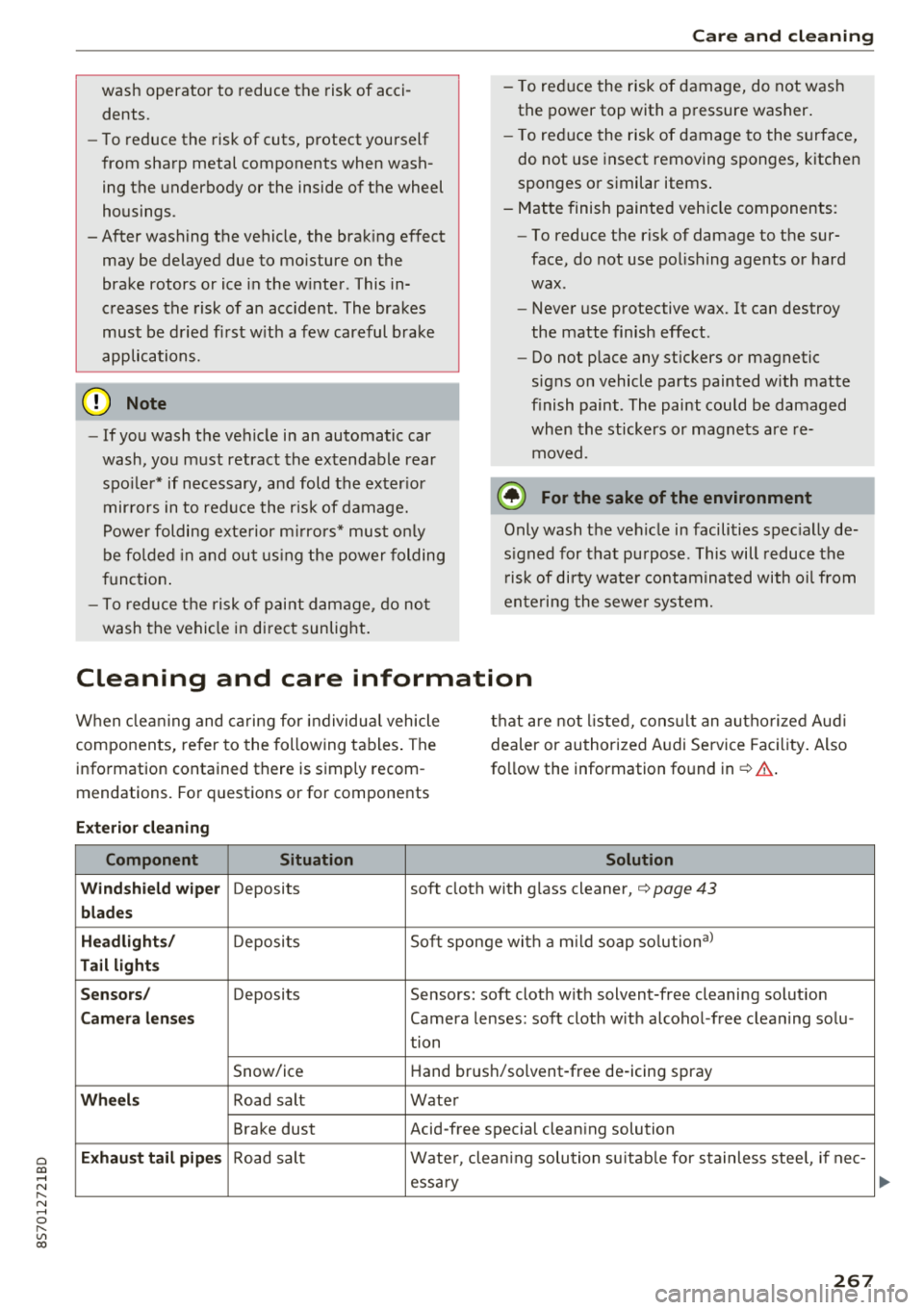
Cleaning and care information
When cleani ng and ca ring for individua l vehicle
components, refer to the following tables . The
information contained there is simp ly recom
mendations. For questions or for components t
h at are not l isted, cons ult an autho rized Aud i
dealer or authorized A udi Se rvice Fac ility . Also
fo llow the information fo und
in ¢& .
Ext erior cleaning
Component Situation Solution
Windshield wiper
Deposits soft cloth with glass cleaner, ¢ page 43
blades
Headli ghts/
Deposits Soft sponge with a m
ild soap so lutiona )
Tail light s
Se nsors /
Deposits Sensors: soft cloth with solvent-free cleaning solut ion
Cam era len ses Camera lenses: soft cloth w ith alcohol -free cleaning solu -
tion
Snow/ice Hand brush/solvent-free de-icing spray
Wheels Road salt Water
Brake dust Acid-free special clean ing solution
Exhaust tai l pipes Road salt Water, clea ning solution su itab le for stainless stee l, if nee-
essa ry
267
Page 297 of 310
Cl 00 .-< N r-N .-< 0 r-Vl 00
AUTO Automatic climate control system . . . . . . . 52
Automatic headlights . . . . . . . . . . . . . . . . . 38
Auto Lock (central locking) . . . . . . . . . . . . . . 22
Automatic belt retractor . . . . . . . . . . . . . . .
190
Automatic climate control system
refer to Climate control system (automatic) .52
Automatic key . . . . . . . . . . . . . . . . . . . . . . . . . 22
Automatic transmission . . . . . . . . . . . . . . . . . 63
Driving tips . . . . . . . . . . . . . . . . . . . . . . . . . . 65
Emergency mode . . . . . . . . . . . . . . . . . . . . . 68
Hill descent control . . . . . . . . . . . . . . . . . . . 67
Kick-down . . . . . . . . . . . . . . . . . . . . . . . . . . . 68
La unch Control Program . . . . . . . . . . . . . . . 68
malfunction . . . . . . . . . . . . . . . . . . . . . . . . . 64
Selector lever emergency release . . . . . . . .
69
Selector lever lock . . . . . . . . . . . . . . . . . . . . 64
Selector lever positions . . . . . . . . . . . . . . . . 63
Shifting manually . . . . . . . . . . . . . . . . . . . . 67
Steering wheel with shift paddles . . . . . . . . 67
tiptronic . . . . . . . . . . . . . . . . . . . . . . . . . . . . 67
Automatic wipe/wash system . . . . . . . . . . . . 42
Automatic zoom (navigation) . . . . . . . . . . . 144
Index
Brakes . . . . . . . . . . . . . . . . . . . . . . . . . . . . . . . 87
Brake assist . . . . . . . . . . . . . . . . . . . . . . . . . 86
Brake assist system . . . . . . . . . . . . . . . . . . . 86
Brake booster . . . . . . . . . . . . . . . . . . . . . . . . 87
Brake fluid . . . . . . . . . . . . . . . . . . . . . . . . . 241
Electromechanical parking brake . . . . . . . . 61
Emergency braking function . . . . . . . . . . . . 61
Indicator light . . . . . . . . . . . . . . . . . . . . . . .
10
New brake pads . . . . . . . . . . . . . . . . . . . . . . 87
Worn brake pads . . . . . . . . . . . . . . . . . . . . . 14
Break-in security feature . . . . . . . . . . . . . 22, 2 7
Breaking in New brake pads . . . . . . . . . . . . . . . . . . . . . . 87
New engine . . . . . . . . . . . . . . . . . . . . . . . . . 56
New tires 251
Browser
refer to Media center . . . . . . . . . . . . . . . . . 163
Bulb failure (indicator light) . . . . . . . . . . . . . 16
Bulb replacement . . . . . . . . . . . . . . . . . . . . . 282
Buttons Control panel (MMI) . . . . . . . . . . . . . . . . . .
93
Multifunction steering wheel . . . . . . . . 18, 20
Auto Safety Hotline . . . . . . . . . . . . . . . . . . . 18S C
AUX input
Average fuel consumption ........... .. . . 161
21
Average speed . . . . . . . . . . . . . . . . . . . . . . . . 21
B
BACK button . . . . . . . . . . . . . . . . . . . . . . . . . . 93
Balance (sound) . . . . . . . . . . . . . . . . . . . . . . 177
Bass (sound) . . . . . . . . . . . . . . . . . . . . . . . . . 177
Battery Jump starting . . . . . . . . . . . . . . . . . . . . . . . 283
Before driving .. ................ ... .. .
Better route (navigation) ........ .. .. .. .
Blended gasoline
179
147
229
Blower (climate control system) . . . . . . . . . . 52
Bluetooth Audio player . . . . . . . . . . . . . . . . . . . . . . . . 157
Connecting a cell phone . . . . . . . . . . . . . . 111
Settings . . . . . . . . . . . . . . . . . . . . . . . . . . . 175
Booster seats
Brake fluid 223
Checking the brake flu id leve l . . . . . . . . . .
241
Cable (USB adapter/AUX connector cable) 160
California Proposition 65 Warning . . . . . . . 234
Battery specific . . . . . . . . . . . . . . . . . . . . . 242
Call list . . . . . . . . . . . . . . . . . . . . . . . . . . . . . 114
Call options . . . . . . . . . . . . . . . . . . . . . . . . . . 121
Capacities Fuel tank . . . . . . . . . . . . . . . . . . . . . . . . . . . 288
Washer fluid reservoir . . . . . . . . . . . . . . . . 288
Cargo area
refer to Luggage compartment. . . . . . . . . 183
Catalytic converter ... ................ . 233
CD drive (media drives) ............... . 156
Cell phone Pl
. · aying music . . . . . . . . . . . . . . . . . . . . . . . 157
also refer to Telephone . . . . . . . . . . . . . . . 111
Center armrest . . . . . . . . . . . . . . . . . . . . . . . .
47
Central locking . . . . . . . . . . . . . . . . . . . . . . . . 22
Luggage compartment lid . . . . . . . . . . . . . . 27
Mechanically locking . . . . . . . . . . . . . . . . . . 27
Power windows . . . . . . . . . . . . . . . . . . . . . . 29
Remote control key . . . . . . . . . . . . . . . . . . . 24
Setting . . . . . . . . . . . . . . . . . . . . . . . . . . . . . 26
295