top BMW 323Ci CONVERTIBLE 2000 E46 Owner's Guide
[x] Cancel search | Manufacturer: BMW, Model Year: 2000, Model line: 323Ci CONVERTIBLE, Model: BMW 323Ci CONVERTIBLE 2000 E46Pages: 199, PDF Size: 1.77 MB
Page 50 of 199
50n
The fully automatic convertible top
*
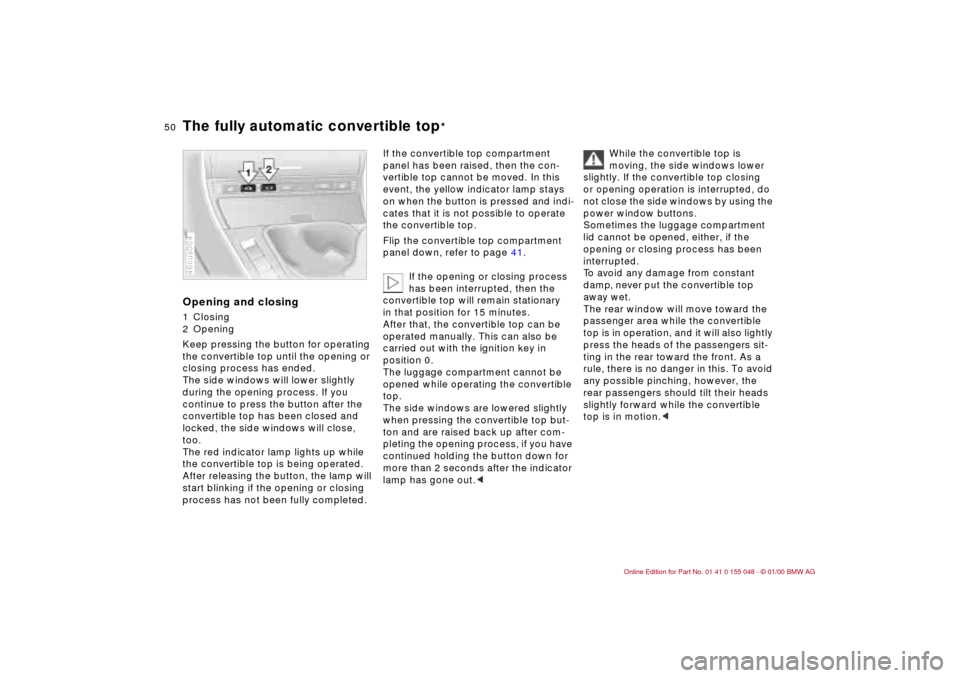
Opening and closing1 Closing
2 Opening
Keep pressing the button for operating
the convertible top until the opening or
closing process has ended.
The side windows will lower slightly
during the opening process. If you
continue to press the button after the
convertible top has been closed and
locked, the side windows will close,
too.
The red indicator lamp lights up while
the convertible top is being operated.
After releasing the button, the lamp will
start blinking if the opening or closing
process has not been fully completed.46cus004
If the convertible top compartment
panel has been raised, then the con-
vertible top cannot be moved. In this
event, the yellow indicator lamp stays
on when the button is pressed and indi-
cates that it is not possible to operate
the convertible top.
Flip the convertible top compartment
panel down, refer to page 41.
If the opening or closing process
has been interrupted, then the
convertible top will remain stationary
in that position for 15 minutes.
After that, the convertible top can be
operated manually. This can also be
carried out with the ignition key in
position 0.
The luggage compartment cannot be
opened while operating the convertible
top.
The side windows are lowered slightly
when pressing the convertible top but-
ton and are raised back up after com-
pleting the opening process, if you have
continued holding the button down for
more than 2 seconds after the indicator
lamp has gone out.c
While the convertible top is
moving, the side windows lower
slightly. If the convertible top closing
or opening operation is interrupted, do
not close the side windows by using the
power window buttons.
Sometimes the luggage compartment
lid cannot be opened, either, if the
opening or closing process has been
interrupted.
To avoid any damage from constant
damp, never put the convertible top
away wet.
The rear window will move toward the
passenger area while the convertible
top is in operation, and it will also lightly
press the heads of the passengers sit-
ting in the rear toward the front. As a
rule, there is no danger in this. To avoid
any possible pinching, however, the
rear passengers should tilt their heads
slightly forward while the convertible
top is in motion.c
Page 51 of 199

51n
IndexDataTechnologyRepairsCar careControlsOverview
The fully automatic convertible top
*
Wind deflector
*
Convenience operation from the
driver's door lock>To open: with the door closed, turn
the key to the "Unlock" position and
hold it
>To close: with the door closed, turn
the key to the "Lock" position and
hold it.
Releasing the key stops the movement.
For safety reasons, to keep the closing
process in view, you cannot use the re-
mote control for convenience operation.
At higher speeds, the lower air
pressure in the passenger com-
partment may create a vacuum and
cause the convertible top to start flut-
tering. Increase the air supply via the
ventilation controls so that a vacuum
does not occur in the vehicle.c
The wind deflector cuts down air turbu-
lence within the passenger area, thus
affording a pleasant ride, even at higher
speeds. It is delivered in a protective
casing, and because of its minimal size,
can easily be stowed in the luggage
compartment.Installation1 Take the wind deflector out of its
protective casing
Page 52 of 199
52n
Wind deflector
*
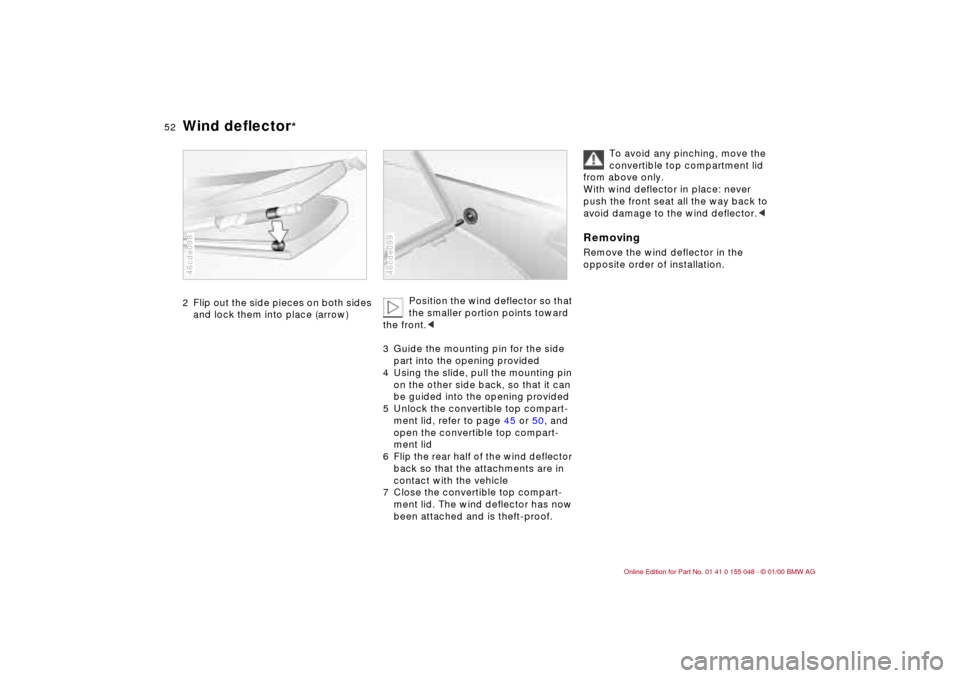
2 Flip out the side pieces on both sides
and lock them into place (arrow)46cde098
Position the wind deflector so that
the smaller portion points toward
the front.c
3 Guide the mounting pin for the side
part into the opening provided
4 Using the slide, pull the mounting pin
on the other side back, so that it can
be guided into the opening provided
5 Unlock the convertible top compart-
ment lid, refer to page 45 or 50, and
open the convertible top compart-
ment lid
6 Flip the rear half of the wind deflector
back so that the attachments are in
contact with the vehicle
7 Close the convertible top compart-
ment lid. The wind deflector has now
been attached and is theft-proof.
46cde099
To avoid any pinching, move the
convertible top compartment lid
from above only.
With wind deflector in place: never
push the front seat all the way back to
avoid damage to the wind deflector.c
RemovingRemove the wind deflector in the
opposite order of installation.
Page 54 of 199
54n
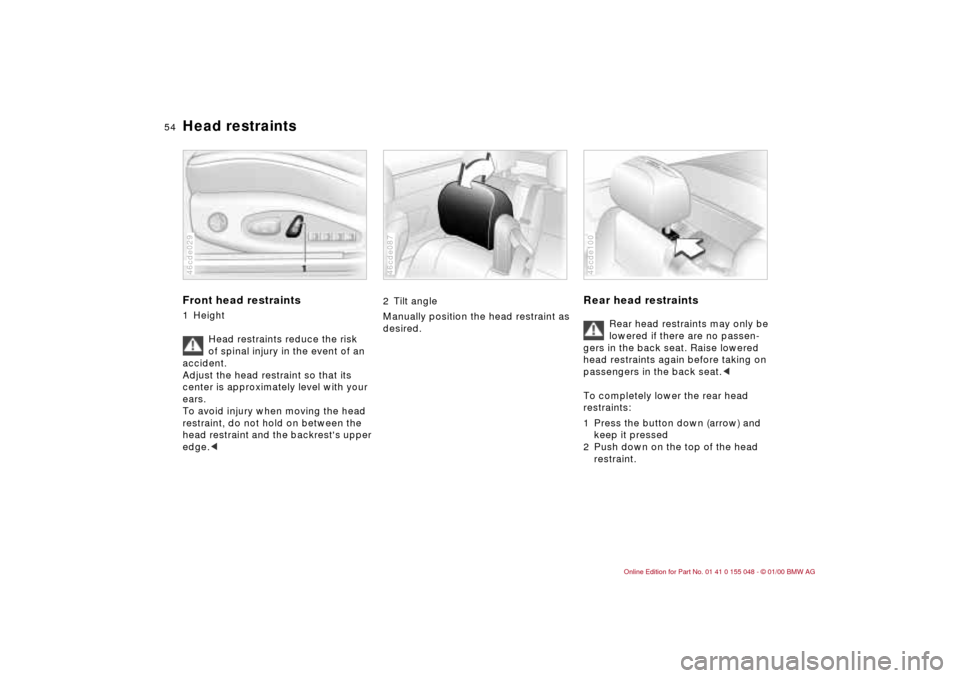
Head restraints Front head restraints1 Height
Head restraints reduce the risk
of spinal injury in the event of an
accident.
Adjust the head restraint so that its
center is approximately level with your
ears.
To avoid injury when moving the head
restraint, do not hold on between the
head restraint and the backrest's upper
edge.<46cde029
2 Tilt angle
Manually position the head restraint as
desired. 46cde087
Rear head restraints
Rear head restraints may only be
lowered if there are no passen-
gers in the back seat. Raise lowered
head restraints again before taking on
passengers in the back seat.<
To completely lower the rear head
restraints:
1 Press the button down (arrow) and
keep it pressed
2 Push down on the top of the head
restraint.
46cde100
Page 56 of 199
56n
Entering the rear Lumbar support
*
The seat-integrated safety belt system
ensures easier access to the back seat.
It is not necessary to adjust anything on
the safety belt system. It automatically
adjusts to different body sizes.
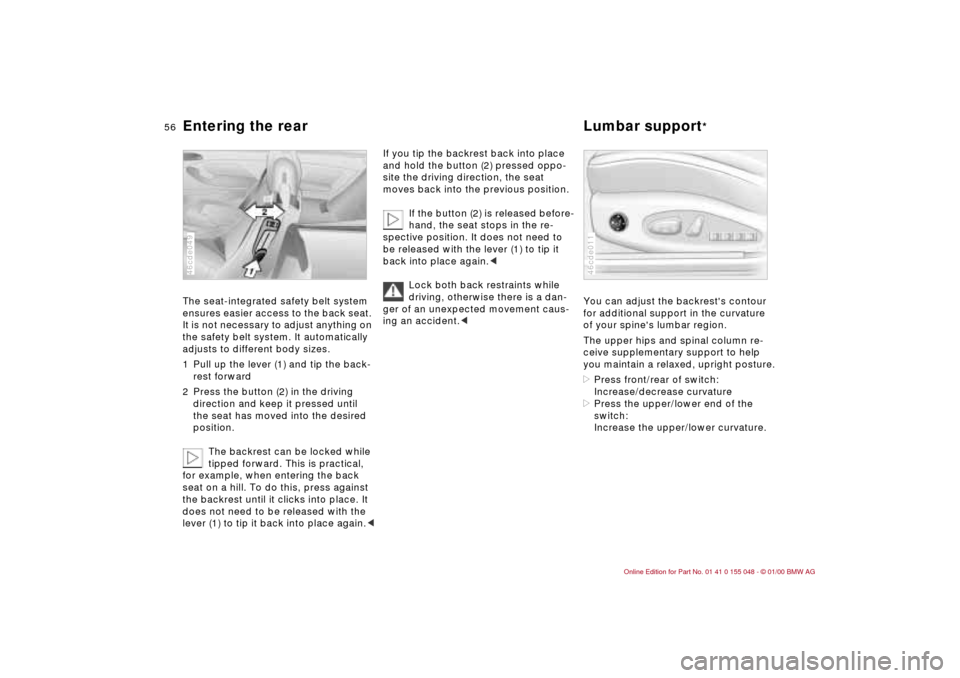
1 Pull up the lever (1) and tip the back-
rest forward
2 Press the button (2) in the driving
direction and keep it pressed until
the seat has moved into the desired
position.
The backrest can be locked while
tipped forward. This is practical,
for example, when entering the back
seat on a hill. To do this, press against
the backrest until it clicks into place. It
does not need to be released with the
lever (1) to tip it back into place again.<46cde049
If you tip the backrest back into place
and hold the button (2) pressed oppo-
site the driving direction, the seat
moves back into the previous position.
If the button (2) is released before-
hand, the seat stops in the re-
spective position. It does not need to
be released with the lever (1) to tip it
back into place again.<
Lock both back restraints while
driving, otherwise there is a dan-
ger of an unexpected movement caus-
ing an accident.<
You can adjust the backrest's contour
for additional support in the curvature
of your spine's lumbar region.
The upper hips and spinal column re-
ceive supplementary support to help
you maintain a relaxed, upright posture.
>Press front/rear of switch:
Increase/decrease curvature
>Press the upper/lower end of the
switch:
Increase the upper/lower curvature.46cde011
Page 69 of 199
69n
IndexDataTechnologyRepairsCar careControlsOverview
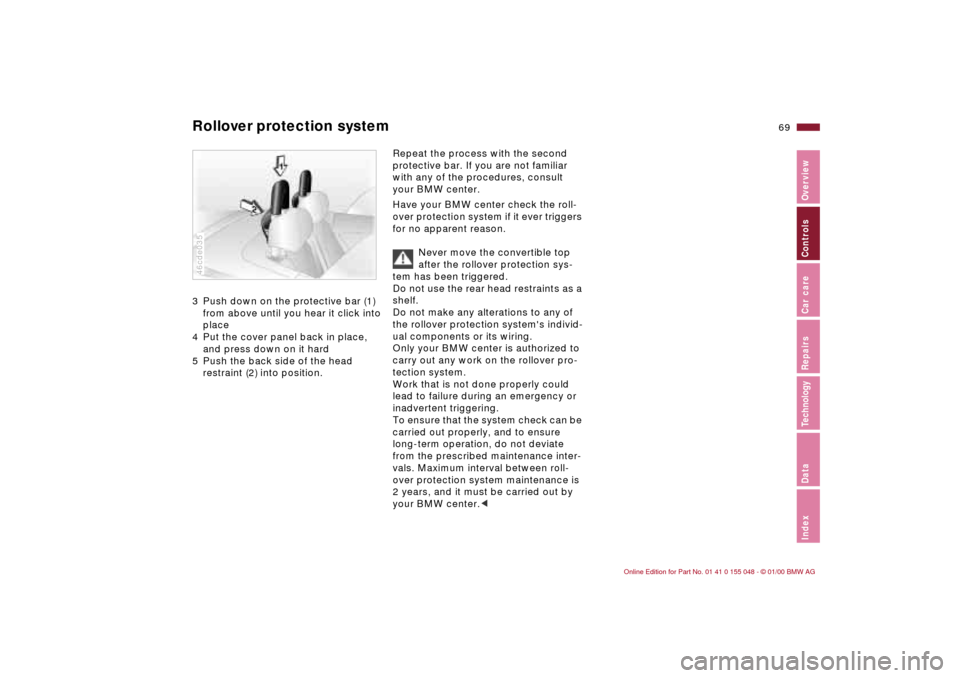
Rollover protection system3 Push down on the protective bar (1)
from above until you hear it click into
place
4 Put the cover panel back in place,
and press down on it hard
5 Push the back side of the head
restraint (2) into position.46cde035
Repeat the process with the second
protective bar. If you are not familiar
with any of the procedures, consult
your BMW center.
Have your BMW center check the roll-
over protection system if it ever triggers
for no apparent reason.
Never move the convertible top
after the rollover protection sys-
tem has been triggered.
Do not use the rear head restraints as a
shelf.
Do not make any alterations to any of
the rollover protection system's individ-
ual components or its wiring.
Only your BMW center is authorized to
carry out any work on the rollover pro-
tection system.
Work that is not done properly could
lead to failure during an emergency or
inadvertent triggering.
To ensure that the system check can be
carried out properly, and to ensure
long-term operation, do not deviate
from the prescribed maintenance inter-
vals. Maximum interval between roll-
over protection system maintenance is
2 years, and it must be carried out by
your BMW center.c
Page 75 of 199
75n
IndexDataTechnologyRepairsCar careControlsOverview
Automatic transmission with Steptronic
*
D Drive (automatic shift program)This position is designed for driving un-
der all normal operating conditions. All
forward gears are available."Kickdown" In the "Kickdown" mode, you achieve
maximum performance and the top
speed in position "D".
To activate this mode, depress the ac-
celerator pedal beyond the full-throttle
position, going beyond the point of re-
sistance.
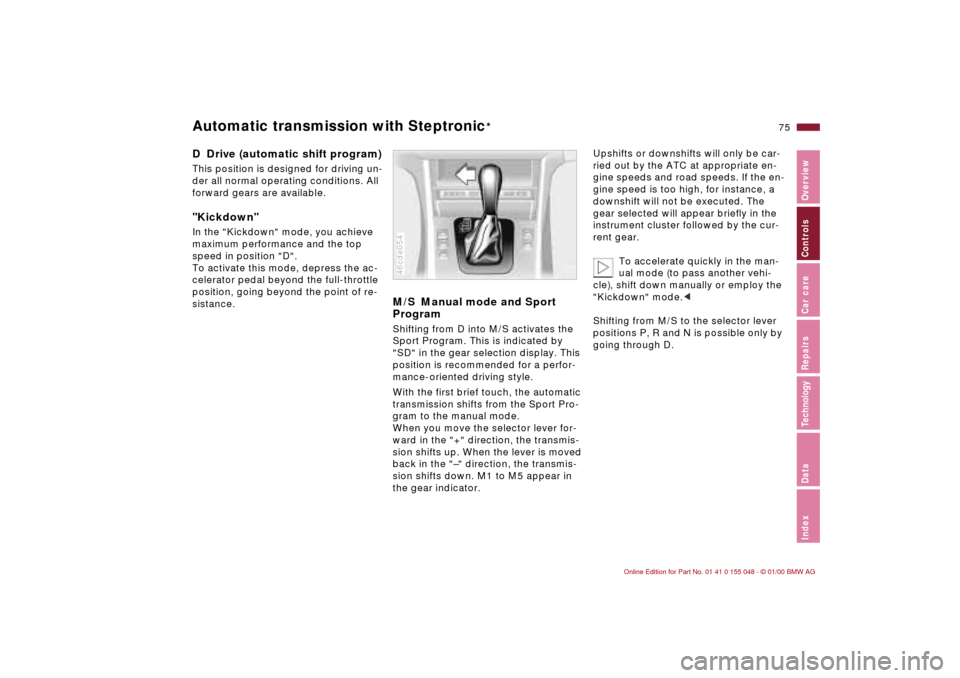
M/S Manual mode and Sport
ProgramShifting from D into M/S activates the
Sport Program. This is indicated by
"SD" in the gear selection display. This
position is recommended for a perfor-
mance-oriented driving style.
With the first brief touch, the automatic
transmission shifts from the Sport Pro-
gram to the manual mode.
When you move the selector lever for-
ward in the "+" direction, the transmis-
sion shifts up. When the lever is moved
back in the "–" direction, the transmis-
sion shifts down. M1 to M5 appear in
the gear indicator.46cde054
Upshifts or downshifts will only be car-
ried out by the ATC at appropriate en-
gine speeds and road speeds. If the en-
gine speed is too high, for instance, a
downshift will not be executed. The
gear selected will appear briefly in the
instrument cluster followed by the cur-
rent gear.
To accelerate quickly in the man-
ual mode (to pass another vehi-
cle), shift down manually or employ the
"Kickdown" mode.<
Shifting from M/S to the selector lever
positions P, R and N is possible only by
going through D.
Page 76 of 199
76n
Automatic transmission with Steptronic
*
In the following situations, the Step-
tronic "thinks" for you in the manual
mode:
>In order to prevent the engine from
overrevving, the transmission shifts
automatically to the next higher gear
just before the RPM cutoff point
>If you do not do anything to inter-
vene, it will automatically downshift
at lower speeds
>In the "Kickdown" mode, the trans-
mission shifts down to the lowest
gear which is possible, depending on
the engine speed
>Depending on the situation – when
driving in adverse winter conditions,
for example – you may also start out
in 2nd or 3rd gear.
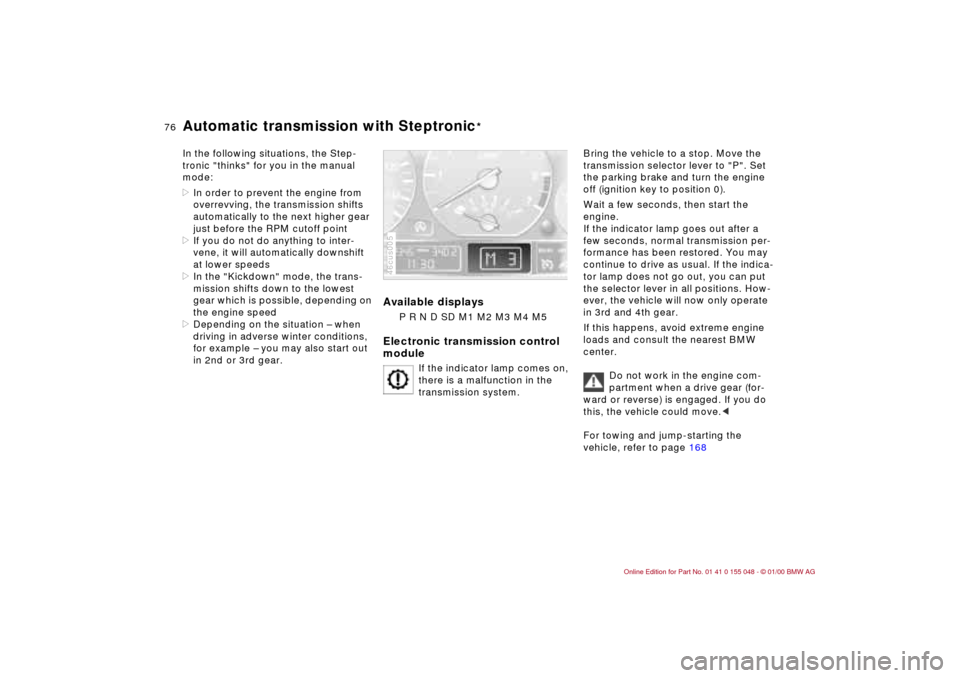
Available displays
P R N D SD M1 M2 M3 M4 M5
Electronic transmission control
module
If the indicator lamp comes on,
there is a malfunction in the
transmission system.
46cus005
Bring the vehicle to a stop. Move the
transmission selector lever to "P". Set
the parking brake and turn the engine
off (ignition key to position 0).
Wait a few seconds, then start the
engine.
If the indicator lamp goes out after a
few seconds, normal transmission per-
formance has been restored. You may
continue to drive as usual. If the indica-
tor lamp does not go out, you can put
the selector lever in all positions. How-
ever, the vehicle will now only operate
in 3rd and 4th gear.
If this happens, avoid extreme engine
loads and consult the nearest BMW
center.
Do not work in the engine com-
partment when a drive gear (for-
ward or reverse) is engaged. If you do
this, the vehicle could move.<
For towing and jump-starting the
vehicle, refer to page 168
Page 79 of 199
79n
IndexDataTechnologyRepairsCar careControlsOverview
Washer/Wiper system Rear window defroster Headlamp washers
*
If the headlamps are on, they will also
be cleaned every fifth time you activate
the automatic windshield washer.
Do not use the washers if there is
any danger that the fluid will
freeze on the windshield. If you do so,
your vision could be obscured. Use an
antifreeze agent. Refer to page 132.
Do not use the washers when the reser-
voir is empty. If you do so, the washer
pump could be damaged.
automatically when the ignition key is in
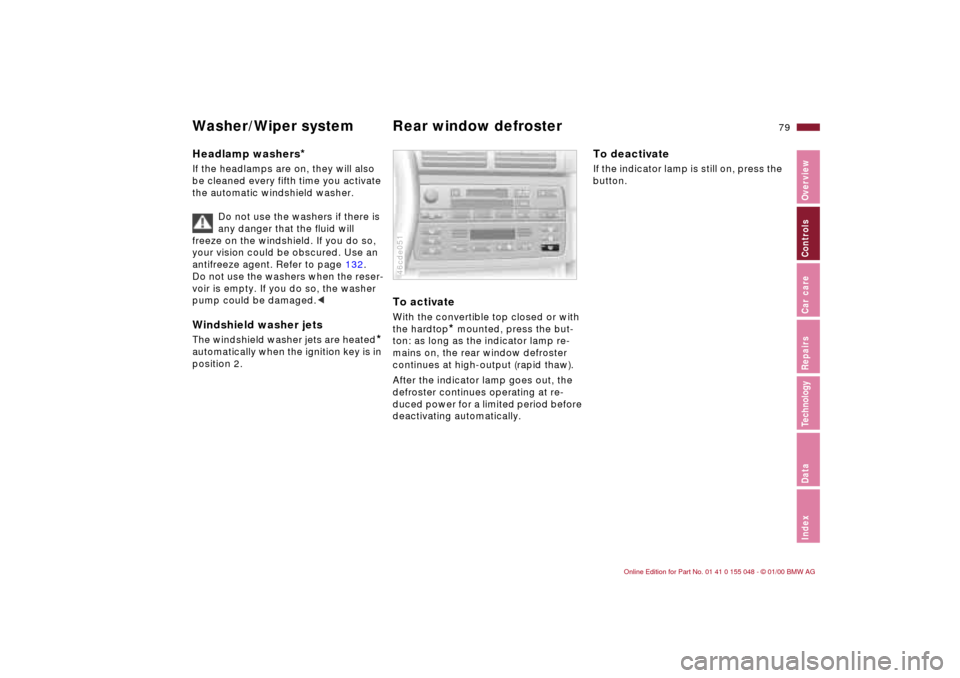
position 2.To activateWith the convertible top closed or with
the hardtop
* mounted, press the but-
ton: as long as the indicator lamp re-
mains on, the rear window defroster
continues at high-output (rapid thaw).
After the indicator lamp goes out, the
defroster continues operating at re-
duced power for a limited period before
deactivating automatically.
46cde051
To deactivateIf the indicator lamp is still on, press the
button.
Page 88 of 199
88n
Dynamic Stability Control (DSC) The conceptDSC helps maintain vehicle stability,
even in critical driving situations.
The system optimizes vehicle stability
during acceleration and when starting
from a full stop, as well as optimizing
traction. In addition, the system recog-
nizes unstable vehicle conditions (un-
dersteering or oversteering, for exam-
ple) and helps hold the vehicle on a
sure course by intervening via the
engine and by braking intervention at
the individual wheels.
The system activates automatically
each time you start the engine.46cus012
Indicator lamp
The indicator lamp in the instru-
ment cluster goes out shortly
after you switch on the ignition.
Refer to pages 21 and 22.
Indicator lamp flashes:
The system is active and governs drive
force and braking force.
If the indicator lamp fails to go out after
the engine is started, or if it comes on
during normal driving and stays on:
There is a system malfunction or the
system was deactivated with the but-
ton. You can continue to drive the vehi-
cle normally, but without DSC. Please
consult your BMW center for repairs.
To deactivate the systemPress the button, the indicator lamp
comes on.
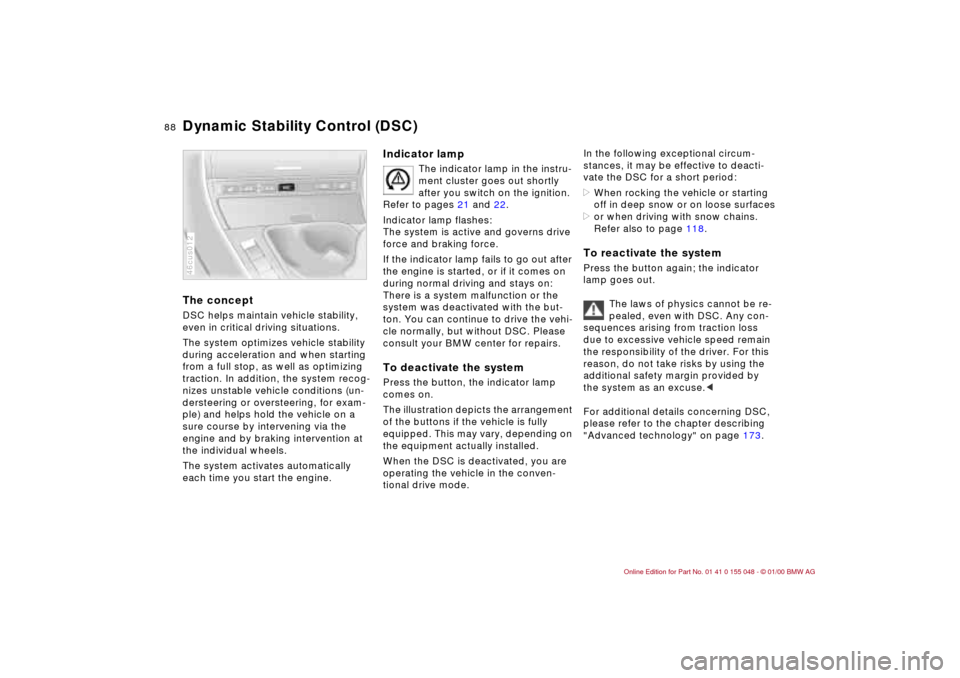
The illustration depicts the arrangement
of the buttons if the vehicle is fully
equipped. This may vary, depending on
the equipment actually installed.
When the DSC is deactivated, you are
operating the vehicle in the conven-
tional drive mode.
In the following exceptional circum-
stances, it may be effective to deacti-
vate the DSC for a short period:
>When rocking the vehicle or starting
off in deep snow or on loose surfaces
>or when driving with snow chains.
Refer also to page 118.To reactivate the systemPress the button again; the indicator
lamp goes out.
The laws of physics cannot be re-
pealed, even with DSC. Any con-
sequences arising from traction loss
due to excessive vehicle speed remain
the responsibility of the driver. For this
reason, do not take risks by using the
additional safety margin provided by
the system as an excuse.<
For additional details concerning DSC,
please refer to the chapter describing
"Advanced technology" on page 173.