maintenance BMW X5 3.0I 2006 E53 Service Manual
[x] Cancel search | Manufacturer: BMW, Model Year: 2006, Model line: X5 3.0I, Model: BMW X5 3.0I 2006 E53Pages: 202, PDF Size: 4.13 MB
Page 76 of 202
76n
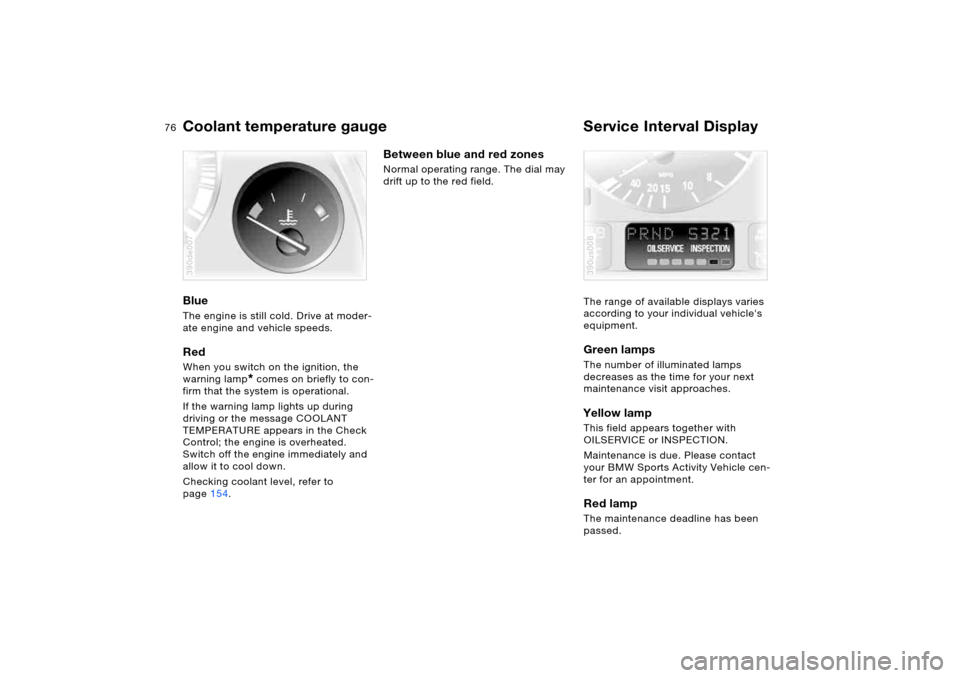
Coolant temperature gauge Service Interval Display Blue The engine is still cold. Drive at moder-
ate engine and vehicle speeds.Red When you switch on the ignition, the
warning lamp
* comes on briefly to con-
firm that the system is operational.
If the warning lamp lights up during
driving or the message COOLANT
TEMPERATURE appears in the Check
Control; the engine is overheated.
Switch off the engine immediately and
allow it to cool down.
Checking coolant level, refer to
page154.
390de007
Between blue and red zones Normal operating range. The dial may
drift up to the red field.
The range of available displays varies
according to your individual vehicle's
equipment.
Green lamps The number of illuminated lamps
decreases as the time for your next
maintenance visit approaches.Yellow lamp This field appears together with
OILSERVICE or INSPECTION.
Maintenance is due. Please contact
your BMW Sports Activity Vehicle cen-
ter for an appointment.Red lamp The maintenance deadline has been
passed.390us008
Page 77 of 202
77n
OverviewControlsMaintenanceRepairsDataIndex
Check Control Graphic display
*
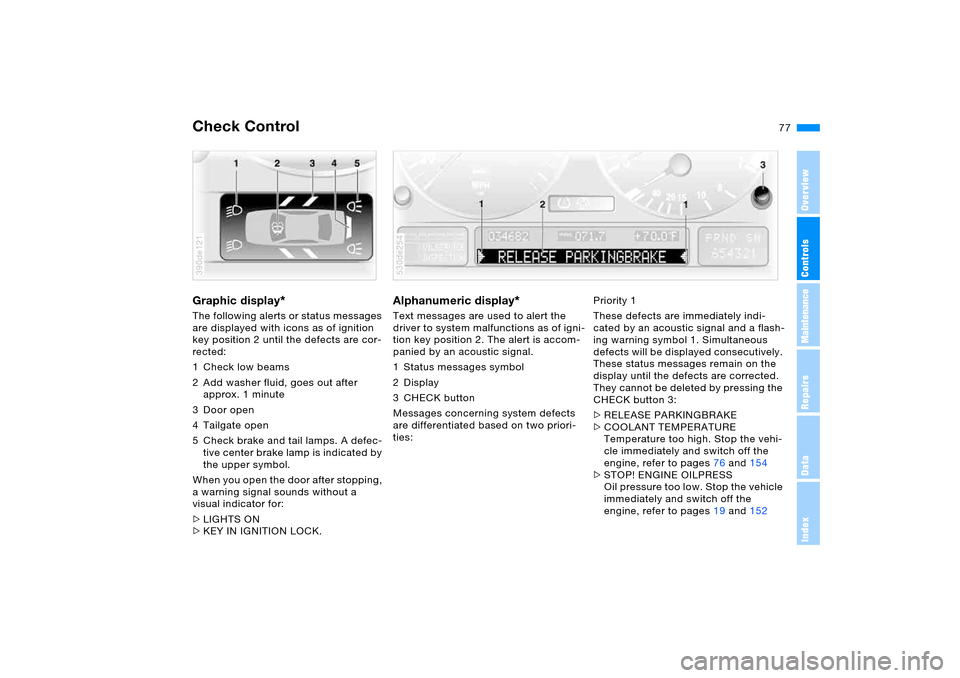
The following alerts or status messages
are displayed with icons as of ignition
key position 2 until the defects are cor-
rected:
1 Check low beams
2 Add washer fluid, goes out after
approx. 1 minute
3Door open
4 Tailgate open
5 Check brake and tail lamps. A defec-
tive center brake lamp is indicated by
the upper symbol.
When you open the door after stopping,
a warning signal sounds without a
visual indicator for:
>LIGHTS ON
>KEY IN IGNITION LOCK. 390de121
Alphanumeric display
*
Text messages are used to alert the
driver to system malfunctions as of igni-
tion key position 2. The alert is accom-
panied by an acoustic signal.
1 Status messages symbol
2Display
3CHECK button
Messages concerning system defects
are differentiated based on two priori-
ties: 530de254
Priority 1
These defects are immediately indi-
cated by an acoustic signal and a flash-
ing warning symbol 1. Simultaneous
defects will be displayed consecutively.
These status messages remain on the
display until the defects are corrected.
They cannot be deleted by pressing the
CHECK button 3:
>RELEASE PARKINGBRAKE
>COOLANT TEMPERATURE
Temperature too high. Stop the vehi-
cle immediately and switch off the
engine, refer to pages76 and154
>STOP! ENGINE OILPRESS
Oil pressure too low. Stop the vehicle
immediately and switch off the
engine, refer to pages19 and152
Page 79 of 202
79n
OverviewControlsMaintenanceRepairsDataIndex
Check Control Computer>TRANS. FAILSAFE PROG
*
Please consult the nearest BMW
Sports Activity Vehicle center, refer to
page67
>CHECK BRAKE LININGS
Have the brake pads inspected by
your BMW Sports Activity Vehicle
center, refer to page140
>CHECK COOLANT LEVEL
Coolant too low, top off at the next
opportunity, refer to page154
>ENGINE FAILSAFE PROG
Fault in the engine electronics.
You can continue to drive with
reduced engine output or engine
speed.
Please have the system inspected by
your BMW Sports Activity Vehicle
center.
Displays after completion of trip All of the malfunctions registered during
the trip appear consecutively when the
ignition key is turned to position 0.
The following displays will appear when
appropriate:
>LIGHTS ON
>KEY IN IGNITION LOCK
>CHECK ENGINE OIL LEV
Replenish engine oil at the next
opportunity, e.g. while refueling, refer
to page152. This display appears when you open
the driver's door after parking the vehi-
cle. A supplementary acoustic signal
also sounds.
Status messages remain available with
the CHECK button 3 for a period of
approx. three minutes after the display
goes out and the key is removed from
the ignition lock. If there are multiple
messages, press the CHECK button
repeatedly to view them all in
sequence.
Checking Check Control Press the CHECK button 3 with the
ignition key in position 2:
CHECK CONTROL OK appears on the
display.
No malfunctions are present in the
monitored systems. Computer You can find a description of the com-
puter below and on page85 as well as
in the Owner's Manual for Onboard
Computer.
You can have the Check Control
and computer messages dis-
played in a different language.<
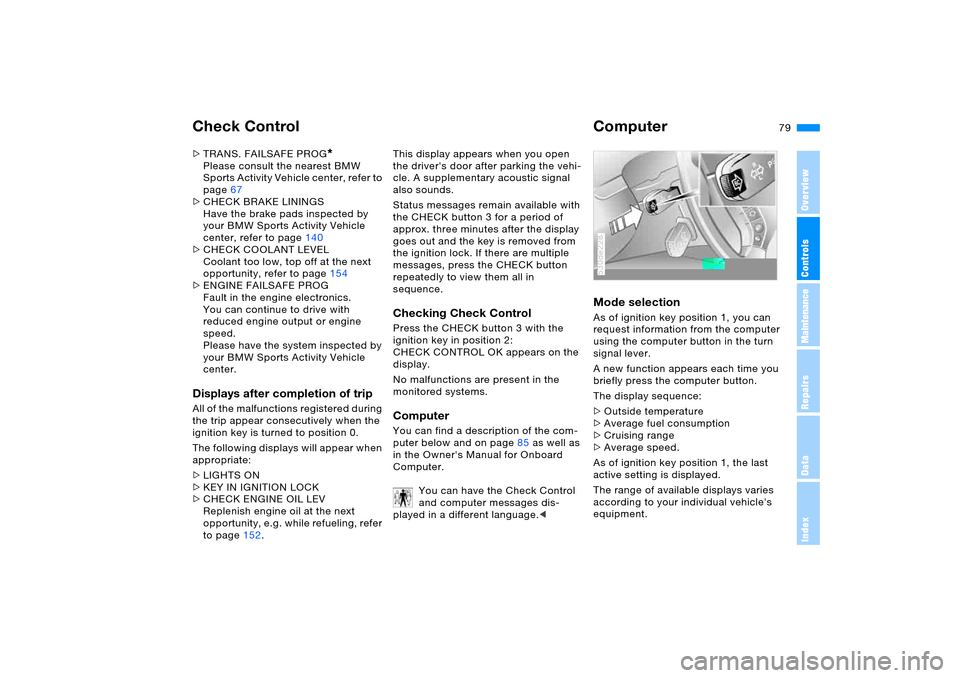
Mode selection As of ignition key position 1, you can
request information from the computer
using the computer button in the turn
signal lever.
A new function appears each time you
briefly press the computer button.
The display sequence:
>Outside temperature
>Average fuel consumption
>Cruising range
>Average speed.
As of ignition key position 1, the last
active setting is displayed.
The range of available displays varies
according to your individual vehicle's
equipment.530de228
Page 81 of 202
81n
OverviewControlsMaintenanceRepairsDataIndex
MID Multi-Information Display Central display The MID is used for centralized display
and operation for the following onboard
systems:
>Digital clock, e.g. time display, date
>Audio systems: radio, cassette, CD
>Computer, e.g. fuel consumption,
cruising range
>Telephone, e.g. dialing
You will find notes and instructions for
operating the digital clock and the com-
puter on the following pages. Please
refer to the separate Owner's Manuals
for operating the audio systems, the
telephone and the onboard computer.
Any unrealistic numerical entries
will not be accepted.
All stored data will be lost if the power
supply is interrupted. Time display,
switch-on times for parked car ventila-
tion, distance and cruise control speed
limit may have to be reset once the
power supply has been reestablished.<
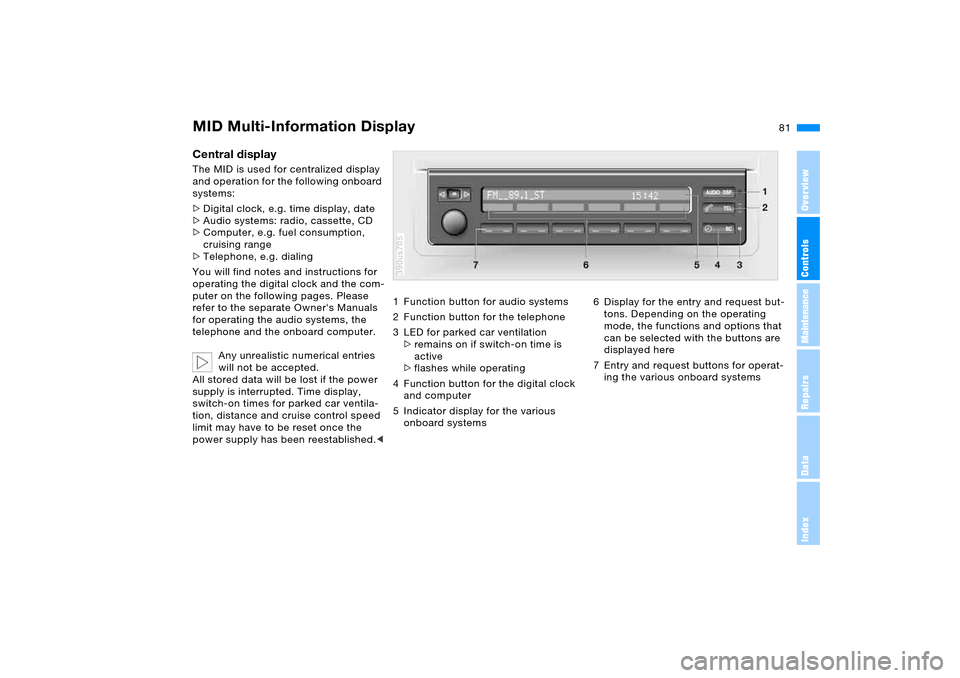
1 Function button for audio systems
2 Function button for the telephone
3 LED for parked car ventilation
>remains on if switch-on time is
active
>flashes while operating
4 Function button for the digital clock
and computer
5 Indicator display for the various
onboard systems390us705
6 Display for the entry and request but-
tons. Depending on the operating
mode, the functions and options that
can be selected with the buttons are
displayed here
7 Entry and request buttons for operat-
ing the various onboard systems
Page 83 of 202
83n
OverviewControlsMaintenanceRepairsDataIndex
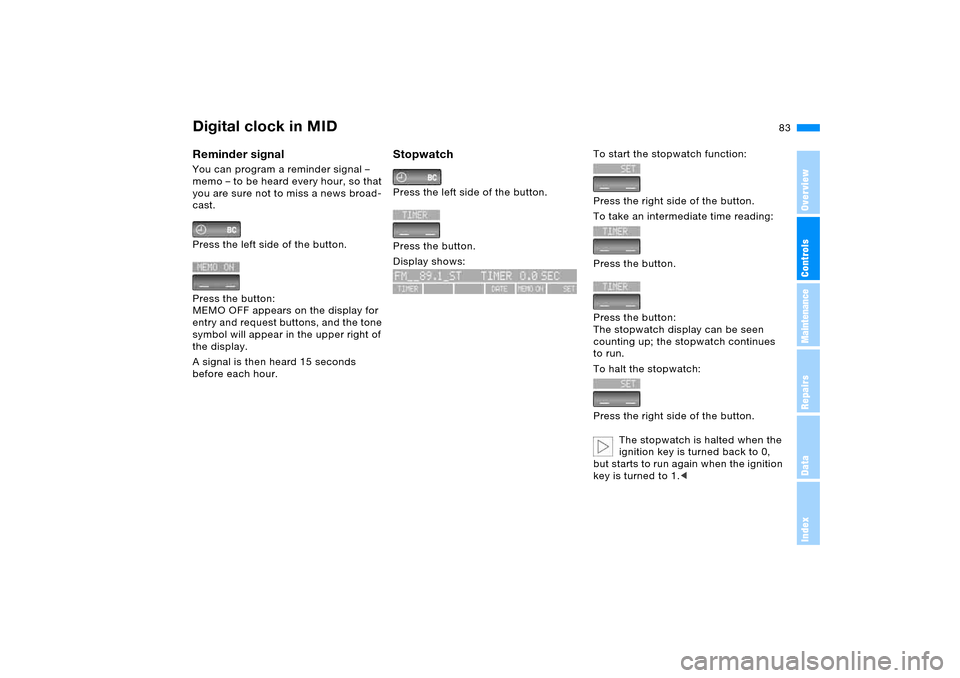
Digital clock in MIDReminder signal You can program a reminder signal –
memo – to be heard every hour, so that
you are sure not to miss a news broad-
cast.
Press the left side of the button.
Press the button:
MEMO OFF appears on the display for
entry and request buttons, and the tone
symbol will appear in the upper right of
the display.
A signal is then heard 15 seconds
before each hour.
Stopwatch Press the left side of the button.
Press the button.
Display shows:
To start the stopwatch function:
Press the right side of the button.
To take an intermediate time reading:
Press the button.
Press the button:
The stopwatch display can be seen
counting up; the stopwatch continues
to run.
To halt the stopwatch:
Press the right side of the button.
The stopwatch is halted when the
ignition key is turned back to 0,
but starts to run again when the ignition
key is turned to 1.<
Page 85 of 202
85n
OverviewControlsMaintenanceRepairsDataIndex
Computer
* in MID
To avoid endangering yourself or
other road users, only make
entries when the vehicle is stationary.<
Computer calculations begin at the
start of the journey.
Information can also be called up on the
display by the remote control, refer to
page89.
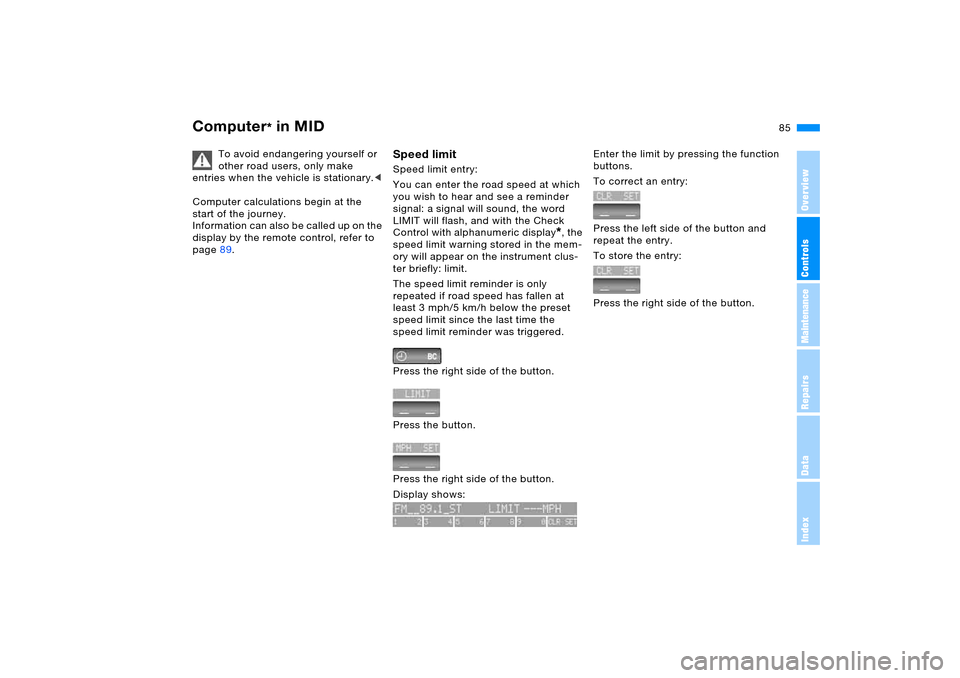
Speed limit Speed limit entry:
You can enter the road speed at which
you wish to hear and see a reminder
signal: a signal will sound, the word
LIMIT will flash, and with the Check
Control with alphanumeric display
*, the
speed limit warning stored in the mem-
ory will appear on the instrument clus-
ter briefly: limit.
The speed limit reminder is only
repeated if road speed has fallen at
least 3 mph/5 km/h below the preset
speed limit since the last time the
speed limit reminder was triggered.
Press the right side of the button.
Press the button.
Press the right side of the button.
Display shows:
Enter the limit by pressing the function
buttons.
To correct an entry:
Press the left side of the button and
repeat the entry.
To store the entry:
Press the right side of the button.
Page 87 of 202
87n
OverviewControlsMaintenanceRepairsDataIndex
Computer
* in MID
Estimated time of arrival When you have entered the distance to
your destination, you can obtain an esti-
mated time of arrival display that is con-
tinuously updated by the computer as
your average driving period varies.
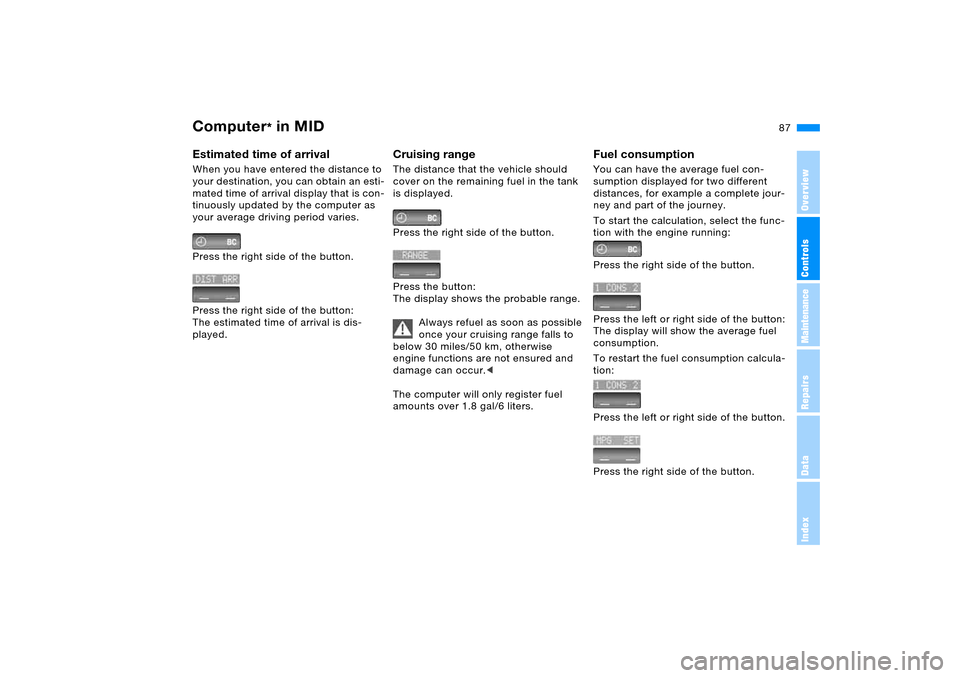
Press the right side of the button.
Press the right side of the button:
The estimated time of arrival is dis-
played.
Cruising range The distance that the vehicle should
cover on the remaining fuel in the tank
is displayed.
Press the right side of the button.
Press the button:
The display shows the probable range.
Always refuel as soon as possible
once your cruising range falls to
below 30 miles/50 km, otherwise
engine functions are not ensured and
damage can occur.<
The computer will only register fuel
amounts over 1.8 gal/6 liters.
Fuel consumption You can have the average fuel con-
sumption displayed for two different
distances, for example a complete jour-
ney and part of the journey.
To start the calculation, select the func-
tion with the engine running:
Press the right side of the button.
Press the left or right side of the button:
The display will show the average fuel
consumption.
To restart the fuel consumption calcula-
tion:
Press the left or right side of the button.
Press the right side of the button.
Page 89 of 202
89n
OverviewControlsMaintenanceRepairsDataIndex
Computer
* in MID
After three incorrect code entries, or
three attempts to start the engine with-
out a code entry, the alarm will sound
for 30 seconds on vehicles fitted with
an alarm system.
Deactivating the alarm in an emer-
gency:
If you have forgotten the code, proceed
as follows:
1. Disconnect the battery, wait approx.
2 minutes, then reconnect it. Note
that on vehicles with an alarm sys-
tem, the alarm will sound
2. Set the ignition key to position 1: the
time display will count down for the
next ten minutes
3. After ten minutes, start the engine.
If the code becomes available
again in the meantime, it can be
entered during the waiting period after
pressing the CODE button.<
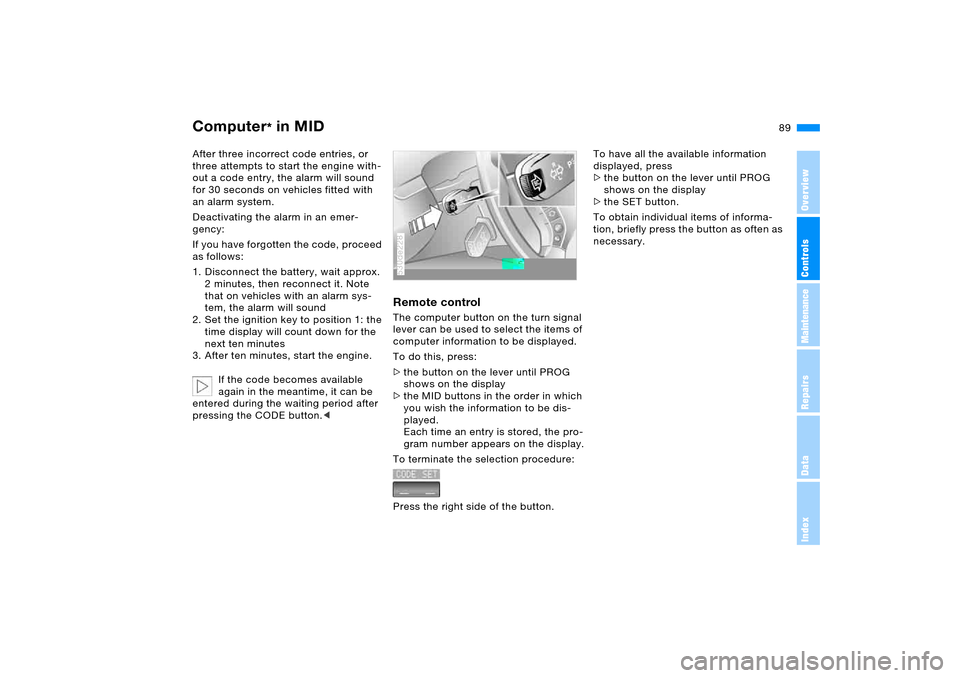
Remote controlThe computer button on the turn signal
lever can be used to select the items of
computer information to be displayed.
To do this, press:
>the button on the lever until PROG
shows on the display
>the MID buttons in the order in which
you wish the information to be dis-
played.
Each time an entry is stored, the pro-
gram number appears on the display.
To terminate the selection procedure:
Press the right side of the button.530de228
To have all the available information
displayed, press
>the button on the lever until PROG
shows on the display
>the SET button.
To obtain individual items of informa-
tion, briefly press the button as often as
necessary.
Page 91 of 202
91n
OverviewControlsMaintenanceRepairsDataIndex
PDC Park Distance Control
* Antilock Brake System
Signal tones The distance from an object is indicated
in front with a higher intermittent tone,
and at the rear with a lower intermittent
tone. As the distance between vehicle
and object decreases, the intervals
between the tones become shorter.
The signal tone becomes continuous
once the distance to the nearest object
falls to below roughly 1 ft/30 cm.
The warning signal is canceled after
approx. 3 seconds if you are moving
parallel to a wall. MalfunctionsThe LED flashes and a short steady sig-
nal tone is sounded
>if you activate PDC with the button
>when you select reverse for the first
time after switching on the ignition
>if a malfunction occurs while the PDC
system is active.
Switch the system off and have the
cause of the malfunction corrected by
your BMW Sports Activity Vehicle cen-
ter.
System limits
Even with PDC, final responsibility
for estimating the distance
between the vehicle and any obstruc-
tions always remains with the driver.
Even when sensors are involved, there
is a blind spot in which objects cannot
be detected. This applies especially in
those cases where the system
approaches the physical constraints of
ultrasonic measurement, as occurs with
tow bars and trailer couplings, and in
the vicinity of thin or wedge-shaped
objects. It is also possible that low
objects already displayed, such as curb
edges, may come into the blind spot of
the sensors before a continuous signal
sounds or that higher, protruding
objects, such as ledges, will not be
detected.
Loud sources of sound, inside and out-
side the vehicle, could drown out the
PDC signal tone.<
Keep the sensors clean and free
of ice or snow in order to ensure
that they will continue to operate effec-
tively.
When using high-pressure washers, do
not spray sensors for long periods and
keep the sprayer at least 4 in/10 cm
away from the sensors.<
The concept The ABS Antilock Brake System pre-
vents the wheel brakes from locking
during braking. Safe steering response
is maintained even during full braking.
This increases active safety.
The ABS is operational every time you
start the engine. Safe braking, refer to
page 140.EBV Electronic brake-force
distribution EBV controls the brake system's appli-
cation pressure at the rear wheels to
ensure stable deceleration.DBC Dynamic Brake Control When the brake pedal is depressed
rapidly, this system automatically gen-
erates a maximum boost of braking
force and thus aids in keeping braking
distances as short as possible during
full braking. This system exploits all of
the benefits provided by ABS.
Do not reduce the pressure on the
brake pedal for the duration of the
brake application. DBC is deactivated
when you release the brake pedal.
Page 93 of 202
93n
OverviewControlsMaintenanceRepairsDataIndex
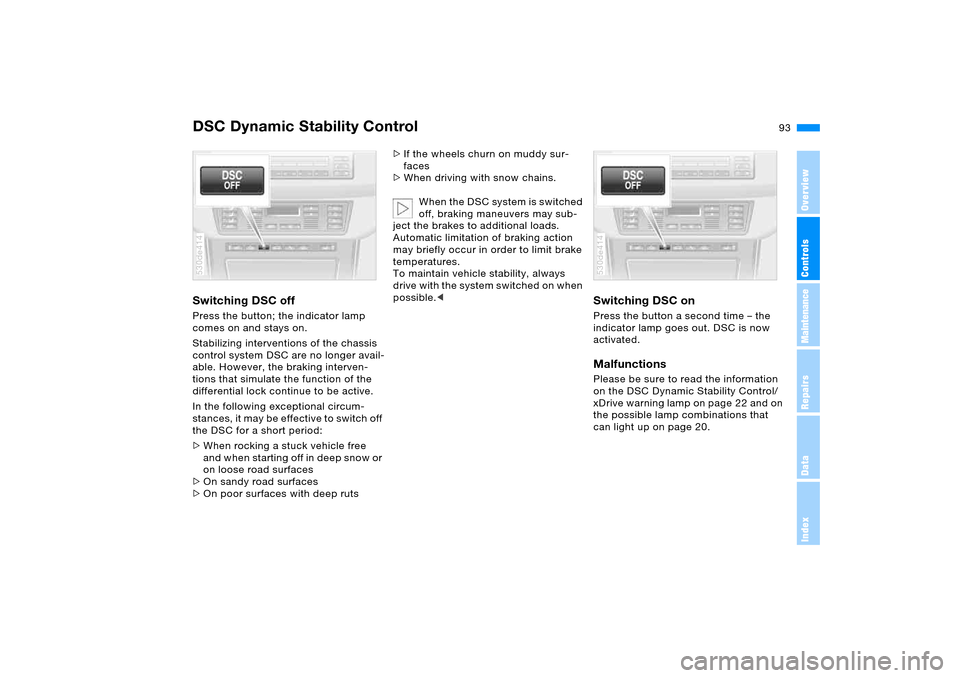
DSC Dynamic Stability ControlSwitching DSC offPress the button; the indicator lamp
comes on and stays on.
Stabilizing interventions of the chassis
control system DSC are no longer avail-
able. However, the braking interven-
tions that simulate the function of the
differential lock continue to be active.
In the following exceptional circum-
stances, it may be effective to switch off
the DSC for a short period:
>When rocking a stuck vehicle free
and when starting off in deep snow or
on loose road surfaces
>On sandy road surfaces
>On poor surfaces with deep ruts 530de414
>If the wheels churn on muddy sur-
faces
>When driving with snow chains.
When the DSC system is switched
off, braking maneuvers may sub-
ject the brakes to additional loads.
Automatic limitation of braking action
may briefly occur in order to limit brake
temperatures.
To maintain vehicle stability, always
drive with the system switched on when
possible.<
Switching DSC on Press the button a second time – the
indicator lamp goes out. DSC is now
activated.MalfunctionsPlease be sure to read the information
on the DSC Dynamic Stability Control/
xDrive warning lamp on page 22 and on
the possible lamp combinations that
can light up on page 20.530de414