reset BMW X5 4.8I 2008 E70 Owner's Guide
[x] Cancel search | Manufacturer: BMW, Model Year: 2008, Model line: X5 4.8I, Model: BMW X5 4.8I 2008 E70Pages: 292, PDF Size: 9.32 MB
Page 236 of 292
Wheels and tires
234
Wheels and tires
Tire inflation pressure
Information for your safety
The condition of the tires and the maintenance
of the specified tire pressure are crucial not only
to the tire's service life, but also to driving com-
fort and most importantly, driving safety.
Checking pressure
Only check tire inflation pressure when the tires
are cold. This means after a maximum of
1.25 miles/2 km driving or when the vehicle has
been parked for at least 2 hours. When tires are
warm, the tire inflation pressure increases.
Check the tire inflation pressure regularly
and correct it as needed, even on the
compact tire
*: at least twice a month and before
starting long trips. If you fail to observe this pre-
caution, you may be driving on tires with incor-
rect tire pressures, a condition that can not only
compromise your vehicle's driving stability, but
also lead to tire damage and the risk of an acci-
dent. Do not drive with depressurized, i.e. flat
tires, except run-flat tires. A flat tire will seri-
ously impair your vehicle's handling and braking
response. Attempts to drive on a flat tire can
lead to a loss of control over the vehicle.<
After correcting the tire inflation pressure,
reinitialize the Flat Tire Monitor, refer to
page92, or reset the Tire Pressure Monitor,
refer to page94.<
Pressure specifications
The tables below provide all the correct inflation
pressures for the specified tire sizes at ambient
temperature.
The inflation pressures apply to the tire
sizes and tire brands respectively
approved and recommended by BMW; a list of
these is available from your BMW Sports Activ-
ity Vehicle Center.
ing:
>Tire sizes of your vehicle
>Load conditions
>Maximum allowable driving speed
Tire inflation pressures for speeds
up to 100 mph/160 km/h
For normal driving up to 100 mph/160 km/h,
adjust pressures to the respective tire inflation
pressures listed on the following pages in the
column Traveling speeds up to max. of
100 mph/160 km/h to achieve optimum driving
comfort.
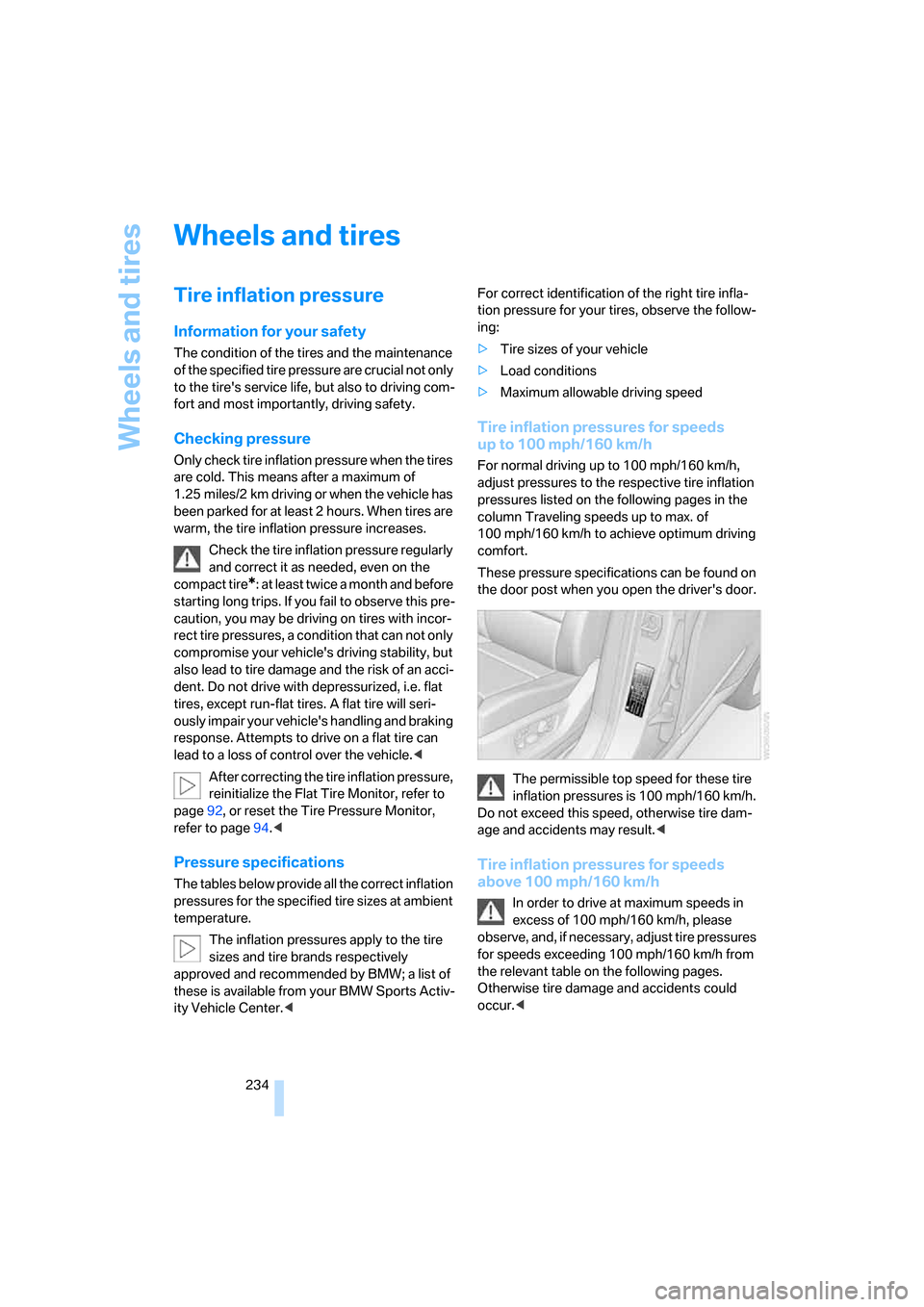
These pressure specifications can be found on
the door post when you open the driver's door.
The permissible top speed for these tire
inflation pressures is 100 mph/160 km/h.
Do not exceed this speed, otherwise tire dam-
age and accidents may result.<
Tire inflation pressures for speeds
above 100 mph/160 km/h
In order to drive at maximum speeds in
excess of 100 mph/160 km/h, please
observe, and, if necessary, adjust tire pressures
for speeds exceeding 100 mph/160 km/h from
the relevant table on the following pages.
Otherwise tire damage and accidents could
occur.<
Page 255 of 292
Mobility
253Reference
At a glance
Controls
Driving tips
Communications
Navigation
Entertainment
3.Check and correct the tire inflation pressure
at the earliest opportunity.
Protect valve stems with valve screw
caps against dirt and contamination.
Dirt in valve stems is a frequent source of
gradual air loss.<
4.Initialize the Flat Tire Monitor, refer to
page92, or reset the Tire Pressure Monitor,
refer to page94.
5.Replace the damaged tire as soon as possi-
ble and have the new wheel/tire balanced.
Driving with compact wheel
Drive reservedly and do not exceed a speed of
50 mph/80 km/h.
The driving characteristics change, for example
reduced track stability on braking, extended
braking distance, and altered self-steering
characteristics in the limit range. In conjunction
with winter tires, these characteristics are more
pronounced.
Only one compact wheel may be
mounted. Restore the wheels and tires to
their original size as quickly as possible. Failure
to do so is a safety risk.<
Vehicle battery
Battery care
The battery is 100 % maintenance-free, i.e., the
electrolyte will last for the life of the battery
when the vehicle is operated in a temperate cli-
mate. Your BMW Sports Activity Vehicle Center
will be glad to advise in all matters concerning
the battery.
Charging battery
Only charge the battery in the vehicle via the
terminals in the engine compartment with the
engine switched off. Connections, refer to
Jump starting on page256.
Disposal
Have old batteries disposed of following
replacement at your BMW Sports Activity
Vehicle Center or bring them to a collection
point. Maintain the battery in an upright position
for transport and storage. Always restrain the
battery to prevent it from tipping over during
transport.<
Power failure
After a temporary power loss, the functioning of
some equipment may be limited and require
reinitialization. Individual settings are also lost
and must be updated:
>Seat, mirror and steering wheel memory
The positions must be stored again, refer to
page44.
>Time and Date
The values must be updated, refer to
pages81, 82.
>Radio
Stations must be stored again if necessary,
refer to page168.
>Navigation system
Wait until the system starts, refer to
page159.
Fuses
Never attempt to repair a blown fuse and
do not replace a defective fuse with a sub-
stitute of another color or amperage rating, as
this could lead to a circuit overload, ultimately
resulting in a fire in the vehicle.<
Spare fuses, a pair of plastic tweezers and infor-
mation on the fuse assignment are located near
the fuses in the cargo bay.
Page 269 of 292
Reference 267
At a glance
Controls
Driving tips
Communications
Navigation
Entertainment
Mobility
Entertainment
FunctionCommand
Tone control163{Audio}
To switch on radio166{Radio on},
{FM} or
{AM}
To open "FM"166{FM menu}
To open "AM"166{AM menu}
To open "All stations"166{FM All stations}
To select radio station166{Station ...}, e.g. {Station WNYC} or
{Choose station}
To open "Presets"166{FM presets} or
{AM presets}
To select stored radio station166{Preset ...}, e.g. {Preset 1}
To open "Manual"167{FM manual},
{AM manual} or
{Choose frequency},
{Frequency ... Megahertz}
To open strongest radio stations167{AM Autostore}
To open "WB"171{Weatherband menu}
To switch on weatherband 171{Weatherband on}
To select a weatherband station171{Choose weatherband station}
To open "SAT"172{SAT radio menu}
To switch on satellite radio172{SAT radio}
To open "Presets" of satellite radio173{SAT radio presets}
To open "All channels" of satellite radio173{SAT radio all channels}
To open "Categories" of satellite radio173{SAT radio categories}
To open CD player175{CD menu}
To switch on CD player175{CD}
To open CD changer175{CD-changer menu}
To switch on CD changer175{CD-changer}
To select CD175{CD 1...6}
To select music track176{CD track ...}
To select CD and music track176{CD 1...6 track ...}
To switch on audio playback with external audio
device188{Audio Aux}
Page 283 of 292
Reference 281
At a glance
Controls
Driving tips
Communications
Navigation
Entertainment
Mobility
Operation on poor roads133
"Options"227
Orientation menu, refer to
Start menu17
Outlet slits, refer to Air
vents106
Output, refer to Engine
data262
Outside air, refer to AUC
Automatic recirculated-air
control109
Outside temperature
display71
– changing unit of measure82
Outside temperature
warning71
"Overview" for DVD system in
rear201
P
Panic mode30
Panorama glass sunroof39
– moving manually40
– power failure40
– raising, opening, closing39
Park Distance Control PDC84
"Parked car operation"113
"Parked car ventilation"113
Parked car ventilation113
– activating activation
time114
– preselecting activation
times114
– switching on and off
directly113
Parking, vehicle60
Parking aid
– refer to PDC Park Distance
Control84
– refer to Rear view camera86
Parking assistant, refer to
PDC Park Distance
Control84
Parking brake60
– Automatic Hold61
– indicator lamp13
Parking lamps102Parking with Automatic
Hold62
Parts and accessories6
"Passenger's seat climate"51
Passenger-side exterior
mirror, tilting down52
"Pathway lighting"103
Pathway lighting103
"Pause" for DVD system in
rear198
Paying attention to speed240
"PDC"85
"PDC in main window only"85
PDC Park Distance Control84
Personal Profile28
"Perspective"152
Phone book214
– creating and editing voice
phone book220
Phone numbers
– deleting from phone
book217
– dialing215
– most recent numbers217
– selecting in phone book217
– Top 8217
"Photo" for DVD system in
rear194,200
Pinch protection system
– panorama glass sunroof40
– power windows38
Plasters, refer to First-aid
kit256
"Play"
– for DVD system in rear198
– with satellite radio173
Playing videos, DVD system in
rear195
Plug-in unit for remote
control, refer to Ignition
lock59
Pocket light, refer to
Flashlight119
Position
– displaying157
– storing, refer to Storing
current position146
Power failure253Power windows, refer to
Windows38
Preselecting activation times
of the parked car
ventilation114
"Presets"
– displaying with radio166
– with satellite radio173
Pressure, tires234
Pressure monitoring of tires,
refer to TPM Tire Pressure
Monitor94
"Profile"229
Programmable buttons on
steering wheel53
Programmable memory
buttons21
Protective function, refer to
Pinch protection system
– panorama glass sunroof40
– windows38
R
Radio
– Autostore167
– controls162
– High Definition Radio169
– listen to station166
– regional program169
– sampling stations167
– satellite radio172
– selecting frequency
manually167
– selecting
waveband162,166
– station search167
– station with the best
reception167
– storing stations168
– switching on/off162
– tone control163
– volume163
– Weather Band171
Radio key, refer to Keys/
remote control28
Radio position, refer to Radio
readiness59
Page 284 of 292
Everything from A to Z
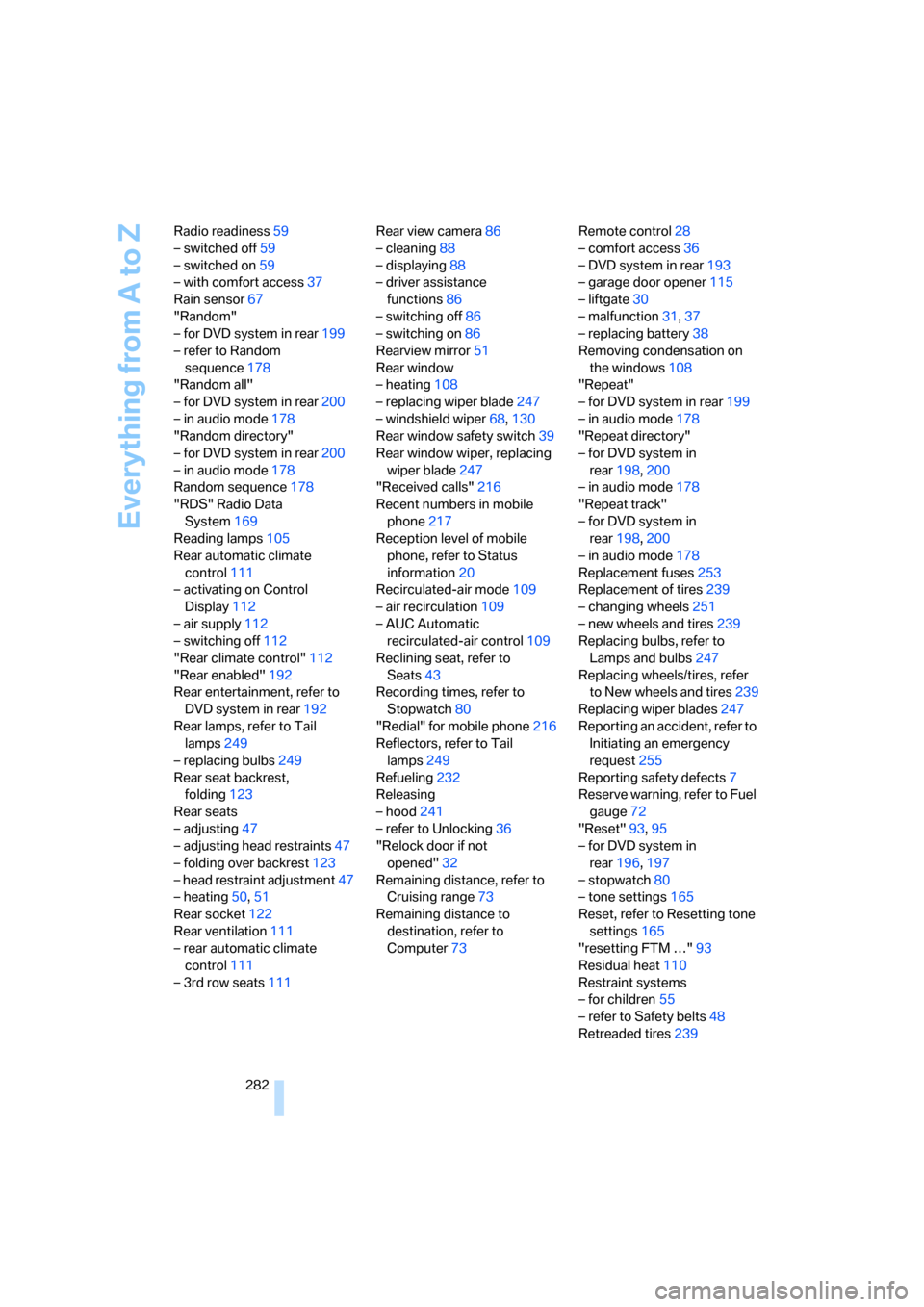
282 Radio readiness59
– switched off59
– switched on59
– with comfort access37
Rain sensor67
"Random"
– for DVD system in rear199
– refer to Random
sequence178
"Random all"
– for DVD system in rear200
– in audio mode178
"Random directory"
– for DVD system in rear200
– in audio mode178
Random sequence178
"RDS" Radio Data
System169
Reading lamps105
Rear automatic climate
control111
– activating on Control
Display112
– air supply112
– switching off112
"Rear climate control"112
"Rear enabled"192
Rear entertainment, refer to
DVD system in rear192
Rear lamps, refer to Tail
lamps249
– replacing bulbs249
Rear seat backrest,
folding123
Rear seats
– adjusting47
– adjusting head restraints47
– folding over backrest123
– head restraint adjustment47
– heating50,51
Rear socket122
Rear ventilation111
– rear automatic climate
control111
– 3rd row seats111Rear view camera86
– cleaning88
– displaying88
– driver assistance
functions86
– switching off86
– switching on86
Rearview mirror51
Rear window
– heating108
– replacing wiper blade247
– windshield wiper
68,130
Rear window safety switch39
Rear window wiper, replacing
wiper blade247
"Received calls"216
Recent numbers in mobile
phone217
Reception level of mobile
phone, refer to Status
information20
Recirculated-air mode109
– air recirculation109
– AUC Automatic
recirculated-air control109
Reclining seat, refer to
Seats43
Recording times, refer to
Stopwatch80
"Redial" for mobile phone216
Reflectors, refer to Tail
lamps249
Refueling232
Releasing
– hood241
– refer to Unlocking36
"Relock door if not
opened"32
Remaining distance, refer to
Cruising range73
Remaining distance to
destination, refer to
Computer73Remote control28
– comfort access36
– DVD system in rear193
– garage door opener115
– liftgate30
– malfunction31,37
– replacing battery38
Removing condensation on
the windows108
"Repeat"
– for DVD system in rear199
– in audio mode178
"Repeat directory"
– for DVD system in
rear198,200
– in audio mode178
"Repeat track"
– for DVD system in
rear198,200
– in audio mode178
Replacement fuses253
Replacement of tires239
– changing wheels251
– new wheels and tires239
Replacing bulbs, refer to
Lamps and bulbs247
Replacing wheels/tires, refer
to New wheels and tires239
Replacing wiper blades247
Reporting an accident, refer to
Initiating an emergency
request255
Reporting safety defects7
Reserve warning, refer to Fuel
gauge72
"Reset"93,95
– for DVD system in
rear196,197
– stopwatch80
– tone settings165
Reset, refer to Resetting tone
settings165
"resetting FTM …"93
Residual heat110
Restraint systems
– for children55
– refer to Safety belts48
Retreaded tires239
Page 288 of 292
Everything from A to Z
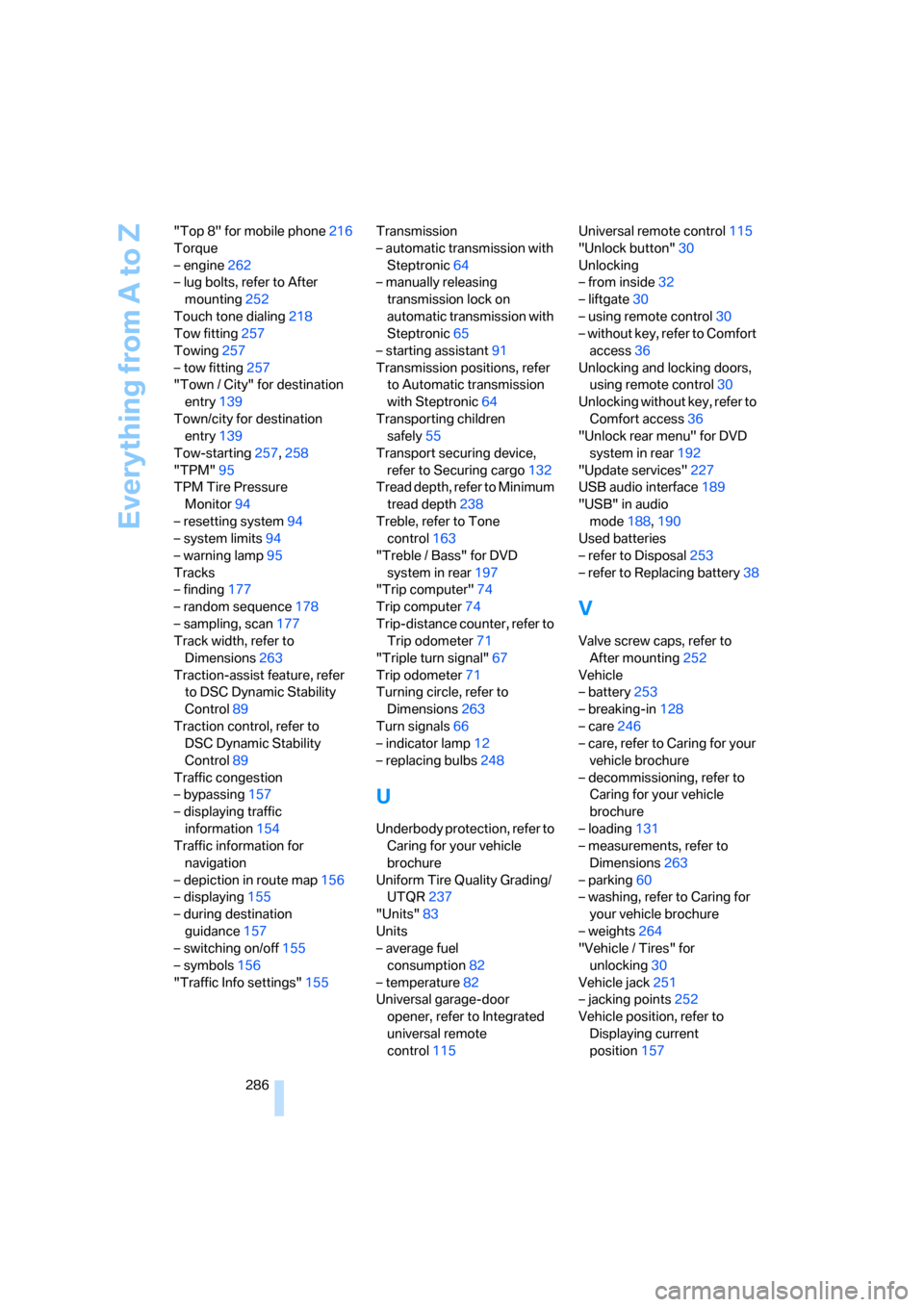
286 "Top 8" for mobile phone216
Torque
– engine262
– lug bolts, refer to After
mounting252
Touch tone dialing218
Tow fitting257
Towing257
– tow fitting257
"Town / City" for destination
entry139
Town/city for destination
entry139
Tow-starting257,258
"TPM"95
TPM Tire Pressure
Monitor94
– resetting system94
– system limits94
– warning lamp95
Tracks
– finding177
– random sequence178
– sampling, scan177
Track width, refer to
Dimensions263
Traction-assist feature, refer
to DSC Dynamic Stability
Control89
Traction control, refer to
DSC Dynamic Stability
Control89
Traffic congestion
– bypassing157
– displaying traffic
information154
Traffic information for
navigation
– depiction in route map156
– displaying155
– during destination
guidance157
– switching on/off155
– symbols156
"Traffic Info settings"155Transmission
– automatic transmission with
Steptronic64
– manually releasing
transmission lock on
automatic transmission with
Steptronic65
– starting assistant91
Transmission positions, refer
to Automatic transmission
with Steptronic64
Transporting children
safely55
Transport securing device,
refer to Securing cargo132
Tread depth, refer to Minimum
tread depth238
Treble, refer to Tone
control
163
"Treble / Bass" for DVD
system in rear197
"Trip computer"74
Trip computer74
Trip-distance counter, refer to
Trip odometer71
"Triple turn signal"67
Trip odometer71
Turning circle, refer to
Dimensions263
Turn signals66
– indicator lamp12
– replacing bulbs248
U
Underbody protection, refer to
Caring for your vehicle
brochure
Uniform Tire Quality Grading/
UTQR237
"Units"83
Units
– average fuel
consumption82
– temperature82
Universal garage-door
opener, refer to Integrated
universal remote
control115Universal remote control115
"Unlock button"30
Unlocking
– from inside32
– liftgate30
– using remote control30
– without key, refer to Comfort
access36
Unlocking and locking doors,
using remote control30
Unlocking without key, refer to
Comfort access36
"Unlock rear menu" for DVD
system in rear192
"Update services"227
USB audio interface189
"USB" in audio
mode188,190
Used batteries
– refer to Disposal253
– refer to Replacing battery38
V
Valve screw caps, refer to
After mounting252
Vehicle
– battery253
– breaking-in128
– care246
– care, refer to Caring for your
vehicle brochure
– decommissioning, refer to
Caring for your vehicle
brochure
– loading131
– measurements, refer to
Dimensions263
– parking60
– washing, refer to Caring for
your vehicle brochure
– weights264
"Vehicle / Tires" for
unlocking30
Vehicle jack251
– jacking points252
Vehicle position, refer to
Displaying current
position157