display BUICK LACROSSE 2009 Repair Manual
[x] Cancel search | Manufacturer: BUICK, Model Year: 2009, Model line: LACROSSE, Model: BUICK LACROSSE 2009Pages: 428
Page 215 of 428
To play the song list, press the LIST button. One beep
sounds and S-LIST displays. The recorded tracks
begins to play in the order they were saved.
Seek through the song list by using the SEEK arrows.
Seeking past the last saved track returns to the rst
saved track.
To delete tracks from the song list:
1. Turn the CD player on.
2. Press the LIST button to turn song list on.
LIST displays.
3. Press either SEEK arrow to select the desired track
to be deleted.
4. Press and hold the LIST button for two seconds.
When LIST is pressed, one beep sounds
immediately. After two seconds of continuously
pressing the LIST button, TRACK DELETE displays
and the radio beeps twice to conrm that the track
has been deleted.After a track has been deleted, the remaining tracks
are moved up the list. When another track is added to
the song list, the track is added to the end of the list.
To delete the entire song list:
1. Turn the CD player on.
2. Press the LIST button to turn song list on.
LIST displays.
3. Press and hold the LIST button for more than
four seconds. The radio beeps once, followed
by two beeps after two seconds, and a nal beep
sounds after four seconds. LIST EMPTY displays
indicating the song list has been deleted.
If a CD is ejected, and the song list contains saved
tracks from that CD, those tracks are automatically
deleted from the song list. Any tracks saved to the
song list again are added to the bottom of the list.
To end song list mode, press the LIST button. The radio
beeps once and LIST is removed from the display.
3-93
Page 216 of 428
CD Messages
CHECK CD:If this message displays and/or the CD
comes out, it could be for one of the following reasons:
It is very hot. When the temperature returns to
normal, the CD should play.
The road is very rough. When the road becomes
smoother, the CD should play.
The CD is dirty, scratched, wet, or upside down.
The air is very humid. If so, wait about an hour and
try again.
The format of the CD might not be compatible.
Depending on the radio, see “MP3 Format”
later in this section.
There could have been a problem while burning
the CD.
The label could be caught in the CD player.
If the CD is not playing correctly, for any other reason,
try a known good CD.
If any error occurs repeatedly or if an error cannot
be corrected, contact your dealer/retailer. If the radio
displays an error message, write it down and provide
it to your dealer/retailer when reporting the problem.
Care of CDs
CD sound quality can be reduced due to CD quality,
the method of recording, the quality of the music that has
been recorded, and the way the CD has been handled.
Handle them carefully. Store CD(s) in their original cases
or other protective cases and away from direct sunlight
and dust. The CD player scans the bottom surface of the
disc. If the surface of a CD is damaged, such as cracked,
broken, or scratched, the CD does not play properly or
not at all. Do not touch the bottom side of a CD while
handling it; this could damage the surface. Pick up CDs
by grasping the outer edges or the edge of the hole and
the outer edge.
If the surface of a CD is soiled, take a soft, lint free
cloth or dampen a clean, soft cloth in a mild, neutral
detergent solution mixed with water, and clean it.
Make sure the wiping process starts from the center
to the edge.
3-94
Page 217 of 428
Care of the CD Player
Do not add any label to a CD, it could get caught in the
CD player. If a CD is recorded on a personal computer
and a description label is needed, try labeling the top
of the recorded CD with a marking pen.
The use of CD lens cleaners for CDs is not advised,
due to the risk of contaminating the lens of the CD optics
with lubricants internal to the CD player mechanism.
Notice:If a label is added to a CD, or more than
one CD is inserted into the slot at a time, or an
attempt is made to play scratched or damaged CDs,
the CD player could be damaged. While using the CD
player, use only CDs in good condition without any
label, load one CD at a time, and keep the CD player
and the loading slot free of foreign materials, liquids,
and debris.
If an error displays, see “CD Messages” later in this
section.
Using an MP3
MP3 CD-R Disc
MP3 Format
If you burn an MP3 disc on a personal computer:
Make sure the MP3 les are recorded on a
CD-R disc.
Do not mix standard audio and MP3 les on
one disc.
Make sure playlists have a .mp3 or .wpl extension,
other le extensions may not work.
Files can be recorded with a variety of xed or
variable bit rates. Song title, artist name, and album
will be available for display by the radio when
recorded using ID3 tags version 1 and 2.
Create a folder structure that makes it easy to nd
songs while driving. Organize songs by albums
using one folder for each album. Each folder
or album should contain 18 songs or less.
Make sure to nalize the disc when burning an MP3
disc, using multiple sessions. It is usually better to
burn the disc all at once.
3-95
Page 218 of 428
The player is able to read and play a maximum of
50 folders, 50 playlists, 10 sessions, and 255 les.
Long le names, folder names, or playlist names could
use more disc memory space than necessary. To
conserve disc space, keep the length of the le, folder, or
playlist name brief. MP3 CDs do not require le folders.
The system can support up to 11 folders in depth. The
depth of the folders should be kept down to make it easier
while locating a folder during playback. All items over the
maximum are ignored.
Root Directory
The root directory is treated as a folder. If the root
directory has compressed audio les, the directory
displays as F1 ROOT. All les contained directly under
the root directory are accessed prior to any root directory
folders. However, playlists (Px) always are accessed
before root folders or les.
Empty Directory or Folder
If a root directory or a folder exists somewhere in the
le structure that contains only folders/subfolders and
no compressed les directly beneath them, the player
advances to the next folder in the le structure that
contains compressed audio les and the empty folder
does not display.
No Folder
If a CD has no folder, only compressed les or playlists
are located under the root folder. The next and
previous folder functions have no function on a CD that
is recorded without folders or playlists. When displaying
the name of the folder the radio displays ROOT.
Order of Play
Tracks are played in the following order:
Play begins from the rst track in the rst playlist
and continues sequentially through all tracks in
each playlist. When the last track of the last playlist
has played, play continues from the rst track of
the rst playlist.
If the CD does not contain any playlists, then play
begins from the rst track under the root directory.
When all tracks from the root directory have played,
play continues from les according to their numerical
listing. After playing the last track from the last folder,
play begins again at the rst track of the rst folder or
root directory.
When play enters a new folder, the display does
not automatically show the new folder name unless
the folder mode is chosen as the default display.
See “DISP” later in this section for more information.
The new track name displays.
3-96
Page 219 of 428
File System and Naming
The song name that displays is the song name that is
contained in the ID3 tag. If the song name is not present
in the ID3 tag, then the radio displays the le name
without the extension (such as .mp3) as the track name.
Track names longer than 32 characters or four pages
are shortened. The display does not show parts of words
on the last page of text, and the extension of the
lename is not displayed.
Preprogrammed Playlists
Preprogrammed playlists which were created by
WinAmp™, MusicMatch™, or Real Jukebox™ software
can be accessed, however, there is no editing capability.
These playlists are treated as special folders containing
compressed audio song les.
Playing an MP3
Insert a CD partway into the slot, label side up.
The player pulls it in, and READING DISC displays.
The CD should begin playing and the CD symbol
displays. See “Playing a CD” earlier in this section.
3
N(Repeat):Repeat lets one track, the entire folder,
or playlist be repeated.
Press and release this button until REPEAT TRACK,
REPEAT FOLDER, or REPEAT P-LIST displays.
The current track, folder or playlist continues to repeat.
Press and release this button until REPEAT OFF displays
to turn off repeated play.4 RDM (Random):Press to hear tracks in random,
rather than sequential order. The entire folder, playlist,
or CD can be played in random order.
Press and release this pushbutton until RANDOM
FOLDER, RANDOM P-LIST (playlist), or RANDOM
DISC displays. Once all of the tracks in the current folder
or playlist have played, the system moves on to the
next folder or playlist, and plays all of the tracks
in random order.
While in random, pressing and releasing
oorpSEEK
arrow takes you to the previous or to the next random
track.
Press and release this pushbutton until RANDOM OFF
displays, to turn off random play.
5
!(Previous Folder):Press to go to the rst track in
the previous folder. Press this button while in random
folder mode to go to the previous folder and randomly
play the tracks in that folder.
6
#(Next Folder):Press to go to the rst track in the
next folder. Press this button while in random folder
mode to go to the next folder and randomly play
the tracks in that folder.
3-97
Page 220 of 428
DISP (Display):Press to change between track mode,
folder/playlist mode, and ID3 tag. The display shows
only eight characters, but there can be up to four pages
of text. If there are more than eight characters in the
song, folder, or playlist name, pressing this knob within
two seconds goes to the next page of text. If there
are no other pages to be shown, pressing this button
within two seconds goes to the next display mode.
Song name and time of day mode displays
the current song name and time of day.
Folder/playlist mode displays the current folder or
playlist number the track number and the elapsed
time of the track.
Song name and track number mode displays the
current song name and track number.
ID3 Tag and folder mode displays the ID3 tag
information and the folder number.
Song and folder mode displays the number of
songs in the folder and the folder number.
INFO (Information):INFO displays when a current
track has ID3 tag information. Press this button to
display the artist name and album contained in the tag.
BAND:Press to listen to the radio when a CD is
playing. The inactive CD remains inside the radio
for future listening.
XM Radio Messages
XL (Explicit Language Channels):These
channels, or any others, can be blocked by
calling 1-800-852-XMXM (9696).
Updating:The encryption code in the receiver is being
updated, and no action is required. This process should
take no longer than 30 seconds.
No Signal:The system is functioning correctly, but the
vehicle is in a location that is blocking the XM signal.
When the vehicle is moved into an open area, the signal
should return.
Loading XM:The audio system is acquiring and
processing audio and text data. No action is needed.
This message should disappear shortly.
CH Off Air:This channel is not currently in service.
Tune in to another channel.
CH Unauth:This channel is blocked or cannot be
received with your XM Subscription package.
CH Unavail:This previously assigned channel is no
longer assigned. Tune to another station. If this station
was one of the presets, choose another station for
that preset button.
3-98
Page 235 of 428
Backglass Antenna
The AM-FM antenna is integrated with the rear window
defogger, located in the rear window. Make sure that
the inside surface of the rear window is not scratched
and that the lines on the glass are not damaged. If the
inside surface is damaged, it could interfere with radio
reception. For proper radio reception, the antenna
connector needs to be properly attached to the post
on the glass.
If a cellular telephone antenna needs to be attached to
the glass, make sure that the grid lines for the AM-FM
antenna are not damaged. There is enough space
between the grid lines to attach a cellular telephone
antenna without interfering with radio reception.
Notice:Using a razor blade or sharp object to
clear the inside rear window may damage the rear
window antenna and/or the rear window defogger.
Repairs would not be covered by your warranty.
Do not clear the inside rear window with sharp
objects.
Notice:Do not apply aftermarket glass tinting
with metallic lm. The metallic lm in some tinting
materials will interfere with or distort the incoming
radio reception. Any damage caused to your
backglass antenna due to metallic tinting materials
will not be covered by your warranty.
XM™ Satellite Radio Antenna
System
The XM Satellite Radio antenna is located on the roof of
the vehicle. Keep the antenna clear of obstructions for
clear radio reception.
If the vehicle has a sunroof, the performance of the XM
system may be affected if the sunroof is open.
Chime Level Adjustment
The radio is used to adjust the vehicle’s chime level.
To change the volume level of the chime, press and hold
pushbutton 6 with the ignition on and the radio power off.
The volume level will change from the normal level to
loud, and LOUD will appear on the radio display. To
change back to the default or normal setting, press and
hold pushbutton 6 again. The volume level will change
from the loud level to normal, and NORMAL will appear
on the radio display. Removing the radio and not
replacing it with a factory radio or chime module will
disable vehicle chimes.
3-113
Page 242 of 428
StabiliTrak®System
The vehicle may be equipped with a vehicle stability
enhancement system called StabiliTrak. It is an
advanced computer controlled system that assists with
directional control of the vehicle in difficult driving
conditions.
StabiliTrak activates when the computer senses a
discrepancy between the intended path and the direction
the vehicle is actually traveling. StabiliTrak selectively
applies braking pressure at any one of the vehicle’s
brakes to assist the driver with keeping the vehicle on
the intended path.
When the system activates, STABILITY CONTROL
ACTIVE comes on the Driver Information Center (DIC).
SeeDIC Warnings and Messages on page 3-56.
The system may be heard or felt while it is working.
This is normal. Continue to steer the vehicle in the
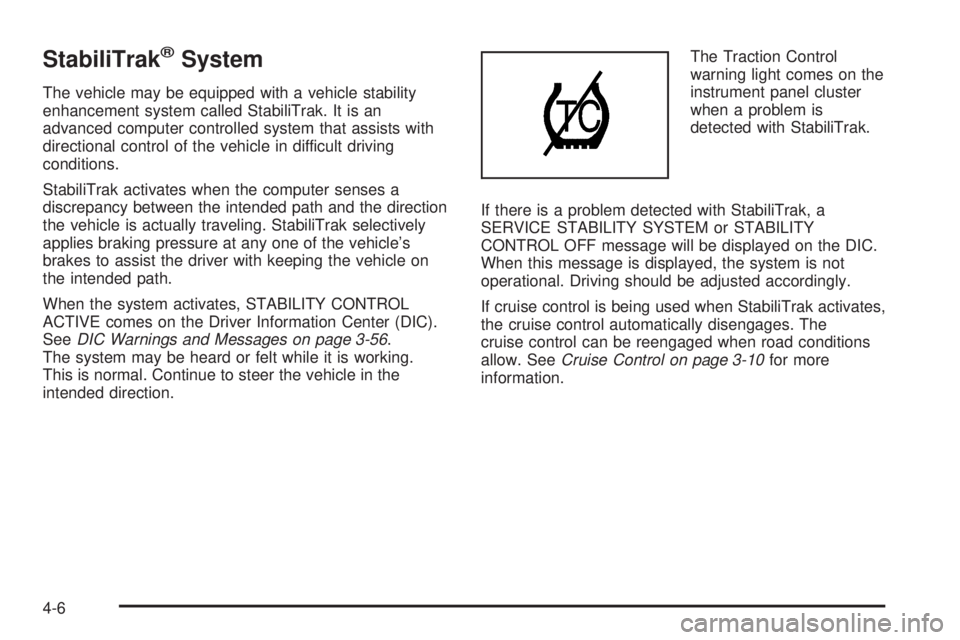
intended direction.The Traction Control
warning light comes on the
instrument panel cluster
when a problem is
detected with StabiliTrak.
If there is a problem detected with StabiliTrak, a
SERVICE STABILITY SYSTEM or STABILITY
CONTROL OFF message will be displayed on the DIC.
When this message is displayed, the system is not
operational. Driving should be adjusted accordingly.
If cruise control is being used when StabiliTrak activates,
the cruise control automatically disengages. The
cruise control can be reengaged when road conditions
allow. SeeCruise Control on page 3-10for more
information.
4-6
Page 243 of 428
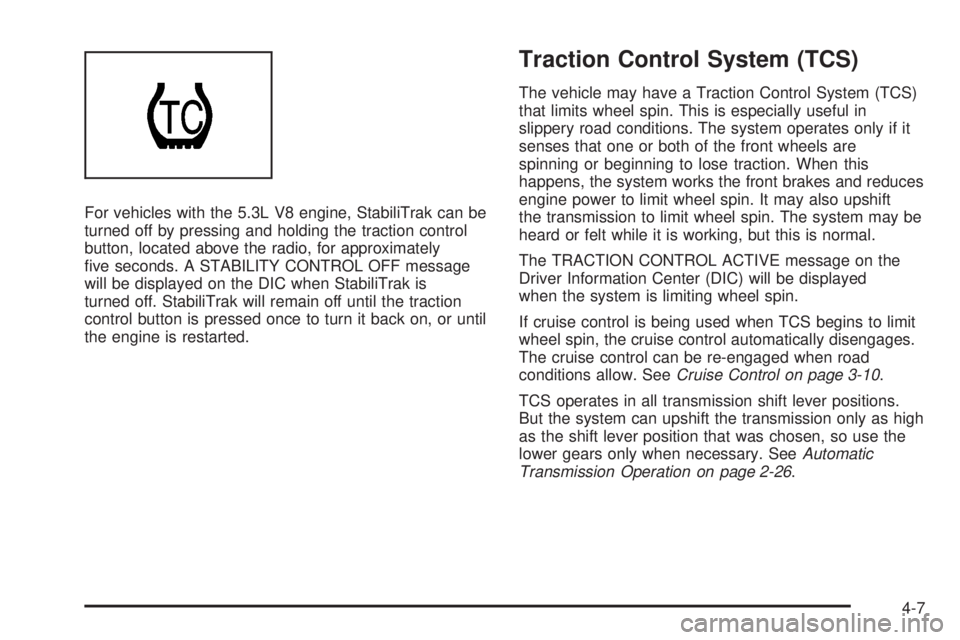
For vehicles with the 5.3L V8 engine, StabiliTrak can be
turned off by pressing and holding the traction control
button, located above the radio, for approximately
ve seconds. A STABILITY CONTROL OFF message
will be displayed on the DIC when StabiliTrak is
turned off. StabiliTrak will remain off until the traction
control button is pressed once to turn it back on, or until
the engine is restarted.
Traction Control System (TCS)
The vehicle may have a Traction Control System (TCS)
that limits wheel spin. This is especially useful in
slippery road conditions. The system operates only if it
senses that one or both of the front wheels are
spinning or beginning to lose traction. When this
happens, the system works the front brakes and reduces
engine power to limit wheel spin. It may also upshift
the transmission to limit wheel spin. The system may be
heard or felt while it is working, but this is normal.
The TRACTION CONTROL ACTIVE message on the
Driver Information Center (DIC) will be displayed
when the system is limiting wheel spin.
If cruise control is being used when TCS begins to limit
wheel spin, the cruise control automatically disengages.
The cruise control can be re-engaged when road
conditions allow. SeeCruise Control on page 3-10.
TCS operates in all transmission shift lever positions.
But the system can upshift the transmission only as high
as the shift lever position that was chosen, so use the
lower gears only when necessary. SeeAutomatic
Transmission Operation on page 2-26.
4-7
Page 244 of 428
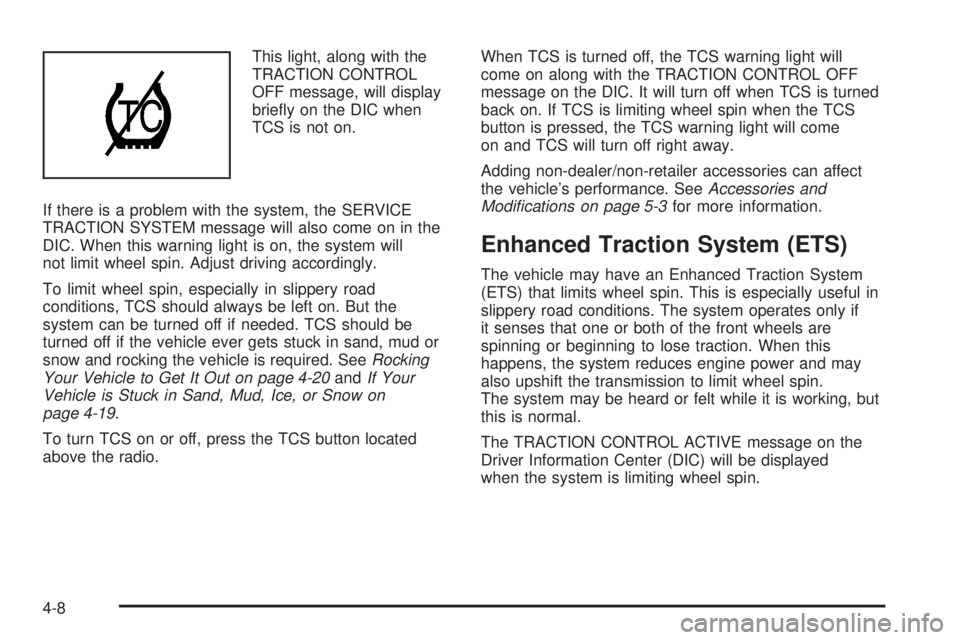
This light, along with the
TRACTION CONTROL
OFF message, will display
briey on the DIC when
TCS is not on.
If there is a problem with the system, the SERVICE
TRACTION SYSTEM message will also come on in the
DIC. When this warning light is on, the system will
not limit wheel spin. Adjust driving accordingly.
To limit wheel spin, especially in slippery road
conditions, TCS should always be left on. But the
system can be turned off if needed. TCS should be
turned off if the vehicle ever gets stuck in sand, mud or
snow and rocking the vehicle is required. SeeRocking
Your Vehicle to Get It Out on page 4-20andIf Your
Vehicle is Stuck in Sand, Mud, Ice, or Snow on
page 4-19.
To turn TCS on or off, press the TCS button located
above the radio.When TCS is turned off, the TCS warning light will
come on along with the TRACTION CONTROL OFF
message on the DIC. It will turn off when TCS is turned
back on. If TCS is limiting wheel spin when the TCS
button is pressed, the TCS warning light will come
on and TCS will turn off right away.
Adding non-dealer/non-retailer accessories can affect
the vehicle’s performance. SeeAccessories and
Modifications on page 5-3for more information.
Enhanced Traction System (ETS)
The vehicle may have an Enhanced Traction System
(ETS) that limits wheel spin. This is especially useful in
slippery road conditions. The system operates only if
it senses that one or both of the front wheels are
spinning or beginning to lose traction. When this
happens, the system reduces engine power and may
also upshift the transmission to limit wheel spin.
The system may be heard or felt while it is working, but
this is normal.
The TRACTION CONTROL ACTIVE message on the
Driver Information Center (DIC) will be displayed
when the system is limiting wheel spin.
4-8