change time BUICK LUCERNE 2011 User Guide
[x] Cancel search | Manufacturer: BUICK, Model Year: 2011, Model line: LUCERNE, Model: BUICK LUCERNE 2011Pages: 450, PDF Size: 3.63 MB
Page 200 of 450

Black plate (44,1)Buick Lucerne Owner Manual - 2011
To use the retro-active reset feature, press and hold
the set/reset button for at least four seconds. The trip
odometer will display the number of kilometers (km) or
miles (mi) driven since the ignition was last turned on
and the vehicle was moving. Once the vehicle begins
moving, the trip odometer will accumulate mileage. For
example, if the vehicle was driven 8 km (5 miles) before
it is started again, and then the retro-active reset feature
is activated, the display will show 8 km (5 miles). As the
vehicle begins moving, the display will then increase to
8.2 km (5.1 miles), 8.4 km (5.2 miles), etc.
If the retro-active reset feature is activated after the
vehicle is started, but before it begins moving, the
display will show the number of kilometers (km) or
miles (mi) that were driven during the last ignition cycle.
Fuel Range
Press the trip/fuel button until FUEL RANGE displays.
This display shows the approximate number of
remaining kilometers (km) or miles (mi) the vehicle can
be driven without refueling.
The fuel range estimate is based on an average of the
vehicle's fuel economy over recent driving history and
the amount of fuel remaining in the fuel tank. This
estimate will change if driving conditions change. For
example, if driving in traffic and making frequent stops,
this display may read one number, but if the vehicle is
driven on a freeway, the number may change even
though the same amount of fuel is in the fuel tank.This is because different driving conditions produce
different fuel economies. Generally, freeway driving
produces better fuel economy than city driving.
If your vehicle is low on fuel, the FUEL LEVEL LOW
message will be displayed. See
“FUEL LEVEL LOW”
under DIC Warnings and Messages
on page 4‑49for
more information.
Average Economy
Press the trip/fuel button until AVG ECONOMY
displays. This display shows the approximate average
liters per 100 kilometers (L/100 km) or miles per gallon
(mpg). This number is calculated based on the number
of L/100 km (mpg) recorded since the last time this
menu item was reset. To reset AVG ECONOMY, press
and hold the set/reset button. The display will return
to zero.
Instantaneous Economy
Press the trip/fuel button until INST ECONOMY
displays. This display shows the current fuel economy
at a particular moment and will change frequently as
driving conditions change. This display shows the
instantaneous fuel economy in liters per 100 kilometers
(L/100 km) or miles per gallon (mpg). Unlike average
economy, this screen cannot be reset.
4-44
Page 201 of 450
Black plate (45,1)Buick Lucerne Owner Manual - 2011
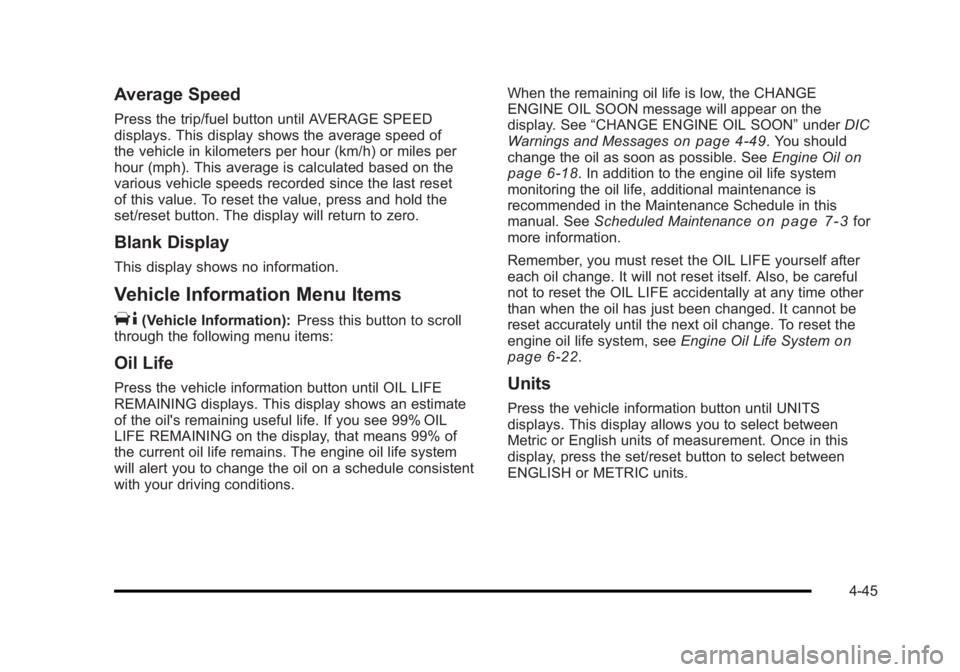
Average Speed
Press the trip/fuel button until AVERAGE SPEED
displays. This display shows the average speed of
the vehicle in kilometers per hour (km/h) or miles per
hour (mph). This average is calculated based on the
various vehicle speeds recorded since the last reset
of this value. To reset the value, press and hold the
set/reset button. The display will return to zero.
Blank Display
This display shows no information.
Vehicle Information Menu Items
T
(Vehicle Information):Press this button to scroll
through the following menu items:
Oil Life
Press the vehicle information button until OIL LIFE
REMAINING displays. This display shows an estimate
of the oil's remaining useful life. If you see 99% OIL
LIFE REMAINING on the display, that means 99% of
the current oil life remains. The engine oil life system
will alert you to change the oil on a schedule consistent
with your driving conditions. When the remaining oil life is low, the CHANGE
ENGINE OIL SOON message will appear on the
display. See
“CHANGE ENGINE OIL SOON” underDIC
Warnings and Messages
on page 4‑49. You should
change the oil as soon as possible. See Engine Oilon
page 6‑18. In addition to the engine oil life system
monitoring the oil life, additional maintenance is
recommended in the Maintenance Schedule in this
manual. See Scheduled Maintenance
on page 7‑3for
more information.
Remember, you must reset the OIL LIFE yourself after
each oil change. It will not reset itself. Also, be careful
not to reset the OIL LIFE accidentally at any time other
than when the oil has just been changed. It cannot be
reset accurately until the next oil change. To reset the
engine oil life system, see Engine Oil Life System
on
page 6‑22.
Units
Press the vehicle information button until UNITS
displays. This display allows you to select between
Metric or English units of measurement. Once in this
display, press the set/reset button to select between
ENGLISH or METRIC units.
4-45
Page 218 of 450
Black plate (62,1)Buick Lucerne Owner Manual - 2011
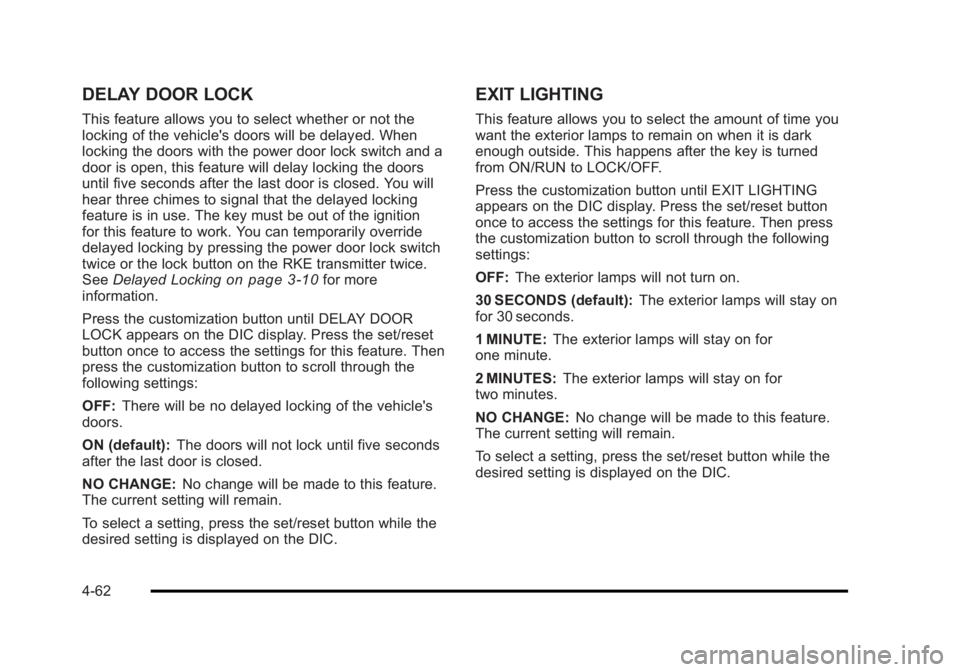
DELAY DOOR LOCK
This feature allows you to select whether or not the
locking of the vehicle's doors will be delayed. When
locking the doors with the power door lock switch and a
door is open, this feature will delay locking the doors
until five seconds after the last door is closed. You will
hear three chimes to signal that the delayed locking
feature is in use. The key must be out of the ignition
for this feature to work. You can temporarily override
delayed locking by pressing the power door lock switch
twice or the lock button on the RKE transmitter twice.
SeeDelayed Locking
on page 3‑10for more
information.
Press the customization button until DELAY DOOR
LOCK appears on the DIC display. Press the set/reset
button once to access the settings for this feature. Then
press the customization button to scroll through the
following settings:
OFF: There will be no delayed locking of the vehicle's
doors.
ON (default): The doors will not lock until five seconds
after the last door is closed.
NO CHANGE: No change will be made to this feature.
The current setting will remain.
To select a setting, press the set/reset button while the
desired setting is displayed on the DIC.
EXIT LIGHTING
This feature allows you to select the amount of time you
want the exterior lamps to remain on when it is dark
enough outside. This happens after the key is turned
from ON/RUN to LOCK/OFF.
Press the customization button until EXIT LIGHTING
appears on the DIC display. Press the set/reset button
once to access the settings for this feature. Then press
the customization button to scroll through the following
settings:
OFF: The exterior lamps will not turn on.
30 SECONDS (default): The exterior lamps will stay on
for 30 seconds.
1 MINUTE: The exterior lamps will stay on for
one minute.
2 MINUTES: The exterior lamps will stay on for
two minutes.
NO CHANGE: No change will be made to this feature.
The current setting will remain.
To select a setting, press the set/reset button while the
desired setting is displayed on the DIC.
4-62
Page 220 of 450
Black plate (64,1)Buick Lucerne Owner Manual - 2011
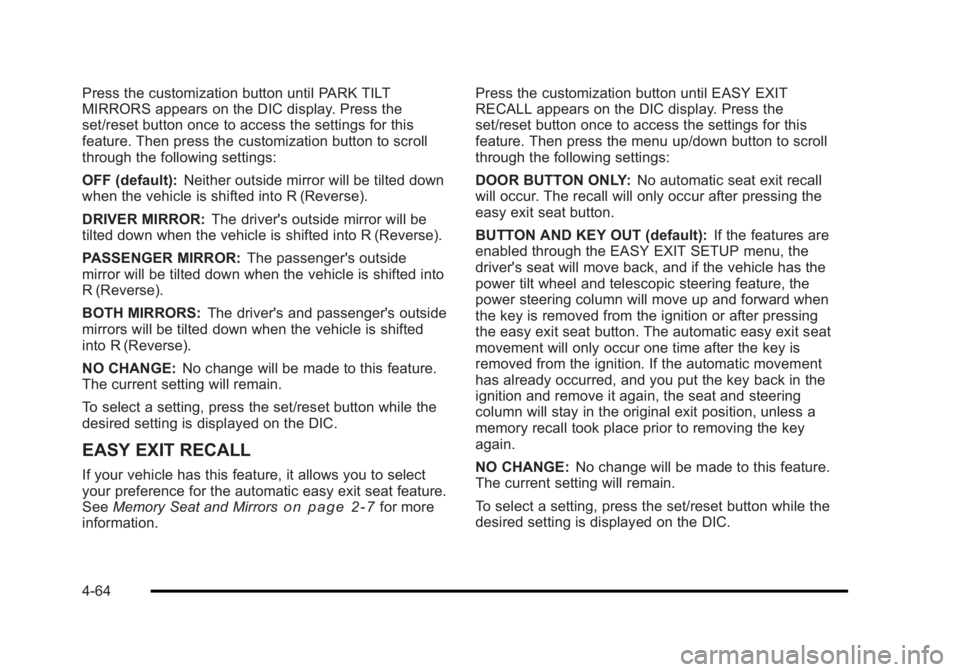
Press the customization button until PARK TILT
MIRRORS appears on the DIC display. Press the
set/reset button once to access the settings for this
feature. Then press the customization button to scroll
through the following settings:
OFF (default):Neither outside mirror will be tilted down
when the vehicle is shifted into R (Reverse).
DRIVER MIRROR: The driver's outside mirror will be
tilted down when the vehicle is shifted into R (Reverse).
PASSENGER MIRROR: The passenger's outside
mirror will be tilted down when the vehicle is shifted into
R (Reverse).
BOTH MIRRORS: The driver's and passenger's outside
mirrors will be tilted down when the vehicle is shifted
into R (Reverse).
NO CHANGE: No change will be made to this feature.
The current setting will remain.
To select a setting, press the set/reset button while the
desired setting is displayed on the DIC.
EASY EXIT RECALL
If your vehicle has this feature, it allows you to select
your preference for the automatic easy exit seat feature.
See Memory Seat and Mirrors
on page 2‑7for more
information. Press the customization button until EASY EXIT
RECALL appears on the DIC display. Press the
set/reset button once to access the settings for this
feature. Then press the menu up/down button to scroll
through the following settings:
DOOR BUTTON ONLY:
No automatic seat exit recall
will occur. The recall will only occur after pressing the
easy exit seat button.
BUTTON AND KEY OUT (default): If the features are
enabled through the EASY EXIT SETUP menu, the
driver's seat will move back, and if the vehicle has the
power tilt wheel and telescopic steering feature, the
power steering column will move up and forward when
the key is removed from the ignition or after pressing
the easy exit seat button. The automatic easy exit seat
movement will only occur one time after the key is
removed from the ignition. If the automatic movement
has already occurred, and you put the key back in the
ignition and remove it again, the seat and steering
column will stay in the original exit position, unless a
memory recall took place prior to removing the key
again.
NO CHANGE: No change will be made to this feature.
The current setting will remain.
To select a setting, press the set/reset button while the
desired setting is displayed on the DIC.
4-64
Page 224 of 450
Black plate (68,1)Buick Lucerne Owner Manual - 2011
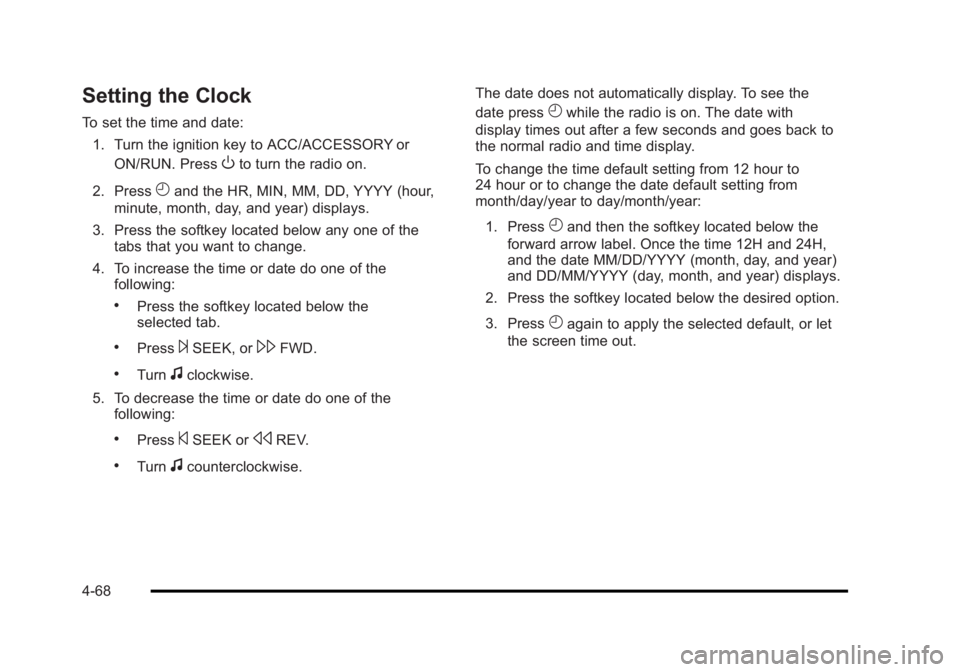
Setting the Clock
To set the time and date:1. Turn the ignition key to ACC/ACCESSORY or ON/RUN. Press
Oto turn the radio on.
2. Press
Hand the HR, MIN, MM, DD, YYYY (hour,
minute, month, day, and year) displays.
3. Press the softkey located below any one of the tabs that you want to change.
4. To increase the time or date do one of the following:
.Press the softkey located below the
selected tab.
.Press¨SEEK, or\FWD.
.Turnfclockwise.
5. To decrease the time or date do one of the following:
.Press©SEEK orsREV.
.Turnfcounterclockwise. The date does not automatically display. To see the
date press
Hwhile the radio is on. The date with
display times out after a few seconds and goes back to
the normal radio and time display.
To change the time default setting from 12 hour to
24 hour or to change the date default setting from
month/day/year to day/month/year:
1. Press
Hand then the softkey located below the
forward arrow label. Once the time 12H and 24H,
and the date MM/DD/YYYY (month, day, and year)
and DD/MM/YYYY (day, month, and year) displays.
2. Press the softkey located below the desired option.
3. Press
Hagain to apply the selected default, or let
the screen time out.
4-68
Page 233 of 450
Black plate (77,1)Buick Lucerne Owner Manual - 2011
Notice:If a label is added to a CD, more than one
CD is inserted into the slot at a time, or an attempt
is made to play scratched or damaged CDs, the
CD player could be damaged. While using the CD
player, use only CDs in good condition without any
label, load one CD at a time, and keep the CD player
and the loading slot free of foreign materials,
liquids, and debris.
If an error displays, see “CD Messages”earlier in this
section.
Using the Auxiliary Input Jack
The radio system may have a 3.5 mm (1/8 in) auxiliary
input jack located on the faceplate. This is not an audio
output; do not plug the headphone set into the front
auxiliary input jack. An external audio device such as an
iPod
®, laptop computer, MP3 player, CD changer, etc.
can be connected to the auxiliary input jack for use as
another audio source.
Drivers are encouraged to set up any auxiliary device
while the vehicle is in P (Park). See Defensive Driving
on page 5‑2for more information on driver distraction. To use a portable audio player, connect a 3.5 mm
(1/8 in) cable to the radio's front auxiliary input jack.
When a device is connected, press the radio CD/AUX
button to begin playing audio from the device over the
vehicle speakers.
O(Power/Volume):
Turn to adjust the volume.
Additional volume adjustments may have to be made
from the portable device if the volume is too quiet or
too loud.
BAND: Press to listen to the radio while a portable
audio device is playing. The portable audio device
continues playing until it is stopped or turned off.
CD/AUX (CD/Auxiliary): Press to play a CD while a
portable audio device is playing. Press again and the
system begins playing audio from the connected
portable audio player. If a portable audio player is not
connected, No Aux Input Device Found may display.
Using the USB Port
Radio's with a USB port can control a USB storage
device or an iPod®using the radio buttons and knobs.
See Using an MP3on page 4‑78for information about
how to connect and control a USB storage device or
an iPod.
4-77
Page 244 of 450
Black plate (88,1)Buick Lucerne Owner Manual - 2011
Pairing Information
.Up to five cell phones can be paired to the
Bluetooth system.
.The pairing process is disabled when the vehicle is
moving.
.Pairing only needs to be completed once, unless
the pairing information on the cell phone changes
or the cell phone is deleted from the system.
.Only one paired cell phone can be connected to
the Bluetooth system at a time.
.If multiple paired cell phones are within range
of the system, the system connects to the first
available paired cell phone in the order that they
were first paired to the system. To link to a different
paired phone, see“Linking to a Different Phone”
later in this section.
Pairing a Phone
1. Press and holdb gfor two seconds.
2. Say “Bluetooth.”
3. Say “Pair.”The system responds with instructions
and a four‐digit PIN number. The PIN number is
used in Step 5. 4. Start the pairing process on the cell phone that you
want to pair. For help with this process, see your
cell phone manufacturers user guide.
5. Locate the device named “Your Vehicle”in the list
on the cell phone. Follow the instructions on the
cell phone to enter the PIN number that was
provided in Step 3. After the PIN number is
successfully entered, the system prompts you to
provide a name for the paired cell phone. This
name will be used to indicate which phones are
paired and connected to the vehicle, see “Listing
All Paired and Connected Phones” later in this
section for more information.
6. Repeat Steps 1 through 5 to pair additional phones.
Listing All Paired and Connected Phones
The system can list all cell phones paired to it. If a
paired cell phone is also connected to the vehicle,
the system responds with “is connected”after that
phone name.
1. Press and hold
b gfor two seconds.
2. Say “Bluetooth.”
3. Say “List.”
4-88
Page 245 of 450
Black plate (89,1)Buick Lucerne Owner Manual - 2011
Deleting a Paired Phone
If the phone name you want to delete is unknown, see
“Listing All Paired and Connected Phones.”1. Press and hold
b gfor two seconds.
2. Say “Bluetooth.”
3. Say “Delete.” The system asks for which phone to
delete.
4. Say the name of the phone you want to delete.
Connecting to a Different Phone
To connect to a different cell phone, the Bluetooth
system looks for the next available cell phone in the
order in which all the available cell phones were paired.
Depending on which cell phone you want to connect to,
you may have to use this command several times.
1. Press and hold
b gfor two seconds.
2. Say “Bluetooth.”
3. Say “Change phone.”
.If another cell phone is found, the response will
be“
.If another cell phone is not found, the original
phone remains connected.
Storing and Deleting Phone Numbers
The system can store up to 30 phone numbers as name
tags in the Hands Free Directory that is shared between
the Bluetooth and OnStar systems.
The following commands are used delete and store
phone numbers.
Store: This command will store a phone number, or a
group of numbers as a name tag.
Digit Store: This command allows a phone number to
be stored as a name tag by entering the digits one at
a time.
Delete: This command is used to delete individual
name tags.
Delete All Name Tags: This command deletes all
stored name tags in the Hands Free Calling Directory
and the OnStarTurn by Turn Destinations Directory.
Using the “Store”Command
1. Press and holdbgfor two seconds.
2. Say “Store.”
3. Say the phone number or group of numbers you want to store all at once with no pauses, then
follow the directions given by the system to save a
name tag for this number.
4-89
Page 247 of 450
Black plate (91,1)Buick Lucerne Owner Manual - 2011
Making a Call
Calls can be made using the following commands.
Dial or Call:The dial or call command can be used
interchangeably to dial a phone number or a stored
name tag.
Digit Dial: This command allows a phone number to be
dialed by entering the digits one at a time.
Re‐dial: This command is used to dial the last number
used on the cell phone.
Using the “Dial”or“Call” Command
1. Press and holdbgfor two seconds.
2. Say “Dial”or“Call.”
3. Say the entire number without pausing or say the name tag.
Once connected, the person called will be heard
through the audio speakers.
Using the “Digit Dial” Command
The digit dial command allows a phone number to be
dialed by entering the digits one at a time. After each
digit is entered, the system repeats back the digit it
heard followed by a tone.
If an unwanted number is recognized by the system,
say“Clear” at any time to clear the last number. To hear all of the numbers recognized by the system,
say
“Verify” at any time.
1. Press and hold
b gfor two seconds.
2. Say “Digit Dial.”
3. Say each digit, one at a time, that you want to dial. After each digit is entered, the system repeats
back the digit it heard followed by a tone. After the
last digit has been entered, say “Dial.”
Once connected, the person called will be heard
through the audio speakers.
Using the “Re‐dial”Command
1. Press and holdbgfor two seconds.
2. After the tone, say “Re‐dial.”
Once connected, the person called will be heard
through the audio speakers.
Receiving a Call
When an incoming call is received, the audio system
mutes and a ring tone is heard in the vehicle.
.Pressb gto answer the call.
.Pressc xto ignore a call.
4-91
Page 259 of 450
Black plate (5,1)Buick Lucerne Owner Manual - 2011
ABS can change the brake pressure to each wheel, as
required, faster than any driver could. This can help the
driver steer around the obstacle while braking hard.
As the brakes are applied, the computer keeps
receiving updates on wheel speed and controls
braking pressure accordingly.
Remember: ABS does not change the time needed to
get a foot up to the brake pedal or always decrease
stopping distance. If you get too close to the vehicle in
front of you, there will not be enough time to apply the
brakes if that vehicle suddenly slows or stops. Always
leave enough room up ahead to stop, even with ABS.
Using ABS
Do not pump the brakes. Just hold the brake pedal
down firmly and let antilock work. The antilock pump or
motor operating might be heard and the brake pedal
might be felt to pulsate, but this is normal.
Braking in Emergencies
ABS allows the driver to steer and brake at the same
time. In many emergencies, steering can help more
than even the very best braking.
Brake Assist
This vehicle has a Brake Assist feature designed to
assist the driver in stopping or decreasing vehicle
speed in emergency driving conditions. This feature
uses the stability system hydraulic brake control module
to supplement the power brake system under conditions
where the driver has quickly and forcefully applied the
brake pedal in an attempt to quickly stop or slow down
the vehicle. The stability system hydraulic brake control
module increases brake pressure at each corner of
the vehicle until the ABS activates. Minor brake pedal
pulsations or pedal movement during this time is normal
and the driver should continue to apply the brake pedal
as the driving situation dictates The Brake Assist
feature will automatically disengage when the brake
pedal is released or brake pedal pressure is quickly
decreased.
StabiliTrak®System
The vehicle has a StabiliTrak system which combines
antilock brake, traction and stability control systems
and helps the driver maintain directional control of the
vehicle in most driving conditions. This is accomplished
by selectively applying any one of the vehicle's brakes
and reducing engine power.
The StabiliTrak system comes on automatically
whenever the vehicle is started. The system cannot be
turned off.
5-5