battery CADILLAC CTS 2004 1.G User Guide
[x] Cancel search | Manufacturer: CADILLAC, Model Year: 2004, Model line: CTS, Model: CADILLAC CTS 2004 1.GPages: 454, PDF Size: 2.87 MB
Page 147 of 454
Entry Lighting
The entry lighting system turns on the reading and
dome lamps and the backlighting to the exterior lamp
control when a door is opened or if you press the remote
keyless entry transmitter unlock button. If activated by
the transmitter, the lighting will remain active for
about 25 seconds. The entry lighting system uses the
light sensor; it must be dark outside in order for the
lamps to turn on. The lamps turn off about 25 seconds
after the last door is closed. They will dim to off if
the ignition key is placed in ON, or immediately
deactivate if the power locks are activated.
Parade Dimming
This feature prohibits dimming of the instrument panel
displays and backlighting during daylight hours when the
key is in the ignition and the headlamps are on. This
feature operates with the light sensor and is fully
automatic. When the light sensor reads darkness outside
and the parking lamps are active, the instrument
panel displays can be adjusted by sliding the instrument
panel brightness lever toward the symbol to brighten
or away from the symbol to dim the lighting.
Reading Lamps
The reading lamps are located on the overhead console.
These lamps come on automatically when any door
is opened.For manual operation, press the button next to each
lamp to turn it on. Press it again to turn the lamp off.
If the reading lamps are left on, they automatically shut
off 10 minutes after the ignition has been turned off.
Accessory Power Outlets
With accessory power outlets, you can plug in auxiliary
electrical equipment such as a cellular telephone or
CB radio.
The front accessory power outlet is located in the
ashtray on the instrument panel below the climate
control system. The outlet will have a cigarette lighter
if your vehicle has this option. Remove the cigarette
lighter to access the outlet.
The rear accessory power outlet is located on the back
of the center console.
Your vehicle may have a small cap that must be
removed to access the accessory power outlet. If it
does, when not using the outlet be sure to cover it with
the protective cap.
Notice:Leaving electrical equipment on for
extended periods will drain the battery. Always turn
off electrical equipment when not in use and do
not plug in equipment that exceeds the maximum
amperage rating.
3-27
Page 163 of 454
Charging System Light
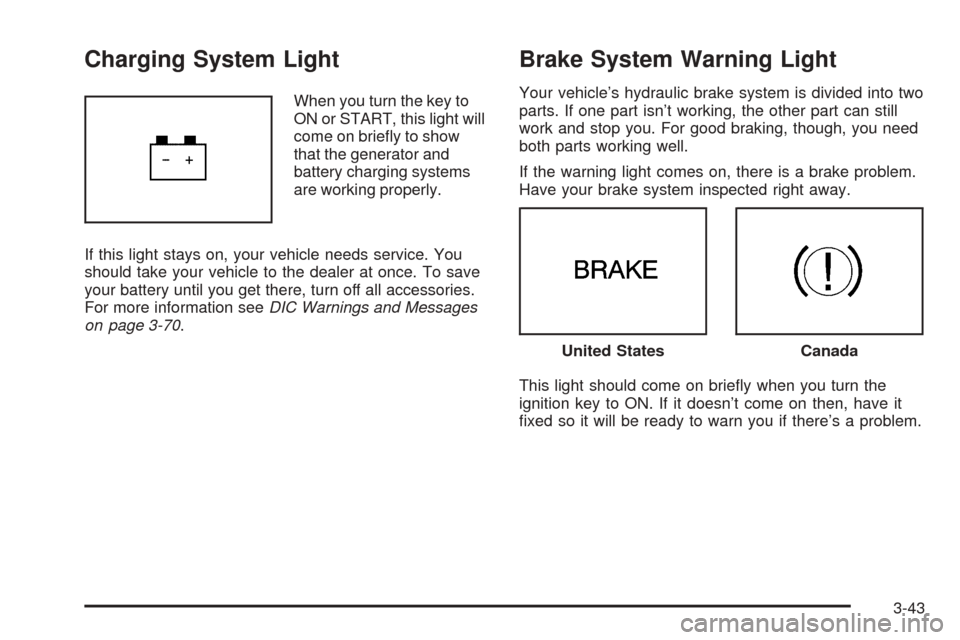
When you turn the key to
ON or START, this light will
come on briey to show
that the generator and
battery charging systems
are working properly.
If this light stays on, your vehicle needs service. You
should take your vehicle to the dealer at once. To save
your battery until you get there, turn off all accessories.
For more information seeDIC Warnings and Messages
on page 3-70.
Brake System Warning Light
Your vehicle’s hydraulic brake system is divided into two
parts. If one part isn’t working, the other part can still
work and stop you. For good braking, though, you need
both parts working well.
If the warning light comes on, there is a brake problem.
Have your brake system inspected right away.
This light should come on briey when you turn the
ignition key to ON. If it doesn’t come on then, have it
xed so it will be ready to warn you if there’s a problem.
United StatesCanada
3-43
Page 169 of 454
Emissions Inspection and
Maintenance Programs
Some state/provincial and local governments have or
may begin programs to inspect the emission control
equipment on your vehicle. Failure to pass this
inspection could prevent you from getting a
vehicle registration.
Here are some things you need to know to help your
vehicle pass an inspection:
Your vehicle will not pass this inspection if the check
engine light is on or not working properly.
Your vehicle will not pass this inspection if the OBD
(on-board diagnostic) system determines that critical
emission control systems have not been completely
diagnosed by the system. The vehicle would be
considered not ready for inspection. This can happen if
you have recently replaced your battery or if your battery
has run down. The diagnostic system is designed to
evaluate critical emission control systems during normal
driving. This may take several days of routine driving.
If you have done this and your vehicle still does not pass
the inspection for lack of OBD system readiness, your
GM dealer can prepare the vehicle for inspection.
Oil Pressure Light
{CAUTION:
Do not keep driving if the oil pressure is low.
If you do, your engine can become so hot that
it catches re. You or others could be burned.
Check your oil as soon as possible and have
your vehicle serviced.
Notice:Lack of proper engine oil maintenance may
damage the engine. The repairs would not be
covered by your warranty. Always follow the
maintenance schedule in this manual for changing
engine oil.
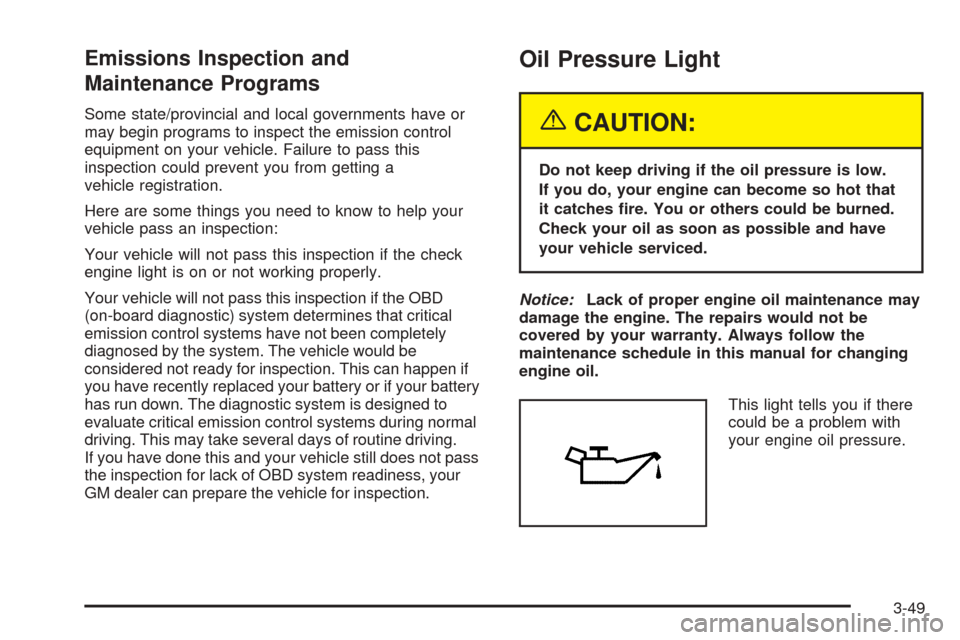
This light tells you if there
could be a problem with
your engine oil pressure.
3-49
Page 182 of 454

Vehicle Information Menu
(Base Audio System)
To access this menu using the Base audio system,
press the up or down arrow on the INFO switch located
to the right of the display.
The following items are available:
BLANK LINE
OUTSIDE TEMP
MI TRIP A*
MI TRIP B*
MILES RANGE
MPG AVG*
MPG INST
GAL FUEL USED*
AVG MPH*
TIMER*
BATTERY VOLTS
ENGINE OIL LIFE*
TRANS FLUID LIFE* (Automatic Transmission Only)* These items can be reset. Each one must be reset
individually. For a detailed description of the menu items
and how to reset them, see “Vehicle Information
Menu Item Descriptions” later in this section.
You can view any of these items at any time, but only
one item can be displayed at a time.
Vehicle Information Menu
(Navigation System)
To access the Vehicle Info menu using the Navigation
system, press the INFO button to the left of the
screen. You can also access this menu through the
Setup menu. See “Setup Menu” in the Index of the CTS
Entertainment and Navigation System owner’s manual.
The following submenu appears when Vehicle Info
is selected:
Outside Air Temperature
Trip Odometer A*
Trip Odometer B*
Fuel Range
Average Fuel Economy*
3-62
Page 183 of 454

Instantaneous Fuel Economy
Fuel Used*
Average Vehicle Speed*
Timer*
Battery Voltage
Engine Oil Life*
Transmission Fluid Life* (Automatic Transmission
Only)
Blank Display
* These items can be reset. Each one must be reset
individually. For a detailed description of the menu items
and how to reset them, see “Vehicle Information
Menu Item Descriptions” following.
You can view any of these submenu items at any time
by selecting them using the TUNE/SEL knob. The
currently selected item is displayed at the top of the
screen. Only one item can be displayed at a time.
Vehicle Information Menu
Item Descriptions
The following paragraphs contain a more detailed
description of each menu item:
BLANK LINE/Blank Display:If you select this item,
nothing is displayed at the top of the screen.
OUTSIDE TEMP/Outside Air Temperature:If you
select this item, the current outside temperature
is displayed at the top of the screen. It will be in either
degrees Fahrenheit or degrees Celsius depending
upon whether the system is set for English or metric
units. If you wish to change the units on the Base audio
system, seeDIC Main Menu on page 3-66.Ifyou
have the optional Navigation System and wish to change
the units, see “Setup Menu” in the Index of the CTS
Entertainment and Navigation System owner’s manual.
MI TRIP A and B/Trip Odometer A and B:For
information on the trip odometers, see “Trip Odometers”
underSpeedometer and Odometer on page 3-40.
MPG AVG/Average Fuel Economy:If you select this
item, the approximate average miles per gallon (mpg) or
liters per 100 kilometers (L/100 km) is displayed.
This number is calculated based on the number of
mpg (L/100 km) recorded since the last time this menu
item was reset.
3-63
Page 185 of 454

To reset the Average Vehicle Speed using the Navigation
system, press and hold the multifunction button that
corresponds to the Reset prompt in the upper right of the
display. The display will return to zero.
TIMER/Timer:If you select this item, a timing feature is
displayed. The timer functions like a stopwatch in that
you can record the time it takes to travel from one point
to another.
To use the timer, you must rst turn it on. To turn on the
timer using the Base audio system, press the CLR button
located to the right of the screen once. To turn on the
timer using the Navigation system, press the
multifunction button next to the On/Off menu item in the
upper right of the display. The display for both systems
will read 00:00:00 TIMER ON and begin counting.
Press the button(s) again to turn the timer off. When the
timer is off, the display will show the timer value and
TIMER OFF. The timing feature will stop.
To reset the timer using the Base audio system, turn off
the timer and then press and hold the CLR button. The
display will return to zero.
To reset the timer using the Navigation system press and
hold the multifunction button next to the Reset prompt in
the upper right of the display. The display will return
to zero.BATTERY VOLTS/Battery Voltage:If you select this
item, the current battery voltage is displayed. If the
voltage is in the normal range, the display will have OK
after it. For example, the display may read 13.2 Battery
Volts OK.
If there is a problem with the battery charging system,
there are four possible DIC messages that may be
displayed. SeeDIC Warnings and Messages on
page 3-70for more information.
ENGINE OIL LIFE/Engine Oil Life:If you select this
item, the percentage of remaining oil life is displayed.
If you see 99% Oil Life on the display, that means
that 99% of the current oil life remains.
When the oil life is depleted, the Change Engine Oil
message will appear on the display. SeeEngine Oil on
page 5-18andScheduled Maintenance on page 6-4
for more information.
When you reset the Change Engine Oil message by
clearing it from the display, you still must reset the
engine oil life monitor separately. For more information
on resetting the engine oil life monitor, seeEngine
Oil on page 5-18.
3-65
Page 191 of 454

Battery Not Charging
This symbol appears
with the Battery Not
Charging message.
When this message appears on the display, there is a
problem with the generator and battery charging
systems. Have the electrical system checked by your
GM dealer as soon as possible.
Battery Saver Active
This symbol appears
with the Battery Saver
Active message.
This message appears when the system detects that
the battery voltage is dropping beyond a reasonable
level. The battery saver system will start reducing certainfeatures of the vehicle that you may not be able to
notice. At the point that the features are disabled, this
message is displayed. It means that the vehicle is trying
to save the charge in the battery.
Turn off all unnecessary accessories to allow the battery
to recharge.
The normal battery voltage range is 11.5 to 15.5 volts.
You can monitor battery voltage on the DIC by pressing
the INFO button until you nd BATTERY VOLTS
(Base audio system) or by selecting Battery Voltage
from the Vehicle Information menu (Navigation system).
Battery Voltage High
This symbol appears
with the Battery Voltage
High message.
This message indicates that the electrical charging
system is overcharging the battery. When the system
detects that the battery voltage is above approximately
16 volts, this message will be displayed.
3-71
Page 192 of 454
To reduce the charging overload, use the vehicle’s
accessories. Turn on the exterior lamps and radio, set
the climate control on AUTO and the fan speed on the
highest setting, and turn the rear window defogger on.
The normal battery voltage range is 11.5 to 15.5 volts
when the engine is running. You can monitor battery
voltage on the DIC by pressing the INFO button until you
nd BATTERY VOLTS (Base audio system) or by
selecting Battery Voltage from the Vehicle Information
menu (Navigation system).
Battery Voltage Low
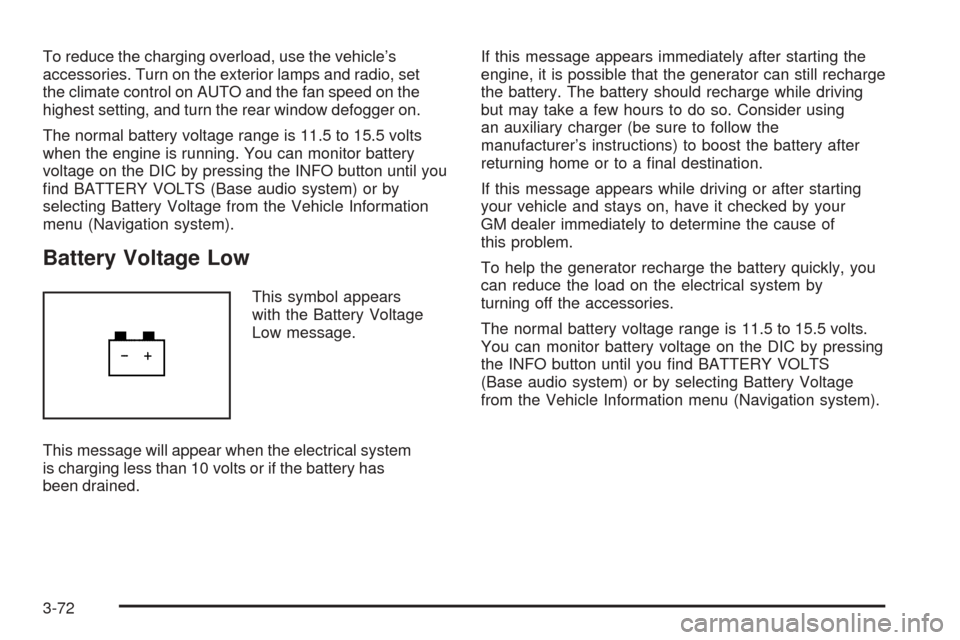
This symbol appears
with the Battery Voltage
Low message.
This message will appear when the electrical system
is charging less than 10 volts or if the battery has
been drained.If this message appears immediately after starting the
engine, it is possible that the generator can still recharge
the battery. The battery should recharge while driving
but may take a few hours to do so. Consider using
an auxiliary charger (be sure to follow the
manufacturer’s instructions) to boost the battery after
returning home or to a nal destination.
If this message appears while driving or after starting
your vehicle and stays on, have it checked by your
GM dealer immediately to determine the cause of
this problem.
To help the generator recharge the battery quickly, you
can reduce the load on the electrical system by
turning off the accessories.
The normal battery voltage range is 11.5 to 15.5 volts.
You can monitor battery voltage on the DIC by pressing
the INFO button until you nd BATTERY VOLTS
(Base audio system) or by selecting Battery Voltage
from the Vehicle Information menu (Navigation system).
3-72
Page 231 of 454

Setting Preset Stations
Up to 30 stations (six FM1, six FM2, and six AM,
six XM1 and six XM2 (if equipped)), can be programmed
on the six numbered pushbuttons, by performing the
following steps:
1. Turn the radio on.
2. Press BAND to select FM1, FM2, or AM, or
XM1 or XM2.
3. Tune in the desired station.
4. Press and hold one of the six numbered pushbuttons
for two seconds until you hear a beep. The set preset
station number will appear on the display above the
pushbutton that it is set to. Whenever that numbered
pushbutton is pressed for less than two seconds, the
station that was set will return.
5. Repeat the steps for each pushbutton.
To set the preset stations with an equalization
setting, DSP setting, or a PTY setting, see each
of these features later in this section. When a preset
station is selected, once one of these additional
settings is selected, the preset station will remember
each setting and it will remain active, until the
setting is selected off for that preset station.AUTOSTORE PRESETS:To set the preset stations
automatically, perform the following steps:
1. Turn the radio on.
2. Press BAND to select FM1, FM2, or AM.
3. Press the TUNE/SEL knob to enter the main menu.
4. Turn the TUNE/SEL knob until AUTOSTORE
PRESETS appears on the display.
5. Press the TUNE/SEL knob to select. AUTOSTORE
will appear on the display. The radio will
automatically search the band and select and store
the six radio stations with the strongest signal.
The stations will be stored by signal strength, not
sequential order. The set preset station number will
appear on the display above the pushbutton that
it is set to. Whenever that numbered pushbutton is
pressed for less than two seconds, the station
that was set will return.
6. Press the CLR button to exit the display. To return
to the original display, repeatedly press the CLR
button or wait for the display to time out.
When battery power is removed and later applied,
you will not have to reset your radio presets.
3-111
Page 246 of 454
XM™ Satellite Radio Service
XM™ Satellite Radio Service gives digital radio
reception from coast to coast. Just as with FM, tall
buildings or hills can interfere with satellite radio signals,
causing the sound to fade in and out. The radio may
display NO XM SIGNAL to indicate interference.
Cellular Phone Usage
Cellular phone usage may cause interference with your
vehicle’s radio. This interference may occur when
making or receiving phone calls, charging the phone’s
battery, or simply having the phone on. This interference
is an increased level of static while listening to the
radio. If static is received while listening to the radio,
unplug the cellular phone and turn it off.
Care of Your CDs
Handle CDs carefully. Store them in their original cases
or other protective cases and away from direct
sunlight and dust. If the surface of a CD is soiled,
dampen a clean, soft cloth in a mild, neutral detergent
solution and clean it, wiping from the center to the edge.
Be sure never to touch the side without writing when
handling CDs. Pick up CDs by grasping the outer edges
or the edge of the hole and the outer edge.
Care of Your CD Player
The use of CD lens cleaners for CD players is not
advised, due to the risk of contaminating the lens of the
CD optics with lubricants internal to the CD mechanism.
3-126