panel CADILLAC CTS 2012 2.G Workshop Manual
[x] Cancel search | Manufacturer: CADILLAC, Model Year: 2012, Model line: CTS, Model: CADILLAC CTS 2012 2.GPages: 496, PDF Size: 6.36 MB
Page 194 of 496

Black plate (8,1)Cadillac CTS/CTS-V Owner Manual (Include Mex) - 2012
6-8 Lighting
Exit Lighting
The headlamps, taillamps, parking
lamps, back‐up lamps, and license
plate lamps come on at night, or in
areas with limited lighting, when the
key is removed from the ignition.
The dome lamps also come on
when the key is removed from the
ignition. The exterior lights and
dome lamps remain on after the
door is closed for a set amount of
time, then automatically turn off.
For vehicles with keyless access,
the exterior lights and dome lamps
automatically turn on when a door is
opened after the ignition is turned
off. SeeIgnition Positions (Key
Access) on page 9‑16 orIgnition
Positions (Keyless Access) on
page 9‑18.
The exterior lights turn off
immediately by turning the
exterior lamps control off.
This feature can be changed.
See Vehicle Personalization on
page 5‑46.
Parade Dimming
This feature does not let the
instrument panel backlight dim
during daylight hours while the key
is in the ignition and the headlamps
are on. Parade dimming
automatically works with the light
sensor, located on top of the
dashboard. If it is dark enough
outside and the parking lamps are
on, the backlight on the instrument
panel can be adjusted by turning the
instrument panel brightness knob
clockwise or counterclockwise to
brighten or dim the lighting. See
Instrument Panel Illumination
Control on page 6‑7.
Battery Load
Management
The vehicle has Electric Power
Management (EPM) that estimates
the battery's temperature and state
of charge. It then adjusts the voltage
for best performance and extended
life of the battery. When the battery's state of charge
is low, the voltage is raised slightly
to quickly bring the charge back up.
When the state of charge is high,
the voltage is lowered slightly to
prevent overcharging. If the vehicle
has a voltmeter gauge or a voltage
display on the Driver Information
Center (DIC), you may see the
voltage move up or down. This is
normal. If there is a problem, an
alert will be displayed.
The battery can be discharged at
idle if the electrical loads are very
high. This is true for all vehicles.
This is because the generator
(alternator) may not be spinning fast
enough at idle to produce all the
power that is needed for very high
electrical loads.
A high electrical load occurs when
several of the following are on, such
as: headlamps, high beams, fog
lamps, rear window defogger,
climate control fan at high speed,
heated seats, engine cooling fans,
trailer loads, and loads plugged into
accessory power outlets.
Page 245 of 496

Black plate (3,1)Cadillac CTS/CTS-V Owner Manual (Include Mex) - 2012
Climate Controls 8-3
operation. The blower may reduce
during an Onstar®session to limit
background noise.
If the airflow seems low when the
fan speed is at the highest setting,
the passenger compartment air filter
might need to be replaced. For more
information, see Passenger
Compartment Air Filter on page 8‑6
and Maintenance Schedule on
page 11‑3.
H G(Air Delivery Mode Control):
Press the buttons to change the
direction of the airflow. The current
mode appears in the display screen.
Changing the mode cancels the
automatic air delivery. Press AUTO
to return to automatic operation.
The outboard air outlets always
receive some airflow in every mode,
except defrost.
To change the current mode, select
one of the following:
Y(Vent): Air is directed to the
instrument panel outlets.
\(Bi-Level): Air is divided
between the instrument panel
outlets and the floor outlets. In
automatic operation, cooler air is
directed to the upper outlets and
warmer air to the floor outlets.
[(Floor): Air is directed to the
floor outlets, with some air directed
to the windshield and outboard
outlets.
-(Defog): This mode clears the
windows of fog or moisture. Air is
directed to the windshield, floor, and
side window outlets. When this
mode is selected, the system turns
off recirculation and runs the
air-conditioning compressor unless
the outside temperature is at or
below freezing. If recirculation is
selected while in defog mode, it is
cancelled after 10 minutes.
0(Defrost): This mode clears the
windshield of fog or frost more
quickly. Air is directed to the
windshield, with some air directed to
the side windows. In this mode, the
system automatically turns off recirculation and runs the
air-conditioning compressor, unless
the outside temperature is at or
below freezing.
This mode can also cause the fan
speed and air temperature to
increase.
#(Air Conditioning):
Press to
turn the air conditioning system on
or off and override the automatic
system. When in AUTO, the air
conditioning compressor comes on
automatically, as needed.
The air conditioning system
removes moisture from the air, so
water might drip under the vehicle
while idling or after turning off the
engine. This is normal.
M(Recirculation): Press to turn
on recirculation. An indicator light
comes on. Air is recirculated inside
the vehicle. It helps to quickly cool
the air inside the vehicle or prevent
outside air and odors from entering.
Press the AUTO button to have the
system select the best air delivery
mode for the temperature setting.
Page 247 of 496

Black plate (5,1)Cadillac CTS/CTS-V Owner Manual (Include Mex) - 2012
Climate Controls 8-5
Sensors
The solar sensor located on the
instrument panel, near the
windshield, monitors the solar heat.
The interior temperature sensor,
located on the instrument panel to
the right of the steering wheel,
measures the temperature of the air
inside the vehicle.
The climate control system uses the
information from these sensors to
adjust the fan speed and the air
delivery, in order to maintain the
selected temperature. The system
may also supply cooler air to the
side of the vehicle facing the sun.
The recirculation mode will also be
activated, as necessary.
Do not cover the sensors or the
automatic climate control system will
not work properly.Air Quality Sensor
For vehicles with an air quality
sensor, the climate control system
adjusts to limit some exhaust fumes
from being pulled inside your
vehicle.
Press the AUTO button on the
climate control to activate the air
quality sensor. The recirculation
indicator light comes on when poor
quality air is detected. The air
quality sensor will not maintain
recirculation for an extended period
to prevent the air inside the vehicle
from becoming too dry or stuffy.
Under certain conditions, the air
quality sensor will not activate
recirculation, such as during cold
weather or with odors, like skunk. To
limit odors manually, press
Muntil
the condition has passed.
The air quality sensor system does
not protect against carbon monoxide
(CO), which you cannot see or
smell. See Engine Exhaust on
page 9‑26.
Page 248 of 496

Black plate (6,1)Cadillac CTS/CTS-V Owner Manual (Include Mex) - 2012
8-6 Climate Controls
Air Vents
Use the air outlets located in the
center and on the side of the
instrument panel to direct the
airflow. Use the thumbwheels near
the air outlets to open or close off
the airflow.
Operation Tips
.Clear away any ice, snow,
or leaves from air inlets at the
base of the windshield that could
block the flow of air into the
vehicle.
.Keep the path under the front
seats clear of objects to help
circulate the air inside of the
vehicle more effectively.
.Use of non‐GM approved hood
deflectors can adversely affect
the performance of the system.
Check with your dealer before
adding equipment to the outside
of the vehicle.
Maintenance
Passenger Compartment
Air Filter
The passenger compartment air
filter traps most of the dust and
pollen from the air entering the
vehicle. The filter will need to
be changed periodically. See
Maintenance Schedule on
page 11‑3.
Using the climate control system
without the passenger air filter
installed could let water or other
debris enter the system. This could
cause a water leak or noises. Make
sure a new air filter is installed after
removing the old one.
The passenger compartment air
filter is located under the hood
below the windshield wiper arm
and the screen on the passenger
side of the vehicle. SeeEngine
Compartment Overview on
page 10‑6 for more information on
location.
Page 260 of 496

Black plate (10,1)Cadillac CTS/CTS-V Owner Manual (Include Mex) - 2012
9-10 Driving and Operating
Blizzard Conditions
Being stuck in snow can be a
serious situation. Stay with the
vehicle unless there is help nearby.
If possible, use theRoadside
Service (U.S. and Canada) on
page 13‑7 orRoadside Service
(Mexico) on page 13‑9. To get help
and keep everyone in the
vehicle safe:
.Turn on the hazard warning
flashers.
.Tie a red cloth to an outside
mirror.
{WARNING
Snow can trap engine exhaust
under the vehicle. This may
cause exhaust gases to get
inside. Engine exhaust contains
carbon monoxide (CO) which
cannot be seen or smelled. It can
cause unconsciousness and even
death.
(Continued)
WARNING (Continued)
If the vehicle is stuck in the snow:
.Clear away snow from around
the base of your vehicle,
especially any that is blocking
the exhaust pipe.
.Check again from time to
time to be sure snow does
not collect there.
.Open a window about 5 cm
(2 in) on the side of the
vehicle that is away from the
wind to bring in fresh air.
.Fully open the air outlets on
or under the instrument
panel.
.Adjust the climate control
system to a setting that
circulates the air inside the
vehicle and set the fan speed
to the highest setting. See
“Climate Control Systems” in
the Index.
(Continued)
WARNING (Continued)
For more information about
carbon monoxide, see Engine
Exhaust on page 9‑26.
Run the engine for short periods
only as needed to keep warm, but
be careful.
To save fuel, run the engine for only
short periods as needed to warm
the vehicle and then shut the engine
off and close the window most of
the way to save heat. Repeat this
until help arrives but only when you
feel really uncomfortable from the
cold. Moving about to keep warm
also helps.
If it takes some time for help to
arrive, now and then when you run
the engine, push the accelerator
pedal slightly so the engine runs
faster than the idle speed. This
keeps the battery charged to restart
the vehicle and to signal for help
with the headlamps. Do this as little
as possible to save fuel.
Page 282 of 496
Black plate (32,1)Cadillac CTS/CTS-V Owner Manual (Include Mex) - 2012
9-32 Driving and Operating
2 (Second):Press the clutch pedal
and let up on the accelerator pedal,
then shift into 2 (Second). Then,
slowly let up on the clutch pedal
while accelerating.
3 (Third), 4 (Fourth), 5 (Fifth), and
6 (Sixth): Shift into 3 (Third),
4 (Fourth), 5 (Fifth), and 6 (Sixth) the
same for 2 (Second).
To stop, let up on the accelerator
pedal and press the brake pedal.
Just before the vehicle stops, press
the clutch pedal and the brake
pedal, and shift to Neutral.
Neutral: Use this position when
you start or idle your engine. Your
shift lever is in Neutral when it is
centered in the shift pattern, not in
any gear.
R (Reverse): To back up, press
down the clutch pedal, completely
stop the vehicle, and shift into
R (Reverse). Let up on the clutch
pedal slowly while pressing the
accelerator pedal. The CTS-V transmission prevents
easily shifting into R (Reverse) using
normal shifting force while the
vehicle is moving at more than
5 km/h (3 mph), or when the ignition
is in LOCK/OFF.
Shift Speeds (Manual
Transmission)
{WARNING
If you skip a gear when you
downshift, you could lose control
of the vehicle. You could injure
yourself or others. Do not shift
down more than one gear at a
time when you downshift.
Notice: If you skip more than one
gear when you downshift, or if
you race the engine when you
release the clutch pedal while
downshifting, you could damage
the engine, clutch, driveshaft or
the transmission. Do not skip
gears or race the engine when
downshifting. If the vehicle speed drops below
32 km/h (20 mph), or if the engine is
not running smoothly, downshift to
the next lower gear. You may have
to downshift two or more gears to
keep the engine running smoothly
or for good performance.
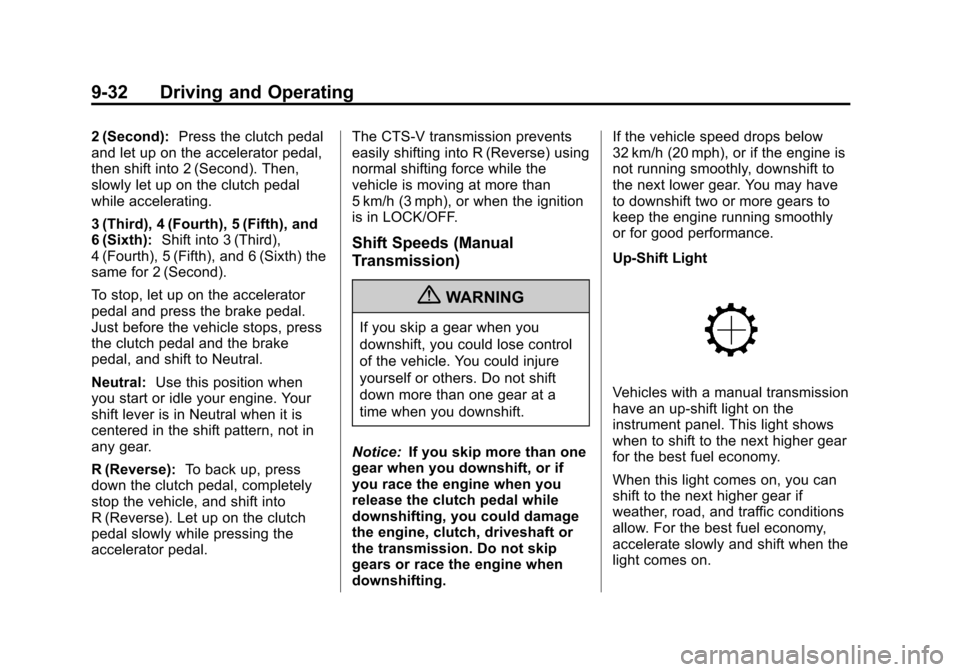
Up-Shift Light
Vehicles with a manual transmission
have an up‐shift light on the
instrument panel. This light shows
when to shift to the next higher gear
for the best fuel economy.
When this light comes on, you can
shift to the next higher gear if
weather, road, and traffic conditions
allow. For the best fuel economy,
accelerate slowly and shift when the
light comes on.
Page 284 of 496
Black plate (34,1)Cadillac CTS/CTS-V Owner Manual (Include Mex) - 2012
9-34 Driving and Operating
If driving safely on a wet road and it
becomes necessary to slam on the
brakes and continue braking to
avoid a sudden obstacle, a
computer senses that the wheels
are slowing down. If one of the
wheels is about to stop rolling, the
computer will separately work the
brakes at each wheel.
ABS can change the brake pressure
to each wheel, as required, faster
than any driver could. This can help
the driver steer around the obstacle
while braking hard.
As the brakes are applied, the
computer keeps receiving updates
on wheel speed and controls
braking pressure accordingly.Remember: ABS does not change
the time needed to get a foot up to
the brake pedal or always decrease
stopping distance. If you get too
close to the vehicle in front of you,
there will not be enough time to
apply the brakes if that vehicle
suddenly slows or stops. Always
leave enough room up ahead to
stop, even with ABS.
Using ABS
Do not pump the brakes. Just hold
the brake pedal down firmly and let
ABS work. You might hear the ABS
pump or motor operating and feel
the brake pedal pulsate, but this is
normal.
Braking in Emergencies
ABS allows the driver to steer and
brake at the same time. In many
emergencies, steering can help
more than even the very best
braking.
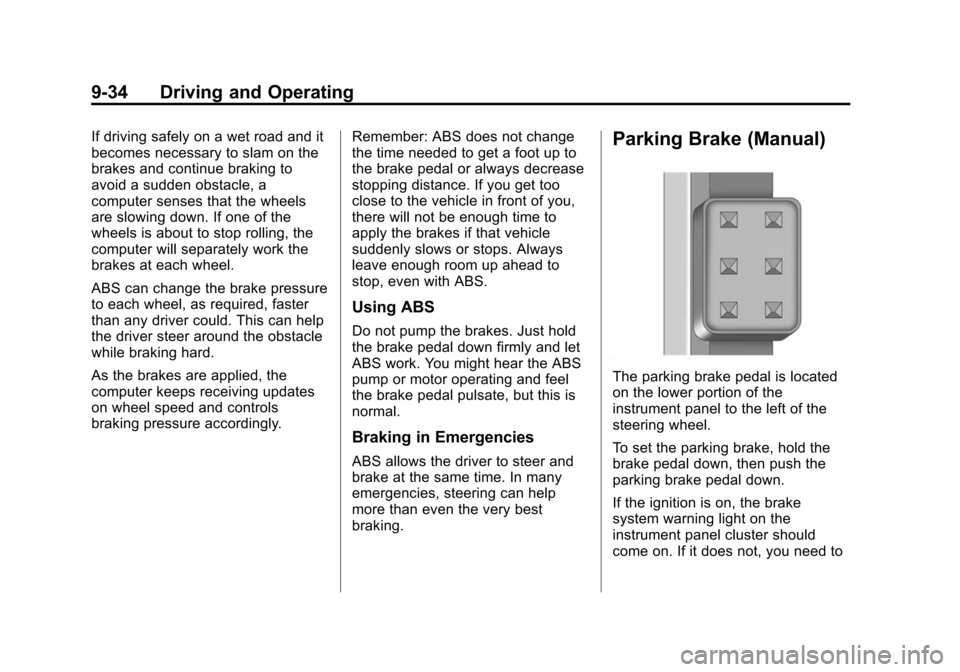
Parking Brake (Manual)
The parking brake pedal is located
on the lower portion of the
instrument panel to the left of the
steering wheel.
To set the parking brake, hold the
brake pedal down, then push the
parking brake pedal down.
If the ignition is on, the brake
system warning light on the
instrument panel cluster should
come on. If it does not, you need to
Page 285 of 496
Black plate (35,1)Cadillac CTS/CTS-V Owner Manual (Include Mex) - 2012
Driving and Operating 9-35
have the vehicle serviced. See
Brake System Warning Light on
page 5‑22for more information.
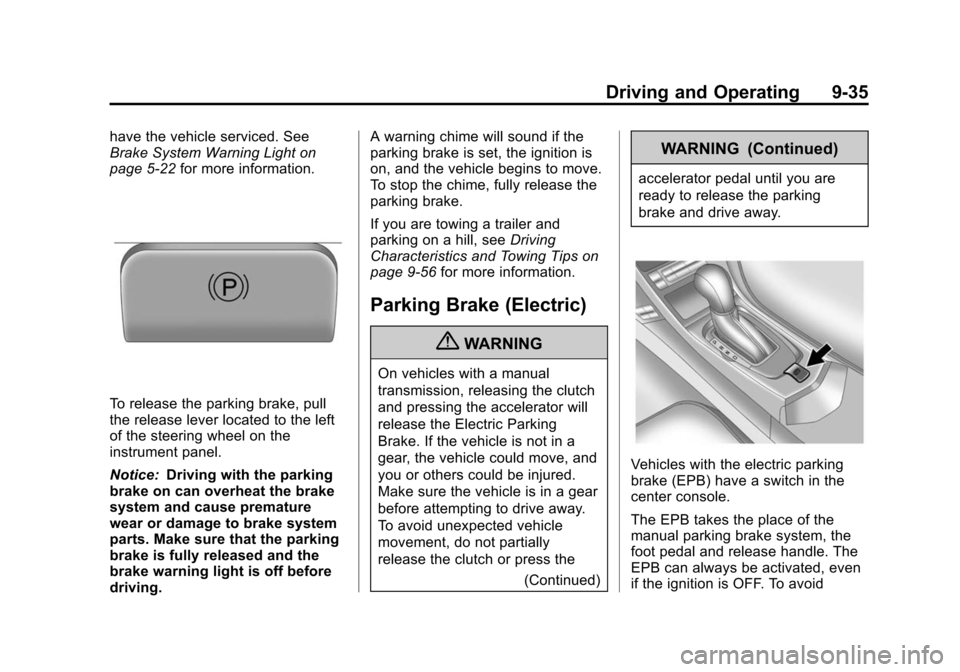
To release the parking brake, pull
the release lever located to the left
of the steering wheel on the
instrument panel.
Notice:Driving with the parking
brake on can overheat the brake
system and cause premature
wear or damage to brake system
parts. Make sure that the parking
brake is fully released and the
brake warning light is off before
driving. A warning chime will sound if the
parking brake is set, the ignition is
on, and the vehicle begins to move.
To stop the chime, fully release the
parking brake.
If you are towing a trailer and
parking on a hill, see
Driving
Characteristics and Towing Tips on
page 9‑56 for more information.
Parking Brake (Electric)
{WARNING
On vehicles with a manual
transmission, releasing the clutch
and pressing the accelerator will
release the Electric Parking
Brake. If the vehicle is not in a
gear, the vehicle could move, and
you or others could be injured.
Make sure the vehicle is in a gear
before attempting to drive away.
To avoid unexpected vehicle
movement, do not partially
release the clutch or press the
(Continued)
WARNING (Continued)
accelerator pedal until you are
ready to release the parking
brake and drive away.
Vehicles with the electric parking
brake (EPB) have a switch in the
center console.
The EPB takes the place of the
manual parking brake system, the
foot pedal and release handle. The
EPB can always be activated, even
if the ignition is OFF. To avoid
Page 288 of 496

Black plate (38,1)Cadillac CTS/CTS-V Owner Manual (Include Mex) - 2012
9-38 Driving and Operating
Ride Control Systems
Traction Control
System (TCS)
The vehicle has a Traction Control
System (TCS) that limits wheel
spin. This is especially useful in
slippery road conditions. On a
rear-wheel-drive vehicle, the system
operates if it senses that one or
both of the rear wheels are spinning
or beginning to lose traction. On an
All-Wheel-Drive (AWD) vehicle, the
system will operate if it senses that
any of the wheels are spinning or
beginning to lose traction. When this
happens, the system brakes the
spinning wheel(s) and/or reduces
engine power to limit wheel spin.
The system may be heard or felt
while it is working, but this is
normal.The TCS/StabiliTrak light flashes
when the traction control system is
limiting wheel spin.
The TCS/StabiliTrak light comes on
and the SERVICE TRACTION
CONTROL message will be
displayed in the DIC if there is a
problem with the traction control
system. When the TCS/StabiliTrak
light is on, the system will not limit
wheel spin. Adjust your driving
accordingly. SeeTraction Control
System (TCS)/StabiliTrak
®Light on
page 5‑24 for more information.
TCS automatically comes on
whenever the vehicle is started.
To limit wheel spin, especially in
slippery road conditions, the system
should always be left on, but it may
be necessary to turn the system off if the vehicle is stuck in sand, mud
or snow and rocking the vehicle is
required. See
If the Vehicle Is Stuck
on page 9‑11 for more information.
See Winter Driving on page 9‑9 for
information on using TCS when
driving in snowy or icy conditions.
The TCS/StabiliTrak button is
located on the instrument panel
(CTS) or the steering
wheel (CTS-V).
Press and release the TCS/
StabiliTrak button and the traction
control system will turn off and
TRACTION CONTROL OFF will
be displayed in the DIC. Press the
button again to turn the system back
on. For information on turning
StabiliTrak off and on, see
StabiliTrak System following.
Page 289 of 496
Black plate (39,1)Cadillac CTS/CTS-V Owner Manual (Include Mex) - 2012
Driving and Operating 9-39
Adding non‐dealer accessories can
affect your vehicle's performance.
SeeAccessories and Modifications
on page 10‑3 for more information.
StabiliTrak®System
The vehicle has an electronic
stability control system called
StabiliTrak. It is an advanced
computer controlled system that
assists with directional control of the
vehicle in difficult driving conditions.
StabiliTrak activates when the
system senses a discrepancy
between the intended path and the
direction the vehicle is actually
traveling. StabiliTrak selectively
applies braking pressure at any one
of the vehicle's brakes to help steer
the vehicle in the direction which
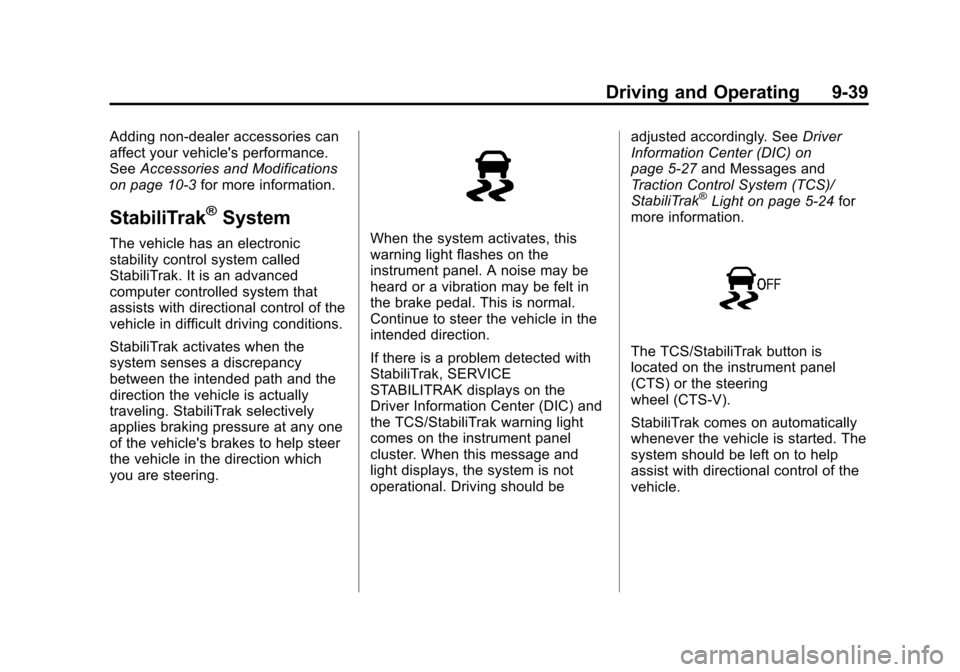
you are steering.When the system activates, this
warning light flashes on the
instrument panel. A noise may be
heard or a vibration may be felt in
the brake pedal. This is normal.
Continue to steer the vehicle in the
intended direction.
If there is a problem detected with
StabiliTrak, SERVICE
STABILITRAK displays on the
Driver Information Center (DIC) and
the TCS/StabiliTrak warning light
comes on the instrument panel
cluster. When this message and
light displays, the system is not
operational. Driving should be adjusted accordingly. See
Driver
Information Center (DIC) on
page 5‑27 and Messages and
Traction Control System (TCS)/
StabiliTrak
®Light on page 5‑24 for
more information.
The TCS/StabiliTrak button is
located on the instrument panel
(CTS) or the steering
wheel (CTS-V).
StabiliTrak comes on automatically
whenever the vehicle is started. The
system should be left on to help
assist with directional control of the
vehicle.