lock CADILLAC ELDORADO 1998 10.G Owner's Guide
[x] Cancel search | Manufacturer: CADILLAC, Model Year: 1998, Model line: ELDORADO, Model: CADILLAC ELDORADO 1998 10.GPages: 380, PDF Size: 21.39 MB
Page 102 of 380
Downloaded from www.Manualslib.com manuals search engine Tilt Wheel
... .,
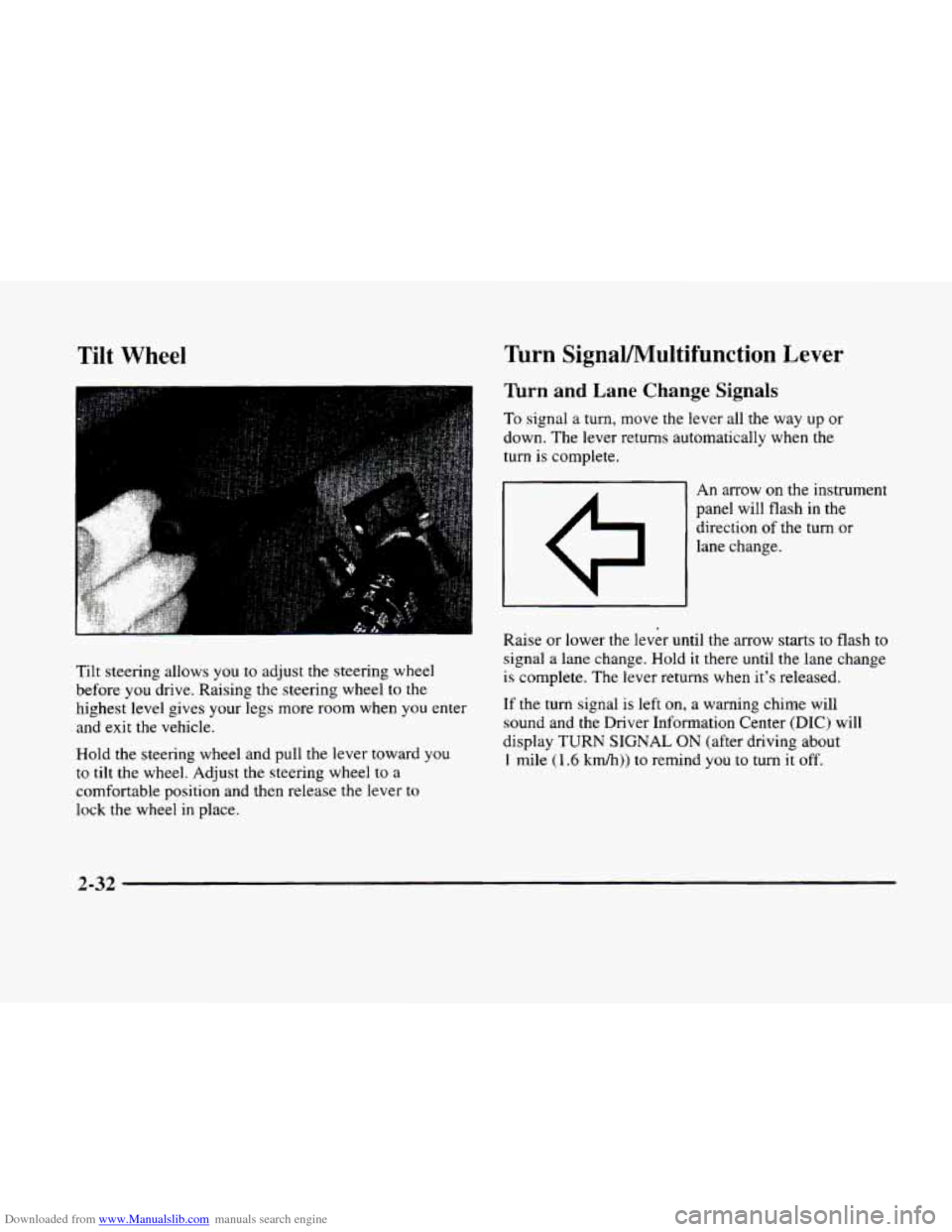
Tilt steering allows you to adjust the steering wheel
before
you drive. Raising the steering wheel to the
highest level gives your legs more room when you enter
and exit the vehicle.
Hold the steering wheel and pull
the lever toward you
to tilt the wheel. Adjust the steering wheel to a
comfortable position and then release the lever to
lock the wheel in place.
Turn SignaVMultifunction Lever
Turn and Lane Change Signals
To signal a turn, move the lever all the way up or
down, The lever returns automatically when the
turn is complete.
I 1
c7
An arrow on the instrument
panel will flash
in the
direction
of the turn or
lane change.
Raise
or lower the lever until the arrow starts to flash to
signal a lane change. Hold it there until the lane change
is complete. The lever returns when it's released.
If the turn signal is left on, a warning chime will
sound and the Driver Information Center
(DIC) will
display
TURN SIGNAL ON (after driving about
1 mile (1.6 km/h)) to remind you to turn it off.
2-32
Page 105 of 380
Downloaded from www.Manualslib.com manuals search engine The Rainsense system can be activated by turning the
wiper stalk to one
of the five sensitivity levels within
the AUTO DELAY area. The
AUTO DELAY position
closest
to OFF is the lowest sensitivity setting. This
allows more water to collect on the windshield between
wipes. Rotating the stalk away from you to the other
AUTO DELAY settings increases the sensitivity of the
system and frequency of wipes. A single wipe will occur
each time you turn the wiper stalk
to a higher sensitivity
level. An initial wipe occurs when
you turn the ignition
on as a reminder that Rainsense is active. The
windshield wipers also remain in a “high park” position
(when the wipers are stopped on the windshield and are
not in its normal park position), even when the ignition
is turned off.
The Rainsense wipers operate in a delay mode as well as
a continuous low or high speed depending on the
amount
of moisture and the sensitivity level. The MIST
and “wash” cycles operate as normal and are not
affected by the Rainsense function.
I NOTICE:
I
The wipers must be turned off when going
through a car wash to avoid damage.
It is important to note that the Rainsense wiping feature
(AUTO DELAY) can be overridden at any time by
manually changing the wiper control to
LO or HI speed.
If
you ever need to replace the windshield, make sure it
is Rainsense compatible.
Windshield Washer
A CAUTION:
In freezing weather, don’t use your washer until
the windshield is warmed. Otherwise the washer
fluid can form ice
on the windshield, blocking
your vision.
At the top of the turn signal/multifunction lever, there
is a paddle with the word
PUSH on it. To spray washer
fluid on
the windshield, press and release this paddle.
The wipers will clear the windshield and either stop or
return
to your preset speed. For more washer cycles,
press and hold the paddle.
LOW WASHER FLUID will be displayed on the
Driver Information Center
(DIC) when the washer
fluid reaches a low level.
Page 106 of 380
Downloaded from www.Manualslib.com manuals search engine NOTICE:
Driving without washer fluid can be dangerous.
A bad mud splash can block your vision and you
could hit another vehicle or go off the road.
Check the washer fluid level often.
J
Cruise Control
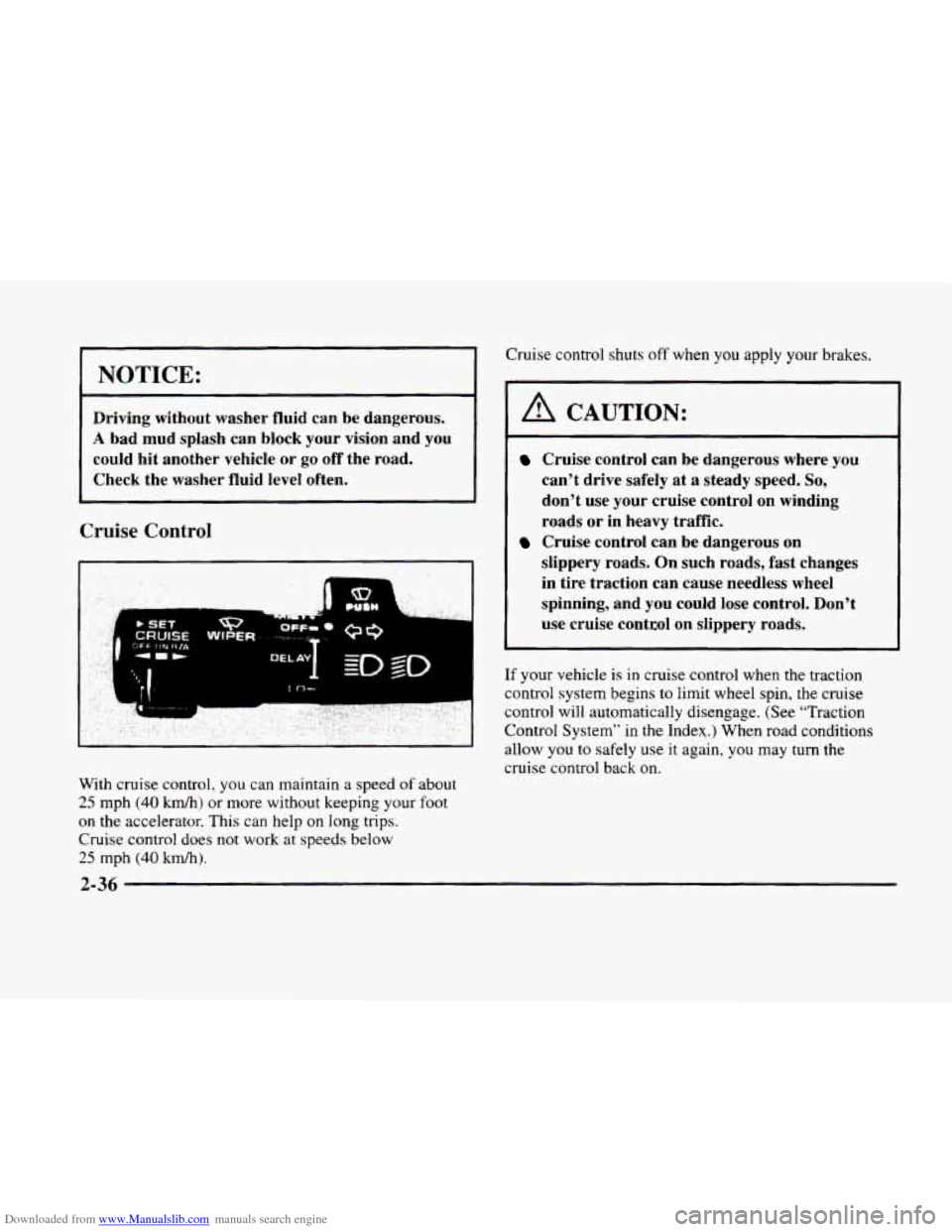
With cruise control, you can maintain a speed of about
25 mph (40 km/h) or more without keeping your foot
on the accelerator. This can help on long trips.
Cruise control does
not work at speeds below
25 mph (40 kd).
Cruise control shuts off when you apply your brakes.
A CAUTION:
Cruise control can be dangerous where you
can’t drive safely at
a steady speed. So,
don’t use your cruise control on winding
roads or in heavy traffic.
slippery roads. On such roads, fast changes
in tire traction can cause needless wheel
spinning, and you could
lose control. Don’t
use cruise control on slippery roads.
Cruise control can be dangerous on
If your vehicle is in cruise control when the traction
control system begins
to limit wheel spin, the cruise
control will automatically disengage. (See “Traction
Control System” in
the Index.) When road conditions
allow you
to safely use it again, you may turn the
cruise control back
on.
2-36
Page 111 of 380
Downloaded from www.Manualslib.com manuals search engine Fog Lamps
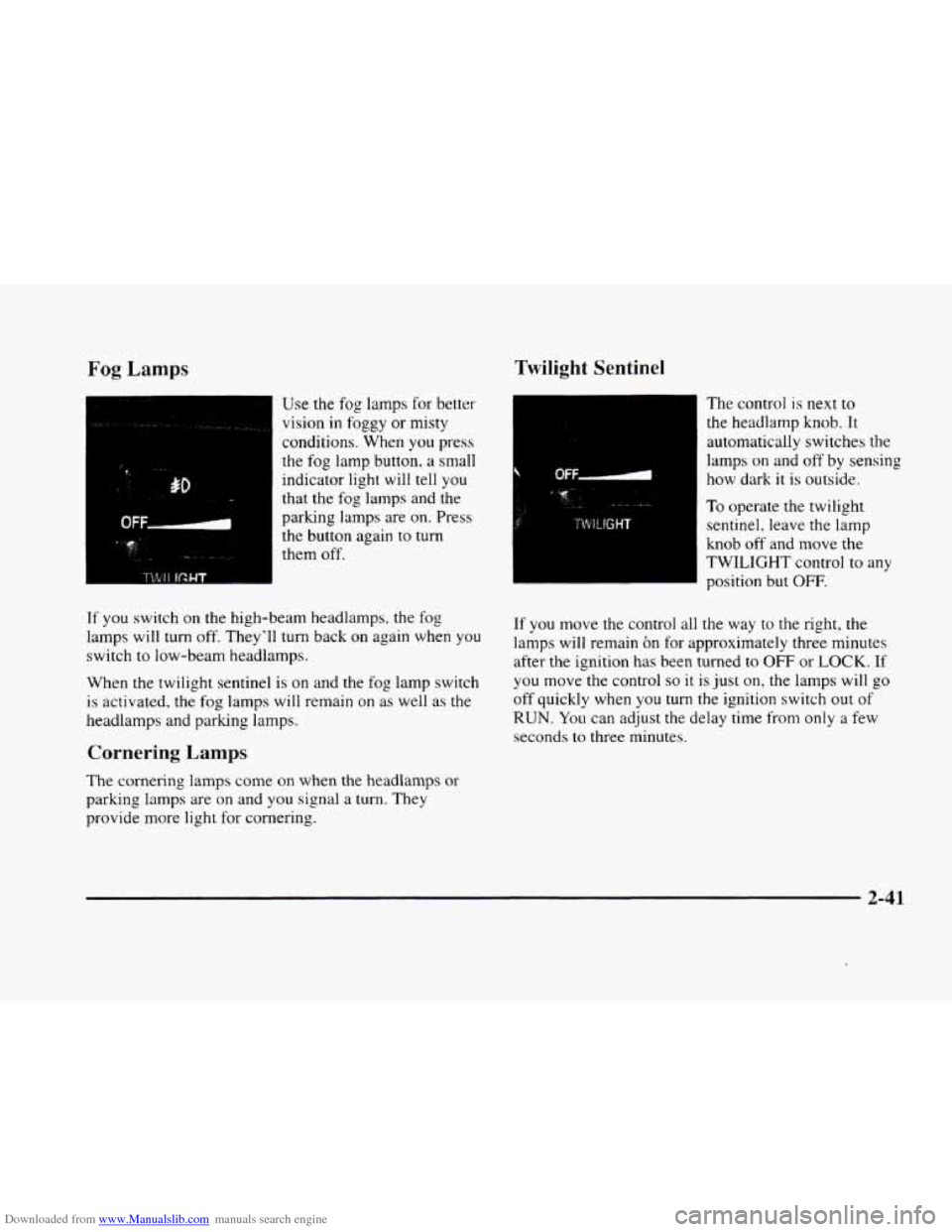
Use the fog lamps for better
vision
in foggy or misty
conditions. When
you press
the
fog lamp button, a small
indicator light will tell you
that the fog lamps and the
parking
lamps are on. Press
the button again to
turn
them off.
If you switch on the high-beam headlamps. the fog
lamps will turn off. They'll turn back on again when
you
switch to low-beam headlamps.
When the twilight sentinel is on and the fog lamp switch
is activated. the fog lamps will remain on as well as the
headlamps and
parking lamps.
Cornering Lamps
The cornering lamps come on when the headlamps or
parking lamps are on and you signal a turn. They
provide more light for cornering.
Twilight Sentinel
The control is next to
the headlarnp knob. It
automatically switches the
lamps
on and off by sensing
how dark
it is outside.
To operate the twilight
sentinel, leave the lamp
knob
off and move the
TWILIGHT control to any
position but
OFF.
If you move the control all the way to the right, the
lamps will remain on for approximately three minutes
after the ignition has been turned
to OFF or LOCK. If
you move the control so it is just on, the lamps will go
off quickly when you turn the ignition switch out of
RUN. You can adjust the delay time from only a few
seconds
to three minutes.
2-41
Page 112 of 380
Downloaded from www.Manualslib.com manuals search engine If it’s dark enough outside and the twilight sentinel
control
is off, a HEADLAMPS SUGGESTED message
will display
on the Driver Information Center (DIC).
This message informs the driver that turning on the
exterior lamps is recommended (it’s become dark
enough outside to require the headlamps and/or other
exterior lamps). Turning
on the twilight sentinel, the
headlamp switch or the fog lamp switch will remove
the HEADLAMPS SUGGESTED message.
Light Sensor
Exterior Lighting Battery Saver
If the manual parking lamp control has been left on, the
exterior lamps will turn
off approximately 10 minutes
after the ignition is turned
to LOCK or ACCESSORY.
This protects draining the battery in case you have
accidently left the headlamps or parking lamps on.
If
you need to purposely leave the lamps on for
more than
10 minutes with the ignition in LOCK or
ACCESSORY, turn the manual control knob
off and
then back on.
To delay the lamps from turning off, see
“Twilight Sentinel” earlier in this section.
,‘ ,: ,,.,I. !,;‘ ’.. ._,;, .
.. . ., , >. .’ ..: Interior Lamps ’ , ,: ?, ’, :. .”; :,$):,$ , , <. ,. :: ,I .~
Instrument Panel Brightness Control
Cluster lighting as well as instrument panel lighting
automatically dims when it becomes dark outside and
your lights are on. When it’s dark, the brightness
control can be manually adjusted. Cluster lighting and
instrument panel lighting automatically brighten when
it becomes light outside.
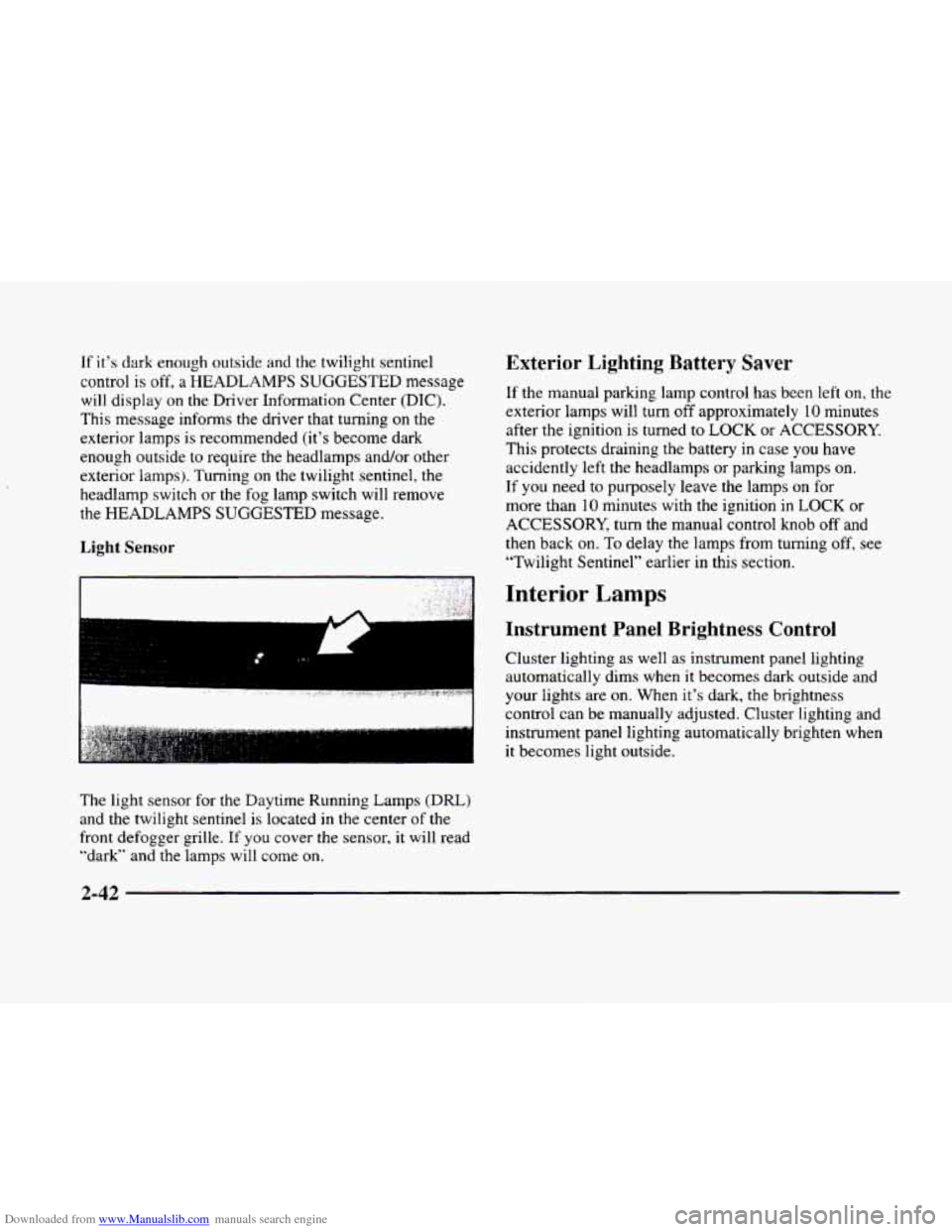
The light sensor
for the Daytime Running Lamps (DRL)
and the twilight sentinel is located in the center of the
front defogger grille.
If you cover the sensor, it will read
“dark” and the lamps will come
on.
Page 119 of 380
Downloaded from www.Manualslib.com manuals search engine Storage Compartments
Glove Box
The glove box is located in front of the passenger’s seat.
To lock the glove box door, insert the oval key into the
lock cylinder and
turn it to the right. Turn the key to the
left to unlock the door.
Overhead Console
Sunglasses Storage Compartment
This feature is on vehicles without the optional
astroroof.
To gain access to this compartment, which
is located directly above the inside rearview mirror in
the headliner, push
up and the storage area will open.
Map Pocket
The map/storage pockets are located on each front
door
as well as on the passenger’s and driver’s
front seatbacks.
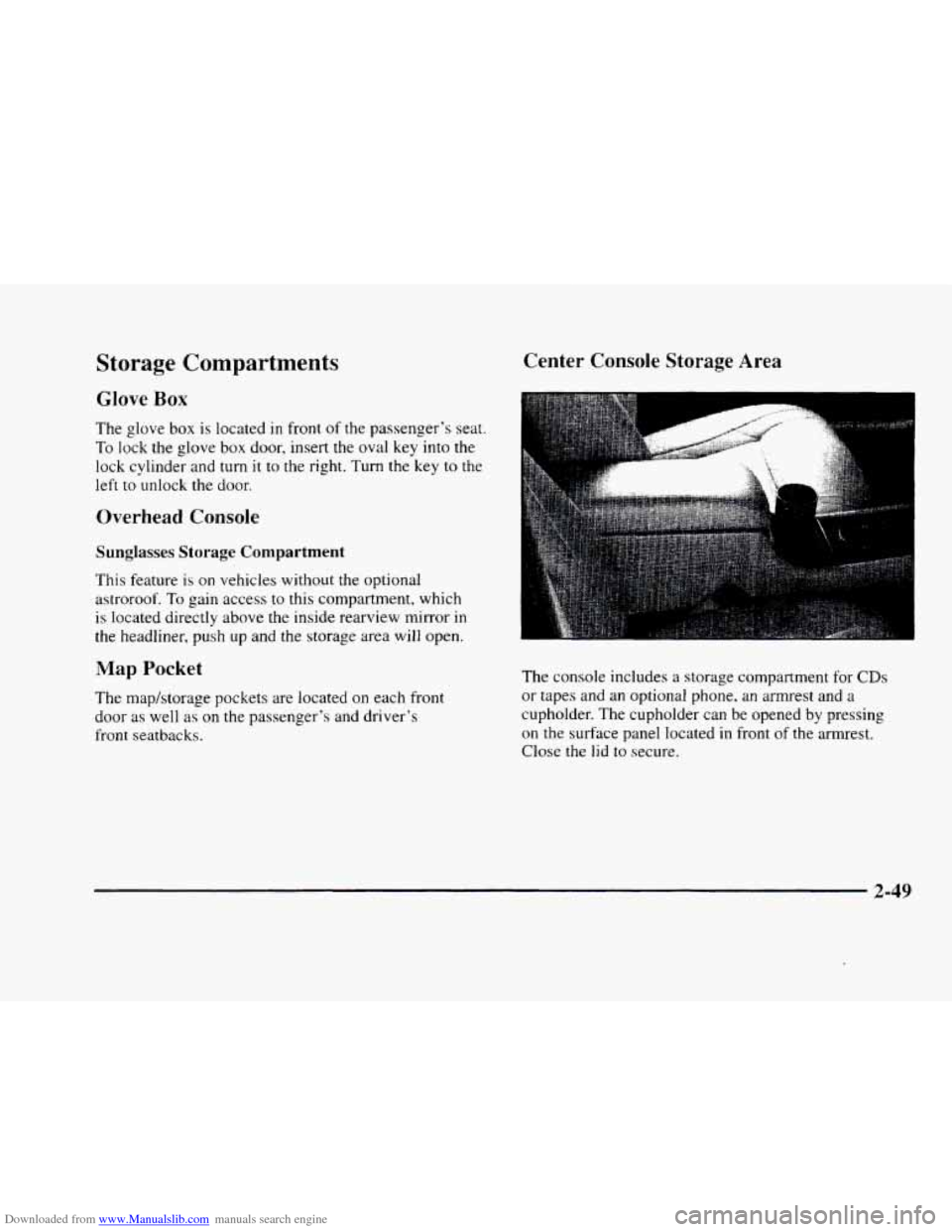
Center Console Storage Area
The console includes a storage compartment for CDs
or tapes and an optional phone, an armrest and a
cupholder. The cupholder can be opened by pressing
on the surface panel located in front of the armrest.
Close
the lid to secure.
2-49
Page 121 of 380
Downloaded from www.Manualslib.com manuals search engine Sun Visors OnStar System (Option)
Swing down the visor to block out glare. It can also be
detached from the center mount and moved to the side.
The driver’s sunshade is also equipped with a storage
flap that can be used for maps
or toll tickets.
Illuminated Visor Vanity Mirror
Turn the sunshade down and lift the cover to see the
mirror. Move the slide switch up
or down to brighten
or dim the lamp.
Cellular Telephone (Option)
Your vehicle has been prewired for dealer installation of
a Cadillac dual-mode (analog/digital) cellular telephone.
A fixed mobile or a portable hand-held system are
available. Either system has steering wheel telephone
controls and information output through the Driver
Information Center (DIC). Voice activation and
hands-free operation are standard features. For more
information, contact your dealer.
A user’s guide is
provided with the telephone. This
system may be ordered through your dealer and
will include
the optional fixed cellular telephone. The
following services are available
24 hours a day:
0 Roadside Service with Location
Emergency Services Button
0 Remote Door Unlock
Theft Detectioflotification and
Stolen-Vehicle Tracking
0 Automatic Notification of Front Air
Bag Deployment
0 Concierge/Customer Convenience Services
For more information, contact your dealer.
Assist Handles
A handle, located on each side pillar, can be used when
getting out
of your vehicle.
Garment Hooks
For your convenience, a garment hook is attached to
the assist handle.
2-51
Page 124 of 380
Downloaded from www.Manualslib.com manuals search engine If you have trouble programming the universal
transmitter, make sure that you have followed the
directions exactly as described and that the battery
in
the hand-held transmitter is not dead. If you still
cannot program it, rotate the hand-held transmitter
end over end and try again. The universal transmitter
may not work with older garage door openers that
do
not meet current Federal Consumer Safety Standards.
If you cannot program the transmitter after repeated
attempts, consult your dealer.
Be sure to keep the original hand-held transmitter
in case you need to erase and reprogram the
universal transmitter.
Note to Canadian Owners: During programming, the
hand-held transmitter may stop transmitting after one or
two seconds. If you are programming from one of these
transmitters, you should press and re-press the button
on
the hand-held transmitter every two seconds without
ever releasing the button
on the universal transmitter.
Release both buttons when the amber light on the
universal transmitter begins to flash rapidly.
Operating the Transmitter
Press and hold the appropriate button on the universal
transmitter. The amber light comes on while the signal
is being transmitted.
Note that the universal transmitter is disabled when
the valet button inside the glove box is activated. For
more information, see “Valet Lockout Button” earlier
in this section.
Also note that
if the hand-held transmitter appears to
program the universal transmitter but does not open
your garage door, and
if the garage door opener was
manufactured after
1995, the garage door opener may
have a “rolling code” system.
A rolling code system
changes the code of the garage door opener every time
you open or close the garage door.
To determine if you have this system, press the button
on the universal transmitter that you have programmed
already.
If the amber light on the universal transmitter
flashes rapidly for one or two seconds and then stops
flashing, the garage door opener has
a rolling code
system. In a rolling code system, the garage door
receiver must
be trained to the universal transmitter.
Page 134 of 380
Downloaded from www.Manualslib.com manuals search engine Anti-Lock Brake System Warning Light
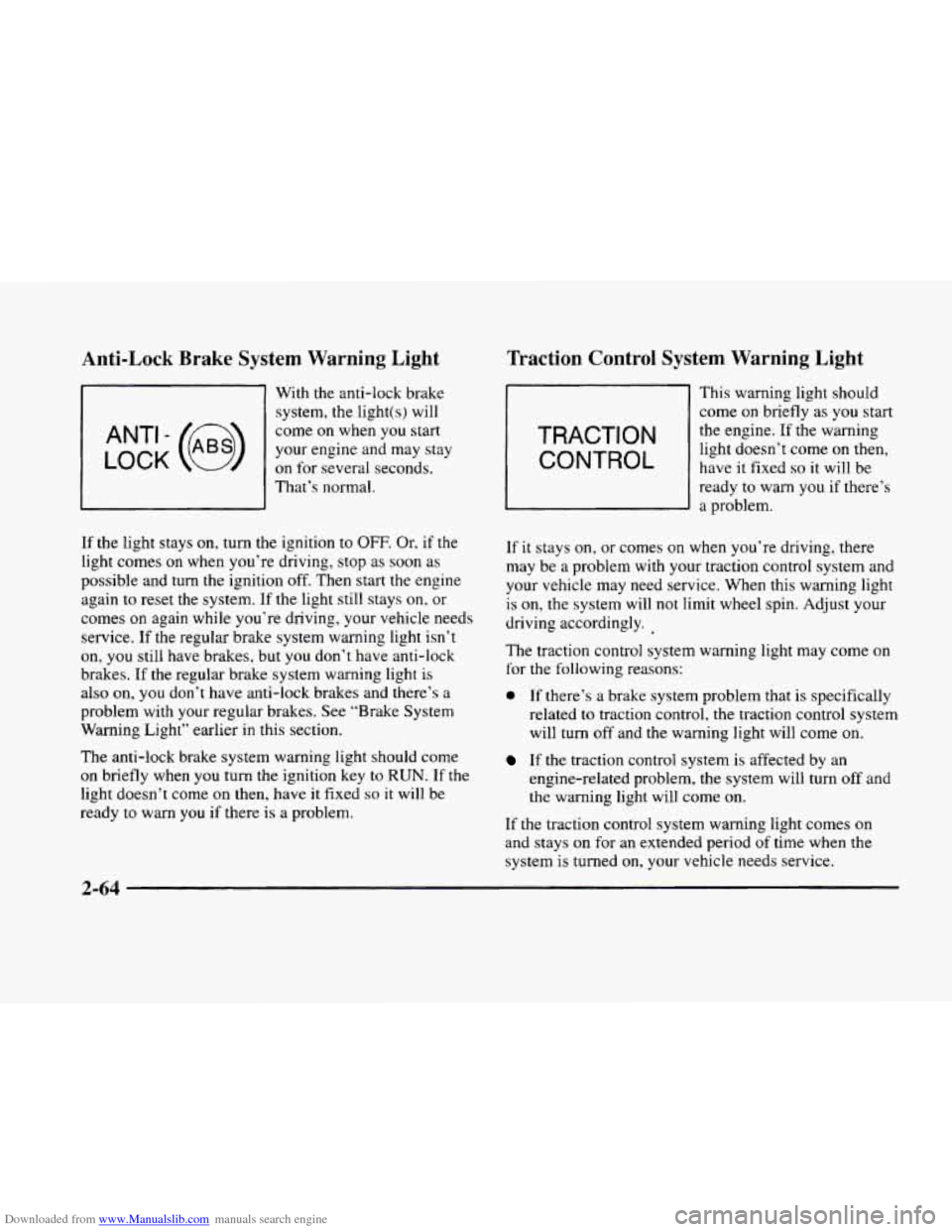
LOCK
ANT’- (e)
With the anti-lock brake system, the light(s) will
come on when you start
your engine and may stay
on for several seconds,
That’s normal.
If
the light stays on, turn the ignition to OFF. Or. if the
light comes on when you’re driving, stop as soon as
possible and turn the ignition off. Then start the engine
again to reset the system. If
the light still stays on, or
comes on again while you’re driving, your vehicle needs
service.
If the regular brake system warning light isn’t
on, you still have brakes, but you don’t have anti-lock
brakes. If
the regular brake system warning light is
also on, you don’t have anti-lock brakes and there’s a
problem with your regular brakes. See “Brake System
Warning Light” earlier in this section.
The anti-lock brake system warning light should come
on briefly when you turn the ignition key to RUN. If the
light doesn’t come on then, have it fixed so it will be
ready to warn you if there
is a problem.
Traction Control System Warning Light
TRACTION
CONTROL
This warning light should
come
on briefly as you start
the engine. If the warning
light doesn’t come on then,
have it fixed
so it will be
ready
to warn you if there’s
a problem.
If
it stays on, or comes on when you’re driving, there
may be
a problem with your traction control system and
your vehicle may need service. When this warning light
is on, the system will not limit wheel spin. Adjust your
driving accordingly.
The traction control system warning light may come on
for the following reasons:
0 If there’s a brake system problem that is specifically
related
to traction control, the traction control system
will turn
off and the warning light will come on.
If the traction control system is affected by an
engine-related problem, the system will turn
off and
the warning light will come on.
If the traction control system warning light comes on
and stays on for an extended period of time when the
system is turned
on, your vehicle needs service.
2-64
Page 140 of 380
Downloaded from www.Manualslib.com manuals search engine Driver Information Center (DIC)
This display gives you the status of many of your
vehicle’s systems. The DIC is also used to display driver
personalization features and warningktatus messages.
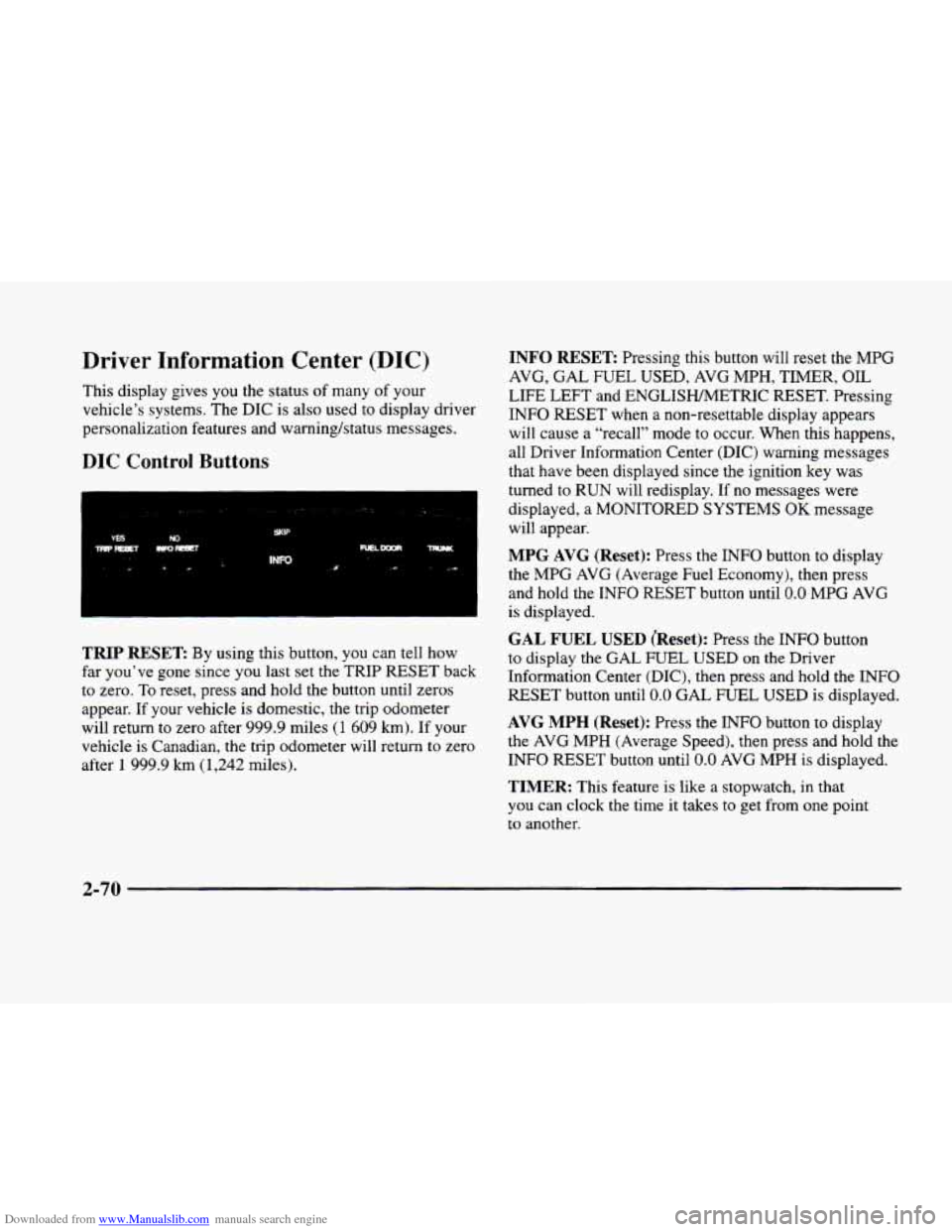
DIC Control Buttons
TRIP RESET By using this button, you can tell how
far you’ve gone since you last set the TRIP
RESET back
to zero.
To reset, press and hold the button until zeros
appear. If your vehicle is domestic, the trip odometer
will return to zero after 999.9 miles
(1 609 km). If your
vehicle is Canadian, the trip odometer will return to zero
after
1 999.9 km (1,242 miles).
INFO RESET Pressing this button will reset the MPG
AVG,
GAL FUEL USED, AVG MPH, TIMER, OIL
LIFE LEFT and ENGLISHMETRIC RESET. Pressing
INFO RESET when a non-resettable display appears
will cause a “recall” mode to occur. When this happens,
all Driver Information Center (DIC) warning messages
that have been displayed since the ignition key was
turned to RUN will redisplay. If no messages were
displayed, a MONITORED SYSTEMS
OK message
will appear.
MPG AVG (Reset): Press the INFO button to display
the MPG
AVG (Average Fuel Economy), then press
and hold the INFO RESET button until
0.0 MPG AVG
is displayed.
GAL FUEL USED (Reset): Press the INFO button
to display the
GAL FUEL USED on the Driver
Information Center (DIC), then press and hold the
INFO
RESET button until 0.0 GAL FUEL USED is displayed.
AVG MPH (Reset): Press the INFO button to display
the
AVG MPH (Average Speed), then press and hold the
INFO RESET button until
0.0 AVG MPH is displayed.
TIMER: This feature is like a stopwatch, in that
you can clock the time
it takes to get from one point
to another.
2-70