ac control CADILLAC FLEETWOOD 1994 Owner's Manual
[x] Cancel search | Manufacturer: CADILLAC, Model Year: 1994, Model line: FLEETWOOD, Model: CADILLAC FLEETWOOD 1994Pages: 398, PDF Size: 19.19 MB
Page 136 of 398
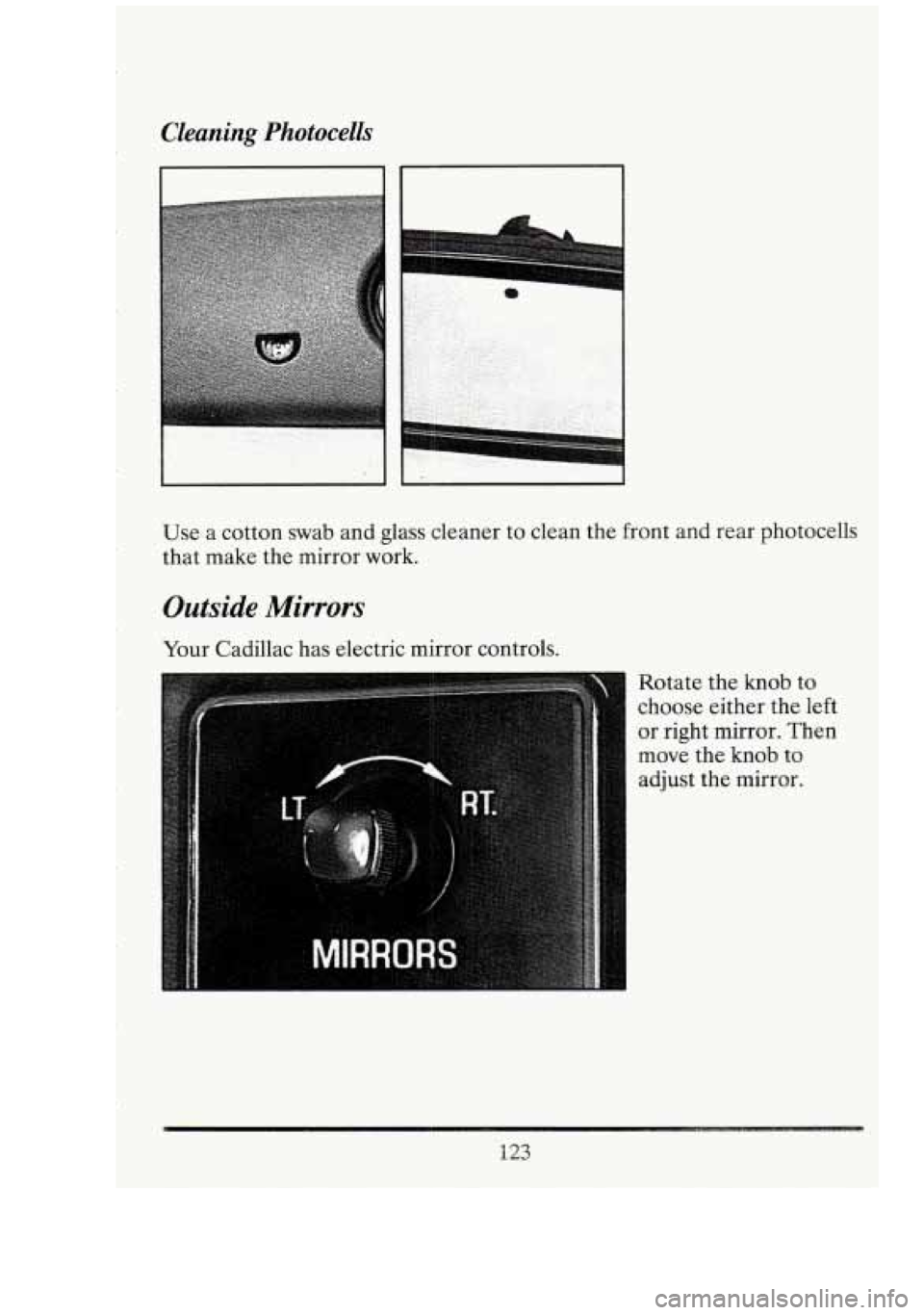
Cleaning Photocells
7
Use a cotton swab and glass cleaner to clean the front and rear photocells
that make the mirror work.
Outside Mirrors
Your Cadillac has electric mirror controls.
Rotate the knob to
choose either the left
or right mirror. Then
move the
knob to
adjust the mirror.
123
Page 147 of 398
If the light stays on, turn the ignition off. Or, if the light comes on when
you’re driving, stop as soon as possible and turn the ignition off. Then
start the engine again to reset the system. If the light still stays on, or
comes on again while you’re driving, your Cadillac needs service.
If the
regular brake system warning light isn’t on, you still have brakes, but you
don’t have anti-lock brakes. If the regular brake system warning light is
also on,
you don’t have anti-lock brakes and there’s a problem with your
regular brakes. See “Brake System Warning Light” earlier
in this part.
The anti-lock brake system warning light may also come on when you are
driving with
a compact spare tire. If this happens, the light means you
won’t have anti-lock until you replace the compact spare with a full-size
tire. If the warning light stays
on after you replace the compact spare with
a full-size tire, or if it comes on again when you’re driving, your Cadillac
needs service.
Traction Control System Lights
Traction Engaged
This light will go on as
a bulb check when you
start your engine. It
will also come on when
the traction control
system is active.
Zl
i-‘
I
d
:il
1,
I
134
n t
-
Page 148 of 398
Traction Disabled
-
TRACTION
CONTROL
This light will come on
when you first start
your vehicle or when
you turn
off the system.
If it ever comes
on and
stays
on, it means that
your traction control
system
is not working,
and you should have it
serviced as soon as
possible.
These lights are deleted on Coach Builder limousines and funeral coach
packages.
Page 151 of 398
Charge Light
When you turn the key
to “Run” or “Start”,
this light
will come on
briefly, to show that
your alternator and
battery charging
systems are working. n
Cf
n
-1
If a light stays on, you need service, and you should take your Cadillac to
the dealer at once.
To save your battery until you get there, turn off all
accessories, and set your Electronic Climate Control system to
“OFF.”
Low Oil Level Light
If it doesn’t come on, have it repaired. If the light comes on and stays on,
your engine oil level is too low. Check your oil level and add enough oil
to bring the engine oil level
up to the proper level. See “Engine Oil” in
the Index.
138
-
1
Page 154 of 398
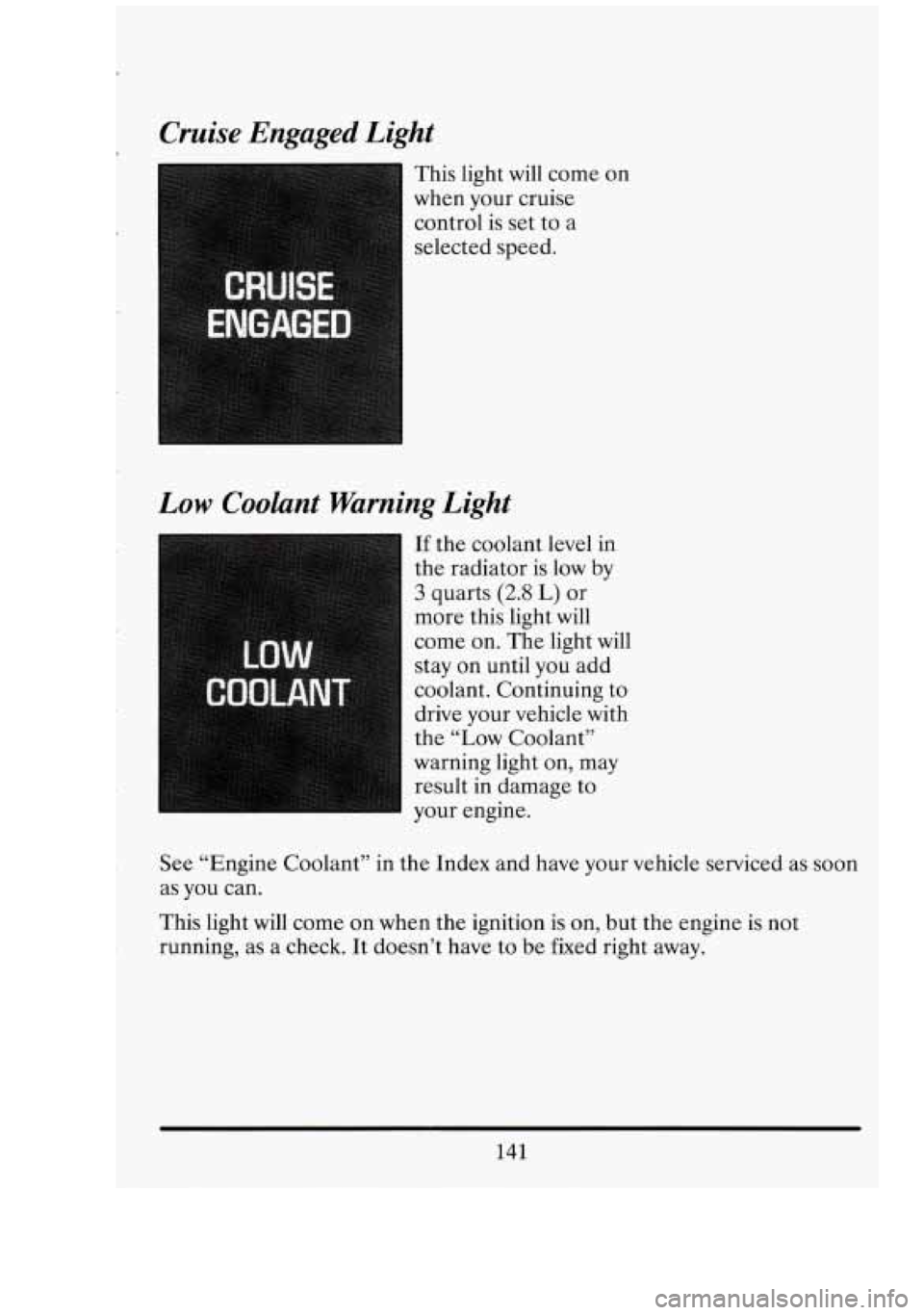
CRUISE
ENGAGED
Cruise Engaged Light
This light will come on
when your cruise
control is set to a
selected speed.
Low Coolant Warning Light
If the coolant level in
the radiator is low by
3 quarts (2.8 L) or
more this light will
come on. The light will
stay on until you add
coolant. Continuing to
drive your vehicle with
the “Low Coolant”
warning light on, may
result in damage to
your engine.
See “Engine Coolant” in the Index and have your vehicle serviced as soon
as you can.
This light will come on when the ignition is on, but the engine is not
running, as a check. It doesn’t have to be fixed right away.
141
Page 155 of 398
1
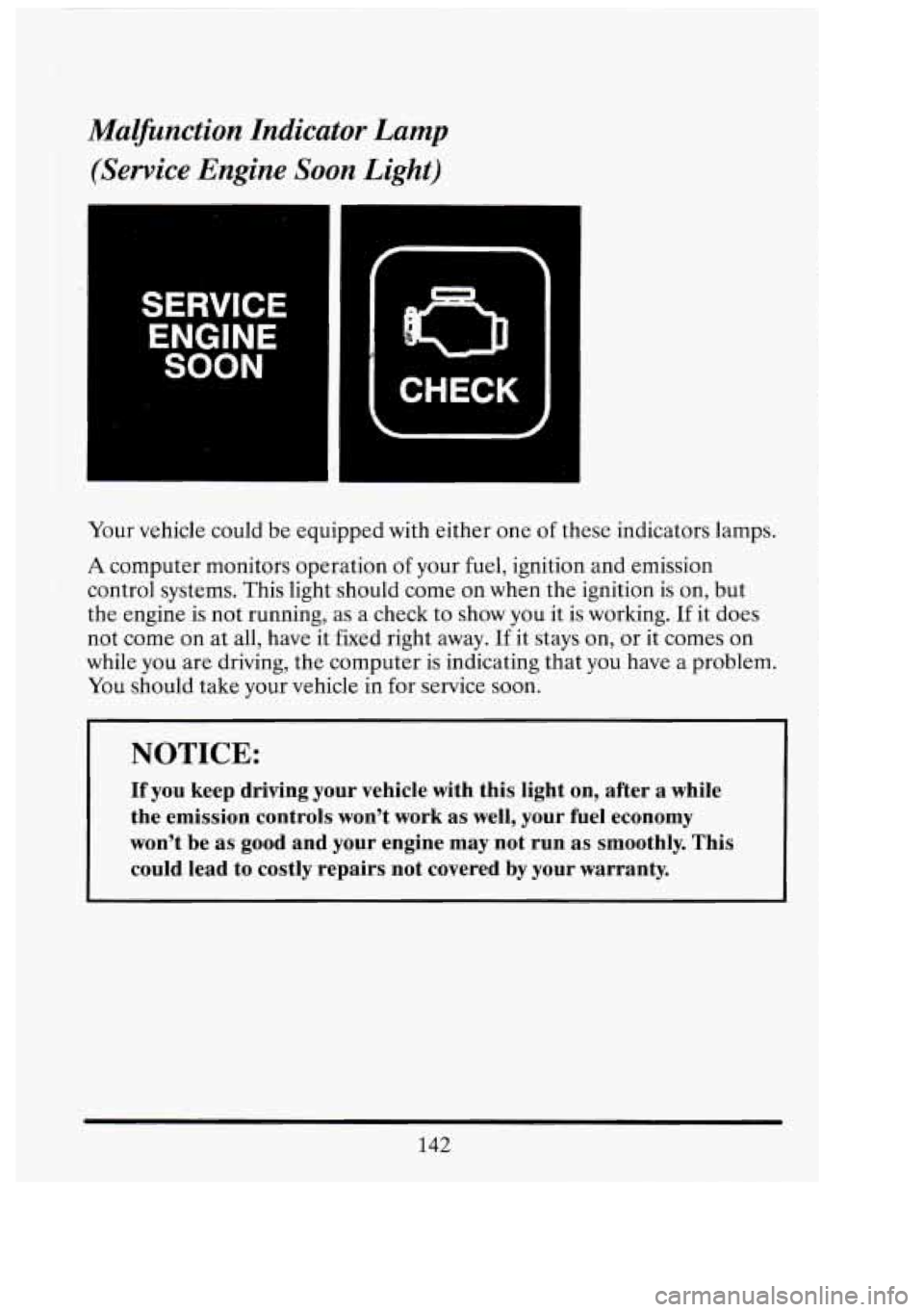
Malfinction Indicator Lamp
(Service Engine Soon Light)
SERVICE
ENGINE
SOON
n
CHECK
Your vehicle could be equipped with either one of these indicators lamps.
A computer monitors operation of your fuel, ignition and emission
control systems. This light should come on when the ignition is on, but
the engine is not running, as a check to show you it is working.
If it does
not come on at all, have it fixed right away.
If it stays on, or it comes on
while you are driving, the computer
is indicating that you have a problem.
You should take your vehicle in for service soon.
NOTICE:
If you keep driving your vehicle with this light on, after a while
the emission controls won’t work as well, your fuel economy
won’t be as good and your engine may not run as smoothly. This
could lead to costly repairs not covered by your warranty.
142
I 1
Cl
ut
-
Page 156 of 398
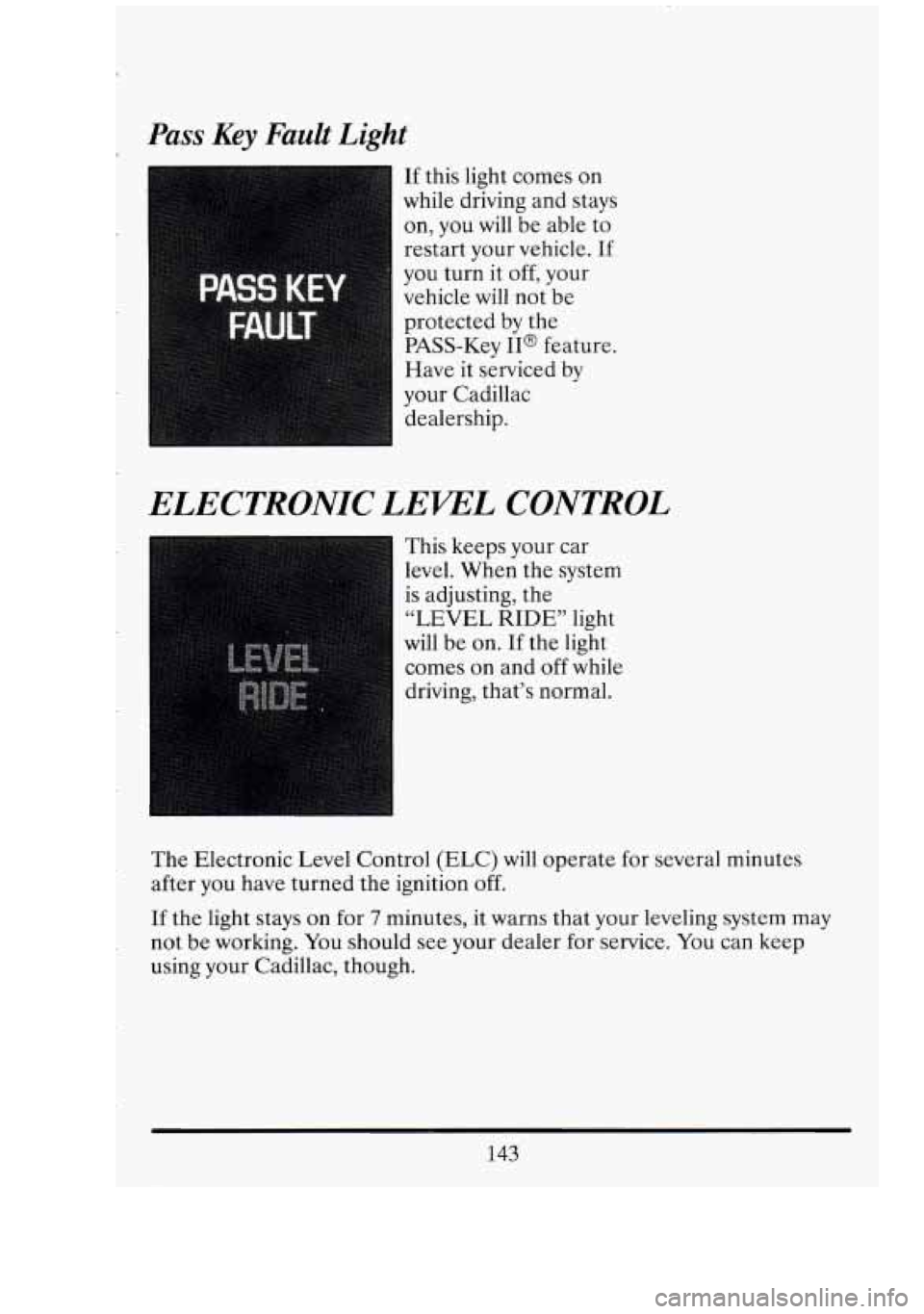
Pass Key Fault Light
If this light comes on
while driving and stays
on, you will be able
to
restart your vehicle. If
you turn it off, your
vehicle will not be
protected by the
PASS-Key
II@ feature.
Have it serviced by
your Cadillac dealership.
ELECTRONIC LEWL CONTROL
I This keeps your car
level. When the system
is adjusting, the
“LEVEL RIDE” light
will be on.
If the light
comes on and
off while
driving, that’s normal.
The Electronic Level Control (ELC) will operate for several minutes
after you have turned the ignition
off.
If the light stays on for 7 minutes, it warns that your leveling system may
not be working. You should see your dealer for service. You can keep
using your Cadillac, though.
143
Page 159 of 398
SECTION 3
COMFORT CONTROLS AND AUDIO SYSTEMS
In this section you’ll find out how to operate the comfort control systems
and audio systems offered with your Cadillac.
YOUR CXLIILUCAIR SYSTEM
This part tells you how to make your Electronic Climate Control (ECC)
work for you.
Outside Air
Outside air always flows through your Cadillac when the car is moving.
Even
if the car is not moving, you can always get outside air to flow
through by selecting any air choice (except the rear window defogger).
The Electronic Climate Control System may automatically recirculate the
inside air
of your vehicle, to provide maximum air conditioning. During
recirculation, a louder blower noise may be heard until the system returns
to outside air.
Air Outlets
The air outlets are
located
in the center
and each side of the
instrument panel. You
can adjust
the direction
of air flow by moving
the control levers. The
lever at the bottom of
the air outlet opens
or
stops the air flow from
that outlet.
146
(1
L
L
I
Ei
n L
Page 160 of 398
ELECTRONIC CLIMTE CONTROL
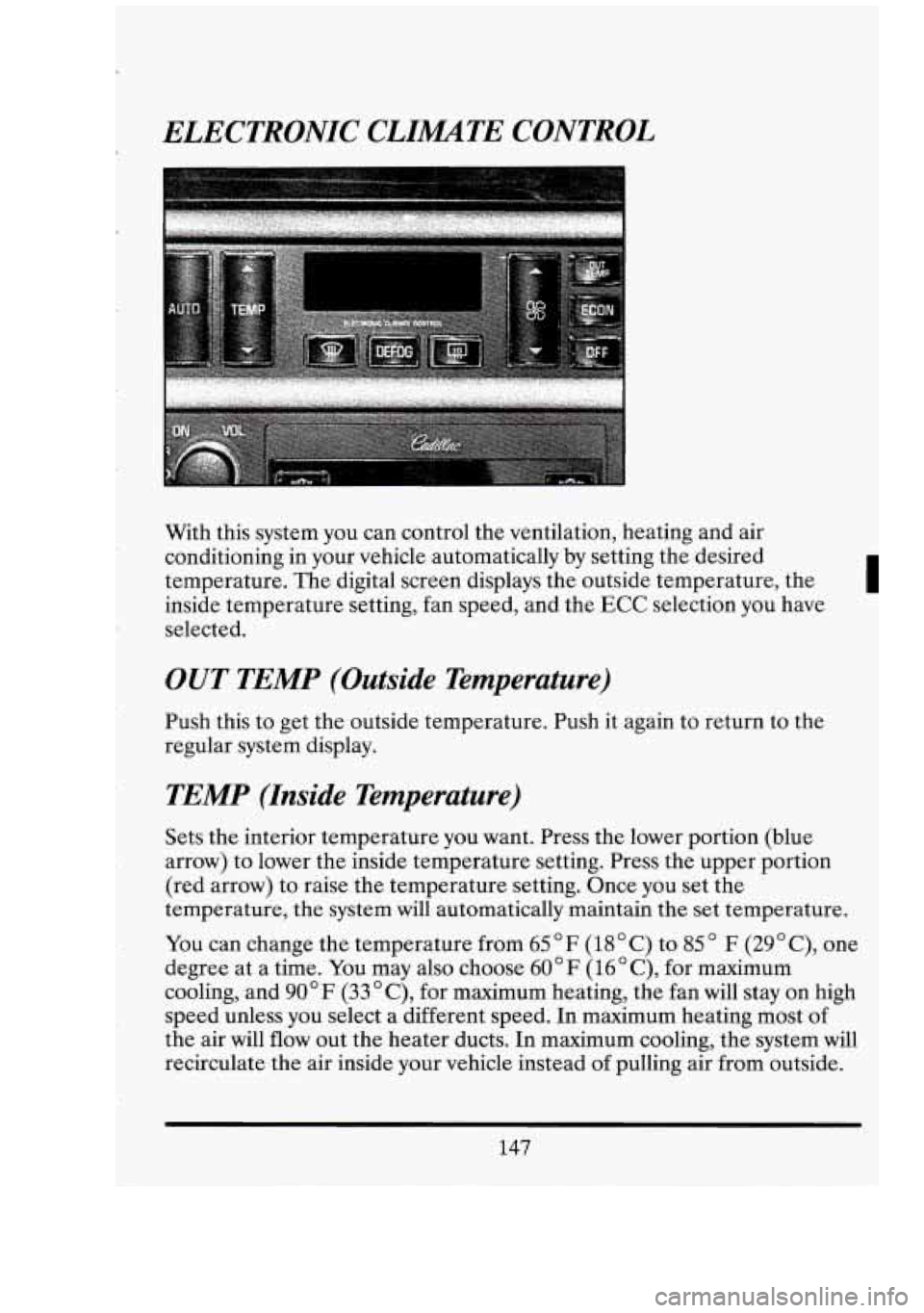
With this system you can control the ventilation, heating and air
conditioning in your vehicle automatically by setting the desired
temperature. The digital screen displays the outside temperature, the
I
inside temperature setting, fan speed, and the ECC selection you have
selected.
OUT TEMP (Outside Temperature)
Push this to get the outside temperature. Push it again to return to the
regular system display.
TEMP (Inside Temperature)
Sets the interior temperature you want. Press the lower portion (blue
arrow) to lower the inside temperature setting. Press the upper portion
(red arrow) to raise the temperature setting. Once you set the
temperature, the system will automatically maintain the set temperature.
You can change the temperature from 65 F (18 C) to 85 F (29 " C), one
degree at a time. You may also choose
60 " F (16 " C), for maximum
cooling, and 90°F
(33 "C), for maximum heating, the fan will stay on high
speed unless you select a different speed.
In maximum heating most of
the air will
flow out the heater ducts. In maximum cooling, the system will
recirculate the air inside your vehicle instead of pulling air from outside.
147
Page 161 of 398
I
OFF
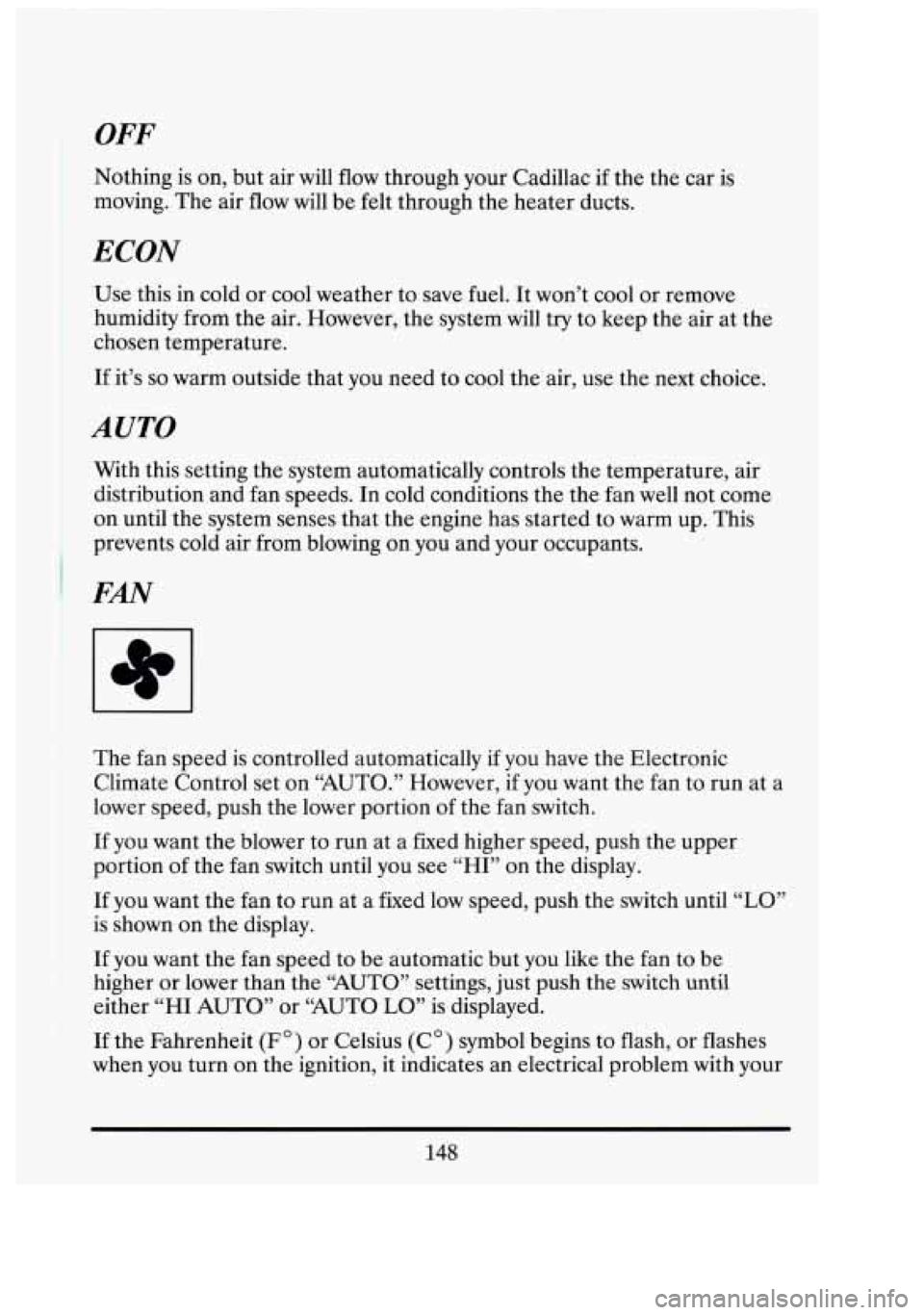
Nothing is on, but air will flow through your Cadillac if the the car is
moving. The air flow will be felt through the heater ducts.
ECON
Use this in cold or cool weather to save fuel. It won’t cool or remove
humidity from the air. However, the system will try to keep the air at the
chosen temperature.
If it’s so warm outside that you need to cool the air, use the next choice.
I AUTO
With this setting the system automatically controls the temperature, air
distribution and fan speeds. In cold conditions the the fan well not come
on until the system senses that the engine has started to warm up. This
prevents cold air from blowing on you and your occupants.
I
I FAN
The fan speed is controlled automatically if you have the Electronic
Climate Control set
on “AUTO.” However, if you want the fan to run at a
lower speed, push the lower portion of the fan switch.
If you want the blower to run at a fixed higher speed, push the upper
portion of the fan switch until you see
“HI” on the display.
If you want the fan to run at a fixed low speed, push the switch until “LO”
is shown on the display.
If you want the fan speed to be automatic but you like the fan to be
higher or lower than the
“AUTO” settings, just push the switch until
either
“HI AUTO” or “AUTO LO” is displayed.
If the Fahrenheit (F’) or Celsius (C”) symbol begins to flash, or flashes
when you turn
on the ignition, it indicates an electrical problem with your
148
G
I
1
q: LI