light CADILLAC FLEETWOOD 1994 Service Manual
[x] Cancel search | Manufacturer: CADILLAC, Model Year: 1994, Model line: FLEETWOOD, Model: CADILLAC FLEETWOOD 1994Pages: 398, PDF Size: 19.19 MB
Page 155 of 398
1
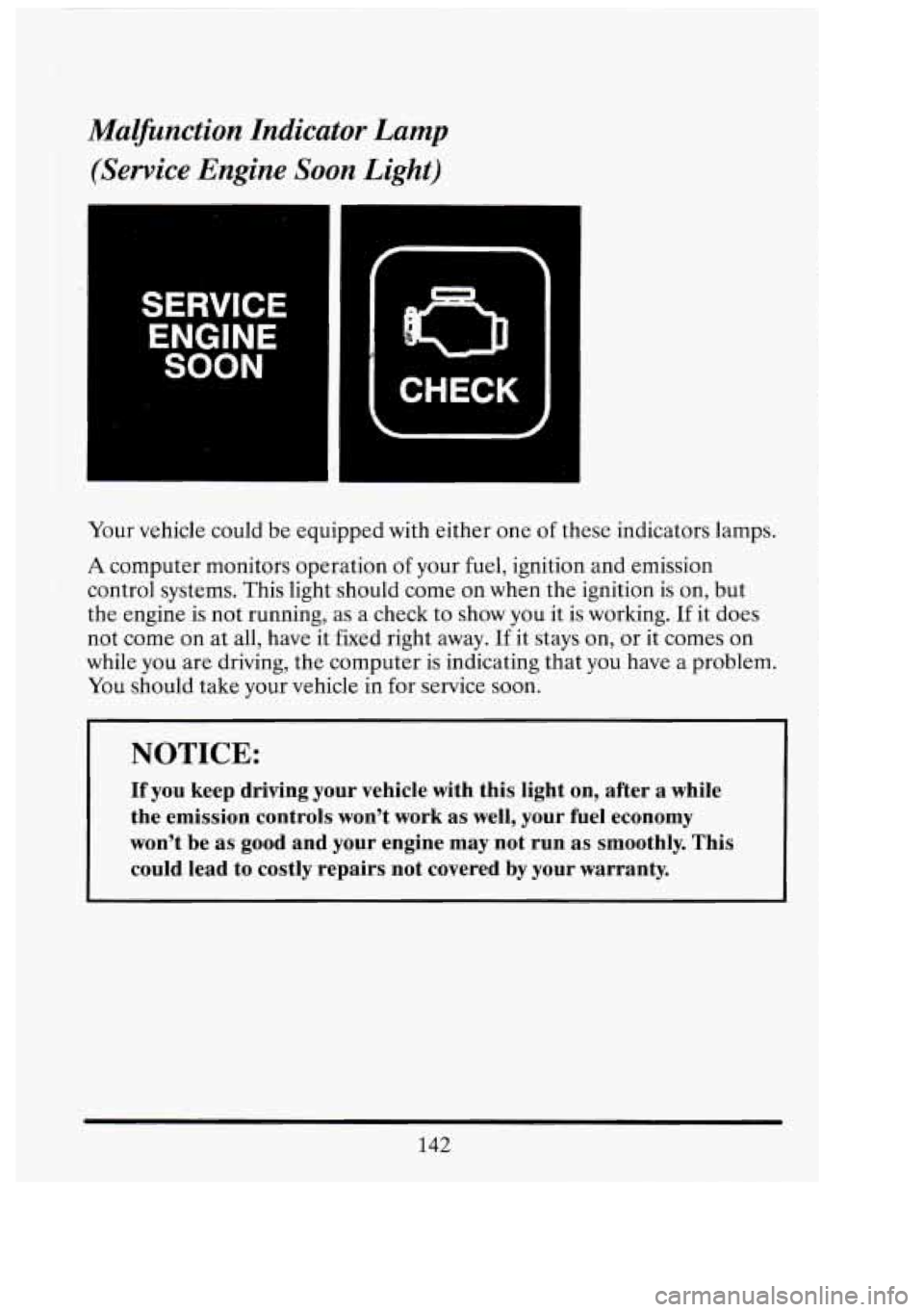
Malfinction Indicator Lamp
(Service Engine Soon Light)
SERVICE
ENGINE
SOON
n
CHECK
Your vehicle could be equipped with either one of these indicators lamps.
A computer monitors operation of your fuel, ignition and emission
control systems. This light should come on when the ignition is on, but
the engine is not running, as a check to show you it is working.
If it does
not come on at all, have it fixed right away.
If it stays on, or it comes on
while you are driving, the computer
is indicating that you have a problem.
You should take your vehicle in for service soon.
NOTICE:
If you keep driving your vehicle with this light on, after a while
the emission controls won’t work as well, your fuel economy
won’t be as good and your engine may not run as smoothly. This
could lead to costly repairs not covered by your warranty.
142
I 1
Cl
ut
-
Page 156 of 398
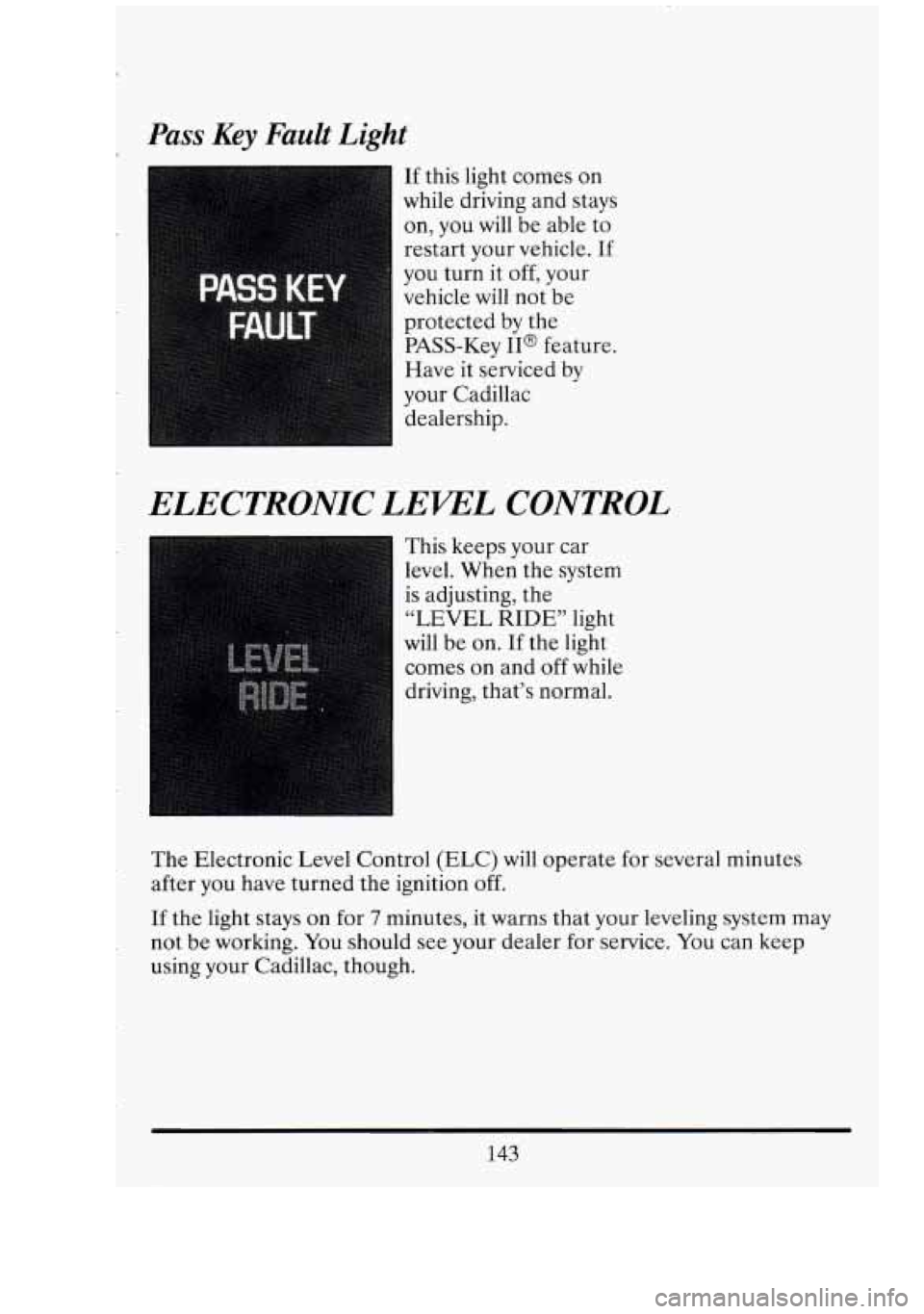
Pass Key Fault Light
If this light comes on
while driving and stays
on, you will be able
to
restart your vehicle. If
you turn it off, your
vehicle will not be
protected by the
PASS-Key
II@ feature.
Have it serviced by
your Cadillac dealership.
ELECTRONIC LEWL CONTROL
I This keeps your car
level. When the system
is adjusting, the
“LEVEL RIDE” light
will be on.
If the light
comes on and
off while
driving, that’s normal.
The Electronic Level Control (ELC) will operate for several minutes
after you have turned the ignition
off.
If the light stays on for 7 minutes, it warns that your leveling system may
not be working. You should see your dealer for service. You can keep
using your Cadillac, though.
143
Page 157 of 398
FUEL GAGE
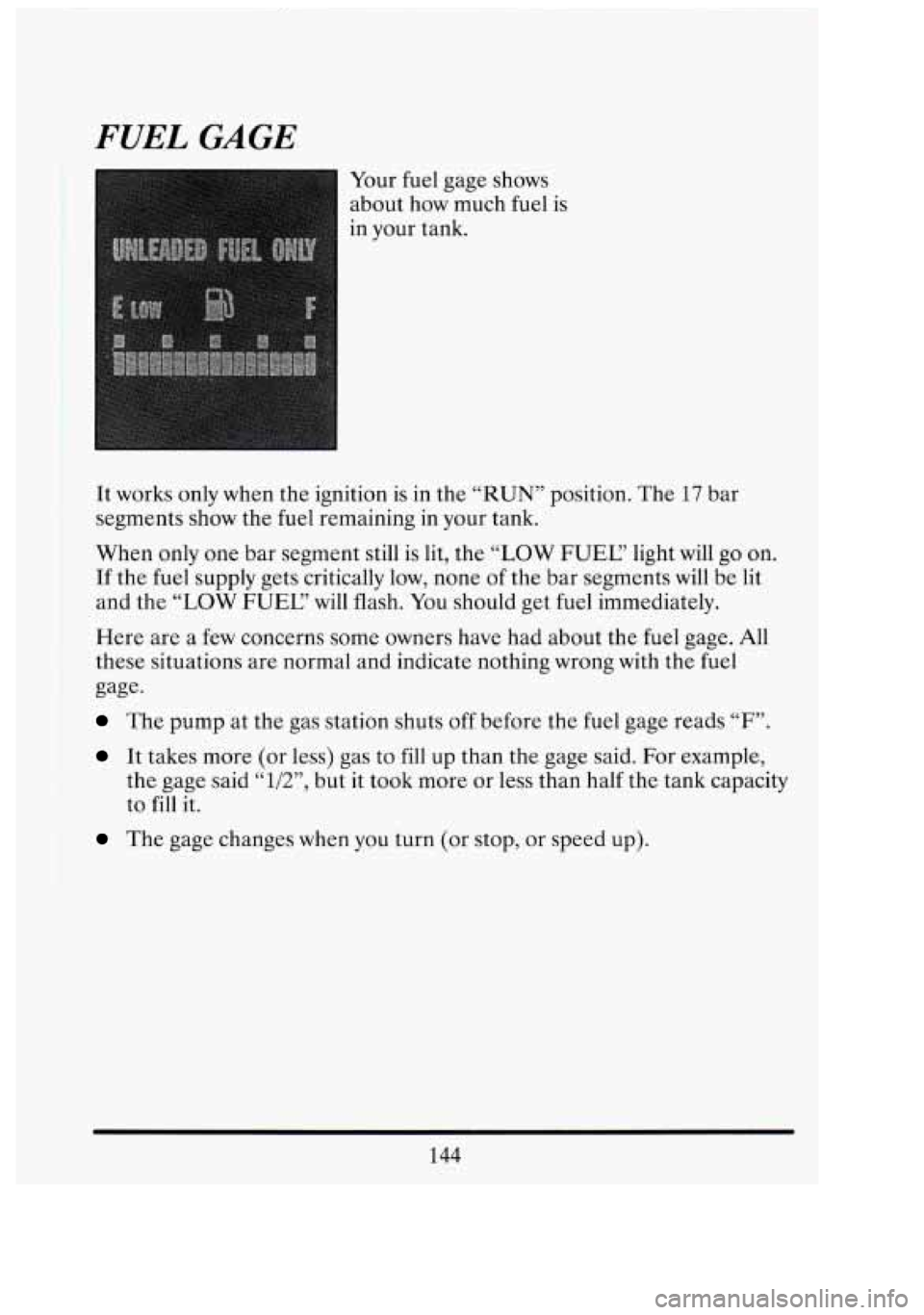
Your fuel gage shows
about how much fuel is
in your tank.
It works only when the ignition is in the “RUN” position. The 17 bar
segments show the fuel remaining in your tank.
>When only one bar segment still is lit, the
“LOW FUEC‘ light will go on.
‘If the fuel supply gets critically low, none of the bar segments will be lit
and the “LOW FUEC’
will flash. You should get fuel immediately.
Here are a few concerns some owners have had about the fuel gage. All
.these situations are normal and indicate nothing wrong with the fuel
>gage-
The pump at the gas station shuts off before the fuel gage reads “F”.
It takes more (or less) gas to fill up than the gage said. For example,
the gage said
“l/2”, but it took more or less than half the tank capacity
to
fill it.
The gage changes when you turn (or stop, or speed up).
13
C
Ql
C’
i
I
144
..
Page 158 of 398
OIL LIFE INDICATOR
Your Cadillac has an Oil Life Indicator feature. This tells you when
you need to change your engine oil. It’s based upon the engine oil
temperatures and your driving patterns.
Your Oil Life Indicator may say to change the oil sooner than your
maintenance schedule. This can happen if driving conditions, such as
short trips in cold weather, cause shorter
oil life. Always keep a written
record of the mileage and date when you last changed your oil. For more
information on when to change your oil, see the Cadillac Maintenance
Schedule Booklet.
The system probably will say to change the oil between
3000 miles
(5000 km) and 7500 miles (12500 km), but it may even say to change it
before
3000 miles under severe conditions. It all depends on your driving
patterns. (If it doesn’t, or if it doesn’t even light up, then something is
wrong. You will need to have it serviced.)
There are
two things the system won’t do: It can’t sense heavy dust in the
places where you drive.
If you drive in a dusty area, you should change
your oil every
3000 miles (5000 km) or 3 months (whichever comes first),
unless the “CHANGE OIC’ light comes on sooner.
It doesn’t check how much oil you have
so you will still have to check for
that.
To check it, see the Index under “Engine Oil.”
When You’ve Changed the Oil
When new oil is put in, you’ll need to reset your system. To do that, turn
the ignition switch to the
“ON” position with the engine stopped. Fully
depress and release the accelerator pedal
3 times within 5 seconds.
If the “CHANGE OIC’ light comes on and stays on for 5 seconds, it did
not reset. You’ll need to reset the system again.
145
Page 166 of 398
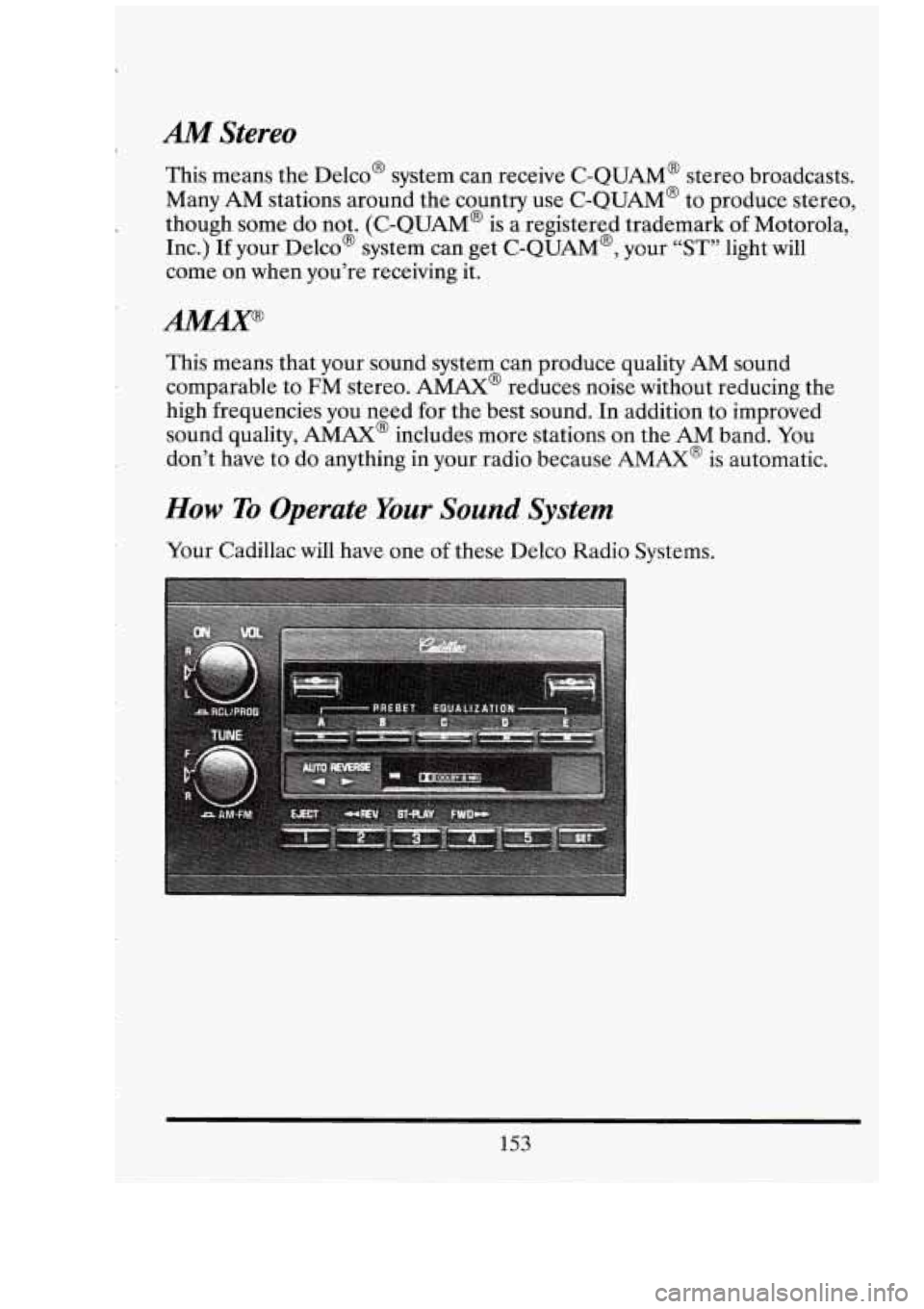
AM Stereo
This means the belco’ system can receive C-QUAM@ stereo broadcasts.
Many AM stations around the country use C-QUAM@ to produce stereo,
though some do not. (C-QUAM@ is a registered trademark
of Motorola,
Inc.)
If your Delco@ system can get C-QUAM@, your “ST” light will
come on when you’re receiving it.
This means that your sound system can produce quality
AM sound
comparable to
FM stereo. AMAX@ reduces noise without reducing the
high frequencies you need for the best sound. In addition to improved
sound quality,
AMAX@ includes more stations on the AM band. You
don’t have to do anything in your radio because
AMAX@ is automatic.
How To Operate Your Sound System
Your Cadillac will have one of these Delco Radio Systems.
153
Page 168 of 398
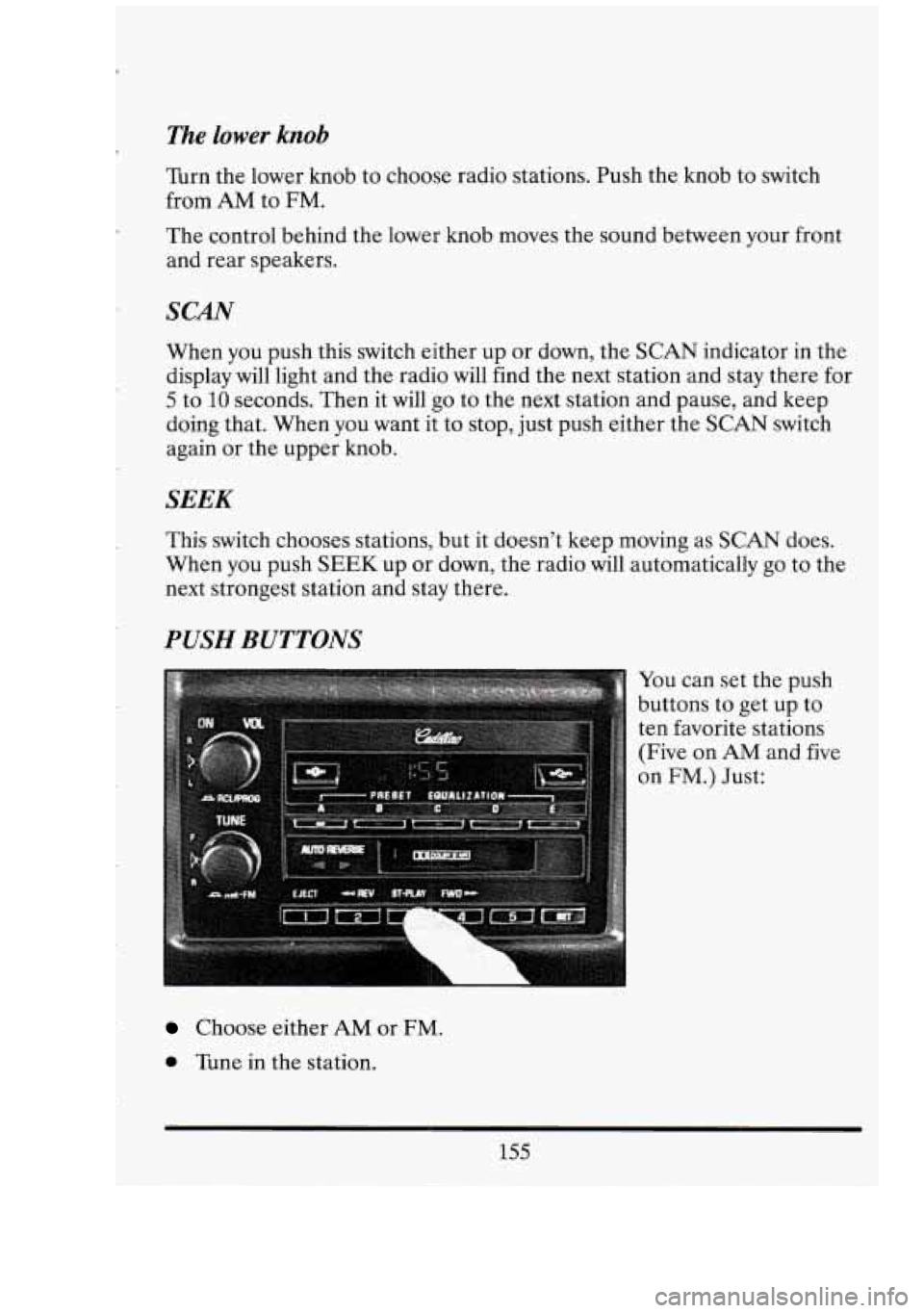
The lower knob
Turn the lower knob to choose radio stations. Push the knob to switch
from
AM to FM.
The control behind the lower knob moves the sound between your front
and rear speakers.
SCAN
When you push this switch either up or down, the SCAN indicator in the
display will light and the radio will find the next station and stay there for
5 to 10 seconds. Then it will go to the next station and pause, and keep
doing that. When you want it to stop, just push either the
SCAN switch
again or the upper knob.
SEEK
This switch chooses stations, but it doesn’t keep moving as SCAN does.
When you push
SEEK up or down, the radio will automatically go to the
next strongest station and stay there.
WSH BUTTONS
You can set the push
buttons to get up to
ten favorite stations
(Five on
AM and five
on
FM.) Just:
Choose either AM or FM.
0 Tune in the station.
155
Page 171 of 398
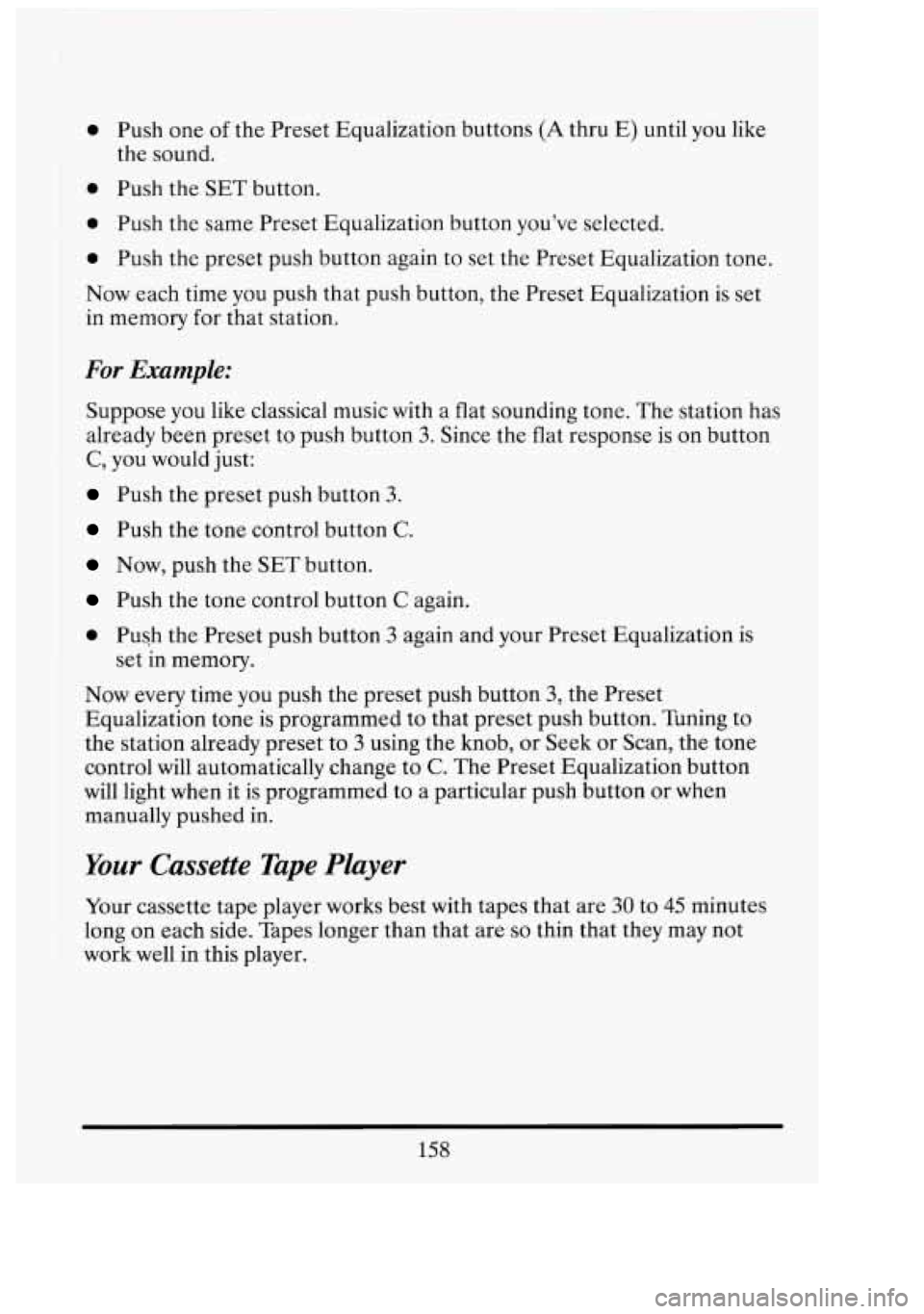
0 Push one of the Preset Equalization buttons (A thru E) until you like
0 Push the SET button.
4 Push the same Preset Equalization button you've selected.
the sound.
0 Push
the preset push button again to set the Preset Equalization tone.
Now each time you push that push button, the Preset Equalization is set
in memory for that station.
For Example:
Suppose you like classical music with a flat sounding tone. The station has
already been preset to push button
3. Since the flat response is on button
C, you would just:
Push the preset push button 3.
Push the tone control button C.
Now, push the SET button.
Push the tone control button C again.
~ Push the Preset push button 3 again and your Preset Equalization is
set in memory.
Now every time you push the preset push button
3, the Preset
Equalization tone is programmed to that preset push button. Tuning to
the station already preset to
3 using the knob, or Seek or Scan, the tone
control will automatically change to
C. The Preset Equalization button
will light when it is programmed to a particular push button or when
manually
pushed in.
Your Cassette Tape Player
Your cassette tape player works best with tapes that are 30 to 45 minutes
long on each side. Tapes longer than that are
so thin that they may not
work well in this player.
158
o/
Page 172 of 398
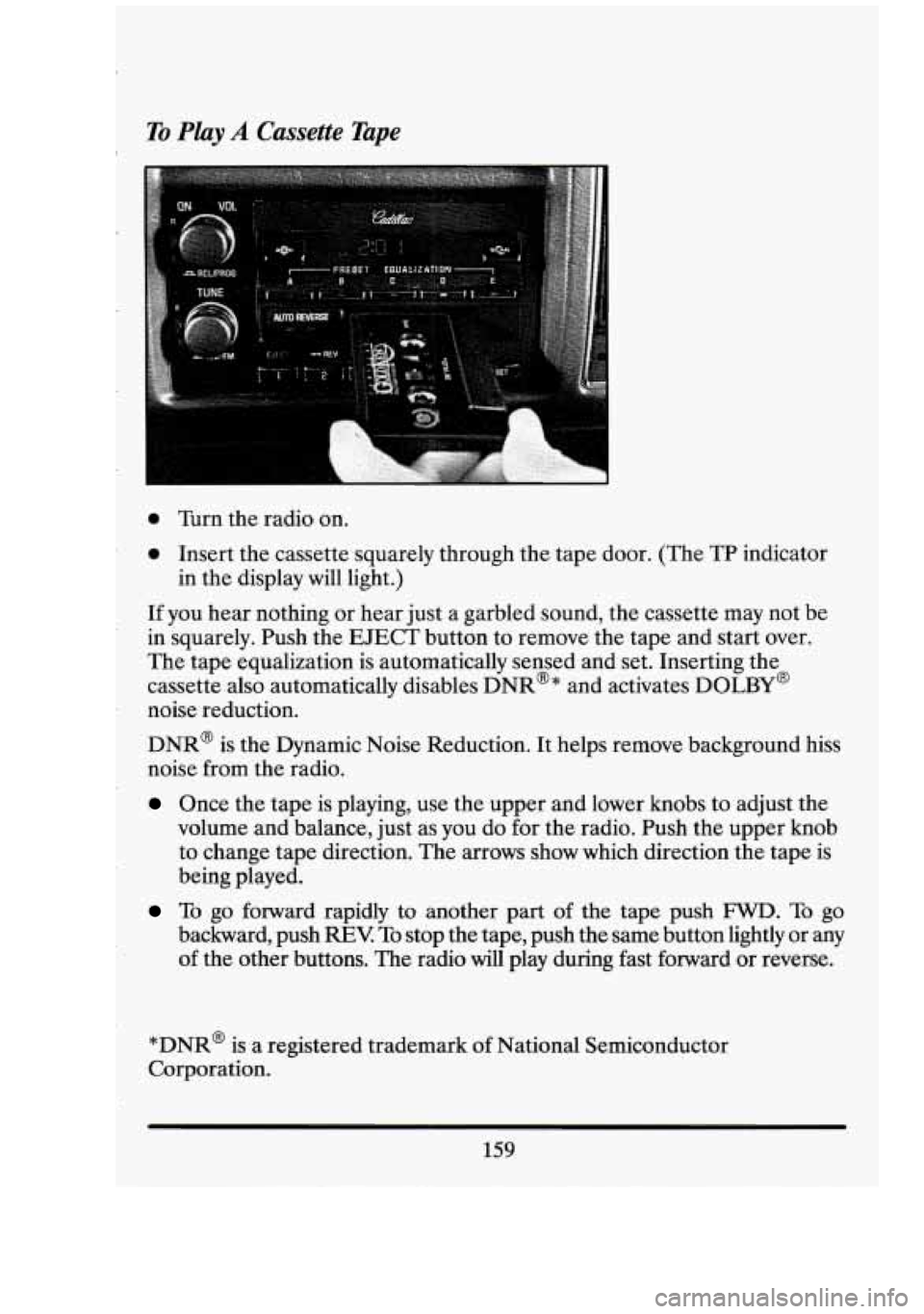
To Play A Cassette Tape I.
0 Turn the radio on.
0 Insert the cassette squarely through the tape door. (The TP indicator
If you hear nothing or hear just a garbled sound, the cassette may not be
in squarely. Push the EJECT button to remove the tape and start over.
The tape equalization is automatically sensed and set. Inserting the
cassette also automatically disables DNR@* and activates DOLBY@
noise reduction.
DNR@ is the Dynamic Noise Reduction. It helps remove background hiss
noise from the radio.
Once the tape is playing, use the upper and lower knobs to adjust the
volume and balance, just
as you do for the radio. Push the upper knob
to change tape direction. The arrows show which direction the tape is
being played.
in
the display will light.)
To go forward rapidly to another part of the tape push FWD. To go
backward, push
REV To stop the tape, push the same button lightly or any
of the other buttons. The radio will play during fast forward or reverse.
*DNR@ is a registered trademark
of National Semiconductor
Corporation.
159
Page 174 of 398
To Play the Disc Player
Before you begin, please note: don’t use the mini-discs that are called
“singles”. They won’t eject. Use full-size compact discs only.
Turn the radio on.
Insert a disc (label side up) partway into the slot. The player will pull it in.
Wait a few seconds and the disc will play.
The DNR@ will be disabled and
the display will show Track
“1 TRK CD” for about 5 seconds, then “CD”
will show in the display.
If the disc comes back out, check to see if
0 The disc is upside down.
0 The disc is dirty, scratched, or wet.
0 There’s too much moisture in the air. (If there is, wait about one hour
and try again).
RCL JPROG (RecallJProgram)
Press once to see which track is being played. (It also allows for disc
programming.)
Within 5 seconds press it a second time to see how long the disc has
been playing.
0 Press it a third time to see the time of day.
To Program Packs
You can program up to 10 tracks for your listening pleasure.
1. Press the RCL/PROG knob. “CD” and “TRACK” will light in the
2. Within 5 seconds, turn the lower TUNE knob to the track you want to
3. Press the SET button and the track number will stop flashing. This
display.
This also allows you to program disc track playback.
hear first. The track number will flash.
indicates that the track is programmed.
4. Repeat steps 2 and 3 to program up to 9 more tracks.
161
Page 176 of 398
PLAY
Press PLAY to restart the disc or tape. It will begin playing at the point
where it had stopped.
If the CD and cassette tape are inserted at the
same time, pressing the play button will switch between
CD and the Tape.
COMP (Compression)
Pressing COMP makes soft and loud passages more nearly equal in
volume. For example, playing classical or jazz music with very quiet and
very loud passages in the same tune. The COMP display will light as long
as COMP is on.
Setting The Clock
Turn the ignition and radio on. Then:
To Set the Hour:
Press SET, and within 5 seconds,
0 Press and hold SEEK up or down. When the clock gets to the correct
hour, let go.
To Set the Minutes:
Press SET, and within 5 seconds,
Press and hold SCAN up or down. When the clock gets to the correct
minute,
let go.
Your clock is set.
Care of Your Cassette Tape Player
A tape player that is not cleaned regularly can cause reduced sound
quality, ruined cassettes, or
a damaged mechanism. Cassette tapes should
be stored in their cases away from contaminants, direct sunlight, and
extreme heat.
If they aren’t, they may not operate properly or cause
failure
of the tape player.
Your tape player should be cleaned regularly each month or after
every
15 hours of use. If you notice a reduction in sound quality, try a known
163