stop start CADILLAC FLEETWOOD 1994 Owners Manual
[x] Cancel search | Manufacturer: CADILLAC, Model Year: 1994, Model line: FLEETWOOD, Model: CADILLAC FLEETWOOD 1994Pages: 398, PDF Size: 19.19 MB
Page 21 of 398
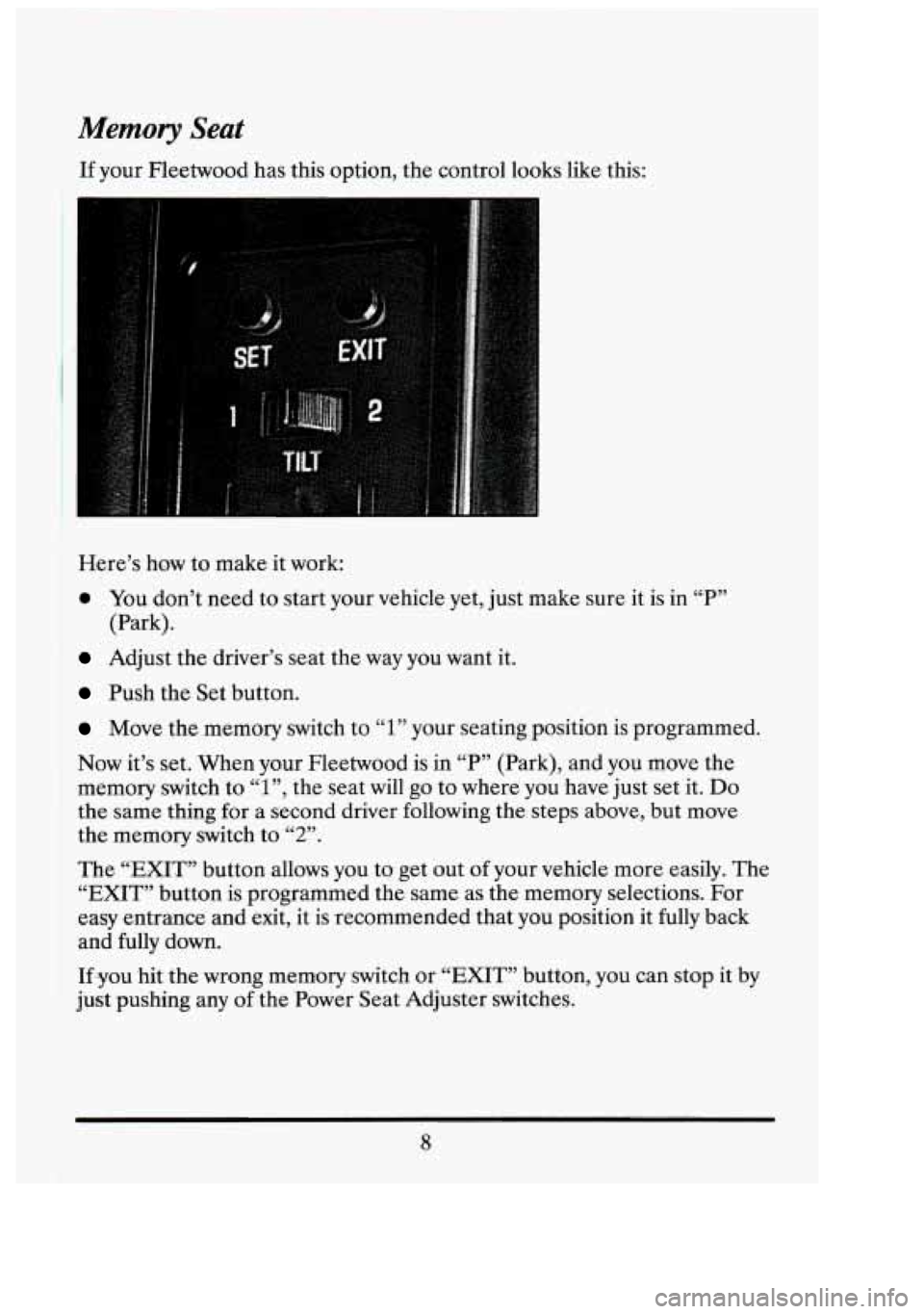
Memory Seat
If your Fleetwood has this option, the control looks like this:
Here’s how to make it work:
0 You don’t need to start your vehicle yet, just make sure it is in “P”
Adjust the driver’s seat the way you want it.
(Park).
Push
the Set button.
Move the memory switch to 1 your seating position is programmed.
Now it’s set. When your Fleetwood is in “P” (Park), and you move the
memory switch to
1 , the seat will go to where you have just set it. Do
the same thing for a second driver followi,ng the steps above, but move
the memory switch
to “2”.
LC 77
LL 99
The “EXIT” .button allows you to get out of your vehicle more easily. The
“EXIT” button is programmed the same as the memory selections. For
easy entrance and exit, it is recommended that you position it
fully back
and fully down.
If you hit the wrong memory switch or “EXIT” button, you can stop it by
just pushing any of,the Power Seat Adjuster switches.
7 I
3;
n
I
Ji
I
8
Page 54 of 398
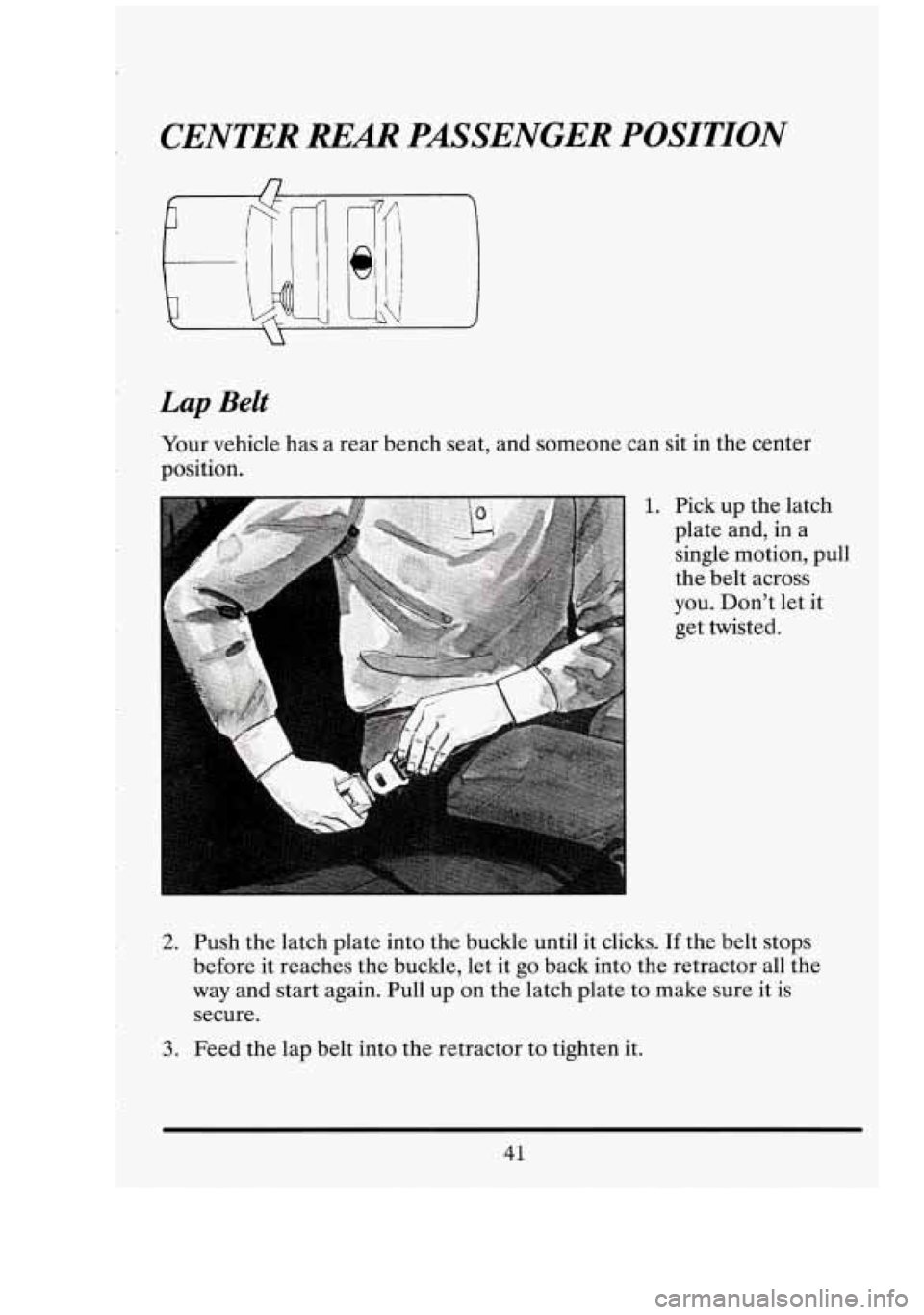
Lap Belt
Your vehicle has a rear bench seat, and someone can sit in the center
position.
1. Pick up the latch
plate and, in a
single motion, pull
the belt across
you. Don't let it
get twisted.
2. Push the latch plate into the buckle until it clicks. If the belt stops
before it reaches the buckle, let it go back into the retractor all the
way and start again. Pull up on the latch plate to make sure it is
secure.
3. Feed the lap belt into the retractor to tighten it.
41
Page 87 of 398
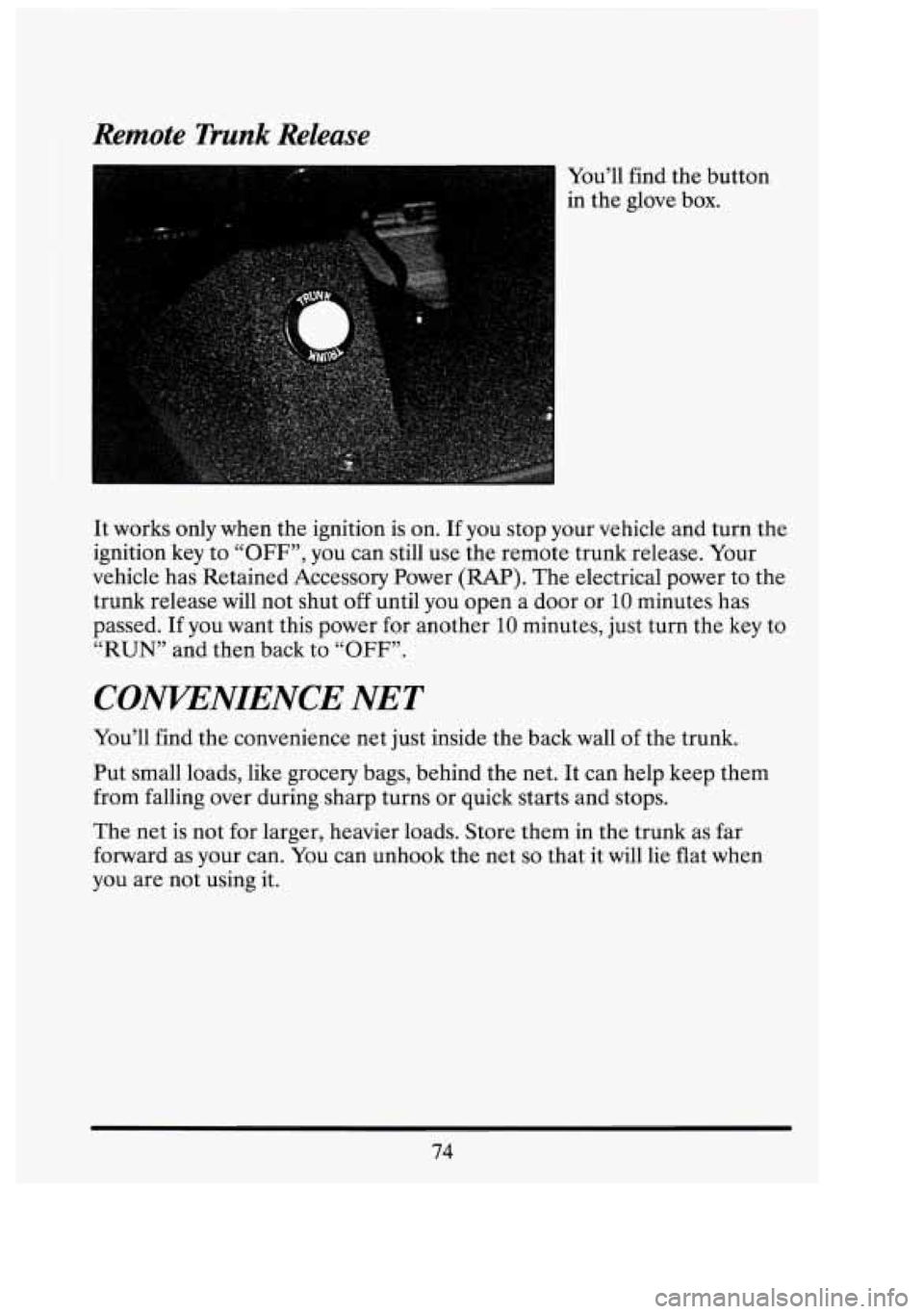
Remote Trunk Release
You’ll find the button
in the glove box.
It works only when the ignition is on. If you stop your vehicle and turn the
ignition key to
“OFF”, you can still use the remote trunk release. Your
vehicle has Retained Accessory Power
(RAP). The electrical power to the
trunk release will not shut
off until you open a door or 10 minutes has
passed. If you want this power for another
10 minutes, just turn the key to
“RUN” and then back to
“OFF”.
CONVENIENCE NET
You’ll find the convenience net just inside the back wall of the trunk.
Put small loads, like grocery bags, behind
the net. It can help keep them
from falling over during sharp turns or quick starts and stops.
The net is not for larger, heavier loads. Store them in the trunk as far
forward as your can. You can unhook the net
so that it will lie flat when
you are not using it.
74
n
Page 96 of 398
The alarm won’t stop if you try to unlock a door any other way.
How to Test The Alarm
r 0 From inside the vehicle roll down your window, then get out of your
vehicle keeping the door open.
0 From outside the vehicle with the door open, lock the vehicle using
the power door lock or the Keyless Entry System and close the door.
0 Once the interior lights are off, reach in and unlock the door using the
manual lock. Open the door, the horn will sound and your headlights
will flash.
If the alarm does not sound when it should, check to see
if the horn
works. The horn fuse may be blown. To replace the fuse, see “Fuses and
Circuit Breakers” in the Index.
To reduce the possibility of theft, always arm the theft deterrent system
when leaving your vehicle.
PASS-KEY@II
Your vehicle is equipped with the PASS-Key@II (Personalized
Automotive Security System) theft deterrent system. PASS-Key@II
is a
passive theft deterrent system. This means you don’t have to do anything
different to arm or disarm the system. It works when you insert or remove
the
key from the ignition. PASS-Key@II uses a resistor pellet in the
ignition key that matches a decoder in your vehicle.
When the PASS-Key@II system senses that someone is using the wrong
key, it shuts down the vehicle’s starter and fuel systems. For about three
minutes, the starter won’t work and fuel won’t
go to the engine. If
someone tries to start your vehicle again or uses another key during this
time, the vehicle will not start. This discourages someone from randomly
trying different keys with different resistor pellets in an attempt to make a
match.
The ignition
key must be clean and dry before it’s inserted in the ignition
or the engine may not start. If the engine does not start and and the
“PASS
KEY FAULT” light comes on, the key may be dirty or wet. Turn
the ignition off.
83
Page 98 of 398
NOTICE:
Your modern Cadillac doesn’t need .an elaborate “break-in.” But
it will perform better in the long run if you follow these
guidelines:
Keep your speed at 55 mph (88 km/h) or less for the first
1000 miles (160 km).
Don’t drive at any one speed -- fast.or slow -- for the first
1000 miles (160 km). Don’t make full-throttle starts.
Avoid making hard stops for the first 200 miles (322 km) or
so. During this time your new brake linings aren’t yet broken
in. Hard stops with new linings can mean premature wear
and earlier replacement. Follow this “breaking-in’’ guideline
every time
you get new brake linings.
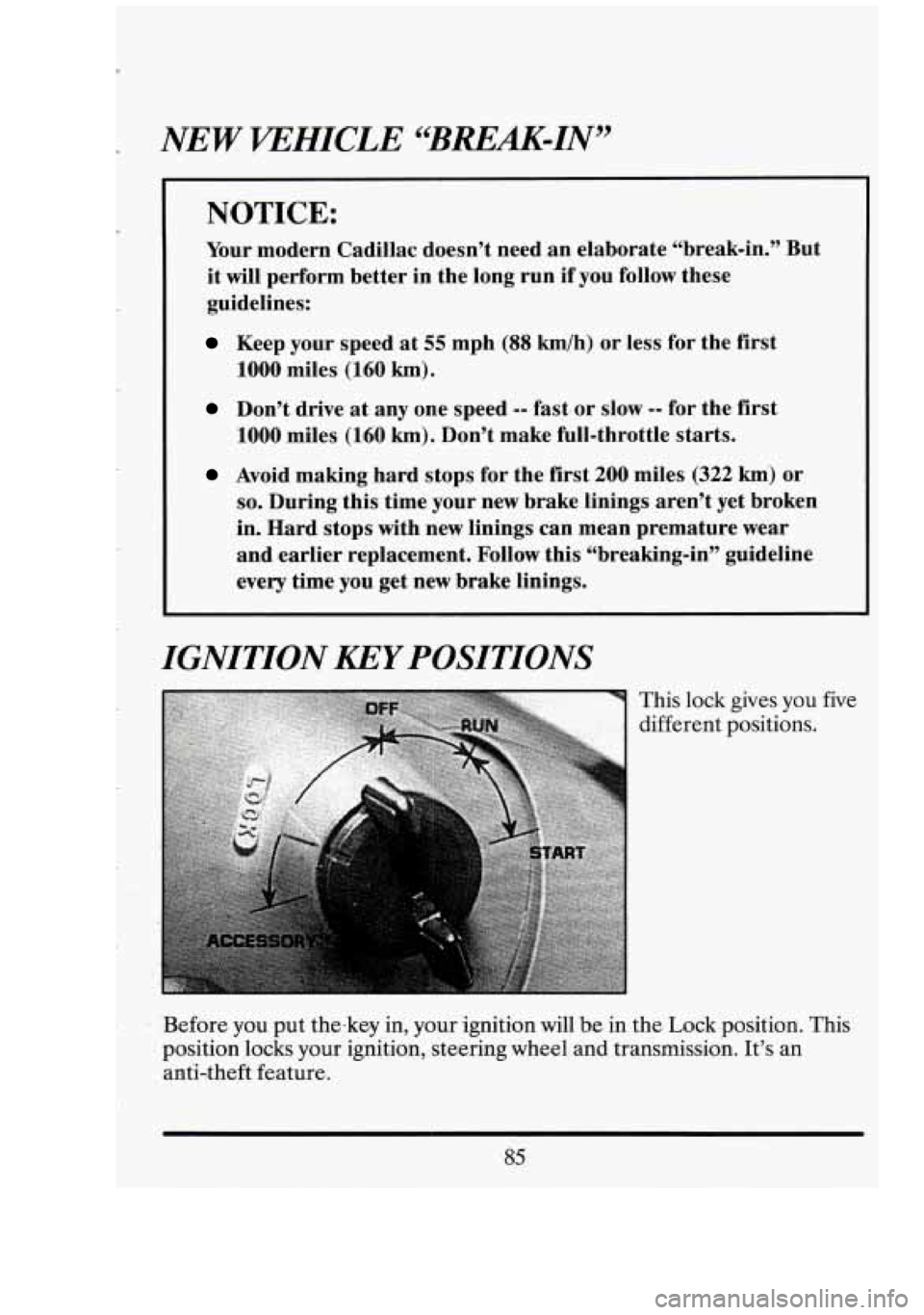
IGNITIQN KEY POSITIONS
This lock
different : gives you
positions. five
‘Before you put the-key in, your ignition will
be in the Lock position. This
position locks your ignition, steering wheel and transmission. It’s an
anti-:theft ,feature.
Page 99 of 398
I
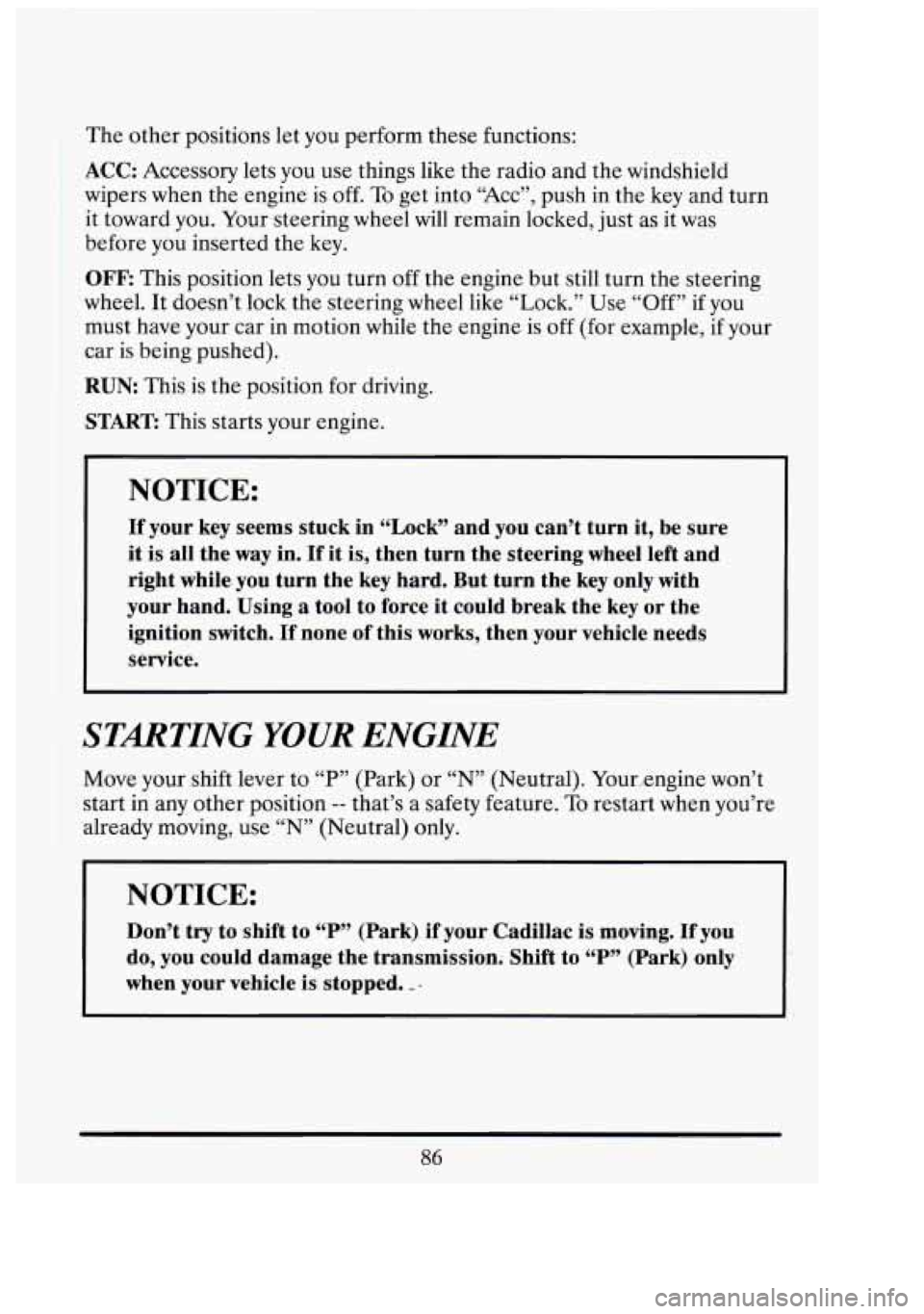
The other positions let you perform these functions:
ACC: Accessory lets you use things like the radio and the windshield
wipers when the engine is
off. To get into “ACC”, push in the key and turn
it toward
you. Yoursteeringwheel will remain locked, just as it was
before you inserted the key.
OFF: This position lets you turn off the engine but still turn the steering
wheel. It doesn’t lock the steering wheel like “Lock.” Use “Off”
if you
must have your car in motion while the engine is
off (for example, if your
car is being pushed).
RUN This is the position for driving.
START This starts your engine.
NOTICE:
If your key seems stuck in “Lock” and you can’t turn it, be sure
it
is all the way in. If it is, then turn the steering wheel left and
right while. you turn the key hard. But turn the key only with
your hand. Using
a tool to force it could break the key or the
ignition switch.
If none of this works, then your vehicle needs
service.
STARTING YOUR ENGINE
Move your shift lever to “P” (Park) or “N” (Neutral). Your,,engine won’t
start in
any other position -- that’s a safety feature. To restart when you’re
already moving, use “N” (Neutral) only.
NOTICE:
Don’t try to shift to “P” (Park).. if your Cadillae is moving. If you
do, you could .damage the transmission. Shift to “P” (Park) only
when your vehicle
is stopped. ”. .
1
W I
D
I
I
-
Page 100 of 398
To start vour V8 engine:
1. Without pushing the accelerator pedal, turn your ignition key to
“Start.” When the engine starts, let
go of the key. The idle speed will
go down as your engine gets warm.
NOTICE:
Holding your key in “Start” for longer than 15 seconds at a time
will cause your battery to be drained much sooner.
And the
excessive heat can damage your starter motor.
2. If it doesn’t start within 3 seconds, push the accelerator pedal about
one-third of the way down, while you hold the ignition key
in “Start.”
When the engine starts, let go of the
key and let up on the accelerator
pedal. Wait about
15 seconds between each try to help avoid draining
your battery.
When starting your engine in very cold weather (below
O°F or -18 C), do
this:
1. With your foot off the accelerator pedal, turn the ignition key to
“Start” and hold it there. After two seconds, push the accelerator
pedal about one-third of the way down. When the engine starts, let go
of the key. Use the accelerator pedal to maintain engine speed, if you
have to, until your engine has run for a while.
2. If your engine still won’t start (or starts but then stops), it could be
flooded with too much gasoline. Try pushing your a,ccelerator pedal all
the way to the floor and holding it there as you hold the key in “Start”
for about three seconds.
If the vehicle starts briefly but then stops
again, do the same thing, but this time keep the pedal down for five or
six seconds. This clears the extra gasoline from the engine.
87
Page 104 of 398
Ensure the shift lever is fully in “P” (Park) range before starting the engine.
Your Cadillac has a brake-transmission shift interlock. You have to fully
apply your regular brakes before you can shift from “P” (Park) when the
ignition key is in the “Run” position.
If you cannot shift out of “P” (Park),
ease pressure on the shift lever
-- push the shift lever all the way into “P77
(Park) as you maintain brake application. Then move the shift lever into the
gear you wish. See “Shifting Out of ‘P’ (Park)” in this part.
R (Reverse)
Use this gear to back up.
NOTICE:
Shifting to “R” (Reverse) while your vehicle is moving forward
could damage your transmission. Shift to “R” only after your
vehicle
is stopped.
To rock your vehicle back and forth to get out of snow, ice or sand
without damaging your transmission, see
“If You’re Stuck: In Sand, Mud,
Ice
or Snow” in the Index.
91
Page 145 of 398
I
WMING AND INDICATOR LIGHTS
This section describes the warning lights that are on your vehicle. The
pictures will help you locate them.
Warning lights can signal that something is wrong before it bec0me.s
serious enough to cause an expensive repair or replacement. Paying
attention to your warning lights could also save you or others from injury.
Warning lights go on when there may be or is a problem with one
of your
vehicle’s functions.
As you will see in the details on the next few pages,
some warning lights come on briefly when you turn the ignition key just to
let you know they’re working.
If you are familiar with this section, you
should not be alarmed when this happens.
When one of the warning lights comes on and stays on when you are
driving, check the section that tells you what to do about it. Please follow
the manual’s advice. Waiting to do repairs can be costly
-- and even
dangerous.
So please get to know your warning lights. They’re a big help.
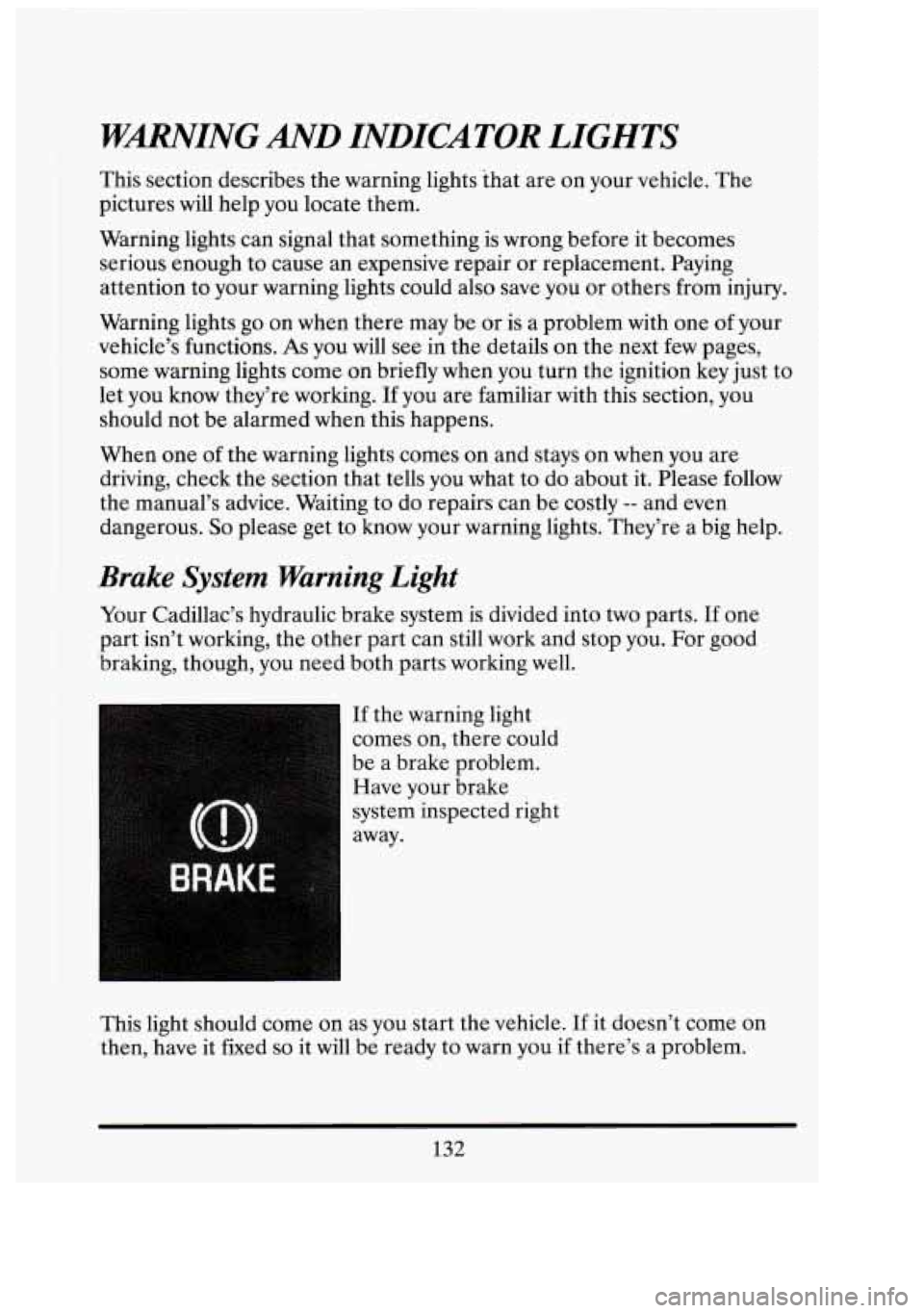
Brake System Warning Light
Your Cadillac’s hydraulic brake system is divided into two parts. If one
part isn’t working, the other part can still work and stop you. For good
braking, though, you need both parts working well.
If the warning light
comes on, there could
be a brake problem.
Have your brake
system inspected right
away.
This light should come on as you start the vehicle.
If it doesn’t come on
then, have it fixed
so it will be ready to warn you if there’s a problem.
132
D‘ I
1
1 i’
Page 147 of 398
If the light stays on, turn the ignition off. Or, if the light comes on when
you’re driving, stop as soon as possible and turn the ignition off. Then
start the engine again to reset the system. If the light still stays on, or
comes on again while you’re driving, your Cadillac needs service.
If the
regular brake system warning light isn’t on, you still have brakes, but you
don’t have anti-lock brakes. If the regular brake system warning light is
also on,
you don’t have anti-lock brakes and there’s a problem with your
regular brakes. See “Brake System Warning Light” earlier
in this part.
The anti-lock brake system warning light may also come on when you are
driving with
a compact spare tire. If this happens, the light means you
won’t have anti-lock until you replace the compact spare with a full-size
tire. If the warning light stays
on after you replace the compact spare with
a full-size tire, or if it comes on again when you’re driving, your Cadillac
needs service.
Traction Control System Lights
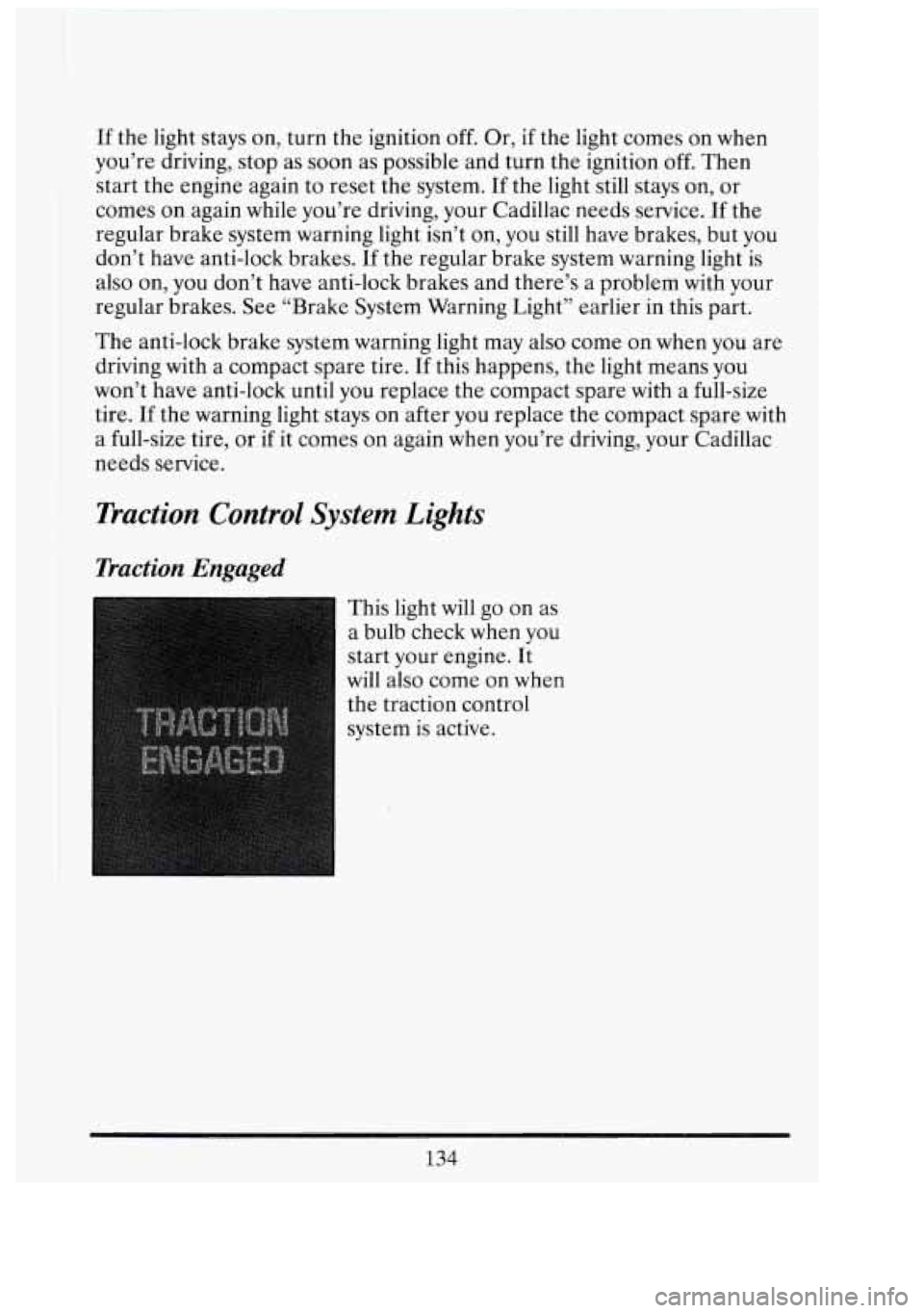
Traction Engaged
This light will go on as
a bulb check when you
start your engine. It
will also come on when
the traction control
system is active.
Zl
i-‘
I
d
:il
1,
I
134
n t
-