Dic CADILLAC XTS 2019 Workshop Manual
[x] Cancel search | Manufacturer: CADILLAC, Model Year: 2019, Model line: XTS, Model: CADILLAC XTS 2019Pages: 376, PDF Size: 6.71 MB
Page 121 of 376
Cadillac XTS Owner Manual (GMNA-Localizing-U.S./Canada-12032610) -
2019 - crc - 8/22/18
120 INSTRUMENTS AND CONTROLS
Warning Lights, Gauges,
and Indicators
Warning lights and gauges can signal
that something is wrong before it
becomes serious enough to cause an
expensive repair or replacement.
Paying attention to the warning lights
and gauges could prevent injury.Some warning lights come on briefly
when the engine is started to indicate
they are working. When one of the
warning lights comes on and stays on
while driving, or when one of the
gauges shows there may be a problem,
check the section that explains what
to do. Waiting to do repairs can be
costly and even dangerous.
Page 125 of 376
Cadillac XTS Owner Manual (GMNA-Localizing-U.S./Canada-12032610) -
2019 - crc - 8/22/18
124 INSTRUMENTS AND CONTROLS
Cluster Application Displays
The cluster can display information
regarding Navigation, Audio, and
Phone. On the base cluster, a
speedometer can also be displayed in
the center zone.
Navigation
If there is no active route, a compass
will be displayed. If there is an active
route, press SEL to end route guidance
or turn the voice prompts on or off.
Audio
While the Audio application page is
displayed, press SEL to enter the
Audio menu. In the Audio menu,
search for music, select from favorites,
or change the audio source
Phone
While the Phone application page is
displayed, press SEL to enter the
Phone menu. In the Phone menu,
if there is no active phone call, view
recent calls, select from favorites,
or scroll through contacts. If there is
an active call, mute the phone or
switch to handset operation.
Cluster Options Menu
To enter the cluster Options menu:1. Use the five-way control on the right side of the steering wheel
to find the Options page in one
of the interactive display zones
on the cluster.
2. Press SEL on the center of the five-way control to enter the
Options menu.
Units : Press SEL while Units is
highlighted to enter the Unit menu.
Choose English or metric units by
pressing SEL while the desired item is
highlighted. A checkmark will be
displayed next to the selected item.
Info Pages : Press SEL while Info
Pages is highlighted to select the
items to be displayed in the DIC info
displays. See Driver Information Center
(DIC) 0139.
Fav Button Options : Press SEL while
Fav Button Options is highlighted to
select between FAV Primary and SEEK
Primary. This selection allows for
configuration of the
CandB
steering wheel controls. When FAV Primary is selected, pressing
Cand
Bwill go to the next or previous
favorite and pressing and holding
C
andBwill seek. When SEEK Primary
is selected, pressing
CandBwill
seek and pressing and holding
Cand
Bwill go to the next or previous
favorite.
Display Layout : Press SEL while
Display Layout is highlighted to
change the configuration of the
uplevel cluster. See “Reconfigurable
Instrument Cluster” earlier in this
section.
Speed Warning : Press SEL while
Speed Warning is highlighted to enter
the Speed Warning menu. Press
yor
zto adjust the value. Press SEL to
set the speed.
Once the speed is set, this feature can
be turned off by pressing SEL while
viewing this page. If the selected
speed limit is exceeded, a pop-up
warning is displayed with a chime.
Page 126 of 376
Cadillac XTS Owner Manual (GMNA-Localizing-U.S./Canada-12032610) -
2019 - crc - 8/22/18
INSTRUMENTS AND CONTROLS 125
Head-up Display (HUD) Rotation :
This feature allows for adjusting the
angle of the HUD image. Press SEL on
the steering wheel controls while
Head-up Display Rotation is
highlighted to enter Adjust Mode.
Press
yorzto adjust the angle of
the HUD display. Press
SorTto
highlight OK, then press SEL to save
the setting. Cancel can also be
selected to cancel the setting. The
vehicle must be in P (Park).
Open Source Software : Press SEL
while Open Source Software is
highlighted to display open source
software information.
Speedometer
The speedometer shows the vehicle's
speed in either kilometers per hour
(km/h) or miles per hour (mph).
Odometer
The odometer shows how far the
vehicle has been driven, in either
kilometers or miles.
Trip Odometer
The trip odometer shows how far the
vehicle has been driven since the trip
odometer was last reset.
The trip odometer is accessed and
reset through the Driver Information
Center (DIC). See Driver Information
Center (DIC) 0139.
Tachometer
The tachometer displays the engine
speed in revolutions per minute (rpm).
Caution
If the engine is operated with the
rpm’s in the warning area at the
high end of the tachometer, the
vehicle could be damaged, and the
damage would not be covered by
the vehicle warranty. Do not operate
the engine with the rpm’s in the
warning area.
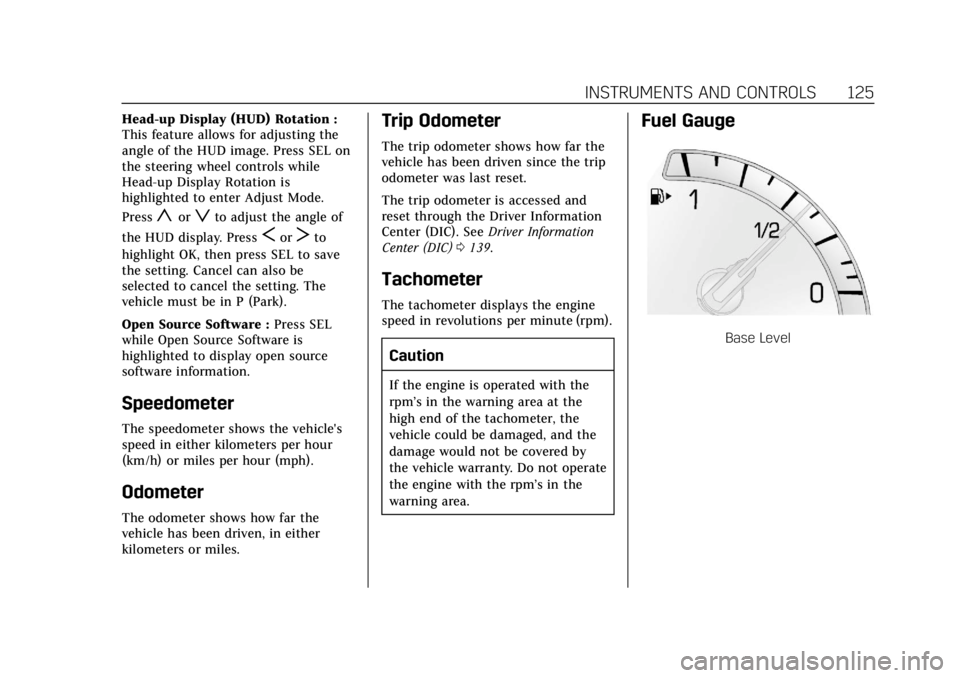
Fuel Gauge
Base Level
Page 127 of 376
Cadillac XTS Owner Manual (GMNA-Localizing-U.S./Canada-12032610) -
2019 - crc - 8/22/18
126 INSTRUMENTS AND CONTROLS
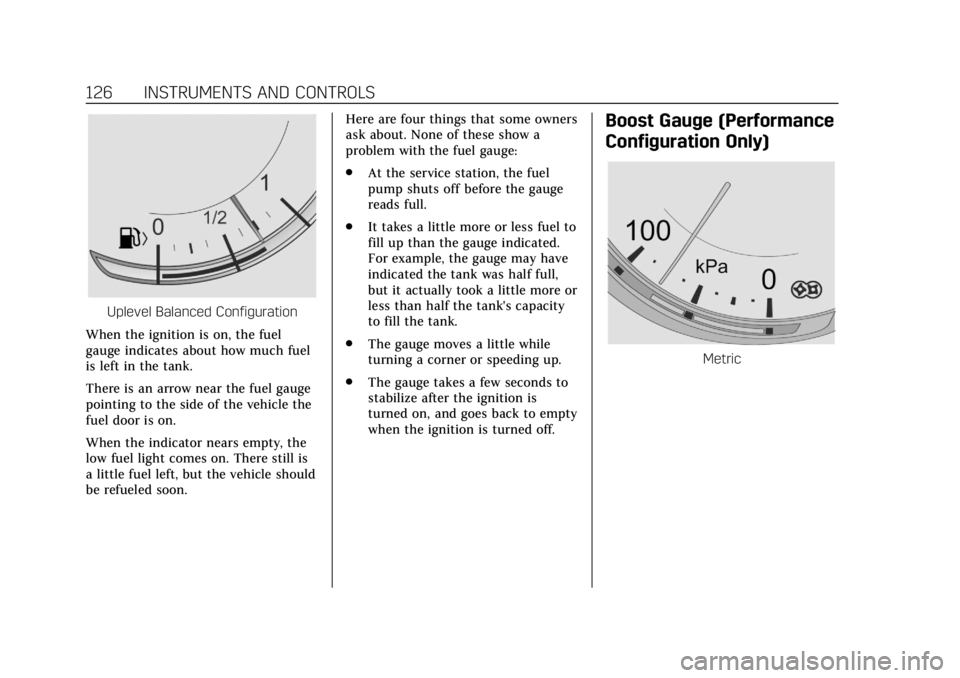
Uplevel Balanced Configuration
When the ignition is on, the fuel
gauge indicates about how much fuel
is left in the tank.
There is an arrow near the fuel gauge
pointing to the side of the vehicle the
fuel door is on.
When the indicator nears empty, the
low fuel light comes on. There still is
a little fuel left, but the vehicle should
be refueled soon. Here are four things that some owners
ask about. None of these show a
problem with the fuel gauge:
.
At the service station, the fuel
pump shuts off before the gauge
reads full.
. It takes a little more or less fuel to
fill up than the gauge indicated.
For example, the gauge may have
indicated the tank was half full,
but it actually took a little more or
less than half the tank's capacity
to fill the tank.
. The gauge moves a little while
turning a corner or speeding up.
. The gauge takes a few seconds to
stabilize after the ignition is
turned on, and goes back to empty
when the ignition is turned off.
Boost Gauge (Performance
Configuration Only)
Metric
Page 128 of 376
Cadillac XTS Owner Manual (GMNA-Localizing-U.S./Canada-12032610) -
2019 - crc - 8/22/18
INSTRUMENTS AND CONTROLS 127
English
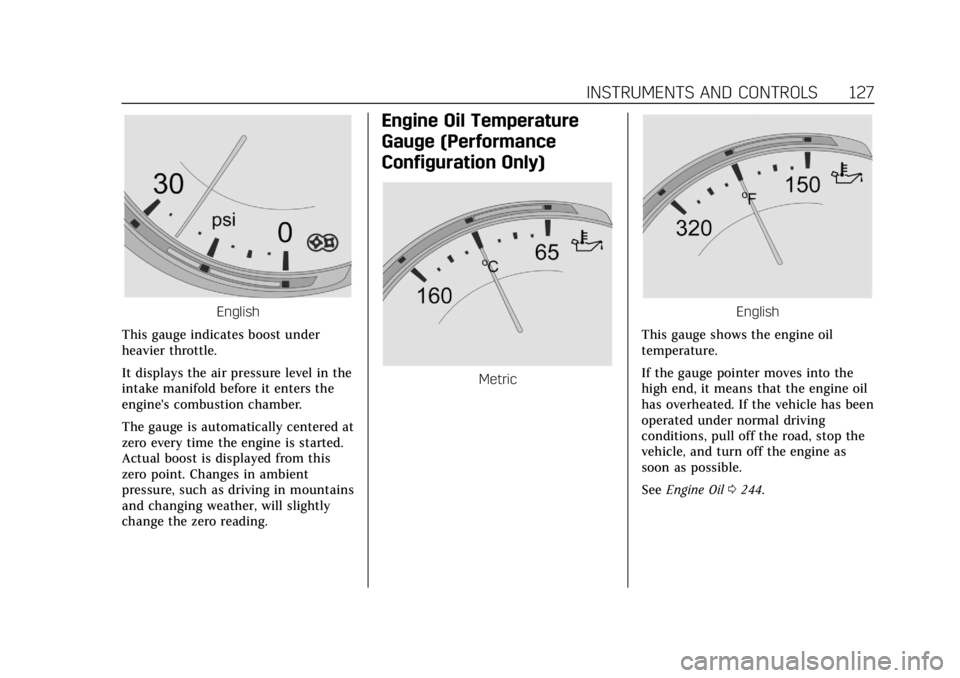
This gauge indicates boost under
heavier throttle.
It displays the air pressure level in the
intake manifold before it enters the
engine's combustion chamber.
The gauge is automatically centered at
zero every time the engine is started.
Actual boost is displayed from this
zero point. Changes in ambient
pressure, such as driving in mountains
and changing weather, will slightly
change the zero reading.
Engine Oil Temperature
Gauge (Performance
Configuration Only)
Metric
English
This gauge shows the engine oil
temperature.
If the gauge pointer moves into the
high end, it means that the engine oil
has overheated. If the vehicle has been
operated under normal driving
conditions, pull off the road, stop the
vehicle, and turn off the engine as
soon as possible.
See Engine Oil 0244.
Page 130 of 376
Cadillac XTS Owner Manual (GMNA-Localizing-U.S./Canada-12032610) -
2019 - crc - 8/22/18
INSTRUMENTS AND CONTROLS 129
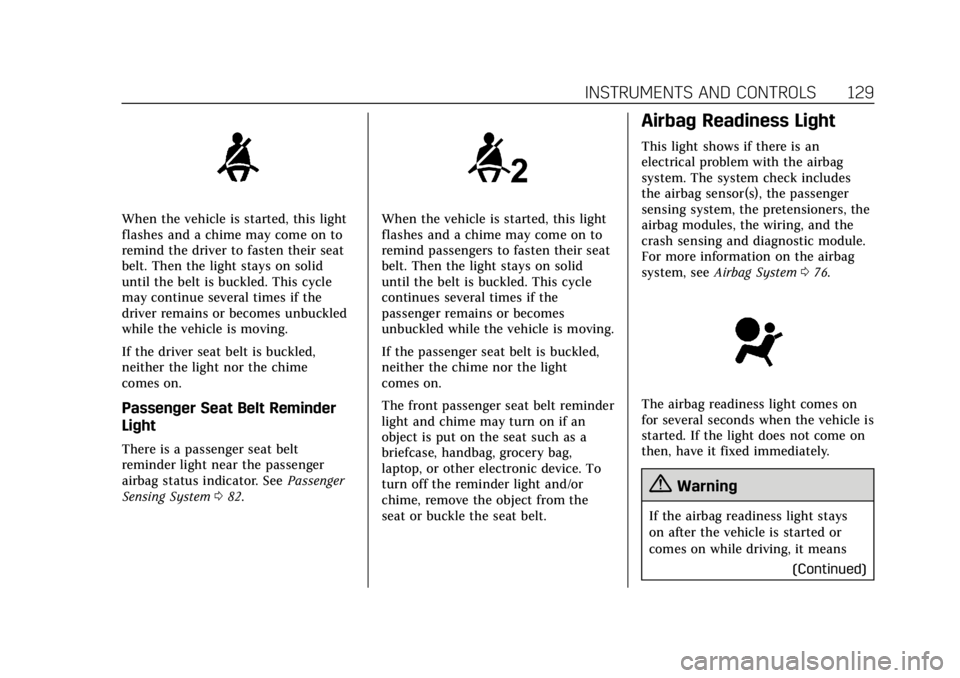
When the vehicle is started, this light
flashes and a chime may come on to
remind the driver to fasten their seat
belt. Then the light stays on solid
until the belt is buckled. This cycle
may continue several times if the
driver remains or becomes unbuckled
while the vehicle is moving.
If the driver seat belt is buckled,
neither the light nor the chime
comes on.
Passenger Seat Belt Reminder
Light
There is a passenger seat belt
reminder light near the passenger
airbag status indicator. SeePassenger
Sensing System 082.
When the vehicle is started, this light
flashes and a chime may come on to
remind passengers to fasten their seat
belt. Then the light stays on solid
until the belt is buckled. This cycle
continues several times if the
passenger remains or becomes
unbuckled while the vehicle is moving.
If the passenger seat belt is buckled,
neither the chime nor the light
comes on.
The front passenger seat belt reminder
light and chime may turn on if an
object is put on the seat such as a
briefcase, handbag, grocery bag,
laptop, or other electronic device. To
turn off the reminder light and/or
chime, remove the object from the
seat or buckle the seat belt.
Airbag Readiness Light
This light shows if there is an
electrical problem with the airbag
system. The system check includes
the airbag sensor(s), the passenger
sensing system, the pretensioners, the
airbag modules, the wiring, and the
crash sensing and diagnostic module.
For more information on the airbag
system, see Airbag System 076.
The airbag readiness light comes on
for several seconds when the vehicle is
started. If the light does not come on
then, have it fixed immediately.
{Warning
If the airbag readiness light stays
on after the vehicle is started or
comes on while driving, it means
(Continued)
Page 131 of 376
Cadillac XTS Owner Manual (GMNA-Localizing-U.S./Canada-12032610) -
2019 - crc - 8/22/18
130 INSTRUMENTS AND CONTROLS
Warning (Continued)
the airbag system might not be
working properly. The airbags in the
vehicle might not inflate in a crash,
or they could even inflate without a
crash. To help avoid injury, have
the vehicle serviced right away.
If there is a problem with the airbag
system, a Driver Information Center
(DIC) message may also come on.
Passenger Airbag Status
Indicator
The vehicle has a passenger sensing
system. See Passenger Sensing System
0 82 for important safety information.
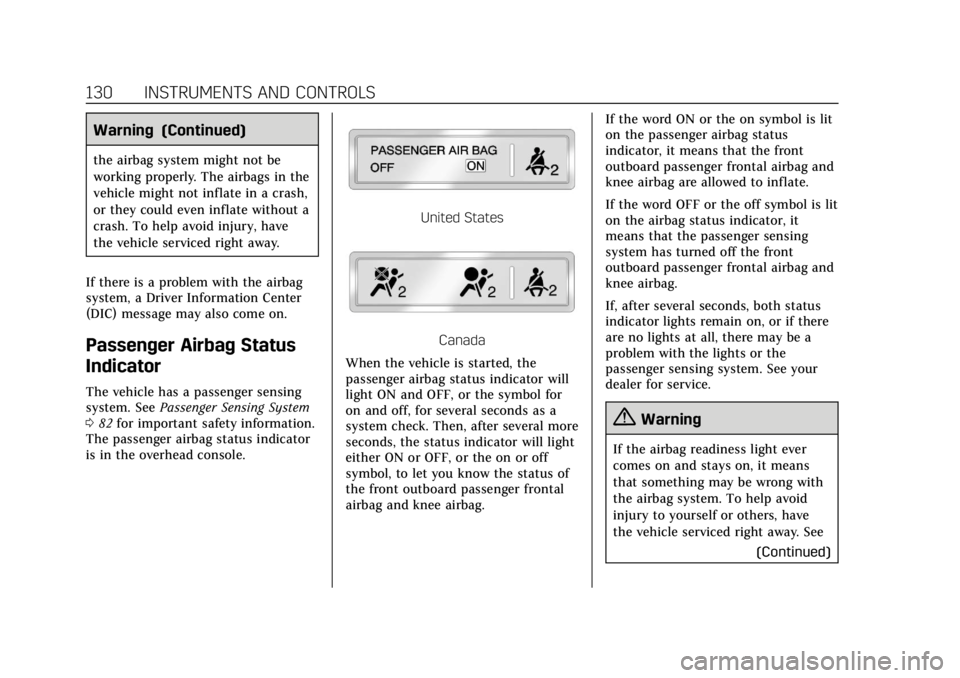
The passenger airbag status indicator
is in the overhead console.
United States
Canada
When the vehicle is started, the
passenger airbag status indicator will
light ON and OFF, or the symbol for
on and off, for several seconds as a
system check. Then, after several more
seconds, the status indicator will light
either ON or OFF, or the on or off
symbol, to let you know the status of
the front outboard passenger frontal
airbag and knee airbag. If the word ON or the on symbol is lit
on the passenger airbag status
indicator, it means that the front
outboard passenger frontal airbag and
knee airbag are allowed to inflate.
If the word OFF or the off symbol is lit
on the airbag status indicator, it
means that the passenger sensing
system has turned off the front
outboard passenger frontal airbag and
knee airbag.
If, after several seconds, both status
indicator lights remain on, or if there
are no lights at all, there may be a
problem with the lights or the
passenger sensing system. See your
dealer for service.
{Warning
If the airbag readiness light ever
comes on and stays on, it means
that something may be wrong with
the airbag system. To help avoid
injury to yourself or others, have
the vehicle serviced right away. See
(Continued)
Page 132 of 376
Cadillac XTS Owner Manual (GMNA-Localizing-U.S./Canada-12032610) -
2019 - crc - 8/22/18
INSTRUMENTS AND CONTROLS 131
Warning (Continued)
Airbag Readiness Light0129 for
more information, including
important safety information.
Charging System Light
On some vehicles the charging system
light comes on briefly when the
ignition is turned on, but the engine is
not running, as a check to show the
light is working. It should go out when
the engine is started. For vehicles with
a reconfigurable cluster, this light may
not come on when the ignition is
turned on.
If the light stays on, or comes on
while driving, there may be a problem
with the electrical charging system. Have it checked by your dealer.
Driving while this light is on could
drain the battery.
When this light comes on, or is
flashing, the Driver Information
Center (DIC) also displays a message.
If a short distance must be driven
with the light on, be sure to turn off
all accessories, such as the radio and
air conditioner.
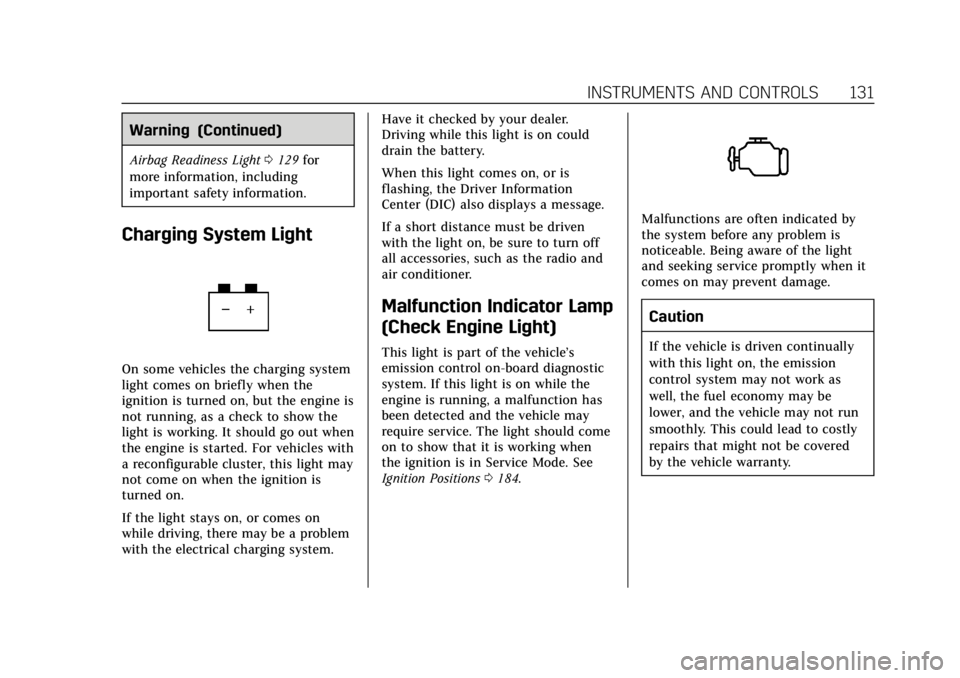
Malfunction Indicator Lamp
(Check Engine Light)
This light is part of the vehicle’s
emission control on-board diagnostic
system. If this light is on while the
engine is running, a malfunction has
been detected and the vehicle may
require service. The light should come
on to show that it is working when
the ignition is in Service Mode. See
Ignition Positions
0184.
Malfunctions are often indicated by
the system before any problem is
noticeable. Being aware of the light
and seeking service promptly when it
comes on may prevent damage.
Caution
If the vehicle is driven continually
with this light on, the emission
control system may not work as
well, the fuel economy may be
lower, and the vehicle may not run
smoothly. This could lead to costly
repairs that might not be covered
by the vehicle warranty.
Page 135 of 376
Cadillac XTS Owner Manual (GMNA-Localizing-U.S./Canada-12032610) -
2019 - crc - 8/22/18
134 INSTRUMENTS AND CONTROLS
Brake system. A message may also
display in the Driver Information
Center (DIC).
If the light does not come on,
or remains flashing, see your dealer.
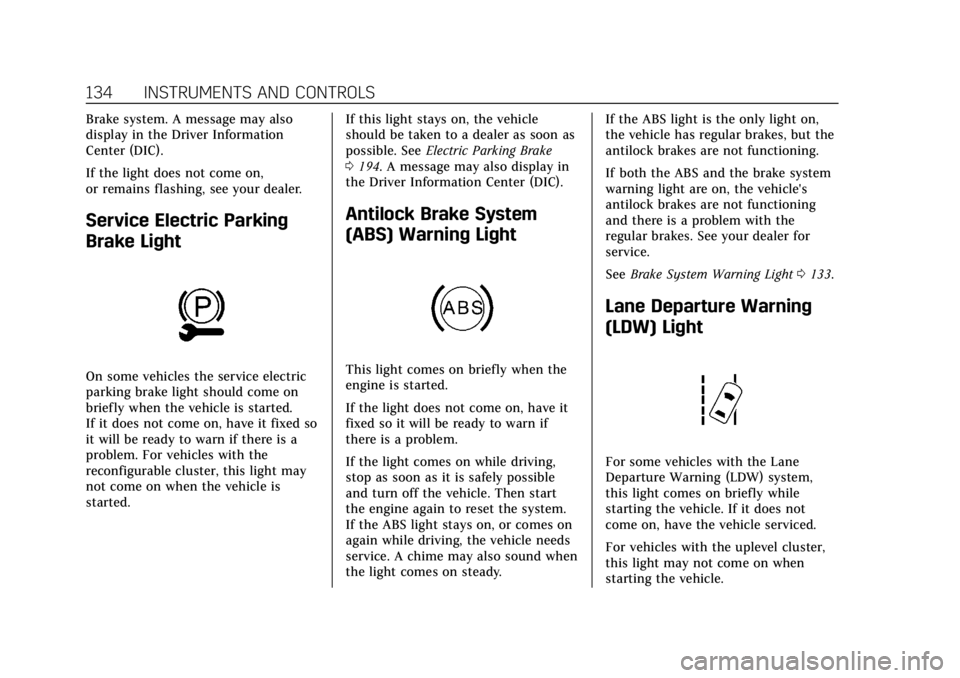
Service Electric Parking
Brake Light
On some vehicles the service electric
parking brake light should come on
briefly when the vehicle is started.
If it does not come on, have it fixed so
it will be ready to warn if there is a
problem. For vehicles with the
reconfigurable cluster, this light may
not come on when the vehicle is
started.If this light stays on, the vehicle
should be taken to a dealer as soon as
possible. See
Electric Parking Brake
0 194. A message may also display in
the Driver Information Center (DIC).
Antilock Brake System
(ABS) Warning Light
This light comes on briefly when the
engine is started.
If the light does not come on, have it
fixed so it will be ready to warn if
there is a problem.
If the light comes on while driving,
stop as soon as it is safely possible
and turn off the vehicle. Then start
the engine again to reset the system.
If the ABS light stays on, or comes on
again while driving, the vehicle needs
service. A chime may also sound when
the light comes on steady. If the ABS light is the only light on,
the vehicle has regular brakes, but the
antilock brakes are not functioning.
If both the ABS and the brake system
warning light are on, the vehicle's
antilock brakes are not functioning
and there is a problem with the
regular brakes. See your dealer for
service.
See
Brake System Warning Light 0133.
Lane Departure Warning
(LDW) Light
For some vehicles with the Lane
Departure Warning (LDW) system,
this light comes on briefly while
starting the vehicle. If it does not
come on, have the vehicle serviced.
For vehicles with the uplevel cluster,
this light may not come on when
starting the vehicle.
Page 136 of 376
Cadillac XTS Owner Manual (GMNA-Localizing-U.S./Canada-12032610) -
2019 - crc - 8/22/18
INSTRUMENTS AND CONTROLS 135
This light is green if LDW is on and
ready to operate.
This light changes to amber and
flashes to indicate that the lane
marking has been crossed without
using a turn signal in that direction.
SeeLane Departure Warning (LDW)
0 223.
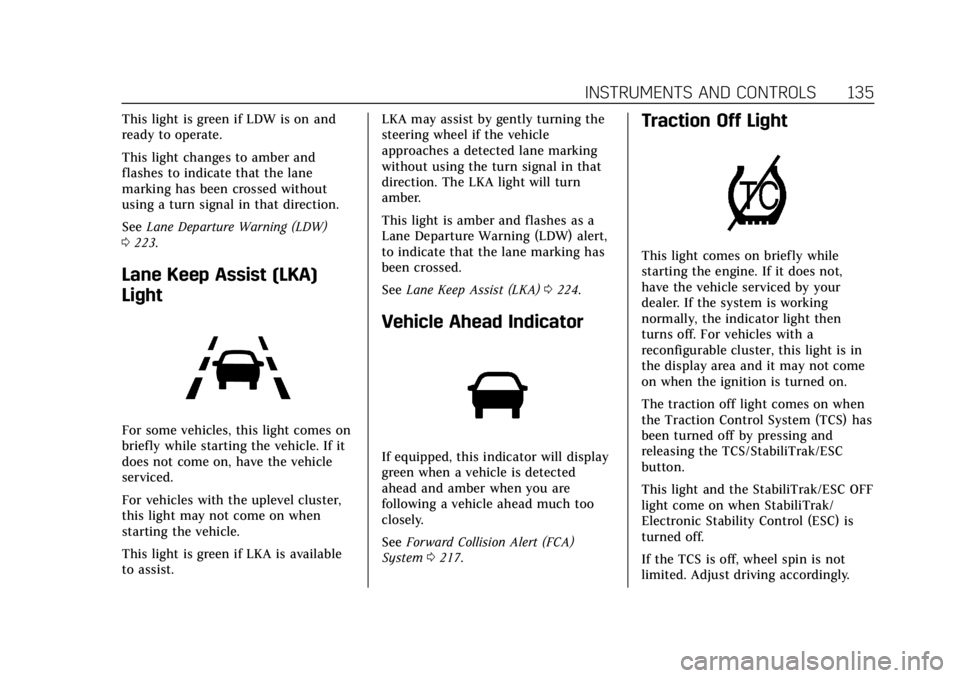
Lane Keep Assist (LKA)
Light
For some vehicles, this light comes on
briefly while starting the vehicle. If it
does not come on, have the vehicle
serviced.
For vehicles with the uplevel cluster,
this light may not come on when
starting the vehicle.
This light is green if LKA is available
to assist. LKA may assist by gently turning the
steering wheel if the vehicle
approaches a detected lane marking
without using the turn signal in that
direction. The LKA light will turn
amber.
This light is amber and flashes as a
Lane Departure Warning (LDW) alert,
to indicate that the lane marking has
been crossed.
See
Lane Keep Assist (LKA) 0224.
Vehicle Ahead Indicator
If equipped, this indicator will display
green when a vehicle is detected
ahead and amber when you are
following a vehicle ahead much too
closely.
See Forward Collision Alert (FCA)
System 0217.
Traction Off Light
This light comes on briefly while
starting the engine. If it does not,
have the vehicle serviced by your
dealer. If the system is working
normally, the indicator light then
turns off. For vehicles with a
reconfigurable cluster, this light is in
the display area and it may not come
on when the ignition is turned on.
The traction off light comes on when
the Traction Control System (TCS) has
been turned off by pressing and
releasing the TCS/StabiliTrak/ESC
button.
This light and the StabiliTrak/ESC OFF
light come on when StabiliTrak/
Electronic Stability Control (ESC) is
turned off.
If the TCS is off, wheel spin is not
limited. Adjust driving accordingly.