tow CHEVROLET ASTRO 1996 Owner's Manual
[x] Cancel search | Manufacturer: CHEVROLET, Model Year: 1996, Model line: ASTRO, Model: CHEVROLET ASTRO 1996Pages: 372, PDF Size: 21.51 MB
Page 90 of 372
Turn and Lane Change Signals
The turn signal has two upward (for right) and two
downward (for left) positions. These positions allow you
to signal a turn or a lane change.
To signal
a turn, move the lever all the way up or down.
When the
turn is finished, the lever will return automatically.
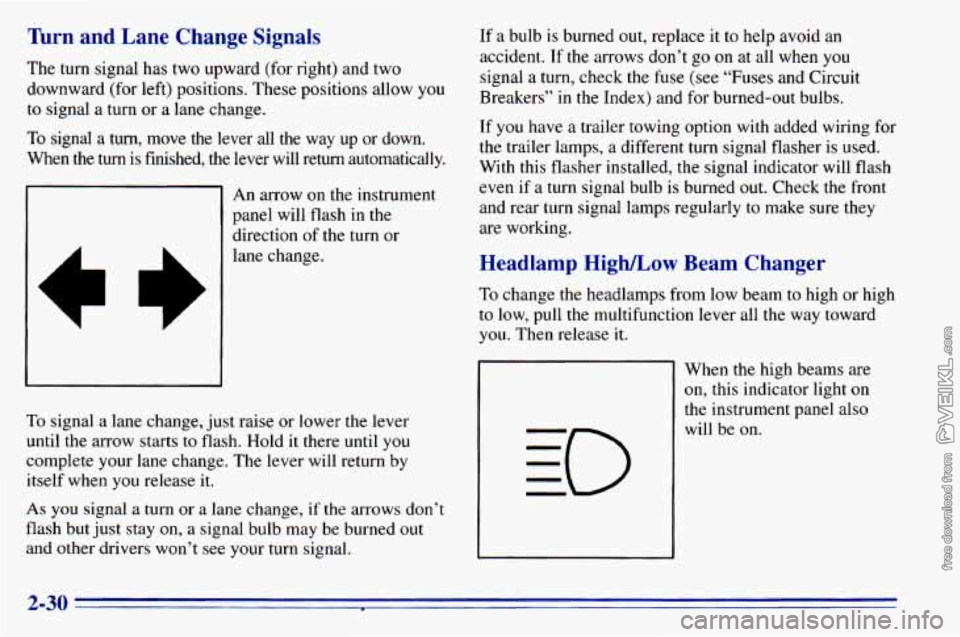
A
An arrow on the instrument
panel will flash in
the
direction of the turn or
lane change.
To signal a lane change, just raise or lower the lever
until the arrow starts to flash. Hold it there until
you
complete your lane change. The lever will return by
itself when you release
it.
As you signal a turn or a lane change, if the arrows don’t
flash
but just stay on, a signal bulb may be burned out
and other drivers won’t see your turn signal.
If a bulb is burned out, replace it to help avoid an
accident. If the arrows don’t go on at all when you
signal a turn, check the fuse (see “Fuses and Circuit
Breakers” in the Index) and for burned-out bulbs.
If you have a trailer towing option with added wiring for
the trailer lamps,
a different turn signal flasher is used.
With this flasher installed, the signal indicator will flash
even if a turn signal bulb is burned out. Check the front
and rear turn signal lamps regularly to make sure they
are working.
Headlamp High/Low Beam Changer
To change the headlamps from low beam to high or high
to low, pull the multifunction lever all the way toward
you. Then release it.
When the high beams are
on, this indicator light on
the instrument panel also
will be on.
2-30
Page 95 of 372
1-
,
Lamps
I
I i
i
I
Turn the knob to the master lamp symbol to turn on all
the lamps listed as well as the headlamps.
Turn the
knob to OFF to turn off your lamps.
Rotate the dial next to the lamp switch down to dim
your instrument panel lights.
Rotate the dial up to brighten you instrument panel
lights. If you rotate the dial all the way until it clicks,
your interior lamps will come on.
Headlamps
You can switch your headlamps from high to low beam
by pulling the multifunction lever toward you.
A circuit breaker protects your headlamps. If you have
an electrical overload, your headlamps will flicker on
and off. Have your headlamp wiring checked right away
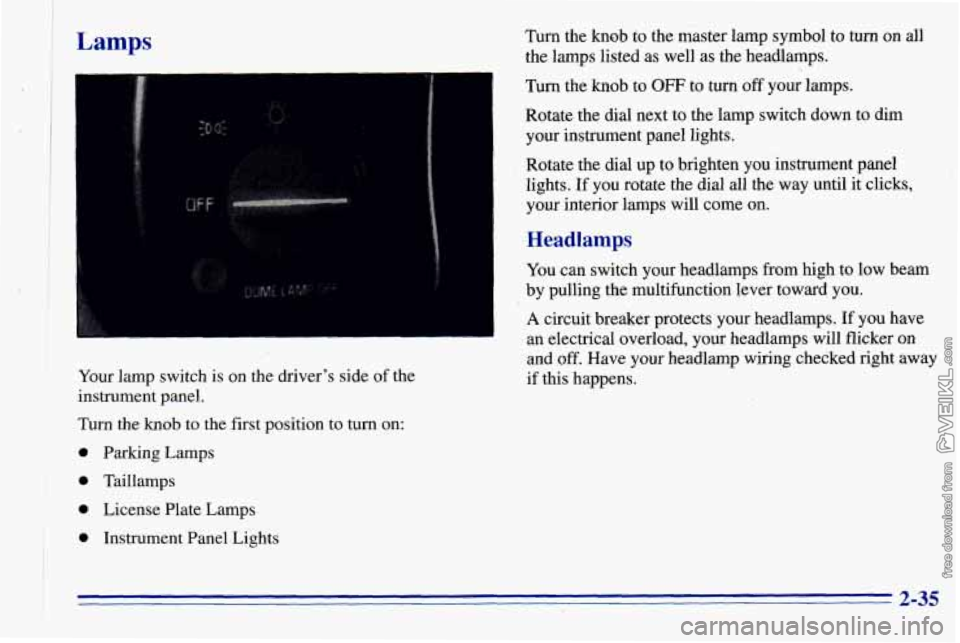
I Your lamp switch is on the driver's side of the if this happens.
instrument panel.
Turn the
knob to the first position to turn on:
I 0 'parking Lamps ! 0 Taillamps
I * * License Plate Lamps
0 Instrument Panel Lights
* 2-35
Page 98 of 372
If the button is pressed in, the interior lamps will not
come on when any
of the vehicle’s doors are open,
unless your vehicle has the optional Keyless Entry
system. The button
is located next to the lamp
switch knob.
If you have the optional reading lamps, they will still
operate if the button
is pressed-in.
Reading Lamps.(Option)
You may have the optional reading lamps next to the
dome lamps. Turn the lamps on and
off by pressing the
switch next
to the lamp.
You can adjust the lamps to any desired position by
rotating the ,lamp and they will work when the ignition
is on or off. Be sure to turn the lamps off before you
leave the vehicle.
.- , , ,,
Mirrors
Inside Daymight Rearview Mirror
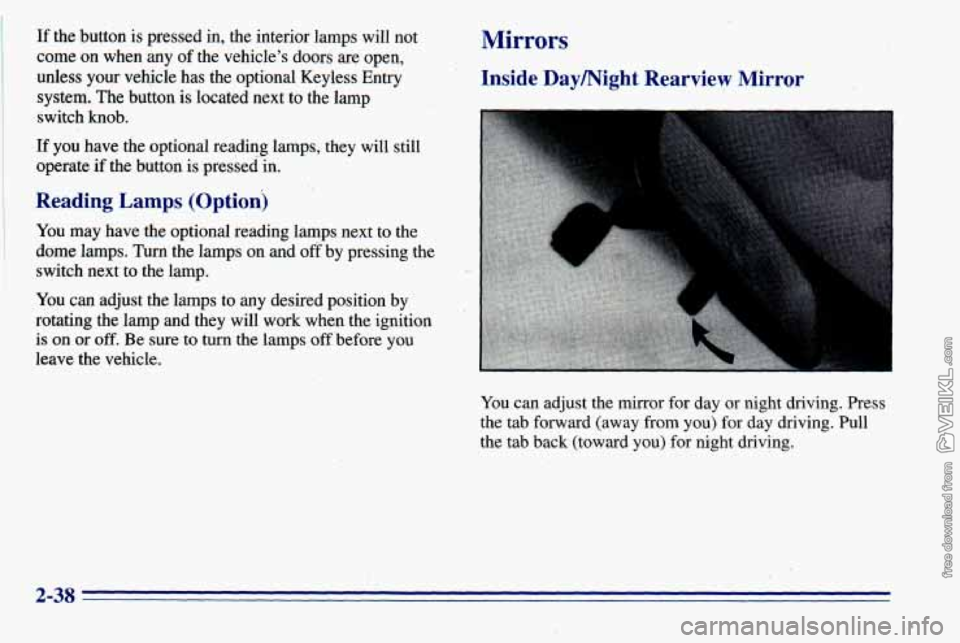
You can adjust the mirror for day or night driving. Press
the tab forward ‘(away from
you) for day driving. Pull
the tab back (toward
you) for night driving.
2-38
Page 99 of 372
Outside Mirrors
Adjust your outside mirrors so you can just see the side
of your vehicle.
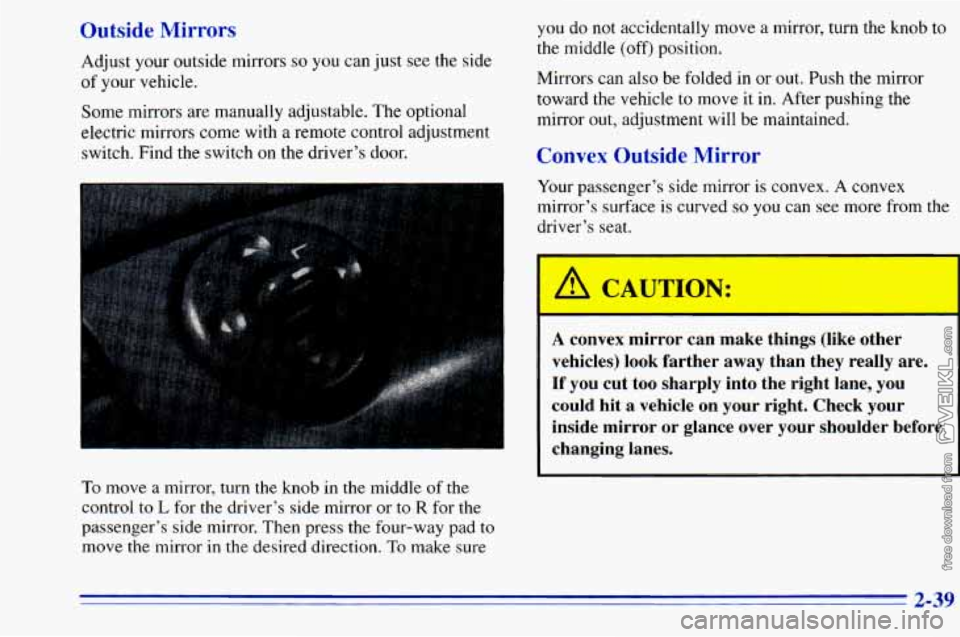
Some mirrors are manually adjustable. The optional
electric mirrors come with a remote control adjustment
switch. Find the switch on the driver’s door. you
do not accidentally move a mirror, turn the knob to
the middle (off‘) position.
Mirrors can also be folded in
or out. Push the mirror
toward the vehicle to move it in. After pushing the
mirror out, adjustment will be maintained.
Convex Outside Mirror
Your passenger’s side mirror is convex. A convex
mirror’s surface
is curved so you can see more from the
driver’s seat.
To move a mirror, turn the knob in the middle of the
control
to L for the driver’s side mirror or to R for the
passenger’s side mirror. Then press the four-way pad to
move the mirror in
the desired direction. To make sure
A convex mirror can make things (likl- Aher
vehicles) look farther away than they really are.
If you cut too sharply into the right lane, you
could hit
a vehicle on your right. Check your
inside mirror or glance over your shoulder before
changing lanes.
2-39
Page 117 of 372
If the light comes on while you are driving, pull off the
road and stop carefully. You may notice that the pedal is
harder to push. Or, the pedal may go closer to the floor.
It may take longer to stop. If the light is still
on, have the
vehicle towed for service. (See “Towing Your Vehicle”
in the Index.)
A CAUTION:
..
Your brake system may not be working properly
if the brake system warning light is on. Driving
with the brake system warning light on can lead
to an accident.
If the light is still on after you’ve
pulled
off the road and stopped carefully, have
the vehicle towed
for service.
When the ignition is on, the brake system warning light
will also come on when
you set your parking brake. The
light will stay on if your parking brake doesn’t release
fully. If
it stays on after your parking brake is fully
released,
it means you have a brake problem.
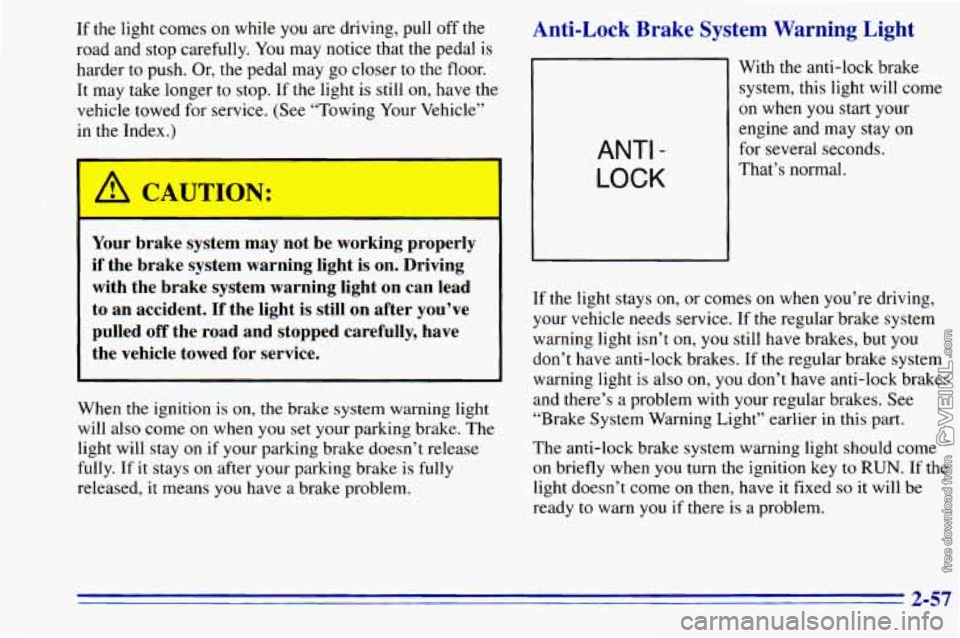
Anti-Lock Brake System Warning Light
ANTI -
LOCK
With the anti-lock brake
system, this light will come
on when you start your
engine and may stay on
for several seconds.
That’s normal.
If the light stays
on, or comes on when you’re driving,
your vehicle needs service. If the regular brake system
warning light isn’t
on, you still have brakes, but you
don’t have anti-lock brakes. If
the regular brake system
warning light is also on, you don’t have anti-lock brakes
and there’s a problem with your regular brakes. See
“Brake System Warning Light” earlier
in this part.
The anti-lock brake system warning light should come
on briefly when you turn the ignition key to RUN. If the
light doesn’t come
on then, have it fixed so it will be
ready
to warn you if there is a problem.
2-57
Page 119 of 372
If the Light Is Flashing
The following may prevent more serious damage to
your vehicle:
If the Light Is On Steady
You may be able to correct the emission system
malfunction by considering the following:
Did
you just put fuel into your vehicle?
If
so, reinstall the fuel cap, making sure to fully install
the cap. The diagnostic system can determine if the fuel
cap has been left off or improperly installed. This will
allow fuel
to evaporate into the atmosphere. A few
driving trips should turn the light off.
0 Reduce vehicle speed.
0 Avoid h - -- -1 accelerations.
0 Avoid steep uphill grades.
0 If towing a trailer, reduce the amount of cargo being
hauled as soon as it is possible.
If the light stops flashing and remains on steady, see “If
the Light Is On Steady” following.
If the light continues
to flash, when it is safe to do so,
stop the vehicle. Put your vehicle in PARK (P). Turn the
key off, wait at least
10 seconds and restart the engine.
If the light remains
on steady, see “If the Light Is On
Steady” following. If the light is still flashing follow the
previous steps, and drive
the vehicle to your dealer or
qualified service center for service. Did you
just drive through a deep puddle of water?
If
so, your electrical system may be wet. The condition
will usually be corrected when the electrical system
dries out. A few driving trips should turn the light off.
Are
you low on fuel?
As your engine starts to run
out of fuel, your engine may
not run as efficiently as designed since small amounts
of
air are sucked into the fuel line causing a misfire. The
system can detect this. Adding fuel should correct this
condition. Make sure to install the
fuel cap properly. It
will take a few driving trips to turn the light off.
2-59
Page 126 of 372
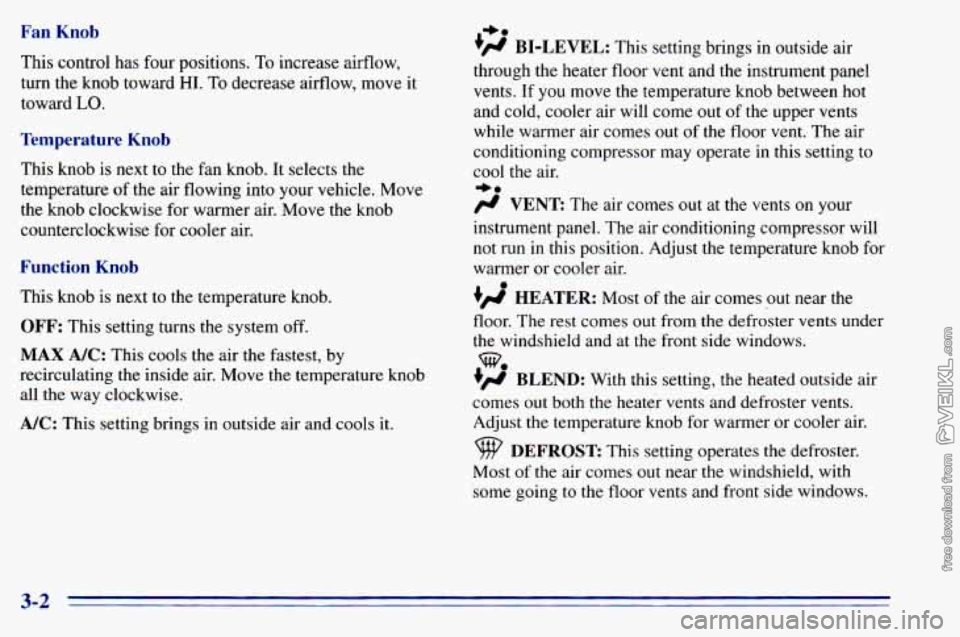
Fan Knob
This control has four positions. To increase airflow,
turn the knob toward
HI. To decrease airflow, move it
toward
LO.
Temperature Knob
This knob is next to the fan knob. It selects the
temperature
of the air flowing into your vehicle. Move
the knob clockwise for warmer air. Move the knob
counterclockwise for cooler
air.
Function Knob
This knob is next to the temperature knob.
OFF: This setting turns the system off.
MAX A/C: This cools the air the fastest, by
recirculating the inside air. Move the temperature knob
all the way clockwise.
A/C: This setting brings in outside air and cools it.
I,.
+fl BI-LEVEL: This setting brings in outside air
through the heater floor vent and the instrument panel
vents.
If you move the temperature knob between hot
and cold, cooler air will come out
of the upper vents
while warmer air comes out of the floor vent. The air
conditioning compressor may operate in this setting to
cool the air.
+.
/J VENT The ax comes out at the vents on your
instrument panel. The air conditioning compressor will
not run in this position. Adjust the temperature knob for
warmer or cooler air.
+’ HEATER: Most of the air comes out near the
floor. The rest comes out from the defroster vents under
the windshield and at the front side windows.
+’ BLEND: With this setting, the heated outside air
comes
out both the heater vents and defroster vents.
Adjust the temperature knob for warmer or cooler air.
Most
of the air comes out near the windshield, with
some going
to the floor vents and front side windows.
we
DEFROST This setting operates the defroster.
3-2
Page 127 of 372
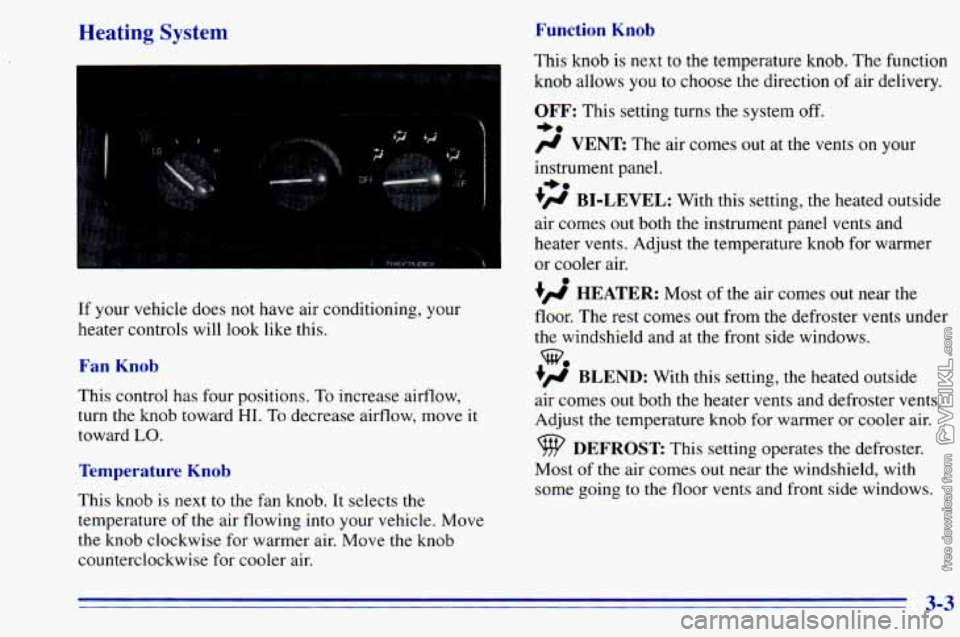
Heating System Function Knob
If your vehicle does not have air conditioning, your
heater controls will look like this.
Fan Knob
This control has four positions, To increase airflow,
turn the knob toward
HI. To decrease airflow, move it
toward
LO.
Temperature Knob
This knob is next to the fan knob. It selects the
temperature
of the air flowing into your vehicle. Move
the knob clockwise for warmer air. Move
the knob
counterclockwise for cooler air. This
knob is next to the temperature knob. The function
knob allows
you to choose the direction of air delivery.
OFF: This setting turns the system off.
-a
# VENT The air comes out at the vents on y r
instrument panel.
+# BI-LEVEL: With this setting, the heated outside
air comes out both the instrument panel vents and
heater vents. Adjust the temperature knob for warmer
or cooler air.
+’, HEATER: Most of the air comes out near the
floor. The rest comes out from the defroster vents under
the windshield and at the front side windows.
+’, BLEND: With this setting, the heated outside
air comes
out both the heater vents and defroster vents.
Adjust
the temperature knob for warmer or cooler air.
+.
%
DEFROST This setting operates the defroster.
Most
of the air comes out near the windshield, with
some going to the floor vents and front side windows.
3-3
Page 128 of 372
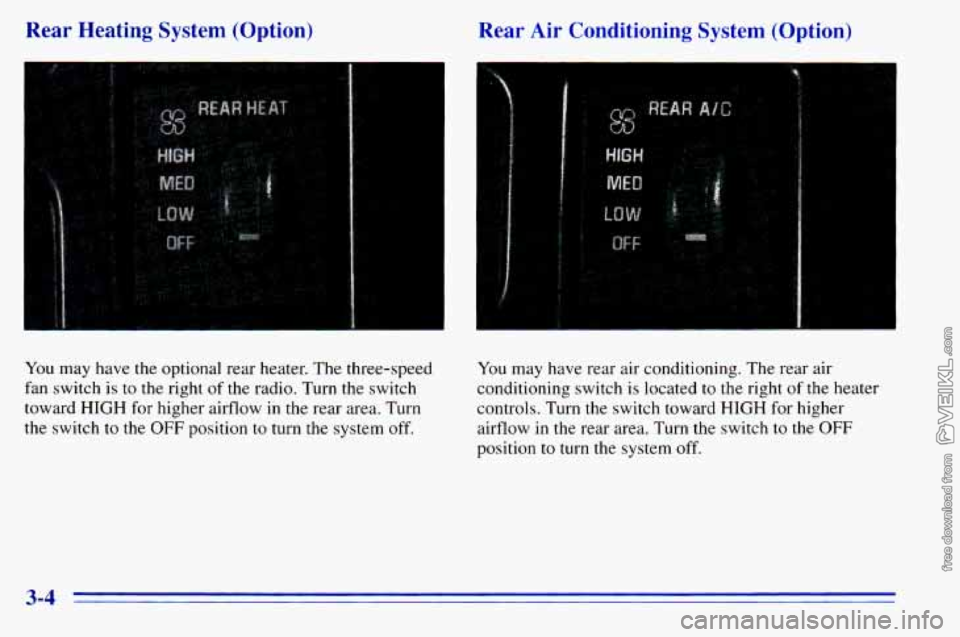
Rear Heating System (Option) Rear Air Conditioning System (Option)
You may have the optional rear heater. The three-speed
fan switch is
to the right of the radio. Turn the switch
toward
HIGH for higher airflow in the rear area. Turn
the switch to the
OFF position to turn the system off.
You may have rear air conditioning. The rear air
conditioning switch is located to
the right of the heater
controls. Turn the switch toward
HIGH for higher
airflow
in the rear area. Turn the switch to the OFF
position to turn the system off.
3-4
Page 130 of 372
Defrosting
Use DEFROST to remove fog or ice from the
windshield quickly in extremely cold conditions. The
temperature knob should be in the red area and the fan
control toward high. The air conditioning compressor
may operate in this setting to dehumidify the air.
The
BLEND setting is useful for cold weather with a
large number of passengers or very humid conditions to
help keep the windshield clear.
Ventilation System
For mild outside temperatures when little heating or
cooling is needed,
use VENT to direct outside air
through your vehicle. Air will flow through the
instrument panel
vents.
Your vehicle’s flow-through ventilation system supplies
outside air
to the inside of your vehicle when it is
moving. With the side windows closed, air will flow into
the front air inlet grilles at the base
of the windshield,
through the vehicle and out the rear air exhaust valves.
Outside air will also enter the vehicle when the heater or
the air conditioning fan is running. Your
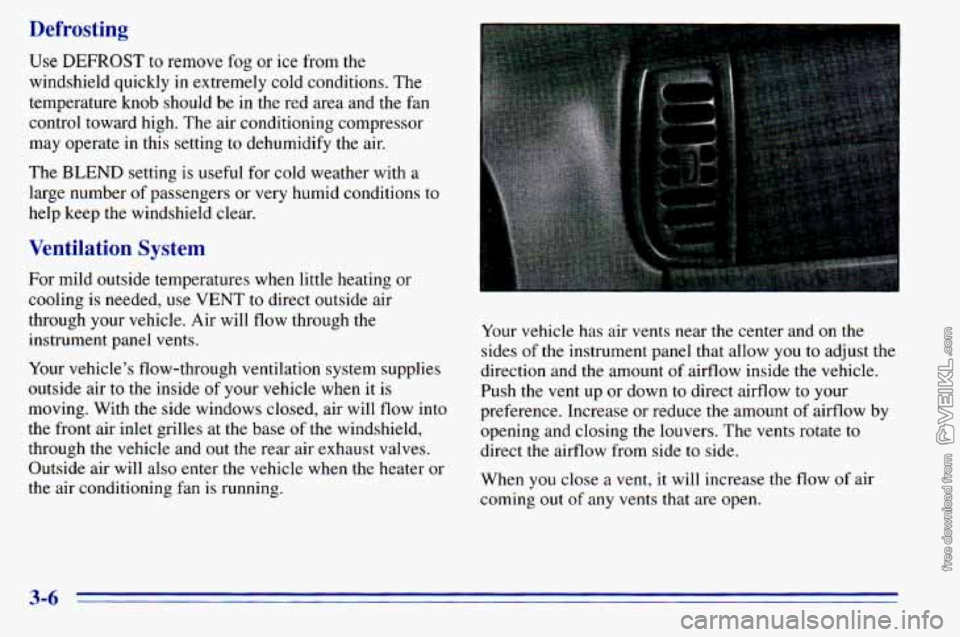
vehicle has air vents near the center and
on the
sides of the instrument panel that allow
you to adjust the
direction and the amount
of airflow inside the vehicle.
Push the vent up or down
to direct airflow to your
preference. Increase or reduce
the amount of airflow by
opening and closing the louvers. The vents rotate to
direct the airflow from side to side.
When
you close a vent, it will increase the flow of air
coming out
of any vents that are open.
3-6