lock CHEVROLET CAMARO 1994 4.G Service Manual
[x] Cancel search | Manufacturer: CHEVROLET, Model Year: 1994, Model line: CAMARO, Model: CHEVROLET CAMARO 1994 4.GPages: 292, PDF Size: 15.35 MB
Page 99 of 292
Downloaded from www.Manualslib.com manuals search engine When this warning light is on, the system
will not limit wheel spin. Adjust your
driving accordingly.
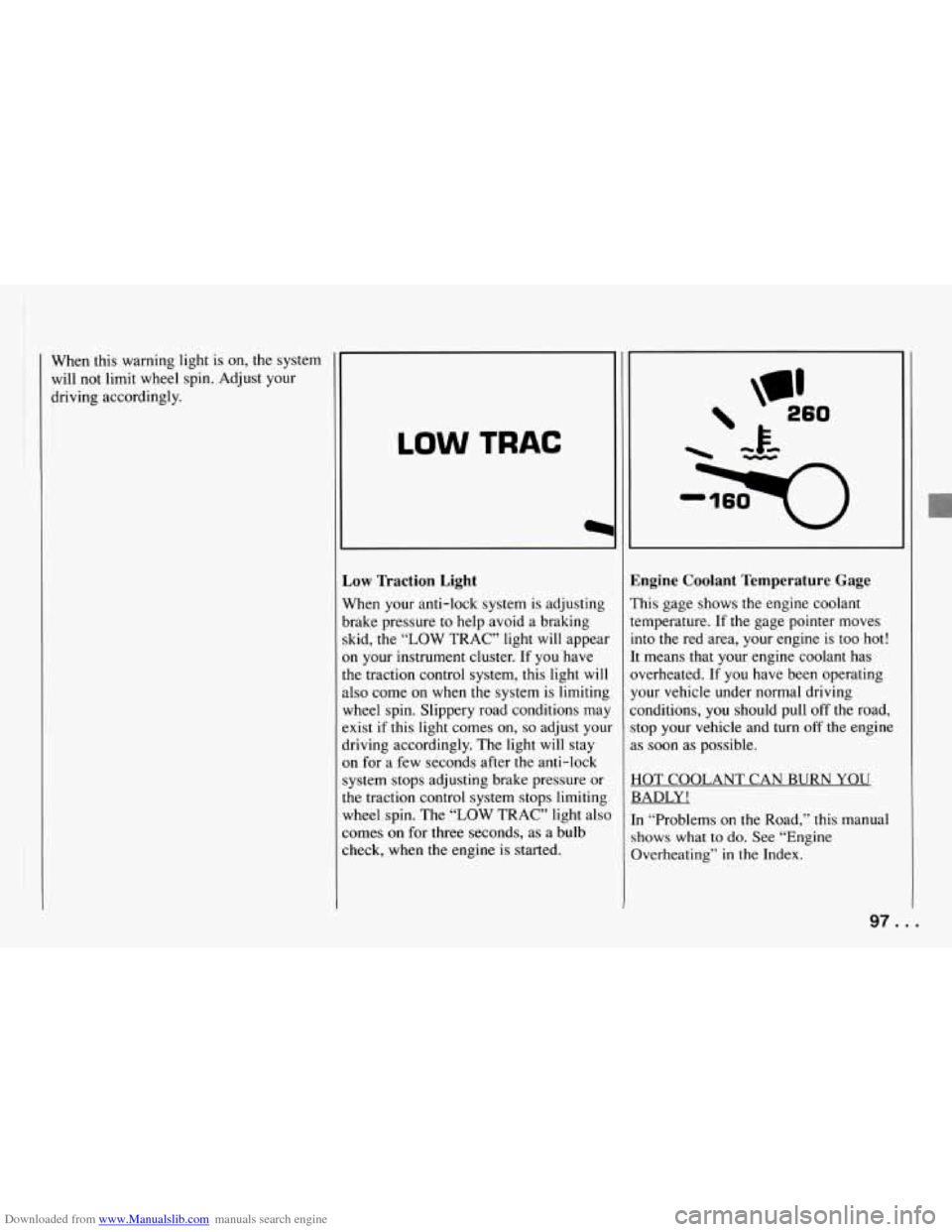
LOW TRAC
Low Traction Light
When your anti-lock system is adjusting
brake pressure to help avoid a braking
skid, the “LOW TRAC” light will appear
on your instrument cluster. If you have
the traction control system, this light
will
also come on when the system is limiting
wheel spin. Slippery road conditions may
exist if this light comes on,
so adjust your
driving accordingly. The light
will stay
on for a few seconds after the anti-lock
system stops adjusting brake pressure or
the traction control system stops limiting
wheel spin. The “LOW TRAC” light also
comes
on for three seconds, as a bulb
check, when
the engine is started.
hgine Coolant Temperature Gage
?his gage shows the engine coolant
emperature. If the gage pointer moves
nto the red area, your engine is too hot!
t means that your engine coolant has
jverheated. If you have been operating
’our vehicle under normal driving
:onditions, you should pull off
the road,
top your vehicle and turn
off the engine
IS soon as possible.
IOT COOLANT CAN BURN YOU
3ADLY!
n “Problems on the Road,” this manual
#bows what to do. See “Engine
herheating”
in the Index.
97 ...
Page 100 of 292
Downloaded from www.Manualslib.com manuals search engine Features and Controls
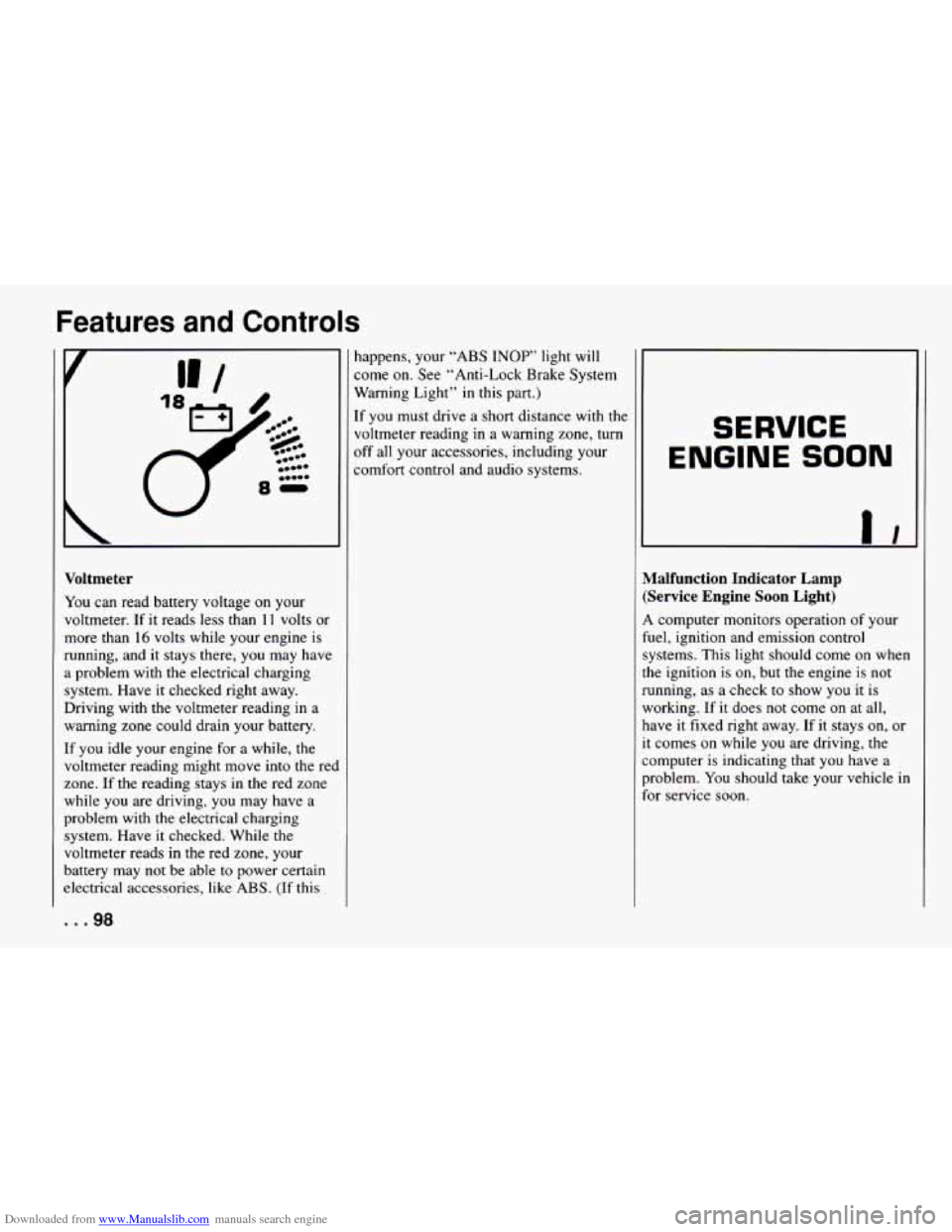
Toltmeter
!ou can read battery voltage on your
,oltmeter.
If it reads less than 11 volts or
nore than
16 volts while your engine is
unning, and it stays there, you may have
problem with the electrical charging
ystem. Have it checked right away.
)riving with
the voltmeter reading in a
taming zone could drain your battery.
F you idle your engine for a while, the
oltmeter reading might move into the red
one. If the reading stays in the red zone
thile you are driving, you may have a
iroblem with the electrical charging
ystem. Have it checked. While the
oltmeter reads in
the red zone, your
sattery may not be able to power certain
lectrical accessories, like
ABS. (If this
. .98
happens, your “ABS INOP” light will
come on. See “Anti-Lock Brake System
Warning Light”
in this part.)
If you must drive a short distance with the
voltmeter reading
in a warning zone, turn
off all your accessories, including your
comfort control and audio systems. SERVICE
ENGINE SOON
Malfunction Indicator Lamp (Service Engine Soon Light)
A computer monitors operation of your
fuel, ignition and emission control
systems. This light should come on when
the ignition is on, but the engine
is not
running, as a check to show
you it is
working. If it does not come on at all,
have
it fixed right away. If it stays on, or
it comes on while you are driving, the
computer is indicating
that you have a
problem.
You should take your vehicle in
for service soon.
Page 104 of 292
Downloaded from www.Manualslib.com manuals search engine Features and Controls
or a manual transmission into “R”
(Reverse). The ignition must be in the
“ACC” or “Run” position. Lower bott
sun visors.
NOTICE:
Don‘t lower the top if it is damp or
wet. When
the top is down, trapped
water can cause stains, mildew and
damage to the inside of your vehicle.
Be sure
to dry off the top before you
lower it.
I NOTICE:
I
It is not recommended to lower the
top if the vehicle is out in cold
weather,
0°F (-18°C) or lower.
NOTICE:
Before lowering the convertible top
into
the storage area, be sure there
are
no objects in the way of the
folded, stored top. The weight
ofa
stored top on items in the storage
area will cause
the convertible top
back glass to break.
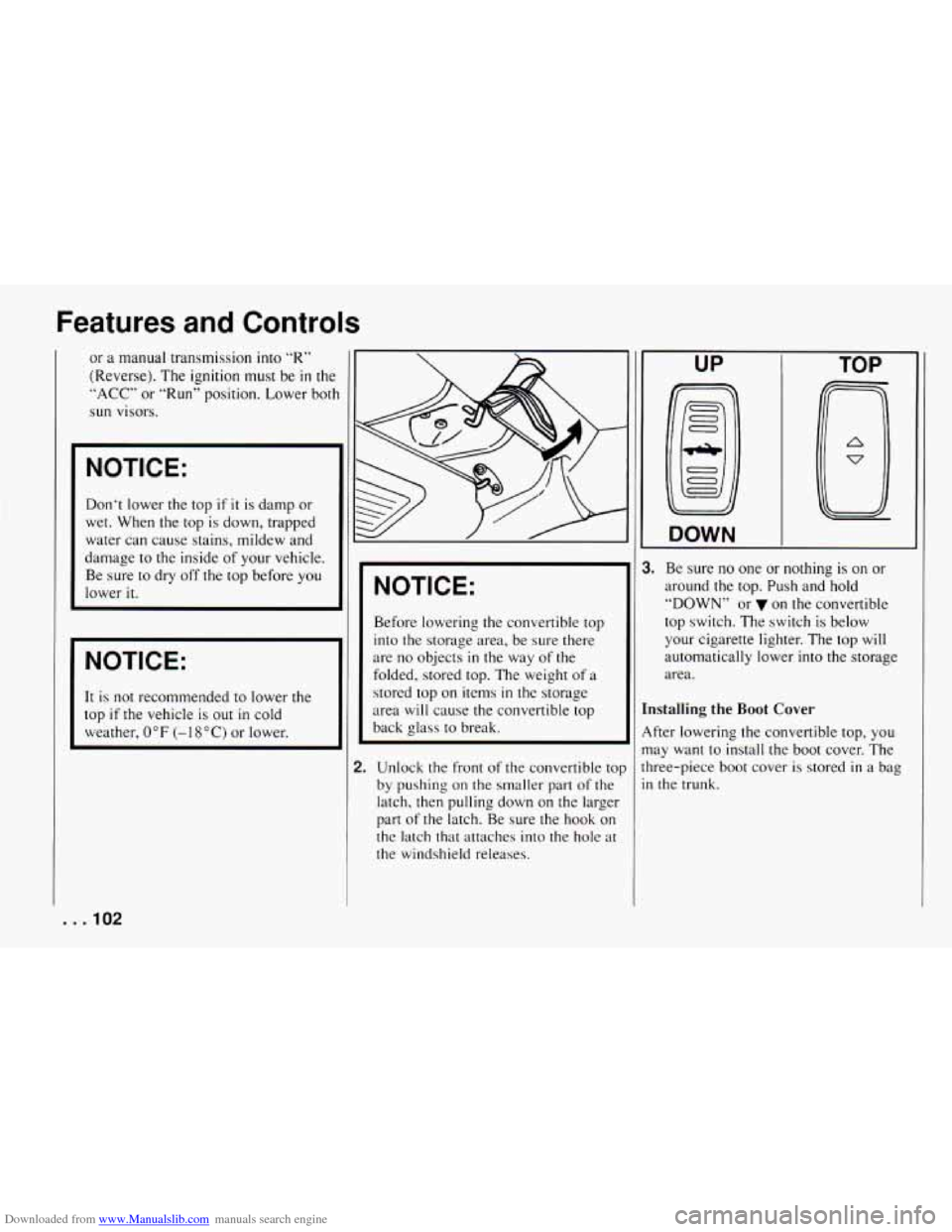
2. Unlock the front of the convertible to]
by pushing on
the smaller part of the
latch, then pulling down on the larger
part
of the latch. Be sure the hook on
the latch that attaches into the hole at
the windshield releases.
UP
DOWN
TOP
1. Be sure no one or nothing is on or
around the top. Push and hold
“DOWN” or on
the convertible
top switch. The switch is below
your cigarette lighter. The top will
automatically lower
into the storage
area.
mstalling the Boot Cover
4fter lowering the convertible top, you
nay want to install the boot cover. The
hree-piece boot cover
is stored in a bag
n the trunk.
. . .IO2
Page 107 of 292
Downloaded from www.Manualslib.com manuals search engine UP TOP
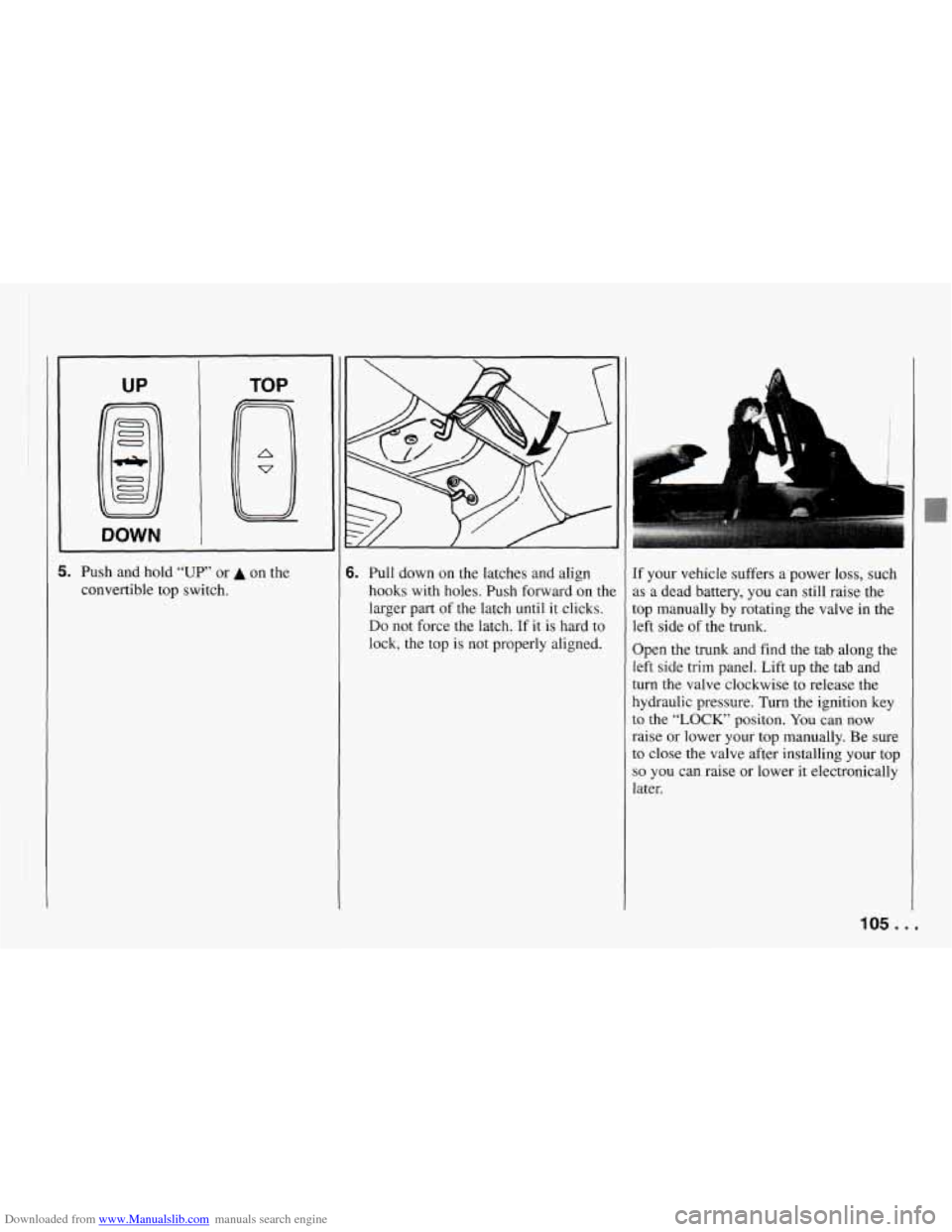
5. Push
and hold “UP” or A on the
convertible top switch. 6. Pull down on the latches and align
hooks with holes. Push forward on the
larger part
of the latch until it clicks.
Do not force the latch. If it is hard to
lock, the top is not properly aligned. If
your vehicle suffers a power
loss, such
as a dead battery, you can still raise the
top manually by rotating the valve in the
left side of the trunk.
Open the trunk and find the tab along the
left side trim panel. Lift up the tab and
turn the valve clockwise to release the
hydraulic pressure. Turn the ignition key
to the “LOCK’ positon. You can now
raise or lower your top manually. Be sure
to close the valve after installing your top
so you can raise or lower it electronically
Later.
105 ...
Page 109 of 292
Downloaded from www.Manualslib.com manuals search engine In this part you’ll find out how to
)perate the comfort control
systems and audio systems
lffered with your Chevrolet
. Be
sure to read about the particular
system supplied with your
rehicle
.
Part 3
Comfort Controls & Audio
Systems
Comfort Controls ................................................ 108
Heatercontrols
............................................... 108
Heating ...................................................... 108
Bi-LevelHeating .............................................. 109
Ventilation
................................................... 109
Defogging and Defrosting Windows
............................... 109
Air Conditioner Controls
........................................ 110
Cooling ...................................................... 110
Rearwindow Defogger
......................................... 111
Audiosystems .................................................. 112
Flow-Through Ventilation System ................................. 111
Settingtheclock .............................................. 113
AMEM Stereo
with Cassette Tape Player ........................... 113
AM/FM Stereo with Compact Disc Player .......................... 116
Understanding Radio Reception .................................. 120
Care of Your Cassette Tape Player
................................. 120
Care of Your Compact Discs ..................................... 121
FixedMastAntenna
............................................ 121
107 ...
Page 114 of 292
Downloaded from www.Manualslib.com manuals search engine Comfort Controls and Audio Systems
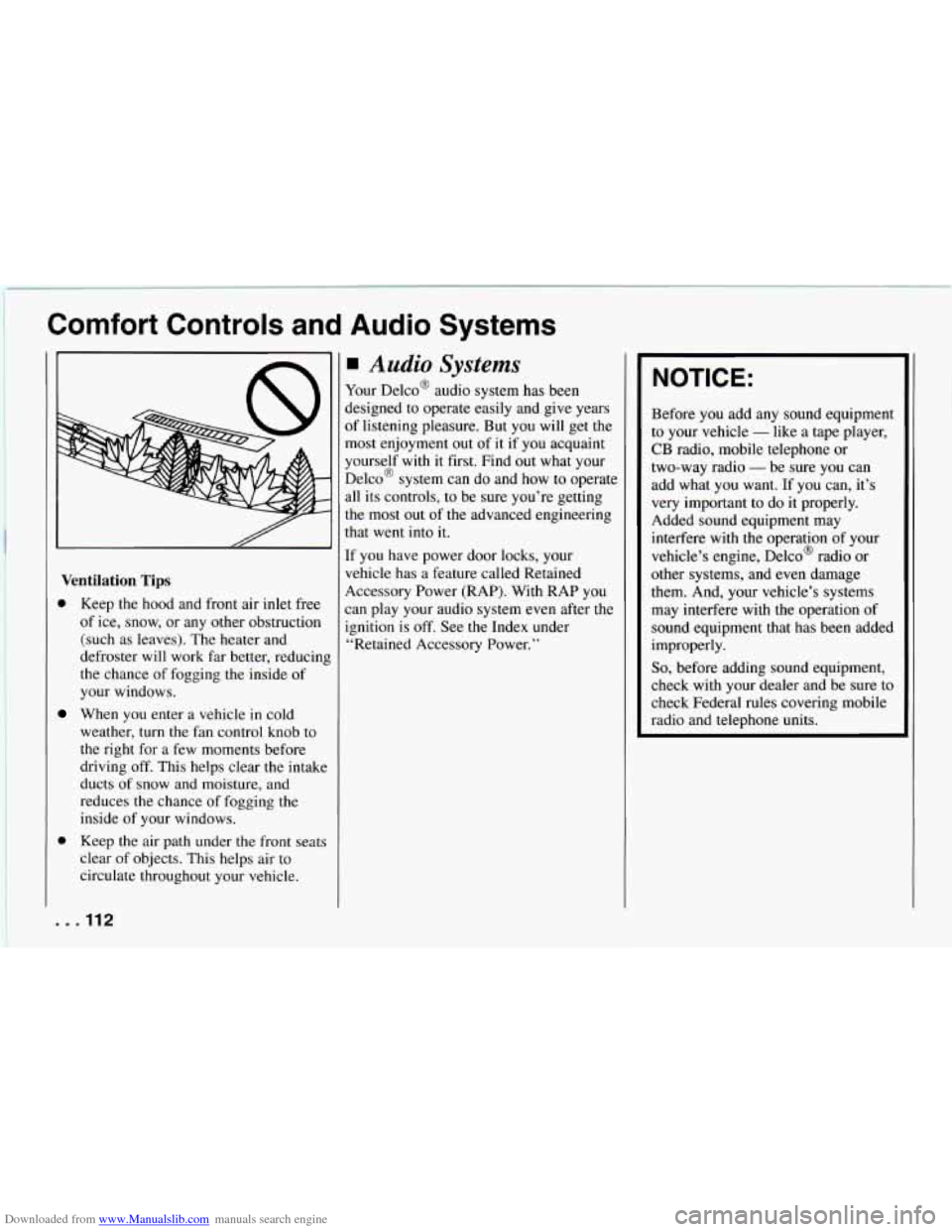
Ventilation Tips
D Keep the hood and front air inlet free
of ice, snow, or any other obstruction
(such as leaves). The heater and
defroster will work far better, reducin
the chance of fogging the inside of
your windows.
When
you enter a vehicle in cold
weather, turn the fan control knob to
the right for a few moments before
driving off. This helps clear the intakc
ducts of snow and moisture, and
reduces the chance of fogging the
inside of your windows.
Keep the air path under the front seat:
clear of objects. This helps air to
circulate throughout your vehicle.
.I12
I‘
Audio Systems
Your Delco@ audio system has been
jesigned to operate easily and give years
If listening pleasure. But you will get the
nost enjoyment out of
it if you acquaint
yourself
with it first. Find out what your
Delco@ system can do and how to operate
111 its controls, to be sure you’re getting
:he most out
of the advanced engineering
.hat went into
it.
:f you have power door locks, your
qehicle has a feature called Retained
4ccessory Power (RAP). With RAP you
:an
play your audio system even after the
ignition
is off. See the Index under
“Retained Accessory Power.”
NOTICE:
Before you add any sound equipment
to your vehicle
- like a tape player,
CB radio, mobile telephone or
two-way radio
- be sure you can
add what you want. If you can, it’s
very important
to do it properly.
Added sound equipment may
interfere with the operation of your
vehicle’s engine, Delco@ radio or
other systems, and even damage
them. And, your vehicle’s systems
may interfere with the operation
of
sound equipment that has been added
improperly.
So, before adding sound equipment,
check with your dealer and be sure to
check Federal rules covering mobile
radio and telephone units.
Page 115 of 292
Downloaded from www.Manualslib.com manuals search engine I Setting the Clock
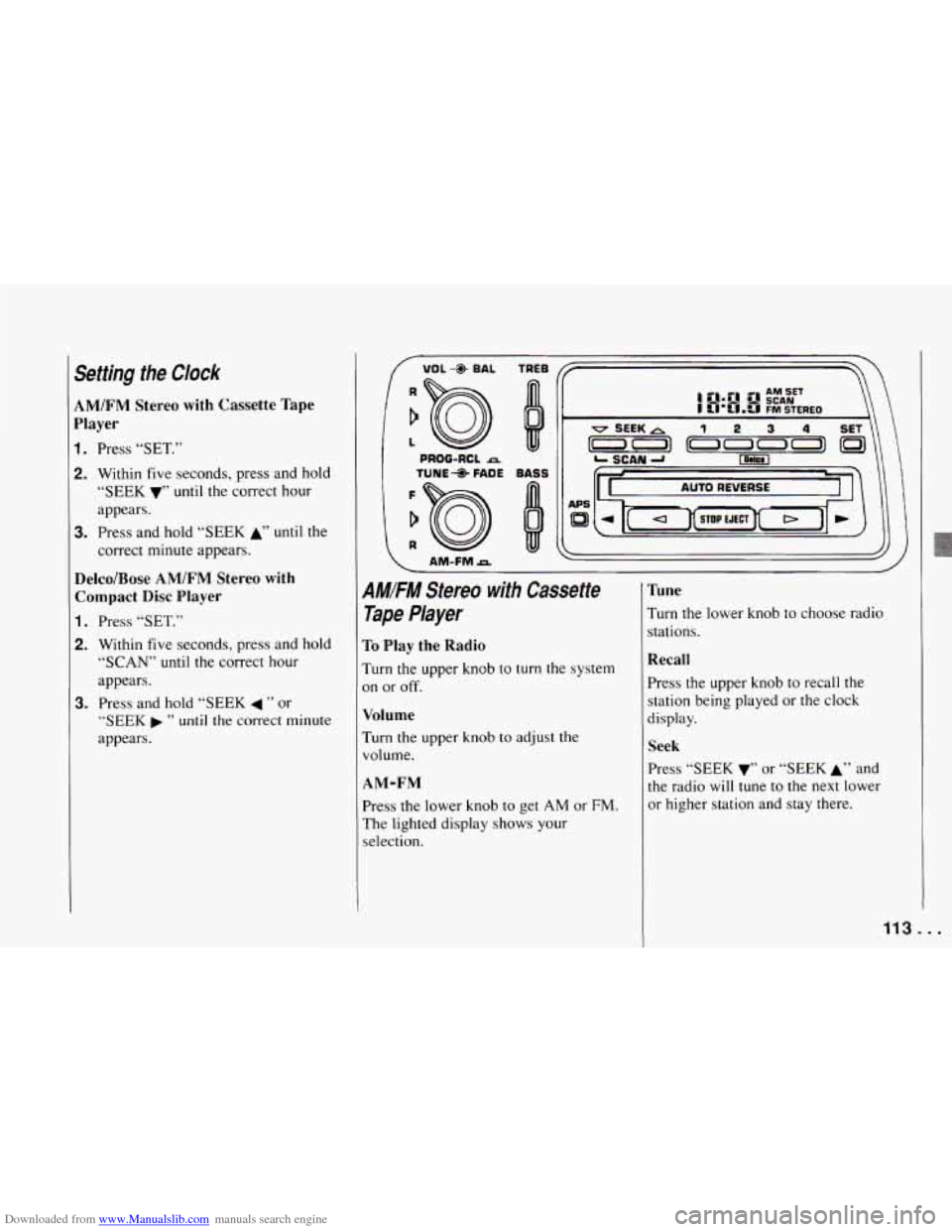
AM/FM Stereo with Cassette Tape
Player
1. Press “SET.”
2. Within five seconds, press and hold
“SEEK
V’’ until the correct hour
appears.
3. Press and hold “SEEK A’’ until the
correct minute appears.
Delco/Bose AM/FM Stereo with Compact Disc Player
1. Press “SET.”
2. Within five seconds, press and hold
“SCAN” until the correct hour
appears.
“SEEK ” until the correct minute
appears.
3. Press and hold “SEEK 4 ” or
I
/ VOL- BAL TREE
PROG-RCL A
1 TUNE- FADE BASS
AM-FMA
\
AMIFM Stereo with Cassette
Tape Player
To Play the Radio
Turn the upper knob to turn the system
on or off.
Volume
Turn the upper knob to adjust the
volume.
AM-FM
Press the lower knob to get AM or FM.
The lighted display shows your
selection.
Tune
Turn the lower knob to choose radio
stations.
Recall
Press the upper knob to recall the
station being played or the clock
display.
Seek
Press “SEEK 7’’ or “SEEK A’7 and
the radio
will tune to the next lower
or higher station and stay there.
113 ...
Page 121 of 292
Downloaded from www.Manualslib.com manuals search engine 5. Press “SET” and “000” will appear
on the display.
~ 6. Press “SEEK 4 ” or “SEEK b ” and
hold until the first digit of your code
appears. Release the button.
7. Turn the lower knob to make the
second and third digits appear.
8. Press the lower knob and “000” will
appear on the display. Now you are
ready
to enter the last three digits of
your code.
9. Press “SEEK 4 ” or “SEEK b ” and
hold until the fourth digit of your
code appears. Release the button.
10. Turn the lower knob to make the
fifth and sixth digits of your code
appear.
11. Press the lower knob. “rEP” will
appear for five seconds, and then
“000” will appear.
through
11. If “SEC” appears, your
audio system is secured.
If “---”
shows on the display, your system is
not secured.
You must restart the
entire procedure again from step
5.
12. For verification, repeat steps 6
Shutting Off the Theft-Deterrent
Feature
If your audio system is secured (“SEC”
shows on display) and you wish to disable
it, enter your security code as follows,
pausing no more than
15 seconds
between steps:
1. Turn the ignition on. Make sure the
audio system is
off. The time will
show on the display.
together
until “SEC” shows on the
display.
3. Press “SET.” “000” will appear on the
display.
4. Press “SEEK 4 ” or “SEEK b ” and
hold until the first digit of your code
appears. Release the button.
5. Turn the lower knob until the second
and third digits appear.
6. Press the lower knob. “000” will
appear on the display.
7. Press “SEEK 4 ” or “SEEK b ” and
hold until the fourth digit of your
security code appears. Release the
button.
8. Turn the lower knob until the fifth and
2. Press pushbuttons “1” and “4”
sixth digits of your code appear.
9. Press the lower knob. If “---” shows,
you have shut off the theft-deterrent
feature. If
“SEC” shows, your audio
system is still secured.
NOTE: If you lose or forget your security
code, see your dealer for assistance.
Unlocking the Audio System after a
Power Failure
If power is disrupted to the audio system
while
in the “SEC” mode, the unit will
not work and “LOC”
will show on the
display whenever the ignition is on. To
unlock the unit:
1. Turn the ignition switch to the “Acc”
or “Run” position.
2. Press “SEEK 4 ” or “SEEK b ” and
hold until the first digit of your code
appears. Release the button.
3. Turn the lower knob to make the
second and third digits appear.
4. Press the lower knob. “000” will
appear on the display.
5. Press “SEEK 4 ” or “SEEK b ” and
hold until the
fourth digit of your
security code appears. Release the
button.
119.. .
Page 122 of 292
Downloaded from www.Manualslib.com manuals search engine Comfort Controls and Audio Systems
6. Turn the lower knob until the fifth and
sixth digits
of your code appear,
7. Press the lower knob. The clock
display will appear and the unit will
work. If
“LOC” shows, the numbers
did not match and the unit is still
locked.
How to Change Your Security Code
You can change your security code by
following these steps:
1. Using your old code, follow the
directions given under “Shutting
Off
the Theft-Deterrent Feature.”
2. Repeat directions of “Setting Your
Security Code” with your new
security code.
Understanding Radio Reception
FM Stereo
FM stereo will give you the best sound.
But
FM signals will reach only about
10 to 40 miles (16 to 65 km). And, tall
buildings or hills can interfere with
FM signals, causing the sound to come
and go.
I
AM
The range for most AM stations is greater
than for
FM, especially at night. The
longer range, however, can cause stations
to interfere with each other. AM can pick
up noise from things like storms and
power lines. Try reducing the treble to
reduce this noise if you ever get it.
AM Stereo
This means the Delco@ system can
receive C-QUAM@ stereo broadcasts.
Many
AM stations around the country use
C-QUAM@ to produce stereo, though
some do not. (C-QUAM@
is a registered
trademark of Motorola, Inc.) If your
Delco@ system can get C-QUAM@, your
“STEREO” light will come on when
you’re receiving it.
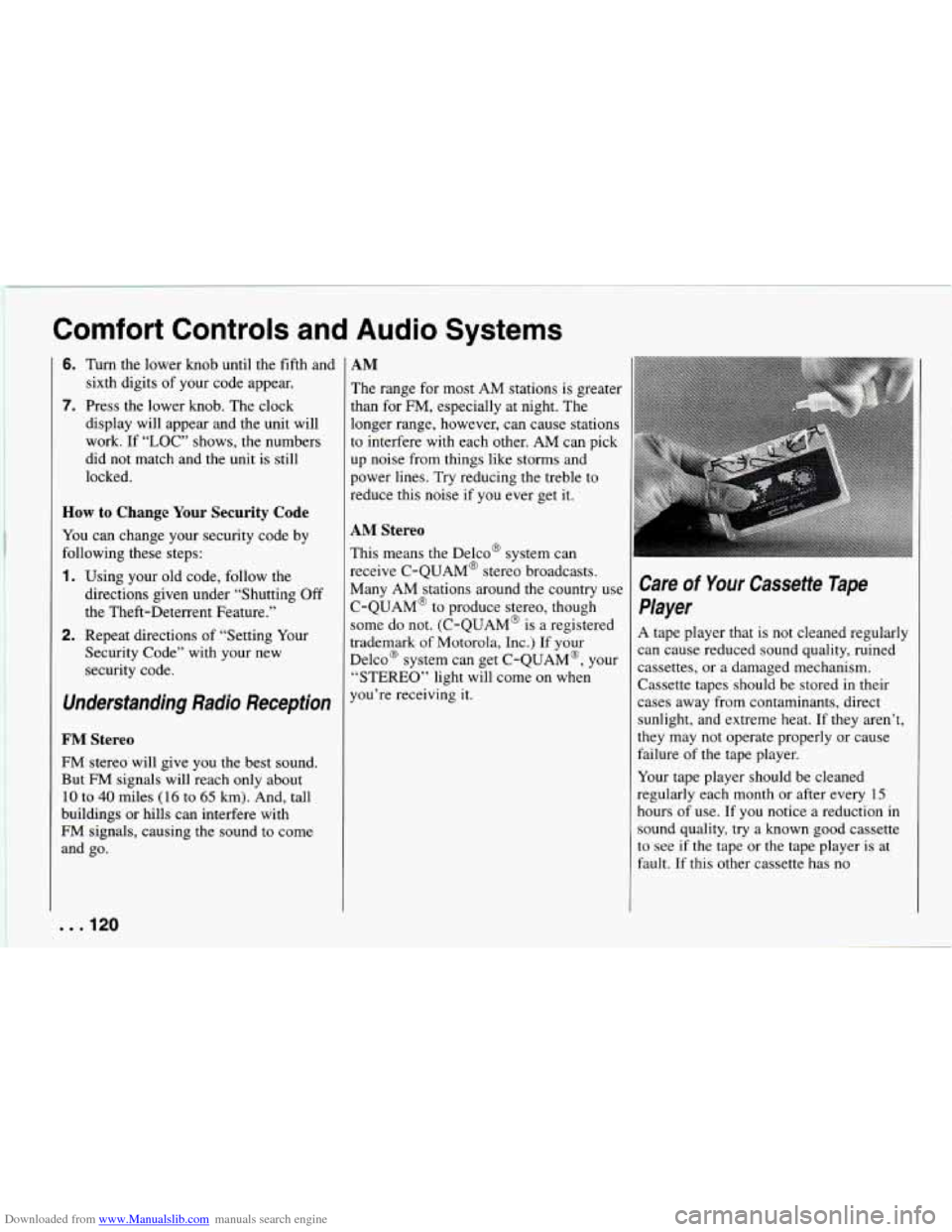
Care of Your Cassette Tape
Player
A tape player that is not cleaned regularly
can cause reduced sound quality, ruined
cassettes, or a damaged mechanism.
Cassette tapes should be stored in their
cases away from contaminants, direct
sunlight, and extreme heat. If they aren’t,
they may not operate properly or cause
failure of the tape player.
Your tape player should
be cleaned
regularly each month or after every
15
hours of use. If you notice a reduction in
sound quality, try a known good cassette
to see if the tape or the tape player
is at
fault. If this other cassette has no
. . .I20
Page 129 of 292
Downloaded from www.Manualslib.com manuals search engine This is a mistake. Your brakes may not
have time to cool between hard stops.
Your brakes will wear out much faster if
you do a lot of heavy braking. If you keep
pace with the traffic and allow realistic
following distances, you will eliminate a
lot of unnecessary braking. That means
better braking and longer brake life.
If your engine ever stops while you’re
driving, brake normally but don’t pump
your brakes. If you
do, the pedal may
get harder to push down. If your engine
stops, you will still have some power
brake assist. But you will use
it when
you brake. Once the power assist is used
up, it may take longer to stop and the
brake pedal
will be harder to push.
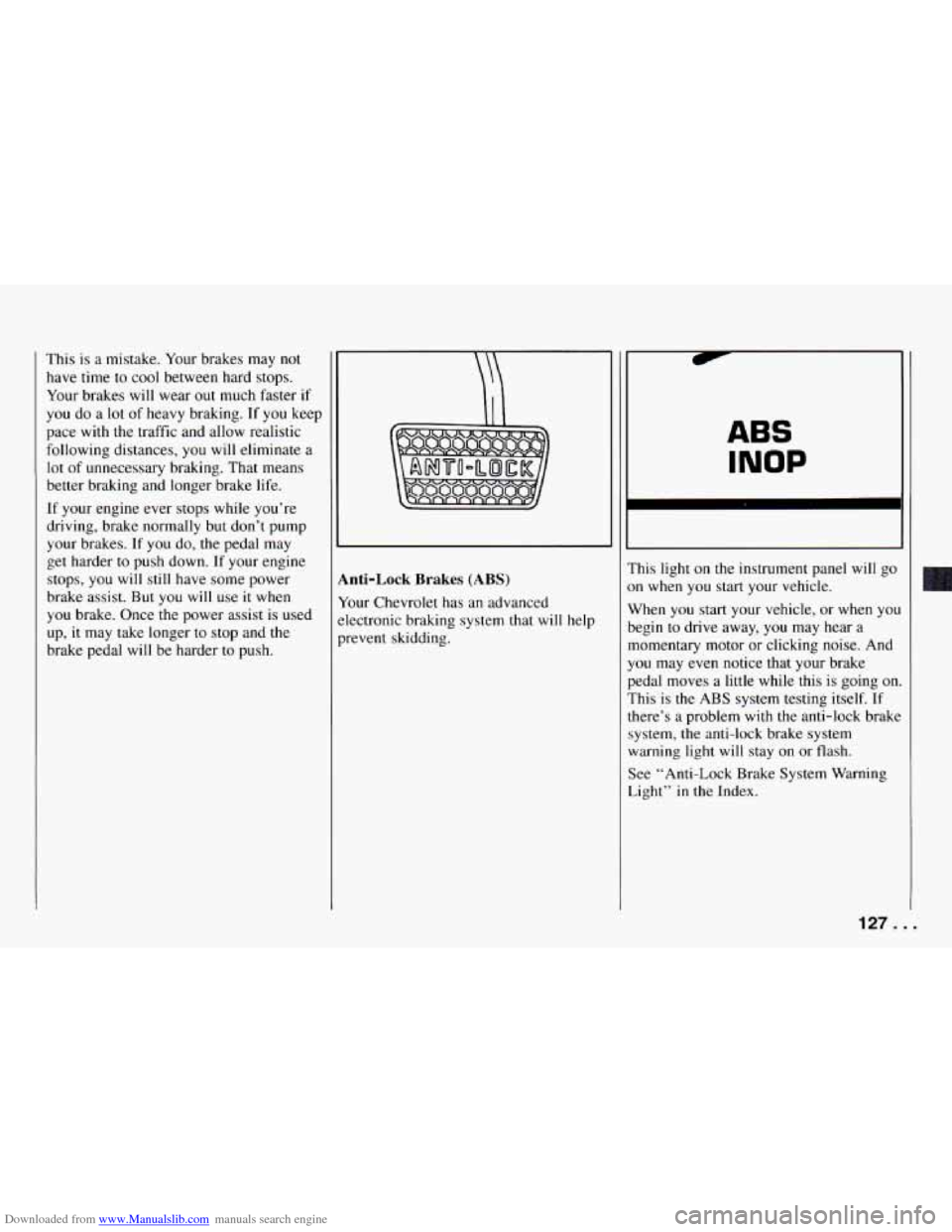
inti-Lock Brakes (ABS)
tour Chevrolet has an advanced
klectronic braking system that
will help
- revent sludding.
ABS
INOP
?his light on the instrument panel will go
m when you start your vehicle.
Nhen you start your vehicle, or when yo1
)egin to drive away, you may hear a
nomentary motor or clicking noise. And
’ou may even notice that your brake
bedal moves a little while
this is going on
:his
is the ABS system testing itself. If
here’s a problem with the anti-lock brake
ystem, the anti-lock brake system
varning light will stay
on or flash.
;ee “Anti-Lock Brake System Warning
ight” in the Index.
1
127 ...