lock CHEVROLET CAVALIER 1996 3.G Owner's Manual
[x] Cancel search | Manufacturer: CHEVROLET, Model Year: 1996, Model line: CAVALIER, Model: CHEVROLET CAVALIER 1996 3.GPages: 372, PDF Size: 19.73 MB
Page 82 of 372
Downloaded from www.Manualslib.com manuals search engine 1
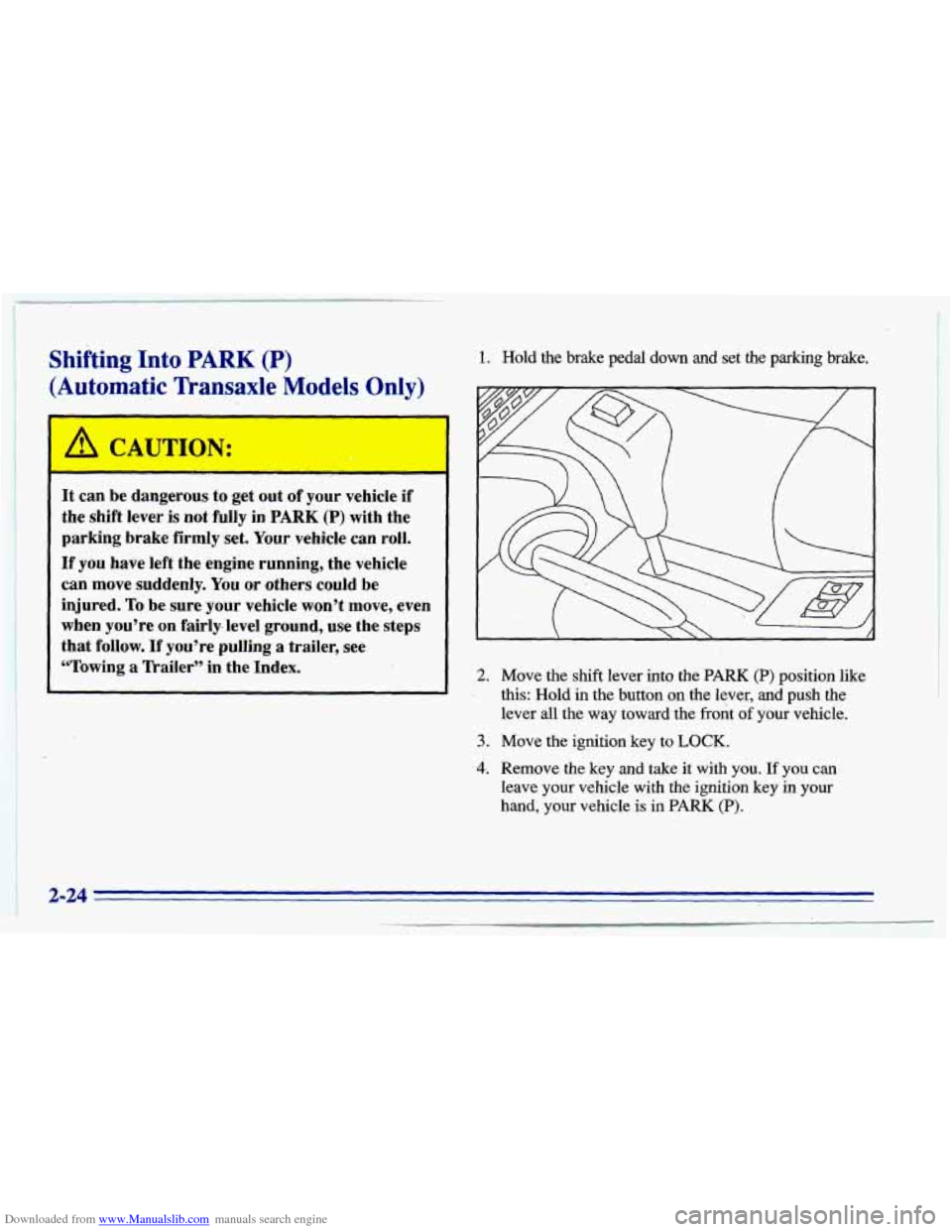
Shifting Into PARK (P)
(Automatic Transaxle Models Only)
1. Hold the brake pedal down and-set the parking brake.
D
It can be dangerous to get out of your vehicle if
the shift lever is not fully in PARK (P) with the
parking brake firmly set. Your vehicle can roll.
If you have left the engine running, the vehicle
can move suddenly. You or others could be
injured.
To be sure your vehicle won’t move, even
when
you’re on fairly- level ground, use the steps
that follow.
If you’re pulling a trailer, see
“Towing
a lkailer” in the Index. 2. Move the shift lever into the PARK (P) position like
this: Hold
in the button on the lever, and push the
lever all the way toward the front
of your vehicle,.
3. Move the ignition key to LOCK.
4. Remove the key and take it with you. If you can
leave your vehicle with the ignition key in your
hand, your vehicle is in
PARK (P).
2;-24
Page 83 of 372
Downloaded from www.Manualslib.com manuals search engine Leaving Your Vehicle With the Engine
Running (Auton~
~ tic Transaxle “del 3nly)
It can be dangerous to leave your vehicle with
the engine running. Your vehicle could move-
suddenly if the shift lever
is not fully in PARK (P)
with the parking brake firmly set. And, if you
leave the vehicle with the engine running, it could
overheat and even catch fire.
You or others could
be injured. Don’t leave your vehicle with the
engine running unless you have to.
If you have to leave your vehicle with the engine
running, be sure your vehicle
is in PARK (P) and your
parking brake is firmly set before you leave
it. After
you’ve moved the shift lever into the
PARK (P)
position, hold the regular brake pedal down. Then, see if
you can move the shift lever away from PARK
(P)
without first pushing the button.
If you can, it means that the shift
lever wasn’t fully
locked into PARK
(P).
Torque Lock (Automatic Transaxle)
If you are parking on a hill and you don’t shift your
transaxle into PARK
(P) properly, the weight of the
vehicle may put too much force on the parking pawl in
the transaxle.
You may find it difficult to pull the shift
lever out of PARK (P). This is called “torque lock.’’
To
prevent torque lock, set the parking brake and then shift
into PARK
(P) properly before you leave the driver’s
seat.
To find out how, see “Shifting Into PARK (P)” in
the Index.
When you are ready to drive, move the shift lever out of
PARK (P)
before you release the parking brake.
If torque lock does occur, you may need to have another
vehicle push yours a little uphill to take some of the
pressure from the transaxle,
so you can pull the shift
lever out
of PARK (P).
2-25
Page 84 of 372
Downloaded from www.Manualslib.com manuals search engine Shifting Out of PARK (P)
(Automatic Transaxle)
Your Chevrolet has a brake-transaxle shift interlock.
You have to fully appZy your regular brakes before you
can shift from PARK (P) when the ignition is in
the
RUN position. See “Automatic Transaxle” in the Index.
If you cannot shift out of PARK
(P), ease pressure on
the shift lever
-- push the shift lever all the way into
PARK (P) and also release the shift lever button
on floor
shift console models as you maintain brake application.
Then move the shift lever into the gear you wish. (Press
the shift lever button before moving the shift lever.) If you
ever hold the brake pedal down but still
can’t
shift out of PARK (P), try this:
1. Turn the key to OFF.
2. Apply and hold the brake until the end of Step 4.
3. Shift to NEUTRAL (N). ,
4. Start the vehicle and then shift to the drive gear
5. Have the vehicle fixed as soon as you can. yowwant.
Parking Your Vehicle
(Manual lkansaxle)
Before you get out of your vehicle, put your manual transaxle
in REVERSE (R) and firmly apply the parking brake.
Page 87 of 372
Downloaded from www.Manualslib.com manuals search engine Windows
On a vehicle with manual windows, use the window
crank to open and close each window.
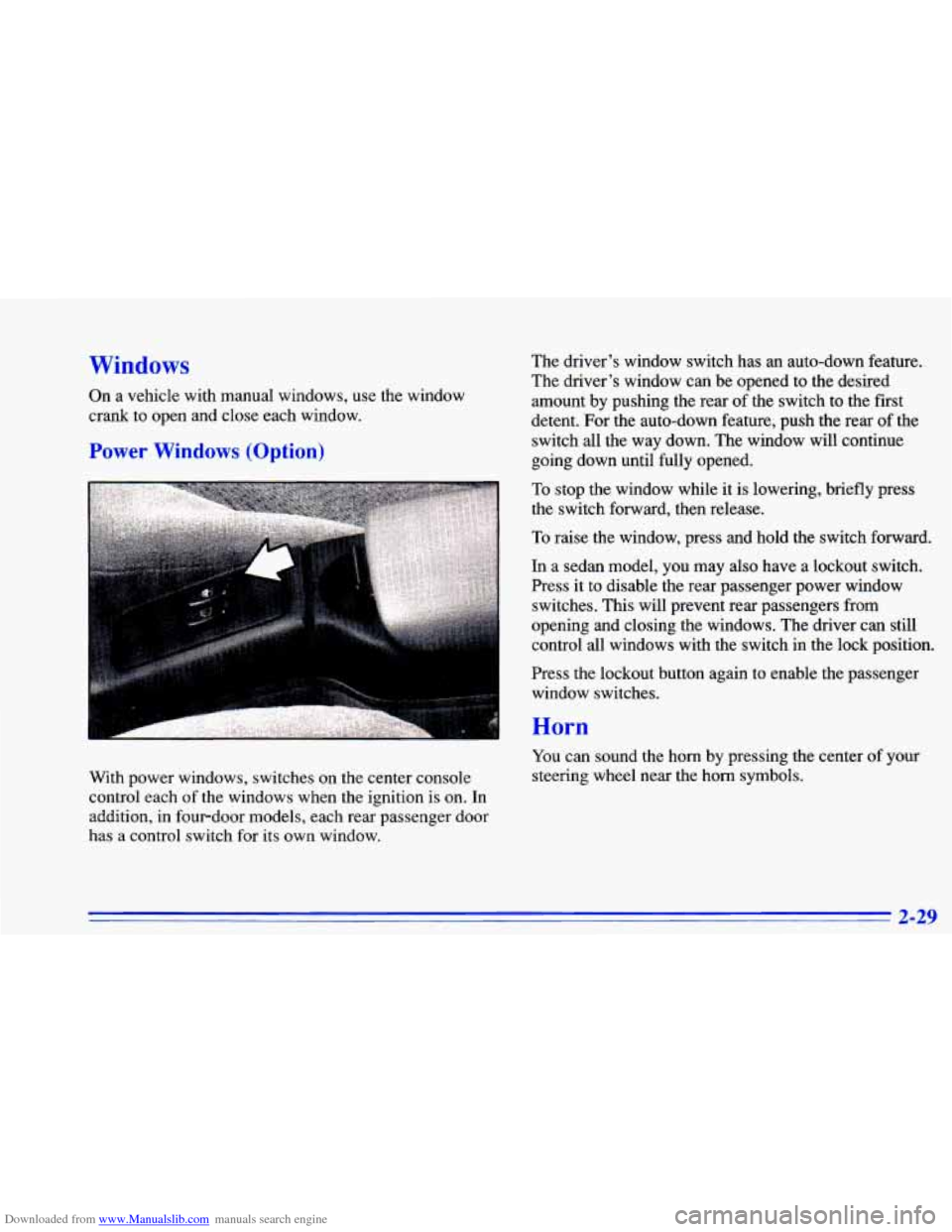
Power Windows (Option)
The driver’s window switch has an auto-down feature.
The driver’s window can be opened to the desired
amount by pushing the rear of the switch to the first
detent. For the auto-down feature, push the rear of the
switch all the way down. The window will continue
going down until fully opened.
To stop the window while it is lowering, briefly press
the switch forward, then release.
To raise the window, press and hold the switch forward.
In a sedan model, you may also have a lockout switch.
Press
it to disable the rear passenger power window
switches. This will prevent rear passengers from
opening and closing the windows. The driver can still
control all windows with the switch in the lock position.
rress the lockout button again to enable the passenger
window switches.
With power windows, switches on the center console
control each
of the windows when the ignition is on. In
addition, in fourdoor models, each rear passenger door
has a control switch for its own window.
Horn
You can sound the horn by pressing the center of your
steering wheel near the horn symbols.
2-29
Page 88 of 372
Downloaded from www.Manualslib.com manuals search engine Tilt Steering Wheel (Option)
I
Turn Signal/Multifunction Lever
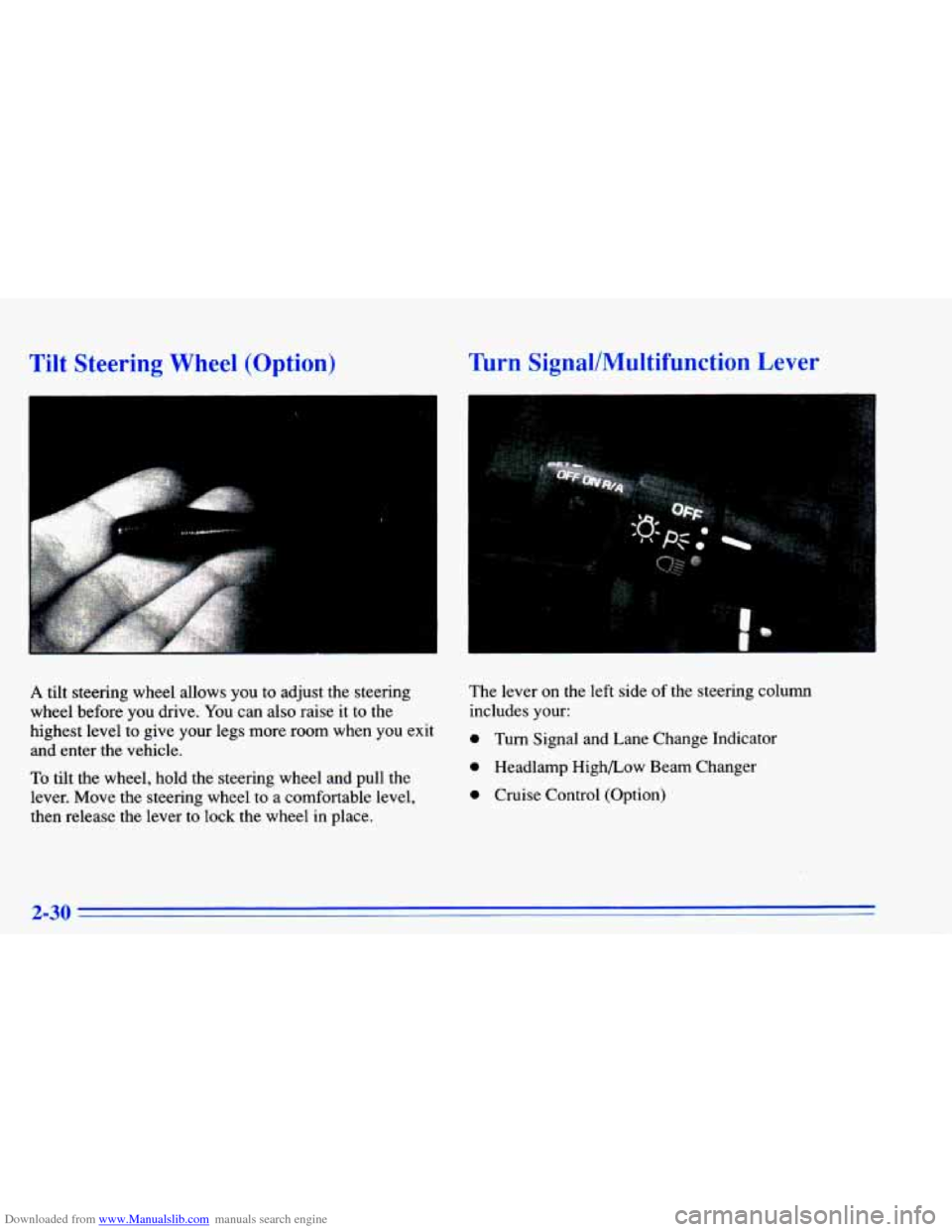
A tilt steering wheel allows you to adjust the steering
wheel before you drive. You can also raise it
to the
highest level to give your legs more room when you exit
and enter the vehicle.
To tilt the wheel, hold the steering wheel and pull the
lever. Move the steering wheel
to a comfortable level,
then release the lever to lock the wheel in place. The lever
on the left
side of the steering column
includes your:
0 Turn Signal and Lane Change Indicator
0 Headlamp High/Low Beam Changer
0 Cruise Control (Option)
2-30
Page 92 of 372
Downloaded from www.Manualslib.com manuals search engine Windshield Washer Driving without washer fluid is dangerous. A bad mud
splash can block your
vision. You could collide with
another vehicle. Check your washer fluid often.
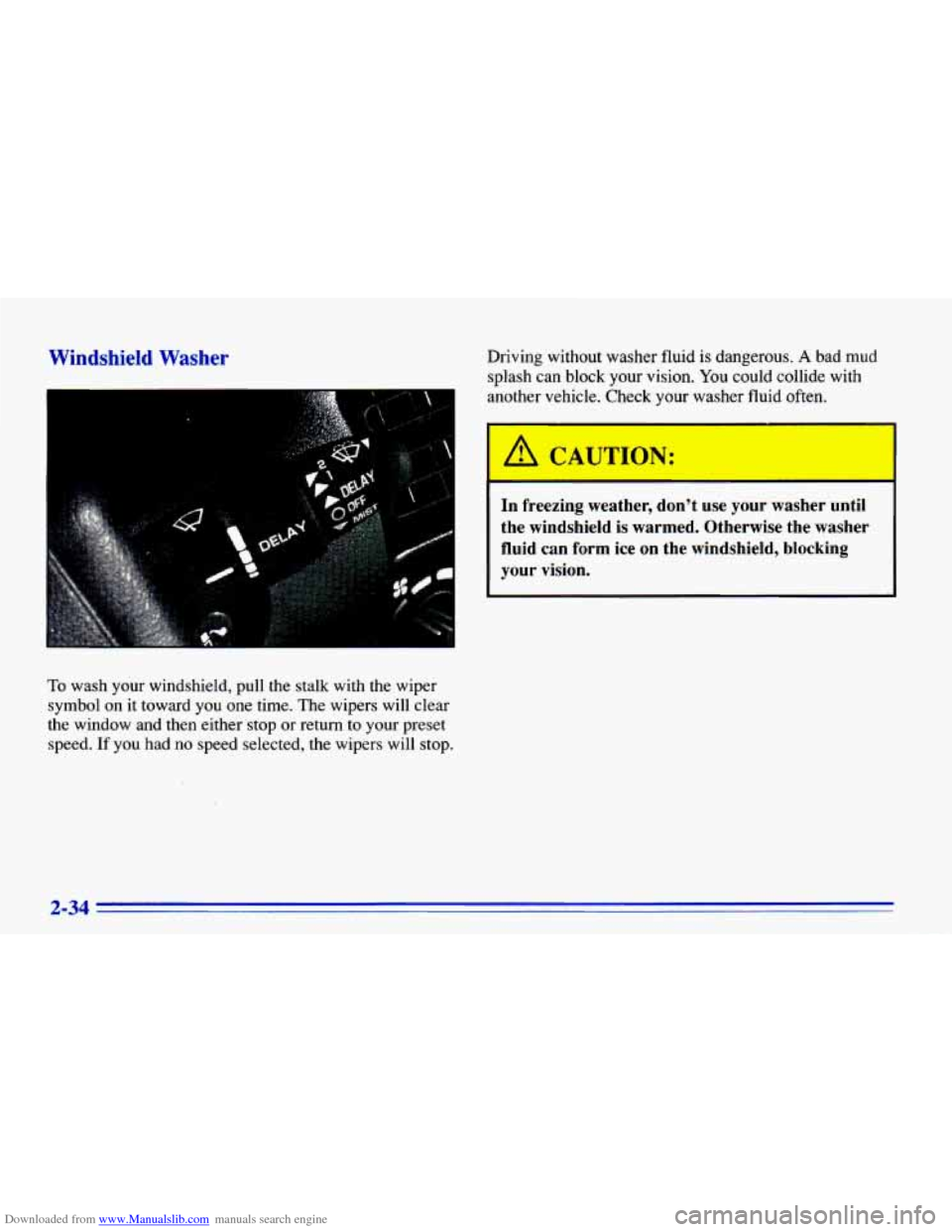
To wash your windshield, pull the stalk with the wiper
symbol on it toward you one time. The wipers will clear
the window and then either
stop or return to your preset
speed.
If you had no speed selected, the wipers will stop.
I
I A CAUTION:
In freezing weather, don’t use your washer until
the windshield is warmed. Otherwise the washer
fluid can form ice on the windshield, blocking
your vision.
2-34
Page 97 of 372
Downloaded from www.Manualslib.com manuals search engine Lamps
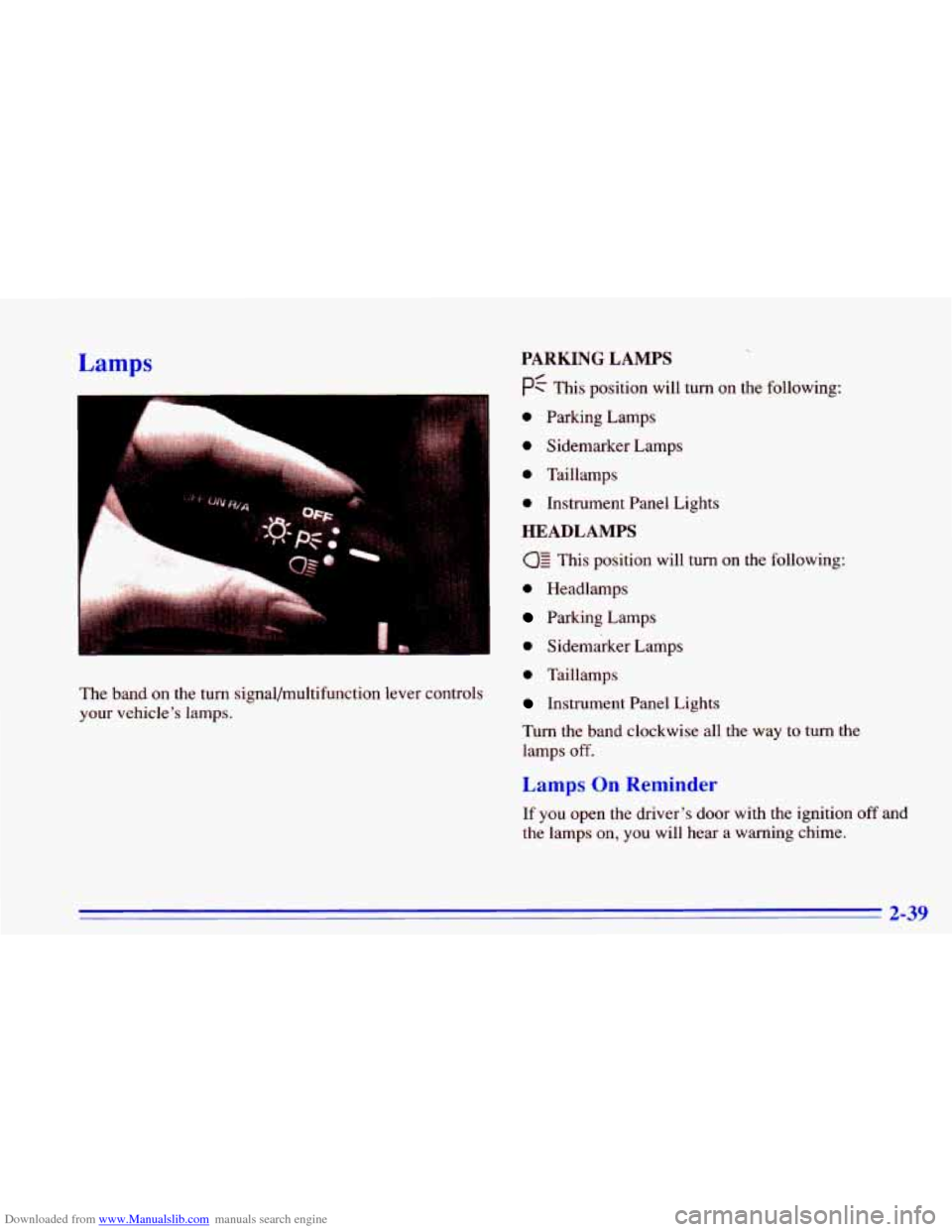
The band on the turn signal/multifunction lever controls
your vehicle’s lamps.
PARKING LAMPS
pf This position will turn on the following:
0 Parking Lamps
0 Sidemarker Lamps
0 Taillamps
0 Instrument Panel Lights
HEADLAMPS
This position will turn on the following:
0 Headlamps
Parking Lamps
0 Sidemarker Lamps
0 Taillamps
Instrument Panel Lights
Turn the band clockwise all the way
to turn the
lamps
off.
Lamps On Reminder
If you open the driver’s door with the ignition off and
the lamps on, you will hear a warning chime.
2-39
Page 100 of 372
Downloaded from www.Manualslib.com manuals search engine Illuminated Entry
When you open either front door, or open a rear door,
the lamps inside
your vehicle will go on. These lamps
will fade
off after about 40 seconds, or when the ignition
is turned
on after all the doors have been closed.
If the ignition has been off for less than two minutes,
the lamps inside
your vehicle will stay on for about
15 seconds to provide an illuminated exit when you
remove the key from the ignition.
After you exit the vehicle and all of the doors have been
closed, the lamps will stay
on for an additional four
seconds before fading
off. These lamps will also go on
when
you press the DOOR or UNLOCK button on the
optional Keyless Entry Transmitter.
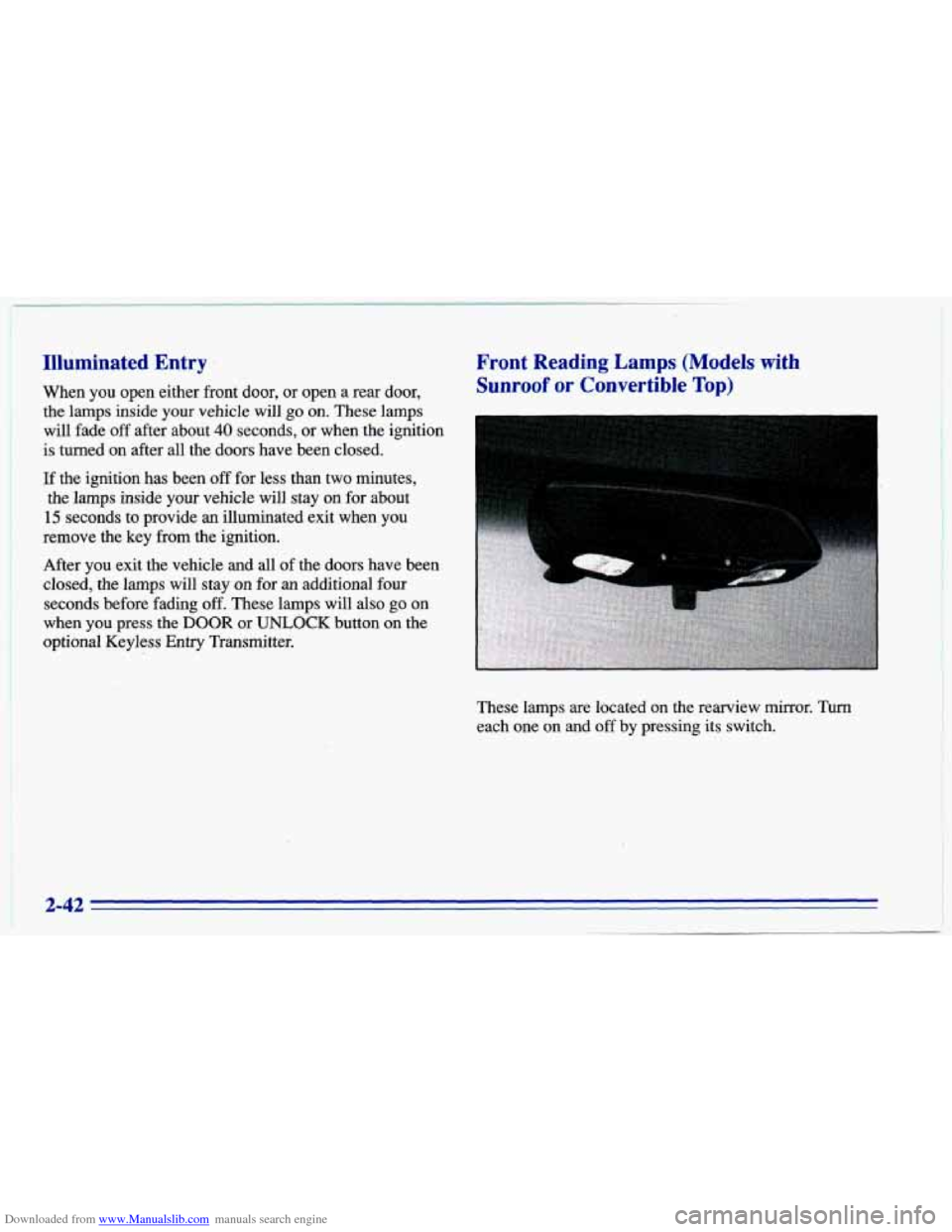
Front Reading Lamps (Models with
Sunroof or Convertible Top)
These lamps are located on the rearview mirror. Turn
each one on and off by pressing its switch.
2-42
1
Page 101 of 372
Downloaded from www.Manualslib.com manuals search engine Battery Saver
Your Chevrolet is equipped with a battery saver feature
designed to protect your vehicle’s battery.
When any interior lamp
(trunk, reading, dome, glove
box, etc.) is left on and the ignition is turned OFF, the
battery rundown protection system will automatically
turn the lamp off after
20 minutes. This will avoid
draining the battery. This system does not protect
against leaving on the headlamps.
To reactivate the interior lamps, either:
The ignition must be turned on,
The activated lamp switch must be turned off, then
on,
OR
Mirrors
A front door must be opened.
Inside DaylNight Rearview Mirror
The battery rundown protection feature will also be
activated when any door is left open.
If your vehicle is left with the ignition off for over
24 days, the battery power to the clock and audio system
will turn
off to reduce the battery drain. When the
ignition
is turned on again, battery power will be
resupplied. Under these conditions it will be necessary
to reset the clock and audio system settings.
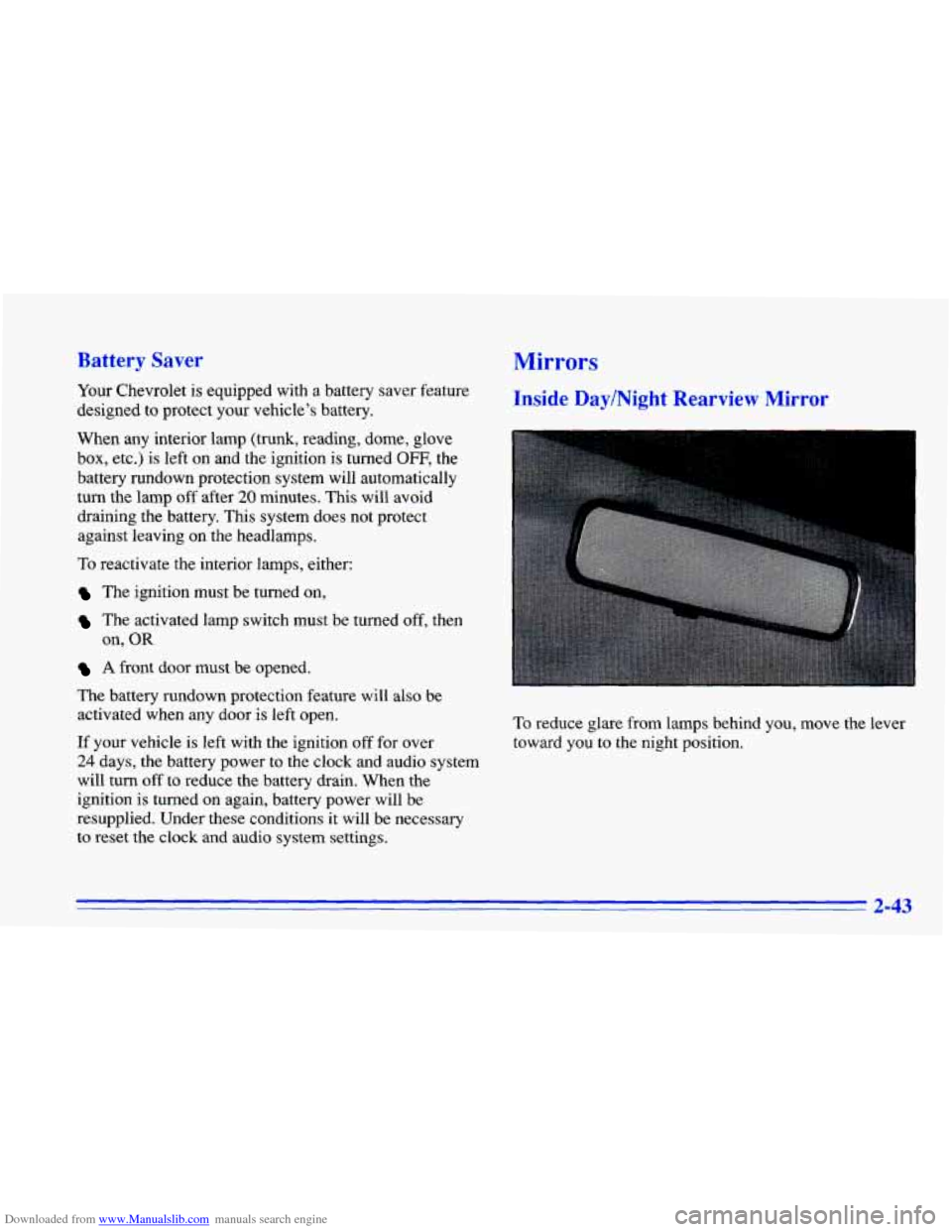
To reduce glare from lamps behind you, move the lever
toward you to the night position.
2-43
Page 102 of 372
Downloaded from www.Manualslib.com manuals search engine Manual Remote Control Mirror
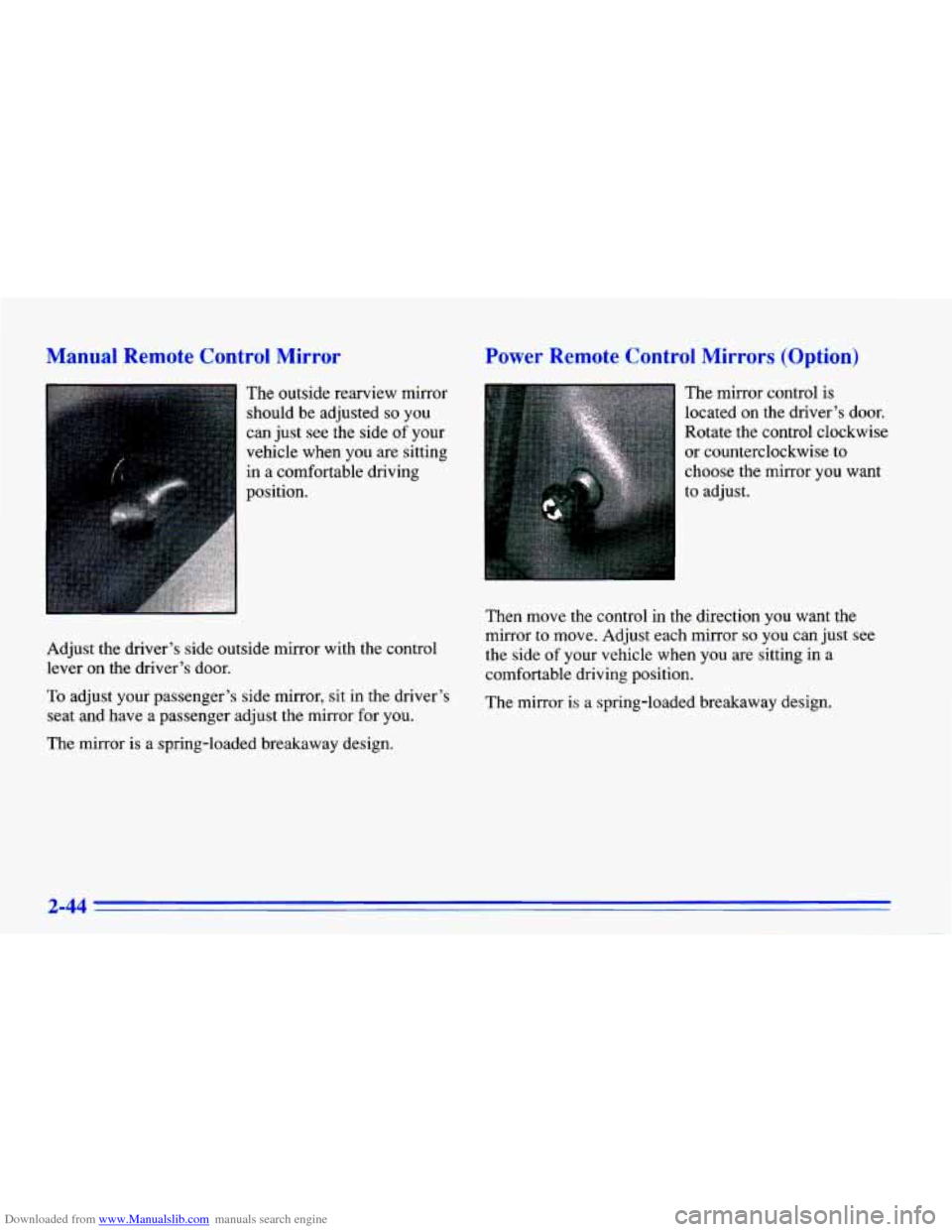
The outside rearview mirror
should be adjusted
so you
can just see the side
of your
vehicle when you are sitting
in a comfortable driving
position.
I
Adjust the driver’s side outside mirror with the control
lever on the driver’s door.
To adjust your passenger’s side mirror, sit in the driver’s
seat and have
a passenger adjust the mirror,for you.
The mirror is a spring-loaded breakaway design.
Power Remote Control Mirrors (Option)
The mirror control is
located on the driver’s door.
Rotate the control clockwise
or counterclockwise to
choose the mirror you want
to adjust.
Then move the control in the direction you want the
mirror to move. Adjust each mirror
so you can just see
the side
of your vehicle when you are sitting in a
comfortable driving position.
The mirror is a spring-loaded breakaway design.
2-44