engine braking CHEVROLET CORVETTE 1998 5.G Owners Manual
[x] Cancel search | Manufacturer: CHEVROLET, Model Year: 1998, Model line: CORVETTE, Model: CHEVROLET CORVETTE 1998 5.GPages: 378, PDF Size: 19.91 MB
Page 54 of 378
Downloaded from www.Manualslib.com manuals search engine Section 2 Features and Controls
Here you can learn about the many standard and optional features on your vehicle, and information on starting,
shifting and braking. Also explained are the instrument panel and the warning systems that tell you
if everything is
working properly
-- and what to do if you have a problem.
2-4
2-5
2-6
2-
14
2- 17 2-18
2-20
2-2 1
2-22
2-24
2-26
2-29
2-32
2-34
2-36
2-36 Door Locks
Memory (Option)
Remote Function Actuation
System
Remote Hatch/Trunk Lid Release
Universal Theft-Deterrent System
PASS-Key@
New Vehicle “Break-In”
Ignition Switch Starting Your Engine
Engine Coolant Heater (Canada Only)
Automatic Transmission Operation
Manual Transmission Operation
Parking Brake Shifting Into PARK (P)
(Automatic Transmission Models Only)
Shifting Out of PARK (P)
(Automatic Transmission)
Parking Your Vehicle (Manual Transmission) 2-37
2-37
2-38
2-39 2-39
2-40
2-42
2-50
2-52
2-53
2-54
2-60
2-68
2-74
2-77
2-87 Parking Over
Things That Burn
Engine Exhaust
Running Your Engine While You’re Parked
(Automatic Transmission)
Limited-Slip Rear Axle
Selective Real Time Damping (Option)
Windows
Turn SignalMultifunction Lever
Exterior Lamps
Interior Lamps
Mirrors
Storage Compartments
Roof Panel (Coupe)
Convertible Top (Option)
Instrument Panel
Warning Lights, Gages and Messages
Driver Information Center (DIC)
2-1
Page 132 of 378
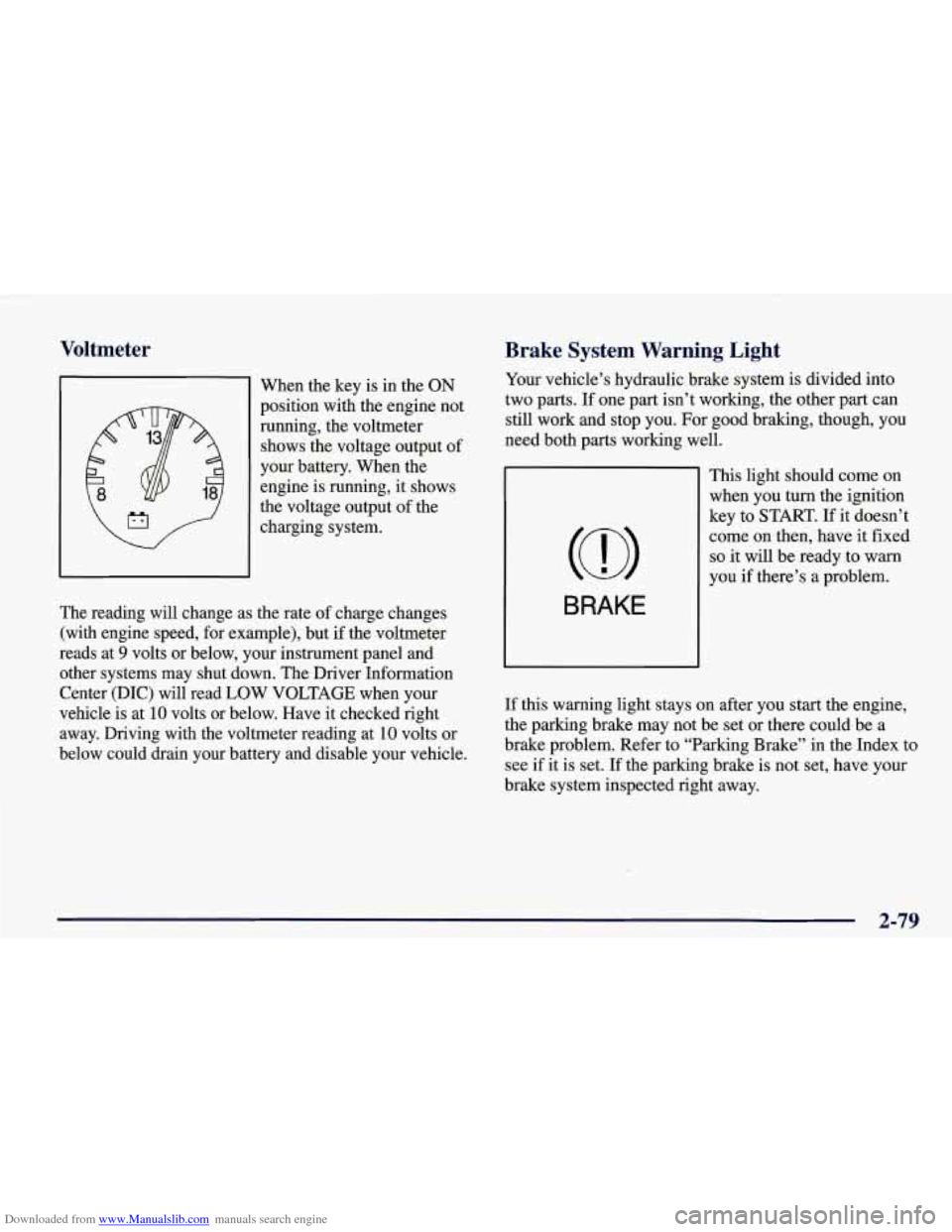
Downloaded from www.Manualslib.com manuals search engine Voltmeter
I When the key is in the ON
position with the engine not
running, the voltmeter
shows the voltage output of
your battery. When the
engine is running, it shows
the voltage output of the
charging system.
The reading will change as the rate of charge changes
(with engine speed, for example), but
if the voltmeter
reads at
9 volts or below, your instrument panel and
other systems may shut down. The Driver Information
Center (DIC) will read LOW
VOLTAGE when your
vehicle is at
10 volts or below. Have it checked right
away. Driving with the voltmeter reading at
10 volts or
below could drain your battery and disable your vehicle.
Brake System Warning Light
Your vehicle’s hydraulic brake system is divided into
two parts. If one part isn’t working, the other part can
still work and stop you. For good braking, though, you
need both parts working well.
BRAKE
This light should come on
when you turn the ignition
key to
START. If it doesn’t
come on then, have it fixed
so it will be ready to warn
you
if there’s a problem.
If this warning light stays on after you start the engine,
the parking brake may not be set or there could be a
brake problem. Refer to “Parking Brake” in the Index to
see if it is set. If the parking brake is not set, have your
brake system inspected right away.
2-79
Page 151 of 378
Downloaded from www.Manualslib.com manuals search engine ABS ACTIVE (Anti-Lock Brake System Active) - :
When your anti-lock system is adjusting brake pressure
to help avoid a braking skid, the ABS ACTIVE message
will be displayed.
Slippery road conditions may exist if this message is
displayed,
so adjust your driving accordingly. The
message will stay on for a few seconds after the system
stops adjusting brake pressure.
SERVICE ABS (Anti-Lock Brake System) - : If the
SERVICE ABS message is displayed when you
are
driving, stop as soon as possible and turn the ignition
off. Then start the engine again to reset the system. If
the message stays on, or comes back on again while you
are driving, your vehicle is in need of service. If the
regular brake system warning light isn’t on, you still
have brakes, but don’t have anti-lock brakes. If the
regular brake system light is also on, you don’t have
anti-lock brakes and there is a problem with your
brakes.
See “Brake System Warning Light” earlier in
this section.
If the SERVICE ABS message is being displayed, your
traction control system and the optional active handling system will also be disabled. The driver information
center will scroll three messages SERVICE ABS,
SERVICE TRACTION SYS. and SERVICE ACTIVE
HNDLG and the instrument cluster car icon will be illuminated.
The driver can acknowledge these messages
by pressing the reset button three times. When the
service message is displayed the computer controlled
systems will not assist the driver and you should have
the system repaired as soon as possible. Adjust your
driving accordingly.
SERVICE COLUMN LOCK: The system that
controls the locking and unlocking of the steering
column may not work properly. Have the vehicle towed
to a dealer for service.
LOW OIL PRESSURE: You will hear four chimes and
the CHECK GAGES telltale will come on when this
message is displayed.
To acknowledge the warning,
press the RESET button. After you press the
RESET
button, a message will be displayed and you will hear a
chime every minute until the vehicle is serviced.
If you
do not press RESET, the message will remain on the
digital display until the vehicle is serviced.
Low oil pressure may be the result of a combination of
low oil level and abrupt changes in the vehicle’s
direction. When this warning
is displayed, you should
not operate the engine at high
RPM or make fast abrupt
moves. When convenient, you should check the oil
level. See “Engine Oil” in the Index.
Page 192 of 378
Downloaded from www.Manualslib.com manuals search engine Section 4 Your Driving and the Road
Here you’ll find information about driving on different kinds of roads and in varying weather conditions. We’ve also
included many other useful tips on driving.
4-2
4-2
4-5 4-6
4-10
4- 12
4- 12
4-13
4-15
Defensive Driving
Drunken Driving
Control of a Vehicle
Braking
Steering
Off-Road Recovery
Passing
Loss of Control
Driving at Night
4- 16
4- 19
4-20
4-2
1
4-22
4-22
4-24
4-29
4-30
Driving in Rain and on Wet Roads
City Driving
Freeway Driving
Before Leaving
on a Long Trip
Highway Hypnosis
Hill and Mountain Roads
Winter Driving
Loading Your Vehicle
Towing
A Trailer
4-1
Page 197 of 378
Downloaded from www.Manualslib.com manuals search engine Braking
Braking action involves perception time and
reaction time.
First, you have to decide to push on the brake pedal.
That’s
perception time. Then you have to bring up your
foot and do it. That’s
reaction time.
Average reaction time is about 314 of a second. But
that’s only an average. It might be less with one driver
and as long as two or three seconds or more with
another. Age, physical condition, alertness, coordination
and eyesight all play a part.
So do alcohol, drugs and
frustration. But even
in 3/4 of a second, a vehicle
moving at
60 mph ( 100 km/h) travels 66 feet (20 m).
That could be
a lot of distance in an emergency, so
keeping enough space between your vehicle and others
is important.
And, of course, actual stopping distances vary greatly
with the surface of the road (whether it’s pavement or
gravel); the condition
of the road (wet, dry, icy); tire
tread; the condition of your brakes; the weight of the
vehicle and the amount
of brake force applied. Avoid needless heavy braking. Some people drive in
spurts
-- heavy acceleration followed by heavy
braking
-- rather than keeping pace with traffic. This is a
mistake. Your brakes may not have time to cool between
hard stops. Your brakes will wear out much faster
if you
do
a lot of heavy braking. If you keep pace with the
traffic and allow realistic following distances, you will
eliminate a lot of unnecessary braking. That means
better braking and longer brake life.
If your engine ever stops while you’re driving, brake normally but don’t pump your brakes.
If you do, the
pedal may get harder to push down. If your engine
stops, you will still have some power brake assist. But
you will use it when you brake. Once the power assist is
used up, it may take longer to stop and the brake pedal
will be harder to push.
e. ?
. .. ,.
Page 198 of 378
Downloaded from www.Manualslib.com manuals search engine Anti-Lock Brakes (ABS)
Your vehicle has anti-lock brakes (ABS). ABS is an
advanced electronic braking system that will help
prevent a braking slud.
When you start your engine and begin to drive away,
your anti-lock brake system will check itself. You may
hear a momentary motor or clicking noise while this test
is going on, and you may even notice that your brake
pedal moves a little.
This is normal.
If there’s a problem with the
anti-lock brake system, this
warning light will stay on.
See “Anti-Lock Brake
System Warning Light” in
the Index.
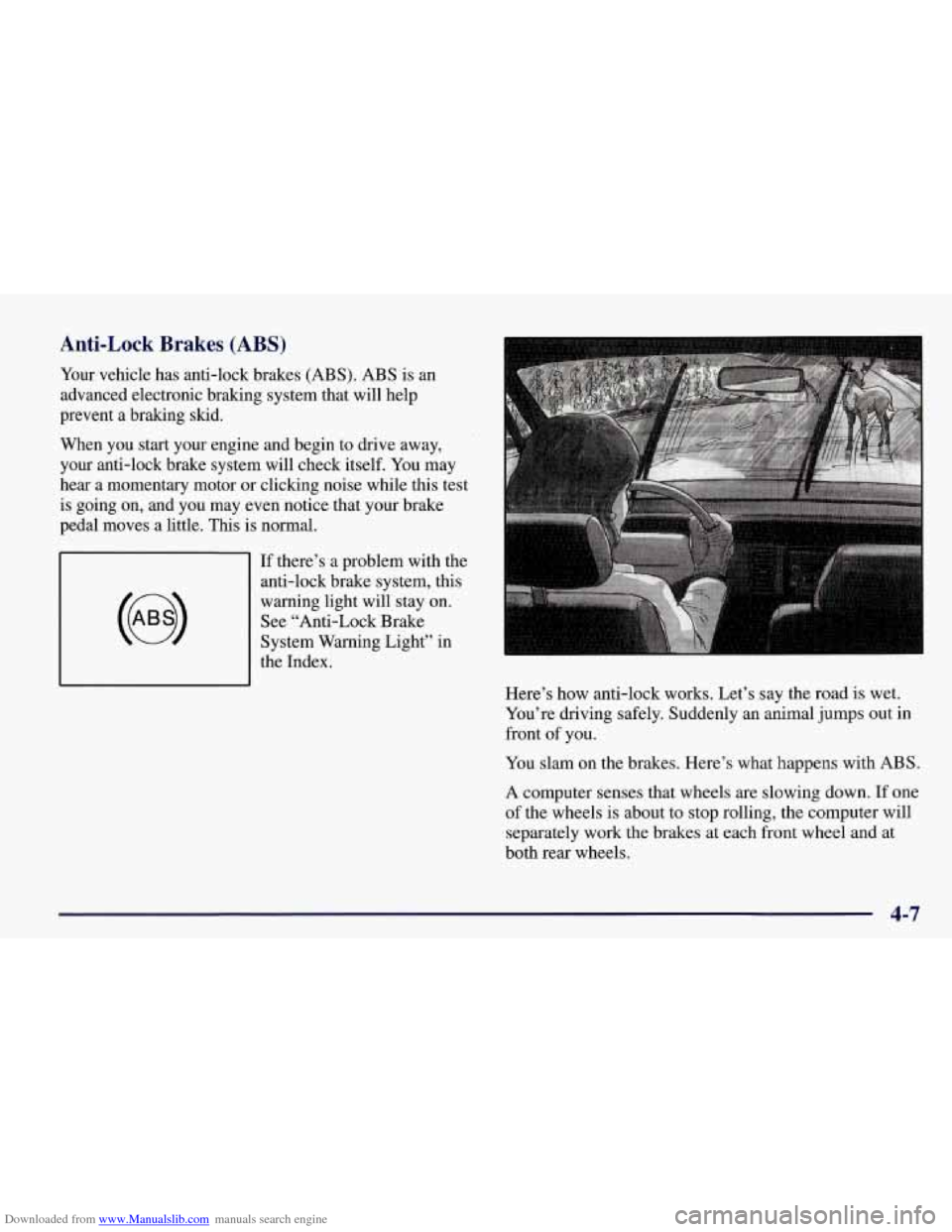
Here’s how anti-lock works. Let’s say the road
is wet.
You’re driving safely. Suddenly an animal jumps out in
front
of you.
You slam on the brakes. Here’s what happens with ABS.
A computer senses that wheels are slowing down. If one
of the wheels is about to stop rolling, the computer will
separately work the brakes at each front wheel and at
both rear wheels.
4-7
Page 199 of 378
Downloaded from www.Manualslib.com manuals search engine The anti-lock system can change the brake pressure faster
than any driver could. The computer is programmed to
make the most of available
tire and road conditions.
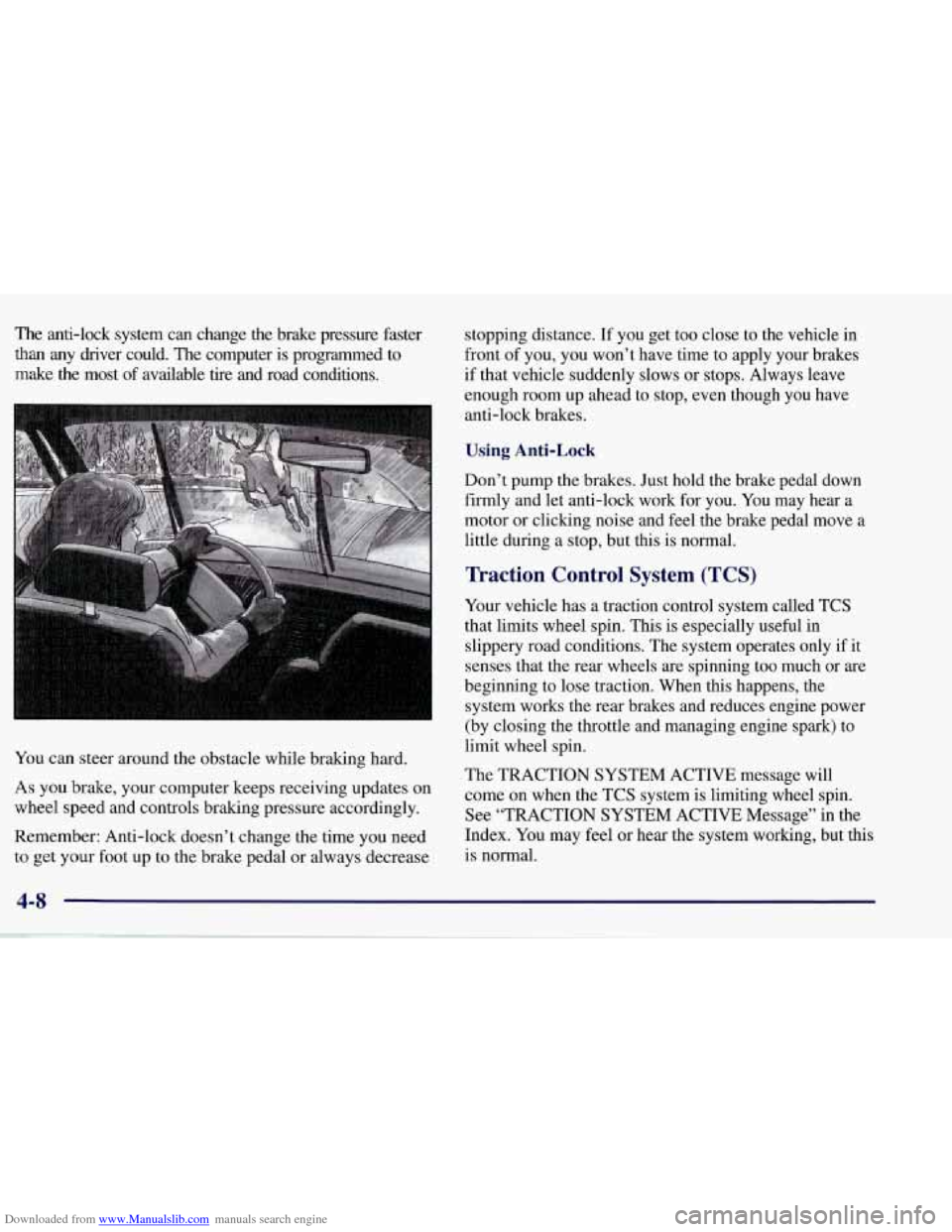
You can steer around the obstacle while braking hard.
As you brake, your computer keeps receiving updates on
wheel speed and controls braking pressure accordingly.
Remember: Anti-lock doesn’t change the time you need to get your foot up to the brake pedal or always decrease stopping distance.
If you get too close to the vehicle in
front of you, you won’t have time to apply your brakes
if that vehicle suddenly slows or stops. Always leave
enough room up ahead to stop, even though you have
anti-lock brakes.
Using Anti-Lock
Don’t pump the brakes. Just hold the brake pedal down
firmly and let anti-lock work for you. You may hear a
motor or clicking noise and feel the brake pedal move
a
little during a stop, but this is normal.
Traction Control System (TCS)
Your vehicle has a traction control system called TCS
that limits wheel spin. This is especially useful in
slippery road conditions. The system operates only if it
senses that the rear wheels are spinning too much or are
beginning to lose traction. When this happens, the
system works the rear brakes and reduces engine power
(by closing the throttle and managing engine spark) to
limit wheel spin.
The TRACTION SYSTEM ACTIVE message will
come on when the TCS system
is limiting wheel spin.
See “TRACTION SYSTEM ACTIVE Message” in the
Index. You may feel or hear the system working, but this
is normal.
4-8
Page 200 of 378
Downloaded from www.Manualslib.com manuals search engine If your vehicle is in cruise control when the TCS system
begins to limit wheel spin, the cruise control will
automatically disengage. When road conditions allow
you to safely use it again, you may re-engage the cruise
control. (See “Cruise Control” in the Index.)
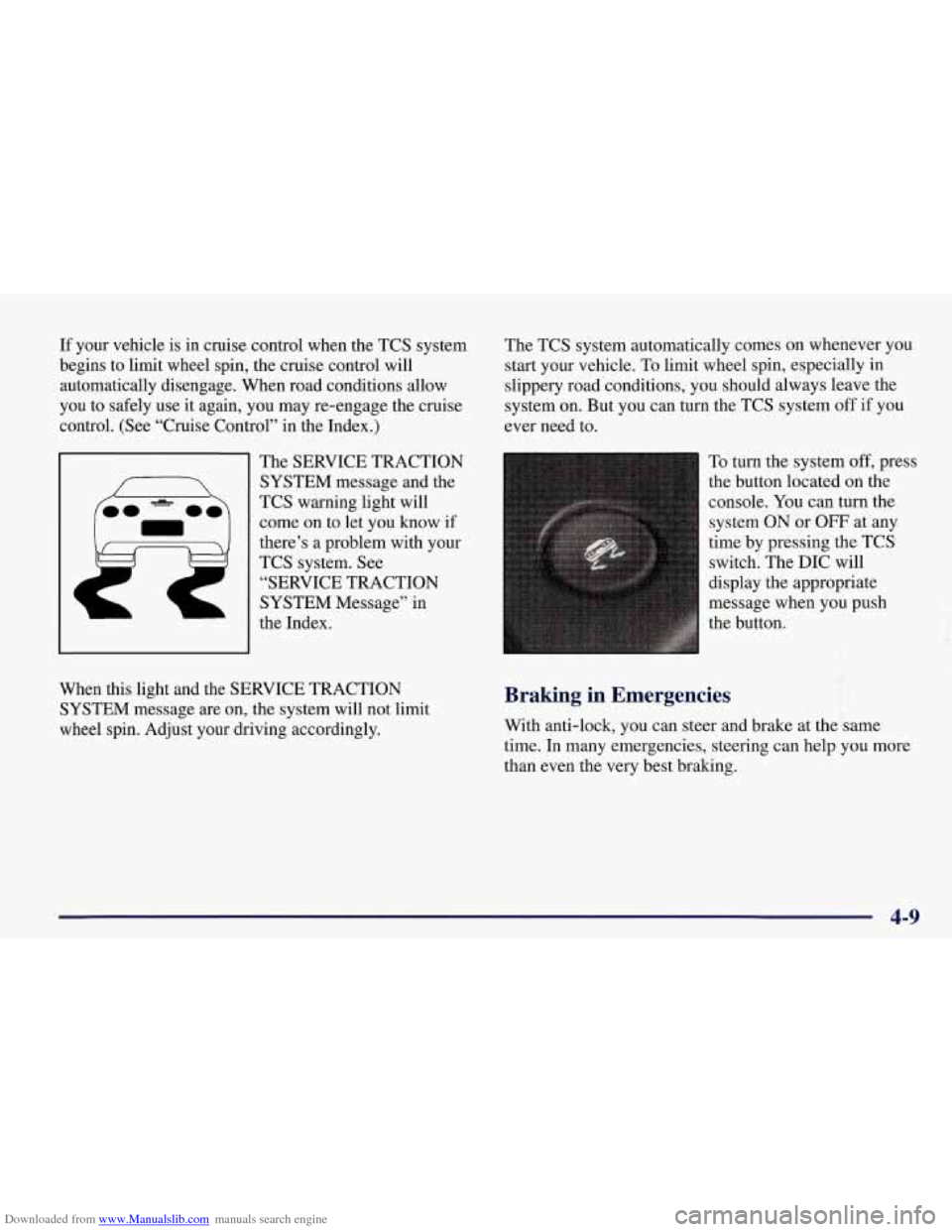
The SERVICE TRACTION
SYSTEM message and the
TCS warning light will
come on to let you know if
there’s
a problem with your
TCS system.
See
“SERVICE TRACTION
SYSTEM Message” in
the Index. The
TCS system automatically comes on whenever you
start your vehicle. To limit wheel spin, especially in
slippery road conditions, you should always leave the
system
on. But you can turn the TCS system off if you
ever need to.
To turn the system
off, press
the button located on the
console.
You can turn the
system ON
or OFF at any
time by pressing the TCS
switch. The DIC will
display the appropriate
message when you push
the button.
f
When this light and the SERVICE TRACTION
SYSTEM message are on, the system will not limit
wheel spin. Adjust your driving accordingly. Braking in Emergencies
With anti-lock, you can steer and brake at the same
time.
In many emergencies, steering can help you more
than even the very best braking.
4-9
Page 202 of 378
Downloaded from www.Manualslib.com manuals search engine Steering in Emergencies
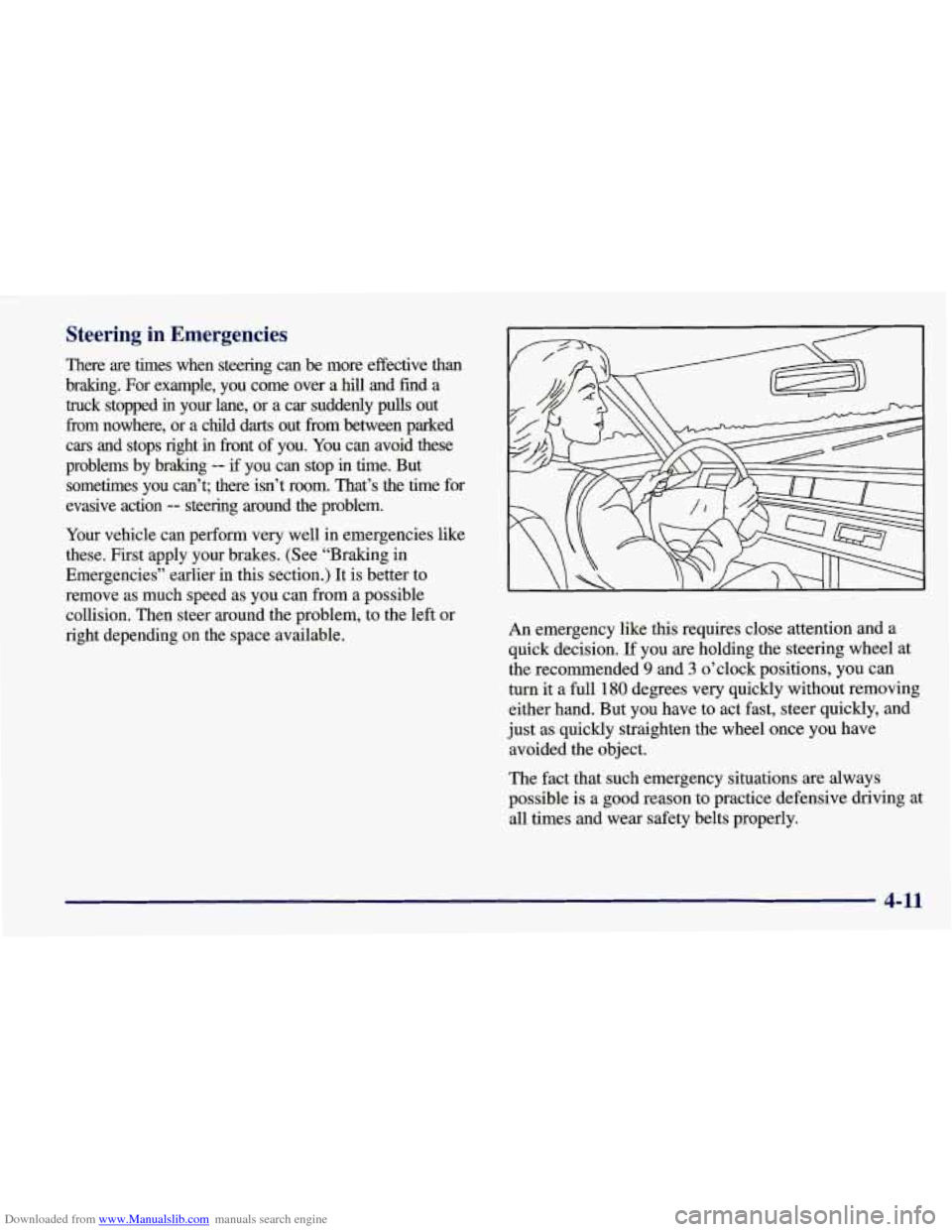
There are times when steering can be more effective than
bralung. For example, you come over a
hill and find a
truck stopped
in your lane, or a car suddenly pulls out
fiom nowhere, or a chdd
darts out fiom between parked
cars and stops right
in fiont of you. You can avoid these
problems by braking
-- if you can stop in time. But
sometimes you can’t; there isn’t room. That’s the time \
for
evasive action
-- steering around the problem.
Your vehicle can perform very well in emergencies like
these. First apply your brakes. (See “Braking in
Emergencies” earlier in this section.)
It is better to
remove
as much speed as you can from a possible
collision. Then steer around the problem, to the left or
right depending on the space available. An emergency like this requires close
attention and a
quick decision.
If you are holding the steering wheel at
the recommended
9 and 3 o’clock positions, you can
turn it a full
180 degrees very quickly without removing
either hand. But you have to act fast, steer quickly, and
just as quickly straighten the wheel once you have
avoided the object.
The fact that such emergency situations are always
possible is a good reason to practice defensive driving at
all times and wear safety belts properly.
4-11
Page 205 of 378
Downloaded from www.Manualslib.com manuals search engine Skidding
In a skid, a driver can lose control of the vehicle.
Defensive drivers avoid most skids by taking reasonable care suited to existing conditions, and by not “overdriving”\
those conditions. But skids are always possible.
The three types of skids correspond to your vehicle’s
three control systems. In the braking skid, your wheels
aren’t rolling. In the steering or cornering skid, too
much speed or steering in a curve causes tires to slip and
lose cornering force. And in the acceleration skid, too
much throttle causes the driving wheels to spin.
A cornering skid is best handled by easing your foot
off
the accelerator pedal.
Remember: Any traction control system helps avoid
only the acceleration skid.
If your TCS system is off, then an acceleration slud
is also best handled by easing your foot
off the
accelerator pedal.
If your vehicle starts to slide, ease your foot
off the
accelerator pedal and quickly steer the way you want the
vehicle to
go. If you start steering quickly enough, your
vehicle may straighten out. Always be ready for a
second skid if it occurs. Of
course, traction is reduced when water, snow, ice,
gravel or other material is on the road. For safety, you’ll\
want to slow down and adjust your driving to these
conditions. It is important to slow down on slippery
surfaces because stopping distance will be longer and
vehicle control more limited.
While driving on a surface with reduced traction, try
your best to avoid sudden steering, acceleration or braking (including engine braking by shifting to a lower
gear). Any sudden changes could cause the tires to slide.
You may not realize the surface is slippery until your
vehicle
is skidding. Learn to recognize warning clues --
such as enough water, ice or packed snow on the road to
make a “mirrored surface”
-- and slow down when you
have any doubt.
Remember: Any anti-lock brake system
(ABS) helps
avoid only the braking skid.
4-14