light CHEVROLET EXPRESS 1996 1.G Owners Manual
[x] Cancel search | Manufacturer: CHEVROLET, Model Year: 1996, Model line: EXPRESS, Model: CHEVROLET EXPRESS 1996 1.GPages: 376, PDF Size: 18.83 MB
Page 11 of 376
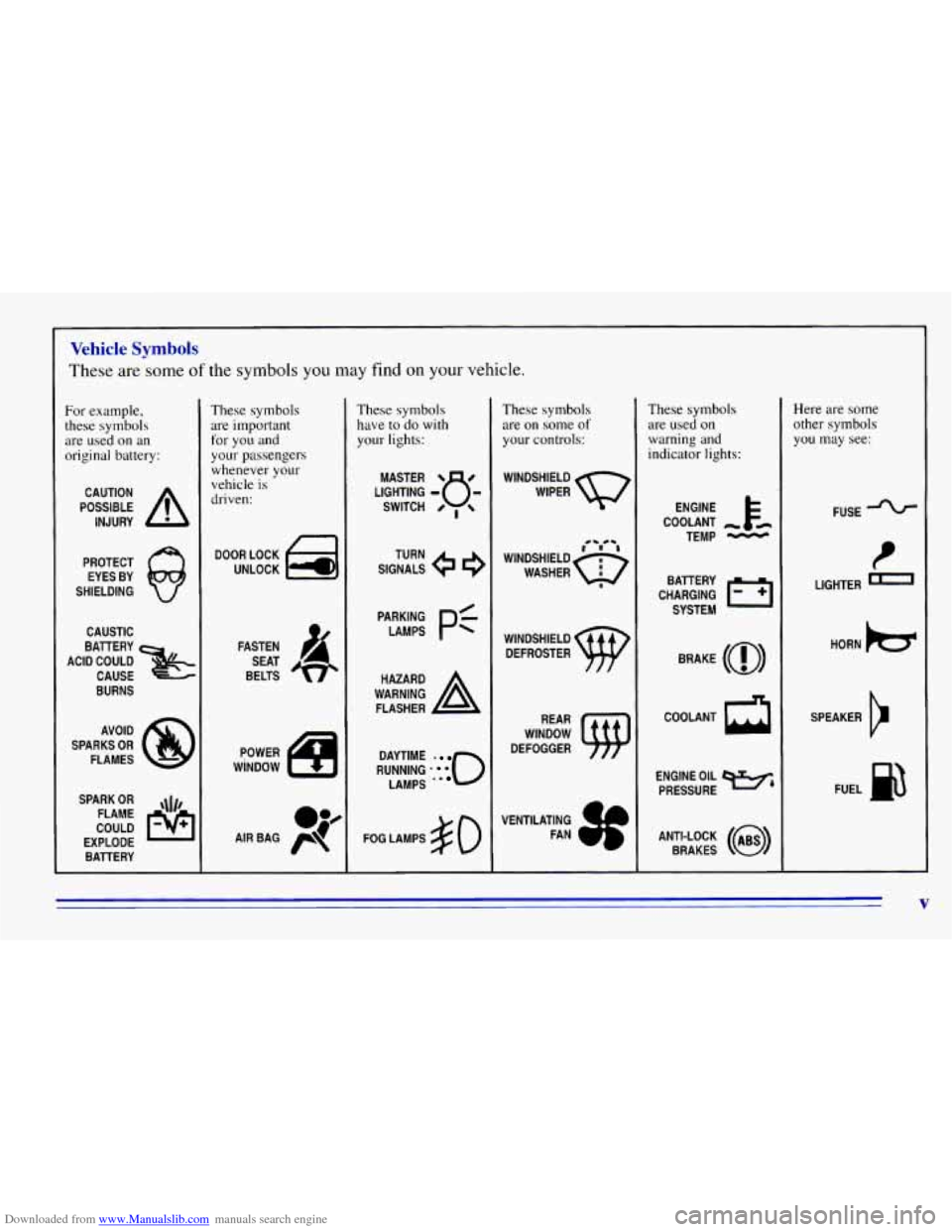
Downloaded from www.Manualslib.com manuals search engine Vehicle Symbols
These are some of the symbols you may find on your vehicle.
For example,
these symbols
are used
on an
original battery:
POSSIBLE A
CAUTION
INJURY
PROTECT EYES BY
SHIELDING
CAUSTIC
ACID COULD BATTERY
CAUSE
BURNS
SPARK
OR ,\I/,
COULD FLAME
EXPLODE BATTERY
These symbols
are important
for
you and
your passengers
whenever your
vehicle
is
driven:
DOOR LOCK
UNLOCK
FASTEN SEAT
BELTS
These symbols have to do with
your lights:
SIGNALS e e
TURN
RUNNING
-0
DAYTIME
LAMPS -*
FOG LAMPS # 0
These symbols
are on some of
your controls:
WINDSHIELD
DEFROSTER
VENTILATING FAN
These symbols
are used on
warning and
indicator lights:
COOLANT -
TEMP -
CHARGING BATTERY
SYSTEM
BRAKE
(0)
COOLANT a
ENGINE OIL e,
PRESSURE
ANTI-LOCK
(@)
BRAKES
Here are some
other symbols
you may see:
FUSE
t
LIGHTER -
HORN )tr
SPEAKER
b
FUEL m
V
Page 20 of 376
Downloaded from www.Manualslib.com manuals search engine Safety Belts: They’re for Everyone
This part of the manual tells you how to use safety belts
properly. It also tells
you some things you should not do
with safety belts.
And it explains the Supplemental Inflatable Restraint
(SIR),
or air bag system.
I
,/1 CAUTION:
Don’t let anyone ride where he or she can’t wear
a safety belt properly. If you are in a crash and
you’re not wearing a safety belt, your injuries
can be
much worse. You can hit things inside the
vehicle or be ejected from it. You can be seriously
injured or killed. In the same crash,
you might
not be if you are buckled
up. Always fasten your
safety belt, and check that your passengers’ belts
are fastened properly
too.
’
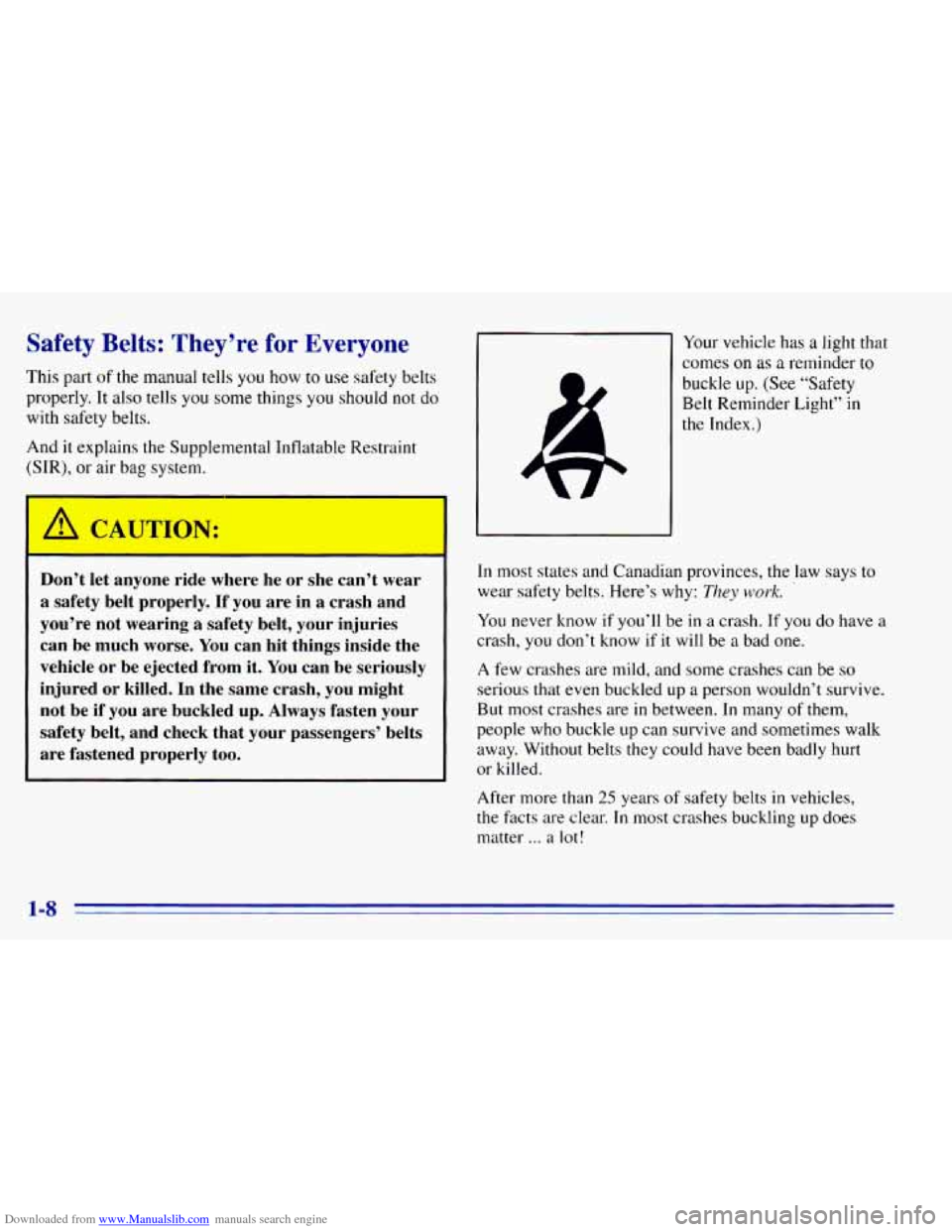
Your vehicle has a light that
comes
on as a reminder to
buckle up. (See “Safety
Belt Reminder Light”
in
the Index.)
In most states and Canadian provinces, the law says to
wear safety belts. Here’s why:
They work.
You never know if you’ll be in a crash. If you do have a
crash,
you don’t know if it will be a bad one.
A few crashes are mild, and some crashes can be so
serious that even buckled up a person wouldn’t survive.
But most crashes are in between.
In many of them,
people who buckle up can survive and sometimes walk
away. Without belts they could have been badly hurt
or killed.
After more than
25 years of safety belts in vehicles,
the facts are clear.
In most crashes buckling up does
matter
... a lot!
1-8
Page 35 of 376
Downloaded from www.Manualslib.com manuals search engine If your vehicle has an air bag for the right front
passenger,
please read this:
A CAUTION:
r
An inflating air bag can seriously injure small
children. Always secure children properly in your
vehicle.
To read how, see the part of this manual
called “Children” and the caution label
on the
right front passenger’s safety belt.
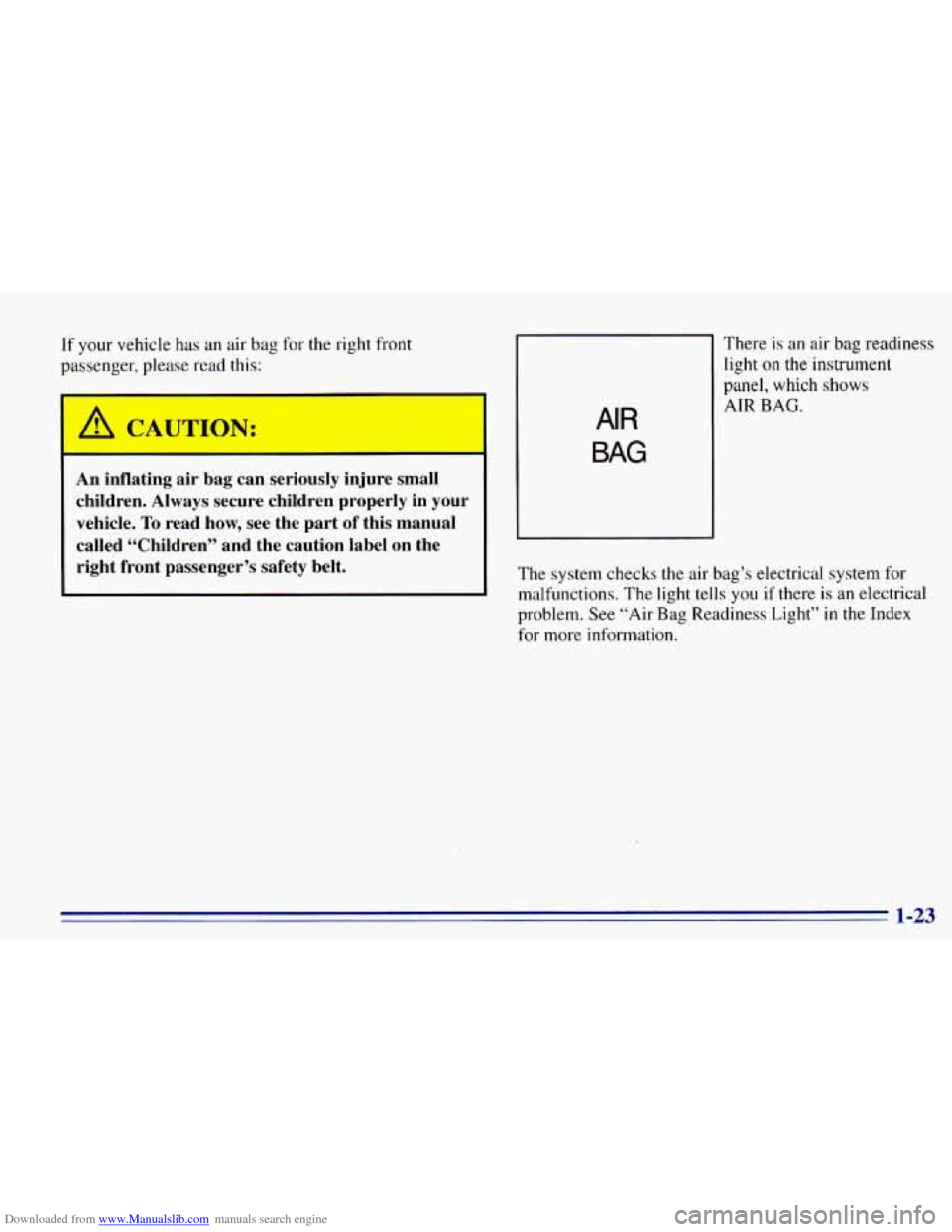
AIR
BAG
There is an air bag readiness
light
on the instrument
panel, which shows
AIR BAG.
The system checks the air bag’s electrical system for
malfunctions. The light tells
you if there is an electrical
problem. See “Air
Bag Readiness Light” in the Index
for more information.
1-23
Page 60 of 376
Downloaded from www.Manualslib.com manuals search engine Safety Belt Extender
If the vehicle’s safety belt will fasten around you, you
should use it.
But if a safety belt isn’t long enough to fasten, your
dealer will order you an extender. It’s free. When you go
in
to order it, take the heaviest coat you will wear, so the
extender will be long enough for you. The extender will
be just for you, and
just for the seat in your vehicle that
you choose. Don’t let someone else use it, and use it
only for
the seat it is made to fit. To wear it, just attach it
to the regular safety belt.
Checking Your Restraint Systems
Now and then, make sure the safety belt reminder light
and all your belts, buckles, latch plates, retractors and
anchorages are working properly. Look for any other
loose or damaged safety belt system parts.
Tf you see
anything that might keep a safety belt system from
doing its job, have it repaired.
Torn or frayed safety belts may not protect you in a
crash. They can rip apart under impact forces.
If a belt is
torn or frayed, get a new one right away.
Also look for any opened or broken air bag covers, and
have them repaired or replaced.
(The air bag system
does
not need regular maintenance.)
Replacing Restraint System Parts
After a Crash
If you’ve had a crash, do you need new belts?
After a very minor collision, nothing may be necessary.
But if the belts were stretched, as they would be if worn
during a more severe crash, then
you need new belts.
If belts are cut or damaged, replace them. Collision
damage also may mean
you will need to have safety belt
or seat parts repaired or replaced. New parts and repairs
may be necessary even
if the belt wasn’t being used at
the time
of the collision.
If an air bag inflates, you’ll need to replace air bag
system parts. See the part
on the air bag system earlier in
this section.
1-48
Page 74 of 376
Downloaded from www.Manualslib.com manuals search engine Theft Parking at Night
Vehicle theft is big business, especially in some
cities. Although your vehicle has a number of
theft-deterrent features, we know that nothing we
put
on it can make it impossible to steal. However,
there are ways
you can help.
Key in the Ignition
If you leave your vehicle with the keys inside, it’s an
easy target for
joy riders or professional thieves -- so
don’t do it.
When you park your vehicle and open the driver’s
door, you’ll hear a tone reminding you
to remove your
key from the ignition and take it with you. Always do
this. Your steering wheel will be locked, and so will
your ignition and transmission. And remember
to lock
the doors. Park
in a
lighted spot, close all windows and lock your
vehicle. Remember to keep your valuables out
of sight.
Put them
in a storage area, or take them with you.
Parking Lots
If you park in a lot where someone will be watching
your vehicle, it’s best
to lock it up and take your keys.
But what if
you have to leave your ignition key? What
if you have to leave something valuable in your vehicle?
Put your valuables in a storage area, like your
Lock all the doors except the driver’s.
glove
box.
2-12
Page 82 of 376
Downloaded from www.Manualslib.com manuals search engine Locking Rear Axle
If you have this feature, your rear axle can give you
additional traction on snow, mud, ice, sand or gravel. It
works like a standard axle most of the time, but when
one
of the rear wheels has no traction and the other does,
the locking feature will allow the wheel
with traction to
move the vehicle.
Parking Brake
To set the parking brake, hold the regular brake pedal
down with your right foot. Push down the parking brake
pedal with your left foot.
If the ignition is on, the brake system warning light will
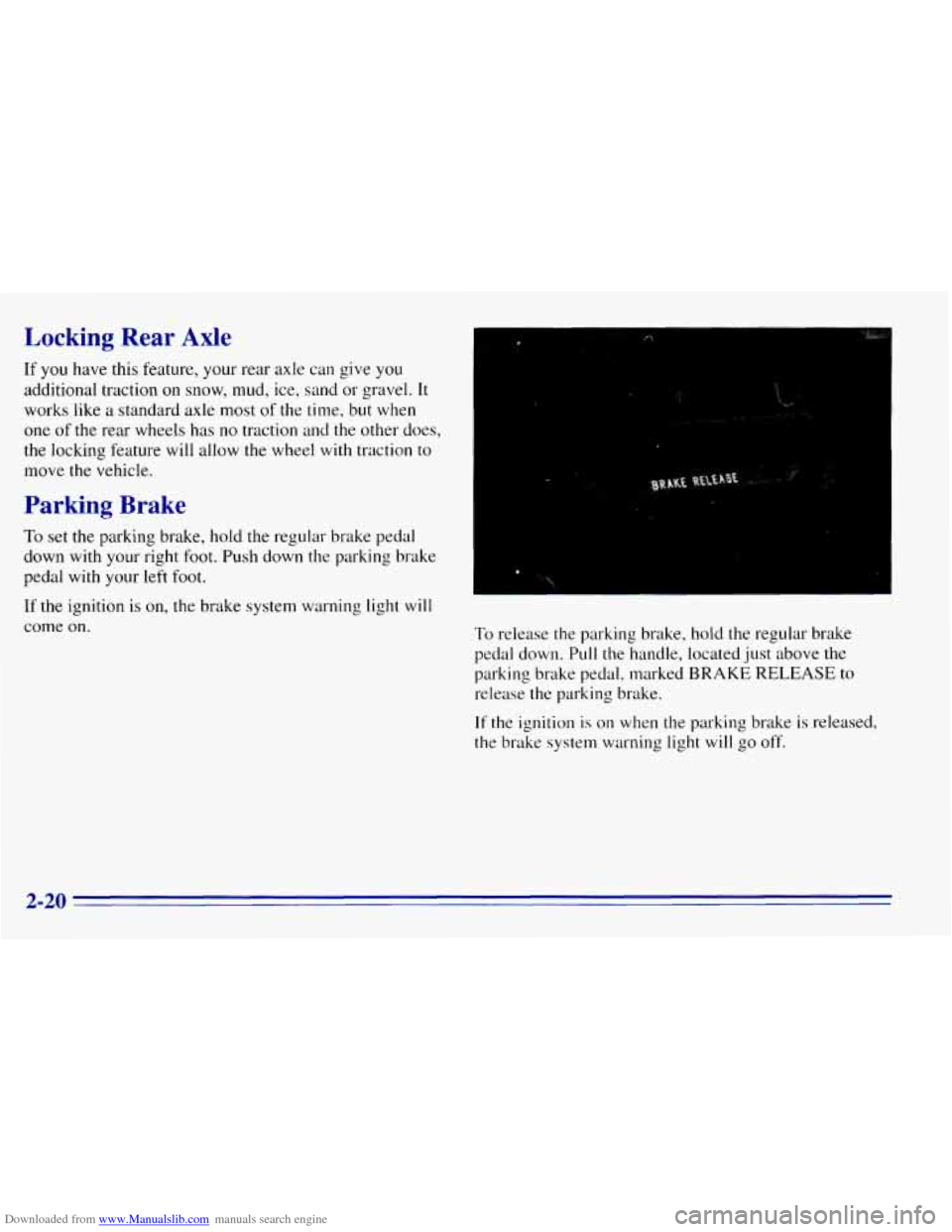
come on. To rclease the parking brake, hold the regular brake
pedal down. PLIII the handle, located
just above the
pal-king brake pedal. marked
BRAKE RELEASE to
release the parking brake.
If the ignition is on when the parking brake is released,
the brake system warning light
will go off.
2-20
Page 88 of 376
Downloaded from www.Manualslib.com manuals search engine Windows
Manual Windows
To operate your manual windows, turn the hand crank
on each door
to raise or lower your side door windows.
Power Windows
If you have the optional power windows, the controls
are on each
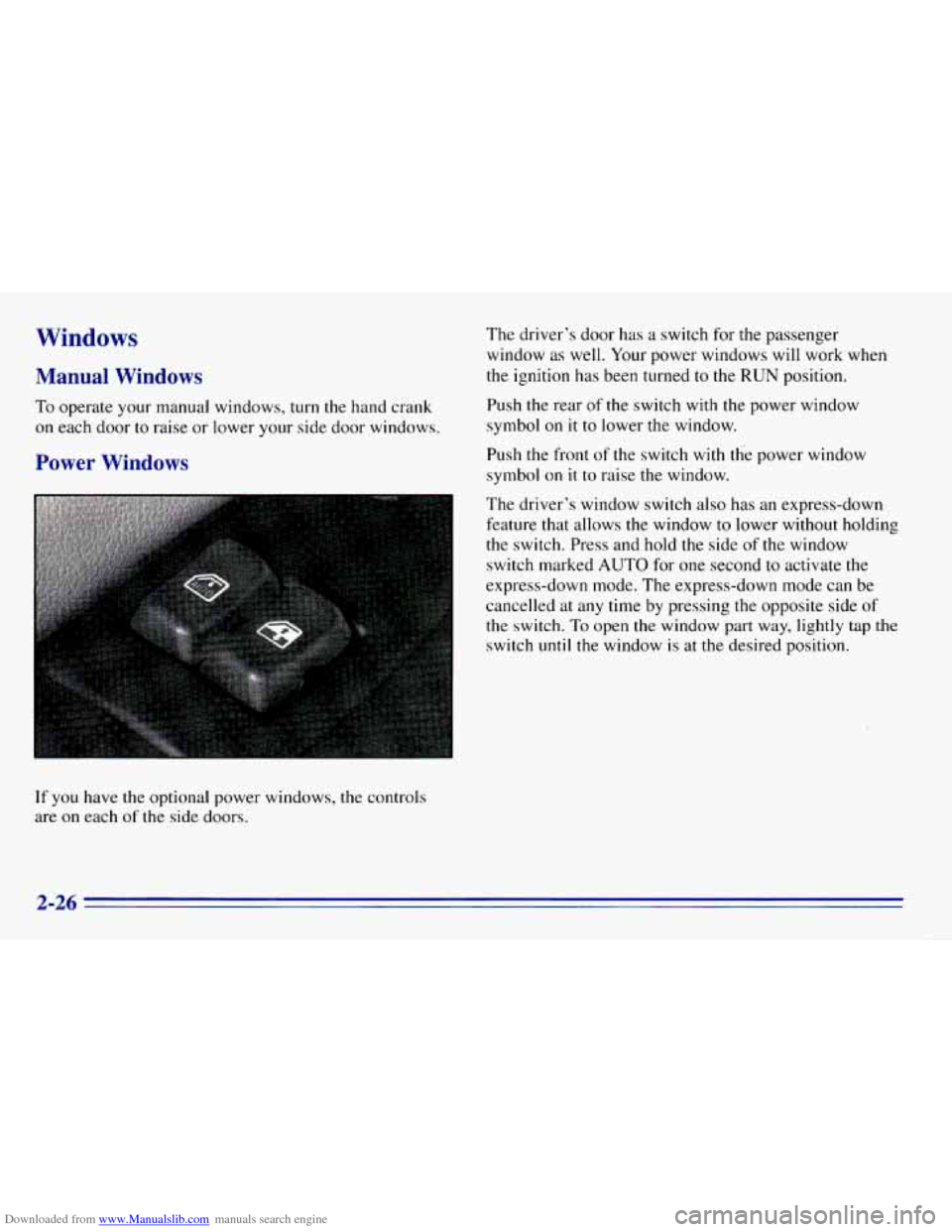
of the side doors. The
driver’s door has a switch for the passenger
window
as well. Your power windows will work when
the ignition
has been turned to the RUN position.
Push the rear of the switch with the power window
symbol
on it to lower the window.
Push the front
of the switch with the power window
symbol on
it to raise the window.
The driver’s window switch also
has an express-down
feature that allows the window to lower without holding
the switch. Press and hold the side
of the window
switch marked
AUTO for one second to activate the
express-down mode.
The express-down mode can be
cancelled at any time by pressing the opposite side of
the switch.
To open the window part way, lightly tap the
switch until the window is at the desired position.
2-26
Page 92 of 376
Downloaded from www.Manualslib.com manuals search engine ’hrn Signal and Lane Change Signals
The turn signal has two upward (for right) and two
downward (for left) positions. These positions allow
you
to signal a turn or a lane change.
To signal
a turn, move the lever all the way up or down.
When the turn is finished, the lever will return
automatically.
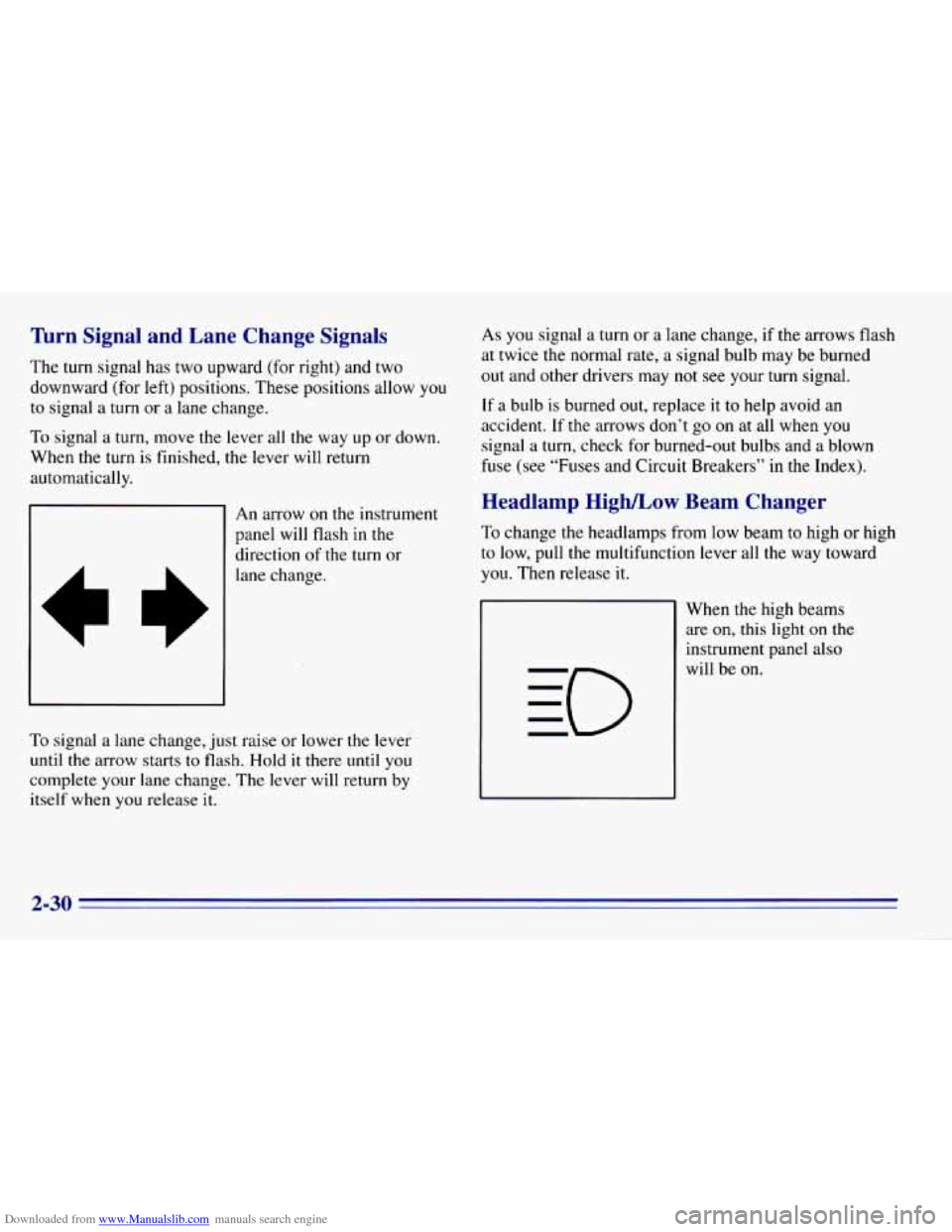
An arrow on the instrument
panel will flash in the
direction of the turn or
lane change.
To signal a lane change, just raise or lower the lever
until
the arrow starts to flash. Hold it there until you
complete your lane change. The lever will return by
itself when
you release it. As
you signal
a turn or a lane change, if the arrows flash
at twice the normal rate, a signal bulb may be burned
out and other drivers may not see your turn signal.
If a bulb is burned out, replace it to help avoid an
accident. If.the arrows don’t go on at all when
you
signal a turn, check for burned-out bulbs and a blown
fuse (see “Fuses and Circuit Breakers” in the Index).
Headlamp High/Low Beam Changer
To change the headlamps from low beam to high or high
to low, pull the multifunction lever all the way toward
you. Then release it.
When the high beams are
on, this light on the
instrument panel also
will be on.
2-30
.-
Page 93 of 376
Downloaded from www.Manualslib.com manuals search engine Windshield Wipers
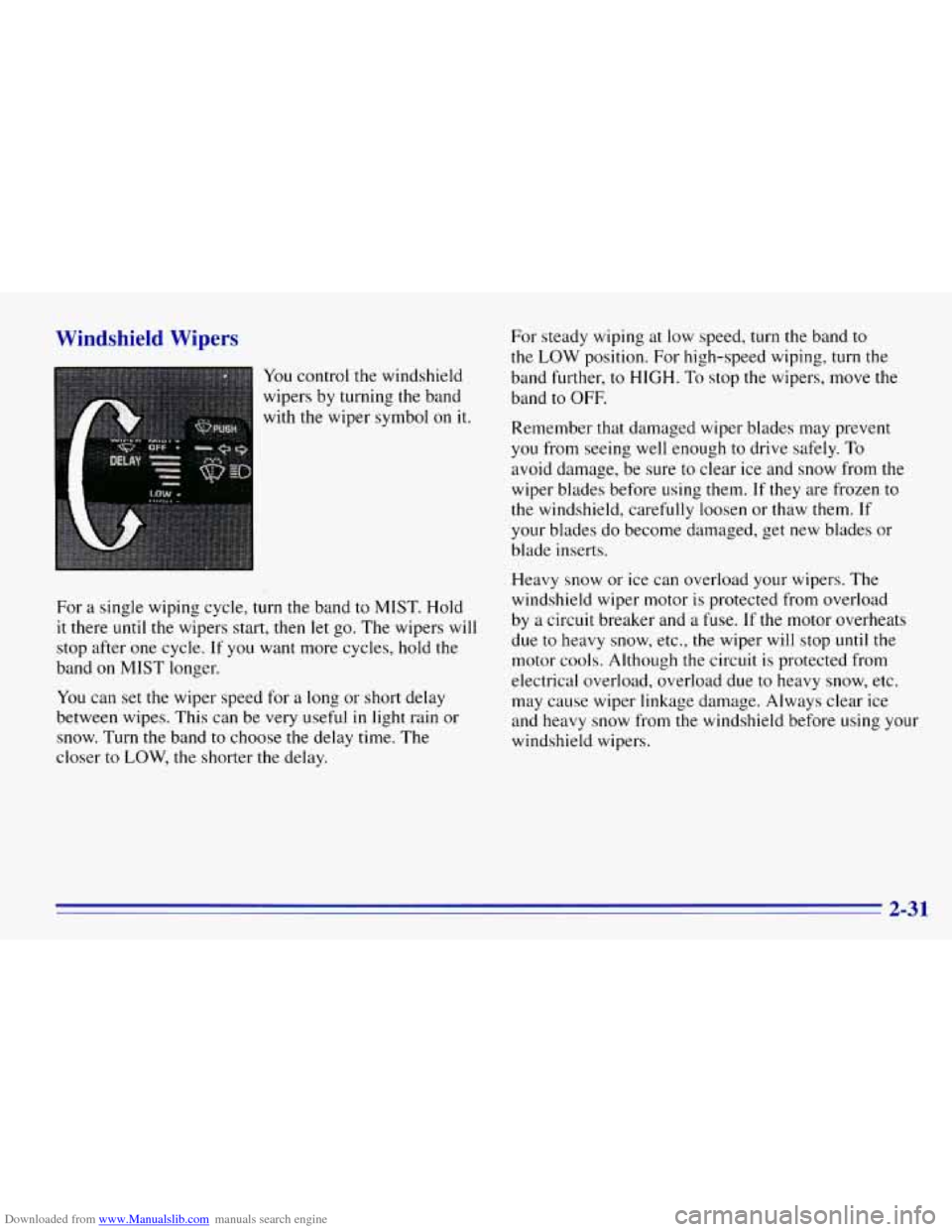
You control the windshield
wipers by turning the band
with the wiper symbol on it.
For a single wiping cycle,
turn the band to MIST. Hold
it there until the wipers start, then let go. The wipers will
stop after one cycle.
If you want more cycles, hold the
band
on MIST longer.
You can set the wiper speed for a long or short delay
between wipes. This can
be very useful in light rain or
snow. Turn
the band to choose the delay time. The
closer
to LOW, the shorter the delay. For steady wiping at
low speed, turn the band
to
the LOW position. For high-speed wiping, turn the
band further,
to HIGH. To stop the wipers, move the
band to OFF.
Remember that damaged wiper blades may prevent
you from seeing well enough
to drive safely. To
avoid damage, be sure to clear ice and snow from the
wiper blades before using them. If they are frozen to
the windshield, carefully loosen or thaw them. If
your blades do become damaged, get new blades or
blade inserts.
Heavy snow or ice can overload your wipers. The
windshield wiper motor
is protected from overload
by
a circuit breaker and a fuse. If the motor overheats
due to heavy
snow, etc., the wiper will stop until the
motor cools. Although the circuit is protected from
electrical overload, overload due to heavy snow, etc.
may cause wiper linkage damage. Always clear ice
and heavy snow from the windshield before using your
windshield wipers.
2-3 1
Page 96 of 376
Downloaded from www.Manualslib.com manuals search engine Increasing Speed While Using Cruise Control
There are two ways to go to a higher speed:
Use the accelerator pedal to get to the higher speed.
Push the button at the end of the lever, then release
the button and the accelerator pedal. You’ll now
cruise at the higher speed.
Move the cruise switch from ON to R/A. Hold it
there
until you get up to the speed you want, and
then release the switch. To increase your speed in
very small amounts, move the switch to
R/A for less
than half
a second. Each time you do this, your
vehicle will go about
1 mph (1.6 kdh) faster.
Reducing Speed While Using Cruise Control
There are two ways to reduce your speed while using
cruise control:
Push in the button at the end of the lever until you
reach the lower speed you want,
then release it.
To slow down in very small amounts, push the
button for less than half a second. Each time
you do
this, you’ll go
1 mph (1.6 kdh) slower.
Passing Another Vehicle While Using Cruise Control
Use the accelerator pedal to increase your speed. When
you take your foot off the pedal, your vehicle will slow
down to the cruise control speed
you set earlier.
Using Cruise Control on Hills
How well your cruise control will work on hills depends
upon your speed, load and
the steepness of the hills.
When going
up steep hills, you may have to step on
the accelerator pedal to maintain your speed.
If the
steepness
of the hill causes the vehicle speed to drop
more than 15 mph
(9.4 km/h) below the set speed, your
cruise control
will automatically disengage. When going
downhill,
you may have to brake or shift to a lower gear
to keep
your speed down. Of course, applying the brake
takes you out
of cruise control. Many drivers find this to
be too much trouble and don’t use cruise control on
steep hills.
Ending Cruise Control
There are two ways to turn off the cruise control:
Step lightly on the brake pedal; or
Move the cruise switch to OFF.
Erasing Speed Memory
When you turn off the cruise control or the ignition,
your cruise control set speed memory is erased.
2-34