light CHEVROLET EXPRESS 1996 1.G Owner's Manual
[x] Cancel search | Manufacturer: CHEVROLET, Model Year: 1996, Model line: EXPRESS, Model: CHEVROLET EXPRESS 1996 1.GPages: 376, PDF Size: 18.83 MB
Page 111 of 376
Downloaded from www.Manualslib.com manuals search engine Anti-Lock Brake System Warning Light
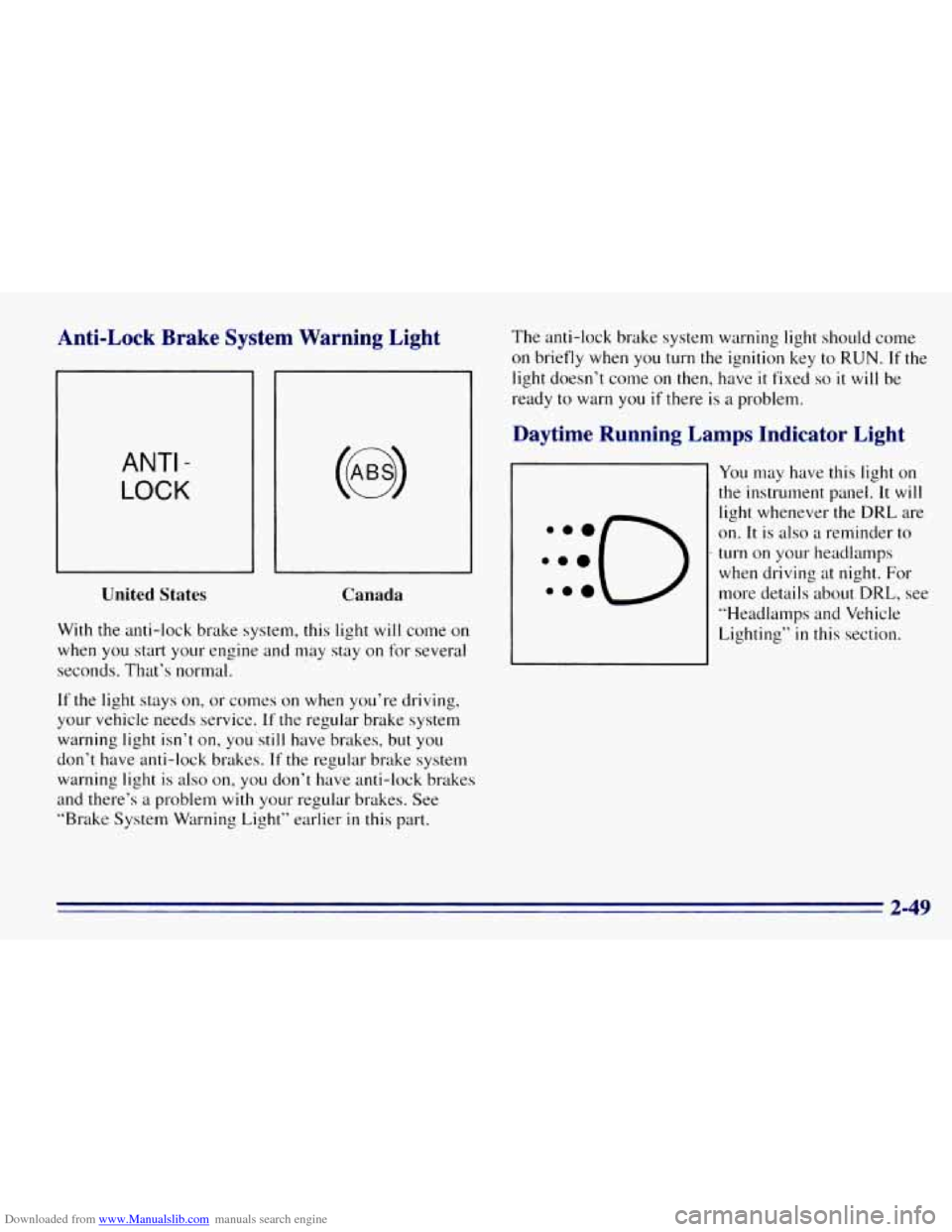
ANTI -
LOCK
United States
Canada
With the anti-lock brake system, this light will come on
when you start your engine and may stay
on for several
seconds. That’s normal.
If the light stays on, or comes on when you’re driving,
your vehicle needs service.
If the regular brake system
warning light isn’t
on, y0~1’still have brakes, but YOLI
don’t have anti-lock brakes. If the regular brake system
warning light
is also on, you don’t have anti-lock brakes
and there’s a problem
with your regular brakes. See
“Brake System Warning Light” earlier
in this part. The
anti-lock brake system warning light should come
on briefly when
you turn the ignition key to RUN. If the
light doesn’t come on then, have
it fixed so it will be
ready to warn you
if there is a problem.
Daytime Running Lamps Indicator Light
You may have this light on
the instrument panel. It will
light whenever the DRL are
on.
It is also a reminder to
turn on your headlamps
when driving at night. For
more details about
DRL, see
“Headlamps and Vehicle
Lighting”
in this section.
2-49
Page 112 of 376
Downloaded from www.Manualslib.com manuals search engine Malfunction Indicator Lamp (Service
Engine Soon Light) (Gasoline Engine)
Your vehicle is equipped
with a computer which
monitors operation of the
fuel, ignition and emission
control systems.
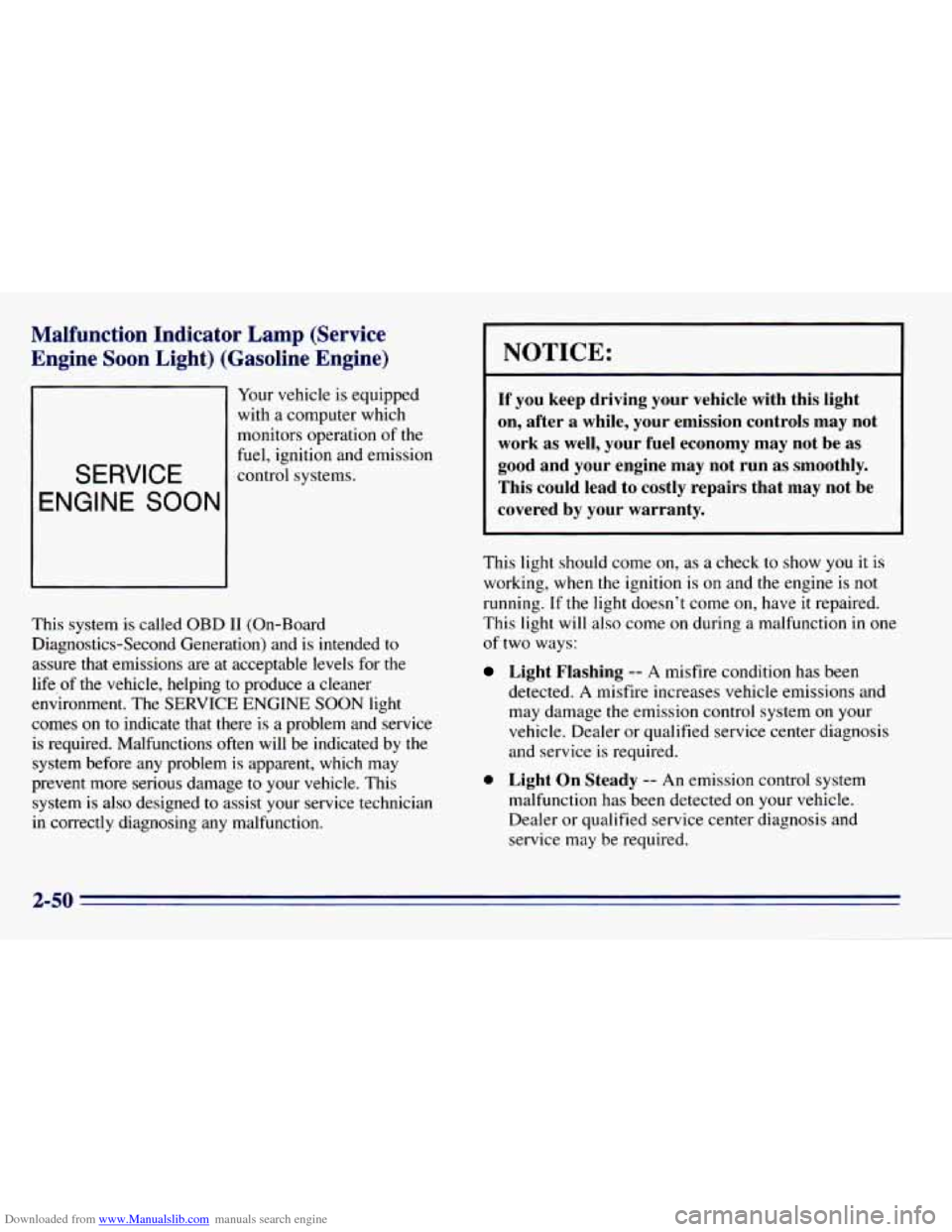
SERVICE
ENGINE SOON
This system is called OBD I1 (On-Board
Diagnostics-Second Generation) and is intended
to
assure that emissions are at acceptable levels for the
life
of the vehicle, helping to produce a cleaner
environment. The SERVICE ENGINE SOON light
comes
on to indicate that there is a problem and service
is required. Malfunctions often will be indicated by
the
system before any problem is apparent, which may
prevent more serious damage
to your vehicle. This
system is also designed to assist your service technician
in correctly diagnosing any malfunction.
I NOTICE:
If you keep driving your vehicle with this light
on, after
a while, your emission controls may not
work as well, your fuel economy may not be
as
good and your engine may not run as smoothly.
This could lead to costly repairs that may not be
covered by your warranty.
This light should come on, as a check to show you it is
working, when the ignition
is on and the engine is not
running.
If the light doesn’t come on, have it repaired.
This light
will also come on during a malfunction in one
of two ways:
Light Flashing -- A misfire condition has been
detected. A misfire increases vehicle emissions and
may damage
the emission control system on your
vehicle. Dealer or qualified service center diagnosis
and service
is required.
0 Light On Steady -- An emission control system
malfunction has been detected on your vehicle.
Dealer or qualified service center diagnosis and
service may be required.
2-50
Page 113 of 376
Downloaded from www.Manualslib.com manuals search engine If the Light Is Flashing Are you low on fuel?
The following may prevent more serious damage
to
your vehicle:
0 Reduce vehicle speed.
0 Avoid hard accelerations.
0 Avoid steep uphill grades.
If towing a trailer, reduce the amount of cargo being
hauled as soon as
it is possible.
If the light stops flashing and remains on steady, see
--IT
the Light Is On Steady” following.
If the light continues to flash, when
it is safe to do so,
stop the vehicle. Put your vehicle in PARK (P). Turn the
key off, wait at least
10 seconds and restart the engine.
If the light remains on steady, see “If the Light
Is On
Steady” following. If the light is still flashing follow the
previous steps, and drive the vehicle to your dealer or
qualified service center for service.
If the Light Is On Steady
You may be able to correct the emission system
malfunction by considering
the following:
Did
you just drive through a deep puddle of water?
If
so, your electrical system may be wet. The condition
will usually be corrected when
the electrical system
dries
out. A few driving trips should turn the light off. As
your engine starts
to run out of fuel, your engine may
not run
as efficiently as designed since small amounts of
air are sucked
into the fuel line causing a misfire. The
system can detect this. Adding fuel should correct this
condition. Make sure to install the fuel cap properly.
It
will take a few driving trips to turn the light off.
Have you recently changed brands
of fuel?
If
so, be sure to fuel your vehicle with quality fuel (see
“Fuel”
in the Index). Poor fuel quality will cause your
engine not to run as efficiently as designed. You may
notice
this as stalling after start-up, stalling when you put
the vehicle into gear, misfiring, hesitation on acceleration
or stumbling
on acceleration. (These conditions may go
away once the engine is warmed up.) This will be
detected by the system and cause the light
to turn on.
If you experience this condition, change the fuel brand
you use. It will require at least one full tank of the
proper fuel to turn the light off.
If none of the above steps have made the light turn off,
have your dealer or qualified service center check the
vehicle. Your dealer has the proper test equipment and
diagnostic tools to
fix any mechanical or electrical
problems that may have developed.
2-51
Page 115 of 376
Downloaded from www.Manualslib.com manuals search engine Check Gages Light
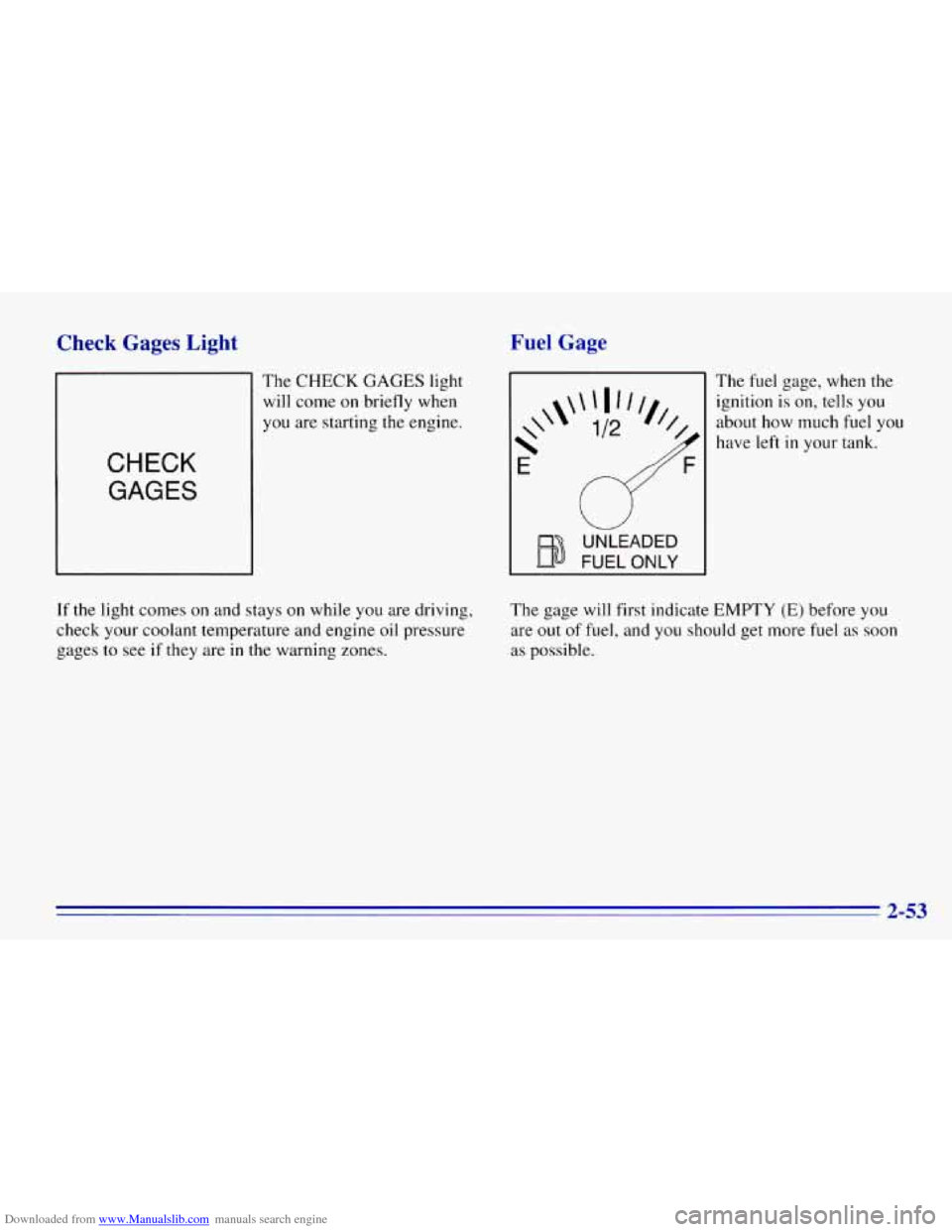
The CHECK GAGES light
will come
on briefly when
you are starting the engine.
CHECK
GAGES
Fuel Gage
UNLEADED
FUEL ONLY
The fuel gage, when the
ignition is on, tells you
about how much fuel you
have left
in your tank.
If the light comes on and stays on while you are driving,
check your coolant temperature
and engine oil pressure
gages to see
if they are in the warning zones. The
gage will first indicate EMPTY
(E) before you
are out of fuel, and you should get more fuel as soon
as possible.
2-53
Page 127 of 376
Downloaded from www.Manualslib.com manuals search engine Air Conditioning
Before using your vehicle’s air conditioning, open the
windows to clear the vehicle of hot air. This reduces the
time
it takes for your vehicle to cool down. Then keep
your windows closed for the air conditioner
to work at
its best.
You can use MAX A/C with the temperature knob in the
blue area, when it’s really hot outside and you need to
cool the inside air quickly. MAX A/C lets in only a little
air from the outside.
If you first use
MAX A/C, you can then use A/C with
the temperature knob
in the blue area, as soon as the
vehicle has cooled down,
so outside air will be going
through your vehicle.
If your vehicle has rear air conditioning, setting it on LO
may enhance front A/C performance by allowing
trapped refrigerant
in rear lines to circulate.
When the air conditioning, DEFROST or
BLEND is on,
you may notice a slight increase or decrease in engine
speed, due
to compressor operation. This is normal
because the system is designed
to cycle the compressor
on and off to keep the desired temperature.
Heating
On cold days, use HEATER with the temperature knob
in the red area. Outside air will be brought in through
the floor outlets. The heater works best if
you keep your
windows closed while using
it.
If you use the optional engine coolant heater before
starting your engine, your heating system will produce
warmer air ftdster to heat the passenger compartment in
cold weather. See “Engine Coolant Heater” in the Index.
3-7
Page 130 of 376
Downloaded from www.Manualslib.com manuals search engine Finding a Station
AM-FM: Press the lower knob to get AM or FM.
TUNE: Turn this knob to tune in radio stations.
SEEK: Press the right arrow to tune to the next higher
station and the left
arrow to tune to the next lower
station and stay there.
SCAN: Press both SEEK buttons to listen to a few
seconds of each radio station.
SCAN will light up on
the display. Press the right arrow to
tune in the next
higher station and press the
left arrow to tune to the
next lower station. Press
VOLUME or both SEEK
buttons
to stop scanning.
PUSHBUTTONS: The four numbered pushbuttons let
you return to your favorite stations. You can set up to
14 stations (seven AM and seven FM).
1. Tune in the desired station.
2. Press SET.
3. Press and hold one of the four pushbuttons, within
five seconds. Whenever you press that numbered
button,
the station you set will return.
4. Repeat these steps for each pushbutton.
In addition to the four stations set as above, up to three
additional stations may
be preset on each band by
pressing
two adjoining buttons at the same time. Just:
1. Tune in the desired station.
2. Press SET.
3. Press two adjoining buttons at the same time, within
five seconds. Whenever
you press the same two
buttons, the station you set will return.
4. Repeat these steps for each pair of buttons.
Setting the Tone
BASS: Slide this lever up to increase the bass.
TREB: Slide this lever up to increase the treble. Slide the
lever down to reduce noise with
a weak or noisy station.
Adjusting the Speakers
BAL:
The control behind the upper knob balances the
sound between the right and left speakers.
FADE: The control behind the lower knob fsldes the
sound between
the front and rear speakers.
3-10
Page 133 of 376
Downloaded from www.Manualslib.com manuals search engine AM-FM Stereo with Cassette Tape and
Automatic Tone Control
Playing the Radio
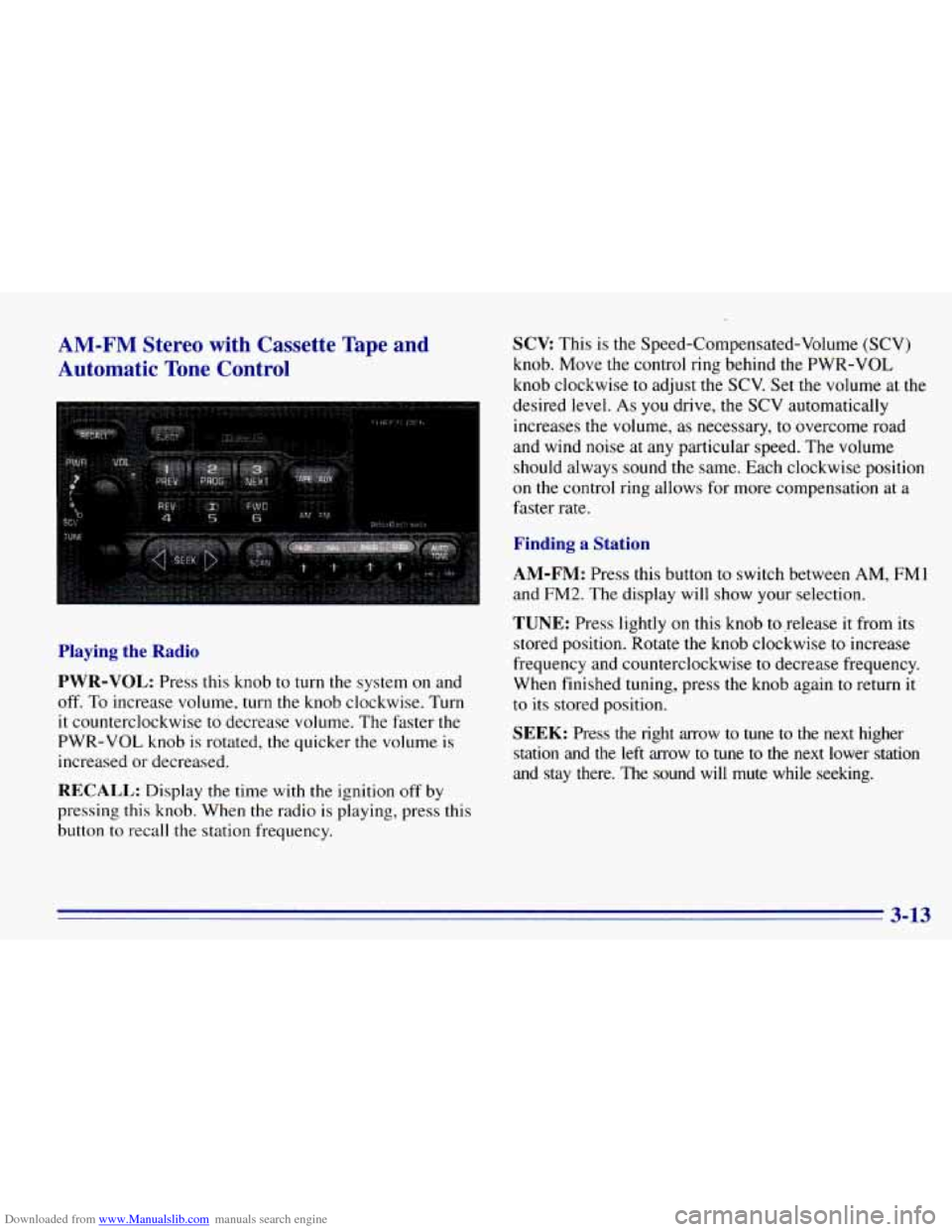
PWR-VOL:
Press this knob to turn the system on and
off. To increase volume, turn the knob clockwise. Turn
it counterclockwise to decrease volume. The faster the
PWR-VOL knob is rotated, the quicker the volume is
increased or decreased.
RECALL: Display the time with the ignition off by
pressing this knob. When the radio is playing, press this
button
to recall the station frequency.
SCV This is the Speed-Compensated-Volume (SCV)
knob. Move the control ring behind the PWR-VOL
knob clockwise to adjust the
SCV. Set the volume at the
desired level.
As you drive, the SCV automatically
increases the volume,
as necessary, to overcome road
and wind noise at
any particular speed. The volume
should always sound the same. Each clockwise position
on the control ring allows for more compensation at a
faster rate.
Finding a Station
AM-FM:
Press this button to switch between AM, FMl
and FM2. The display will show your selection.
TUNE: Press lightly on this knob torelease it from its
stored position. Rotate the knob clockwise
to increase
frequency and counterclockwise
to decrease frequency.
When finished tuning, press the knob again to return it
to its stored position.
SEEK: Press the right arrow to tune to the next higher
station and the left arrow to tune
to the next lower station
and stay there.
The sound will mute while seeking.
3-13
Page 134 of 376
Downloaded from www.Manualslib.com manuals search engine SCAN: Press and hold SEEK for two seconds until
SCAN appears on the display. SCAN allows you to
listen to stations for a few seconds. The receiver will
continue
to scan and momentarily stop at each station
until you press the button again. The sound will mute
while scanning.
PUSHBUTTONS: The six numbered pushbuttons let
you return
to your favorite stations. You can set up to
18 stations
(six AM, six FMl and six FM2).
1. Press AM-FM to select the band.
2. Tune in the desired station.
3. Press AUTO TONE to select the setting you prefer.
4. Press and hold one of the six pushbuttons. The sound
will mute. When
it returns, release the button.
Whenever you press that numbered button, the
station you set
will return and the tone you selected
will be automatically selected for that button.
5. Repeat these steps for each pushbutton.
P.SCAN: The preset scan button lets you scan through
your fdvorite stations stored on your pushbuttons. Select
either the
AM, FMl or FM2 mode and then press
P.SCAN. It will scan through each station stored on your
pushbuttons and stop for
a few seconds before
continuing to scan through all
of the pushbuttons. Press
P.SCAN again or one of the pushbuttons to stop
scanning to listen to a specific preset station. P.SCAN
will light
up on the display while in this mode. If one of
the stations stored on a pushbutton is too weak for the
location you are
in, the radio display will show the
channel number (P
1 -P6) for several seconds before
advancing
to the next preset station.
2 IA
Page 135 of 376
Downloaded from www.Manualslib.com manuals search engine Setting the Tone Adjusting the Speakers
BASS: Press lightly on this knob to release it from its
stored position. Turn the knob clockwise to increase the
bass and counterclockwise to decrease the bass. When
the BASS control is rotated, the AUTO TONE setting
will change to
MAN.
TREB: Press lightly on the TREB knob to release it
from its stored position. Turn the knob clockwise to
increase the treble and counterclockwise to decrease the
treble. When the TREB control is rotated, the AUTO
TONE setting will change to MAN.
Push these knobs back
in to their stored position when
you’re
not using them.
AUTO TONE: Press this button to select among the
five preset equalization settings and tailor the sound to
the music or voice being heard. Each time you press the
button, the selection will switch
to one of the preset
settings
of CLASSIC, NEWS, ROCK, POP or JAZZ. To
return to the manual mode, press and release this button
until MAN appears on the display. This will return the
tone adjustment to the TREB and BASS controls. If a
TREB or BASS control is rotated, the AUTO TONE
setting will change
to MAN.
BAL: Press this button to remove the control from its
stored position. Turn the control clockwise to adjust
sound
to the right speakers and counterclockwise to
adjust sound to
the left speakers. Press the button again
to return BAL to its stored position.
FADE: Press this button to remove the control from its
stored position. Turn
the control clockwise to adjust the
sound
to the front and counterclockwise for rear
speakers. Press the button again to return FADE to its
stored position.
Playing a Cassette Tape
Your tape player is built to work best with tapes that are
30 to 45 minutes long on each side. Tapes longer than
that are
so thin they may not work well in this player.
To load a cassette tape with the ignition off, press EJECT
or RECALL. Then, insert the cassette tape.
If the ignition
is on but the radio is off, the tape will begin playing.
The player automatically senses
if the cassette tape is
metal
or Cr02 and adjusts for best playback sound.
For metal tapes,
the double-D symbol will appear on
the display.
Page 136 of 376
Downloaded from www.Manualslib.com manuals search engine Once the tape is playing, use the VOL, BAL, FADE,
TREB and BASS controls just as you do for the radio.
The tape symbol and a direction arrow will be on the
display whenever a tape is being played. Anytime a tape
is inserted, the top side is selected for play first.
PREV (I): Press the PREV or the SEEK left arrow to
search for
the previous selection. A minimum
three-second blank gap
is required for the player to stop
at the beginning
of the selection. The tape direction
arrow will blink during the SEEK operation.
PROG (2): Press this button to switch from one side of
the tape to the other.
NEXT (3): Press NEXT or the SEEK right arrow to
search for
the next selection. A minimum three-second
blank gap is required for the player
to stop at the
beginning of the selection. The tape direction arrow will
blink during the SEEK operation.
REV (4): Press this button to rapidly reverse the tape to
the beginning
of the cassette reel or until you press REV
again. The radio will play the last selected station while
reversing
the tape. The tape direction arrow will blink
during
REV operation.
00 (5): Press this button to reduce cassette tape noise.
The double-D symbol will appear on the display while
the player is in this mode. Dolby Noise Reduction
is manufactured under a license
from Dolby Laboratories Licensing Corporation. Dolby
and
the double-D symbol are trademarks of Dolby
Laboratories Licensing Corporation.
FWD (6): Press this button to rapidly forward the tape
to the end of the cassette reel or until you press FWD
again. The radio will play the last selected station while
forwarding
the tape. The tape direction arrow will blink
during FWD operation.
AM-FM: Press this button to switch from a tape to
the radio.
TAPE AUX: Press this button to return to the tape
player. The lighted arrow will appear and show the
direction
of play when a tape is in the active mode.
EJECT Press this button to remove the tape. The radio
will now play. EJECT can be used with either
the ignition
or radio
off. To load a cassette tape with the ignition or
radio
off, press EJECT before loading the cassette.
CLN: This message may appear on the display. If it
does, your cassette tape player needs to be cleaned. It
will still play tapes, but
you should clean it as soon as
possible to prevent damage to your tapes and player. See
“Care of Your Cassette Tape Player’’ in the Index.
After
you clean the player, press and hold EJECT for
five seconds
to reset the CLN indicator. The radio will
display
--- to show the indicator was reset.