service CHEVROLET KODIAK 2007 Owner's Manual
[x] Cancel search | Manufacturer: CHEVROLET, Model Year: 2007, Model line: KODIAK, Model: CHEVROLET KODIAK 2007Pages: 430, PDF Size: 6.06 MB
Page 172 of 430
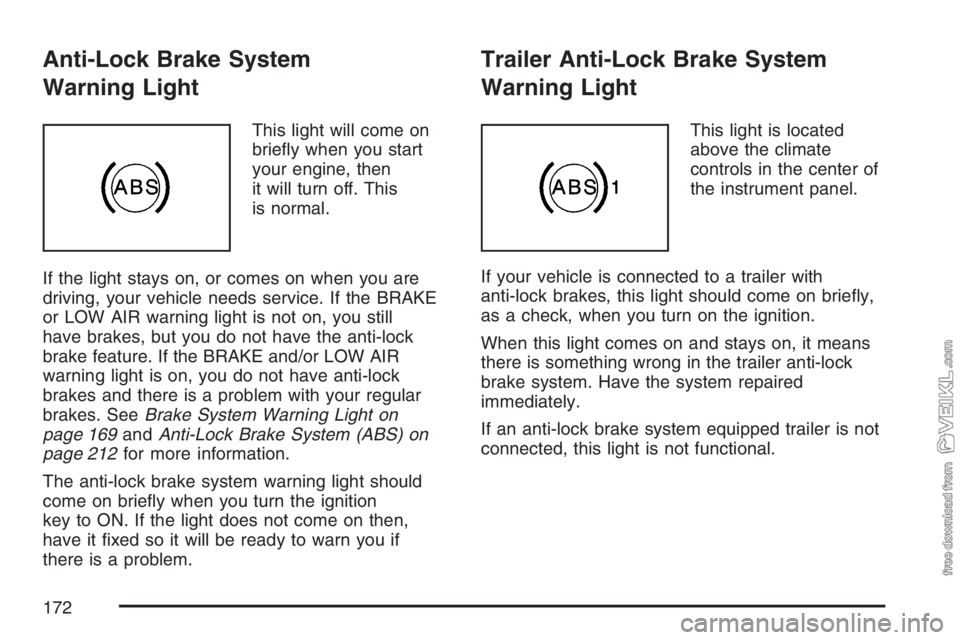
Anti-Lock Brake System
Warning Light
This light will come on
briefly when you start
your engine, then
it will turn off. This
is normal.
If the light stays on, or comes on when you are
driving, your vehicle needs service. If the BRAKE
or LOW AIR warning light is not on, you still
have brakes, but you do not have the anti-lock
brake feature. If the BRAKE and/or LOW AIR
warning light is on, you do not have anti-lock
brakes and there is a problem with your regular
brakes. SeeBrake System Warning Light on
page 169andAnti-Lock Brake System (ABS) on
page 212for more information.
The anti-lock brake system warning light should
come on briefly when you turn the ignition
key to ON. If the light does not come on then,
have it fixed so it will be ready to warn you if
there is a problem.
Trailer Anti-Lock Brake System
Warning Light
This light is located
above the climate
controls in the center of
the instrument panel.
If your vehicle is connected to a trailer with
anti-lock brakes, this light should come on briefly,
as a check, when you turn on the ignition.
When this light comes on and stays on, it means
there is something wrong in the trailer anti-lock
brake system. Have the system repaired
immediately.
If an anti-lock brake system equipped trailer is not
connected, this light is not functional.
172
Page 173 of 430
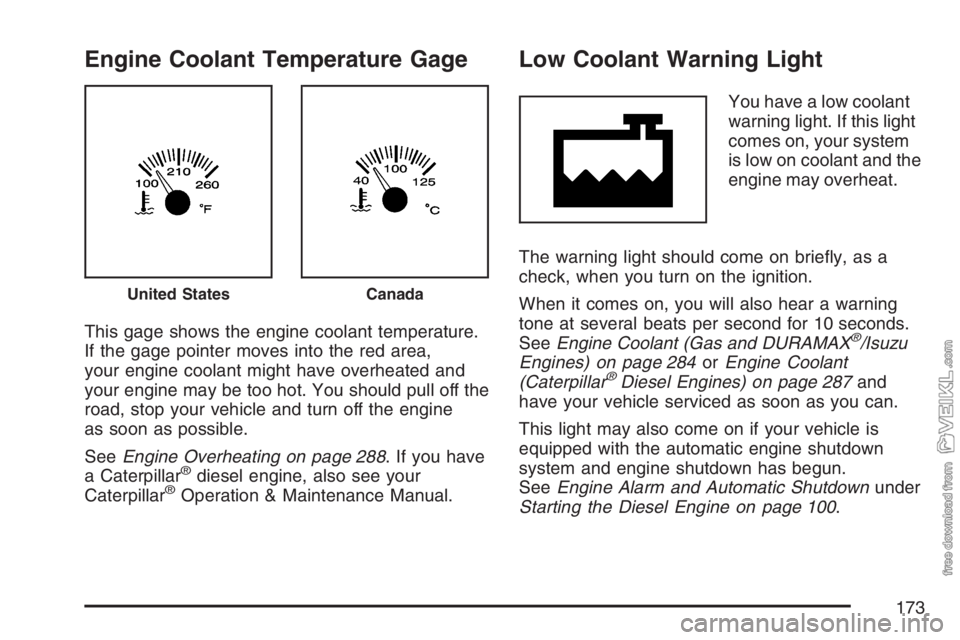
Engine Coolant Temperature Gage
This gage shows the engine coolant temperature.
If the gage pointer moves into the red area,
your engine coolant might have overheated and
your engine may be too hot. You should pull off the
road, stop your vehicle and turn off the engine
as soon as possible.
SeeEngine Overheating on page 288. If you have
a Caterpillar
®diesel engine, also see your
Caterpillar®Operation & Maintenance Manual.
Low Coolant Warning Light
You have a low coolant
warning light. If this light
comes on, your system
is low on coolant and the
engine may overheat.
The warning light should come on briefly, as a
check, when you turn on the ignition.
When it comes on, you will also hear a warning
tone at several beats per second for 10 seconds.
SeeEngine Coolant (Gas and DURAMAX
®/Isuzu
Engines) on page 284orEngine Coolant
(Caterpillar
®Diesel Engines) on page 287and
have your vehicle serviced as soon as you can.
This light may also come on if your vehicle is
equipped with the automatic engine shutdown
system and engine shutdown has begun.
SeeEngine Alarm and Automatic Shutdownunder
Starting the Diesel Engine on page 100.
United StatesCanada
173
Page 174 of 430
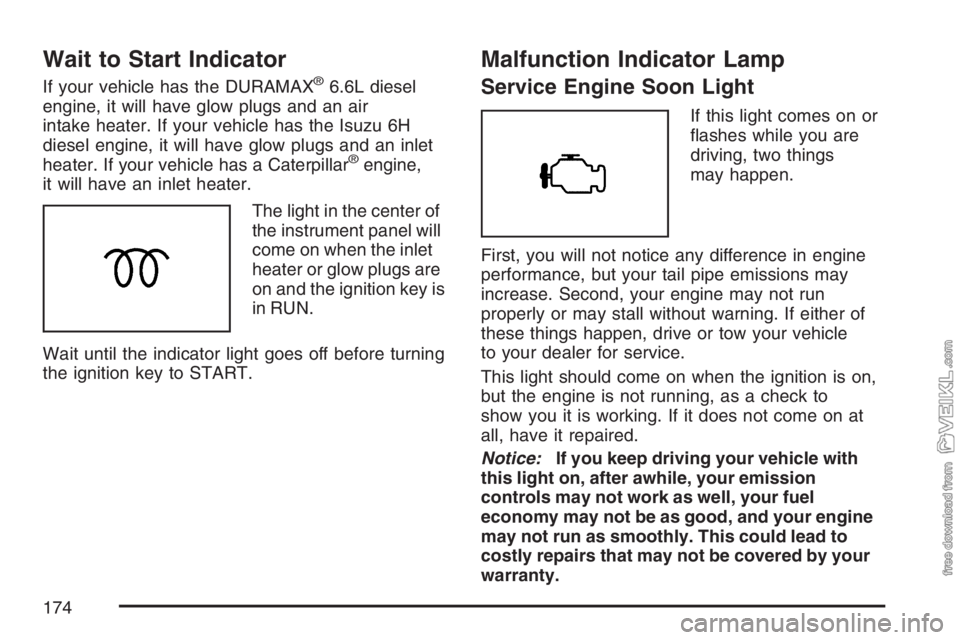
Wait to Start Indicator
If your vehicle has the DURAMAX®6.6L diesel
engine, it will have glow plugs and an air
intake heater. If your vehicle has the Isuzu 6H
diesel engine, it will have glow plugs and an inlet
heater. If your vehicle has a Caterpillar
®engine,
it will have an inlet heater.
The light in the center of
the instrument panel will
come on when the inlet
heater or glow plugs are
on and the ignition key is
in RUN.
Wait until the indicator light goes off before turning
the ignition key to START.
Malfunction Indicator Lamp
Service Engine Soon Light
If this light comes on or
flashes while you are
driving, two things
may happen.
First, you will not notice any difference in engine
performance, but your tail pipe emissions may
increase. Second, your engine may not run
properly or may stall without warning. If either of
these things happen, drive or tow your vehicle
to your dealer for service.
This light should come on when the ignition is on,
but the engine is not running, as a check to
show you it is working. If it does not come on at
all, have it repaired.
Notice:If you keep driving your vehicle with
this light on, after awhile, your emission
controls may not work as well, your fuel
economy may not be as good, and your engine
may not run as smoothly. This could lead to
costly repairs that may not be covered by your
warranty.
174
Page 175 of 430
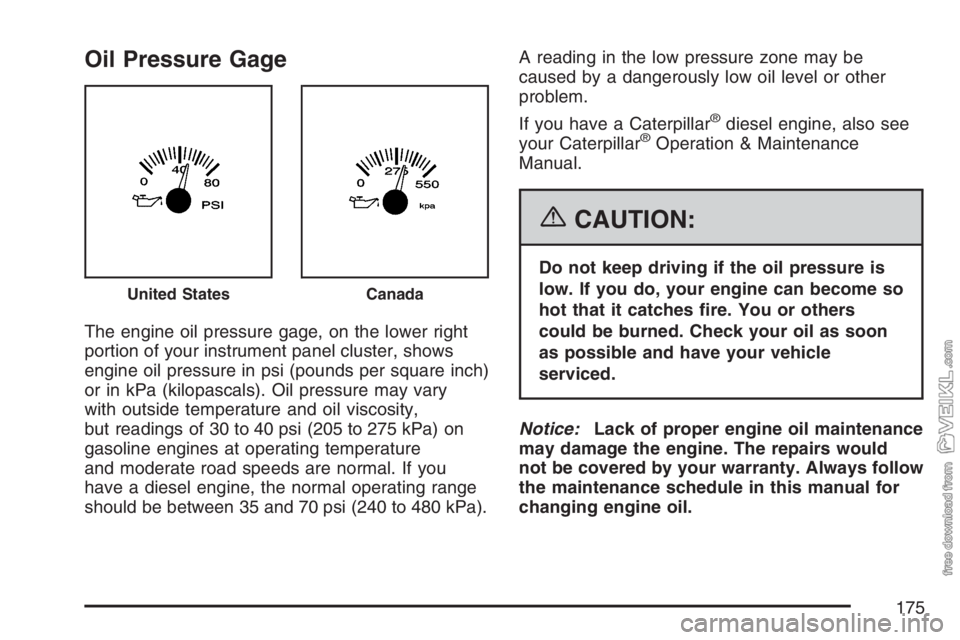
Oil Pressure Gage
The engine oil pressure gage, on the lower right
portion of your instrument panel cluster, shows
engine oil pressure in psi (pounds per square inch)
or in kPa (kilopascals). Oil pressure may vary
with outside temperature and oil viscosity,
but readings of 30 to 40 psi (205 to 275 kPa) on
gasoline engines at operating temperature
and moderate road speeds are normal. If you
have a diesel engine, the normal operating range
should be between 35 and 70 psi (240 to 480 kPa).A reading in the low pressure zone may be
caused by a dangerously low oil level or other
problem.
If you have a Caterpillar
®diesel engine, also see
your Caterpillar®Operation & Maintenance
Manual.
{CAUTION:
Do not keep driving if the oil pressure is
low. If you do, your engine can become so
hot that it catches re. You or others
could be burned. Check your oil as soon
as possible and have your vehicle
serviced.
Notice:Lack of proper engine oil maintenance
may damage the engine. The repairs would
not be covered by your warranty. Always follow
the maintenance schedule in this manual for
changing engine oil.
United StatesCanada
175
Page 176 of 430
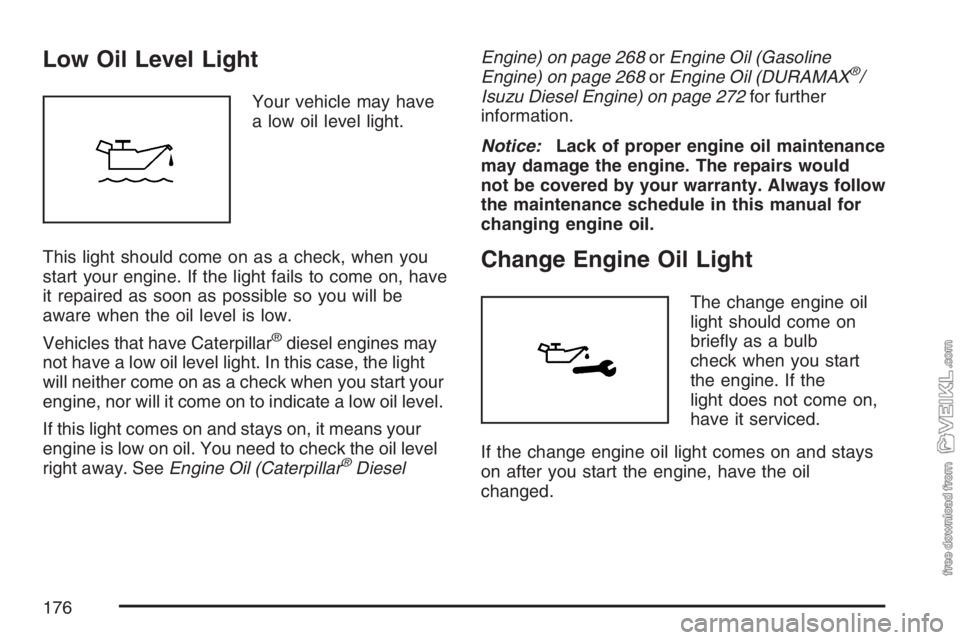
Low Oil Level Light
Your vehicle may have
a low oil level light.
This light should come on as a check, when you
start your engine. If the light fails to come on, have
it repaired as soon as possible so you will be
aware when the oil level is low.
Vehicles that have Caterpillar
®diesel engines may
not have a low oil level light. In this case, the light
will neither come on as a check when you start your
engine, nor will it come on to indicate a low oil level.
If this light comes on and stays on, it means your
engine is low on oil. You need to check the oil level
right away. SeeEngine Oil (Caterpillar
®DieselEngine) on page 268orEngine Oil (Gasoline
Engine) on page 268orEngine Oil (DURAMAX
®/
Isuzu Diesel Engine) on page 272for further
information.
Notice:Lack of proper engine oil maintenance
may damage the engine. The repairs would
not be covered by your warranty. Always follow
the maintenance schedule in this manual for
changing engine oil.
Change Engine Oil Light
The change engine oil
light should come on
briefly as a bulb
check when you start
the engine. If the
light does not come on,
have it serviced.
If the change engine oil light comes on and stays
on after you start the engine, have the oil
changed.
176
Page 178 of 430
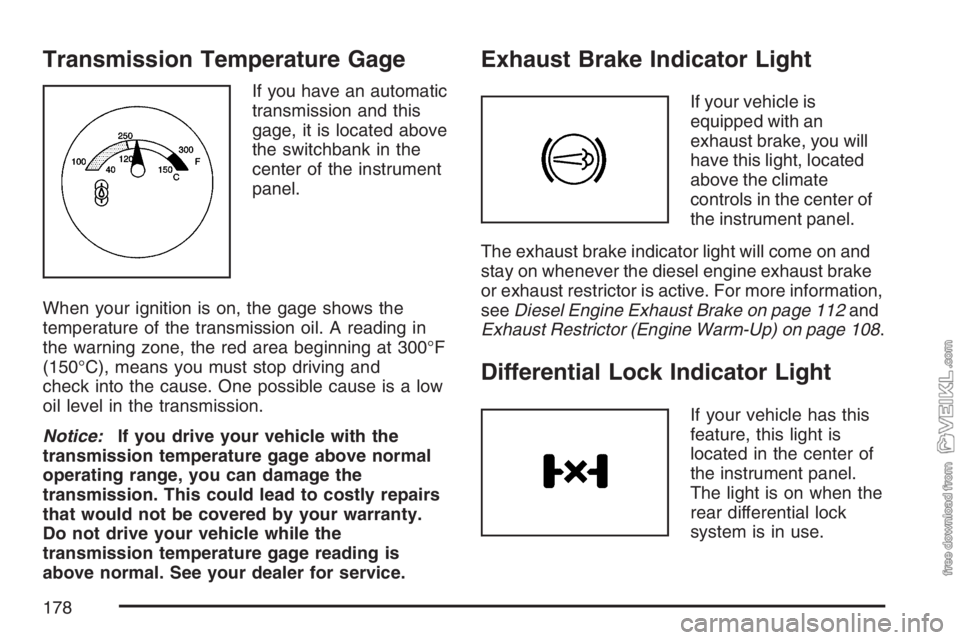
Transmission Temperature Gage
If you have an automatic
transmission and this
gage, it is located above
the switchbank in the
center of the instrument
panel.
When your ignition is on, the gage shows the
temperature of the transmission oil. A reading in
the warning zone, the red area beginning at 300°F
(150°C), means you must stop driving and
check into the cause. One possible cause is a low
oil level in the transmission.
Notice:If you drive your vehicle with the
transmission temperature gage above normal
operating range, you can damage the
transmission. This could lead to costly repairs
that would not be covered by your warranty.
Do not drive your vehicle while the
transmission temperature gage reading is
above normal. See your dealer for service.
Exhaust Brake Indicator Light
If your vehicle is
equipped with an
exhaust brake, you will
have this light, located
above the climate
controls in the center of
the instrument panel.
The exhaust brake indicator light will come on and
stay on whenever the diesel engine exhaust brake
or exhaust restrictor is active. For more information,
seeDiesel Engine Exhaust Brake on page 112and
Exhaust Restrictor (Engine Warm-Up) on page 108.
Differential Lock Indicator Light
If your vehicle has this
feature, this light is
located in the center of
the instrument panel.
The light is on when the
rear differential lock
system is in use.
178
Page 179 of 430
The light will come on momentarily during starting.
If the light fails to come on, have it repaired as
soon as possible so you will be aware when
the lock system is in use.
SeeRear Axle Differential Lock Control on
page 215for more information.
Reduced Engine Power Light
If the check engine and
reduced engine power
lights are on, the
electronic throttle control
may be disabled, and a
noticeable change in the
vehicle’s performance
may occur.
If the reduced engine power light is on, but there
is no change in performance, proceed to your
destination. The performance may be reduced the
next time the vehicle is driven. The vehicle may
be driven at a slower speed while the reduced
engine power light is on, but acceleration
and speed may be limited.
Anytime the check engine light stays on, the
vehicle should be taken to an authorized dealer as
soon as possible for service.
Highbeam On Light
This light comes on
when the high-beam
headlamps are in use.
SeeHeadlamp High/Low-Beam Changer on
page 144.
Daytime Running Lamps (DRL)
Indicator Light
This light is located on
the instrument panel
cluster. It goes on
whenever the Daytime
Running Lamps are on.
SeeDaytime Running Lamps (DRL) on page 151
for more information.
When it begins to get dark, the DRL indicator light
is a reminder to turn on your headlamps.
179
Page 188 of 430
Adjusting the Speakers (Balance/Fade)
AUDIO:To adjust the balance between the
right and the left speakers, press and release
AUDIO until BAL (balance) displays. Then press
and hold the up or the down arrow to move
the sound toward the right or the left speakers.
To adjust the fade between the front and the rear
speakers, press and release AUDIO until FAD
(fade) displays. Then press and hold the up or the
down arrow to move the sound toward the front
or the rear speakers.
To adjust balance or fade to the middle position,
select BAL or FAD. Then press and hold
AUDIO for more than two seconds until a beep
sounds. B (balance) and a zero or F (fade) and a
zero displays.
To adjust both tone controls and both speaker
controls to the middle position, first exit out of audio
mode by pressing another button, causing the radio
to perform that function or wait five seconds for the
display to return to time of day. Then press and hold
AUDIO for more than two seconds until a beep
sounds. CEN (center) displays.
Fade might not be available if the vehicle is a
regular cab model.
Radio Messages
CAL (Calibrated):The audio system has been
calibrated for your vehicle from the factory. If CAL
displays it means that the radio has not been
configured properly for your vehicle and must be
returned to your dealer for service.
LOC (Locked):This message is displayed when
the THEFTLOCK
®system has locked up. Take
the vehicle to your dealer for service.
If any error occurs repeatedly or if an error cannot
be corrected, contact your dealer.
188
Page 191 of 430
Adjusting the Speakers (Balance/Fade)
AUDIO:To adjust the balance between the right
and the left speakers, press and release AUDIO
until BAL (balance) appears on the display. Then
press and hold the up or the down arrow to move
the sound toward the right or the left speakers.
To adjust the fade between the front and the rear
speakers, press and release AUDIO until FAD
(fade) appears on the display. Then press and hold
the up or the down arrow to move the sound toward
the front or the rear speakers.
To adjust balance or fade to the middle position,
select BAL or FAD. Then press and hold AUDIO for
more than two seconds until you hear a beep.
L (balance) and a zero or F and a zero appears on
the display.
To adjust both tone controls and both speaker
controls to the middle position, end out of audio by
waiting for the display to change to the time display.
Then press and hold AUDIO for more than
two seconds until you hear a beep. CEN (center)
appears on the display.
Fade may not be available if the vehicle is a regular
cab model.
Radio Messages
CAL (Calibration):The audio system has been
calibrated for your vehicle from the factory. If
CAL appears on the display it means that the radio
has not been configured properly for your vehicle
and must be returned to your dealer for service.
LOC (Locked):This message is displayed when
the THEFTLOCK
®system has locked up. Take
the vehicle to your dealer for service.
If any error occurs repeatedly or if an error cannot
be corrected, contact your dealer.
Playing a Cassette Tape
The tape player is built to work best with tapes
that are up to 30 to 45 minutes long on each side.
Tapes longer than that are so thin they may not
work well in this player. The longer side with
the tape visible should face to the right. If you hear
nothing or hear a garbled sound, the tape may
not be in squarely. Press the eject button to
remove the tape and start over.
191
Page 197 of 430
Adjusting the Speakers (Balance/Fade)
AUDIO:To adjust the balance between the
right and the left speakers, press and release the
AUDIO button until BAL (balance) appears on
the display. Then press and hold the up or
the down arrow to move the sound toward the
right or the left speakers.
To adjust the fade between the front and the rear
speakers, press and release the AUDIO button
until FAD (fade) appears on the display. Then
press and hold the up or the down arrow to move
the sound toward the front or the rear speakers.
To adjust balance or fade to the middle position,
select BAL or FAD. Then press and hold
AUDIO for more than two seconds until you hear
a beep. L (balance) and a zero or F and a
zero appears on the display.To adjust both tone controls and both speaker
controls to the middle position, first end out
of audio mode by pressing another button, causing
the radio to perform that function, or by waiting
five seconds for the display to return to the time of
day. Then press and hold the AUDIO button for
more than two seconds until you hear a beep.
CEN appears on the display.
Fade may not be available if the vehicle is a
regular cab model.
Radio Messages
CAL (Calibration):The audio system has been
calibrated for your vehicle from the factory. If
CAL appears on the display it means that the radio
has not been configured properly for your vehicle
and must be returned to your dealer for service.
LOC (Locked):This message is displayed when
the THEFTLOCK
®system has locked up. Take
the vehicle to your dealer for service.
If any error occurs repeatedly or cannot be
corrected, contact your dealer.
197