check engine CHEVROLET S10 1995 2.G User Guide
[x] Cancel search | Manufacturer: CHEVROLET, Model Year: 1995, Model line: S10, Model: CHEVROLET S10 1995 2.GPages: 354, PDF Size: 18.92 MB
Page 88 of 354
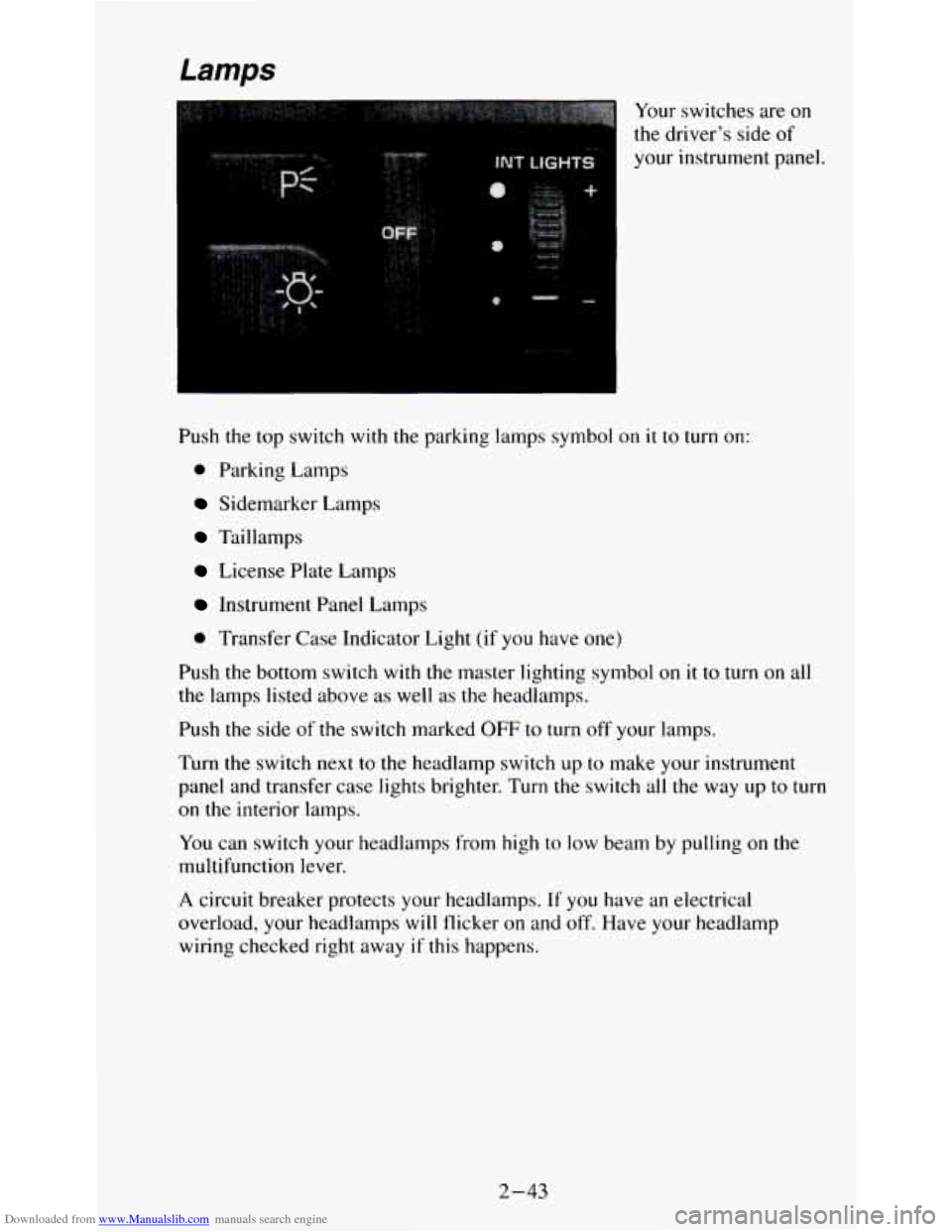
Downloaded from www.Manualslib.com manuals search engine Your switches are on
the driver’s side of
your instrument panel.
Push the top switch with the parking lamps symbol on
it to turn on:
0 Parking Lamps
Sidemarker Lamps
Taillamps
License Plate Lamps
Instrument Panel Lamps
0 Transfer Case Indicator Light (if you have one)
Push the bottom switch with the master lighting symbol on it to turn on all
the lamps listed above as well as the headlamps.
Push
the side of the switch marked OFF to turn off your lamps.
Turn the switch next to the headlamp switch up to make your instrument
panel and transfer case lights brighter. Turn the switch all the way up
to turn
on the interior lamps.
You can switch your headlamps from high to low beam by pulling on the
multifunction lever.
A circuit breaker protects your headlamps. If you have an electrical
overload, your headlamps
will flicker on and off. Have your headlamp
wiring checked right away
if this happens.
2-43
Page 101 of 354
Downloaded from www.Manualslib.com manuals search engine Normal operating range shows your engine speed during normal driving
conditions. For example, when the needle points
to 2, it means the engine is
running at
2,000 revolutions per minute (rpm). The tachometer needle will
vary all the time that the engine is running.
The red warning range tells you that your engine speed is reaching its upper
limits. Don’t drive very long with the tachometer in the red warning range.
If you have a manual transmission, shift to a higher gear as soon as possible.
If you have an automatic transmission, lift your foot off of the accelerator
pedal. If
you drive for very long with the tachometer in the red danger
range, engine damage will result.
I NOTICE:
Do not operate the engine with the tachometer in the red range,
or engine damage
will occur.
The red danger range tells you that your engine speed is at its upper limits.
You should immediately shift to a higher gear, or lift your
foot off of the
accelerator pedal. If you drive for very long with the tachometer in the red
danger range, engine damage will result.
Warning Lights and Indicators
This part describes the warning lights and gages that may be on your
vehicle.
The pictures will help you locate them.
Warning lights and gages can signal that something is wrong before it
becomes serious enough
to cause an expensive repair or replacement.
Paying attention to your warning lights and gages could also save you or
others from injury.
Warning lights come on when there may be or is a problem with one of your
vehicle’s functions.
As you will see in the details on the next few pages,
some warning lights come on briefly when you start the engine just to let
you know they’re working. If
you are familiar with this section, you should
not be alarmed when this happens.
Gages can indicate when there may be or is a problem with one
of your
vehicle’s functions. Often gages and warning lights work together to let you
know when there’s a problem with your vehicle.
When one
of the warning lights comes on and stays on when you are
driving, or when one
of the gages shows there may be a problem, check the
section that
tells you what to do about it. Please follow this manual’s advice.
Waiting to do repairs can be costly
- and even dangerous. So please get to
know your warning lights and gages. They’re a big help.
2-56
Page 102 of 354
Downloaded from www.Manualslib.com manuals search engine Safety Belt Reminder Light
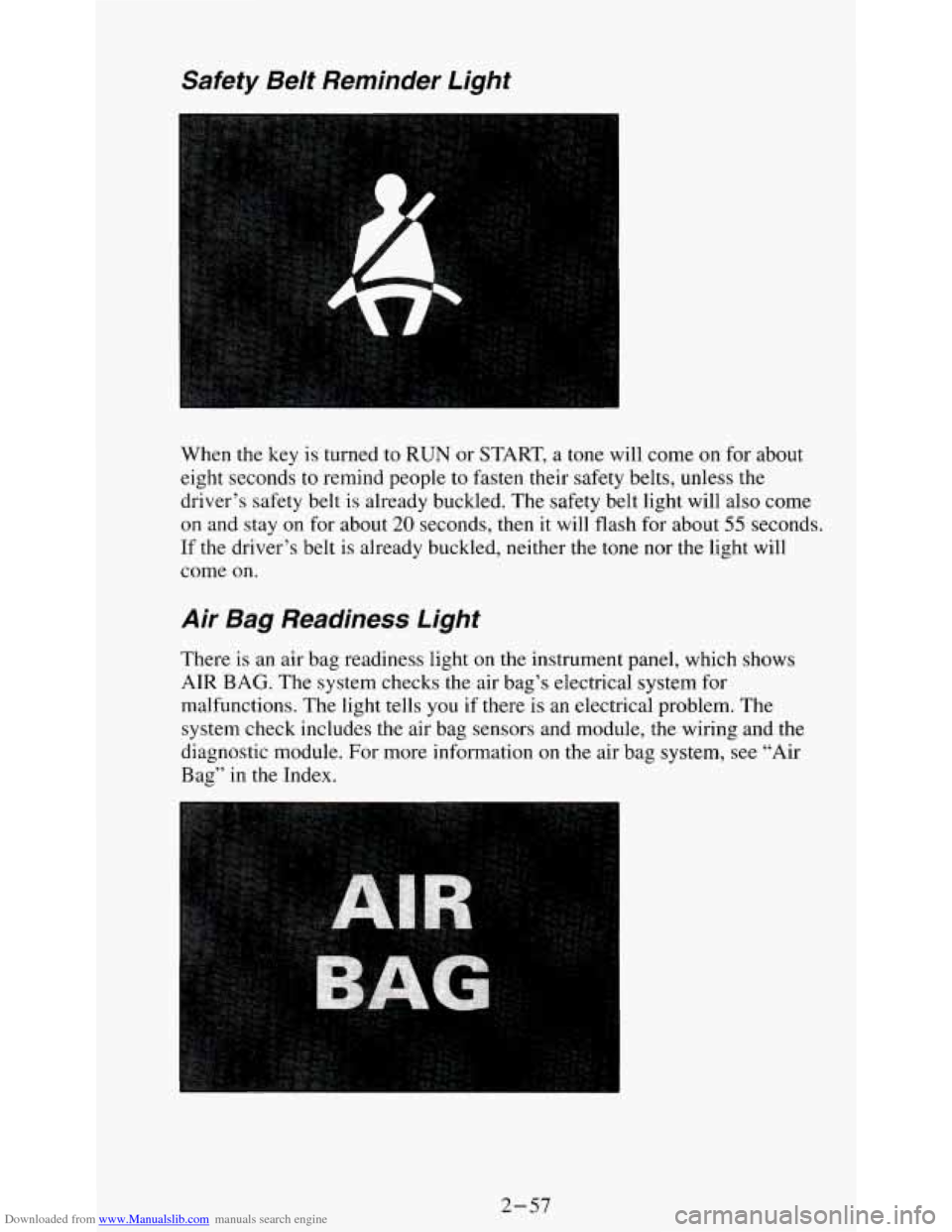
When the key is turned to RUN or START, a tone will come on for about
eight seconds
to remind people to fasten their safety belts, unless the
driver’s safety belt
is already buckled. The safety belt light will also come
on and stay on for about 20 seconds, then it will flash for about 55 seconds.
If the driver’s belt is already buckled, neither the tone nor the light will
come on.
Air Bag Readiness Light
There is an air bag readiness light on the instrument panel, which shows
AIR
BAG. The system checks the air bag’s electrical system for
malfunctions. The light tells you if there is an electrical problem.
The
system check includes the air bag sensors and module, the wiring and the
diagnostic module. For more information on the air bag system, see “Air
Bag” in the Index.
2-57
Page 105 of 354
Downloaded from www.Manualslib.com manuals search engine Indicator Lights
Indicator lights go on when you use your turn signals, change from low
beam headlights
to high beams, or when you use your hazard flashers. The
next few pages will also tell you about the indicator lights on your vehicle
and help
you locate them.
Malfunction Indicator Lamp (SERVICE ENGINE SOON
Light)
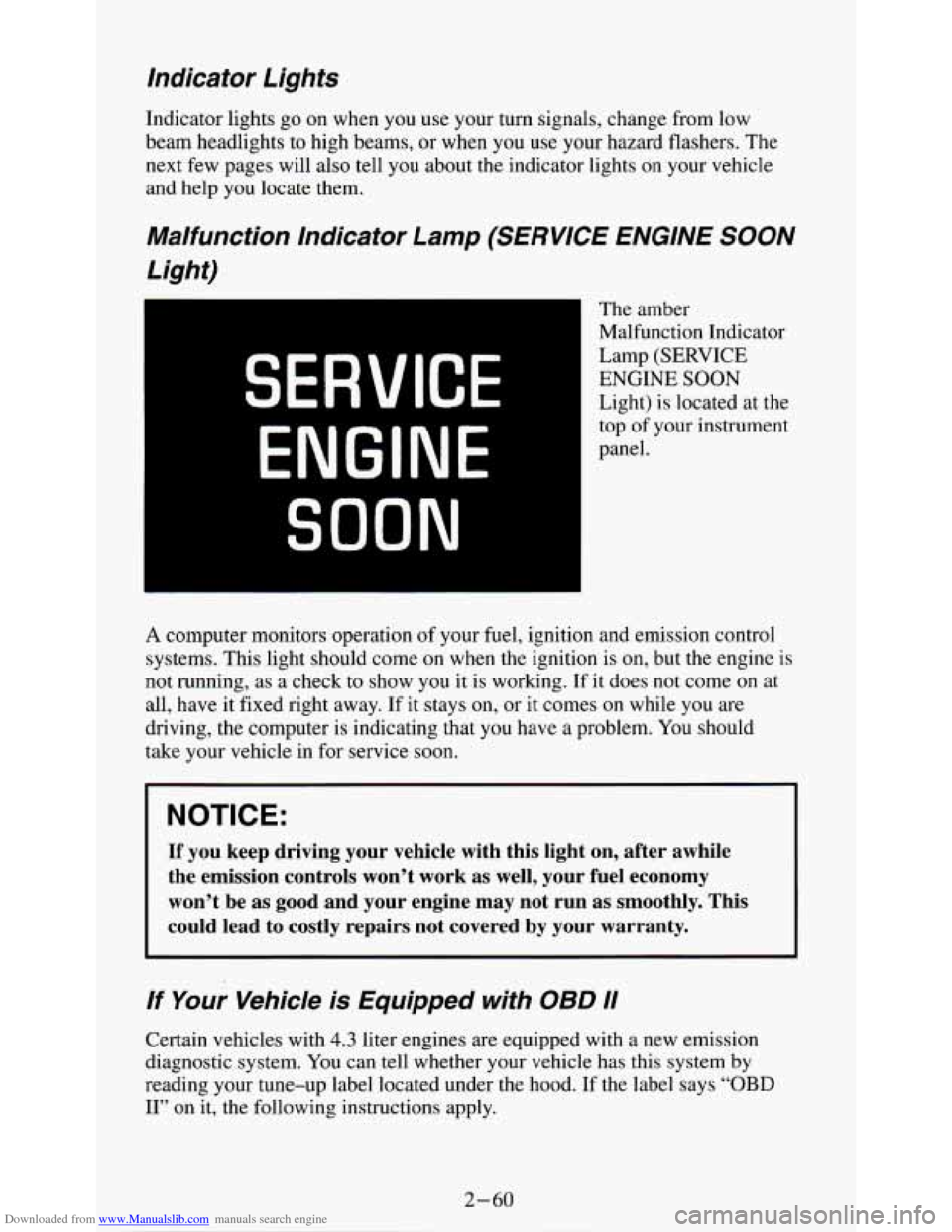
The amber
Malfunction Indicator
Lamp (SERVICE
ENGINE SOON
Light) is located at the
top of your instrument
panel.
SERVICE
ENGINE
SOON
A computer monitors operation of your fuel, ignition and emission control
systems. This light should come
on when the ignition is on, but the engine is
not running, as a check to show you it is working. If it does not come
on at
all, have it fixed right away.
If it stays on, or it comes on while you are
driving, the computer is indicating that
you have a problem. You should
take your vehicle in for service
soon.
NOTICE:
If you keep driving your vehicle with this light on, after awhile
the emission controls won’t work as well, your fuel economy
won’t be as good and your engine may not run as smoothly. This
could lead
to costly repairs not covered by your warranty.
If Your Vehicle is Equipped with OBD I1
Certain vehicles with 4.3 liter engines are equipped with a new emission
diagnostic system. You can tell whether your vehicle has this system
by
reading your tune-up label located under the hood. If the label says “OBD
11” on it, the following instructions apply.
Page 106 of 354
Downloaded from www.Manualslib.com manuals search engine Malfunction Indicator Lamp (SERVICE ENGINE SOON Light)
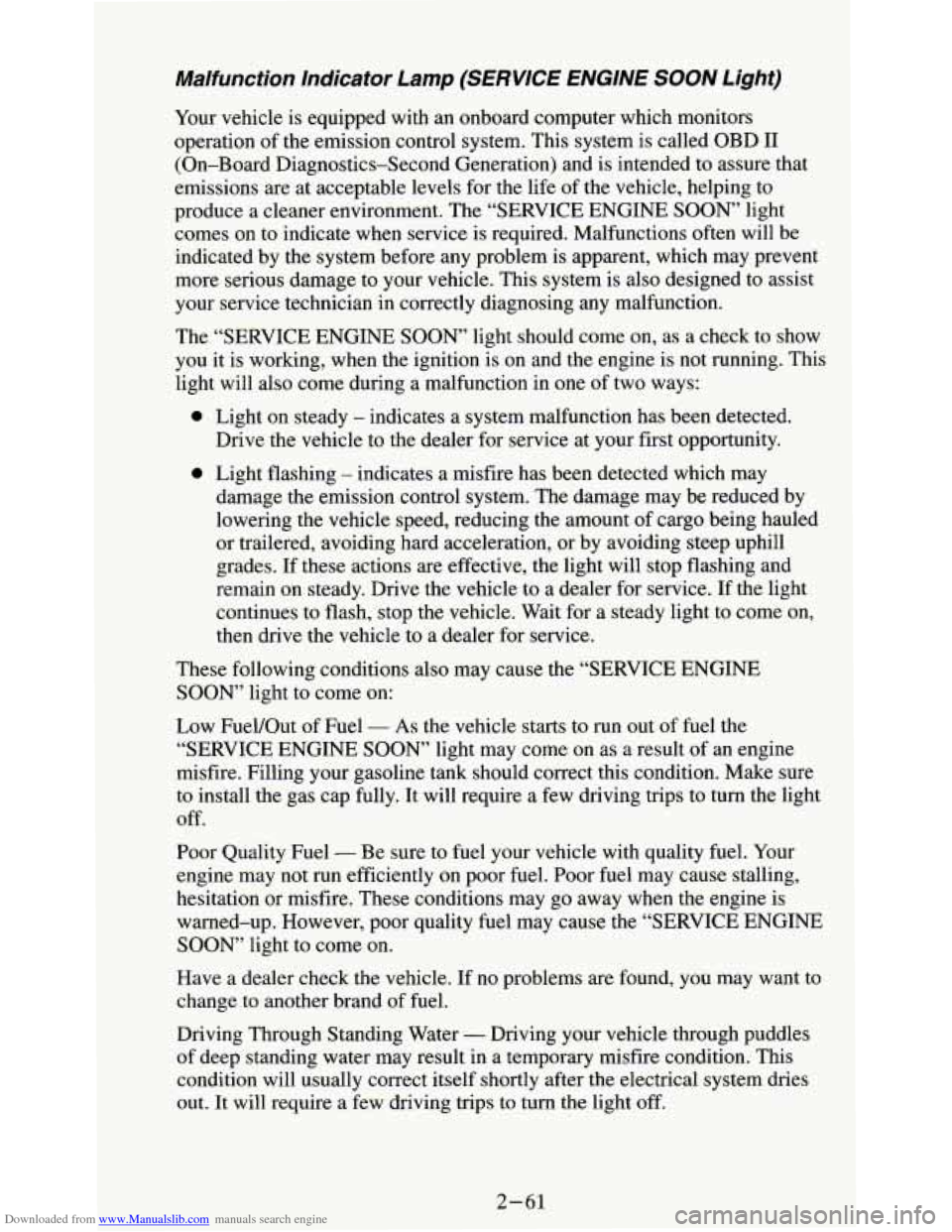
Your vehicle is equipped with an onboard computer which monitors
operation of the emission control system. This system is called OBD I1
(On-Board Diagnostics-Second Generation) and is intended to assure that
emissions are at acceptable levels for the life of the vehicle, helping to
produce a cleaner environment. The “SERVICE ENGINE
SOON’ light
comes on to indicate when service is required. Malfunctions often will be
indicated by
the system before any problem is apparent, which may prevent
more serious damage to your vehicle. This system is also designed to assist
your service technician in correctly diagnosing any malfunction.
The “SERVICE ENGINE
SOON, light should come on, as a check to show
you it is working, when the ignition is on and the engine is not running. This
light will also come during a malfunction in one
of two ways:
0
0
Light on steady - indicates a system malfunction has been detected.
Drive the vehicle to the dealer for service at your first opportunity.
Light flashing
- indicates a misfire has been detected which may
damage the emission control system. The damage may be reduced by
lowering the vehicle speed, reducing the amount of cargo being hauled
or trailered, avoiding hard acceleration, or by avoiding steep uphill
grades.
If these actions are effective, the light will stop flashing and
remain on steady. Drive the vehicle to a dealer for service. If the light
continues to flash, stop the vehicle. Wait for a steady light to come on,
then drive the vehicle to a dealer for service.
These following conditions also may cause the “SERVICE ENGINE
SOON” light to come on:
Low FueVOut of Fuel
- As the vehicle starts to run out of fuel the
“SERVICE ENGINE
SOON” light may come on as a result of an engine
misfire. Filling your gasoline tank should correct this condition. Make sure
to install the gas cap fully. It will require a few driving trips to turn the light
off.
Poor Quality Fuel
- Be sure to fuel your vehicle with quality fuel. Your
engine may not run efficiently on poor fuel. Poor fuel may cause stalling,
hesitation or misfire. These conditions may go away when the engine is
warned-up. However, poor quality fuel may cause the “SERVICE ENGINE
SOON, light to come on.
Have a dealer check the vehicle. If no problems are found, you may want to
change to another brand
of fuel.
Driving Through Standing Water
- Driving your vehicle through puddles
of deep standing water may result in a temporary misfire condition. This
condition will usually correct itself shortly after the electrical system dries
out. It will require a few driving trips to turn the light off.
2-61
Page 107 of 354
Downloaded from www.Manualslib.com manuals search engine Charging System lndicator Light
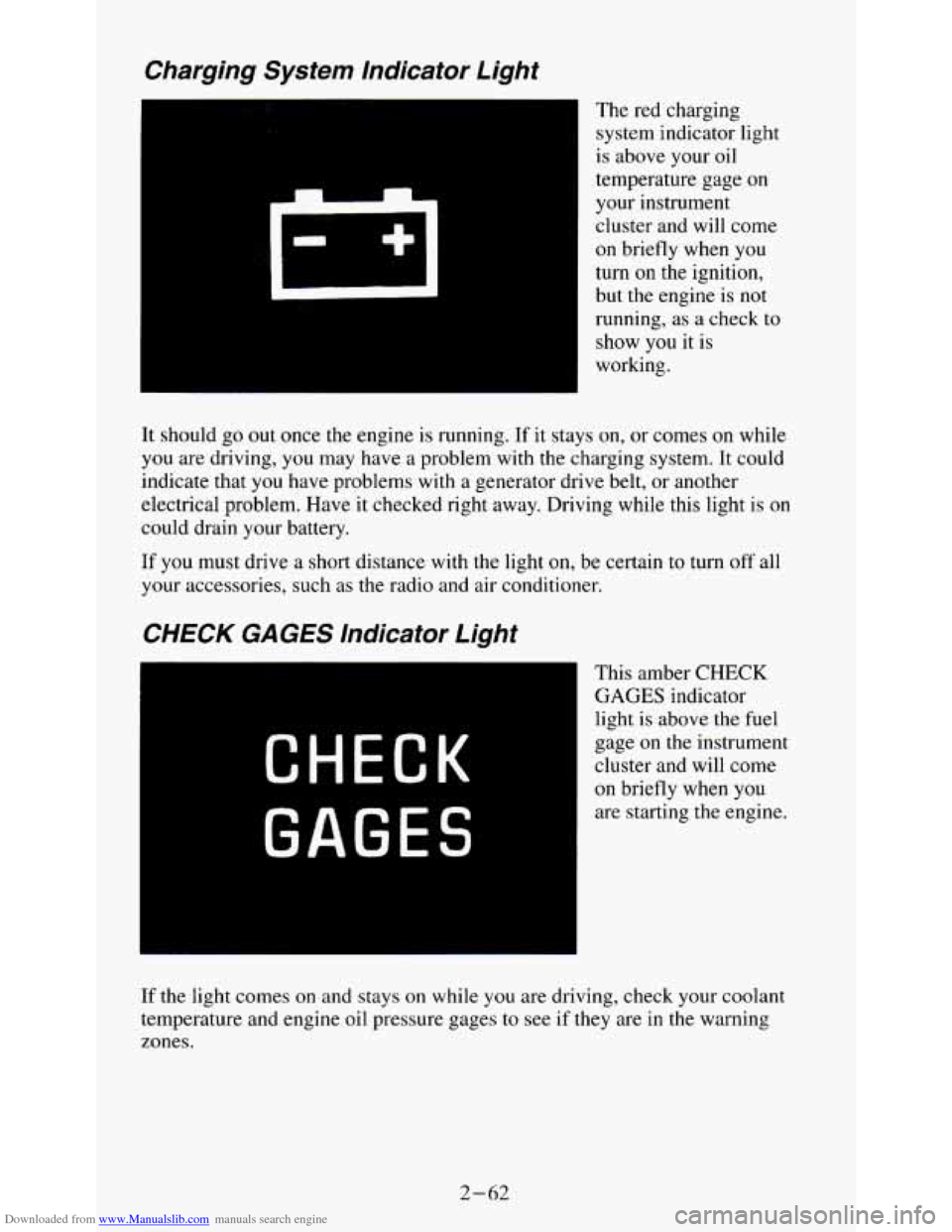
The red charging
system indicator light
is above your oil
temperature gage on
your instrument
cluster and will come
on briefly when you
turn
on the ignition,
but the engine is
not
running, as a check to
show you it is
working.
It should go
out once the engine is running. If it stays on, or comes on while
you are driving, you may have a problem with the charging system. It could
indicate that
you have problems with a generator drive belt, or another
electrical problem. Have it checked right away. Driving while this light is
on
could drain your battery.
If you must drive a short distance with the light on, be certain to turn off all
your accessories, such as the radio and air conditioner.
CHECK GAGES lndicator Light
CHECK
GAGES
This amber CHECK
GAGES indicator
light
is above the fuel
gage
on the instrument
cluster and will come
on briefly when you
are starting the engine.
If the light comes on and stays on while you are driving, check your coolant
temperature and engine oil pressure gages
to see if they are in the warning
zones.
2-62
Page 111 of 354
Downloaded from www.Manualslib.com manuals search engine A CAUTION:
Don’t keep driving if the oil pressure is low. If you do, your
engine can become
so hot that it catches fire. You or others could
be burned. Check your oil
as soon as possible and have your
vehicle serviced.
NOTICE:
Damage to your engine from neglected oil problems can be
costly and is not covered
by your warranty.
Fuel Gage
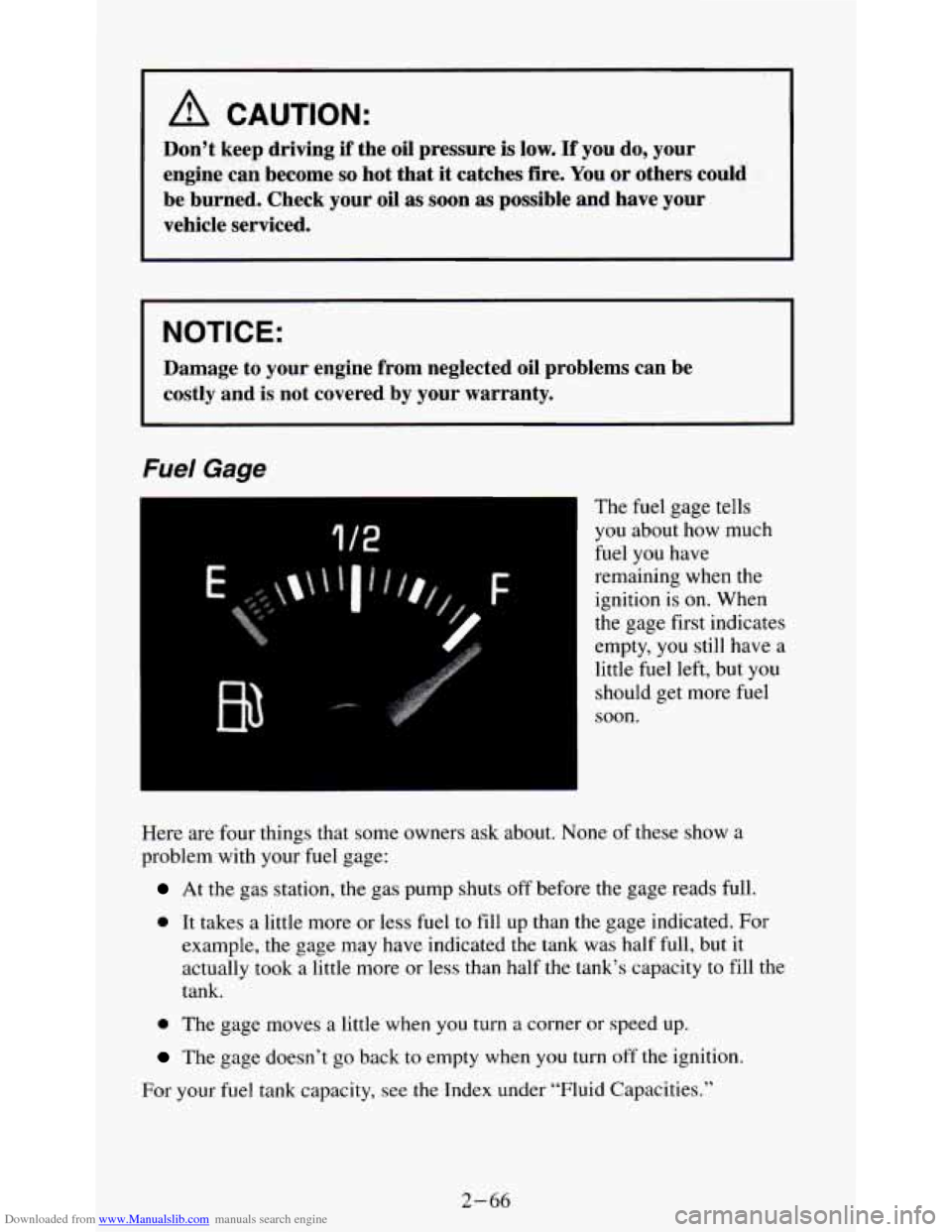
The fuel gage tells
you about how much
fuel you have
remaining when the
ignition
is on. When
the gage first indicates
empty, you still have a
little fuel left, but you
should get more fuel
soon.
Here are four things that some owners ask about. None of these show a
problem with your fuel gage:
At the gas station, the gas pump shuts off before the gage reads full.
0 It takes a little more or less fuel to fill up than the gage indicated. For
example, the gage may have indicated the tank was half full, but it
actually took a little more or less than half the tank’s capacity to fill the
tank.
0 The gage moves a little when you turn a corner or speed up.
The gage doesn’t go back to empty when you turn off the ignition.
For your fuel tank capacity, see the Index under “Fluid Capacities.”
2-66
Page 127 of 354
Downloaded from www.Manualslib.com manuals search engine Pushbuttons - The five pushbuttons let you return to favorite stations.
They are also used when you play a disc. (See
“To Play A Compact Disc”.)
To
set the pushbuttons for up to ten favorite stations (5 AM and 5 FM):
1. Tune in the desired station.
2. Push the SET button. “SET” is displayed briefly.
3. Within 5 seconds, push one of the five pushbuttons to store the station.
Whenever
you press that button, the preset station will return. Repeat
the steps for each of the
5 AM and 5 FM stations.
MUTE
- Press the MUTE button and all sound from the radio or CD
player stops. By pressing the button again sound will begin again.
RCL - Press the RCL button to change between the clock and the radio
station frequency displayed when the radio
is on. RCL may be pressed when
the ignition is off to see
the time.
BASS
- Press the BASS A to increase the bass tones and v BASS to
decrease bass tones. Press the center of the control for a preset BASS
position.
The bass level will be displayed briefly when using this control.
TREBLE
- Press the TREB A to increase the treble tones and v TREB to
decrease the treble tones. Press the center of the control for a preset TREB
position. The treble level will be displayed briefly when using this control.
To Play A Compact Disc (CD)
NOTICE:
DO NOT use mini-discs that are called singles. They won’t eject\
.
USE FULL-SIZE COMPACT DISCS. If the disc player is very
hot, or if you’re driving on a very rough road,
a disc may come
out or just not play. If you see the word HOT on the displa\
y, the
disc player is too hot to play the disc. Press RCL to make \
the
word HOT
go off the display. When things get back to normal,
the disc should play again. Press PWR to turn the system on.
Insert a disc partway into the slot, label side up. The player will pull it in.
Wait a few seconds and the disc should play.
If
the disc comes back out, check to see if any of the following are true:
0 The disc is upside down.
0 It is dirty, scratched, or wet.
0 Too much moisture is in the air. (If there is, wait about one hour and try
again.)
3- 14
Page 131 of 354
Downloaded from www.Manualslib.com manuals search engine NOTICE:
Before you add any sound equipment to your vehicle - like a
tape player,
CB radio, mobile telephone or two-way radio - be
sure you can add what you want. If
you can, it’s very important
to do it properly. Added sound equipment may interfere with th\
e
operation of your vehicle’s engine, Delco@ radio or other
systems, and even damage them. And, your vehicle’s systems
may interfere with the operation of sound equipment that has been added improperly.
So, before adding sound equipment, check with your dealer and
be sure to check Federal rules covering mobile radio and telephone units.
Care of Your Cassette Player and Tape
A tape player that is not cleaned regularly is subject to reduced sound
quality, ruining the cassette, or damaging the mechanism. Tape cassettes that
are not properly stored in their plastic cases away from contaminants, direct
sunlight, and extreme heat, may not operate properly and could cause
premature failure of the tape player.
Your tape player should be cleaned with every
50 hours of use to provide
optimum performance. Your radio may display “Cln” (Clean)
to indicate
that you have used your tape player for
50 hours without re-setting the tape
clean timer. If you notice a reduction in sound quality, regardless \
of when
the tape player was last cleaned, try playing a different cassette to see if the
tape
or tape player is at fault. If the second cassette results in no
improvement in sound quality, try cleaning the tape player.
Proper tape player cleaning should be done with a scrubbing action,
non-abrasive cleaning cassette. This is a wet-type cleaning system that uses
a cleaning cassette with pads which scrub the tape head as the hubs of the
cleaner cassette turn. To properly clean your tape player, follow instructions
with the cleaning cassette. If
you use this type of cleaner, the radio may
display an error and eject
the cartridge. This is normal and is the result of an
added feature in the tape player that detects broken tapes. If an error occurs,
you will need to insert the cleaning cassette at least
3 times to thoroughly
clean the tape player.
You may prefer
to use a non-scrubbing action, wet-type cleaner. This type
of cleaner uses a fabric belt to clean the tape head. This type of cleaner
cassette will not cause an error, but it may not clean the tape player as
thoroughly as the scrubbing type cleaner.
3-18
Page 132 of 354
Downloaded from www.Manualslib.com manuals search engine A scrubbing action cleaner cassette is available through your retailer (SPO
12344600).
Cassettes are subject to wear and the sound quality may degrade over time.
Always verify that the cassette tape
is in good condition and the tape player
is clean before obtaining service on your tape player.
NOTICE:
Cassette tape adapter kits for portable CD players will not work
in your cassette player. These adapters will cause the radio
to
display an error and the adapter cassette will be ejected.
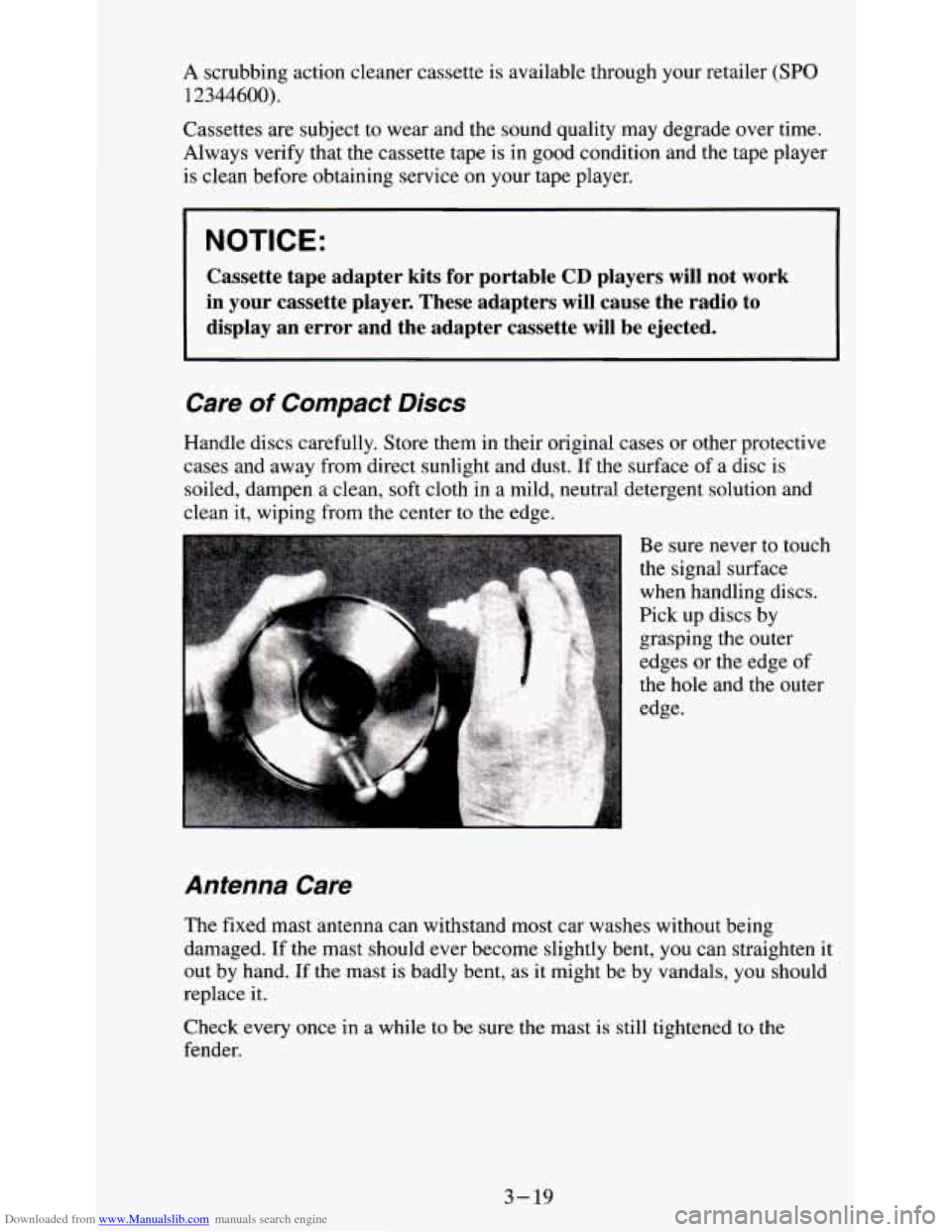
Care of Compact Discs
Handle discs' carefully. Store them in their original cases or other protective
cases and away from direct sunlight and dust. If the surface of a disc
is
soiled, dampen a clean, soft cloth in a mild, neutral detergent solution and
clean it, wiping from the center to the edge.
Antenna Care
The fixed mast antenna can withstand most car washes without being
damaged. If the mast should ever become slightly bent, you can straighten
it
out by hand. If the mast is badly bent, as it might be by vandals, you should
replace it.
Check every once in a while to be sure the mast is still tightened
to the
fender.
3-19