light CHEVROLET S10 1997 2.G Owner's Guide
[x] Cancel search | Manufacturer: CHEVROLET, Model Year: 1997, Model line: S10, Model: CHEVROLET S10 1997 2.GPages: 402, PDF Size: 21.04 MB
Page 125 of 402
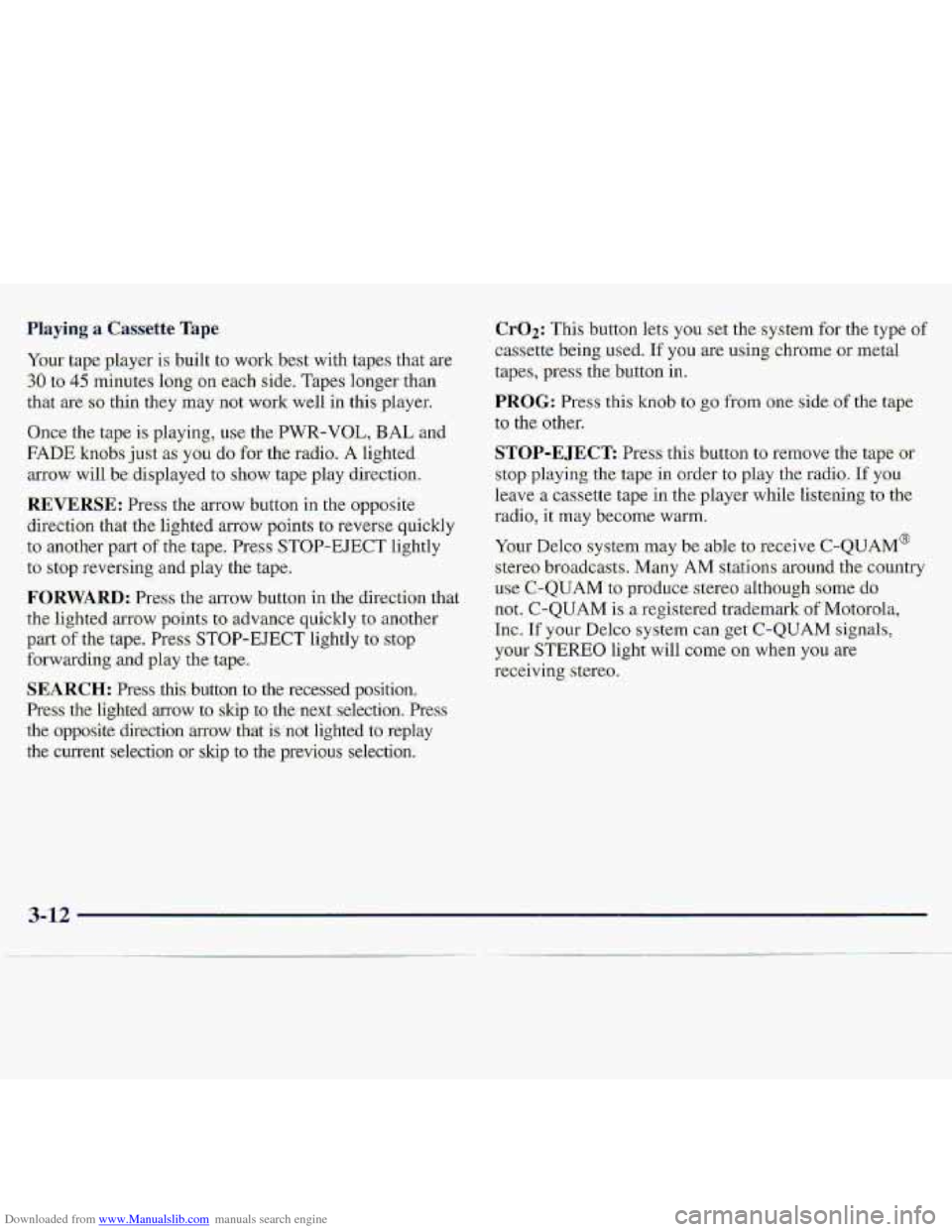
Downloaded from www.Manualslib.com manuals search engine SEARCH: .Press this; b.utton--to the recessed position..
Press the-lighted
arrow to skip tQ the-next..selection. Pres
the opposite
direction .~QW that knot: lighted to replay
the cun-ent'selection QY skip to the pTevious seIectim.
Cr02: This buttbn lets- you ser me system for the type or
casse.tte being used- :If you, we using chrome ow metal
tapes, pres the button in.
PROG: Press this knob to go fi-om one side of the tape
to
the other.
STOP-E JECE Press this button-to remove the tape-aii
stop playing, the tape in order t0 play the raaio. If you
leave a cassette tape in the player while listening to {he
fadio, it may become warm.
Your Delco system ma,y be able toxeceive C-QUAhd@
stereo broadcasts.. Many AM statiomaround the country
use C-QUAM to produce stereo althaugh some do
not.
C-QUAM is a re-gistered trademark of'.Motmo,la,
hc. If your Del.co system can get C-QUAM Sign.als,
your STEREO light will come on when you ae
receiving stere:o.
3-12
Page 126 of 402
Downloaded from www.Manualslib.com manuals search engine AM-FM Stereo with Compact Disc Player
and Automatic Tone Control (If Equipped)
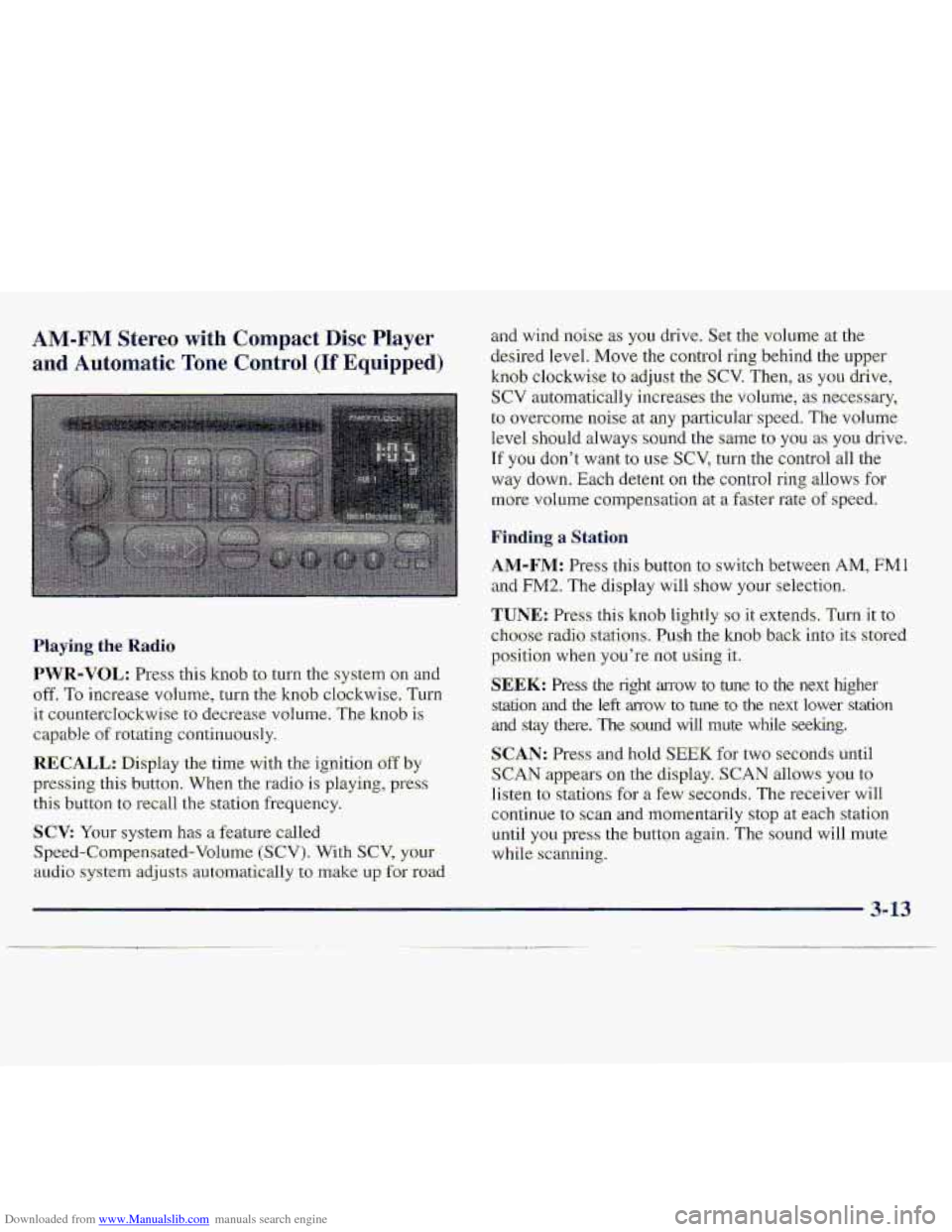
Haying. the Radio
PWR-VOL: Press: this kmb to turn the system on an-d
off. To increase vohlme, turn the knob clockwise, Turn
it: countercIockwise to decrease volume. The knob is
capable of rotating continuously.
RECALL.: Display the time with the ignition off by
pressing thi-s button. When the radio is playing, press
this button to recall the station frequ.ency.
SCV: Your system has a feature called
Speed-Compensated-Volumc (SCV). With SCV, your
au.cli.0 system adjusts automat-ically t:, make u~,f~r road
and-wind .noise as you drive. Set the volume xthe
desired Ievel.
Move the control ring behind the upper
knob clockwise to adjust the SCV. Then; as you drive,
SCV automatically increases the volume, as necessary,
to overcome- noise at any particular speed. The volume
level
.should always sound the same to you as YOU. drive.
If you don't want to we SCV, turn. the control all the
way down. Each detent on the co.nt1-ol ring allows for
mo.re volume compensatio.n at -a fastm-ate of speed.
Finding a Station
AM-FM: Press this button to swi.tch between AM, FMl
and FM2. The display will show YOLII' selection.
TUNE.: Press this knob lightly so it extends. Turn it to
cho-ose radio. stations. Push the knob- back into its stored
position
when you're not using it..
SEEK: Press the right arrow to tune to the next higher
srdtion and the left mow to tune to the next lower station
and stay there. The sound wfl1 mute while seeking.
SCAN: Pres and hold; SEEK for two seconds until
S,CAN appears on the display. SCAN allows you to
Iisten to stations for a few seconds. The receiver will
continue to scan -and lmmentarily
stop at each station
until
you press the button again. The sound will mute
while.
scanning.
3- 13
Page 128 of 402
Downloaded from www.Manualslib.com manuals search engine BASS: Press lightly on this knob tu release it from its
stored positi.on.
TLI~II the knob clockwise to increase
bass and counterclockwise, to decrease bass. When the
BASS colitrol is rotakd, the AUTO TONE setting will
chmge to MAN.
"TREB: Press lightly on this knob to release it from its
stored position. Turn the knob clockwise to increase
treble and counterclockwise
to decrease treble. Whe.n
the TREB con.h-oJ. is rotated, thc AUTO TONE. setting
will change.
to MAN. If a station is weak -or noisy, you
may want to decrease the tteble.
Push thae knobs back into their stored positi.ons when
you'r-e not using than.
AUTO TONE: Press this button to select among the
five preset.-equalization s-ettings and tailor .the sound to
the music or voice being heard. Ehch time you press th-e
button, the selection
will switch to one of the preset
settings of CLASSIC-, NEWS, ROCK, POP or JAZZ.
The display will shy.w which made the receiver is. in. To
return to-the ~~anual mode, press and release this buttqn
until. MAN appears 01.1 the. d:kplay. This wilI return the
t0n.e adjnstment tQ the BASS and TREB- controls. If a
BASS or TREB contfol is rotated, the AUTO TONE
settingwill change to MAN.
BAL.: Press- lightly or-this k-noh to release- it from its
stored position.
'Turn the control clodwise to adjust
sound
to the right speakers and counteTc1o;ckwise. to
.adjust sound to the left speakers. The middle position
balances the sound between the speakers.
FADE: Press lightly on this knob to release it from its
stored position.
Turn the control clockwise to adjust the
s.ound to the front
and counterclockwise for the. rear
speakers.
The middle .position.balancas the sound
.between
the: speakers.
Push these
knobs hack into their stored positims when.
you're not using them.
FIay,ing a. Compact .Disc
PWR: Press this: knob. to turn the system on.
(Please ndte that
you can also turn the system on when
you insert a compact disc into the player with the-
ignition on.)
Insert a disc partway info the slot, label side up. The
player will pull it in. Wait a few seconds- and the- disc.
should plzy. CD and a CD symbol wiill also appear on
the display. Anytime you
are playing-a CD, the letters
CD will be next to the CD symbod.
3-15
Page 144 of 402
Downloaded from www.Manualslib.com manuals search engine Anti-Lock Brakes (ABS)
Your vehicle has anti-lock bmk& (ABS). ABS is an
advanced .electronic braking systeni that will help
prevent a braking skid.
When you start your engine and begin to drive away,
your-anti-lok
brake system will check. itself. Yau may
hear
a rnsrnentary motor or clicking-noise, w-file this ‘test
is going on. This is normal.
If your-engine ever stqs while you’se driving, brake
normally
but do;n’:t pul~ip your brakes. Ifyou do, th-e
,p%ed-al may get hard-er-to puGh .down. If -your.engi-ne
‘stops, you will-s~tal have some power assist. B:ut
you will a-se it when you brake; Once the power.asskt is
used up, it may take long-er to stop afid thelljrake pedal
will
.be .harder to zrush.
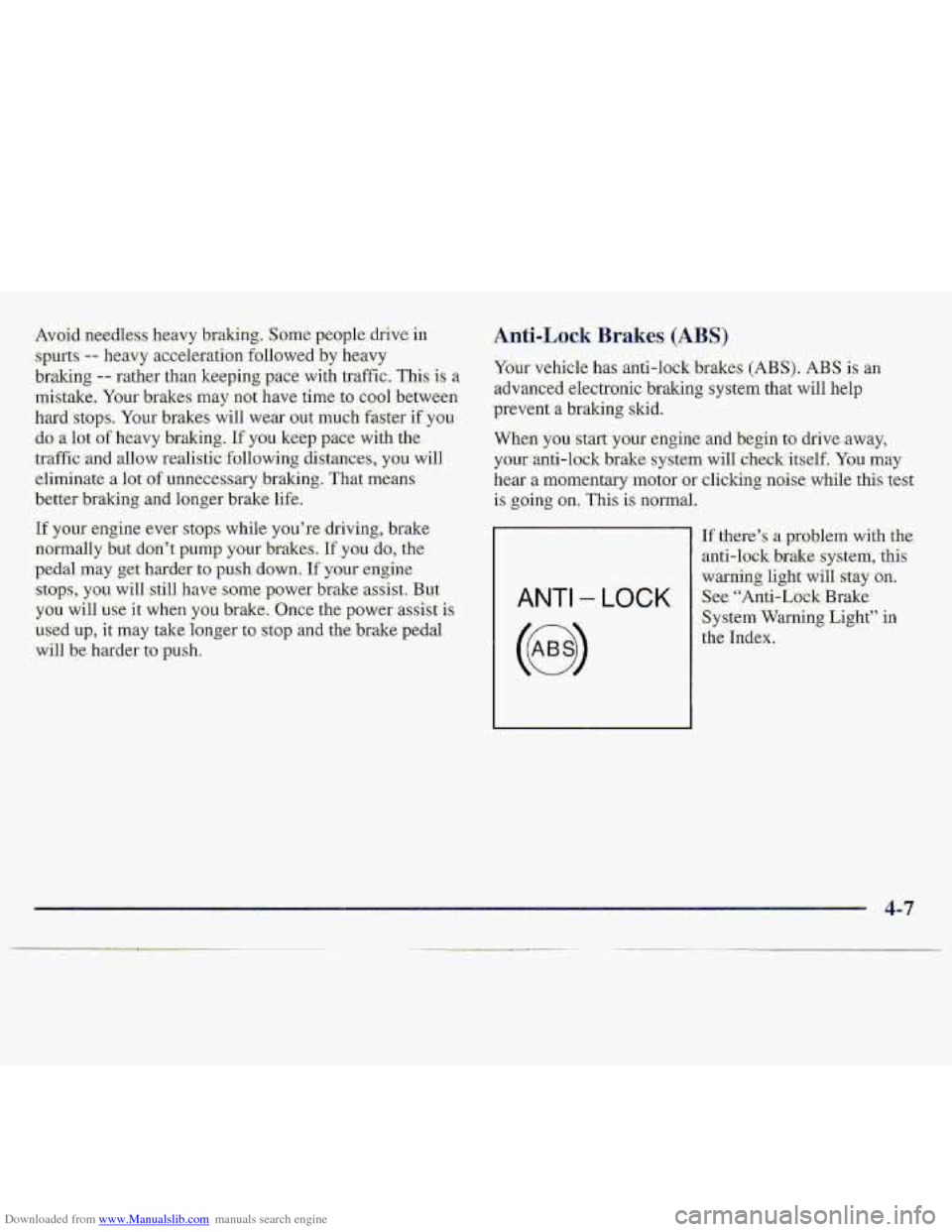
ANTI - LOCK
If there’s a problem with the.
anti-lock brake system, -this
war‘i&g.Iight will stay an.
See. “Anti-Lo& Brake
System
Warning Light” in
th.e Index.
4-7
Page 148 of 402
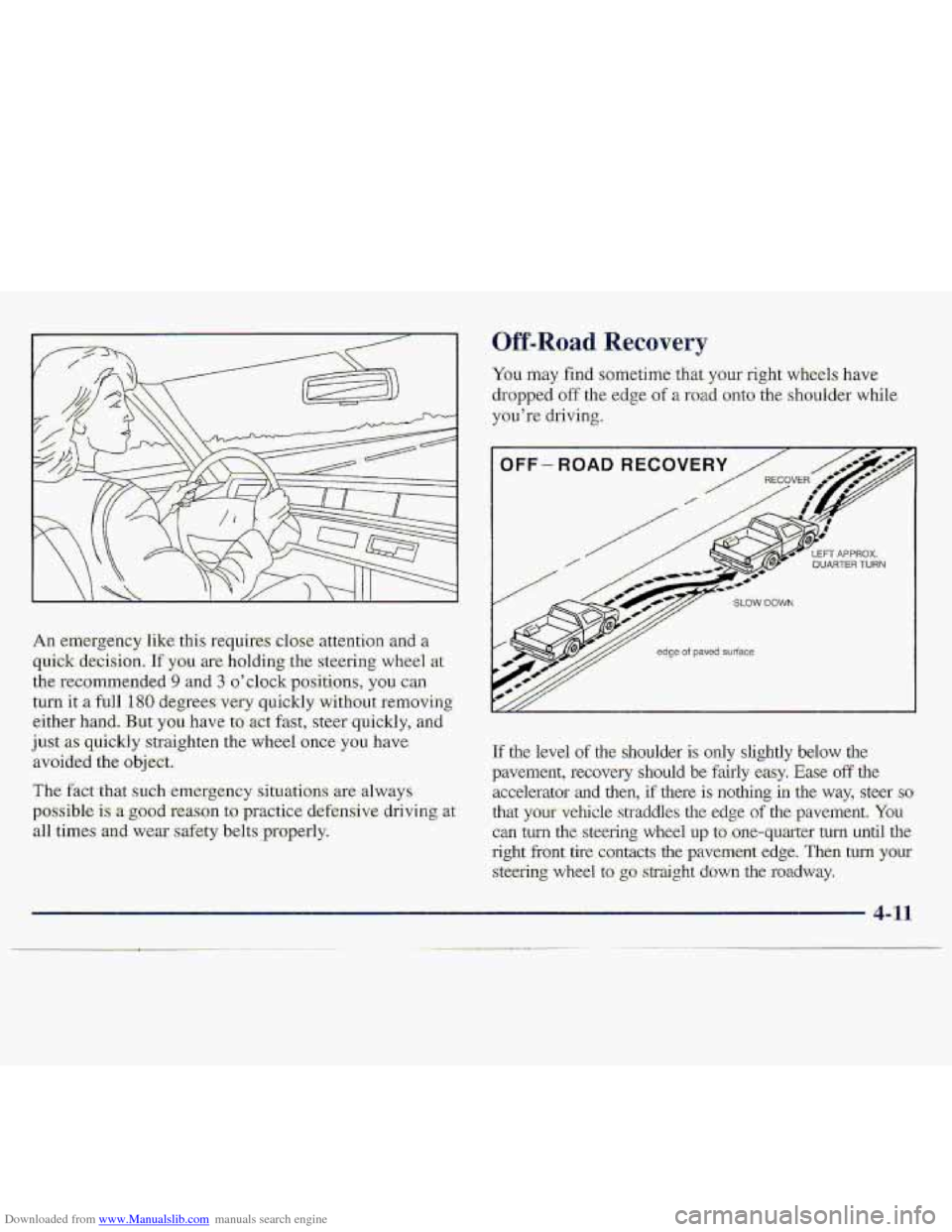
Downloaded from www.Manualslib.com manuals search engine An eri~rgency like this requires t10 ,attintion .arid a
quick decision. 1fy.0~1 are. holding the steering wheel at
the rec,omme,nded-9 and
3 o’elock-..positims, you can
turn it a full 180 de,grees. very quickly without removing
eith.er
hand. But you have tomt hst, ste,er quickly, and.
just as quickly straighten the wheel once you have
avoided the object..
The fact that such emergency situations ..me always
possible
is a-goD.d reason to pmctice. defensive driving at
all times and wexr safety b.elts properly.
Off-Road Recovery
You may find soriletime that your right wheels have
dropped off the. edge of a road onto the shoulder while
y~i’re
driving.
Tf the level of .the shoulder is only slightly below the
pavemefit, recovery should be fairly easy. Ease off tlie
accelerator
and then, if there is nothing in the way7 steer so.
that your-vehicle straddies the edge of the pavement. You-
cm turn the st.eering wheel up taone-quarter turn until the
right front tire contacts -the pavement edge. Then turn your
steering wheel to’ go straight dawn the roadway,
Page 155 of 402
Downloaded from www.Manualslib.com manuals search engine Whe.n y0.U drive over obstacles .or rough terrain, keep a.
firm..gkill .on the steering wheel; Ruts, troughs or ather
-surfaace’featu?es- %a~l jerk-the wheel out of your hands if
you’re not prepaced,
.When YOU drive oTt.er humps, rock.; .or other obstades,
YOW wheels can leave the gr.ound. Ifthis happens, e-ven
with. one or tw~ wheels, you cdt co.ntrol the vehicle as
well or-at all.
Eecaus-e you will be on an un-paved surface, it’s.
.espe&dly importmt to avoid :sudden acceleration,
sudden:.tums
of sudden. braking.
In a way, .off-.road driving requires a diffkrent. kind of
:alertfie$s fmm driving on paved roads :and highw-ays.
There are no road signs, pastdspeed limits or signal
lights.
-You have to. use your own good judgment abaut
.what &-..safe and what- isa’t.
Drinkiagmd driving can be very dangerous on any
mad.
And’this. is -certainly trclcfor off-road driving. At
‘the very ‘time you need special alertness and driving
skills., y-owr-x&kx&$-, pefcepions and judgmen-t can be
affected by even a small amount of -alc30hol. You .c:ould
have a serid;us- -- 01- even fatal -- ciccident if you drink
and. drive wride with ,a driver- who has. been drinking.
See ‘“Drunk@n Driviy” in the Index.
Driving _. . on Off-Road Hills
Off-road driving often- takes you up, dswn.~~ acr0s.s a
hill, Driving safely on. hills requires good judgment and
.an tl.nderstanding of what your vehicle can and can’t-do.
There are some h.ills that simply cadt .b&, driven, ‘no
mattee how well built ,the vehicle.
Many hills are simply too steep for, any vehicIe. If
you drive up them, you will stall. If you drive
down them, you can’t control your speed. If you
drive across .them, you will roll over. ‘You could be
seriously injured
or killed. If you have any doubt
about
the steepness, don’t drive the hill.
4-18
Page 160 of 402
Downloaded from www.Manualslib.com manuals search engine Driving Downhill
When off-roading takes
mnsi.det a number of thi
Heavy braking when goj
y-oufbrakes t6 Vverheat and fade. This could
cause loss of contra1 and a ,serious accident.
-Apply the brakes lightly when descending a:
hill and use a low gear to keep ve.hicle speed
un.&r control.
-u
4-23
Page 164 of 402
Downloaded from www.Manualslib.com manuals search engine Driving in Mnd, Sand, Snow or Ice
When you dxive in mu.d, snow or sarsd, your wheels
won’t get good traction. You can’t accelemte as
quickly, turning i.s more dif€icult, and you’ll need
longer braking distances.
It’s best .to use a low..gear when you’re in mud -- the
,deeper the mud, the lower the gear: In really ,deep mud,
$he idea is to keep your vehicle- moving s.0 you don’t
.!get stuck.
When
you drive on sand, yo-u’ll sensg a change- in wheel
traction, But St will &pmd upon how looseiypacked the
,sand is. On loosely packed sand (as on. beaches or sand
dunes)
your tires will tend to sink into the sand. This has
an effect on steering, accelefating and braking. You may
,w.ant to reduce the air pressure in your tires slightly
when driving on :sand. ‘This. will improve traction,
Hard packed mow ;sad ice. oEer the wofWtire’tractioa.
On thes~e s-Urfac.e.s, it’s very easy to lase c.on!Td, On wet
ice, for example, the traction i.s so paor that you will
h,ave diffic-ulty
accelerating, And if you d:o gkt movi.ng,
poor sleeting and difficult braking- can cause you to slide
out of control.
Driving on frozen lakes, ponds or rivers can be
dangerom. Undewater sprirmgs, currents under
the ice, or
sudden thaws can weaken the ice, Your
vehicle could fall through the ice and you and ,
your passengers could drown. Drive your vehicle
on -safe-surfaces only.
Page 165 of 402
Downloaded from www.Manualslib.com manuals search engine Driving in Water
Light rain causes no specialaff-road driving problems.
But .ke.avy rain
can .mean flash flooding, and flood
waters demand extreme caution.
+Find- out how deep the water is before you drive through
it. If it’s deep enough to cover your wheel hubs, axles or
exhaust pipe, don’t
‘try it -- you probably won’t g-et
through. Also, water that deep
can damage your axle
and
other vehicle parts.
If the water isn’t too deep, then drive through it slowly.
At fast speeds, water splashes on your ignition system
and your vehicle
can st-dl. Stalling.can also occur if you
get your tailpipe under water. And, as long as your
:.. . tailpipe is ,under water, .you’ll never be able to start your
..;;&I
engine. When you gp through water, remember that
--.
. ,. , when your brakes get wet; it may take you longer
to stop. -‘a:i <,..,..?, ,
Driving through rushing water can be dangerous.
Deep water can
sweep your vehicle downstream
and you
and your passengers could drown. If it’s
only shallow water,
it can still wash away the
ground
from under your tires, and you could lose
traction and roIl the vehicle over.
Don’t drive
through
rushing water.
See “Driving Throagh Water” in the Index f6TmGE
infoination on driving through water,
4-28
Page 169 of 402
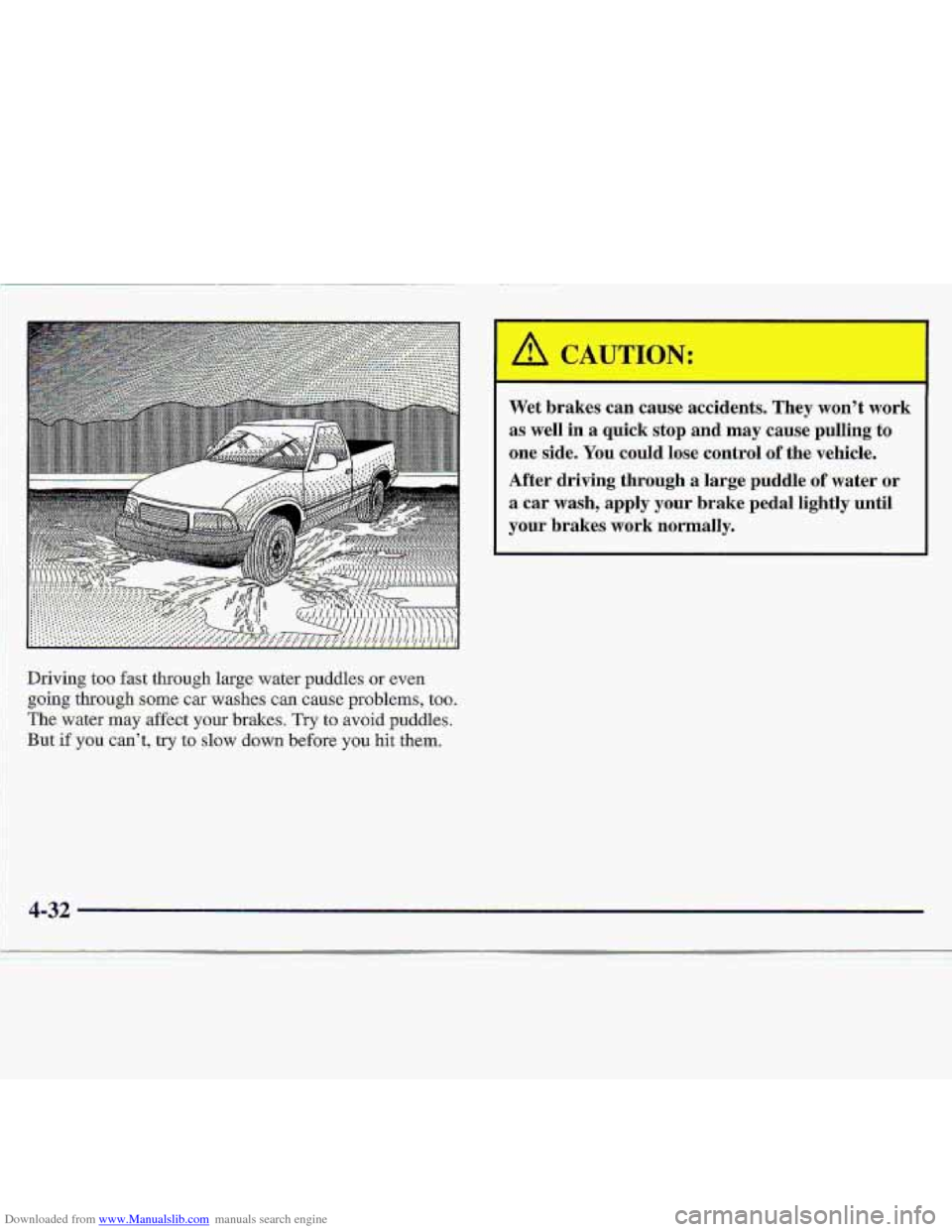
Downloaded from www.Manualslib.com manuals search engine Driving too fast through large water puddles or even
going through same car washes can cause problems, too.
. . . The water may affect your brakes. Try to avoid puddles.
: 1
: .:I But-if you can't, try to slow da.wn before you hit them.
Wet brakes can cause accidents. They won't work
as well
in a quick stop and may cause pulling tu
one side. You could lose control of the vehicle.
After driving through a large puddle
of water or
a car wash, apply your brake pedal lightly until
your brakes work normally.