lock CHEVROLET TRACKER 1993 Owner's Manual
[x] Cancel search | Manufacturer: CHEVROLET, Model Year: 1993, Model line: TRACKER, Model: CHEVROLET TRACKER 1993Pages: 339, PDF Size: 15.75 MB
Page 53 of 339
r
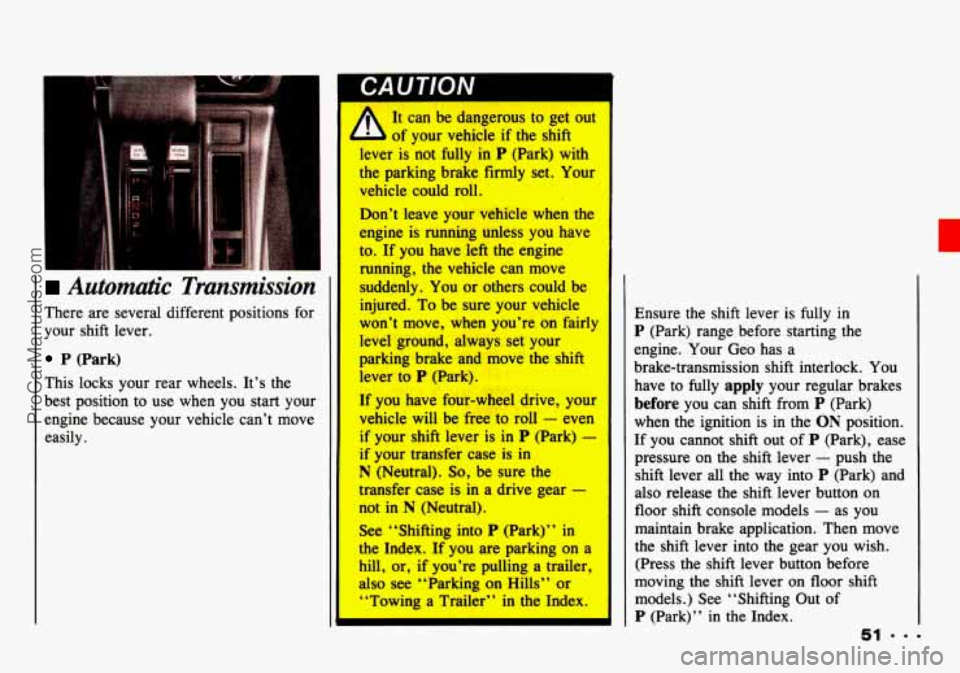
Automatic Transmission
There are several different positions for
your shift lever.
P (Park)
This locks your rear wheels. It’s the
best position to use when you start your
engine because your vehicle can’t move
easily.
GAU I IUN I
It can be dangerous to get out
of your vehicle if the shift
lever is not
fully in P (Park) with
the parking brake firmly set. Your
vehicle could roll.
Don’t leave your vehicle when the
engine is running unless you have
to. If you have ieft the engine
running, the vehicle can move
suddenly. You or others could be
injured. To be sure your vehicle
won’t move, when you’re on fairly
level ground, always set your
parking brake and move the shift
lever
to P (Park).
If you have four-wheel drive, your
vehicle will be free to roll
- even
if your shift lever is in P (Park) - I
if your transfer case is in
N (Neutral). So, be sure the
transfer case is
in a drive gear -
not in N (Neutral).
See “Shifting into
P (Park)’’ in
the Index.
If you are parking on a
hill, or,
if you’re pulling a trailer,
also see “Parking
on Hills” or
“Towing a Trailer’’ in the Index.
I P (Park) range before starti& the
engine. Your Geo has a
brake-transmission shift interlock.
You
have to fully apply your regular brakes
before you can shift from P (Park)
when the ignition is in
the ON position.
If you cannot shift out of P (Park), ease
pressure on the shift lever
- push the
shift lever all the way into
P (Park) and
also release the shift lever button on
floor shift console models
- as you
maintain brake application. Then move
the shift lever into the gear you wish.
(Press the shift lever button before
moving the shift lever on floor shift
models.) See “Shifting Out of
P (Park)’’ in the Index.
51 ..=
ProCarManuals.com
Page 57 of 339
2 (Second Gear) - Press the clutch
pedal as you let up on the accelerator
pedal and shift into
2. Then, slowly
let up on the clutch pedal as you press
the accelerator pedal.
3, 4 and 5 (Third, Fourth and Fifth
Gears)
- Shift into 3, 4 and 5 the
same way
you do for 2. Slowly let up
on the clutch pedal
as you press the
accelerator pedal.
To Stop - Let up on the accelerator
pedal and press the brake pedal. Just
before the vehicle stops, press the
clutch pedal and the brake pedal, and
shift to
Neutral.
Neutral - Use this position when
R (Reverse) - To back up, press
you
start or
idle your engine.
down the clutch pedal and shift into
R. Let up on the clutch pedal slowly
while pressing the accelerator pedal.
You cannot go from 5 (Fifth Gear) into
R (Reverse). If you try, you will be
locked out.
You must first shift into
Neutral, move the lever to the left, back
to the right, and then shift into
R (Reverse). This is a safety feature.
Shift to R (Reverse) only after
your vehicle
is stopped. Shifting to
R (Reverse) while your vehicle is
moving could damage your
transmission.
Also, use Reverse along with the
parking brake, for parking your vehicle.
ProCarManuals.com
Page 59 of 339
Four-wheel Drive
CAUTION I
It can be dangerous to get out
4 b of your vehicle if the shift
rcyer is not fdly in P (Park)
(automatic transmission) or
R (Reverse) (manual transmission)
with the parking brake firmly set.
If you have four-wheel drive, also
be sure the transfer case is in a
drive gear. Your vehicle can roll.
If you have left the engine
running,
the vehicle can move
suddenly.
You or others could be
injured. To be sure your vehicle
won’t move, follow the step
below. If you are parking on a
hill’, or if you’re pulling a trailer,
see “Parking on Hills” cw
“Towing a Trailer” in the Index.
[f your vehicle has four-wheel drive,
you can send your engine’s driving
power to all four wheels for extra
traction.
To shift out of two-wheel drive
and into four-wheel drive, lock the
free-wheeling hubs and move
the
transfer case shift lever to 4H or 4L
(see the following). You should use 2H
for most normal driving.
Rear wheel anti-lock brakes
do not work
when you shift into four-wheel drive.
Your regular brakes will still work.
When
you shift back into two-wheel
drive, your rear wheel anti-lock brakes
will take over again. Driving
in 4H or 4L positions for
a long time on dry or wet
pavement could shorten
thP 1 nf
your vehicle’s drivetrain.
ProCarManuals.com
Page 60 of 339
Features & Controls
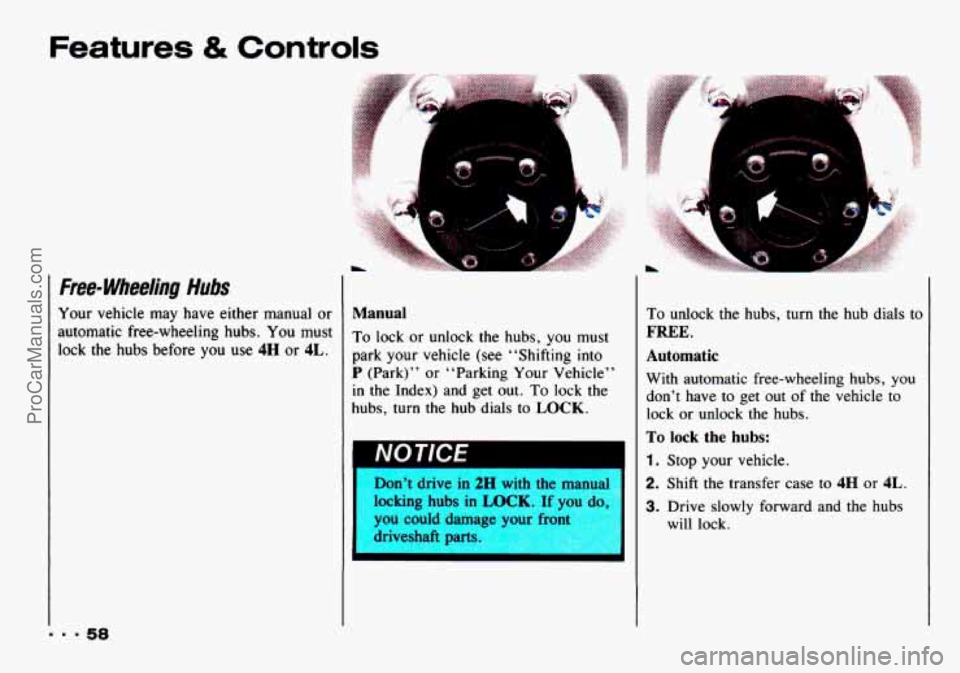
Free- Wheeling Hubs
Your vehicle may have either manual or
automatic free-wheeling hubs. You must
lock
the hubs before you use 4H or 4L.
Manual
To lock or unlock the hubs, you must
park your vehicle (see “Shifting into
P (Park)” or “Parking Your Vehicle”
in the Index) and get out. To lock the
hubs, turn
the hub dials to LOCK.
Don’t drive in 2H with the manual
locking hubs in
LOCK. If yo1
you could damage your front 7
driveshaft parts. I
To unlock the hubs, turn the hub dials to
FREE.
Automatic
With automatic free-wheeling hubs, you
don’t have to get out of the vehicle to
lock
or unlock the hubs.
To lock the hubs:
1. Stop your vehicle.
2. Shift the transfer case to 4H or 4L.
3. Drive slowly forward and the hubs
will lock.
ProCarManuals.com
Page 61 of 339
To unlock the hubs:
1. Stop your vehicle.
2. Drive seven feet (two meters) in the
direction opposite to the direction
you were driving before you stopped.
3. Then, press the clutch if you have a
manual transmission, and shift the
transfer
case to 2H. The hubs will
unlock.
Transfer Case
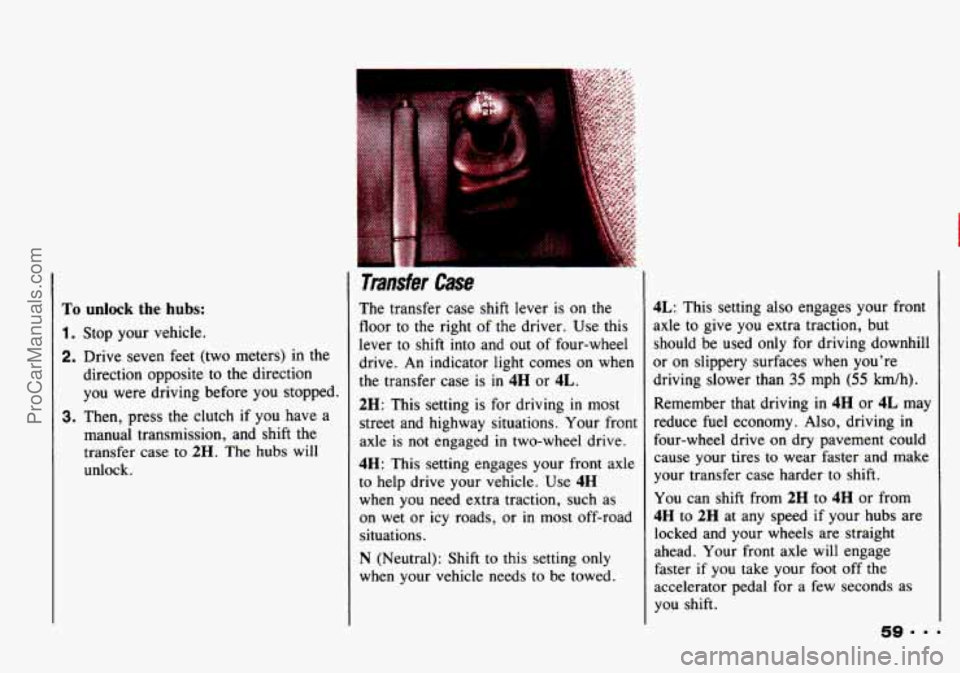
The transfer case shift lever is on the
floor to the right of the driver. Use this
lever to shift into and out of four-wheel
drive. An indicator light comes on when
the transfer case is in
4H or 4L.
2H: This setting is for driving in most
street and highway situations. Your front
axle
is not engaged in two-wheel drive.
4H: This setting engages your front axle
to help drive your vehicle. Use
4H
when you need extra traction, such as
on wet or icy roads,
or in most off-road
situations.
N (Neutral): Shift to this setting only
when your vehicle needs
to be towed.
4L: This setting also engages your front
axle to give you extra traction, but
should be used only for driving downhill
or on slippery surfaces when you’re
driving slower than
35 mph (55 km/h).
Remember that driving in 4H or 4L may
reduce fuel economy. Also, driving
in
four-wheel drive on dry pavement could
cause your tires to wear faster and make
your transfer case harder to shift.
You can shift from
2H to 4H or from
4H to 2H at any speed if your hubs are
locked and your wheels are straight
ahead. Your front
axle will engage
faster if you take your foot off the
accelerator pedal for a
few seconds as
you shift.
ProCarManuals.com
Page 64 of 339
Features & Controls
1. Hold the brake pedal down with your
right foot and set the parking brake.
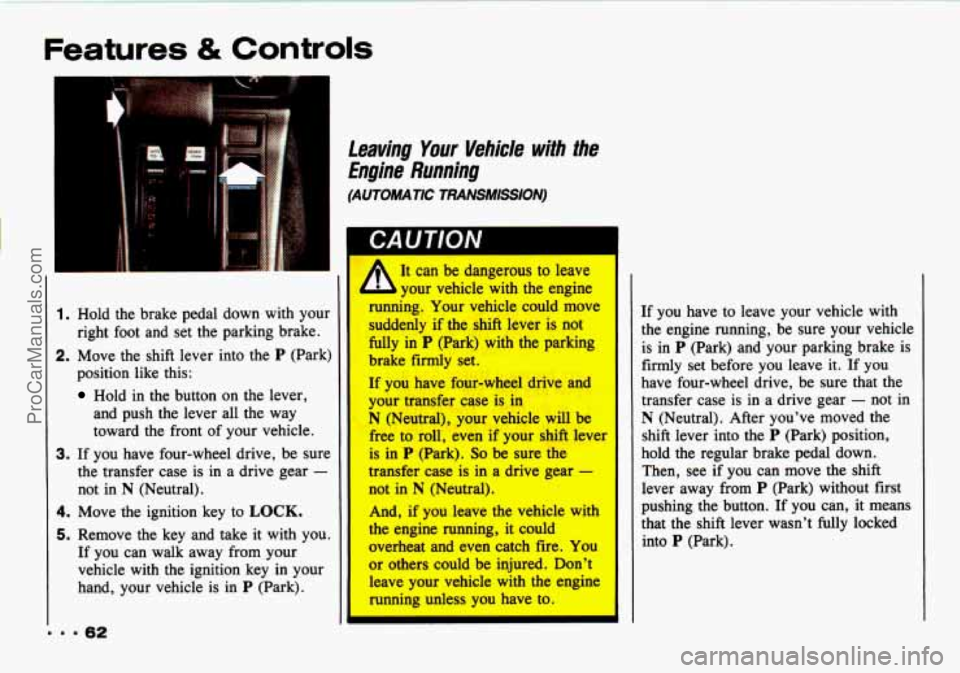
2. Move the shift lever into the P (Park)
position like this:
Hold in the button on the lever,
and push the lever all the way
toward the front of your vehicle.
3. If you have four-wheel drive, be sure
the transfer case is in a drive gear
-
not in N (Neutral).
4. Move the ignition key to LOCK.
5. Remove the key and take it with you.
If you can walk away from your
vehicle with the ignition key in your
hand, your vehicle is
in P (Park).
Leaving Your Vehide with the
Engine Running
(AUTOMATIC TRANSMISSION)
A It can be dangerous to leave
your vehicle with the engine
running. Your vehicle could move
suddenly if the &ifl lever is not
fully in P (Park) with the parking
brake firmly set.
If you have f0.w-wheel drive and
your -fer we is. in
N (Neutral), your vehicle will be
free to roll, even if your shift lever
is in P (Park). So be sure the
transfer case is in a drive gear -
not in N (Neutral).
And, if you leave the vehicle with
the
engine running, it could
overheat and even catch fire. You
or others could be injured. Don't
leave your vehicle with the engine
running unless you have to.
If you have to leave your vehicle with
the engine running, be sure your vehicle
is in
P (Park) and your parking brake is
firmly set before you leave
it. If you
have four-wheel drive, be sure that the
transfer case is in a drive gear
- not in
N (Neutral). After you've moved the
shift lever into the
P (Park) position,
hold the regular brake pedal down.
Then, see if you can move the shift
lever away from
P (Park) without first
pushing the button. If you can, it means
that the shift lever wasn't fully locked
into
P (Park).
ProCarManuals.com
Page 65 of 339
Shifling out of P (Park)
(AUTOMATIC TRANSMISSION)
Your Geo has a brake-transmission shift
interlock. You have to fully
apply your
regular brake
before you can shift from
P (Park) when the ignition is in the ON
position. See “Automatic Transmission”
in the Index.
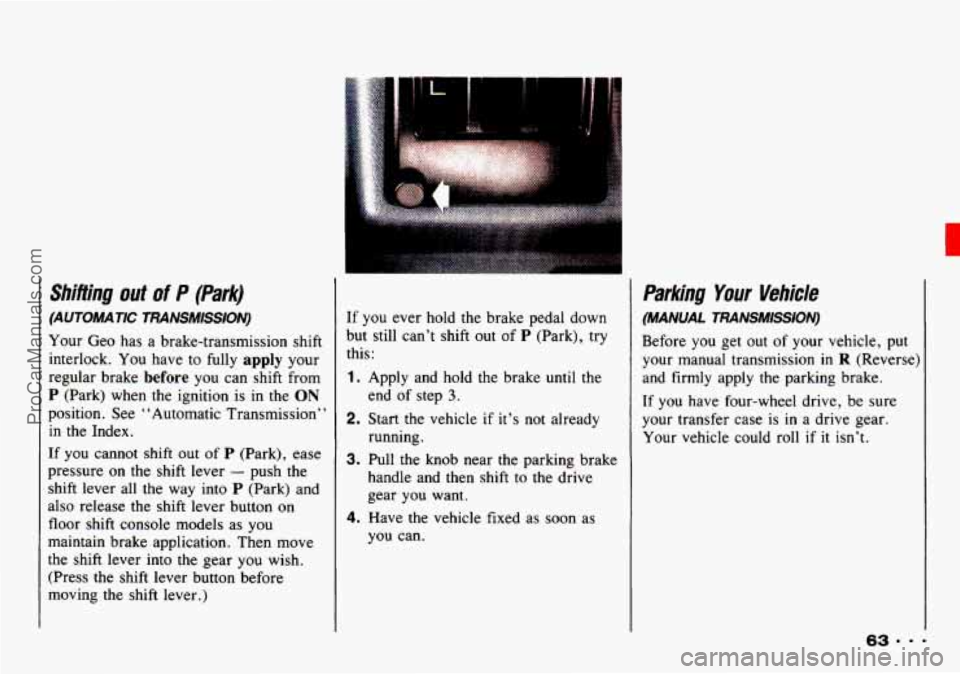
If you cannot shift out of P (Park), ease
pressure on the shift lever
- push the
shift lever all the way into P (Park) and
also release
the shift lever button on
floor shift console models as you
maintain brake application. Then move
the shift lever into the gear you wish.
(Press
the shift lever button before
moving
the shift lever.)
I
If you ever hold the brake pedal down
but still can’t shift out of
P (Park), try
this:
1. Apply and hold the brake until the
end
of step 3.
2. Start the vehicle if it’s not already
running.
3. Pull the knob near the parking brakc
handle and then shift
to the drive
gear you want.
4. Have the vehicle fixed as soon as
you can.
Parking Your Vehicle
(MANUAL TRANSMISSION)
Before you get out of your vehicle, put
your manual transmission in
R (Reverse)
and firmly apply the parking brake.
If you have four-wheel drive, be sure
your transfer case is in a drive gear.
Your vehicle could roll
if it isn’t.
ProCarManuals.com
Page 69 of 339

H Horn
To sound the horn, press the horn
symbol on your steering wheel.
I Tilt meel (OPTION)
1 tilt steerng wheel allows you to adjust
he steering wheel before you drive.
lou can also raise it to the highest level
o give your legs more room when you
:xit and enter the vehicle.
?o tilt the wheel, hold the steering
vheel and lower the lever. Move the
teering wheel
to a comfortable level,
hen raise the lever to its highest
losition to lock the wheel in place.
H I;he Turn SignaULights
CoPttrolHeadlight Beam
Lever
The lever on the left side of the steering
column includes your:
Turn Signal and Lane Change
Headlight High/Low Beam and
Indicator
Passing Signal
Lighting Operation
67
c
ProCarManuals.com
Page 75 of 339
IC a
J Driving without washer I
’ 1 fluid can be dangerous. A
I bad mud splash can block your I
vision. You could hit mother
vehicle or go off the road.
Check your washer fluid level
often.
* In freezing weather, don’t use
your washer until the windshield
is
warmed. Otherwise the
washer fluid can form ice on the
windshield, blocking your
vision.
NOTICE
When using concentrated washer
fluid, follow the manufacturer’c
instructions for adding wate-
ready-to-use washer fluid. Wa
can cause the solution
to freez
and damage your washer fluid
tank and other parts of the
washer system.
Also, wate~
loesn’t clean as well as washe
luid
.
B Don’t mix water with
r
Weedwasher
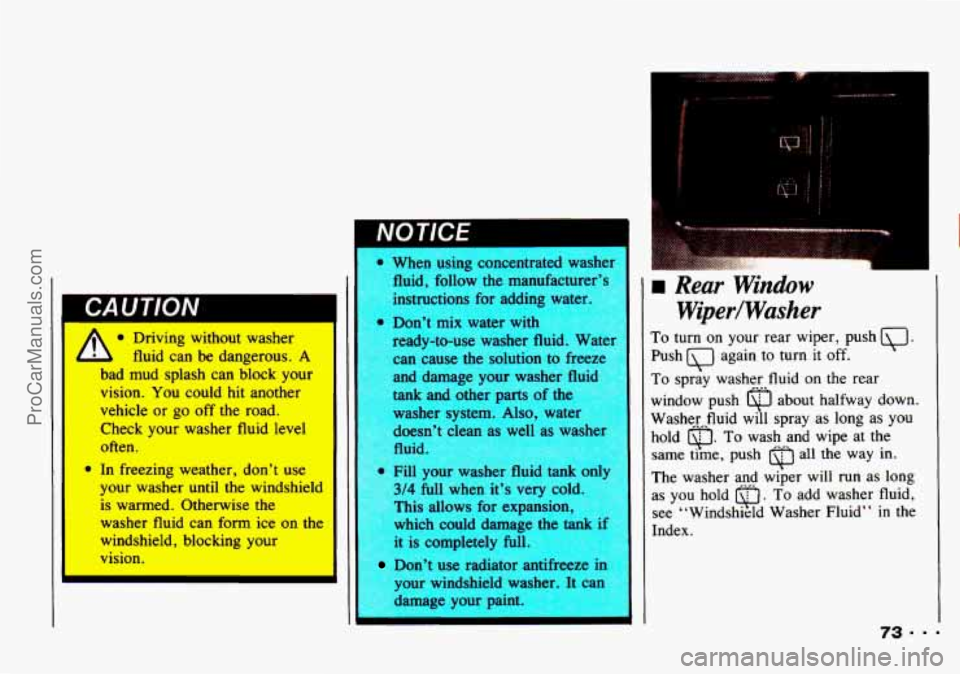
To turn on your rear wiper, push .
Push again to turn it off.
To spray washer fluid on the rear
window push about halfway down.
Washerfluid will spray as long as
you
hold u. To wash and wipe at the
same time, push
0 all the way in.
Q
her fluid tank Only The washer and w&er will run as long
full when it’s
very cc as you hold r\J . To add washer fluid,
This allows for expansion,
see “Windshield Washer Fluid”
in the
which could damage the tank if Index.
* 5 completely full.
Don’t use radiator antifreeze in
{our windshield washer. It can
damage your paint.
I I 73...
ProCarManuals.com
Page 77 of 339
..
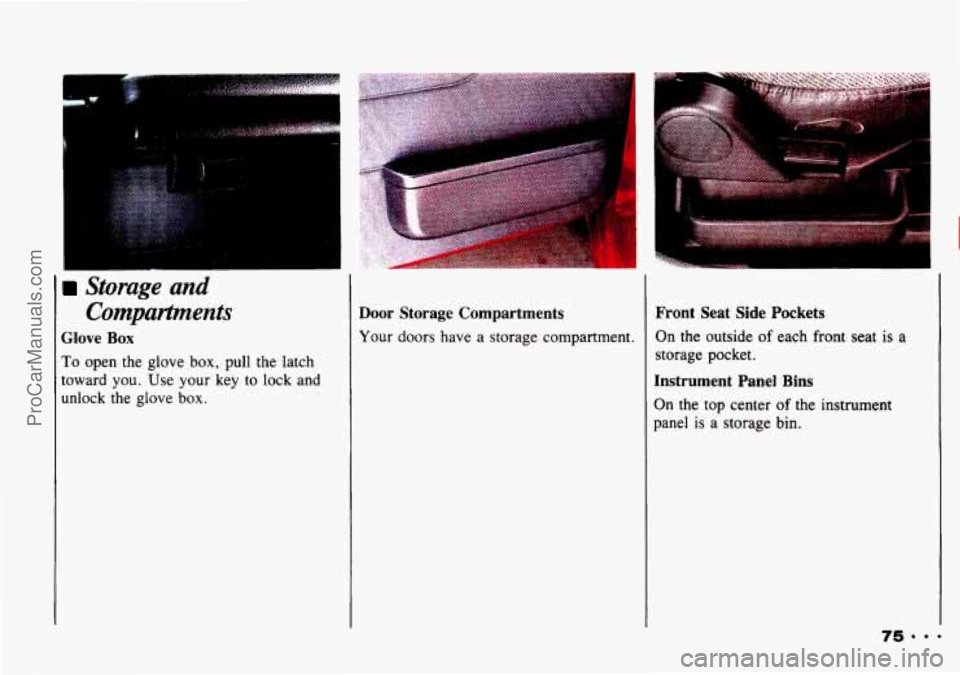
>torage and Compartpnents
Glove Box
To open the glove box, pull the latch
toward you. Use
your key to lock and
unlock the glove
box.
Door Storage Compartments
Your doors have a storage compartment.
Front Seat Side Pockets
On the outside of each front seat is a
storage pocket.
Instrument Panel Bins
On the top center of the instrument
panel
is a storage bin.
ProCarManuals.com