ignition CHEVROLET UPLANDER 2009 1.G Owner's Manual
[x] Cancel search | Manufacturer: CHEVROLET, Model Year: 2009, Model line: UPLANDER, Model: CHEVROLET UPLANDER 2009 1.GPages: 464, PDF Size: 2.59 MB
Page 137 of 464
2. Move the shift lever into PARK (P) by pulling the
shift lever toward you and moving it up as far as it
will go.
3. Turn the ignition key to LOCK/OFF.
4. Remove the key and take it with you. If you can
leave your vehicle with the ignition key in your
hand, your vehicle is in PARK (P).
Leaving Your Vehicle With the Engine
Running
{CAUTION:
It can be dangerous to leave the vehicle with the
engine running. The vehicle could move suddenly
if the shift lever is not fully in P (Park) with the
parking brake rmly set. And, if you leave the
vehicle with the engine running, it could overheat
and even catch re. You or others could be
injured. Do not leave the vehicle with the engine
running.If you have to leave your vehicle with the engine
running, be sure your vehicle is in PARK (P) and the
parking brake is rmly set before you leave it. After you
move the shift lever into PARK (P), hold the regular
brake pedal down. Then, see if you can move the shift
lever away from PARK (P) without rst pulling it
toward you. If you can, it means that the shift lever was
not fully locked into PARK (P).
Torque Lock
If you are parking on a hill and you do not shift your
vehicle into PARK (P) properly, the weight of the vehicle
may put too much force on the parking pawl in the
transmission. You may nd it difficult to pull the shift
lever out of PARK (P). This is called torque lock.
To prevent torque lock, set the parking brake and then
shift into PARK (P) properly before you leave the
driver’s seat. To nd out how, seeShifting Into Park on
page 2-38.
When you are ready to drive, move the shift lever out of
PARK (P) before you release the parking brake.
If torque lock does occur, you may need to have another
vehicle push yours a little uphill to take some of the
pressure from the parking pawl in the transmission, so
you can pull the shift lever out of PARK (P).
2-39
Page 138 of 464
Shifting Out of Park
This vehicle is equipped with an electronic shift lock
release system. The shift lock release is designed to:
Prevent ignition key removal unless the shift
lever is in PARK (P) with the shift lever button
fully released, and
Prevent movement of the shift lever out of
PARK (P), unless the ignition is in ON/RUN or
ACC/ACCESSORY and the regular brake pedal
is applied.
The shift lock release is always functional except in
the case of an uncharged or low voltage (less than
9 volt) battery.
If your vehicle has an uncharged battery or a battery
with low voltage, try charging or jump starting the
battery. SeeJump Starting on page 5-37for more
information.
To shift out of PARK (P) use the following:
1. Apply the brake pedal.
2. Move the shift lever to the desired position.If you still are unable to shift out of PARK (P):
1. Ease the pressure on the shift lever.
2. While holding down the brake pedal, press the shift
lever all the way into PARK (P).
3. Move the shift lever to the desired position.
If you are still having a problem shifting, then have your
vehicle serviced soon.
Parking Over Things That Burn
{CAUTION:
Things that can burn could touch hot exhaust
parts under the vehicle and ignite. Do not park
over papers, leaves, dry grass, or other things that
can burn.
2-40
Page 172 of 464
Reducing Speed While Using Cruise
Control
There are two ways to reduce the vehicle’s speed while
using cruise control:
Push the lever toward theRSET —until a lower
speed is reached, then release it.
To slow down in very small amounts, push the lever
toward
RSET —briey. Each time this is done,
the vehicle goes about 1 mph (1.6 km/h) slower.
Passing Another Vehicle While Using
Cruise Control
Use the accelerator pedal to increase the vehicle speed.
When you take your foot off the pedal, the vehicle
slows down to the cruise control speed set earlier.
Using Cruise Control on Hills
The cruise control performance will vary depending
upon the vehicle speed, load, and the steepness of the
hills. When going up steep hills, you might have to
step on the accelerator pedal to maintain the vehicle
speed. When going downhill, you might have to brake or
shift to a lower gear to keep the vehicle speed down.
This turns off the cruise control.
Ending Cruise Control
Pull the cruise control lever forward or step lightly on
the brake pedal, to disengage the cruise control. The set
speed will be retained in memory.
Push
Iat the end of the lever to turn the cruise
control system off.
Erasing Speed Memory
The cruise control set speed memory is erased when
the cruise control or the ignition is turned off.
3-12
Page 173 of 464
Exterior Lamps
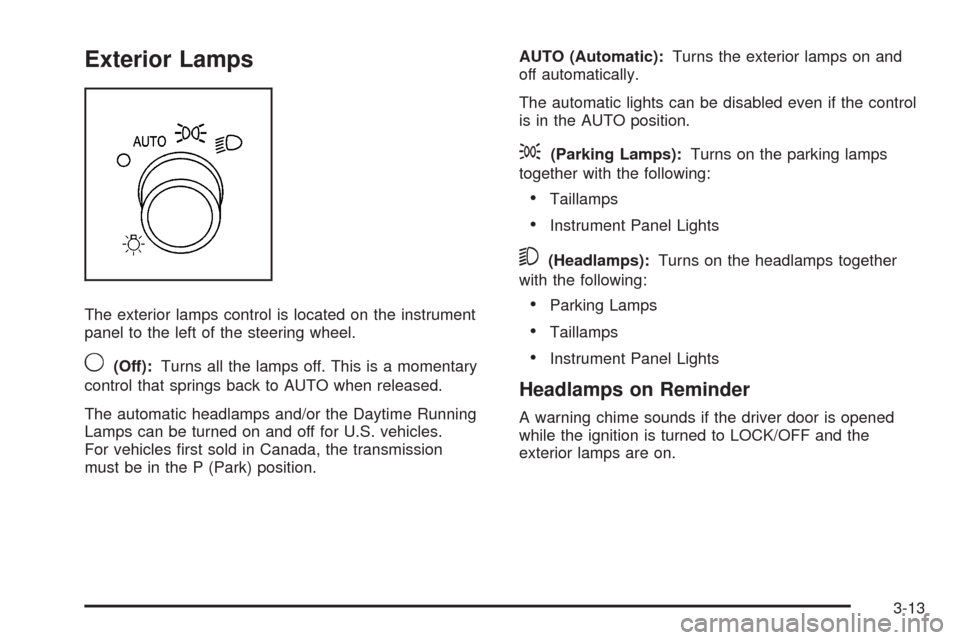
The exterior lamps control is located on the instrument
panel to the left of the steering wheel.
9(Off):Turns all the lamps off. This is a momentary
control that springs back to AUTO when released.
The automatic headlamps and/or the Daytime Running
Lamps can be turned on and off for U.S. vehicles.
For vehicles rst sold in Canada, the transmission
must be in the P (Park) position.AUTO (Automatic):Turns the exterior lamps on and
off automatically.
The automatic lights can be disabled even if the control
is in the AUTO position.
;(Parking Lamps):Turns on the parking lamps
together with the following:
Taillamps
Instrument Panel Lights
5(Headlamps):Turns on the headlamps together
with the following:
Parking Lamps
Taillamps
Instrument Panel Lights
Headlamps on Reminder
A warning chime sounds if the driver door is opened
while the ignition is turned to LOCK/OFF and the
exterior lamps are on.
3-13
Page 174 of 464
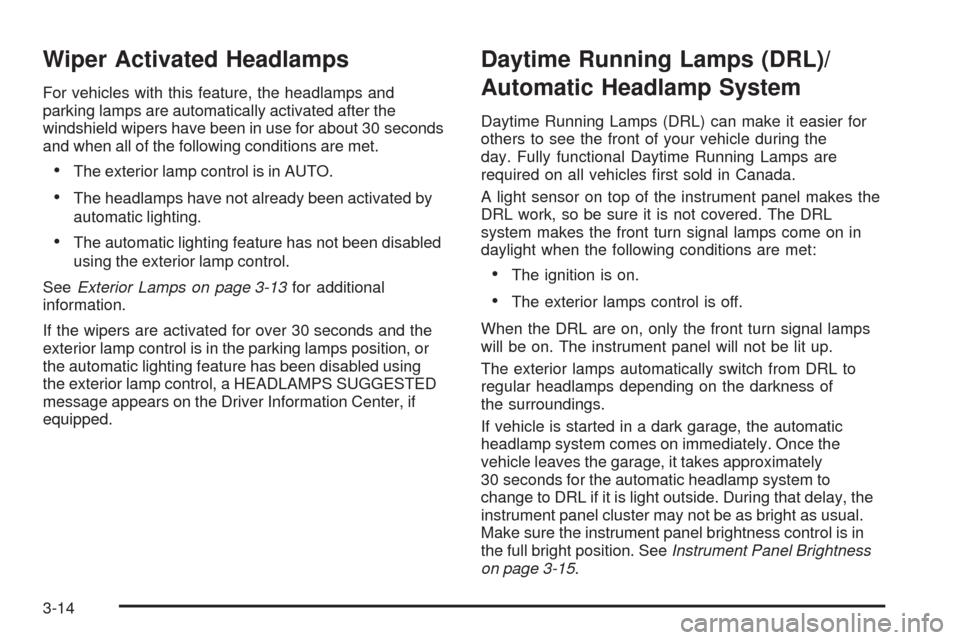
Wiper Activated Headlamps
For vehicles with this feature, the headlamps and
parking lamps are automatically activated after the
windshield wipers have been in use for about 30 seconds
and when all of the following conditions are met.
The exterior lamp control is in AUTO.
The headlamps have not already been activated by
automatic lighting.
The automatic lighting feature has not been disabled
using the exterior lamp control.
SeeExterior Lamps on page 3-13for additional
information.
If the wipers are activated for over 30 seconds and the
exterior lamp control is in the parking lamps position, or
the automatic lighting feature has been disabled using
the exterior lamp control, a HEADLAMPS SUGGESTED
message appears on the Driver Information Center, if
equipped.
Daytime Running Lamps (DRL)/
Automatic Headlamp System
Daytime Running Lamps (DRL) can make it easier for
others to see the front of your vehicle during the
day. Fully functional Daytime Running Lamps are
required on all vehicles rst sold in Canada.
A light sensor on top of the instrument panel makes the
DRL work, so be sure it is not covered. The DRL
system makes the front turn signal lamps come on in
daylight when the following conditions are met:
The ignition is on.
The exterior lamps control is off.
When the DRL are on, only the front turn signal lamps
will be on. The instrument panel will not be lit up.
The exterior lamps automatically switch from DRL to
regular headlamps depending on the darkness of
the surroundings.
If vehicle is started in a dark garage, the automatic
headlamp system comes on immediately. Once the
vehicle leaves the garage, it takes approximately
30 seconds for the automatic headlamp system to
change to DRL if it is light outside. During that delay, the
instrument panel cluster may not be as bright as usual.
Make sure the instrument panel brightness control is in
the full bright position. SeeInstrument Panel Brightness
on page 3-15.
3-14
Page 175 of 464
To idle the vehicle with the DRL and automatic
headlamps off, toggle the exterior lamp control
to off after starting the vehicle.
The regular headlamp system should be turned on
when needed.
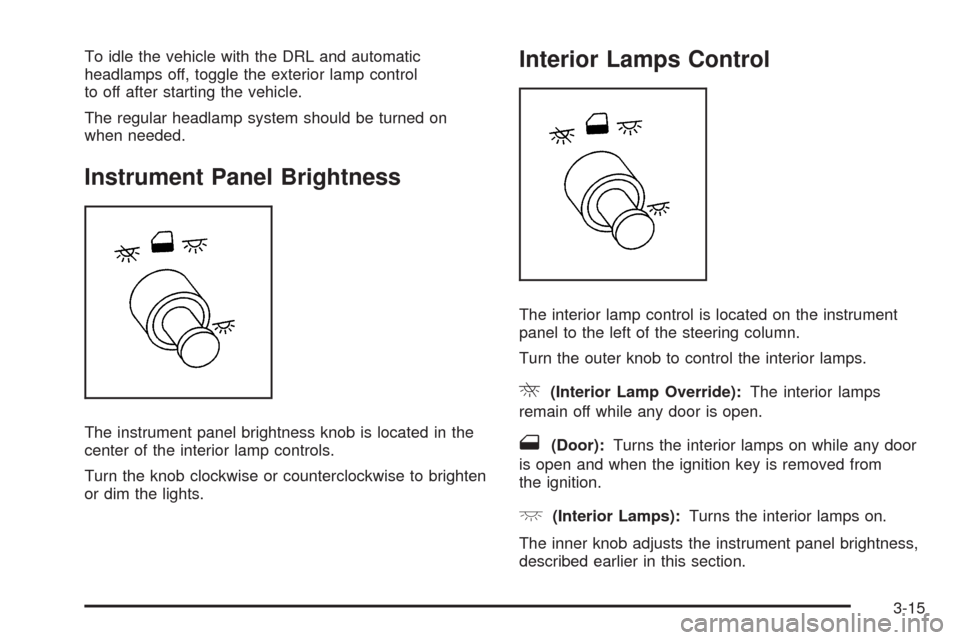
Instrument Panel Brightness
The instrument panel brightness knob is located in the
center of the interior lamp controls.
Turn the knob clockwise or counterclockwise to brighten
or dim the lights.
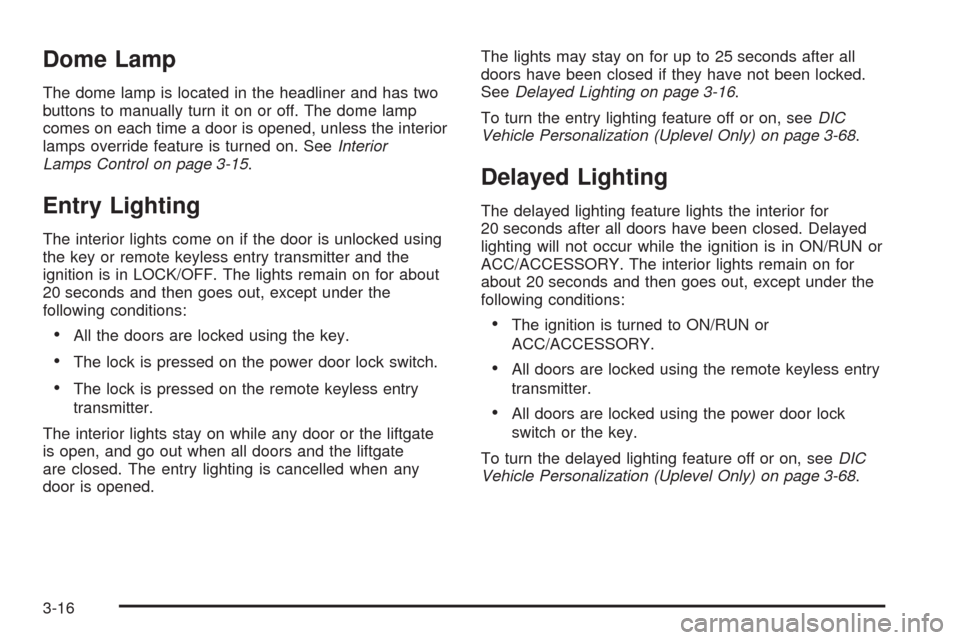
Interior Lamps Control
The interior lamp control is located on the instrument
panel to the left of the steering column.
Turn the outer knob to control the interior lamps.
R(Interior Lamp Override):The interior lamps
remain off while any door is open.
1(Door):Turns the interior lamps on while any door
is open and when the ignition key is removed from
the ignition.
+(Interior Lamps):Turns the interior lamps on.
The inner knob adjusts the instrument panel brightness,
described earlier in this section.
3-15
Page 176 of 464
Dome Lamp
The dome lamp is located in the headliner and has two
buttons to manually turn it on or off. The dome lamp
comes on each time a door is opened, unless the interior
lamps override feature is turned on. SeeInterior
Lamps Control on page 3-15.
Entry Lighting
The interior lights come on if the door is unlocked using
the key or remote keyless entry transmitter and the
ignition is in LOCK/OFF. The lights remain on for about
20 seconds and then goes out, except under the
following conditions:
All the doors are locked using the key.
The lock is pressed on the power door lock switch.
The lock is pressed on the remote keyless entry
transmitter.
The interior lights stay on while any door or the liftgate
is open, and go out when all doors and the liftgate
are closed. The entry lighting is cancelled when any
door is opened.The lights may stay on for up to 25 seconds after all
doors have been closed if they have not been locked.
SeeDelayed Lighting on page 3-16.
To turn the entry lighting feature off or on, seeDIC
Vehicle Personalization (Uplevel Only) on page 3-68.
Delayed Lighting
The delayed lighting feature lights the interior for
20 seconds after all doors have been closed. Delayed
lighting will not occur while the ignition is in ON/RUN or
ACC/ACCESSORY. The interior lights remain on for
about 20 seconds and then goes out, except under the
following conditions:
The ignition is turned to ON/RUN or
ACC/ACCESSORY.
All doors are locked using the remote keyless entry
transmitter.
All doors are locked using the power door lock
switch or the key.
To turn the delayed lighting feature off or on, seeDIC
Vehicle Personalization (Uplevel Only) on page 3-68.
3-16
Page 177 of 464
Exit Lighting
The interior lights come on for about 25 seconds
whenever the key is removed from the ignition. If the
ignition key is turned to ON/RUN or ACC/ACCESSORY,
the lights fade out. The lights also fade out if the doors
are locked with the power door lock switch or the remote
keyless entry transmitter.
Exit lighting is cancelled when any door is opened.
The interior lights stay on while any door or the liftgate
is open, and go out when all doors and the liftgate
are closed.
The interior lights may stay on for up to 20 seconds
after all doors have been closed if they have not been
locked. SeeDelayed Lighting on page 3-16.
To turn the exit lighting feature off or on, seeDIC
Vehicle Personalization (Uplevel Only) on page 3-68.
Front Reading Lamps
There are two reading lamps and one courtesy lamp in
the overhead console. Press either lamp to turn each
on or off. The courtesy lamp comes on each time a door
is opened, unless the interior lamps override feature
is turned on. SeeInterior Lamps Control on page 3-15.
Rear Reading Lamps
There are two reading lamps in the third row headliner.
Press either lamp to turn each on or off.
There may also be a reading lamp in the second row,
integrated with the dome lamp. Press the button next to
the lamp lens to turn the second row reading lamp
on or off.
Cargo Lamp
The cargo lamp is located in the rear of the vehicle,
above the liftgate opening, and does not have a switch.
The cargo lamp comes on each time a door is
opened, unless the interior lamps override is turned on.
SeeInterior Lamps Control on page 3-15.
3-17
Page 179 of 464

Battery Run-Down Protection
This vehicle has a feature to help prevent the battery
from being drained. The interior lamps automatically
turn off after 10 minutes while the ignition is in the
LOCK/OFF position. The lamps will not come back
on until one of the following is done:
Turn the ignition to ON/RUN or ACC/ACCESSORY.
Open a closed door, or close and reopen a door.
Turn the interior lamps on if they are in the door or
override position.
Turn the interior lamps to the door or override
position and then to on again if the interior
lamp control is in the on position.
If the vehicle has less than 15 miles (25 km) on the
odometer, the battery saver will turn off the lamps
after only three minutes.
Overhead Console Switchbank
The overhead console switchbank is located in the
overhead console. This switchbank may include
the following:
Power Sliding Door(s)/Override Switch(es).
SeePower Sliding Door (PSD) on page 2-16.
Power Rear Quarter Windows on page 2-26.
Ultrasonic Rear Parking Assist (URPA) on
page 2-44.
If the vehicle does not have some of these options,
there will be a blank.
3-19
Page 181 of 464
Power Outlet 115 Volt Alternating
Current
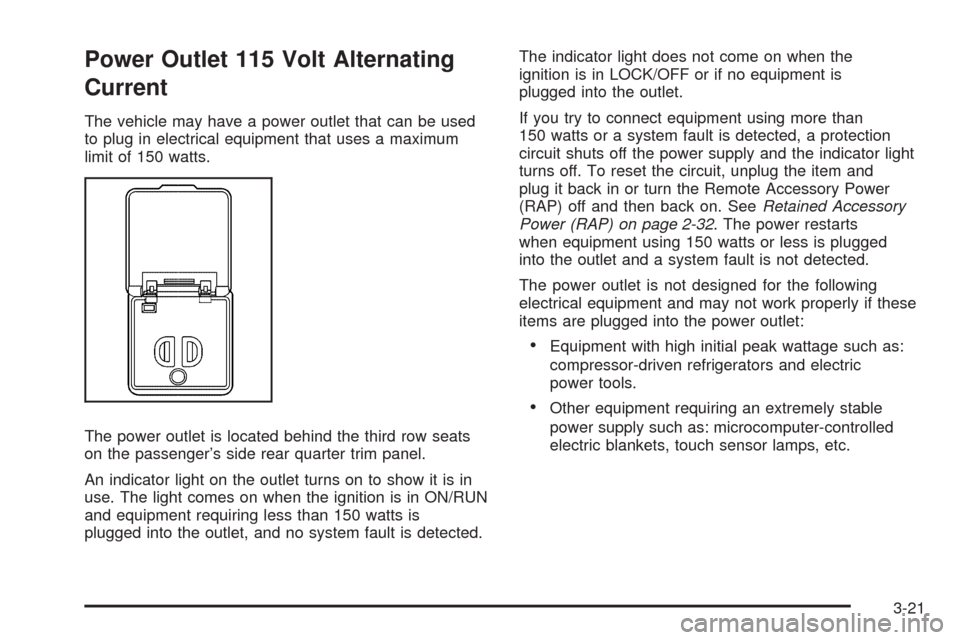
The vehicle may have a power outlet that can be used
to plug in electrical equipment that uses a maximum
limit of 150 watts.
The power outlet is located behind the third row seats
on the passenger’s side rear quarter trim panel.
An indicator light on the outlet turns on to show it is in
use. The light comes on when the ignition is in ON/RUN
and equipment requiring less than 150 watts is
plugged into the outlet, and no system fault is detected.The indicator light does not come on when the
ignition is in LOCK/OFF or if no equipment is
plugged into the outlet.
If you try to connect equipment using more than
150 watts or a system fault is detected, a protection
circuit shuts off the power supply and the indicator light
turns off. To reset the circuit, unplug the item and
plug it back in or turn the Remote Accessory Power
(RAP) off and then back on. SeeRetained Accessory
Power (RAP) on page 2-32. The power restarts
when equipment using 150 watts or less is plugged
into the outlet and a system fault is not detected.
The power outlet is not designed for the following
electrical equipment and may not work properly if these
items are plugged into the power outlet:
Equipment with high initial peak wattage such as:
compressor-driven refrigerators and electric
power tools.
Other equipment requiring an extremely stable
power supply such as: microcomputer-controlled
electric blankets, touch sensor lamps, etc.
3-21