tow CHRYSLER 300 C 2008 1.G Owner's Manual
[x] Cancel search | Manufacturer: CHRYSLER, Model Year: 2008, Model line: 300 C, Model: CHRYSLER 300 C 2008 1.GPages: 520, PDF Size: 5.43 MB
Page 210 of 520
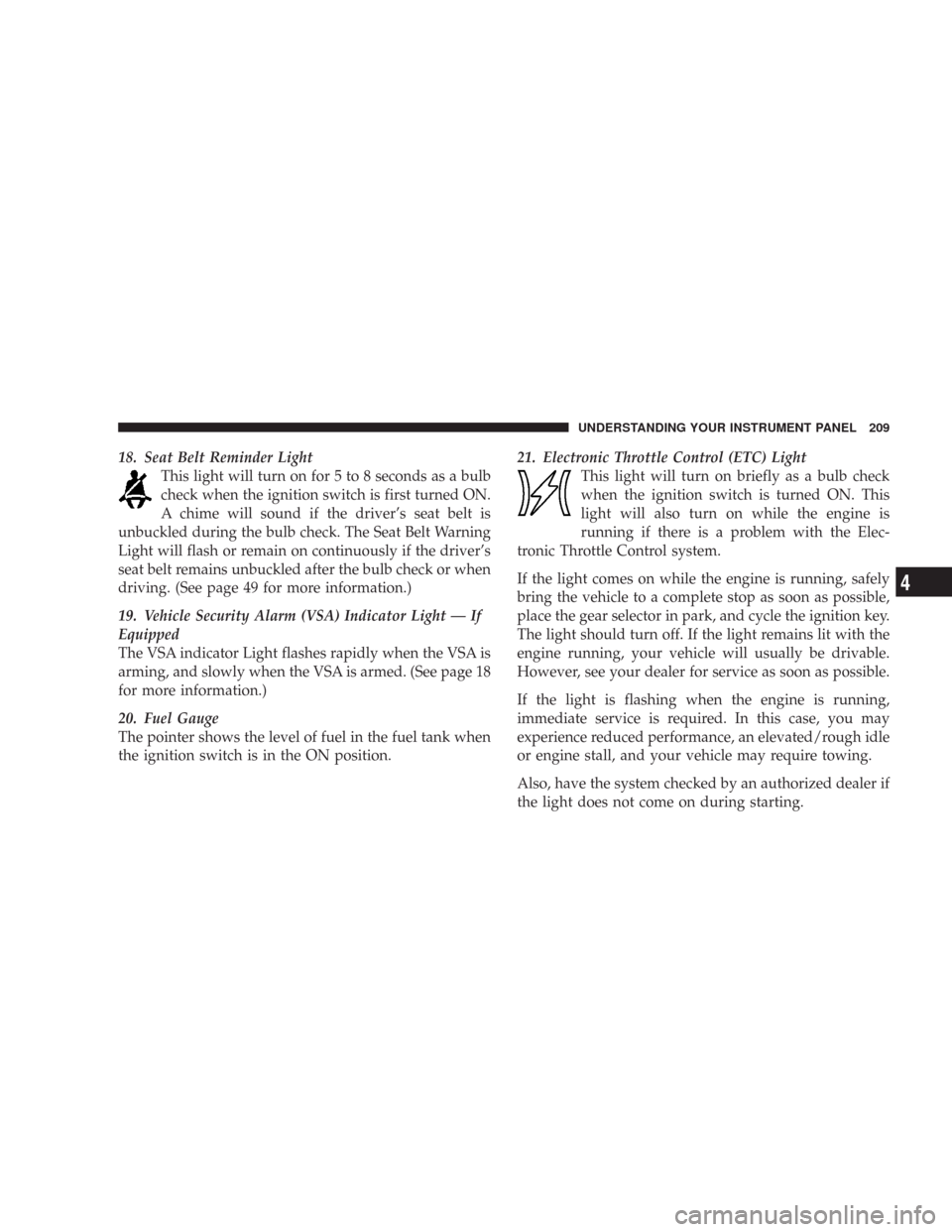
18. Seat Belt Reminder Light
This light will turn on for 5 to 8 seconds as a bulb
check when the ignition switch is first turned ON.
A chime will sound if the driver’s seat belt is
unbuckled during the bulb check. The Seat Belt Warning
Light will flash or remain on continuously if the driver’s
seat belt remains unbuckled after the bulb check or when
driving. (See page 49 for more information.)
19. Vehicle Security Alarm (VSA) Indicator Light — If
Equipped
The VSA indicator Light flashes rapidly when the VSA is
arming, and slowly when the VSA is armed. (See page 18
for more information.)
20. Fuel Gauge
The pointer shows the level of fuel in the fuel tank when
the ignition switch is in the ON position.21. Electronic Throttle Control (ETC) Light
This light will turn on briefly as a bulb check
when the ignition switch is turned ON. This
light will also turn on while the engine is
running if there is a problem with the Elec-
tronic Throttle Control system.
If the light comes on while the engine is running, safely
bring the vehicle to a complete stop as soon as possible,
place the gear selector in park, and cycle the ignition key.
The light should turn off. If the light remains lit with the
engine running, your vehicle will usually be drivable.
However, see your dealer for service as soon as possible.
If the light is flashing when the engine is running,
immediate service is required. In this case, you may
experience reduced performance, an elevated/rough idle
or engine stall, and your vehicle may require towing.
Also, have the system checked by an authorized dealer if
the light does not come on during starting.
UNDERSTANDING YOUR INSTRUMENT PANEL 209
4
Page 213 of 520
driving, turn off some of the vehicle’s non-essential
electrical devices (i.e. radio) or slightly increase engine
speed (if at idle). If the light remains on, it means that the
charging system is experiencing a problem. See your
local authorized dealer to obtain SERVICE IMMEDI-
ATELY.
24. Malfunction Indicator Light
This light is part of an onboard diagnostic system
called OBD. The OBD system monitors engine
and automatic transmission control systems. The
light will turn on when the key is in the ON position
before engine start. If the light does not come on when
turning the key from OFF to ON, have the condition
checked promptly.
Certain conditions such as a loose or missing gas cap,
poor fuel quality, etc. may illuminate the light after
engine start. The vehicle should be serviced if the lightstays on through several of your typical driving cycles. In
most situations, the vehicle will drive normally and will
not require towing.
The Malfunction Indicator Light flashes to alert you to
serious conditions that could lead to immediate loss of
power or severe catalytic converter damage. The vehicle
should be serviced as soon as possible if this occurs. (See
page 417 for more information.)
25. Oil Pressure Warning Light
This light shows low engine oil pressure. The light
should turn on momentarily when the engine is
started. If the light turns on while driving, stop the
vehicle, and shut off the engine as soon as possible. A
single chime will sound when this light turns on.
Do not operate the vehicle until the cause is corrected.
This light does not show how much oil is in the engine.
The engine oil level must be checked using the procedure
shown in section 7. (See page 421 for more information.)
212 UNDERSTANDING YOUR INSTRUMENT PANEL
Page 299 of 520

\3Loose Fuel Filler Cap Message............371
\1Vehicle Loading........................372
\3Vehicle Certification Label...............372
\3Gross Vehicle Weight Rating (GVWR).......372
\3Gross Axle Weight Rating (GAWR).........373
\3Overloading.........................373
\3Loading............................374
\1Trailer Towing.........................375
\3Common Towing Definitions.............375\3Trailer Hitch Classification...............379
\3Trailer Towing Weights
(Maximum Trailer Weight Ratings).........380
\3Trailer And Tongue Weight..............381
\3Towing Requirements..................383
\3Towing Tips.........................388
\1Recreational Towing (Behind Motorhome, Etc.) . . 389
\3Towing This Vehicle Behind Another Vehicle
(Flat Towing With All Four Wheels On The
Ground)............................389
298 STARTING AND OPERATING
Page 303 of 520
If Engine Fails To Start
WARNING!
•Never pour fuel or other flammable liquids into
the throttle body air inlet opening in an attempt to
start the vehicle. This could result in a flash fire
causing serious personal injury.
•Do not attempt to push or tow your vehicle to get
it started. Vehicles equipped with an automatic
transmission cannot be started this way. Unburned
fuel could enter the catalytic converter and once
the engine has started, ignite and damage the
converter and vehicle. If the vehicle has a dis-
charged battery, booster cables may be used to
obtain a start from a booster battery or the battery
in another vehicle. This type of start can be dan-
gerous if done improperly. Refer to Section 6 of
this manual for proper jump starting procedures
and follow them carefully.
If the engine fails to start after you have followed the
“Normal Starting” or “Extreme Cold Weather” proce-
dures, it may be flooded. To clear any excess fuel, push
the accelerator pedal all the way to the floor and hold it.
Then, turn the ignition switch to the START position and
release it as soon as the starter engages. The starter motor
will disengage automatically in 10 seconds. Once this
occurs, release the accelerator pedal, turn the ignition
switch to the LOCK position, wait 10 to 15 seconds, then
repeat the normal starting procedure.
CAUTION!
To prevent damage to the starter, wait 10 to 15
seconds before trying again.
302 STARTING AND OPERATING
Page 309 of 520

Never use “P” (Park) while the vehicle is in motion.
Apply the parking brake when leaving the vehicle in this
range.
When parking on a flat surface, place the gear selector in
the “P” (Park) position first, and then apply the parking
brake.
When parking on a hill, it is important to set the parking
brake before placing the gear selector in “P” (Park),
otherwise the load on the transmission locking mecha-
nism may make it difficult to move the selector out of
park. As an added precaution, turn the front wheels
toward the curb on a downhill grade and away from the
curb on an uphill grade.WARNING!
Never use “P” (Park) position on an automatic trans-
mission as a substitute for the parking brake. Always
apply parking brake fully when parked to guard
against vehicle movement and possible injury or
damage.
The following indicators should be used to ensure that
you have engaged the selector lever into the “P” (Park)
position:
•When shifting into “P’ (Park) move the lever all the
way forward until it stops, and is fully seated.
•Look at the shift indicator display on the instrument
panel to ensure it is in the “P” (Park) position.
308 STARTING AND OPERATING
Page 311 of 520

shifts, and the best fuel economy. Select the “3” range
when frequent transmission shifting occurs when using
the Overdrive range, such as when operating the vehicle
under heavy loading conditions (in hilly terrain, travel-
ing into strong head winds, or while towing heavy
trailers.
NOTE:
•If the vehicle is started in cold temperatures, shifts into
Overdrive may be delayed. Normal Overdrive and
shifting operation will resume when the temperature
of the transmission reaches the appropriate tempera-
ture. Refer to the “Note” under “Torque Converter
Clutch” later in this section.
•If the transmission temperature gets too hot, the
transmission may downshift out of Overdrive or en-
gage overdrive at higher vehicle speeds until the
transmission cools down. After cooldown, Overdrive
will resume normal operation.“3” (Third)
This range eliminates shifts into Overdrive. The transmis-
sion will operate normally in First, Second and Third
while in this range. The “3” position should also be used
when descending steep grades to prevent brake system
distress.
NOTE:Using the “3” range while operating the vehicle
under heavy operating conditions will improve perfor-
mance and extend transmission life by reducing exces-
sive shifting and heat build up.
“L” (Low)
This range should be used for engine braking when
descending very steep grades. In this range, upshifts will
occur only to prevent engine overspeed while downshifts
occur earlier than other gear range selections.
310 STARTING AND OPERATING
Page 314 of 520

Gear Ranges
“P” (Park)
“P” (Park) supplements the parking brake by locking the
transmission. The engine can be started in this range.Never use “P” (Park) while the vehicle is in motion.
Apply the parking brake when leaving the vehicle in this
range.
When parking on a flat surface, place the gear selector in
the “P” (Park) position first, and then apply the parking
brake.
When parking on a hill, it is important to set the parking
brake before placing the gear selector in “P” (Park),
otherwise the load on the transmission locking mecha-
nism may make it difficult to move the selector out of
park. As an added precaution, turn the front wheels
toward the curb on a downhill grade and away from the
curb on an uphill grade.
Selector Lever
STARTING AND OPERATING 313
5
Page 315 of 520

WARNING!
Never use “P” (Park) position on an automatic trans-
mission as a substitute for the parking brake. Always
apply parking brake fully when parked to guard
against vehicle movement and possible injury or
damage.
The following indicators should be used to ensure that
you have engaged the selector lever into the “P” (Park)
position:
•When shifting into “P” (Park) move the lever all the
way forward until it stops, and is fully seated.
•Look at the shift indicator display on the instrument
panel to ensure it is in the “P” (Park) position.
CAUTION!
Damage to the shifter could result if the selector lever
is moved out of “P” (Park) before the ignition is
turned from the LOCK to ON position.
“R” (Reverse)
Shift into “R” (Reverse) gear only when the vehicle is
completely stopped.
“N” (Neutral)
No power is transmitted from the engine to the drive
axle. When the brakes are released, the vehicle can be
moved freely (pushed or towed). Do not engage “N”
(Neutral) position while driving except to coast when the
vehicle is in danger of skidding (e.g., on icy roads).
The engine may be started in this range. Use this range
for starting your vehicle if it is moving or being towed.
314 STARTING AND OPERATING
Page 316 of 520

CAUTION!
Coasting the vehicle or driving for any other reason
with selector lever in NEUTRAL can result in trans-
mission damage.
WARNING!
Do not coast in “N” (Neutral) and never turn off the
ignition to coast down a hill. These are unsafe
practices that limit your response to changing traffic
or road conditions. You might lose control of the
vehicle and have an accident.“D” (Drive)
This range should be used for most city and highway
driving. It provides the smoothest upshifts and down-
shifts and the best fuel economy.
The transmission automatically upshifts through fifth
gear. The “D” (Drive) position provides optimum driving
characteristics under all normal operating conditions.
When frequent transmission shifting occurs when using
the Overdrive range, such as when operating the vehicle
under heavy loading conditions (in hilly terrain, travel-
ing into strong head winds, or while towing heavy
trailers, use the AutoStick\2mode and select the “3”
range.
AutoStick\2Gear selection
The AutoStick\2feature can be selected by pressing the
selector lever to the right or the left with the lever in the
“D” (Drive) position. The gear currently selected is
indicated in the instrument cluster display. Briefly, press
STARTING AND OPERATING 315
5
Page 319 of 520

In Permanent Limp Home Mode, “P” (Park), “R” (Re-
verse), and “N” (Neutral) will continue to operate. Sec-
ond gear will operate in the “D” (Drive) shifter position.
The malfunction indicator light may illuminate.
AUTOSTICK\5— IF EQUIPPED
Autostick\2is a driver-interactive transmission that offers
manual gear shifting to provide you with more control of
the vehicle. Autostick\2allows you to maximize engine
braking, eliminate undesirable upshifts and downshifts,
and improve overall vehicle performance. This system
can also provide you with more control during passing,
city driving, cold slippery conditions, mountain driving,
trailer towing, and many other situations.
Autostick\5Operation
By placing the selector lever in the “D” (Drive) position,
it can be moved from side to side. This allows the driver
to select a higher or lower range of gears. Moving the
selector lever to the Left (-) triggers a downshift and to
the Right (+) an upshift. The gear position will display in
the instrument cluster on the transmission range indica-
tor.
You can shift in or out of the Autostick\2mode at any time
without taking your foot off the accelerator pedal. If you
choose the Overdrive mode, the transmission will oper-
ate automatically, shifting between the five available
gears. When you wish to engage Autostick\2, simply
move the selector lever to the Right or Left (D+/D-) while
in the “D” (Drive) position. The transmission will remain
in the current gear until an upshift or downshift is
chosen.
318 STARTING AND OPERATING